
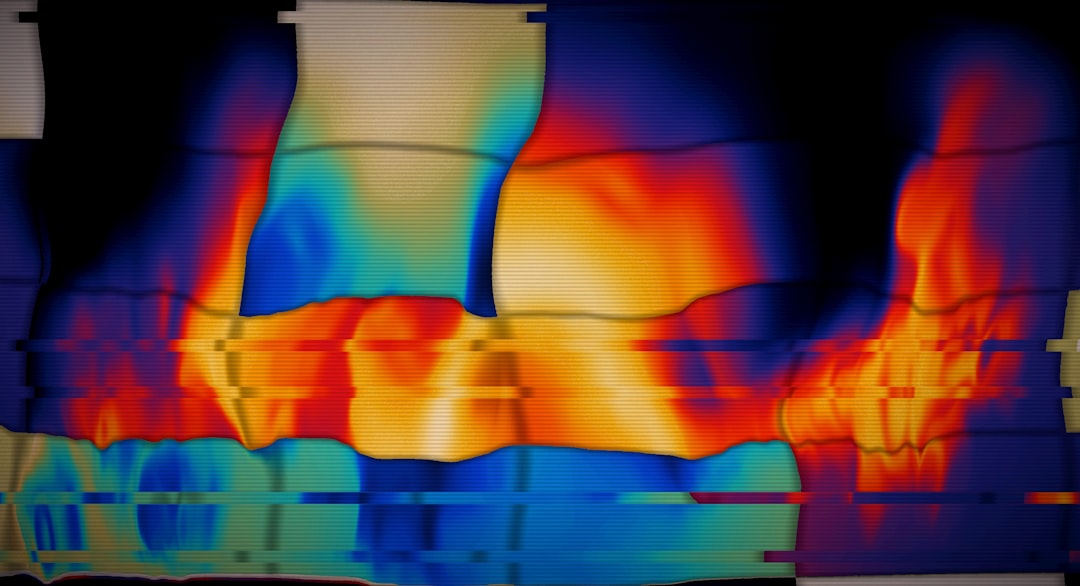
Every so often a gadget lands on my bench that makes me wonder how I ever diagnosed anything without it. This month it was a palm-sized slab of aerospace-grade metal called the RISION Magic, a thermal camera that plugs into your phone’s USB-C port and turns it into a heat-mapping inspection tool. It arrived alongside the usual stack of review units, and within an hour my entire team was passing it around the office like a party trick — except nothing about what it showed us felt like a trick.
Thermal imaging used to be a professional expense. A FLIR unit worth taking seriously cost more than a decent laptop, and even the phone-attached versions hovered in the $350–450 range for years. That price floor has been crumbling. The Magic launched at the beginning of August with a $139 list price and a $119 presale, with open sales starting August 24 — and it’s not alone. A whole tier of $100–250 phone thermal cameras has quietly matured into genuinely useful tools. I’ve spent the last two weeks pointing them at every wall, vent, outlet, and circuit board I own. Here’s what I found, and whether one deserves a spot in your junk drawer.
A Category That Finally Grew Up
The idea isn’t new. FLIR bolted a Lepton sensor onto a phone case back in 2014, and Caterpillar shipped a thermal phone in 2016. But those were novelties with postage-stamp resolution and app support that withered on the vine. What’s changed in 2026 is the triangle of resolution, price, and software finally meeting at a point regular people can justify.
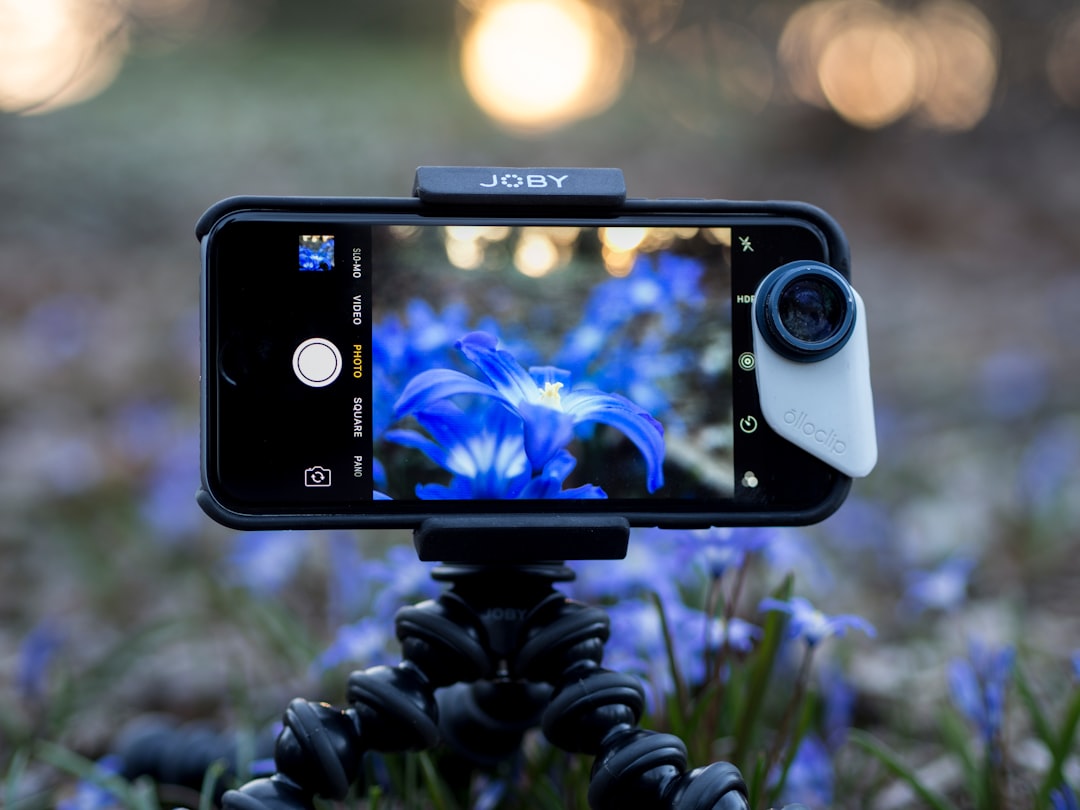
The current field breaks into three camps. Budget units like the RISION Magic and Thermal Master P1 push the price down to $119–150. Mid-range options from TOPDON — the TC002C Duo and the long-running TC001 line — add sharper sensors and better companion apps. And FLIR’s One Pro still commands a premium on the strength of its software ecosystem and MSX image blending, which stitches visible-light detail onto the thermal canvas so edges and textures stay legible. When my team benchmarked value per dollar, the same verdict kept surfacing that industry reviewers have reached: TOPDON delivers better imaging hardware per dollar, while FLIR wins on polish and resale. The Magic’s pitch is simpler still — competent thermal sensing for the price of a nice dinner.
What a $139 Sensor Can Actually See
Let me manage expectations before the fun part, because thermal marketing loves to overpromise. The Magic’s native sensor resolves 160×120 — just over 19,000 temperature points, software-enhanced to a smoother 320×240 output. It refreshes at 25Hz and reads from -4°F up to 1,112°F. In practice, that’s plenty to spot a cold draft, an overloaded breaker, or an insulated water pipe, and genuinely anemic if you’re hoping to inspect a roofline from the driveway. Resolution costs money; the laws of physics did not go on sale.
Two honest caveats worth engraving on the box. First, thermal cameras are not X-ray vision — they read surface temperatures, full stop. You see the effect of a leak or a gap, not the plumbing inside the wall. Second, water detection works indirectly: damp material evaporates and cools, which shows up as a cold blotch on an otherwise warm wall. It points you at the problem; it doesn’t convict anyone. RISION’s app helps here with five-point simultaneous metering and PDF reports, which is more professional courtesy than I expected at this price.
The Walkthrough: Where Mine Earned Its Keep
The right way to use one of these is embarrassingly simple. Wait for a temperature difference between inside and outside — a hot August afternoon is perfect — then walk the house slowly and watch the screen. My walkthrough took twenty minutes and surfaced four things I’d been living with blindly.
The electrical panel was the headline. 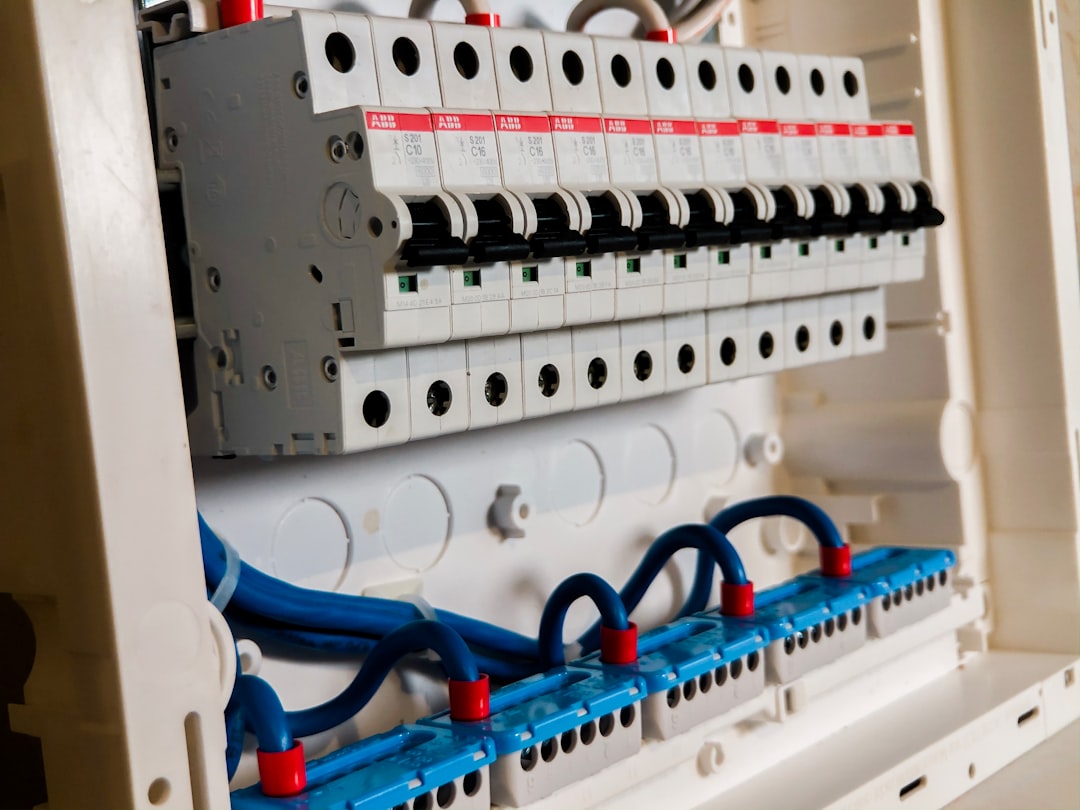 One breaker in my basement panel glowed a full 15 degrees warmer than its neighbors while the AC compressor ran. That’s not a fire waiting to happen, but it is a loose lug or a tired breaker — the kind of thing an electrician tightens in ten minutes and charges a service call for, versus what it costs after it cooks a panel. If you’ve read my piece on how one power spike can brick an entire desk setup, you know I take the panel seriously. Now I can literally watch it.
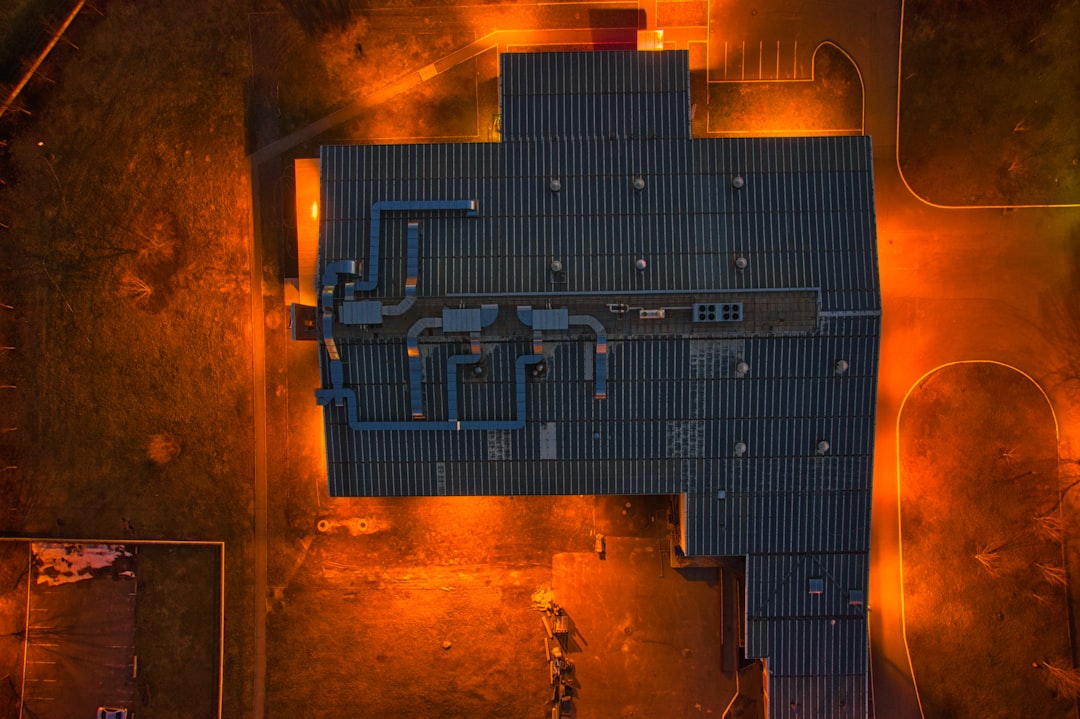
Upstairs, the HVAC story repeated what most homes suffer from: wildly uneven register output. 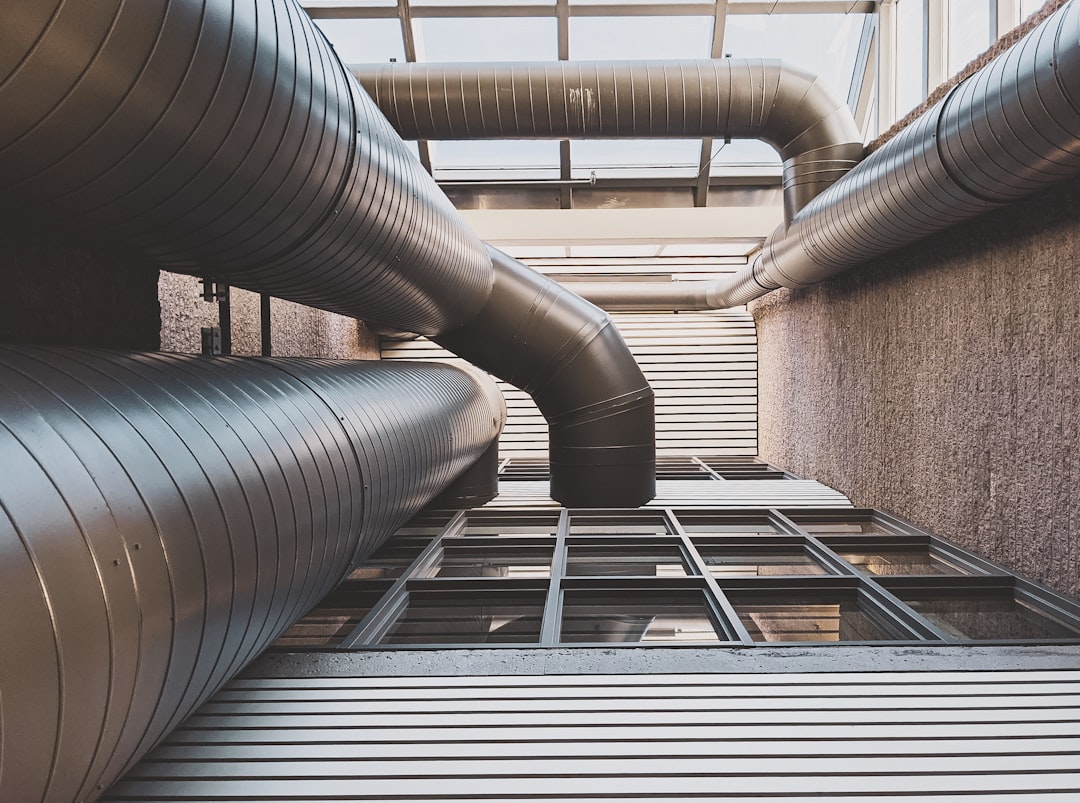 One bedroom vent showed barely any temperature delta while another blasted. Twenty minutes of balancing dampers in the basement fixed a comfort complaint my family has grumbled about for two winters. The camera also flagged a section of missing wall insulation behind the TV niche — visible as a neat cold rectangle on a 95-degree day — which explains why that corner always felt like a refrigerator in January.
And on a hunch, I swept the bathroom ceiling after a heavy rain. Nothing. Which, frankly, is the most valuable result of all — knowing a thing is fine is worth paying for.
Around the Desk: The Unexpected Star
Here’s where I didn’t expect to fall in love. Point the camera at your computer desk and you get a live map of every thermal decision you’ve ever made. My external SSD, crammed behind a monitor with no airflow, was idling 20 degrees hotter than its twin sitting in the open — heat is what quietly kills flash storage, so it’s now been promoted to the desktop proper. A daisy-chained hub showed me exactly which cable run was carrying the load. And the thermal paste refresh I did on my ancient ThinkPad earlier this summer? The camera confirmed the heatsink is finally pulling heat evenly across the chassis instead of pooling it at one corner — a nice visual companion to my guide to reviving old laptops instead of paying RAMageddon prices for new ones.
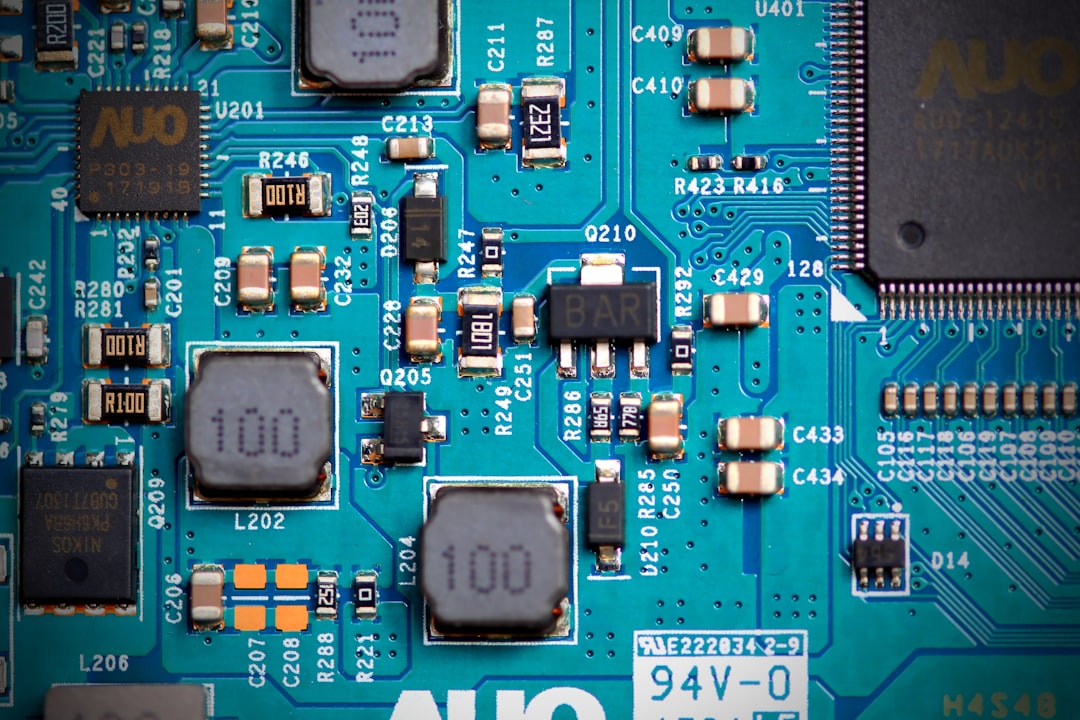
Chargers are the other reveal. After auditing 23 mystery bricks earlier this summer, I thought I knew which wall warts ran hot. I was wrong about two of them. The camera caught a no-name unit from a drawer radiating like a hand warmer under load — it went straight to recycling. A smart plug with energy monitoring next to the desk charger rounded out the picture: now I can see both the watts flowing and the heat they’re wasting.
The $60 Toolkit That Does 80 Percent of the Job
Not everyone needs a camera. If your only question is “how hot is this thing,” a spot thermometer answers it for $25. I keep an Etekcity infrared temperature gun in the kitchen drawer for pizza stones, car trouble, and suspicious power bricks — no image, just a number, instantly. 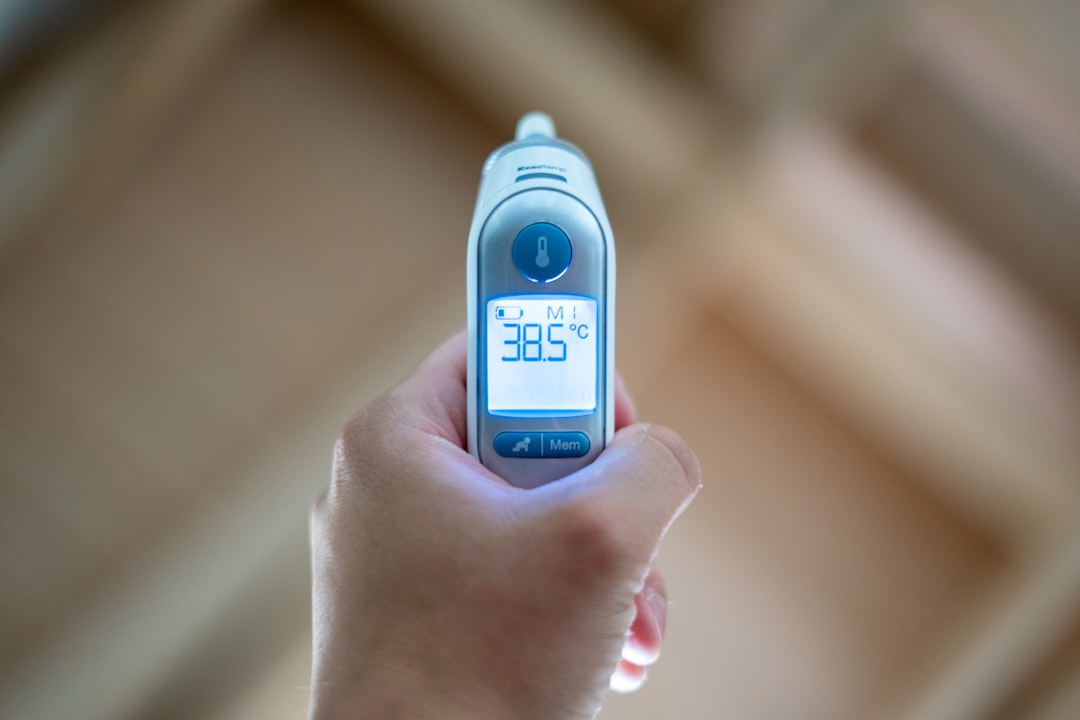 It’s the tool I reach for most often precisely because it asks no questions back.
The camera’s real partner is a moisture meter. Thermal finds the cold stain; the meter confirms whether it’s actually wet. The sub-$30 General Tools MMD4E pin meter is the veteran choice — pins mean pinholes, but readings are definitive. For finished walls where you’d rather not stab anything, Klein’s pinless ET140 senses density changes through paint and drywall.  Together, a $119 camera and a $30 meter will diagnose what a single inspection visit bills out at $300+ — and you’ll reuse them every season.
Which Thermal Camera Deserves Your Money
After two weeks of side-by-sides, the tiers broke cleanly. If you’re thermal-curious and budget-conscious, the RISION Magic at its $119 presale is the obvious first step — bring-your-own-screen keeps it cheap, and the app is better than it has any right to be. The Thermal Master P1 sits at the same price with a true 320×240 sensor if you want sharper native detail for a bit more money.
The middle ground belongs to TOPDON. The TC002C Duo works across iPhone and Android over USB-C with a solid app, and the Android-only TC001 has been the value benchmark for a couple of years now — it’s the one I hand to friends who ask “which one did you buy?” The newly launched TC001 Max adds a dual-lens visible-plus-thermal setup that makes reports dramatically easier to read.
Professionals should still buy FLIR. The One Pro for Android or the USB-C iOS model costs roughly triple the Magic, but MSX blending, the Ignite cloud workflow, and resale value matter when thermal is a billable skill rather than a hobby. For everyone else, that money buys the camera, the moisture meter, the thermometer, and dinner.
The Bottom Line
The phone thermal camera has crossed the threshold from gadget-blog curiosity to legitimate household tool, the same way laser measures and inspection cameras did a decade ago. A $139 sensor won’t replace an electrician, an HVAC tech, or a $3,000 professional imager — but it will tell you when to call one, catch problems while they’re still cheap, and hand you evidence instead of a hunch. Mine found a warm breaker, a blocked vent run, and a missing chunk of insulation in one afternoon. That’s not a party trick anymore.
