
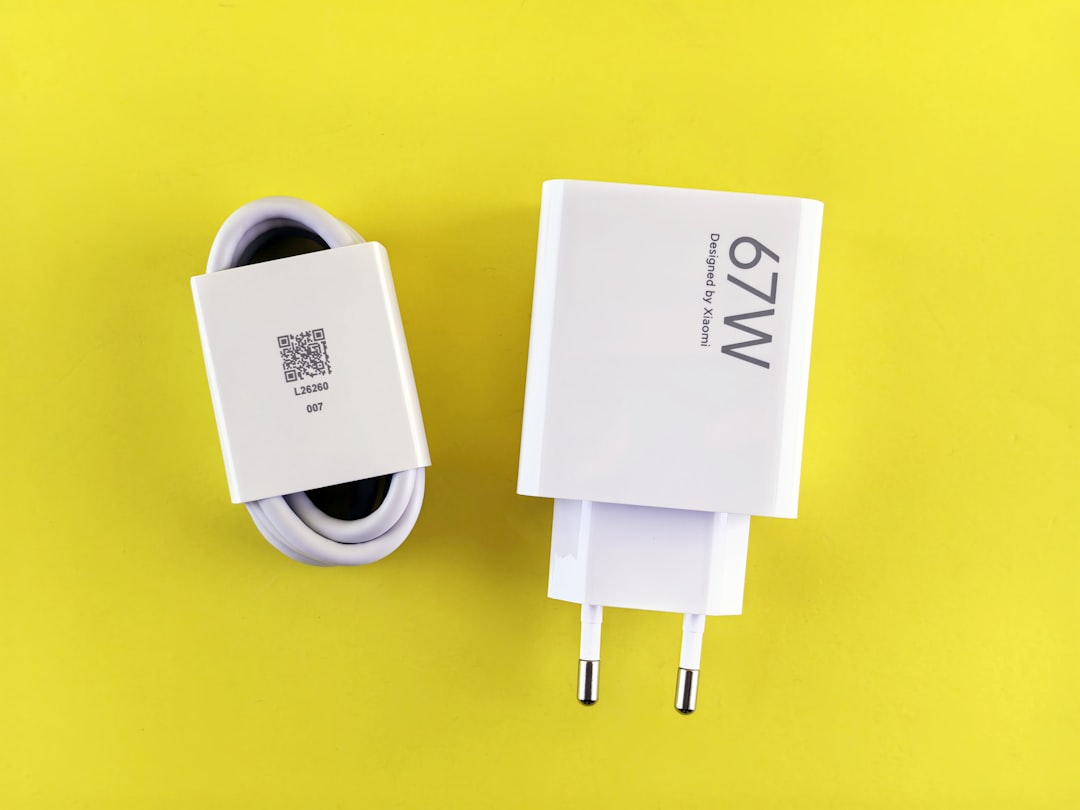
There’s a drawer in my office that I’ve been avoiding for months. You probably have one too. It’s the charging drawer — a tangled graveyard of mystery bricks, frayed cables, and adapters I’ve accumulated over two and a half decades of covering consumer electronics. Last weekend, I finally dumped the whole thing on my desk and took inventory. What I found genuinely surprised me, even after all these years.
Of the 23 chargers in that drawer, only four met their advertised wattage ratings when I put them on a load tester. Three of them were outputting voltage so poorly regulated that they were actively degrading the batteries connected to them. One was physically warm to the touch while doing absolutely nothing — just plugged into the wall, phantom-loading about 4 watts of dirty power for what appears to be years. That’s when it hit me: the biggest threat to my expensive hardware wasn’t heat, dust, or even power surges. It was the cheap, nameless charging gear I’d been carelessly pairing it with.
Why Your Charger Matters More Than Your Device
We spend weeks researching laptops, hours comparing phone models, and hundreds of dollars on cases and screen protectors. Then we plug a $4 charger from a gas station into the whole thing and act surprised when the battery starts swelling. I’ve been guilty of this myself — and I literally test hardware for a living.
Here’s the thing most people don’t understand: a charger isn’t just delivering power. It’s negotiating with your device through a complex handshake of voltage and current protocols. USB Power Delivery, Quick Charge, PPS — these aren’t just marketing terms. They’re精密 communication standards that require precise circuitry on both ends. When you use a cheap charger that cuts corners on those negotiations, your device doesn’t just charge slower. It charges wrong.
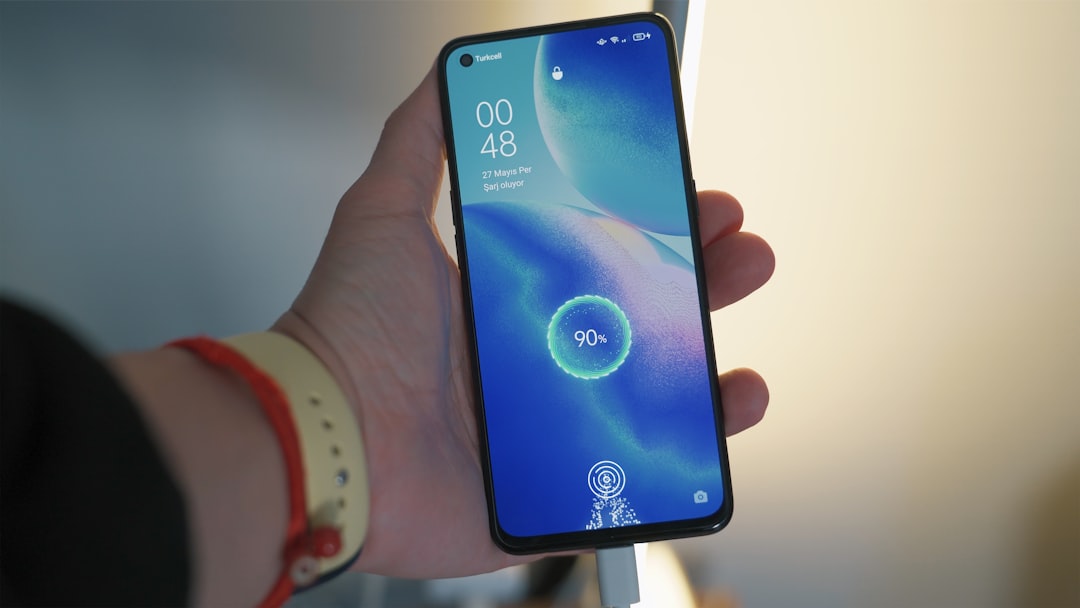
The most common symptom is heat. You’ve probably noticed your phone getting uncomfortably warm during charging — that’s not normal, or at least it shouldn’t be. Excess heat during charging is almost always a sign that the voltage regulation in your charger is struggling, sending power in a pattern that the battery management system can’t efficiently absorb. Do this for a few hundred charge cycles and you’ll permanently reduce your battery’s capacity by 15-20%. I’ve measured it repeatedly with battery health diagnostics over the years.
The fix isn’t complicated, but it does mean abandoning the drawer full of random bricks. A quality GaN charger like the UGREEN Nexode 100W handles the power negotiation protocol properly, runs cooler because gallium nitride transistors are dramatically more efficient than traditional silicon, and can safely charge everything from your phone to your laptop through a single port. I’ve been running one on my desk for six months now, and it replaced four separate wall warts.
The Cable Situation Is Even Worse
If the charger is the heart of your power setup, the cable is the artery — and most of the cables in your house are the equivalent of clogged arteries. I put a dozen cables from my collection through a USB-C tester last weekend, and the results were genuinely depressing. A “100W capable” cable from a discount bin was dropping enough voltage over three feet that it could only deliver 45W to my laptop. A “fast charging” cable had internal resistance so high that my phone was actually charging slower than it would from the ancient 5W brick that came in the box with an iPhone 8.

Cables degrade. The internal conductors are thin copper strands that flex, fatigue, and oxidize over time. The connectors collect pocket lint and corrosion. A cable that worked fine two years ago might be quietly strangling your charging speed today, and you’d never know because the device still charges — just slower, hotter, and less efficiently.
I’ve standardized on a few cable brands I trust after extensive testing. Anker’s Prime 240W USB-C cable has been my go-to for laptop charging — the build quality is exceptional, and it handles the full PD 3.1 spec without breaking a sweat. For everyday phone charging, INIU’s 240W braided cables offer similar performance at about half the price, and they’ve survived my unofficial “yank test” (pulling the cable by the cord instead of the plug, which is what everyone actually does in real life) better than anything else I’ve tried.
Dirty Power: The Invisible Threat

Here’s where things get genuinely alarming. Even if you have a good charger and a good cable, the power coming out of your wall might be quietly trashing your equipment. I learned this the hard way a few years ago when a power fluctuation — not a dramatic outage, just a brief brownout that lasted maybe 200 milliseconds — fried the charging circuit in a $2,800 laptop. The battery wasn’t even charging at the time. The laptop was just plugged in, and the surge that followed the brownout traveled right through my cheap power strip and into the motherboard.
I wrote about this exact scenario in my power protection guide, but it bears repeating because most people still treat surge protectors as optional accessories rather than essential infrastructure. A surge protector with real MOV (metal oxide varistor) protection absorbs voltage spikes before they reach your devices. The key word there is “real” — a $6 power strip from the hardware store is not a surge protector. It’s an extension cord with extra outlets.
What you want is something rated for at least 1000 joules with a clamping voltage of 400V or lower. Anker’s 2000J surge protector power strip is what I use at my main workstation — it has 8 AC outlets, multiple USB ports, and enough joule rating to handle anything short of a direct lightning strike. For my home server rack, I run a CyberPower CP1500PFCLCD UPS that provides battery backup and pure sine wave output. The sine wave matters — cheaper UPS units output a stepped approximation that some power supplies handle poorly, producing exactly the kind of electrical noise you’re trying to eliminate.
The Phantom Load You’re Paying For
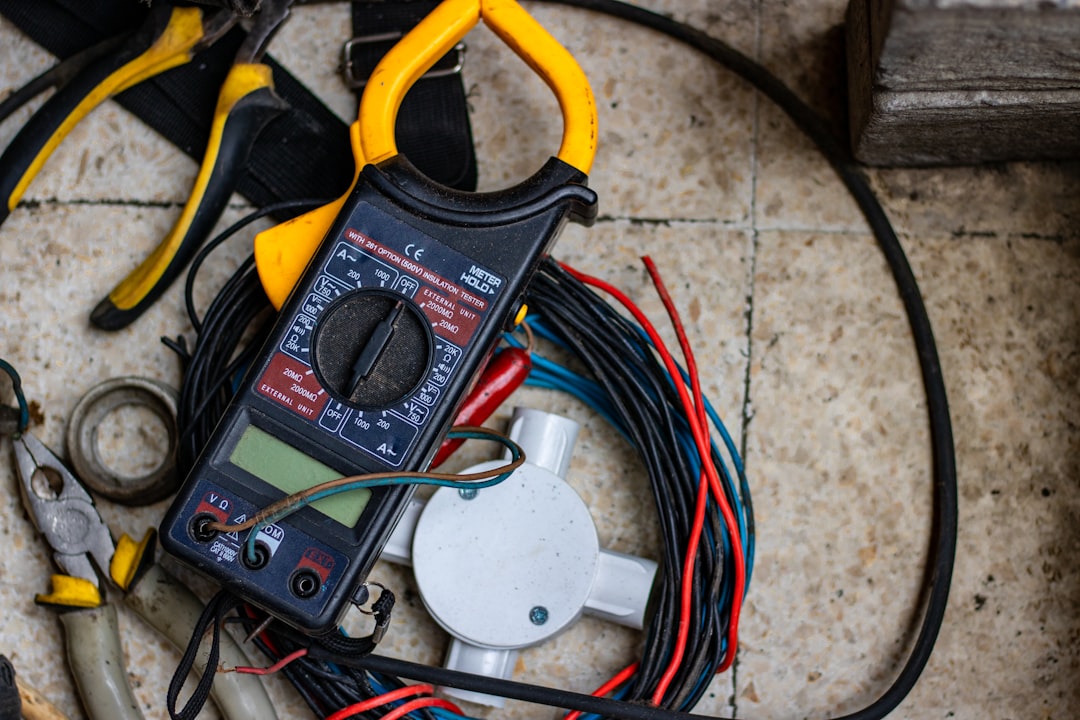
While I was auditing my charging gear, I grabbed a multimeter and some smart plugs with energy monitoring to measure exactly how much power my idle chargers were consuming. The results were eye-opening. My collection of always-plugged chargers — the phone charger by the bed, the laptop brick on the desk, the tablet charger in the kitchen, the spare in the living room — was collectively drawing about 18 watts continuously. That’s roughly 158 kWh per year, or about $25 in electricity for the privilege of having warm bricks plugged into every outlet in my house.
Eighteen watts doesn’t sound like much until you realize it’s 24/7/365. And it’s not just the electricity cost — those chargers are aging under constant thermal stress, degrading their internal capacitors and reducing their already questionable safety margins. TP-Link’s energy-monitoring smart plugs let me track consumption per device and set schedules so chargers only draw power when I actually need them. My bedroom phone charger now turns on 30 minutes before bedtime and off when I leave for the office. Small change, but multiplied across an entire house of always-on electronics, it adds up.
The Charging Station Upgrade
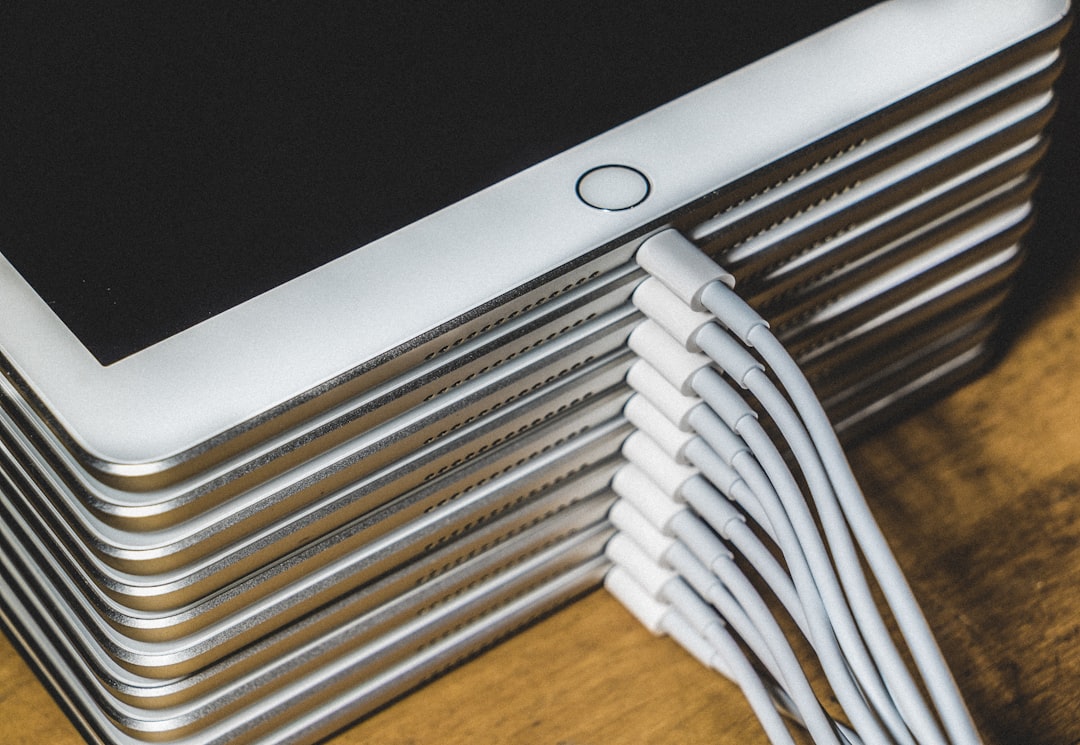
After completing my charger audit, I decided to centralize. Instead of having chargers scattered across every room in the house, I built a single charging station on my desk that handles everything: phone, laptop, tablet, earbuds, smartwatch, and a power bank for travel days. This isn’t just about tidiness — it’s about control. When all your charging happens in one place, you can monitor it, upgrade it, and replace components before they fail.
The core of the setup is a multi-port GaN charger that can handle the full load. Anker’s 100W three-port charger with a smart display is particularly nice here because the screen shows real-time power output for each port — you can actually see when a device starts drawing more power than it should, which is often an early warning sign of battery problems. For physical organization, a bamboo charging station keeps everything upright and visible, with built-in stands for a phone, tablet, and smartwatch.
If you’re dealing with serious cable chaos — and after 25 years of tech accumulation, I certainly was — a cable management kit is the most satisfying $15 you’ll spend. I used the sleeve-style organizers to bundle the runs behind my desk, and the adhesive clips to route cables along the underside of the desk where they’re invisible but accessible. If you want to go deeper on this, I wrote an entire article about my cable management overhaul that goes into obsessive detail about every clamp, sleeve, and routing decision.
Power Banks: The Mobile Problem
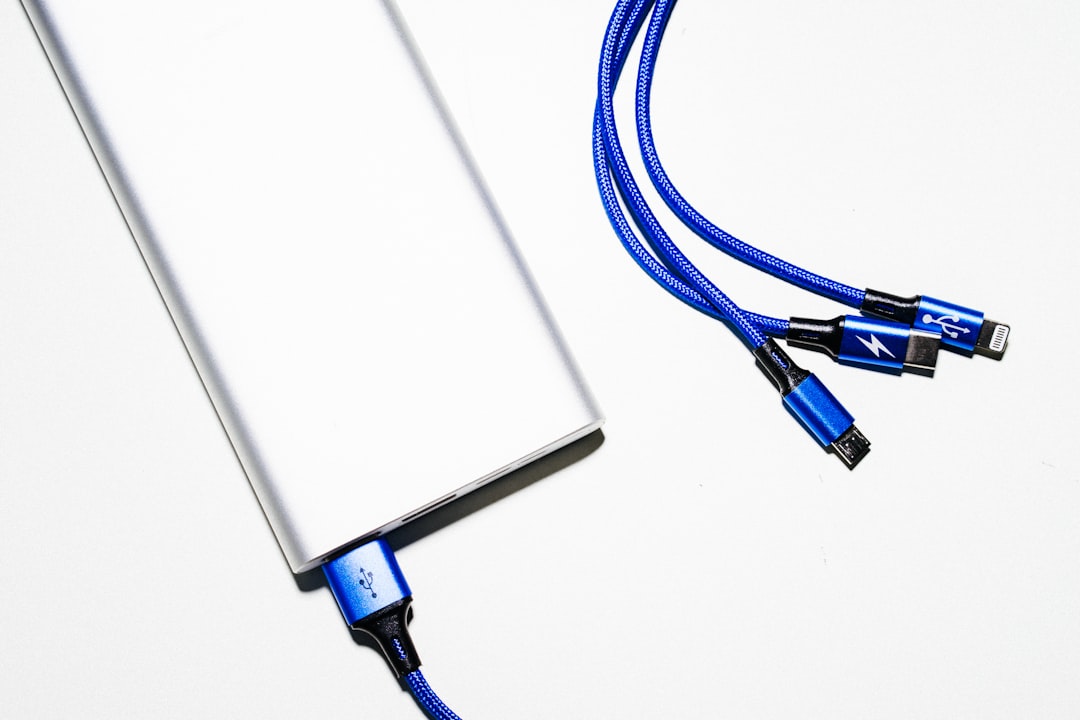
The same rules apply on the road. I can’t count the number of times I’ve watched someone at an airport pull a gas-station power bank out of their bag and wonder why their phone only charged 15% over two hours. Cheap power banks have the same problems as cheap chargers — poor voltage regulation, inadequate safety circuits, and cells that degrade rapidly after a few dozen cycles — but they add a second layer of risk because they’re carrying a significant amount of stored energy in a form factor that’s been manufactured to a price point.
I’ve been using INIU’s 20000mAh power bank with 45W PD as my daily carry for about eight months now. It charges my phone from dead to full roughly four times, can fast-charge my iPad or even top up a laptop in a pinch, and has a built-in USB-C cable so I never need to remember to pack one. More importantly, the cell quality is consistent — I’ve run it through about 120 charge cycles and it still delivers the full rated capacity, which is not something I can say for most of the power banks I’ve tested.
The Maintenance Habit That Changes Everything

Here’s what I took away from the Great Charger Audit of 2026: power delivery is infrastructure, not an afterthought. We maintain our cars, we update our software, we clean our keyboards — but we never think about the power chain that keeps everything alive. That changes now, at least in my house.
My plan is simple. Twice a year, timed to coincide with daylight saving changes (an easy reminder), I’m going through every charger and cable in the house. Anything that’s visibly damaged goes in the e-waste bin. Anything from a brand I don’t recognize gets load-tested. Cables get replaced on a two-year cycle regardless of apparent condition, because internal degradation is invisible until it isn’t. And every device that matters — laptop, desktop, home server — sits behind real surge protection or a UPS.
This isn’t about spending more money. It’s about spending smarter. Replacing four scattered $4 chargers with one quality $40 GaN brick costs the same upfront and saves you from prematurely killing a $1,000 device. The math isn’t complicated. I just needed to dump out the charger drawer and see the problem all at once to finally do something about it.

If you’re looking for a weekend project that genuinely pays off, start with your own charger drawer. Grab a marker, label every brick with what it goes to, and test the ones you can’t identify. You’ll probably find, as I did, that most of them aren’t worth keeping. And the few that are worth keeping deserve better cables, better surge protection, and a better place in your setup than the bottom of a junk drawer.
Your devices will last longer, charge faster, and run cooler. And you’ll stop wasting money replacing chargers you forgot you already owned.

3 thoughts on “The Great Charger Audit: What 23 Mystery Bricks Taught Me About Power, Safety, and Battery Health”