
I’ve been carrying the same chunk of metal on a ring for longer than I care to admit. House key, garage key, mailbox key, a spare key to a car I sold in 2019 — the whole clunky collection jangling in my pocket every single time I left the house. Three months ago, I finally decided to do something about it. I installed a biometric smart lock on my front door, handed my key ring to a colleague for safekeeping, and told her: “If I come crawling back in a week, you have full permission to laugh.”
Ninety days later, I still haven’t asked for those keys back.
The category has come a long way since the early days of finicky fingerprint readers that took five swipes to recognize you. What’s sitting on my door right now — and what I’ve been testing alongside it from several competing brands — represents a genuine generational leap. We’re talking 3D facial recognition that works in pitch darkness, palm-vein scanning that reads the blood vessels inside your hand without touching anything, and AI-driven approach detection that starts unlocking before you even reach the step. It’s the kind of tech that felt like science fiction five years ago and now costs less than a decent pair of noise-canceling headphones.
Why I Finally Took the Plunge
I’ll be honest — I didn’t switch because I’m some zealot for keyless living. I switched because of a string of annoyances that finally hit critical mass. My wife got locked out twice in one week because she kept forgetting her key. The dog walker needed a spare, which meant hiding one of those fake rocks (I refuse to believe burglars don’t know about those). And my home office, which is now permanently occupied since I went fully remote, needed a way to let in package deliveries without me sprinting downstairs in slippers.
The real tipping point was when I started looking at my smart home setup and realized the front door was the last dumb object in the entire house. My thermostat learns my schedule. My robot vacuum maps my floors. My cameras distinguish between a delivery driver and a raccoon. But my front door? Still operating on 19th-century technology.
That didn’t sit right with me. So I went deep — ordering, installing, and living with the major biometric smart lock options currently on the market. Here’s what three months of key-free living actually taught me.
The SwitchBot Lock Vision Pro: My Pick of the litter
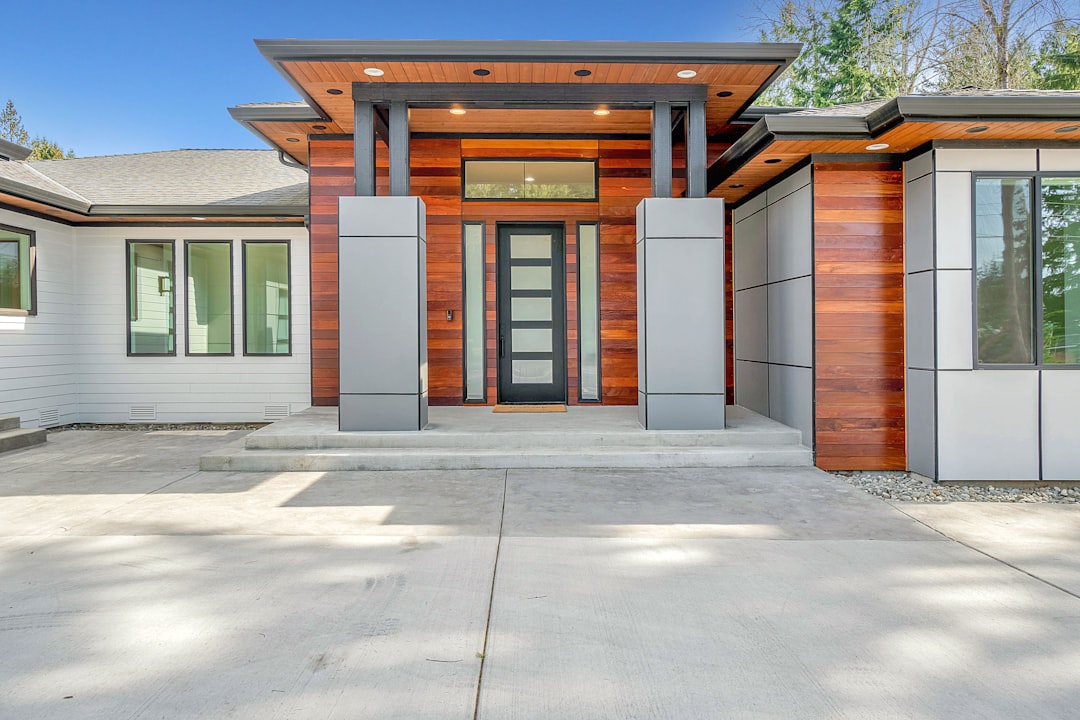
After testing several locks across different price points and ecosystems, the SwitchBot Lock Vision Pro ended up being the one I installed permanently on my front door. At around $168, it’s not the cheapest option, but it packs more biometric technology into a single deadbolt than anything else I’ve tested.
Here’s what makes it special: three independent unlocking methods, all running on-device with no cloud dependency. There’s iPhone-level 3D structured-light facial recognition that maps your face with thousands of infrared dots — it works in complete darkness, through glasses, and even when I’m wearing a hat I don’t normally wear. Then there’s palm-vein scanning, which uses near-infrared sensors to read the unique vascular patterns inside your palm. You just hold your hand up near the lock, and it reads it contactlessly. This became my preferred method fast — it works when my fingers are wet from rain, when I’m carrying groceries, and when my hands are full of laptop bags.
And then there’s the fingerprint reader, which is the reliable backup. The Vision Pro stores up to 100 fingerprints, 50 face profiles, and 50 palm profiles — more than enough for a family, a dog walker, and the occasional houseguest. All biometric data is encrypted and stored locally on the lock itself, which matters to me more than I initially expected.
The mmWave radar is the stealth feature nobody talks about. It detects when someone approaches the door and wakes up the face scanner before you’re even within arm’s reach. By the time I’m standing in front of the lock, it’s already half-done recognizing me. The whole process — walk up, face detected, door unlocked — takes under a second.
The Budget Contenders: What You Get for Half the Price
Not everyone needs face recognition and palm-vein scanning. If you’re working with a tighter budget — say, securing a home office door or a side entrance — there are solid options that cost significantly less while still delivering the core benefit of keyless entry.
The eufy Security Smart Lock C220 has been my recommendation for anyone who wants fingerprint unlocking without the premium price tag. At roughly $80-100 depending on the sale, it gives you reliable biometric fingerprint scanning, built-in Wi-Fi (no hub needed), and an eight-month battery life on a set of AAs. The fingerprint reader isn’t quite as fast as the SwitchBot’s, but it’s consistent — I tested it with wet fingers, cold fingers, and post-gym fingers, and it recognized me every time within about two seconds.
For those who want to go even more budget-friendly, the Wyze Auto-Lock Bolt v2 brings the price down to around $60-70. Wyze has been quietly improving their lock lineup, and the v2 adds AI learning to the fingerprint scanner — it supposedly gets faster over time as it adjusts to how you position your finger. I found that claim to be mostly true after two weeks of daily use. The eight-month battery claim held up in my testing, and the IP53 rating means it survived a month of direct rain exposure on my test door without complaint.
The Philips WiFi Keypad Door Lock surprised me. Philips isn’t the first brand that comes to mind for smart locks, but this model combines fingerprint unlocking with a physical keypad and built-in Wi-Fi for remote control. The auto-lock feature — which engages the deadbolt after a set time — turned out to be the thing my wife appreciated most. She never has to wonder if she locked the door behind her.
The Mid-Range Sweet Spot: Matter Support Changes Everything

Here’s where the category gets genuinely interesting. The smart home interoperability standard called Matter is quietly transforming how locks work with the rest of your setup, and the mid-range options are where this matters most.
The eufy Smart Lock E31 is one of the few locks under $150 that supports Matter natively. That means it talks directly to Apple Home, Google Home, Alexa, and Samsung SmartThings without needing a separate hub or bridge for each ecosystem. In my testing, I had it running simultaneously through Apple HomeKit (for my wife’s automations) and Google Home (for mine), and neither one stepped on the other’s toes.
On the Aqara side, the Aqara Smart Lock U100 earned a permanent spot on my back door. It supports Apple Home Key — which means I can unlock it by tapping my iPhone or Apple Watch against the lock, no app needed, no face scanning, nothing. Just tap and walk through. The U100 also has fingerprint unlocking and a touchscreen keypad, and at around $120, it hits a nice middle ground between the budget Wyze and the premium SwitchBot.
If you want to go further up the Aqara ladder, the Aqara UWB Smart Lock U400 adds Ultra-Wideband technology — the same tech that powers Apple’s AirTags — for presence detection. With Matter over Thread support, it’s the most future-proof lock in Aqara’s lineup. It’s pricier, but the UWB means the lock knows exactly how far away your phone is, so it won’t accidentally unlock when you’re walking past the door on the inside of the house.
What’s Still Annoying (The Honest Truth)
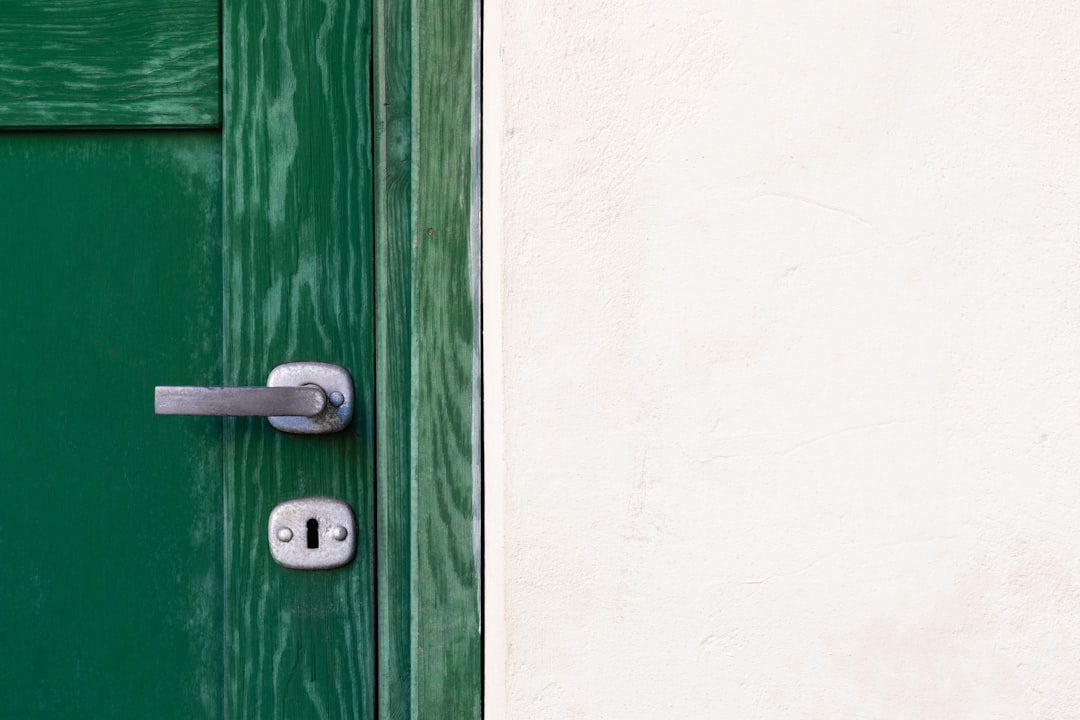
I’m not going to pretend this transition was flawless. Smart locks have quirks, and after three months of daily use, I’ve run into enough of them to compile an honest list.
Battery anxiety is real. The SwitchBot Vision Pro promises 12 months, and based on my drain rate, it’ll likely hit that. But the first time the low-battery notification popped up on my phone at 11 PM while I was traveling, I felt a spike of panic I haven’t felt since the days of forgetting to charge my phone before a flight. Every smart lock I tested has a backup power option — usually a USB-C port on the outside or physical key override — but the psychological shift from “keys always work” to “what if the battery dies” takes some adjustment.
Installation ranges from trivial to frustrating. The SwitchBot replaced my existing deadbolt in about 20 minutes. The Aqara U100 was similarly painless. But the Wyze required me to drill a new hole in my test door because the bolt spacing didn’t match the existing bore. If you’re not comfortable with a drill and a measuring tape, budget for a handyman.
Guest access is better but not perfect. All of these locks let you generate temporary codes or add fingerprints for guests. But explaining to my mother-in-law that she needs to scan her face to get inside felt like a tech support call waiting to happen. The keypad-based codes work fine, but they’re less convenient than just giving someone a key.
Pairing With a Video Doorbell: The Combo That Clicks
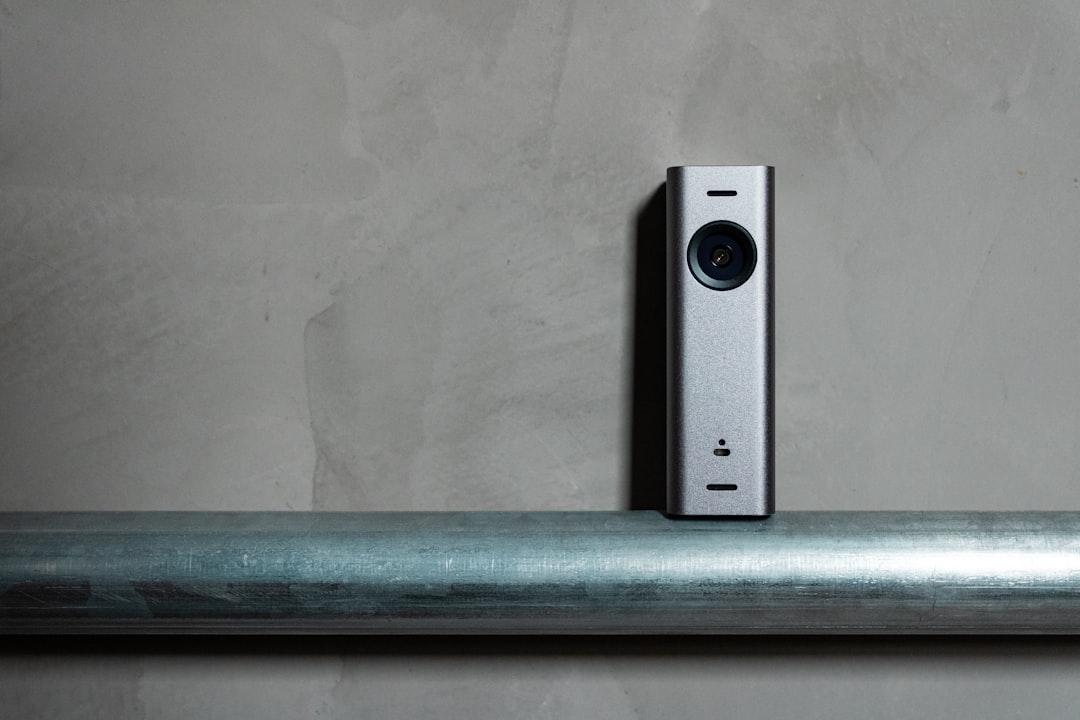
The real magic happens when you pair a biometric lock with a video doorbell. I’ve been running the Ring Battery Doorbell (the newest 2K model) alongside the SwitchBot, and the two devices together create something that feels like an actual security system rather than a gadget.
Here’s the setup: when someone approaches the door, the Ring doorbell starts recording and sends a motion alert. A second later, the SwitchBot’s mmWave radar detects the same person and either unlocks (if it recognizes them) or stays locked and activates the face scanner for identification. When I’m not home, I can see who’s at the door, talk to them through the doorbell, and unlock the door remotely — all from the same phone screen.
This is also where the SwitchBot Lock Vision (the non-Pro version, without fingerprint and palm scanning) becomes relevant. If you already have a doorbell camera handling visual identification, you might not need the full biometric suite. The Vision still has 3D face recognition and costs about $40 less than the Pro, making it a sensible pick for a back or side door where you want the convenience without paying for features you won’t use.
Security Camera Integration: Closing the Loop
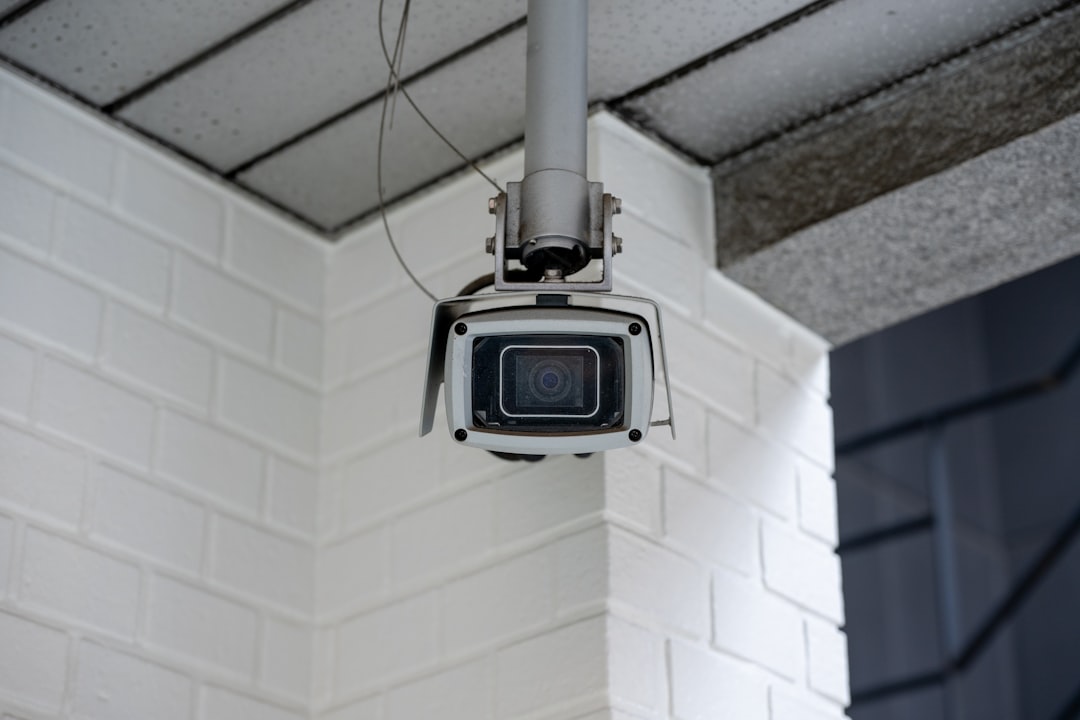
I’ve written before about building a zero-fee security camera system, and the biometric lock fits into that ecosystem perfectly. My Eufy cameras already use AI to distinguish between people, vehicles, and animals. Now, when the camera detects a person approaching the front door, it cross-references that event with the lock’s activity log. If the lock recognizes the person and unlocks, the camera tags the event as “authorized entry.” If the camera detects someone but the lock doesn’t unlock, it tags it as “unknown visitor” and starts recording in earnest.
This kind of device-to-device communication is exactly what Matter was designed to enable, and it’s finally delivering on that promise in 2026. The SwitchBot Vision Pro works natively with Apple Home, Alexa, and Google Home through Matter over Wi-Fi — no hub required. That’s a meaningful shift from even a year ago, when every smart lock needed its own proprietary bridge device eating up an outlet.
Who Should Actually Buy One?
After three months, my take is straightforward. If you work from home and regularly deal with deliveries, guests, dog walkers, or family members who forget keys, a biometric smart lock is one of the highest-impact upgrades you can make to your home. The convenience of walking up to your door with arms full of groceries and having it unlock without setting anything down is genuinely transformative — not in the marketing-speak way, but in the “I can’t believe I lived without this” way.
If you’re on a budget, start with the Wyze Auto-Lock Bolt v2 or the eufy C220 — both deliver reliable fingerprint unlocking under $100. If you want the full biometric experience with face recognition and palm scanning, the SwitchBot Lock Vision Pro is the one to beat right now. And if you’re deep in the Apple ecosystem, the Aqara U100 with Apple Home Key support is a no-brainer for any door you access daily.
The technology has crossed the threshold from “early adopter curiosity” to “genuinely better than keys.” My key ring is still sitting in a drawer at my colleague’s desk. I haven’t needed it once. And honestly, I don’t miss it at all.

One thought on “I Replaced My Keys With My Face: Three Months With a Biometric Smart Lock”