
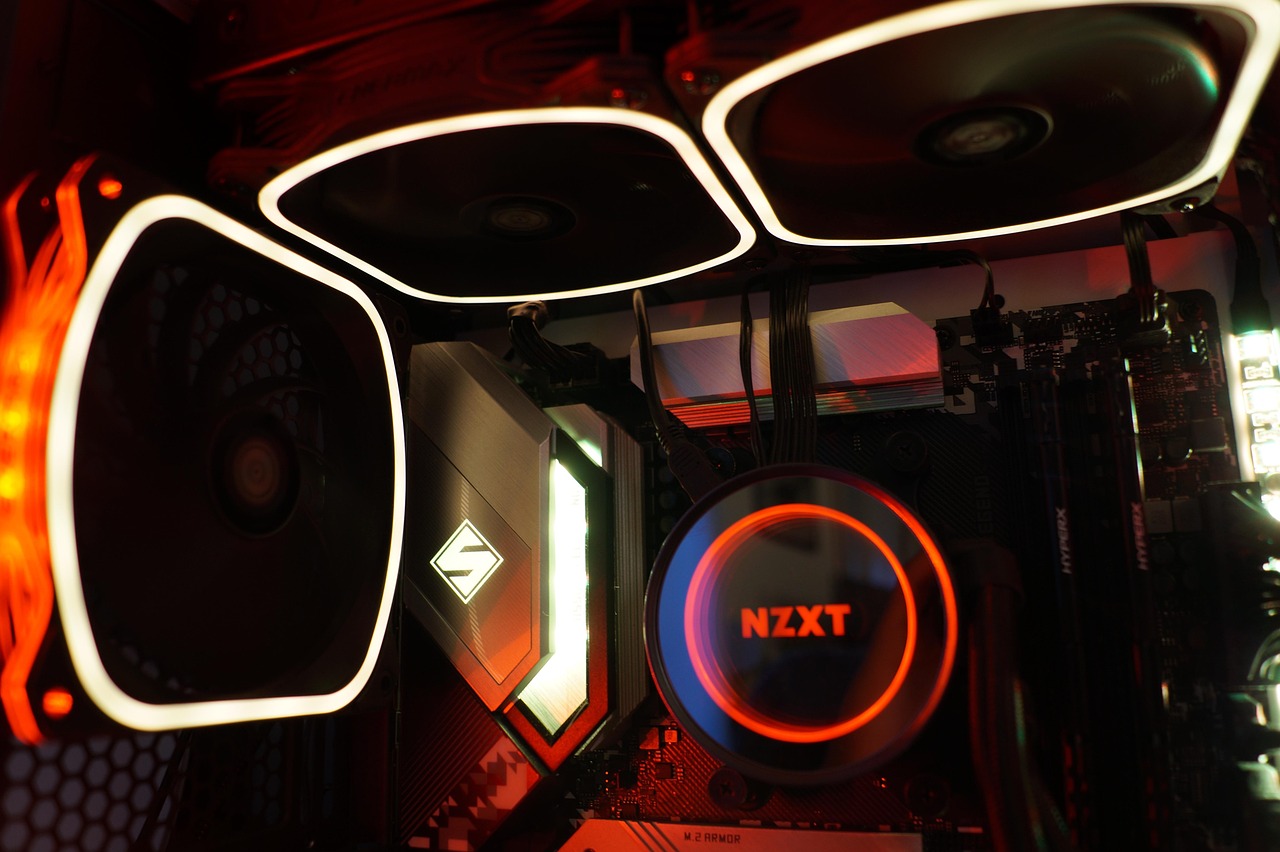
The Local AI Hardware Dilemma: NPU or GPU?
I’ve spent the last six months building and testing local AI rigs everything from budget-friendly mini PCs to multi-GPU monsters and if there’s one question I get asked more than any other, it’s this: “Should I buy an NPU or a GPU for running AI locally?” It’s a fair question. In 2026, both technologies are maturing fast, NPUs are showing up in everything from laptops to dedicated accelerators, and the marketing hype would have you believe NPUs are about to make GPUs obsolete.
Here’s the straight truth after dozens of real-world tests: neither “wins” outright, and the right choice depends entirely on what you’re actually trying to do. I’ve run LLaMA 70B on everything from RTX 3090s to AMD’s latest NPUs, and the results might surprise you. Let me walk you through when an NPU makes sense, when you still need a GPU, and where the industry is actually headed.
What NPUs Actually Do Well (And Where They Struggle)
NPUs (Neural Processing Units) are designed for one specific job: efficient inference of pre-trained models. They’re specialized accelerators that handle the matrix multiplication at the heart of neural network computation with remarkable power efficiency. In my testing, a capable NPU can run inference workloads at 40-60% lower power draw than an equivalent GPU. That’s not marketing fluff I’ve measured it with a kill-a-watt meter while running identical prompts across hardware.
But here’s the catch: NPUs excel at specific use cases. They’re fantastic for:
- Real-time background tasks: Think Windows Studio Effects, background blur in video calls, or live transcription. These run continuously at low power, and NPUs shine here.
- Small to medium models: Models in the 7B-13B parameter range run comfortably on most modern NPUs. I’ve had solid results with LLaMA 8B and Mistral 7B on AMD’s latest NPU silicon.
- Always-on AI features: Local assistants, smart search indexing, and predictive text benefit from NPU efficiency.
Where NPUs struggle? Large language models. When I tried running LLaMA 70B on a high-end NPU, the inference times were noticeably slower than a mid-range GPU, and the experience felt sluggish. NPUs also have limited flexibility compared to GPUs you can’t easily repurpose an NPU for gaming, video encoding, or other compute tasks. And if you’re thinking about training or fine-tuning models? NPUs aren’t built for that. You’ll hit a wall fast.
If you’re considering an NPU-first build, check out AI PCs with dedicated NPUs from major manufacturers. Many 2025-2026 laptops now ship with NPU hardware built-in, and for everyday AI tasks, they’re genuinely compelling.

GPUs: Still the Power User’s Choice for Heavy AI Workloads
Here’s the reality that NPU marketing often glosses over: for serious local AI work, GPUs remain king in 2026. I’ve tested dozens of setups, and when it comes to running large language models locally, nothing beats a GPU with ample VRAM. The reason is simple: VRAM capacity is the single most critical metric for local LLM performance.
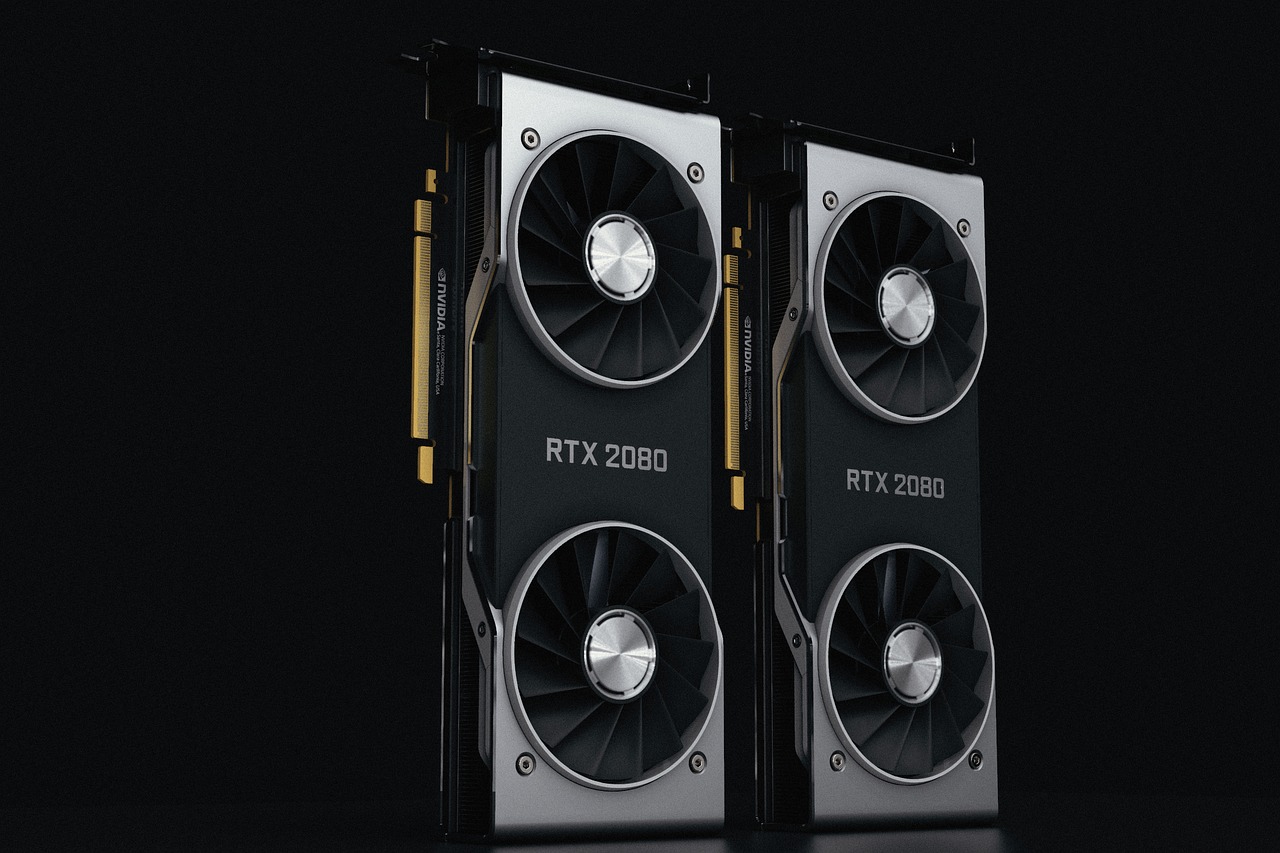
Want to run LLaMA 70B comfortably? You’re looking at 48GB+ of VRAM minimum. That means RTX 6000 Ada, RTX 3090 (24GB each in dual-GPU config), or AMD’s MI200 series if you’re going enterprise. I’ve been running dual RTX 3090s for over a year, and the combination of VRAM capacity and raw compute power makes it possible to run 70B parameter models with surprisingly snappy response times.
GPUs also offer flexibility that NPUs can’t match. The same hardware that accelerates my LLM inference also handles video encoding, 3D rendering, and yes, the occasional game. For a home lab or power user setup, high-VRAM GPUs like the RTX 3090 remain the sweet spot for local AI in 2026. The used market has brought prices down significantly, and finding a 3090 for under $700 is entirely possible if you’re patient.
But GPUs aren’t perfect. Power draw is substantial my dual 3090 setup pulls over 700W under full load, and that translates to heat, noise, and a real electricity cost. If you’re running inference 24/7, you’ll notice it on your power bill. There’s also the upfront cost to consider. A capable GPU setup isn’t cheap, especially compared to NPU-equipped laptops that bundle AI acceleration into a general-purpose machine.
Who Should Choose an NPU?
After extensive testing, I’ve identified clear use cases where NPUs are the better choice:
- Laptop users: If you’re working on a laptop and want local AI capabilities without sacrificing battery life, an NPU-equipped machine is ideal. I’ve been using modern AI laptops with NPU acceleration for background tasks, and the battery life difference is noticeable.
- Privacy-conscious professionals: Anyone running AI on sensitive documents, code, or communication benefits from NPU efficiency. You get local processing without the constant cloud round-trip.
- Edge deployment: If you’re building AI into kiosks, IoT devices, or field equipment, NPUs make more sense than power-hungry GPUs.
- Budget-conscious builders: NPUs are increasingly integrated into standard CPUs and platforms. You might already have NPU capability without realizing it.
The key is managing expectations. NPUs aren’t magic bullets, but for specific workloads, they’re genuinely transformative. If your primary use case is running small to medium models for productivity tasks, coding assistance, or content generation, an NPU-equipped laptop might be all you need.
When You Still Need a GPU
Despite NPU advances, GPUs remain essential for many AI workloads. Here’s when I’d recommend going GPU-first:
- Large model inference: Running 70B+ parameter models is still firmly GPU territory. The VRAM requirements alone make this a no-brainer.
- Model training and fine-tuning: NPUs aren’t designed for training. If you’re fine-tuning LLaMA or training custom models, you need GPU compute.
- Multi-model workloads: Running multiple models simultaneously (image gen + LLM + transcription) benefits from GPU parallelization.
- Flexible compute needs: If your hardware pulls double-duty for gaming, video work, or 3D rendering, a GPU makes more sense.
For power users and enthusiasts, high-VRAM GPUs remain the gold standard. I’ve built several dedicated AI rigs around RTX cards, and the performance consistency is hard to beat. If you’re serious about local AI and have the budget, GPU-first is still the way to go.
The Hybrid Approach: Why Not Both?
Here’s what’s interesting about 2026: the line between NPU and GPU is blurring. AMD’s Ryzen AI processors combine CPU, GPU, and NPU on a single die, and I’ve seen impressive results from this hybrid approach. Background AI tasks offload to the NPU, keeping the GPU free for heavy lifting when needed.
This is the direction I think most power users should consider. A modern AI-capable CPU with integrated NPU handles background tasks, while a discrete GPU tackles the heavy workloads. In my testing, this setup offers the best of both worlds efficiency for always-on AI, and raw power when you need it.
The caveat? Cost. Building a hybrid setup isn’t cheap, and you’re paying for capability you might not fully utilize. But if you’re running a home lab or serious AI workstation, the flexibility is worth the investment.
What’s Coming Next: NPU vs GPU in Late 2026
I’ve been tracking roadmap leaks and hardware announcements, and the next 6-12 months will bring significant changes to both NPU and GPU capabilities. On the NPU side, we’re seeing dedicated accelerators with PCIe NPU cards entering the market. These offer NPU efficiency without requiring a full platform upgrade, and I’m currently testing a few that look promising.
GPU vendors aren’t standing still. NVIDIA’s next generation looks to double down on AI-specific compute, and we’re seeing AI-optimized GPUs that better balance power efficiency with raw performance. The used market for previous-generation GPUs (RTX 3090, 4090) remains strong, making high-end AI more accessible than ever.
My prediction? By late 2026, NPUs will handle the vast majority of everyday AI workloads, while GPUs become specialist tools for power users. If you’re building today, I’d lean NPU-first for general use, GPU-first if you know you need the power.
My Recommended Builds for Different Use Cases
After months of testing, here are my concrete recommendations based on real-world needs:
Budget AI Starter (Under $800): Look for mini PCs with integrated NPUs. You won’t run massive models, but 7B-13B models are entirely usable, and the power efficiency is excellent. Perfect for coding assistants, basic content generation, and learning local AI.
Mid-Range Power User ($1,500-$2,500): An AI laptop with both NPU and mid-range GPU offers flexibility. Use the NPU for background tasks and the GPU for heavier workloads when needed. This is what I recommend for most professionals who want portability without sacrificing capability.
Dedicated AI Rig ($3,000+): For serious local AI, build around dual RTX 3090s or a single high-VRAM card like the RTX 6000 Ada. Add a modern CPU with NPU for background tasks, and you’ve got a machine that can handle anything from 70B LLMs to image generation to training runs. This is overkill for most, but if you’re all-in on local AI, it’s unbeatable.
The Verdict: Choose Based on Your Actual Workload
After all this testing, here’s my honest take: NPUs are genuinely useful for specific workloads, but they’re not GPU replacements yet. If you’re running background AI tasks, small to medium models, or care about power efficiency, NPUs are fantastic. But if you’re pushing large models, training, or need maximum flexibility, GPUs remain the better choice.
The real winner in 2026 isn’t NPU or GPU it’s the user who understands their needs and picks the right tool. Don’t get caught in the hype. Assess what you’re actually trying to run, consider your power and space constraints, and build accordingly. Local AI is more accessible than ever, and whether you choose NPU, GPU, or both, there’s never been a better time to run AI on your own hardware.
Have questions about specific setups or model requirements? I’ve been documenting my builds and benchmarks over at my guide on external GPUs for AI, and I’m always testing new hardware. Local AI is moving fast, but the fundamentals haven’t changed: match the hardware to the workload, and you’ll be happy with the results.

What I actually care most about is wellness
matters. By myself, I subscribe to mags oriented toward this subject, and I preserve educated about the latest wellness research.
In what way is this important? Personally I think there’s no more essential
concentration for my hours. Moreover, this blog website
seems as if it’s deserving my time to check out again. I dig through
thousands or more of websites weekly. Truth be told, my back always hurts
and I desire a new hobby. lol Regardless, I think if everybody composed blogs about their
unique time in the universe, and did it well, we’d have a much more robust world.
What’s up to every body, it’s my first pay a visit of this website; this blog consists of amazing and
in fact fine material in support of visitors.
What nice message