

I’ve Built Dozens of Home Offices—Here’s What Actually Stands the Test of Time
Three years ago, I helped my brother set up what he called his “dream home office.” He spent $3,000 on trendy gear: RGB everything, a flashy gaming chair, and accessories that looked great on Instagram. Fast forward to today, and he’s replaced half of it. The chair’s hydraulic cylinder failed, the keyboard developed connection issues, and that “smart” desk? Its app stopped working six months ago.
This isn’t unusual. I’ve seen the same pattern repeat countless times over my 25 years testing tech gear. The problem isn’t that people buy cheap—it’s that they buy for today without thinking about three years from now. After outfitting my own workspace through four major moves and countless hardware cycles, I’ve learned that future-proofing your home office isn’t about buying the most expensive stuff. It’s about buying the right stuff.
Let me save you thousands of dollars and years of frustration by sharing what I’ve learned about building a workspace that actually lasts.
The Disposable Upgrade Trap
The most common mistake I see? The “disposable upgrade” cycle. You buy a keyboard that only works with your current laptop, only to find it obsolete six months later when you switch machines. You grab a monitor with limited connectivity, then realize it can’t keep pace when you upgrade to a laptop that requires Thunderbolt 4. Before you know it, you’re replacing gear that should have lasted years.
This cycle doesn’t just waste money—it wastes time. Every upgrade means research, shopping, setup, and adjustment. The most productive home offices aren’t the ones with the newest gear; they’re the ones where you forget about the gear entirely and just work. After years of testing, I’ve found that certain categories genuinely matter for longevity, while others are marketing noise.
Start with the Foundation: Your Chair
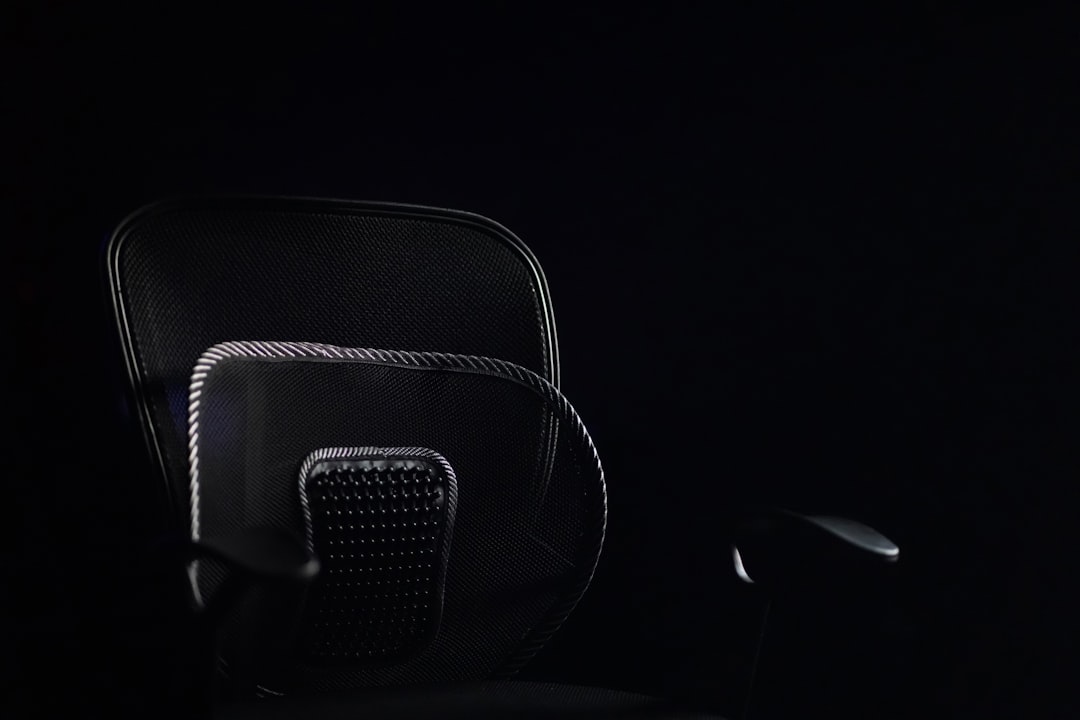
Your chair is the single most critical piece of ergonomic equipment in your office. If you’re sitting 8+ hours a day, this is where you invest—full stop. I’ve tested dozens of chairs over the years, and the difference between a $200 chair and a $800 chair isn’t just comfort; it’s whether you’ll need to replace it in three years when the cheap hydraulic cylinder fails or the armrests start wobbling.
For 2026, I’m seeing an acceleration of biomechanical engineering and even AI integration in high-end chairs. But you don’t need to spend $2,000. Look for chairs with comprehensive adjustability: seat height, depth, tilt, lumbar support, and armrest height/width/pivot. The Steelcase Leap and Herman Miller Aeron are the classics for a reason—they’re built to last 10+ years and parts are readily available when something eventually wears out.
If those are out of budget, don’t despair. I’ve found that chairs in the $500-700 range from brands like Serta and Flash Furniture now offer 80% of the premium experience at half the price. The key is avoiding the “gaming chair” trap—those bucket seats look cool, but they’re rarely designed for 8-hour sitting sessions and the build quality often can’t match serious office chairs.
Displays: Buy for Connectivity, Not Just Resolution
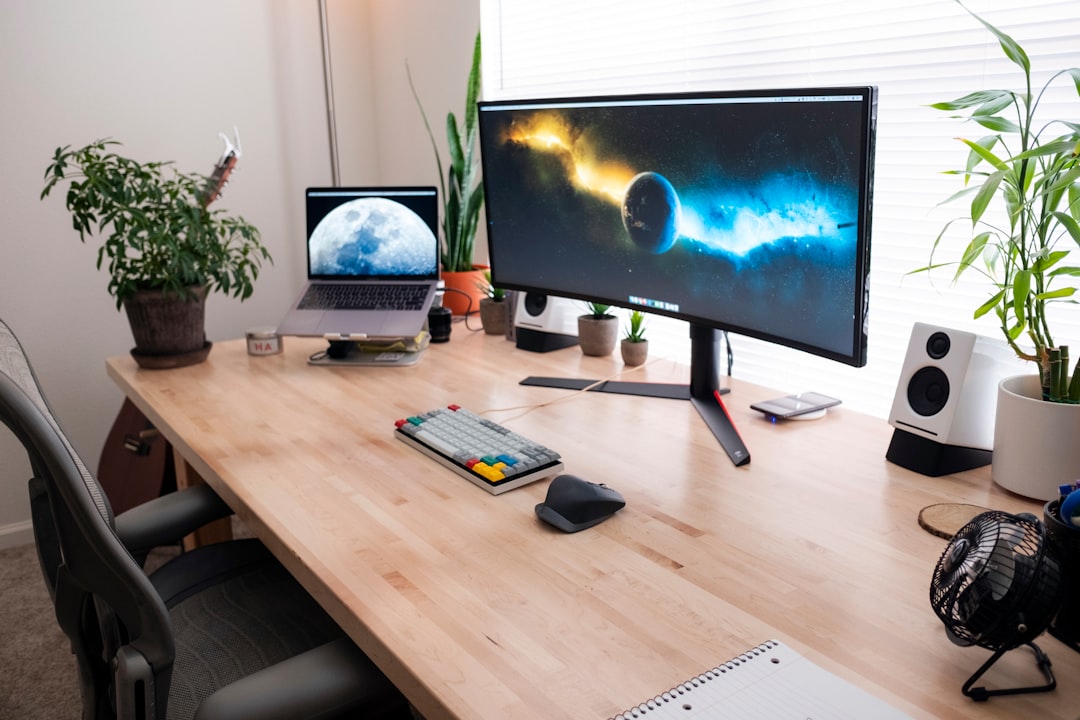
Monitors have become shockingly good, even at budget prices. But here’s the thing most buyers miss: the panel technology matters less than the connectivity. A 4K IPS panel with only HDMI ports is a dead end. You want displays with USB-C with Power Delivery (90W+) and DisplayPort over USB-C, ideally with KVM switch functionality if you use multiple computers.
Why? Because in three years, when laptops have even fewer ports and rely entirely on USB-C/Thunderbolt, your monitor will become a docking station. The best future-proof monitors are the ones that can charge your laptop, handle video, and connect peripherals—all over a single cable. This means your display investment won’t become obsolete just because laptop ports change.
I’m currently using a Dell Ultrasharp U3225QE for this exact reason. The 31.5-inch 4K IPS Black panel is gorgeous, sure, but what makes it future-proof is the connectivity: 90W USB-C Power Delivery, DisplayPort over USB-C, KVM switch, and a built-in hub. When I upgrade my laptop in two years, this monitor will work perfectly. When I switch between my MacBook and Windows PC, the KVM means I don’t need two sets of peripherals. That’s longevity.
For budget buyers, the sweet spot right now is 27-32 inch 4K IPS displays in the $400-600 range. Brands like Dell, LG, and BenQ have excellent options that will easily last 5+ years while maintaining image quality. Avoid cheap TN panels—they look washed out and the viewing angles are terrible for collaborative work.
Keyboards and Mice: Hot-Swappable is the Future

I wrote a comprehensive guide on mechanical keyboards for productivity, so I won’t retread all that ground. But for future-proofing specifically, here’s what matters: hot-swappable switches and wireless connectivity.
Hot-swappable switches mean you can change your keyboard’s feel without buying a whole new board. Tactile switches feeling too heavy? Swap in linears. Want to try something quieter? Drop in silent switches. This single feature extends a keyboard’s lifespan from “until you get bored with it” to “basically forever.” I have keyboards from five years ago that feel brand new because I can refresh them with new switches.
Wireless used to be a compromise, but Bluetooth 5.0+ and quality 2.4GHz dongles have made wired connections unnecessary for most users. The best wireless mechanical keyboards now maintain rock-solid connections and get months of battery life. Going wireless isn’t just about cutting cables—it’s about flexibility. A wireless keyboard works at your standing desk, on your lap, or anywhere in your workspace without being tethered.
For mice, I recommend the Logitech MX Master series without hesitation. I’ve used the MX Master 3S daily for two years and it shows zero wear. The MagSpeed scrolling is still smooth, the battery lasts weeks, and the multi-device switching means I don’t need separate mice for my laptop and desktop. It’s an investment, but quality ergonomic mice pay dividends in reduced hand strain and longevity.
Desks: Modular Over Fixed
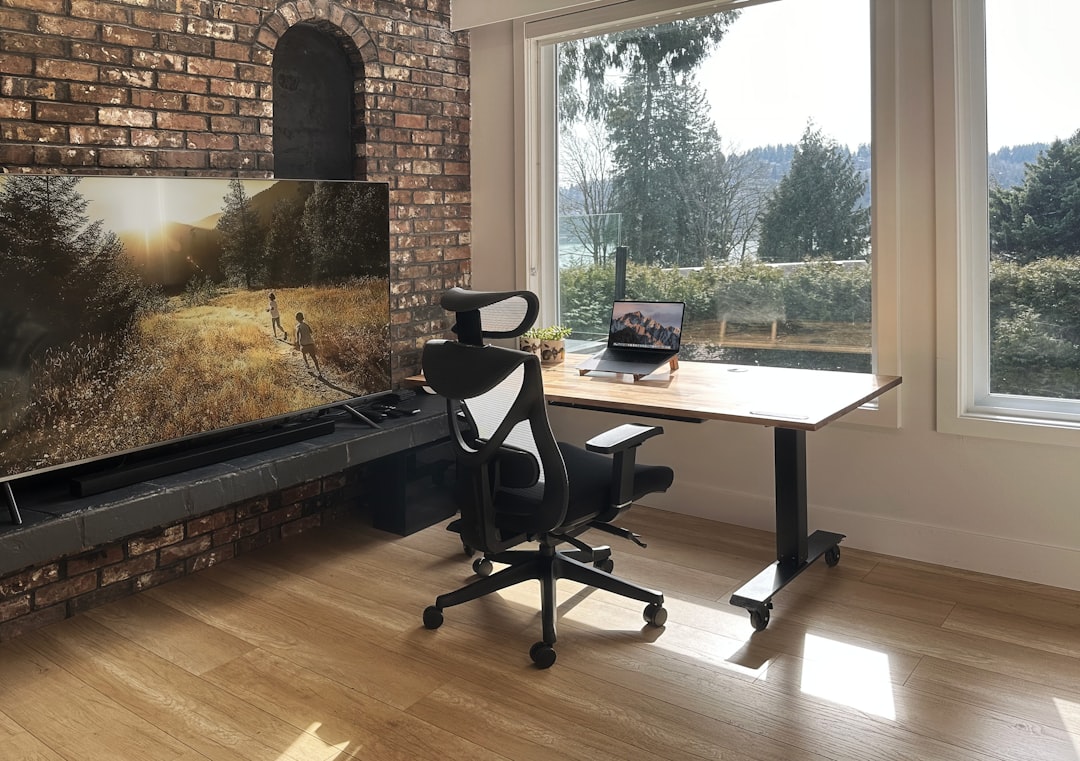
Standing desks are great for health, but cheap ones are a nightmare. The motor fails, the wobble develops, and you’re stuck with an expensive paperweight. After testing dozens, I’ve found that the key is modularity.
Look for desks with replaceable control boxes and motors. If something fails, you swap that component—not the entire desk. Brands like Uplift and Fully (now part of Herman Miller) design their desks with repairability in mind. I’ve had an Uplift desk for four years, and when I upgraded the control panel last year, it took 15 minutes and cost $80—not $800 for a new desk.
Another trend I’m seeing—and loving—is desk frames that accept different tabletops. This means you can swap from a bamboo top to solid wood to white laminate as your taste changes, without replacing the entire desk. Quality standing desk frames are becoming a separate category from complete desks, and this modular approach is the future of longevity.
That said, if you’re on a budget, don’t feel pressured into a standing desk. A high-quality fixed-height desk from a brand like Fully or IKEA’s BEKANT series will last decades. The key is avoiding the cheap particle-board desks that sag after a year. Solid wood or high-quality laminate might cost more upfront, but you won’t be replacing it in three years.
Audio: Headsets That Outlast Your Laptop

I’ve tested dozens of headsets for remote work, and the difference between a $100 headset and a $300 one isn’t just audio quality—it’s build longevity and battery health. Cheap headsets develop battery drain issues, connection drops, and earpad disintegration within 18 months. Quality headsets last years.
For calls and meetings, I recommend headsets with user-replaceable batteries and earpads. When the earpads wear out (and they will), you don’t want to buy a whole new headset. The best business headsets from Jabra, Plantronics, and Logitech all offer replacement parts, extending lifespan from 2-3 years to 5+ years.
For music and focus, check out my guide on noise-canceling headphones. The tl;dr: buy for ANC quality and build, not brand hype. Sony and Bose have dominated for years, but newer contenders like Sennheiser and Apple are genuinely competitive. The key is avoiding cheap knockoffs that claim noise cancellation but deliver static hissing.
Cable Management and Connectivity: The Hidden Longevity Factor
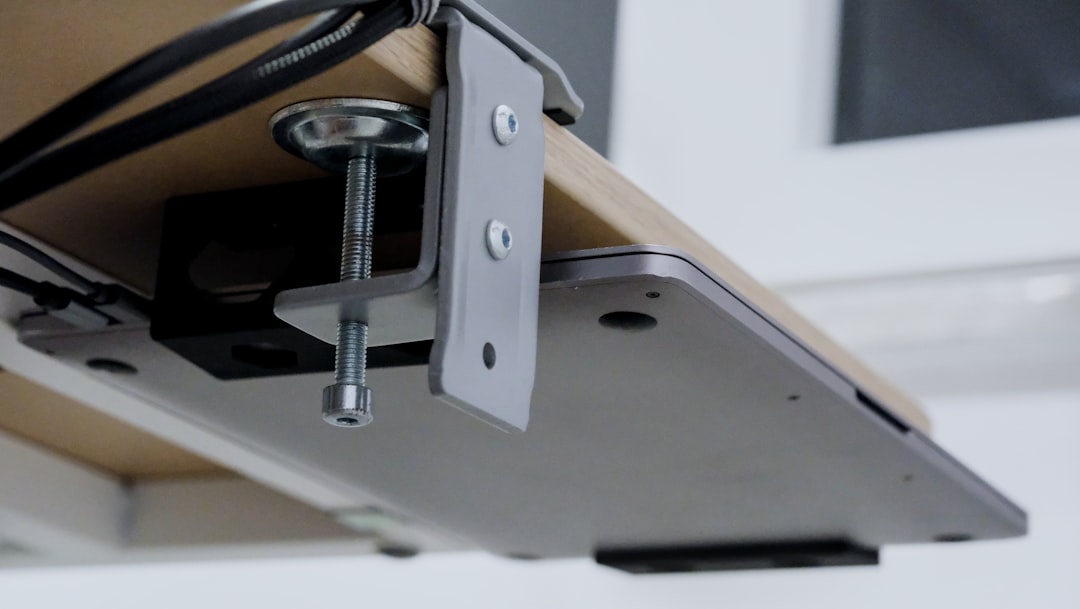
Here’s something most people don’t consider: cable quality affects longevity. Cheap USB-C cables fail, lose connectivity, and can even damage your devices. I’ve replaced countless “bargain” cables over the years, while quality cables from Anker and Cable Matters keep working for years.
Invest in quality cables from reputable brands. Look for certification labels (USB-IF for USB cables, Thunderbolt certification for TB cables). Yes, they cost 2-3x more than generic cables. But they last 5x longer and won’t fry your devices. Quality USB-C and Thunderbolt cables are insurance for your gear.
For docking stations, the same principle applies. A cheap dock might work today, but when you upgrade your laptop, it might not. Brands like CalDigit and Kensington build docks with firmware updates and broad compatibility. My CalDigit TS3 Plus has survived two laptop upgrades and still works flawlessly.
Lighting: Often Overlooked, Critical for Longevity
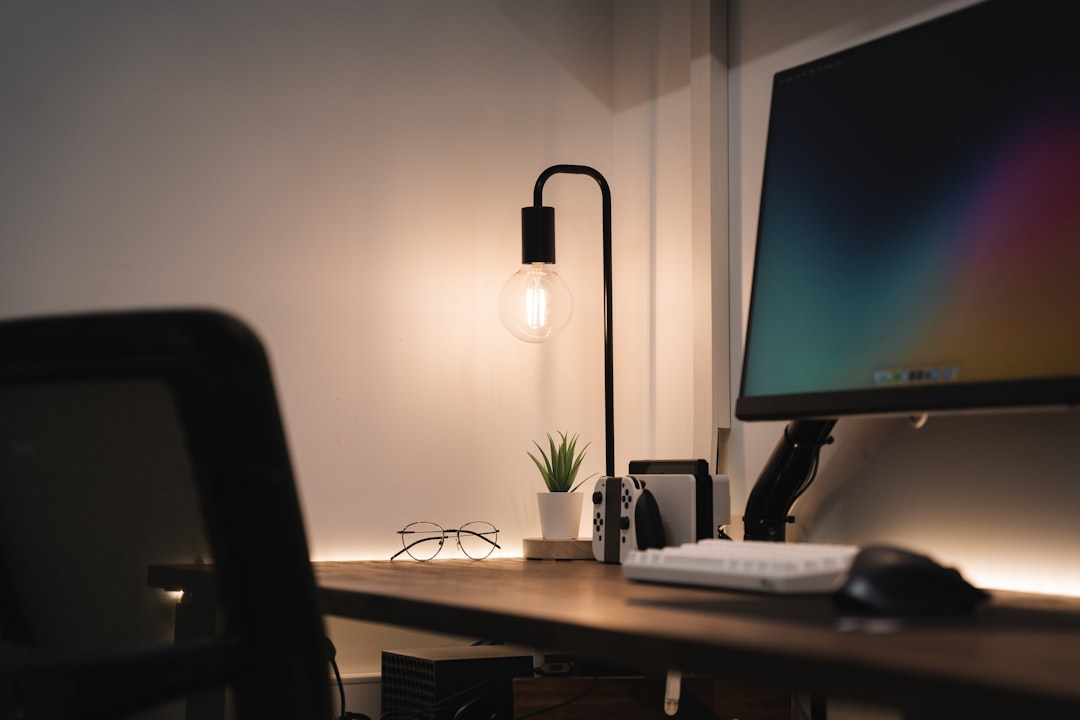
Good lighting isn’t just about aesthetics—it’s about eye health and reducing fatigue during long work sessions. I’ve seen countless home offices with either no desk lighting or harsh overhead lighting that causes headaches and eye strain by 2 PM.
The best setup is layered: ambient room light, task lighting for your desk, and bias lighting behind your monitor. LED desk lamps with adjustable color temperature let you match lighting to your circadian rhythm—cool white in the morning for focus, warm light in the afternoon to reduce eye strain. Quality LED desk lamps from brands like BenQ and Philips last years and use minimal power.
Bias lighting—LED strips behind your monitor—reduces eye strain by balancing the brightness of your display with the room. It’s one of those upgrades that sounds minor but makes a huge difference during 10-hour workdays.
What I’d Buy Today: A Concrete Example
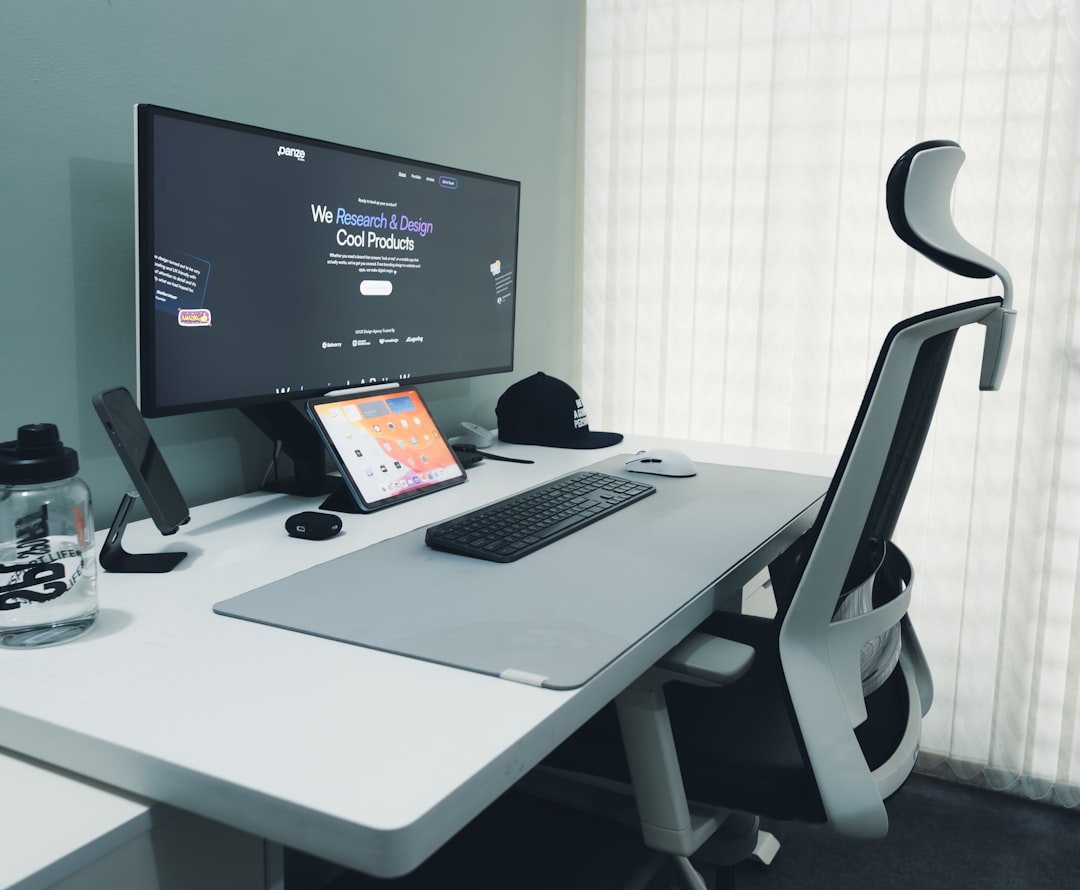
If I were building a new home office from scratch today with a $3,000 budget, here’s what I’d buy for maximum longevity:
Chair ($700): Steelcase Leap (refurbished) or Herman Miller Aeron (open box). These chairs regularly show up on eBay or corporate resale sites at half the retail price, and they’re built to last 15+ years with parts availability.
Desk ($600): Uplift V2 frame with a bamboo top. The frame has a 15-year warranty and replaceable electronics. Swap tops as needed.
Display ($500): Dell Ultrasharp U3225QE or similar 4K IPS with USB-C Power Delivery and KVM. This display will still be excellent when laptops have no ports at all in 5 years.
Keyboard ($200): Keychron Q5 Max with hot-swappable switches. Build quality is exceptional, wireless is reliable, and I can refresh the feel whenever I want.
Mouse ($100): Logitech MX Master 3S. Battery life is measured in weeks, not days, and the multi-device switching is genuinely useful.
Audio ($300): Sony WH-1000XM5 or Bose QC Ultra for focus, Jabra Evolve2 75 for calls. Replaceable earpads and battery means 5+ years of use.
Lighting ($150): BenQ ScreenBar Plus for task lighting, Philips Hue Play bars for bias lighting. Both are quality brands with proven longevity.
Cables/Dock ($300): CalDigit TS4 Thunderbolt 4 dock, Anker PowerLine III+ cables. This dock supports 40Gb/s Thunderbolt 4, USB4, and has firmware updates. It’ll survive multiple laptop upgrades.
Total: ~$2,850
Now, here’s the thing: this setup isn’t cheap. But I fully expect every component except the dock cables to still be in daily use 10 years from now. That’s $285 per year spread over a decade—which is far less than the $1,000+ per year most people spend constantly upgrading cheap gear. Quality home office bundles cost more upfront but save money over time.
The Red Flags: When Gear Won’t Last
After 25 years testing tech, I’ve developed a sixth sense for gear that’s built to fail. Here are the red flags:
Proprietary connections: If a keyboard, mouse, or headset uses a custom cable or charging port instead of USB-C, skip it. When that custom cable fails (and it will), you’ll be stuck buying replacements from the manufacturer at inflated prices—or buying entirely new gear.
Non-replaceable batteries: Built-in batteries that can’t be replaced are a death sentence for longevity. Once the battery degrades to 50% capacity (usually after 2-3 years), your device becomes tethered to a charger. Always choose gear with user-replaceable batteries or at minimum, replacement service available.
Apps required for basic functions: If a desk, chair, or peripheral requires a proprietary app just to adjust height or change settings, be skeptical. Apps become abandonware, companies stop supporting them, and suddenly your “smart” gear is just expensive paperweight. The best gear works perfectly without any software—apps should be enhancements, not requirements.
Trend-over-substance design: RGB lighting, glass components, and ultra-minimalist aesthetics often signal form over function. That’s not to say attractive gear can’t be quality—but if a product’s marketing focuses 90% on how it looks and 10% on how it works, that’s where the R&D budget went.
Longevity vs. Innovation: When to Upgrade Anyway
Here’s the counterintuitive truth: sometimes, upgrading before gear fails makes sense. Not because you need the newest thing, but because technology has genuinely moved forward in ways that affect your daily work.
Examples from the past few years: Thunderbolt 4 docks with 40Gb/s bandwidth are genuinely transformative if you’re running multiple displays and high-speed storage. The jump from 1080p to 4K monitors isn’t just resolution—it’s text clarity that reduces eye strain. Noise-canceling technology has improved to the point where newer headphones genuinely outperform models from 5 years ago.
The key is distinguishing between meaningful upgrades and incremental changes. Display connectivity standards that will work with future laptops? Meaningful. Slightly faster Wi-Fi that you’ll never notice? Incremental. Mechanical switches with a different sound profile? Subjective. Replaceable components and modular design? Meaningful.
I’ve held onto keyboards for 7 years because they’re hot-swappable and feel great. I’ve replaced monitors after 3 years because connectivity standards changed and I needed USB-C Power Delivery. The difference is about whether the upgrade genuinely improves your daily work or just scratches an itch for something new.
The Bottom Line: Spend Once, Cry Once
Building a future-proof home office isn’t about buying the most expensive gear. It’s about buying gear that’s repairable, upgradable, and built to last. The most productive home offices I’ve seen weren’t furnished with trendy gear—they were furnished with quality gear bought once and maintained for years.
Your workspace is where you spend a huge portion of your life. It deserves investment—not just in performance, but in longevity. The chair that lasts 10 years costs less per year than the chair that lasts 2. The monitor with connectivity for future laptops means you’re not forced into upgrades just because your gear became obsolete.
Start with the foundation: a quality chair and desk. Layer in displays and peripherals that prioritize connectivity and repairability. Skip the trendy stuff that looks cool on Instagram but won’t last. And remember: the best gear is the gear you forget about entirely because it just works, year after year.
After all these years testing gear, I’ve learned that the ultimate productivity booster isn’t a faster processor or more RAM—it’s a workspace that stays out of your way and lets you do your best work. Build it right once, and you’ll never have to think about it again. That’s the true definition of future-proof.

2 thoughts on “How to Build a Future-Proof Home Office: The Only Gear Guide You’ll Need for the Next 5 Years”