

The coldest room in my house is the one with the computer in it. That is not a coincidence. The thermostat lives in the hallway, the spare room has three exterior walls, and the door stays shut because a standup does not need an audience. By the second week of a real cold snap I am typing in a sweater and negotiating with a breaker that has never cared about my calendar.

Clocks fall back on November 1. That is thirteen days from the night the desk team and I sat down with a plug-in meter, a stack of listings, and the same question we get every October: can I just buy a space heater for the office? You can. You can also end a meeting by dumping fifteen hundred watts onto a circuit that was already feeding a desktop, two monitors, and a dock. The heater is not the villain. The missing math is.
What follows is that math, then the gear that stays under it. I am not going to pretend I ran a lab on every pad on Amazon tonight. The team pulled live listings on the evening of October 19, 2026. Specs below are seller claims or published reviews, labeled as such. If a listing will not print a wattage, that absence is the review.
The hallway owns the thermostat
A house thermostat is a vote taken in one room and imposed on the others. If the sensor is in a hallway that stays at 68, the spare bedroom over the porch can sit at 62 and the system will call that a success. I have lived with that arrangement for years. The fix is not another degree on the dial. The fix is heat that exists in the room where the work happens, at a wattage the circuit can actually carry for three hours.
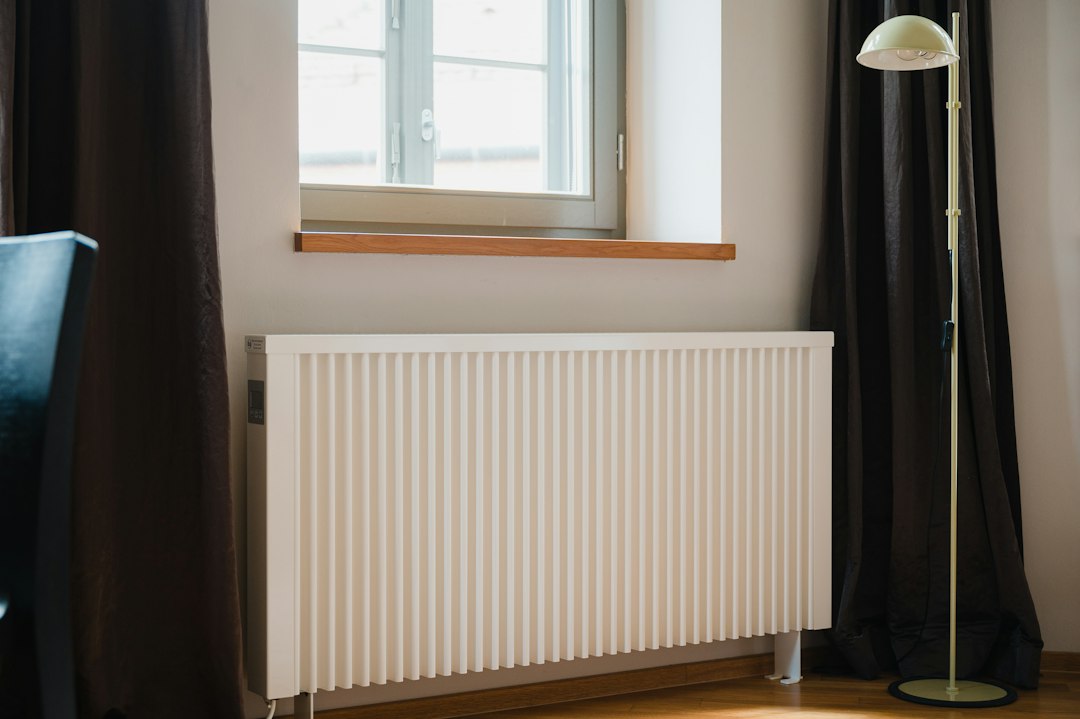
If the room already has a radiator or baseboard, use that before you buy a plug-in heater. It is not sharing a breaker with the computer. A lot of home offices do not have it. They have a closed door and a vent sized for a guest.
Two pieces on this site sit next to this problem and are not the same problem. The desk I built for the 4:45 sunset is lighting. A lamp will not warm your hands. Apple’s home gear has a ship date. The cold does not. Do not wait on a December thermostat to fix a November office.
Fifteen hundred watts is not a desk accessory
Here is the number that should be on a sticky note before you shop.
A typical bedroom circuit in a US house is 15 amps at 120 volts. Multiply those and you get 1,800 watts, which is the theoretical ceiling, not the number you should live on. Loads that run for three hours or more are treated as continuous. The working budget electricians use is 80 percent of the breaker rating. On a 15-amp circuit that is 1,440 watts. A heater labeled 1,500 watts is already over that budget before the computer wakes up.
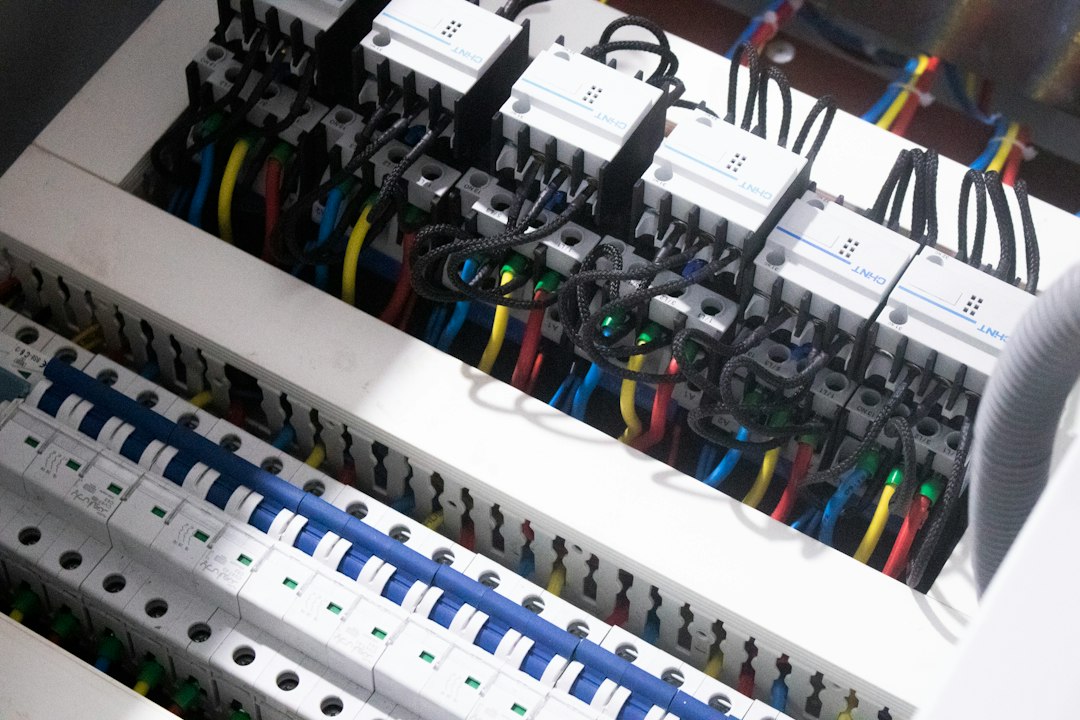
A 20-amp circuit is about 1,920 watts of continuous budget. A 1,500-watt heater plus a desktop under load is still a coin flip. A docked laptop is kinder, often under 200 watts with a monitor. The heater is still the thing that decides whether the call survives.
You do not need to open the panel. The breaker handle usually says 15 or 20. If you are not sure which one feeds the office, put a meter in the outlet and turn the usual gear on. I would rather spend a few dollars on a measurement than explain to a client why the video died.
The tool for that measurement is a plug-in watt meter. Search Kill A Watt style electricity monitors and put one in the outlet for a workday before you buy the heater. A second plug-in energy monitor is worth it if you want a number you can read without crawling behind the desk. Either one will tell you what the circuit is already carrying. The listing price moves. The amp rating on your breaker does not.
There is a second rule, and it is the one people skip because a power strip feels like infrastructure. A space heater goes into a wall receptacle. Not a strip. Not a surge protector. Not the extension cord you bought for Christmas lights. The Consumer Product Safety Commission has been blunt about this for years: heaters start fires when they are asked to run through undersized cords, covered by a throw, or left against curtains. Tip-over shutoff and overheat protection are the minimum, not a luxury trim. I wrote about what a spike does to a computer in the grid-blink piece, and about mystery bricks in the charger audit. A heater on the same strip as the PC is how those two articles become the same afternoon.
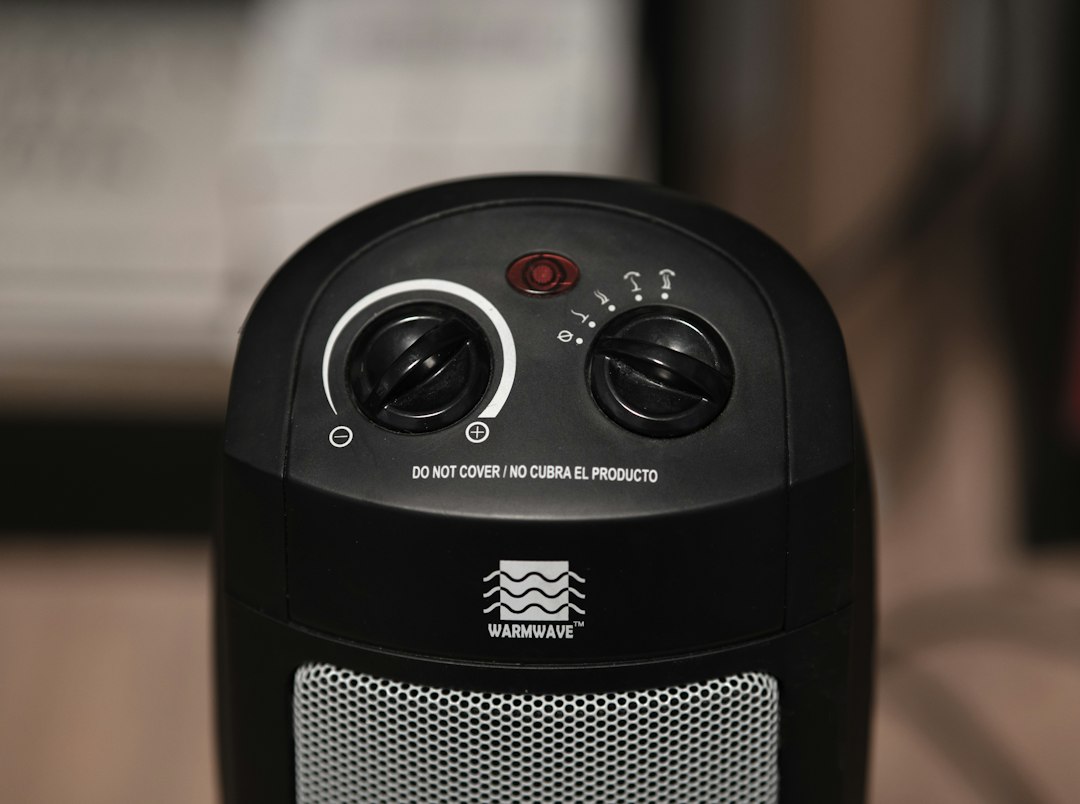
Read the sticker on the heater. If it says do not cover, believe it. A fleece thrown over the intake is not a cozy hack. It is how a small appliance becomes a headline.
A personal heater is still a circuit event
PCWorld put the Vornado MVH in its September 22, 2026 work-from-home guide. Three heat settings, an adjustable thermostat, tip-over protection, auto shutoff. Popular Mechanics has lived with the same family of heater in a bedroom office over a porch. The housing stays cool enough to move, the cord is six feet, and the warranty is five years. The annoying part is also documented: the dial runs from one to seven and does not mean a temperature, and there is no remote, so changing it means standing up. They saw a list around $75 and a sale near $60 in March 2026. That is not tonight’s price. Check the Vornado MVH listing before you decide it is the cheap option.
I will not invent a wattage those reviews did not print. If the nameplate says 1,500 watts, it is a circuit event, not a desk gadget. Floor, wall outlet, three feet from curtains and the cable nest, and only after the meter has shown you the rest of the budget.
The comparison Popular Mechanics used is useful as a warning label. The Lasko CW210 they stacked it against is a 1,500-watt tower, explicitly. It is a fine whole-room heater on a circuit that has the headroom. It is a bad first purchase for a spare-bedroom office that already runs a PC. If you want to see the class I am telling you to measure before you buy, the Lasko CW210 listing is the 1,500-watt object. Read the watts. Then decide whether your breaker is volunteering.
Heat the hand, not the room
Most of the misery at a winter desk is local. The room can be 66 degrees and still feel hostile if the mouse hand is 60. That is a different purchase than a heater, and it is the one I would make first.

A USB hood is not a room heater, and that is the compliment. A standard USB 2.0 high-power port is specified at 2.5 watts. Newer ports can negotiate more, and a wall-powered pad is a different product entirely, but a pad that lives on a laptop USB port cannot trip a 15-amp breaker. It also cannot warm the office. It can warm the hand that is on the mouse.
A late-September roundup of heated pads refused to invent wattage when sellers would not print it. I am stealing that standard. A fabric hood in the Wolvio class, roughly 14 by 10 inches, with claimed steps around 110, 130, and 145 degrees Fahrenheit and timers at two, four, or eight hours, warms one hand. The keyboard hand gets nothing. Wide mouse sweeps hate the hood. Start with USB heated mouse pads and read whether the one in front of you is bus-powered or hiding a wall wart.
The other shape is a full desk mat, often 31.5 by 13 inches, big enough for a keyboard and both forearms. Sellers advertise three to five heat levels and a four-hour shutoff. Several of the popular ones still do not print watts, even when the photo shows a North American plug. A four-hour timer is the feature I actually want, because a heated surface you forget about is how you find a warm laptop at 11 p.m. Browse heated desk pads sized for a keyboard and skip any listing that will not say how it is powered. Faux leather can also confuse an optical mouse. If the cursor stutters, test the mat cold before you blame the sensor.
There is a third shape, and it is where the watts come back. A folding hood with a 100-watt PTC heater, the Nauttxon class, blows warm air over an area about eight inches wide. Tip-over protection matters here because you have put a real heater on the desk. Mouse travel is restricted. A low monitor may hate the hood. It is the right buy if your hands are the whole problem and a 2-watt USB pad feels like a joke. It is the wrong buy if you wanted a room. 100-watt hand-warmer hoods belong in the wattage spreadsheet, not in the “it’s just USB” pile.
Feet are a hundred-watt problem
Cold feet are why people buy the 1,500-watt heater. They are also why that purchase is usually oversized. The floor of a closed office is the coldest surface you are in contact with, and a foot warmer in the 70 to 150 watt range fixes it without borrowing the breaker’s entire afternoon.

Socks first. I know that sounds like a parent. It is also the only recommendation in this piece with a measured wattage of zero and no shutoff timer to forget. If wool socks and a closed door get you through the morning, you do not have a heater problem. You have a draft.
If the socks lose, look under the desk, not at a tower heater. The long-running office classic is the Cozy Products Toasty Toes, a small radiant warmer meant to sit by your feet. I will not quote a single wattage for it, because the Amazon title argues with itself: one clause says 90 watts, another says 105. That is not a rounding error I am willing to launder into a recommendation. It is a reason to put the meter on it the day it arrives. Search the Toasty Toes foot warmer and then search the wider under-desk foot warmer category if you want a flannel pad with a two-hour shutoff instead of a radiant box. Either way, stay in the low hundreds of watts, keep it on the floor, and do not bury it under a backpack.
A foot warmer plus a USB hand pad is, on a bad day, maybe 120 watts. That is less than a gaming PC at idle on some of the machines I have on the bench. It is also the combination that lets you leave the hallway thermostat alone.
The blanket that does not ask the breaker
Heated blankets were already moving hard in the October 12 sales data, up sharply quarter over quarter. The instinct is right. The size is where people overbuy.

The Bedsure queen heated blanket, dual control, is the listing the team verified tonight. ASIN B0C4GWLJ56, sold by Bedsure Essentials. Prime member price was $89.99 against a regular price of $102.99, with delivery windows in the last week of October. That is a real blanket for a bed, with two controllers, which is more blanket than a desk needs and less of a circuit event than a space heater. I would buy it for the bed in that cold spare room, not drape a queen across a keyboard. The product page is the Bedsure queen heated blanket. Prices move. The size does not.
For the chair, you want a throw with an auto shutoff, not a bedding project. Three heat levels and a timer you can set to the length of the work block is the whole feature list that matters. A throw that stays on until you notice is how you cook a laptop that you set down on your lap. Look through heated throws with auto shutoff and read the controller, not the lifestyle photo. And never, not once, use that throw to cover the heater from the previous section. The sticker already told you.
The order I would actually plug in
If I were setting up the spare room this week, before the November 1 sunset moves up an hour, this is the sequence. It is boring on purpose.
- A plug-in meter on the office outlet for one workday, with the usual gear running. Write down the watts. Find out whether the breaker says 15 or 20.
- Wool socks and a closed door. Free. If that is enough, stop.
- A foot warmer you can measure, and a USB or clearly labeled low-watt pad for the mouse hand. Together they should land well under 200 watts.
- A heated throw with a timer for the chair, or the Bedsure queen if the bed in that room is the thing that is actually cold.
- A personal heater only after the meter says the circuit has the headroom, plugged into the wall, three feet from fabric, nameplate read, tip-over shutoff confirmed. The Vornado MVH is the one PCWorld and Popular Mechanics have already put in a home office. It is not magic, and it is not USB.
Skip the 1,500-watt tower until you have a circuit that is not also running the computer. Skip any heated mat that will not say how it is powered. Skip the urge to put the heater on the same strip as the dock because the wall outlet is “full.” Move the dock. The heater gets the receptacle.
Thirteen days is enough time to measure the circuit and order the hundred-watt stuff before you find out whether you needed the big heater at all. Most offices I sit in did not. They needed warmer feet, a timer, and a breaker with something left to give.
