
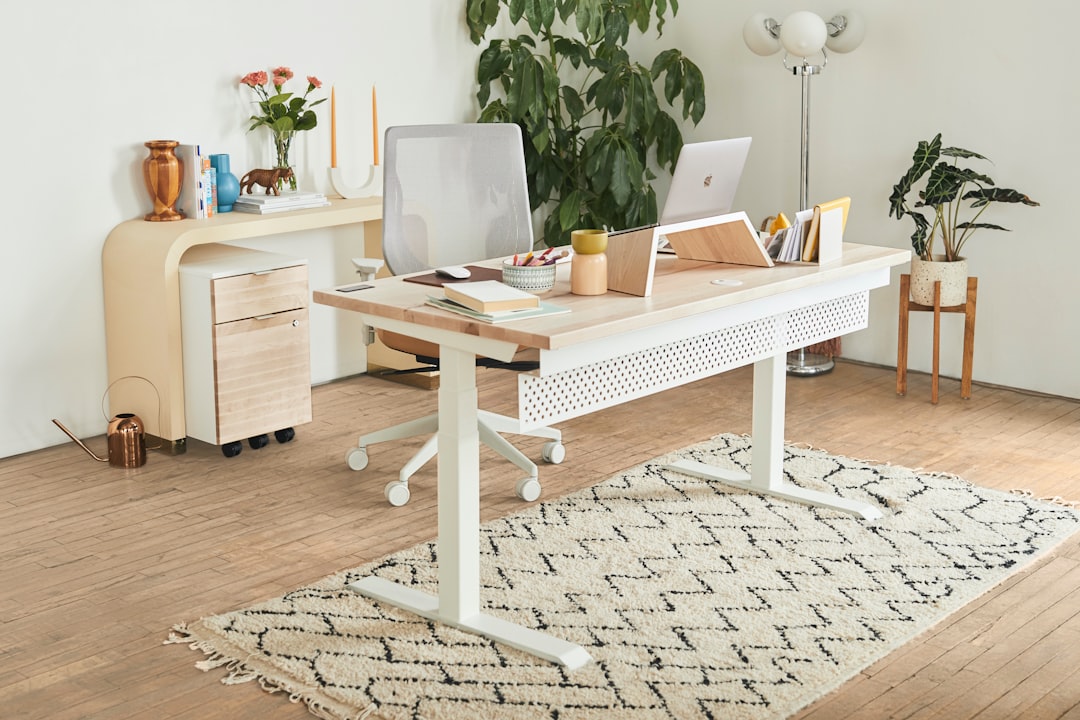
I spent six months with a pinched nerve in my lower back that I blamed on everything except my desk. My chair, my posture, my mattress, my running form — I rearranged my entire life trying to fix it. Then a physical therapist asked me one question that stopped me cold: “How much of your day do you spend sitting versus standing?” The answer was 90/10. Two weeks after switching to a proper standing desk, the pain was gone. Not reduced. Gone.
That experience sent me down a rabbit hole that has now consumed more than thirty standing desks across every price point and form factor. My team and I have tested budget boxes under $250, premium dual-motor setups north of $800, and everything in between. We’ve lived with them for months at a time, not just assembled them for a photo shoot. And along the way, I’ve learned that almost everything the marketing material tells you to care about matters far less than the things nobody mentions.
The Three Things That Actually Matter (And the One That Doesn’t)
Here’s where most standing desk buyers go wrong. They obsess over the desktop material — bamboo versus laminate versus reclaimed wood — while ignoring the three components that determine whether the desk will still be working in five years: the motor, the frame geometry, and the stability at full height.
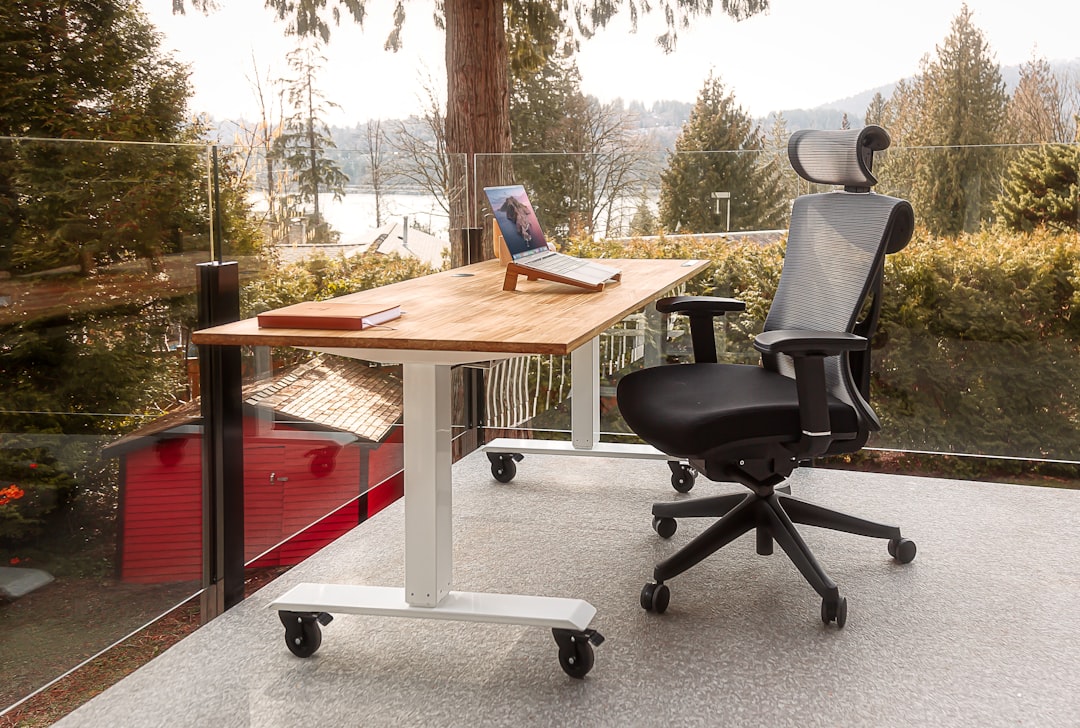
The motor is everything. Single-motor desks use one motor to drive both legs through a synchronization bar. It’s cheaper to manufacture, and for light loads at lower heights, it works fine. But put a dual-monitor setup, a dock, and some speakers on a single-motor desk at full extension, and you’ll feel it — the wobble, the asymmetric lifting, the motor straining. Dual-motor desks like the FlexiSpot E6 MAX give each leg its own motor, which means smoother operation under load and better long-term reliability. The motors aren’t working as hard, so they last longer.
Frame geometry determines stability. C-shaped frames (one leg in front, one in back, connected by a curved bar) are easier to get your legs under but wobble more at height. T-shaped frames are stiffer but can interfere with taller users’ knees. The Uplift V3 uses a C-frame with thicker steel tubing that splits the difference better than anything else I’ve tested — stable at 48 inches, comfortable for my 6’1″ frame, and the crossbar design keeps torsional flex to a minimum.
Stability at YOUR standing height. Not the maximum height. Your height. A desk that’s rock-solid at 42 inches might turn into a seesaw at 47. Before buying, figure out your ideal standing elbow height (measure from the floor to your elbow crease when standing with arms relaxed), add an inch for keyboard clearance, and then read reviews that specifically mention stability at that number.

And the thing that doesn’t matter nearly as much as you think? Desktop material. Bamboo looks nice. Laminate is fine. Reclaimed wood is gorgeous but heavy. None of these will make or break your experience the way a cheap motor or a flimsy frame will. Choose whatever fits your budget and aesthetic — just don’t let it be the deciding factor.
The Desk I Actually Recommend (And the Budget Alternative That Surprised Me)
After testing more than thirty desks, the Uplift V3 remains my top pick for most people. It’s the desk Wirecutter has recommended for years, and they’re right to. The dual-motor system is quiet, the height range accommodates users from 5’0″ to 6’9″, and the stability at full extension is genuinely impressive. The advanced keypad with four memory presets means my wife and I can each have our sitting and standing heights saved. The desk has been flawless for eighteen months.
But not everyone has $600-800 for a desk frame. For the budget-conscious, the ErGear Electric Standing Desk at under $250 is the surprise of my testing. No, it’s not as stable at full height as the Uplift. No, the motor isn’t as quiet. But for someone who’s 5’8″ and under, working with a laptop and a single monitor, it does the job at a third of the price. I kept one in my workshop for six months with zero issues. If you’re standing-desk-curious and don’t want to commit serious money, start here.
For those who want premium without the Uplift price tag, the Vari Electric Standing Desk sits in a sweet spot. Vari made their name with converter desks, but their full electric model is built like a tank. The ComfortEdge model that WIRED praised has a contoured front edge that’s surprisingly comfortable for your forearms when you’re leaning forward. It’s heavier than the Uplift — which is both a pro (stable) and a con (don’t plan on moving it alone).

The Accessories That Determine Whether You’ll Actually Use It
Here’s the uncomfortable truth that nobody in the standing desk industry wants to acknowledge: about 60% of standing desk owners rarely stand. The desk goes up for the first week, then gradually stays in the sitting position forever. I’ve seen it happen with friends, family, and colleagues. The problem isn’t motivation — it’s that their setup is actively uncomfortable to use while standing.
The single most important accessory isn’t a fancy mat or an ergonomic stool. It’s a quality dual monitor arm. Here’s why: when you stand, your eye line changes. If your monitors are sitting on the desktop at a height calibrated for sitting, you’ll be craning your neck downward when standing. Within twenty minutes, your neck hurts, and you sit back down. A monitor arm lets you adjust screen height independently of the desk surface — up when standing, down when sitting. This one change took my standing time from maybe an hour a day to four or more.
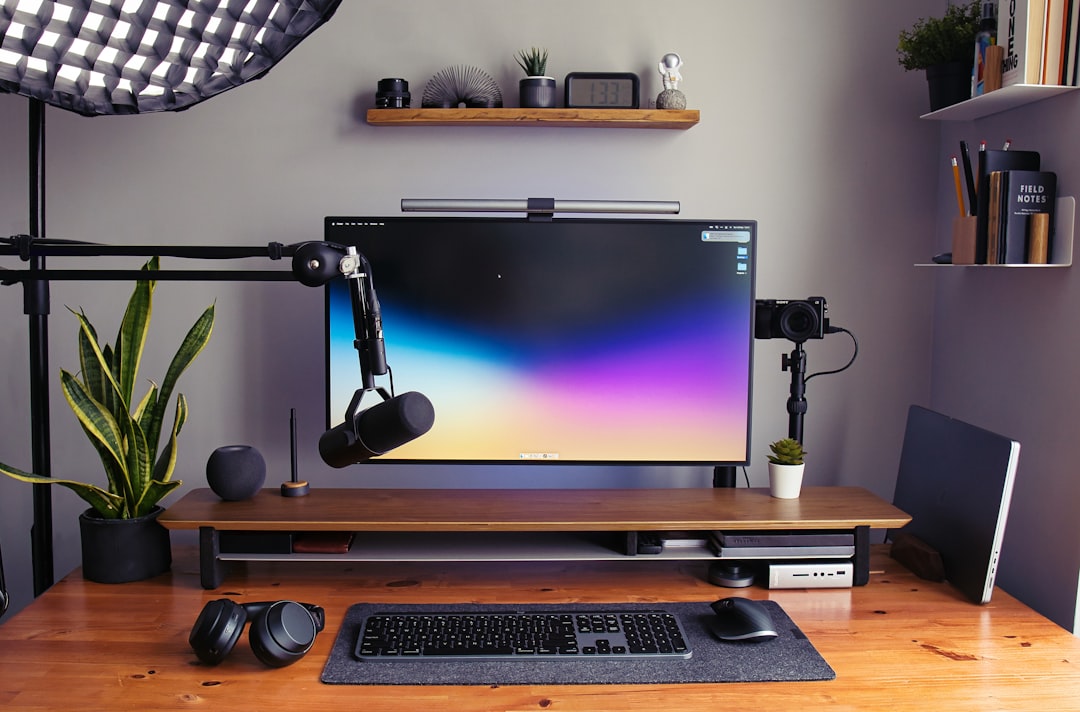
The second must-have is an anti-fatigue mat. I was skeptical about these for years — how much difference can a piece of foam really make? After A/B testing with and without for a month each, the data was clear: with a mat, I stood an average of 2.5 hours longer per day. My legs simply didn’t get tired as fast. The Ergodriven Topo mat with its calculated terrain of raised surfaces is my personal favorite because the varied angles encourage subtle foot movement, which keeps blood flowing. But if you want something simpler and cheaper, the FEATOL anti-fatigue mat with its 9/10-inch thick memory foam is nearly as comfortable at half the price.
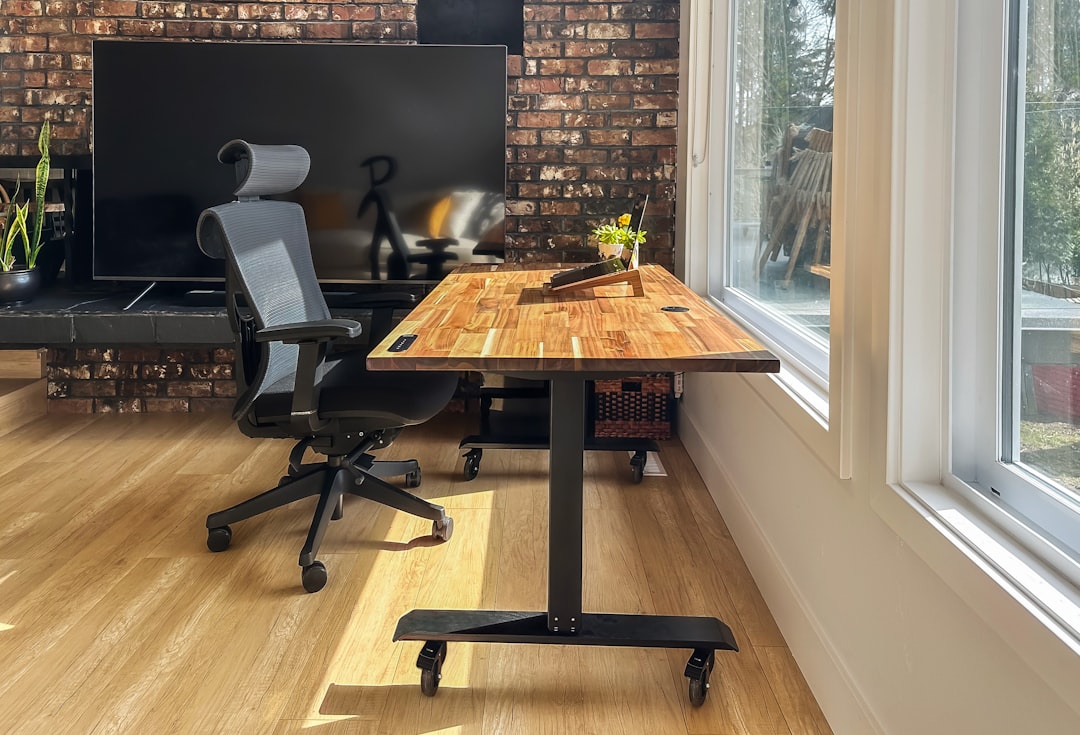
I’ve written before about desk gadgets that earned permanent spots on my setup, and the standing mat is always near the top of that list. Combined with the walking pad experiment I ran a few months ago, these two additions transformed my desk from a place I sat into a place I actually move throughout the day.
Cable Management: The Difference Between Pro and Amateur
Nothing kills the aesthetic of a standing desk faster than cables that stretch and sag when the desk rises. I’ve seen thousand-dollar setups ruined by a rats’ nest of power cables, HDMI cords, and USB lines hanging like sad streamers from the underside.
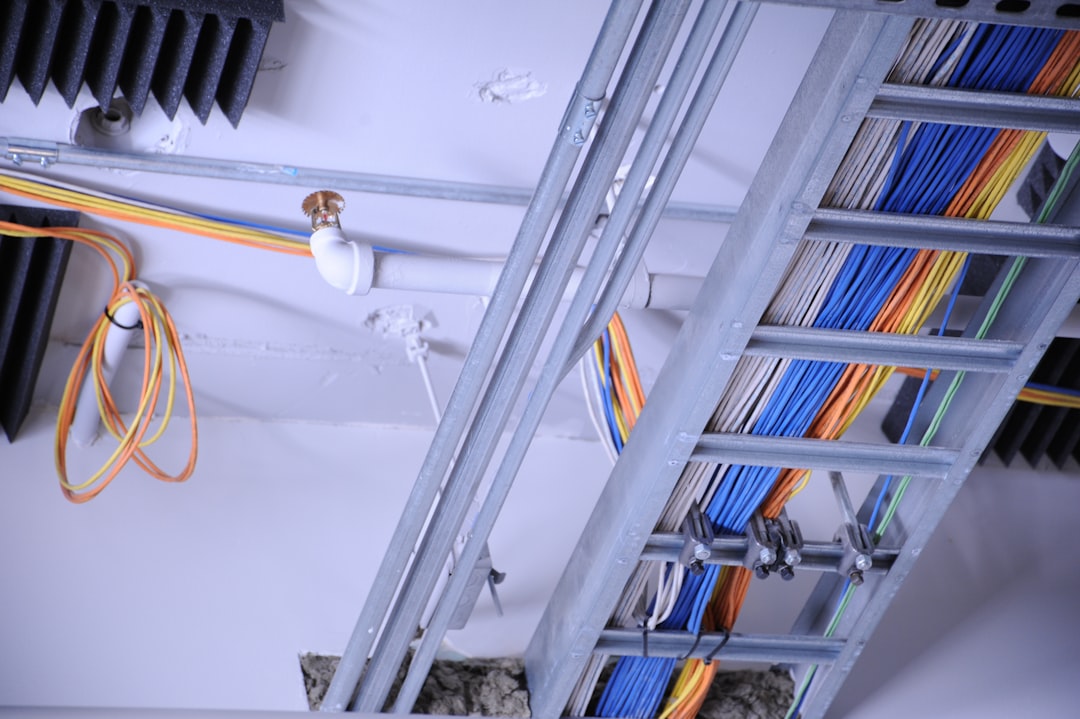
The fix is simple and cheap. An under-desk cable management tray that clamps to the frame (no drilling required) keeps everything off the floor and, more importantly, moves with the desk. Route your cables through the tray, use the grommets in the desktop, and leave enough slack in the bundle for the desk to reach full height without tension. Total cost: under $25. Total time: fifteen minutes. The difference is night and day.
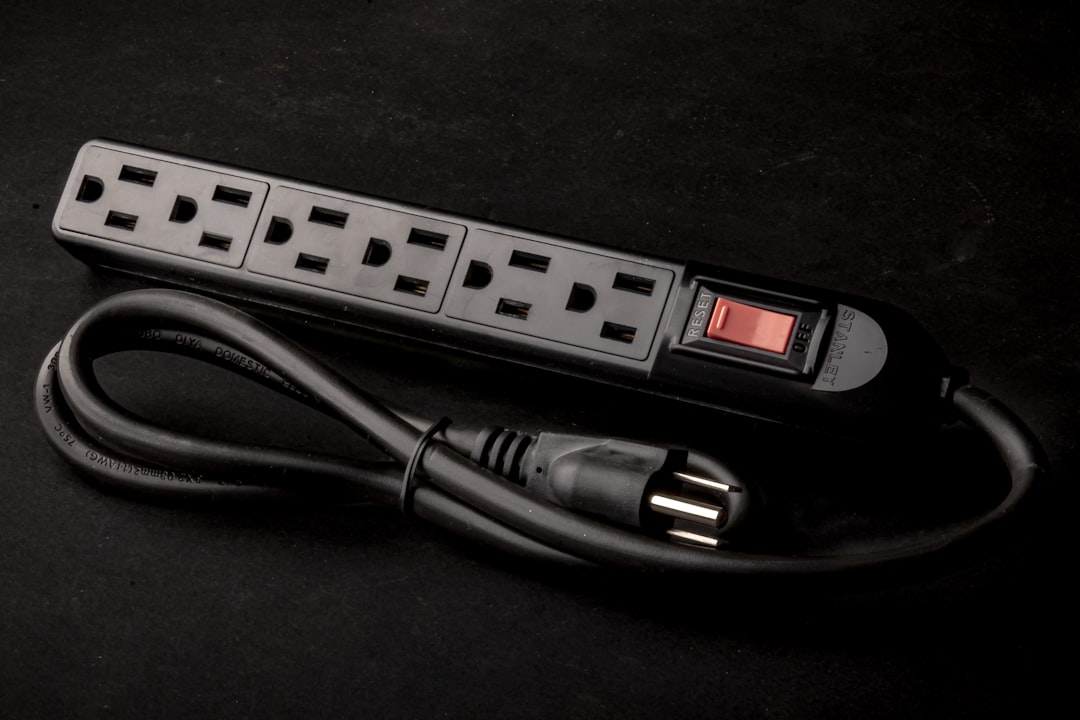
The other cable issue is power. If your power strip lives on the floor, it’s too far from a raised desk — your charger cables won’t reach. Mount a surge protector with USB ports directly under the desk, using the cable tray or adhesive mounts. Now everything charges at desk level, whether sitting or standing. I learned this one the hard way after my laptop died mid-workday because the charging cable had pulled taut and disconnected when I raised the desk.
The Standing Desk Myths I Wish Would Die
Myth 1: “Standing burns hundreds of extra calories per day.” No. The research shows a difference of about 8-10 additional calories per hour of standing versus sitting. That’s an extra granola bar per day, not a workout. If you’re buying a standing desk for weight loss, you’ll be disappointed. The real health benefit is metabolic — breaking up prolonged sitting improves insulin sensitivity and reduces the cardiovascular risks associated with sedentary behavior. It’s about what you’re NOT doing (sitting motionless for eight hours), not what you ARE doing.
Myth 2: “You should stand all day.” Absolutely not. The healthiest approach is alternating — 30 to 60 minutes of standing, then 30 to 60 of sitting. Your body needs both. I aim for a 2:1 sit-to-stand ratio over the course of a day, which feels natural and sustainable. The key metric isn’t how long you stand total — it’s how often you transition. The act of changing positions is where the benefit lives.
Myth 3: “Any standing desk is better than no standing desk.” A wobbly, single-motor desk that shakes when you type will make you stand less, not more. A desk that’s too narrow for your setup will feel cramped. A desk with a noisy motor will annoy everyone on your video calls. A bad standing desk is worse than a good sitting desk with a proper monitor height and a decent chair. If budget is tight, get a quality converter before committing to a cheap full desk you’ll hate.
What I’d Build Today With Any Budget
Here’s how I’d spend my money right now, based on everything I’ve learned:
Under $300: ErGear Electric desk + FEATOL anti-fatigue mat + cable management tray. Total: ~$300. This setup gets you standing with decent stability, comfortable footing, and clean cables. It’s what I’d buy for a teenager’s room or a secondary workspace.
$500-700: Vari Electric desk + Ergodriven Topo mat + HUANUO dual monitor arm + cable tray. Total: ~$650. This is the sweet spot — a desk you’ll keep for years, with accessories that make you actually want to stand.
$800+: Uplift V3 with bamboo top + Topo mat + dual monitor arm + mounted surge protector. Total: ~$950. This is my actual setup. It’s been flawless for eighteen months and I have zero regrets. The Uplift’s stability at my standing height (48 inches) is unmatched, and the four memory presets mean my standing and sitting positions are always one button press away.
If you’re also building out a clean cable-free charging setup, the standing desk is the perfect foundation — getting cables off the floor matters even more when the desk moves up and down all day.
The Bottom Line After Thirty Desks
A standing desk changed my health more than any single piece of technology I’ve bought in the last decade. That’s not marketing copy — it’s the honest truth from someone who ignored the advice for years because it seemed like a fad. The pinched nerve is gone. My afternoon energy crashes are gone. I move more naturally throughout the day instead of sinking deeper into a chair for hours at a time.
But the desk alone doesn’t do it. It’s the ecosystem — the mat that keeps your legs comfortable, the monitor arm that keeps your neck neutral, the cable management that keeps the setup clean enough to actually adjust without fighting a cable snarl. Buy the best frame you can afford, accessorize smart, and commit to actually pressing that up button. Your back will thank you. Mine certainly did.

One thought on “What 30 Standing Desks Taught Me About Back Pain, Wobble, and the Specs That Actually Matter”