
One laptop listing kept coming up in my feeds this week. It’s a 15.6-inch machine with a no-name brand, a big “AI” badge in the title, a year of Office 365, 12GB of memory, and a $329.99 price tag. It’s been climbing Amazon’s electronics charts fast enough that a few readers forwarded it to me with the same question: is this a good Christmas laptop for a kid heading to high school or college?
No, it isn’t. The reason takes about one sentence to explain and a whole article to fix. The chip inside most of these listings is an Intel Celeron J4105, which Intel launched in late 2017. The “AI” is an app. And $329 is real money that, this particular November, buys something much better if you know where to put it.
My team and I spent the week pulling spec sheets, reading the listings line by line, and comparing them with what Best Buy, Walmart, and Amazon are actually charging in their early Black Friday sales. Here’s what I’d buy instead, and why.
The Short Answer
If you have about $330 and someone to shop for, these are the machines and add-ons I would put in the cart instead of a no-name “AI laptop”:
- Best for most students: the Lenovo Chromebook Plus 14, which meets Google’s Chromebook Plus spec floor and has been hovering near $350 to $400 on sale.
- Most power for the money if you can find one: the ASUS Chromebook Plus CX34 with a Core i5, a laptop-class chip that leaves the J4105 behind.
- Bigger screen on a Chromebook: the Acer Chromebook Plus 515 for anyone who wants a 15.6-inch panel and a number pad.
- If it has to run Windows, new: the Acer Aspire Go 15 at the floor, or the Lenovo IdeaPad Slim 3 (Ryzen 5) if you can stretch a little.
- If it has to run Windows and you want it built like a tank: a Renewed Lenovo ThinkPad T480 or a Renewed Dell Latitude 5420.
- If the student mostly writes and reads: the Apple iPad 11-inch (A16), plus a keyboard you probably already have.
- The add-ons that make any of these better: Crucial 16GB DDR4 Laptop Memory for a renewed ThinkPad, a Logitech Pebble Mouse 2, and a tomtoc 360 Protective Laptop Sleeve.
One group can ignore all of this: if the student already has a laptop from the last three or four years that just feels slow, don’t replace it yet. Read the rest of this piece, then read my guide to reviving an old laptop with an SSD and more memory before you spend a dime.

What Is Actually Inside the $329 Box
The listings read almost word for word the same across a half dozen brand names: 15.6-inch 1080p IPS screen, Celeron J4105, 6GB or 12GB of DDR4, a 128GB or 256GB M.2 SSD, Wi-Fi 5, Bluetooth 4.2, a 7,000mAh battery, a 180-degree hinge, and a year of Office 365. Prices range from about $260 for the 6GB model to $330 for 12GB, and I saw one seller asking $450 for the smaller configuration. Review counts are tiny, often fewer than twenty, which tells you these listings are new even though the parts inside them are not.
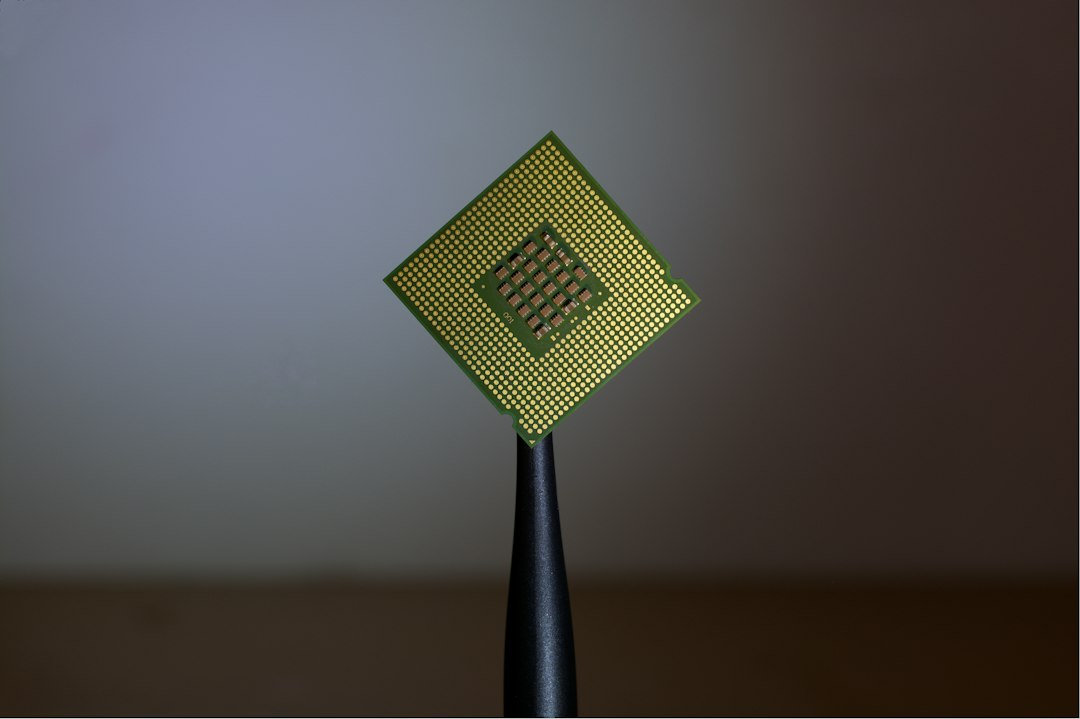
The J4105 is a four-core, four-thread, 10-watt chip from Intel’s Gemini Lake family. It runs at 1.5GHz and boosts to 2.5GHz. It was designed for budget laptops and mini PCs when Windows 10 was young. Intel’s own spec sheet lists 8GB as its supported maximum memory, so the 12GB in the headline is already more than the chip was built to handle. It has no neural processing unit, because nobody was putting NPUs in budget laptop chips in 2017.
None of that makes it a scam. It will boot Windows 11, open Google Docs, and play a YouTube video. But I lived with Gemini Lake machines back when they were new, and I remember the experience clearly. Twenty browser tabs, a video call, and a Windows update in the background is where they fall over, and that is a normal Tuesday for a high schooler.
The AI Badge, Decoded
“Built-in AI assistant” is the phrase that sells these machines, and it’s doing a lot of work. In every listing I read, the AI is a preinstalled app. It’s a chat window that hands your request to a cloud model over the internet, much like opening a chatbot in a browser tab, which you can do for free on any computer made in the last fifteen years.
Real on-device AI is a hardware requirement, not a software sticker. Microsoft’s Copilot+ PC label requires an NPU rated at 40 trillion operations per second or more, 16GB of memory, and 256GB of storage. The J4105 has zero TOPS of NPU. That’s not a knock on the price tier. It’s just a fact about what the chip can and can’t do, and a listing that leads with “AI” on a chip like this is counting on you not knowing that.
The other freebie, the year of Office 365, deserves a closer look too. It’s worth roughly a hundred dollars for one year, and then it either renews at full price or turns off. Most schools already give students free Microsoft 365 or Google Workspace accounts. Ask the school before you count that bundle as part of the value.
Why $329 Stretches Further This November
Here is the part that makes this year strange. Memory and flash prices have pushed most new laptops up, which I covered in my Black Friday laptop rules for the memory crunch. The budget tier is the exception. Chromebooks are getting the deepest cuts I have seen in a while, with some models at half their list price, while renewed business laptops are stacking up because offices kept refreshing their fleets ahead of the Windows 10 cutoff.
So the same $329 that buys a 2017 chip in a new shell can buy a 2023 or 2024 chip in a well-made one, or a business laptop that was built to survive five years of road warriors. That’s the whole argument. The rest is picking the right one for the person who’s going to use it.
The Chromebook Plus Floor Is the Real Spec Sheet
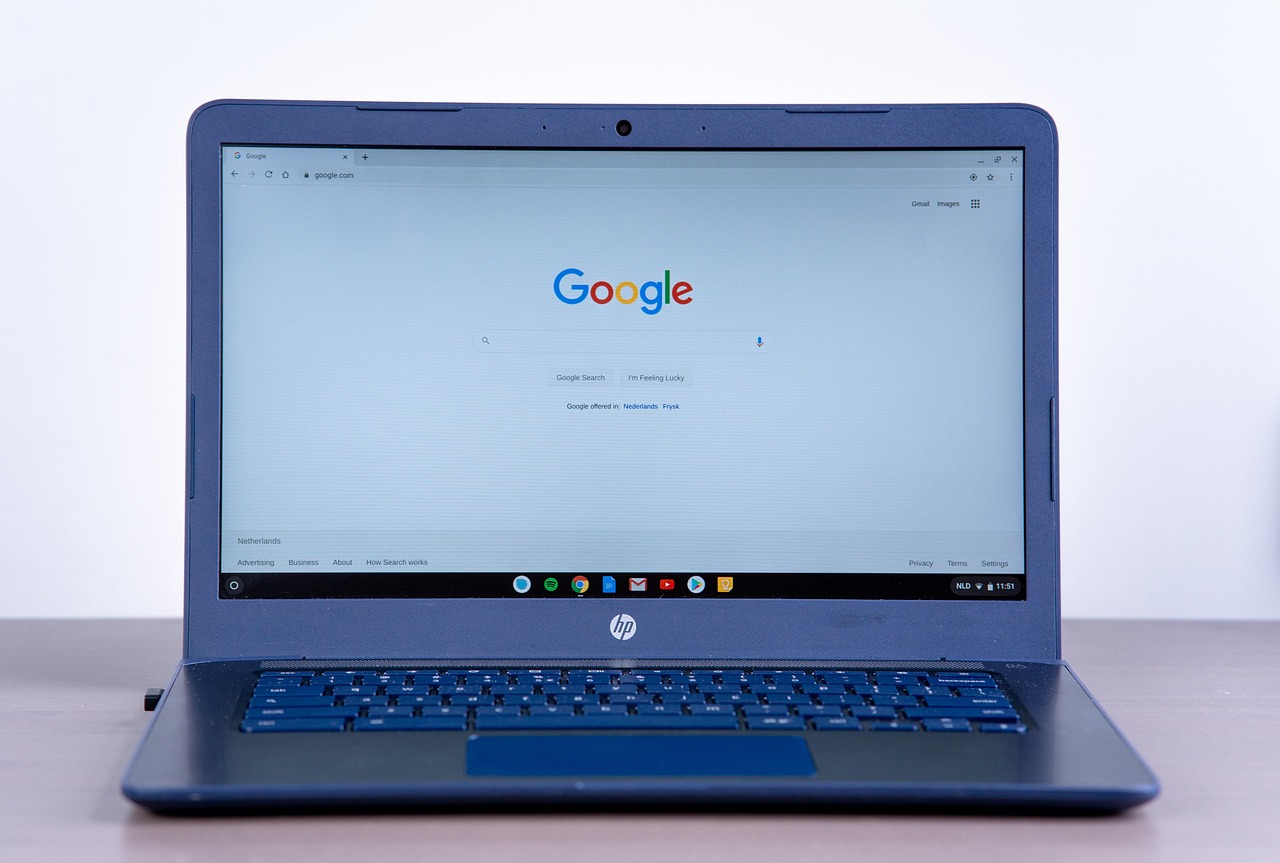
Most students live in a browser. Docs, Canvas, Google Classroom, email, a little Spotify. For that student, a Chromebook isn’t the compromise it was a decade ago, especially one wearing the Chromebook Plus label. Google won’t put that badge on a machine unless it has at least a modern Core i3 or Ryzen 3 class chip, 8GB of memory, 128GB of storage, a 1080p IPS screen, and a 1080p webcam. That floor alone clears every single spec the no-name listings brag about, except the memory number on the 12GB models, and ChromeOS needs a lot less memory than Windows to feel quick.
My pick for most families is the Lenovo Chromebook Plus 14. The Core 3 N355 is an eight-core chip from the current generation, and the 14-inch, 1920 by 1200 screen is taller than the usual 16:9, which helps with long documents. I’ve seen it listed at $399 against a $629 sticker in the early sales, and the 15.3-inch sibling has dipped to $349.
If you spot the ASUS Chromebook Plus CX34 with the Core i5 inside, grab it. That’s a genuine laptop processor with ten cores, and it makes a J4105 look like a pocket calculator. Open-box units at Best Buy have gone for around $260 recently, which is less than the cheapest no-name listing. For a student who wants a bigger screen and a number pad for spreadsheets, the Acer Chromebook Plus 515 is the 15.6-inch option I’d look at first.
One thing to check before you buy any Chromebook: the automatic update expiration date. Google publishes it for every model, and newer machines get roughly ten years of updates from launch. A Chromebook Plus from the past year or two will outlast the student’s degree. Old stock that launched years ago may not, so look up the exact model before you pay.

When the Assignment Says Windows
Some students can’t go Chromebook. Engineering programs want specific desktop software, some high schools run Windows-only testing apps, and plenty of kids want to play a few PC games between assignments. For them, I’d still skip the J4105 and look at one of two paths.
The first is a new budget Windows laptop with a current chip. The Acer Aspire Go 15 is the floor I’d accept. Its eight-core i3-N305 is the same generation as the chips in the better Chromebooks, and it often sells for about the same price as the no-name listings. If you can stretch past $350, the Lenovo IdeaPad Slim 3 (Ryzen 5) with a Ryzen 5 and a 512GB drive is the one I’d rather live with for four years. Check the memory before you buy, though. On many budget Windows models it’s soldered to the board, so 8GB is a ceiling, not a starting point.
Whichever you buy, keep it updated. Windows 11 moves through feature versions on a schedule, and I wrote up how to move off 24H2 cleanly if the new laptop ships on an older build.
The Off-Lease Laptop Nobody Puts in an Ad
The second Windows path is the one I’d take for myself. Business laptops come off three- and four-year corporate leases by the truckload, and refurbishers clean them, swap batteries when needed, and sell them with a warranty through Amazon Renewed. They were built with metal hinges, spill-resistant keyboards, and parts that you can actually replace, because IT departments demanded it.
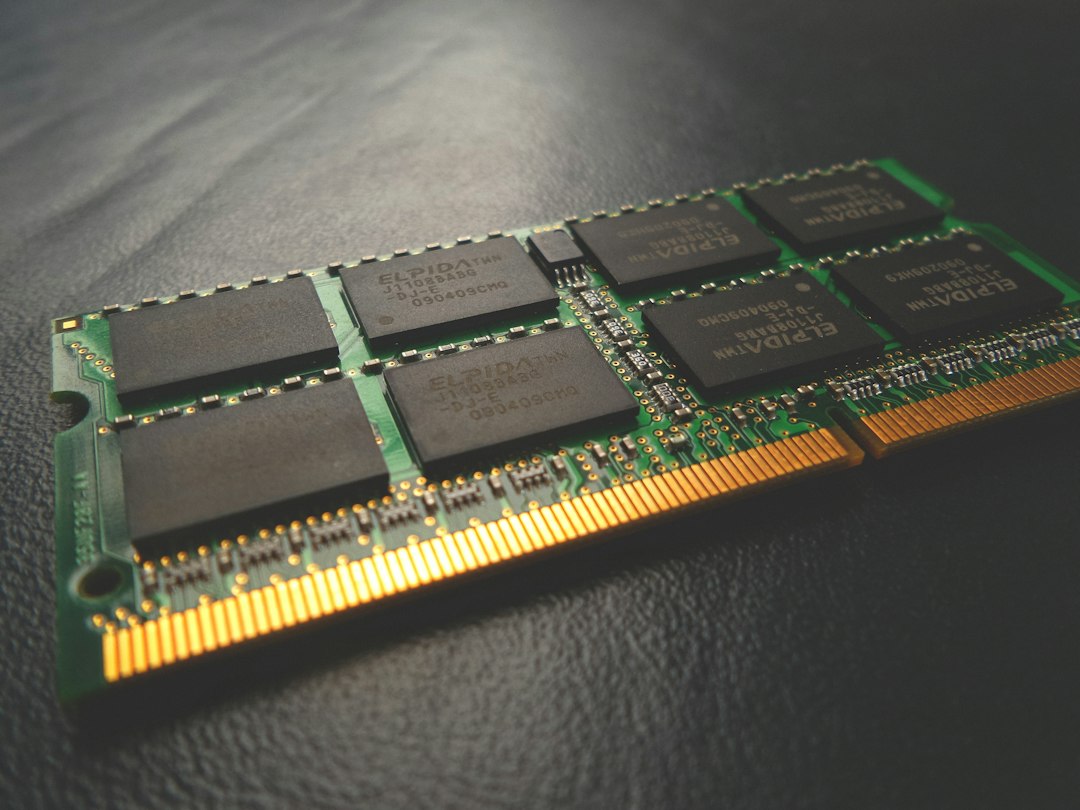
A Renewed Lenovo ThinkPad T480 with an eighth-generation Core i5 is my favorite example. It’s officially supported by Windows 11, it has one of the best keyboards ever put in a laptop, and many units have a hot-swappable rear battery. The memory is in standard SODIMM slots, so if you find one with 8GB, a Crucial 16GB DDR4 Laptop Memory stick is a ten-minute upgrade with a small screwdriver. The Renewed Dell Latitude 5420 is the newer alternative, with an eleventh-generation chip and a crisper 1080p screen option.
Renewed isn’t risk-free. Read the seller’s warranty terms, check the battery health in the first week, and make sure the listing says which screen you’re getting, because some business laptops shipped with dim panels. My team flags any listing that won’t state the exact CPU and screen resolution, and I’d suggest you do the same.
The Tablet Option for Writers and Readers
There’s a type of student who mostly reads PDFs, writes essays, and takes notes in class, and for that student I’d consider a tablet. The Apple iPad 11-inch (A16) lists at $349 and has been closer to $300 in early sales. The A16 chip is far more capable than anything in the no-name laptop tier, the battery lasts all day, and it’ll get software updates for years.
It isn’t a laptop replacement for every class, and a keyboard case adds real cost. Many families already own a Bluetooth keyboard that works fine on a dorm desk, though. If the student is younger and you’re also thinking about screen time, my piece on the stack that gets a kid’s tablet put down covers the parental-control side.
Spend the Leftover Twenty Dollars Here
If you go the open-box Chromebook or renewed ThinkPad route, you’ll likely land under $330 with a little left over. Two small add-ons do more for daily comfort than any spec bump.
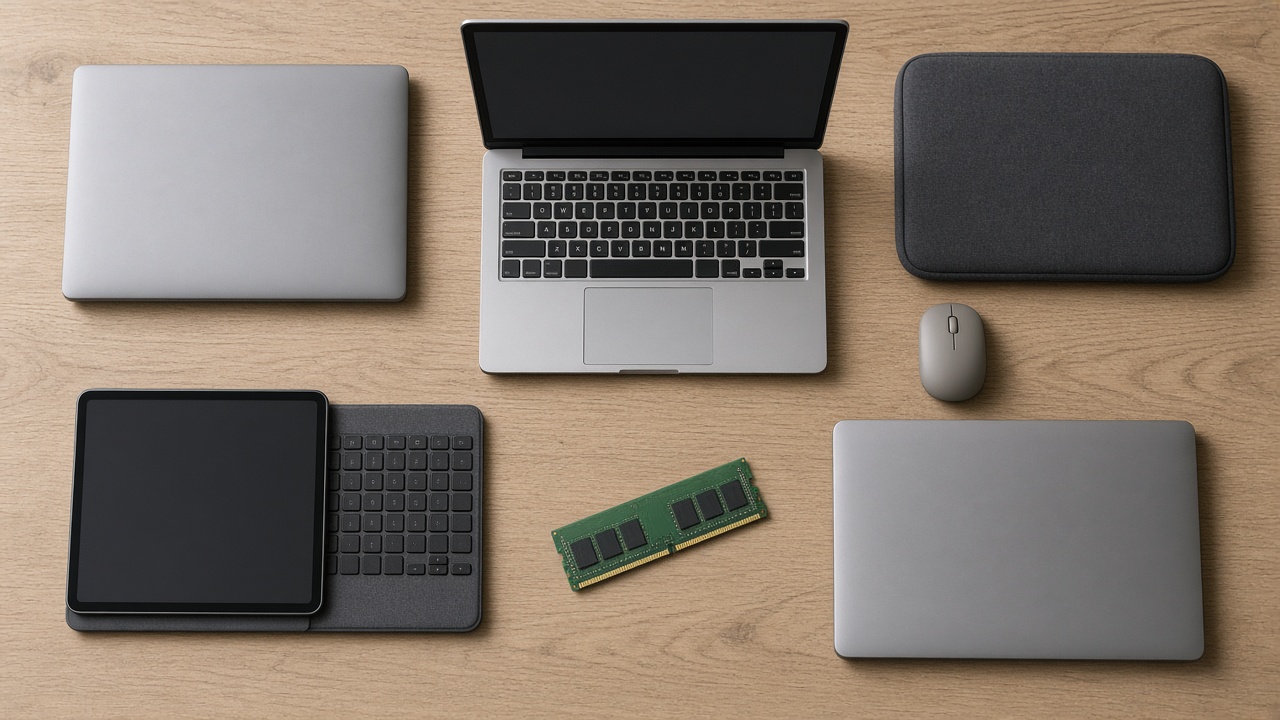
A real mouse is the first. Trackpads on budget machines are where the cost cutting shows, and the Logitech Pebble Mouse 2 is quiet enough for a library, pairs with three devices, and runs on a single AA battery for a very long time. The second is a padded sleeve. Backpacks are where student laptops go to die, and the tomtoc 360 Protective Laptop Sleeve has corner padding that has saved more than one machine in my house from a drop on the stairs.
Five Questions to Ask Any Cheap Laptop Listing
You won’t always be shopping from my list, so here’s the quick checklist my team uses on any sub-$400 laptop:
- What year is the processor from? Search the exact chip name plus “launch date.” If it’s older than about 2021, keep scrolling.
- Does “AI” mean hardware or an app? Look for an NPU with a TOPS rating. No number means it’s an app.
- Is the memory soldered or upgradeable? Soldered 8GB is fine on a Chromebook and tight on Windows.
- Who is the seller, and what is the warranty? A brand you can’t find outside Amazon is a brand you can’t call in March.
- What happens when the bundled subscription ends? If the value depends on a one-year trial, subtract it.

My Pick by Student
If I were writing the gift tag myself, this is how I’d match the machine to the kid:
- The middle or high schooler who lives in Google Classroom: the Lenovo Chromebook Plus 14.
- The college freshman with a lot of tabs open: the ASUS Chromebook Plus CX34, or the Lenovo IdeaPad Slim 3 (Ryzen 5) if the major needs Windows.
- The engineering or business student who’s rough on gear: the Renewed Lenovo ThinkPad T480 with a sleeve.
- The writer, reader, and note-taker: the Apple iPad 11-inch (A16).

The Badge Is Not the Brain
The no-name AI laptop is climbing the charts because it reads well. It has big numbers in the title, a buzzword everyone is curious about, a free year of Office, and a price that looks like a deal next to this year’s laptop sticker shock. What it doesn’t have is a processor from this decade, and that’s the part the student feels every single day.
Black Friday is November 27, and Chromebook prices are already near the bottom. If you find one of the machines above at the price you want, buy it now, put it under the tree, and let the AI badges keep fighting over the bestseller list without your money.