
The OLED iPad mini ships Friday, November 6, and my inbox already has the question it brings every time Apple changes the screen on a small device: “Is this the one I finally upgrade to?” Fair question. It is also the wrong one. The better question is what you are upgrading from, because a mini 6 owner, someone with last year’s A17 Pro mini, and someone who has never owned an iPad are three different people with three different right answers.
The headline facts are simple. Apple announced the new mini on October 26 and opened preorders on October 28. It starts at $699 for 128GB of storage, which is $100 more than the A17 Pro model cost after its June price bump, and $200 more than that model’s original launch price. For the money you get an 8.5-inch OLED panel, an A20 Pro chip, IP67 water resistance (a first for any iPad), and a body that is 5.4mm thin and weighs 255 grams in Wi-Fi trim. The 256GB model is $799, the 512GB model is $999, and cellular adds $150 to any of them.
My team and I spent the past week going through Apple’s spec sheets, the first wave of reviews, and the current prices on the older model. We also ran the numbers on the accessories you would need to replace. Here is the short version, then the reasoning, so you can adjust it for your own situation.
Buy, Wait, or Skip: The One-Minute Version
If you only read one section, read this one. These are the purchases I would actually make this month, depending on where you are starting.
- No iPad mini yet and you want the best small tablet: buy the Apple iPad mini (OLED, A20 Pro, 128GB). The 128GB base model is the sweet spot unless you shoot a lot of video.
- No iPad mini yet and the budget is firm: grab the Apple iPad mini (A17 Pro, 128GB) while new stock is still floating around the $570 mark at third-party stores. It is the better value by a wide margin.
- The pencil worth pairing with either one: the Apple Pencil Pro, which works with both the A17 Pro mini and the new OLED model.
- A case before it leaves the box: a slim folio like the ESR Folio Case for iPad mini (8.5-inch, 2026). Check that the listing says 8.5-inch or 2026, because the new body is a different size.
- A faster charger: the Anker Nano 30W USB-C Charger, small enough to live in a bag permanently.
- For people who type on the road: the Logitech Keys-To-Go 2 Portable Keyboard, which folds flat and pairs over Bluetooth.
If you own a mini 7 with the A17 Pro chip and you are happy with it, skip this generation. Your tablet is barely two years old and it is not slow. I will explain below why I think the OLED panel alone does not justify spending another $700.

What Actually Changed This Time
Apple tends to call every upgrade “the biggest ever.” This one comes closer than most. Four changes matter, and one big feature is missing.
The screen. The panel grows from 8.3 inches to 8.5 inches and switches from LCD to OLED. Resolution is 2316 by 1512 at the same 326 pixels per inch. Apple rates it at 600 nits for standard content and 1,200 nits peak for HDR, with a contrast ratio of two million to one and a minimum brightness of 1 nit. That last figure is the one bedtime readers will care about most. It is a single-layer OLED, not the tandem stack in the iPad Pro, so do not expect Pro-level brightness in direct sun.
The chip. The A20 Pro comes in two versions, and storage decides which you get. The 128GB and 256GB models have a 5-core CPU and a 16-core Neural Engine. The 512GB model adds a sixth CPU core and doubles the Neural Engine. Every model gets a 7-core GPU with hardware ray tracing. In plain terms, the cheaper versions are plenty fast for reading, notes, video, and games. The top model is for people doing heavy on-device AI work or editing video on a screen the size of a paperback, and that is a small group.
Water resistance. The IP67 rating means it can survive 30 minutes under a meter of water. That makes this the first iPad you can read in the bath without a zip-top bag and a prayer.
Radios and charging. Apple’s N1 chip adds Wi-Fi 7, Bluetooth 6, and Thread, and cellular models use Apple’s C2 modem. The port is still USB-C, and the box includes a 20W adapter and a one-meter cable. This mini also gets Apple’s fast charging, which earlier minis did not have.
What did not change: the refresh rate. The screen is still 60Hz, with no ProMotion. Scrolling looks the same as it does on the mini you already own. After the jump to OLED, I expected Apple to finally fix this, and I was wrong. You still unlock with Touch ID in the top button, not Face ID. You still get 12-megapixel cameras front and back, with the front camera on the long edge so video calls work in landscape.
The Screen Is the Whole Story, So Let Us Be Honest About It
Every review I have read says roughly the same thing. TechRadar called the OLED panel a world of difference. Engadget and Macworld were both clearly impressed. The Verge loved the tablet but complained about the price, and its review unit was a fully loaded configuration north of $1,200, which is a lot to pay for something that fits in a coat pocket.
I agree with all of them, and I would add a practical point. OLED’s real advantage on a small tablet is not punchier colors. It is true black. When the background of a book app or a dark-mode document is actually off instead of dimly glowing, eye strain in a dark room drops noticeably, and the mini becomes a believable nighttime reader. Pair true black with a 1-nit minimum and you can read next to a sleeping partner without lighting up the room.
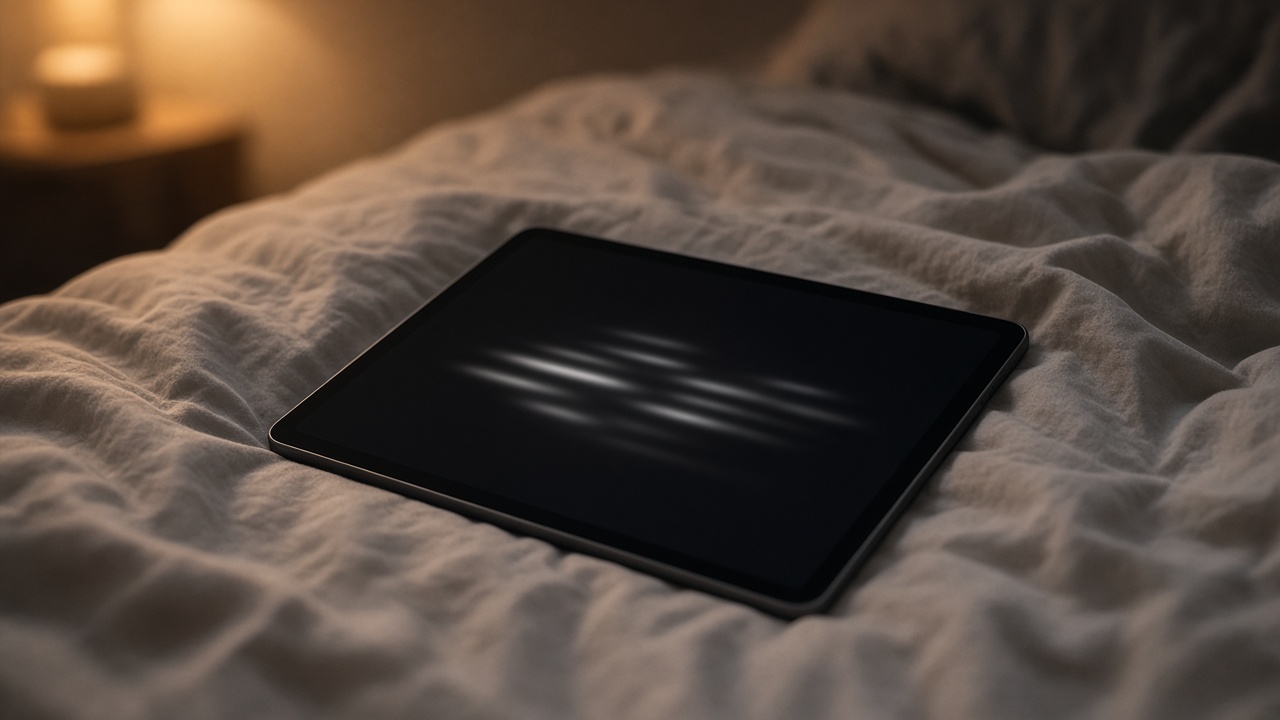
The catch: 60Hz is more noticeable on a beautiful screen than on a mediocre one. Fast scrolling on a web page shows a little blur that the OLED’s sharpness makes harder to ignore. Most people will stop noticing within a week. If you came from a 120Hz phone and that kind of thing bothers you, you have been warned.
There is also a question of what you would be giving up. If the screen is mainly for books, a dedicated e-reader is still easier on the eyes for long sessions, it lasts weeks instead of hours, and it costs far less. A Kindle Paperwhite beats any tablet for straight novel reading. I covered the newest lineup in my look at the new Kindles. Buy the mini for comics, magazines, PDFs with diagrams, and the rest of what a tablet does, not only to replace an e-reader.
If You Own an iPad mini 6 (2021)
This is the easiest call. Buy. You are five years and five chip generations behind. You also get a much better screen, water resistance, Wi-Fi 7, and fast charging. The mini 6 was a great tablet, but its LCD has always had that faint “jelly scroll” on the left edge, and its battery has probably lost a good chunk of its capacity by now.
One expense to plan for: the mini 6 used the second-generation Apple Pencil, and the new mini does not support it. You will need either the Pencil Pro or the cheaper Apple Pencil (USB-C). The USB-C model skips pressure sensitivity, so pick it only if you mainly take notes and mark up documents rather than draw. Your old case will not fit either, because the body changed size. Budget roughly $150 to $200 for accessories on top of the tablet.
Your trade-in value is modest. Selling privately usually gets you more than Apple’s trade-in offer, especially in the weeks before the holidays when used-tablet demand goes up.

If You Own the A17 Pro iPad mini (2024)
Skip, unless the screen is the whole reason you bought a mini. I know this is not the exciting answer. Your tablet already supports the Pencil Pro, already runs Apple Intelligence, and has a chip that is not holding you back in any app I can think of. The biggest gains are OLED and IP67. They are real, but they are not $700 real for most people.
There are two exceptions. If you mostly read at night and your current screen bothers you, the OLED panel is a meaningful upgrade to your daily routine. And if your mini lives in the kitchen, at the pool, or in the bathroom, water resistance is real insurance. Otherwise, wait for the next model, when Apple might finally add the higher refresh rate.
If you upgrade anyway, the A17 Pro model holds its value well. Apple sells refurbished units starting at $509 for 128GB, which tells you roughly what a clean used one is worth.
If You Have Never Owned an iPad mini
This is where the math gets interesting. The A17 Pro model is gone from Apple’s own store, but new units are still on shelves elsewhere. On Monday I saw them at about $570 at Amazon and Target. Apple’s refurbished store has them from $509. That is $130 to $190 less than the new model, and it is still an excellent small tablet.
Here is how I would decide. Buy the OLED model if you will read in bed every night, use the tablet near water, or keep it four or five years and want the longest software support. Buy the A17 Pro model if the mini is a commuter, travel, or kitchen-counter screen that mostly plays video and shows recipes, or if it is for a kid. On that last point, the advice in my kids’ tablet setup guide applies to either model: the setup matters more than the hardware.

The Decision Table
Same advice, one screen:
| You own | My call | Why |
|---|---|---|
| iPad mini 5 or older | Buy | Everything is better, including the pencil and the port |
| iPad mini 6 (2021) | Buy | Big screen and chip jump, plus water resistance. Budget for a new pencil and case |
| iPad mini A17 Pro (2024) | Skip (mostly) | Upgrade only for night reading or for use around water |
| No mini, want the best | Buy the OLED model, 128GB | Best small screen Apple has made, and the longest runway |
| No mini, budget first | Buy the A17 Pro model | $130 to $190 cheaper, and still fast |
| Phone is already your tablet | Wait | See if a bigger phone covers it first |
About that last row: if you already carry a big foldable or one of the new large-screen phones, test whether it already handles everything you would use a mini for. I worked through that question for one device in my iPhone Duo workday piece, and the answer was “more often than you would think.”
Which Configuration, and What Not to Pay For
Get 128GB unless you download a lot of offline video or keep large creative projects on the device. If you do, 256GB is the honest step up. The 512GB model’s extra CPU core and doubled Neural Engine are nice, but $300 over the base model is a lot for a tablet this size.
Nano-texture glass is available only on the 256GB and 512GB models. It cuts glare well outdoors, but it slightly softens the deep blacks that make OLED worth buying in the first place. For a tablet you mostly use indoors and at night, I would leave it off. A good removable matte film, such as a Paperlike Matte Screen Protector for iPad mini (8.5-inch), gets you most of the writing-feel benefit, and you can peel it off when you want the glossy look back. Check that any film you buy is listed for the 2026 model.
Cellular costs $150 more, plus a monthly plan. For most people, tethering to a phone is enough. Frequent travelers who navigate with a mini in a rental car are the exception, and if that is you, hold onto my colleague’s holiday flight booking playbook too, because the cheap seats are going this week.
As for colors, it comes in midnight and starlight. Starlight hides fingerprints better. Midnight looks better with the screen off, which, with OLED, is how the black parts of the screen look anyway.
Water Resistance, Without the Marketing Gloss
IP67 is a lab rating for fresh water: up to a meter for 30 minutes. It does not cover pool chlorine, salt water, soap, or hot steam, and Apple’s warranty does not cover liquid damage. So treat it like the rating on your phone. A spill on the kitchen counter, rain on a hike, or the tablet sliding off the bath ledge are now problems you can survive, not invitations to test the limits.
Also remember that the port has to be dry before you charge. If the tablet gets wet, give it some time before plugging in. That is the most common way people damage “waterproof” devices.
Charging and Power: What to Buy
The 20W adapter in the box works fine. To get full fast-charging speed and still have a charger you can share with a laptop, a compact 30W USB-C GaN brick like the Anker Nano from the list above is my pick. Pair it with a sturdy cable that will outlast the thin one in the box, such as the Anker Braided USB-C to USB-C Cable (6 ft). The longer length makes a real difference when the outlet is behind the nightstand.
After taking apart a pile of mystery bricks in my charger audit, I will repeat the rule I always give: buy chargers from a brand you can name, and never from a listing with no brand at all.
For long travel days, a slim Anker Nano Power Bank (10,000mAh) will refill the mini roughly once and still have something left for your phone. Apple rates the battery at about 10 hours of video or web use. In practice, OLED helps in dark mode and works against you with bright white pages, so your results will depend on what you read.
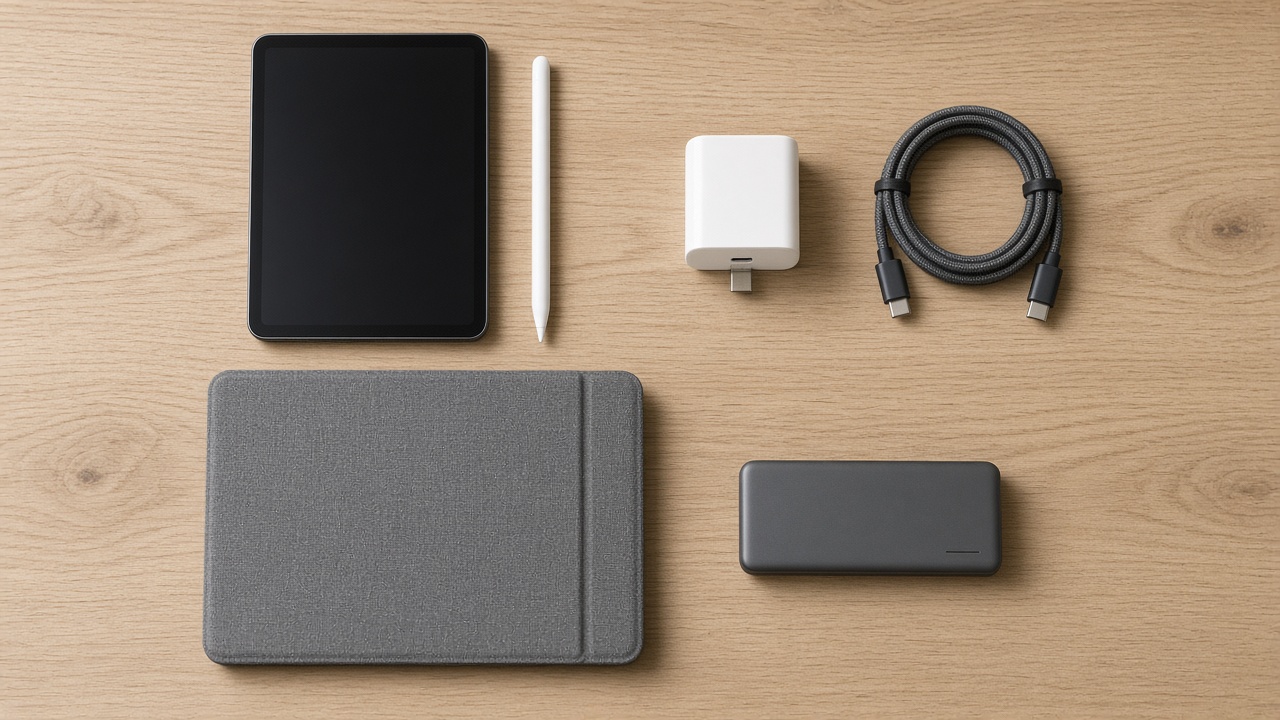
The Accessories You Will Actually Use
A short checklist, in the order I would buy:
- A case, the same day. The thinner body is easier to drop, and screen repairs on an OLED panel are not cheap.
- A pencil, if you write or draw. Pro for art, USB-C for notes.
- A faster charger and a longer cable for the nightstand.
- A folding keyboard, only if you actually type long emails. Most people do not, and that is fine.
If you are still on the fence about whether you even need a pencil, a month with paper tablets taught me which habits stick. My e-ink notebook test from June covers that in more detail than you probably want. Short version: if you do not already take handwritten notes, a stylus will not make you start.

Should You Wait for Black Friday?
For the new model, probably not much. Apple rarely discounts a tablet that is three weeks old, and retailer deals in the first month usually show up as gift cards, not price cuts. Best Buy is already giving a $50 gift card on preorders, which is a decent sweetener if you shop there anyway. You may see $20 to $50 off at Amazon by Black Friday on November 27, but I would not count on more than that.
For the A17 Pro model, the opposite is true. Stores are clearing old stock, and a deeper discount around Thanksgiving is very plausible. If the older model is your pick, set a price alert and wait three weeks.
My Bottom Line
The OLED iPad mini is the small tablet Apple should have made years ago: a screen with true blacks, a body that shrugs off water, and enough performance to last half a decade. I just wish it cost $599 and had a 120Hz screen. It does neither, so who should buy it depends on what you have now.
If you have a mini 6 or older, or no mini at all, buy the 128GB OLED iPad mini and do not lose sleep over it. If you have the A17 Pro model, keep your money unless the night screen or water resistance genuinely changes your day. Either way, buy the case first.
Tech should work for you, not the other way around, and this one finally does in the dark.