
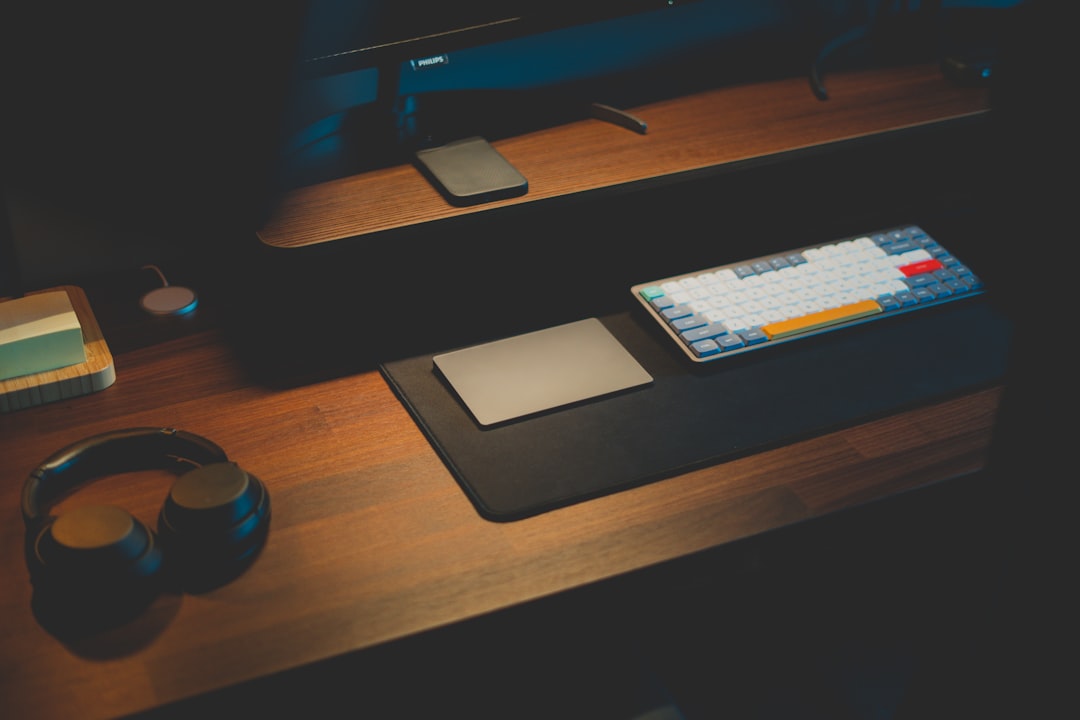
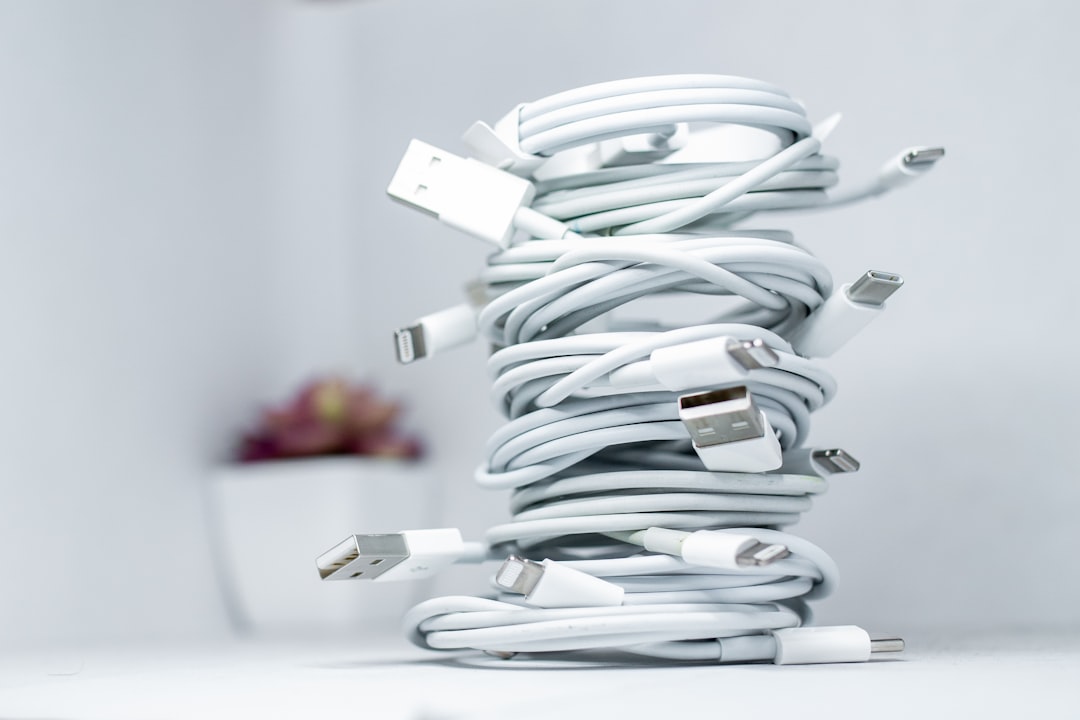
I counted them last Tuesday. Seven separate cables snaking across my desk like ivy crawling up a brick wall — two USB-C for the phones, one Lightning for the AirPods case, one Apple Watch puck buried under a stack of mail, a micro-USB for a portable speaker I keep meaning to retire, and two more trailing from the wall to my laptop dock. That’s seven opportunities for something to go wrong every single time I sit down to work.
The annoying part? I’m supposed to be the person who has this figured out. Twenty-five years testing hardware, and my desk looked like a server rack after an earthquake.
So when Qi2 started showing up in every product briefing I sat through this spring, I paid attention. Not because wireless charging was new — I’ve watched it stumble through half a decade of slow, finicky, “is it aligned right?” mediocrity — but because Qi2 promised something different: magnetic alignment that actually works, 15 watts of power that actually delivers, and a universal standard that doesn’t care whether you’re team iPhone or team Android. And now, with Qi2.2 pushing toward 25 watts, the cable’s last excuse for existing is quietly disappearing.
I spent six weeks replacing every charging cable on my desk with magnetic wireless docks. Here’s what happened, what stuck, and what I’d tell anyone considering the same move.
The Problem Qi2 Actually Solves (And Why Older Wireless Chargers Didn’t)
Let me be clear about something: I tried wireless charging back in 2019 and gave up within a month. The old Qi standard was frustrating precisely because it removed the cable but kept the fiddling. You’d set your phone on a pad, the LED would blink blue, and you’d discover three hours later that it shifted two millimeters and didn’t charge at all. That’s worse than a cable, not better.
Qi2 fixes the alignment problem with magnets — the same approach Apple pioneered with MagSafe on the iPhone 12, but now built into an open standard that works across devices. The magnet snaps the phone into the exact right position every time. No guesswork, no dead zones, no waking up to a dead battery because the pad was slightly off.
The speed bump matters too. Original Qi capped at 5W, then crawled up to 7.5W, then 10W with proprietary handshakes that rarely worked across brands. Qi2 delivers a consistent 15W to any certified device, and the newest Qi2.2 chargers are hitting 25W with compatible phones. That’s a meaningful jump — enough to charge a modern iPhone from 20% to 80% in about 45 minutes on the pad, compared to two-plus hours on an older Qi charger.
For Android users, this is the first time you’re getting MagSafe-equivalent magnetic charging without buying a bulky case or a stick-on magnet ring. The Galaxy S24+, Pixel 9, and dozens of other 2025-2026 phones include native Qi2 magnets. It’s about time.
If you’re looking for a solid entry point, the INIU 15W wireless charging pad remains a budget-friendly way to test the waters without committing to a full dock setup. Just understand that without magnetic alignment, you’re still in the old “did it line up?” world. It’s a stepping stone, not a destination.
Three Docks, Three Philosophies: What I Tested and What Survived
My team helped me round up a batch of the most-recommended Qi2 docks from the usual sources — Wirecutter, Wired, CNN Underscored, and a handful of YouTube channels I trust. After discarding two that arrived DOA and one whose magnets were weak enough to slide off at the slightest bump, three emerged as genuinely different approaches to the same problem.
The All-In-One Approach: Belkin Qi2.2 3-in-1
Belkin’s latest Qi2.2 25W 3-in-1 Charging Station is the closest thing to a “one purchase and you’re done” solution I’ve found. It charges your phone at up to 25 watts (on supported devices), includes a dedicated Apple Watch puck, and has a Qi pad on the base for AirPods or a second phone. The build quality is excellent — weighted base, premium materials, and it stays planted even when you grab your phone in a hurry.
In daily use, the Belkin replaced three cables on my desk. Phone goes on the stand at an angle that works for StandBy mode, watch snaps onto the side puck, and AirPods rest on the base. The 25W output is noticeably faster than older 15W docks — my iPhone 16 Pro hit 50% in roughly 35 minutes during a lunch break.
The trade-off is footprint. This is a substantial object on your desk — not unattractive, but it demands space. If your desk is small or you’re sharing it with a monitor arm and other hardware, measure first.
The Minimalist Approach: Anker MagGo Qi2 Stand
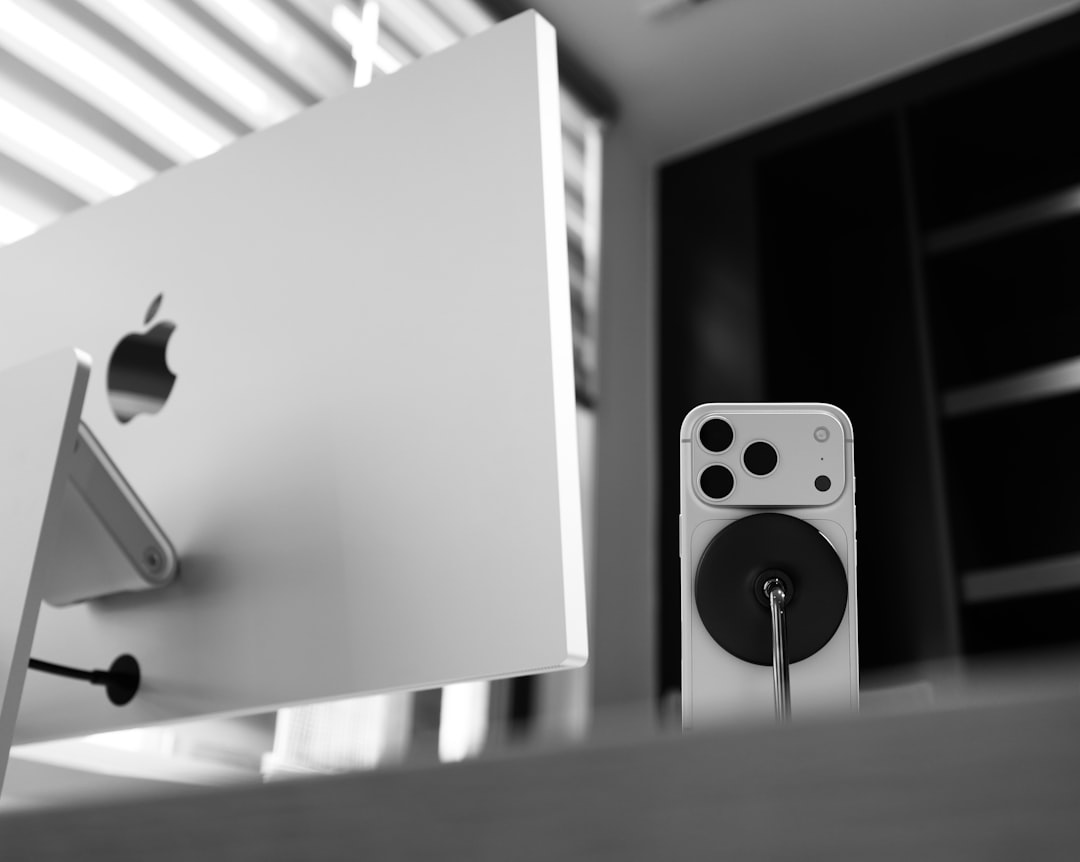
The Anker MagGo Qi2 15W 360-Degree Wireless Charger Stand is what ended up on my wife’s nightstand, and it’s the one I reach for when I’m working from the kitchen counter. It charges one device — your phone — but does it beautifully. The stand rotates 360 degrees horizontally and adjusts 45 degrees vertically, so you can angle it for video calls or flip it to landscape for media.
At 15W, it’s not as fast as the Belkin’s 25W mode, but for a “set it down and forget it” desk companion, the speed is more than adequate. The base is heavy enough to stay put, and the magnet is strong — I’ve never had a phone slip off, even with a relatively thick case.
If you want Anker quality in a 3-in-1 format, their MagGo 3-in-1 Qi2 Charging Station folds flat for travel and handles phone, watch, and AirPods simultaneously. It became my travel dock after I realized how much I missed the magnetic convenience in hotel rooms. For an even more budget-conscious single-device option, the Anker Zolo Qi2 15W pad delivers the core magnetic charging experience for roughly half the price of the MagGo stand.
The Premium Object: Nomad Stand One Max
I’ll be honest — when the Nomad Stand One Max arrived, I expected to send it back. It’s priced at the premium end of this category, and I’ve tested enough “luxury” charging gear that turned out to be rebranded generic hardware to be skeptical. But the Nomad is the real deal.
The construction is glass and weighted metal — it feels like a piece of high-end audio equipment, not a phone charger. The 25W Qi2 magnet is among the strongest I’ve tested, holding the phone securely even at steep viewing angles. It charges iPhone, Apple Watch, and AirPods simultaneously, and the horizontal pad works for any Qi-compatible device, including Android phones with Qi2 support.
WIRED named it their top pick for a reason. If you’re outfitting a desk that you want to look intentional and polished — not just functional — the Nomad is the dock I’d point you toward. The Qi2 25W 3-in-1 foldable charger from the same manufacturer that makes many dock components is a more budget-friendly alternative that delivers similar multi-device charging in a foldable form factor.
The Infrastructure Question Nobody Asks
Here’s the thing that catches people off guard with multi-device Qi2 docks: they need serious power delivery. A 3-in-1 dock charging a phone at 15W, a watch at 5W, and AirPods at 5W is pulling 25W minimum. Some of the newer Qi2.2 docks at 25W phone output plus watch and buds can demand 35-40W from the wall.
Most docks ship with an appropriate power adapter, but if you’re like me and have a drawer full of old 5W and 10W bricks, you’ll be tempted to use one. Don’t. The dock will either charge slowly, fail to charge all devices simultaneously, or throw an error. Use the included adapter or upgrade to a proper GaN charger like the UGREEN Nexode 100W 6-Port GaN Charging Station, which can power a dock and several other devices from a single wall outlet.
I use the UGREEN as my desk’s power backbone — it handles the dock, my laptop, and a USB hub, all from one outlet. If you want something smaller, the UGREEN Nexode 65W 4-Port is plenty for a dock plus a phone and headphones. This is the kind of behind-the-scenes infrastructure I wrote about in my great charger audit — the brick matters as much as the cable.
What Six Weeks Actually Taught Me
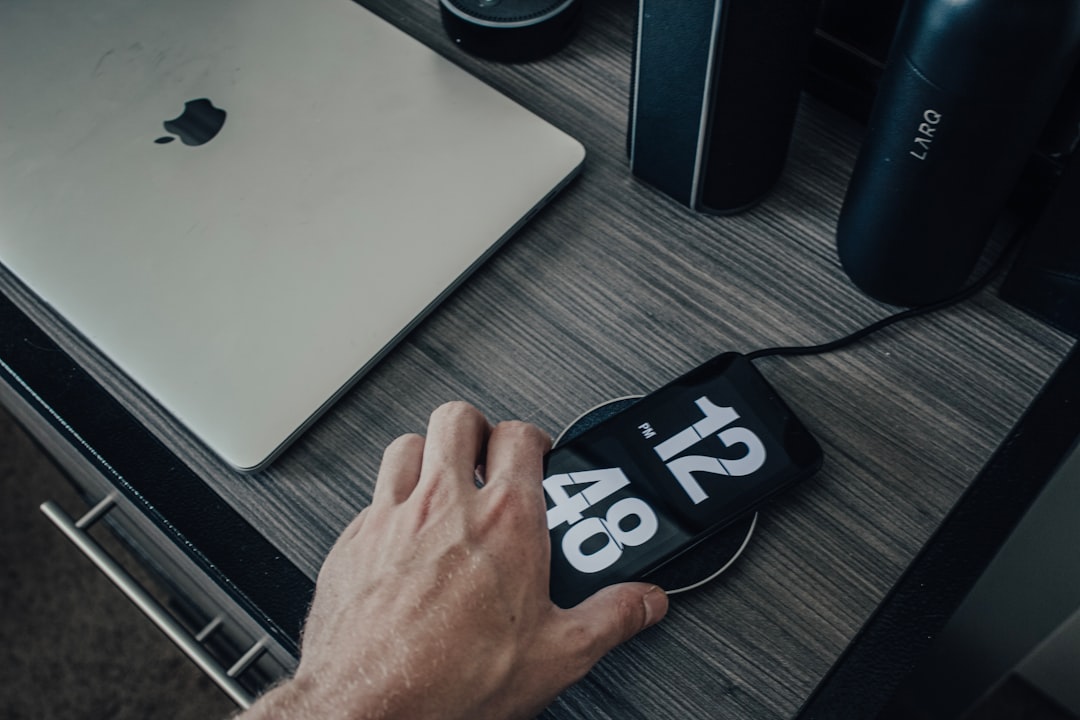
The most surprising thing wasn’t about the docks themselves — it was about how my behavior changed. When charging is a matter of “set the phone down on the pad,” I actually charge my devices more consistently. My phone rarely drops below 40% now because every time I put it down, it’s charging. No cable to plug in, no fumbling for the right connector in the dark, no decision about whether it’s worth the effort for a five-minute top-up.
My Apple Watch, which used to die during evening use because I’d forget to charge it during the day, now sits on the dock whenever I’m at my desk. AirPods are always at 100%. The mental load of “did I plug it in?” has quietly evaporated.
I also noticed something I didn’t expect: my cables stopped fraying. I have a box of dead Lightning and USB-C cables with connection points that look like they survived a war. After six weeks of magnetic charging, not a single cable in my daily rotation shows wear. The ones I do use — from my laptop to the dock, and from the dock to the wall — stay plugged in permanently and don’t get flexed or yanked.
If you’re planning a broader desk upgrade, pairing a Qi2 dock with some of the organization tools I covered last week creates a setup that genuinely changes how you work. A clean charging surface plus proper cable management is the kind of thing you don’t appreciate until you experience it daily.

The Android Factor: Qi2 Isn’t Just for iPhone Anymore
The most common question I’ve gotten from readers this year is some variation of “does any of this work with Android?” Six months ago, the honest answer was “barely.” Today, it’s “yes, and it’s getting better fast.”
The Galaxy S24+ and S25+, Pixel 9 and 10, and a growing list of phones from OnePlus and Xiaomi include Qi2-compatible magnets. That means the same docks I’ve been testing snap onto Android phones with the same satisfying magnetic click as they do on an iPhone. You don’t need a case with a magnet ring. You don’t need a stick-on accessory. It just works.
The Belkin Qi2 15W foldable 3-in-1 is a great cross-platform option if your household has mixed devices. It doesn’t assume you’re all-in on Apple, and the foldable design means it travels well.
The Foldable Travel Factor
One category I didn’t expect to care about: foldable Qi2 docks for travel. After living with magnetic charging at my desk, the idea of going back to a cable in a hotel room felt genuinely annoying. The Qi2 25W 3-in-1 foldable I mentioned earlier packs flat, weighs almost nothing, and turns any hotel nightstand into a proper charging station.
If you travel with a phone, watch, and earbuds — and at this point, who doesn’t? — a foldable Qi2 dock eliminates three cables and three bricks from your bag. One USB-C cable from the dock to a laptop power bank or wall adapter, and you’re set. It’s one of those upgrades that feels excessive until you use it, and then you can’t imagine going back.
Who Should Make the Switch (And Who Should Wait)
If you have a phone with built-in Qi2 magnets — iPhone 12 or later, Galaxy S24+ or newer, Pixel 9 or newer — and you charge at your desk daily, a Qi2 dock is one of the highest-impact upgrades you can make. Not in terms of raw functionality (your cable works fine), but in terms of daily friction reduction. The kind of thing you don’t notice until it’s gone, and then you can’t un-notice it.
If your phone doesn’t have Qi2 magnets, you can still use a magnetic case or a stick-on ring adapter, but the experience is meaningfully worse. The magnet alignment is less precise, the hold is weaker, and the whole thing feels like a workaround rather than a solution. Wait until your next phone upgrade includes native Qi2.
If you’re on a strict budget, start with a single-device Anker Zolo Qi2 pad for $25-30 and see if the habit sticks. It usually does. Then upgrade to a 3-in-1 dock when you’re ready.
And if you’re the kind of person who already has a great desk setup — proper monitor, good chair, clean cable management — a Qi2 dock is the finishing touch that pulls everything together. After 25 years of testing hardware, I can tell you that the best upgrades aren’t always the most expensive ones. Sometimes they’re the ones that remove a small daily annoyance so completely that you forget it ever existed.
Seven cables on my desk. Now there are two — one from the dock to the power station, and one from my laptop to the hub. Everything else snaps into place with a magnet and a click. Should’ve done it years ago.

One thought on “One Dock, Zero Cables: Six Weeks With the Qi2 Charging Setup That Replaced Seven Cables on My Desk”