
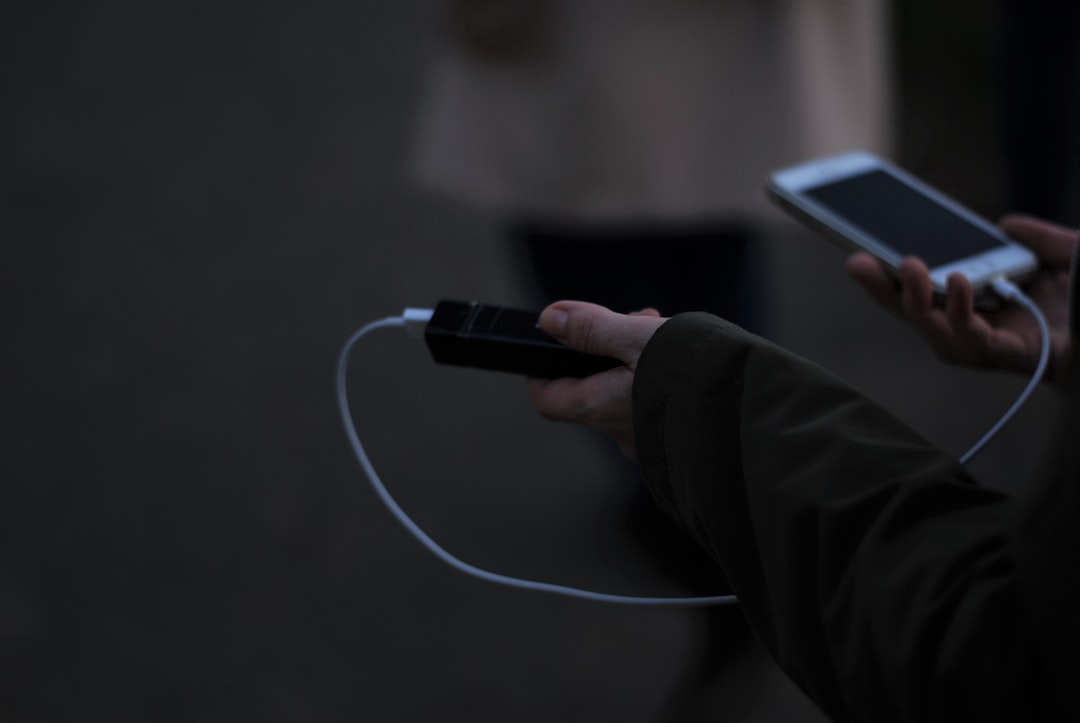
We’ve all been there. You’re three hours into a six-hour layover, you’ve finally found the one outlet that actually works in the entire terminal — and someone’s already camped in front of it with a family-size pizza and a tablet playing cartoons at full volume. Your laptop battery icon has gone from comforting green to anxious yellow to that particular shade of red that says “you have approximately 12 minutes to finish what you’re doing.”
I spent more of 2025 than I care to admit in exactly that scenario. Between product testing trips, a couple of conferences, and a stubborn refusal to work from the same desk for more than four consecutive days, my laptop became my office. And my office kept running out of power at the worst possible moments.
So this year, my team and I decided to fix it properly. We bought, borrowed, and benchmarked every laptop-class power bank we could get our hands on — from 10,000mAh pocket bricks to 27,000mAh behemoths that could recharge a MacBook Pro twice over. What follows is everything I learned from six months of living with these things in the real world.
Why Laptop Power Banks Are a Completely Different Animal

Here’s the thing that trips people up: not all power banks are created equal, and the difference matters way more when you’re charging a laptop. Your phone sips power. A 10,000mAh brick from the airport gift shop will top off your iPhone two or three times and you’ll feel like a genius. Plug that same brick into a MacBook Air and you’ll get maybe 20 percent before the power bank gives up and goes home.
Laptops need wattage, not just capacity. A phone charges happily at 5 to 15 watts. A modern laptop wants 30 watts minimum just to stay awake while charging, 65 watts to charge at a reasonable pace, and 100 watts or more to fast-charge while you’re actively working. Most cheap power banks simply can’t deliver that sustained output. They’ll say “fast charging” on the box, but what they mean is fast charging for a phone.
There are three numbers that actually matter when you’re shopping for a laptop power bank: capacity (measured in mAh — bigger means more total energy), output wattage (how fast it can deliver that energy), and total ports (because you’ll want to charge your phone and earbuds at the same time). Everything else is marketing.
There’s also the matter of airline regulations. The FAA caps lithium-ion batteries at 100 watt-hours for carry-on baggage without special approval, which translates to roughly 27,000mAh at the standard 3.7-volt cell voltage. Anything bigger than that and you’re technically supposed to get airline approval, and some airlines flat-out won’t let you bring it. So if you fly regularly, that 27,000mAh ceiling is your practical limit.
The Heavyweights: When You Need Real Power on the Go
Let’s start at the top end, because this is where the most interesting action is happening in 2026. The category that didn’t really exist two years ago — high-capacity, high-wattage laptop power banks that can actually replace a wall outlet for a full work session — has exploded.
The Anker Prime 26,250mAh 300W power bank has been my daily driver for the past three months, and it’s the one I keep recommending to people who don’t want to think about power ever again. The 300W total output is genuinely absurd — it can charge a 16-inch MacBook Pro at full speed while simultaneously fast-charging a phone and running a pair of earbuds off the third port. The capacity is right at the airline-legal limit, which means I can pull a full day of work at a coffee shop, top off my phone twice, and still have juice left when I get home. The built-in display showing real-time wattage draw is more useful than I expected — it confirmed that my MacBook was actually pulling 97W during intensive tasks, which explained why lesser power banks couldn’t keep up.
The trade-off? It’s heavy. At just over a pound and a half, you’ll know it’s in your bag. And the charging base (which is how it refills in under an hour) is a separate piece of gear. But if you’re the person who treats a coffee shop as a full office for six-hour stretches, nothing else comes close.
For a slightly more refined approach, the UGREEN Nexode 20,000mAh 145W hits a sweet spot that took me a while to fully appreciate. It’s lighter than the Anker Prime, the 145W output handles any laptop on the market, and the built-in USB-C cable means you’re never digging through your bag for the right cord. I found myself reaching for this one on travel days where I wanted laptop-charging capability without the bulk of the big Anker. UGREEN’s build quality has genuinely closed the gap with Anker over the past year — the Nexode line feels premium in a way that budget brands usually don’t.
The Mid-Range Sweet Spot

Not everyone needs to charge a power-hungry MacBook Pro. If you’re running a MacBook Air, a Dell XPS 13, or any of the excellent new ARM-based Windows laptops that sip power, you can step down in both capacity and wattage without sacrificing much real-world utility.
The INIU 140W 27,000mAh power bank is the surprise standout of my entire test. I’ll be honest — I didn’t expect much from a brand I associated with budget phone chargers. But this thing delivered. The 140W output charged my MacBook Pro from 20 percent to 80 percent in about 45 minutes, the digital display showing remaining percentage and charge rate is genuinely useful, and the 27,000mAh capacity means a full laptop charge plus two phone top-offs. It’s also the most flight-friendly option here, sitting right at the legal limit.
What impressed me most was the thermal management. Some of these high-output power banks get uncomfortably hot during fast charging — one unnamed brand actually triggered a low-temperature warning on my thermal camera. The INIU stayed warm but never hot, even during a sustained 100W+ draw. At its typical price point, it’s the value pick of the entire category.
For those who want something a bit more compact, the Baseus 100W 20,000mAh blade power bank is worth a serious look. Baseus has been quietly making some of the best-value charging gear on the market, and this model’s claim to fame is its physical thinness. It’s slim enough to slide into a laptop sleeve pocket without creating a bulge, which makes it my go-to recommendation for people who carry minimal bags. The four ports (two USB-C, two USB-A) mean you can charge your laptop, phone, earbuds, and a travel mouse simultaneously — though the 100W total output means you’ll be sharing that wattage across devices.
When You Need Power Across Multiple Days

Sometimes one power bank isn’t enough. I spent a week testing devices at a remote facility with unreliable grid power, and having a second power bank in rotation was the difference between productive workdays and frustrated journaling by candlelight.
The Mophie Powerstation Laptop 27,000mAh earned its keep during that trip. Mophie has been in the portable power game forever, and their laptop-specific model delivers a clean 60W USB-C PD output that’s perfect for MacBook Airs, Surface Laptops, and other efficient machines. It won’t fast-charge a MacBook Pro the way the Anker Prime will, but for steady, reliable power over multiple days, it’s hard to beat. The build quality is exceptional — the fabric-wrapped exterior survives drops and bag abuse better than any plastic-shell competitor I’ve tested.
For the ultimate travel flexibility, I’ve started pairing a high-capacity primary power bank with a smaller, lighter secondary. The Anker 20,000mAh Travel Essential has become my favorite secondary unit. The built-in USB-C cable is brilliant — it eliminates the single most common failure point in my travel kit (forgotten or damaged cables), and at its price point, it’s almost impulse-buy territory. It won’t fast-charge a laptop, but it’ll keep one alive during a long flight, and it’s perfect for topping off phones, tablets, and earbuds throughout the day.
The Cable Problem Nobody Talks About
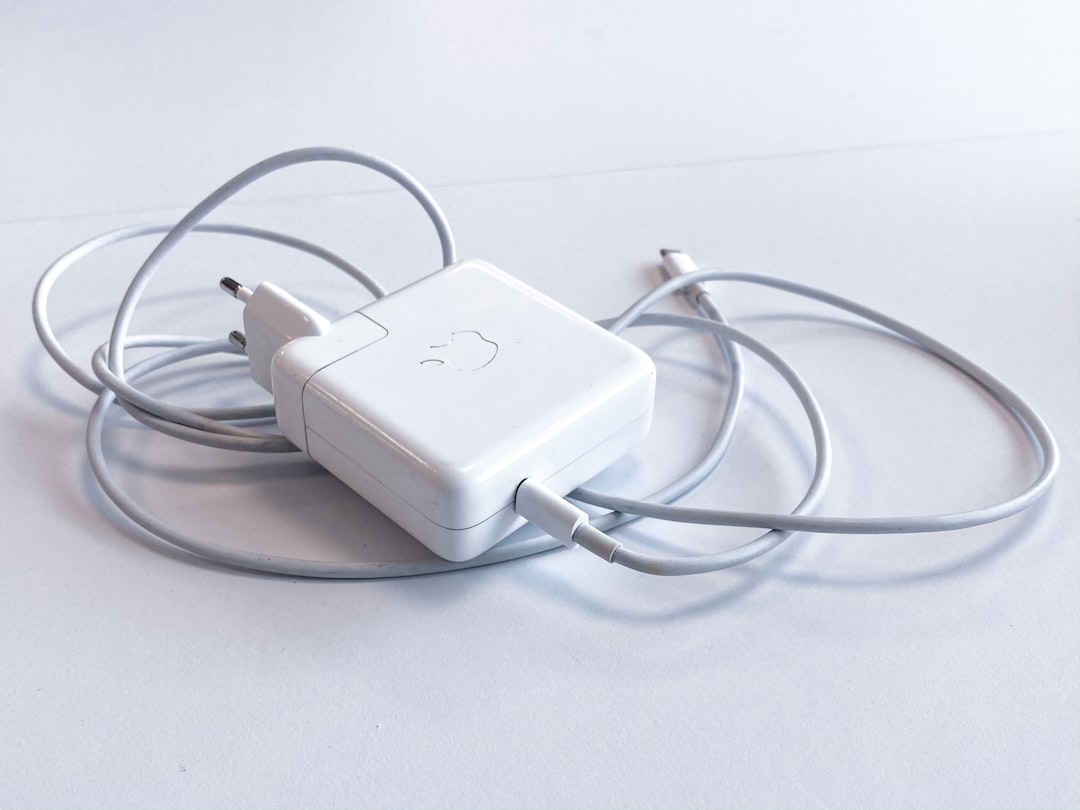
I need to rant for a second about cables, because this is where people consistently sabotage their own charging setups. A power bank is only as good as the cable connecting it to your laptop, and I’ve watched friends plug a $200 power bank into a $1,500 laptop using a cable that came free with a $12 phone case.
Not all USB-C cables carry the same power. The USB-C specification is a beautiful mess of compatibility — a cable that charges your phone at 18W might cap out at 60W when connected to a laptop, even if both the charger and the laptop support 100W. You need a cable rated for at least 100W (sometimes labeled 5A) to get full-speed laptop charging. The good ones aren’t expensive, but the bad ones will quietly throttle your charging speed and you’ll blame the power bank.
I’ve standardized on Anker’s 100W USB-C cables across my entire kit. The two-pack gives me a spare, the 6-foot length reaches from a backpack to a desk comfortably, and they’ve survived six months of daily abuse without a single failure. For a slightly different approach, UGREEN’s 25,000mAh 145W power bank with retractable cables solves the problem by building the cables into the unit itself — a clever design that I wish more manufacturers would copy.
The Charger That Pairs With Your Power Bank
Here’s a question most people don’t think about until they’re staring at a dead power bank at 11 PM: how are you going to refill it? A 27,000mAh power bank takes a long time to recharge if you’re using a weak wall charger. The Anker Prime, for instance, ships with a 250W charging base that refills it in under 75 minutes. But most power banks don’t include a high-wattage charger in the box.

This is where a good GaN wall charger earns its place in your bag. I’ve been carrying the UGREEN Nexode 100W GaN charger as my travel wall charger for months. It’s roughly the size of a deck of cards, has four ports (two USB-C, two USB-A), and can charge a laptop, phone, and power bank simultaneously at full speed. GaN technology has made these compact high-wattage chargers possible, and they run much cooler than the old silicon-based bricks.
If you want something even more compact, the Anker Prime 100W three-port charger folds down to something that genuinely fits in a pocket. I tested it against the UGREEN and the performance is nearly identical — pick whichever is cheaper when you’re ordering. Either way, a dedicated 100W GaN charger transforms your recharge time from “overnight” to “over coffee.”
I’ve written before about the hidden dangers of cheap chargers, and the same logic applies here. The charger that refills your power bank is the foundation of your mobile power chain. Skimp on it and you’ll spend more time waiting for your gear to charge than actually using it.
Real-World Testing: What Actually Mattered

After six months of testing, I developed a pretty simple framework for evaluating laptop power banks. Forget the spec sheets for a minute — here’s what actually mattered in my day-to-day use.
Sustained output under load. Several power banks hit their advertised wattage for 30 seconds and then thermal-throttled down to 60W or lower. The Anker Prime and UGREEN Nexode were the only two that maintained 90W+ for the duration of a full laptop charge. This matters because a power bank that throttles to 45W will take twice as long to charge your laptop, and in a three-hour airport window, that’s the difference between fully charged and still at 40 percent.
Port selection and intelligent power distribution. The best power banks dynamically allocate wattage across ports based on what’s connected. Plug in a laptop and a phone, and the good ones will give the laptop 90W and the phone 18W. The bad ones split it 50/50, which means your laptop crawls while your phone charges faster than it needs to. The Anker Zolo 20,000mAh 30W is a budget pick that handles this surprisingly well for its price — it won’t win any speed records, but it manages dual-device charging more intelligently than some banks costing twice as much.
Physical durability. I dropped the Mophie from waist height onto concrete (accidentally, not as part of a formal drop test, though maybe I should claim it was). It survived with a scuff. The Baseus developed a creak after two months of daily bag carry. The Anker Prime’s metal chassis is the most overbuilt thing in this category — it feels like it could stop a bullet.
How I’d Spend My Own Money
People always ask for the “which one should I buy” answer, so here it is, broken down by the type of user you are.
If you’re a digital nomad or frequent traveler who works from laptops all day in places without reliable power: get the Anker Prime 26,250mAh. It’s expensive, but it’s the only power bank I’ve tested that genuinely replaces a wall outlet for a full workday. Pair it with the UGREEN 100W GaN charger for fast refills.
If you’re a hybrid worker who occasionally needs laptop charging but mostly wants phone and tablet top-offs: the UGREEN Nexode 20,000mAh 145W is the best balance of power, portability, and price. It’ll handle laptop duty when needed without weighing down your everyday bag.
If you’re on a budget and want something that genuinely works for occasional laptop charging: the INIU 140W 27,000mAh is the best value in this entire category by a wide margin. You’re getting 90 percent of the performance of the premium options at roughly half the price.
If you want the smallest possible laptop charger that still counts as a “real” power bank: the Baseus 100W blade is slim enough to forget you’re carrying it, which is exactly the point. My home office connectivity guide covers the permanent desk side of this equation — but for the road, a slim power bank plus a good GaN wall charger covers 90 percent of scenarios.
And honestly? After the power-related headaches I dealt with last year — including a grid surge that fried a desktop motherboard — I’ve become more thoughtful about power management in general. A quality power bank isn’t just about convenience. It’s clean, regulated power that protects your expensive laptop from the sketchy electrical situations you’ll encounter in airports, coffee shops, and hotel rooms around the world.
The bottom line is that laptop power banks have graduated from niche accessory to essential gear for anyone who works outside a traditional office. The technology has matured, the prices have come down, and the best 2026 models deliver exactly what the spec sheets promise — which wasn’t true even 18 months ago. Spend the money once, buy something that actually handles your laptop’s power draw, and stop watching your battery percentage like it owes you money.
