
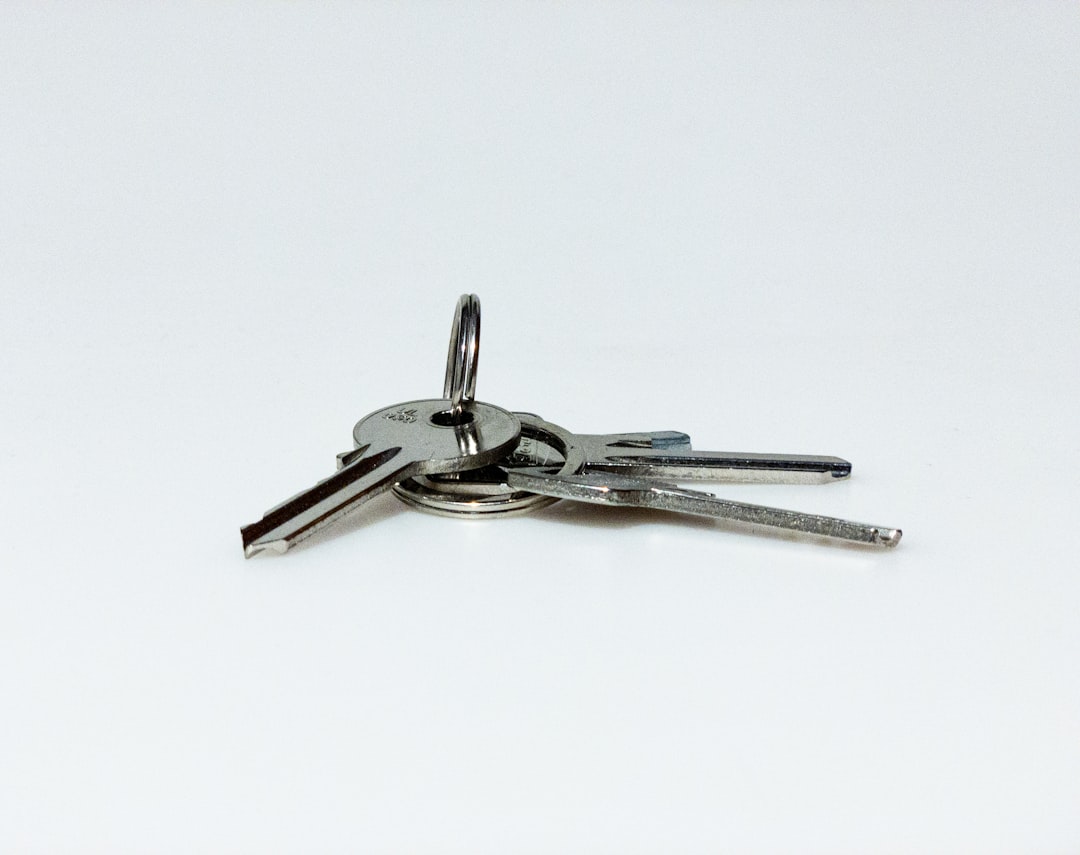
I have lost the same set of keys exactly four times in the past year. Twice they were in the couch. Once they were in a rental car returned to a different state. And once — this is the one that stung — they spent a week in a checked bag that had come back from a trip and gotten shoved into a closet, keys and all. I am a technology reviewer with a smart lock on my front door — the same one I wrote about after three months of face-unlock living — and I still managed to misplace the physical keys to everything I own. Enough.
So I did what I always do when a gadget category irritates me: I bought the whole category. Four trackers — an Apple AirTag, Google’s Pixel Tag, a Chipolo POP, and a Life360 Tile — went head-to-head in a series of stress tests I designed to be genuinely miserable. An airport drop. A couch burial. A car parked across town. The goal was simple: figure out which tracker ecosystem actually recovers your stuff in 2026, because the honest answer has changed completely in the last twelve months.
The Map Changed Under Everyone’s Feet
For most of the last decade, the tracker market was a rigged game. AirTags rode Apple’s Find My network — hundreds of millions of iPhones that silently relay any nearby tag’s location. Tile, the pioneer that practically invented the category, was stuck asking its own app users to do the relaying. Guess how that went. The network was a rounding error next to Apple’s, and everyone knew it.
Then Google shipped Find Hub with network sharing across more than a billion Android devices, and the ground shifted. When the Pixel Tag launched alongside the Pixel 11 family at Made by Google, Android users finally got a first-party tracker with the same crowd-sourced backbone Apple users have enjoyed since 2021. Chipolo and Motorola’s tags joined Find Hub too. Suddenly “which tracker should I buy” has a real answer on both platforms, and it isn’t the answer from two years ago.
That’s the context for this test. Four trackers, three hiding scenarios, two phone ecosystems, and one very patient colleague who hid things from me so I couldn’t cheat off my own memory.
Test One: The Airport Bag
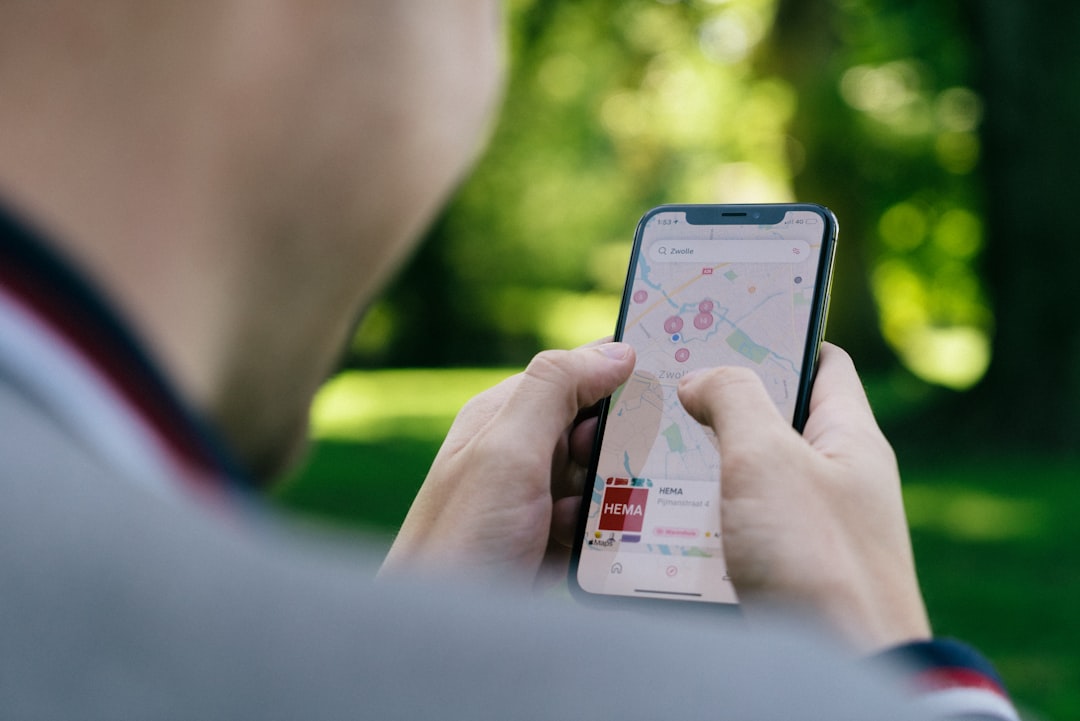
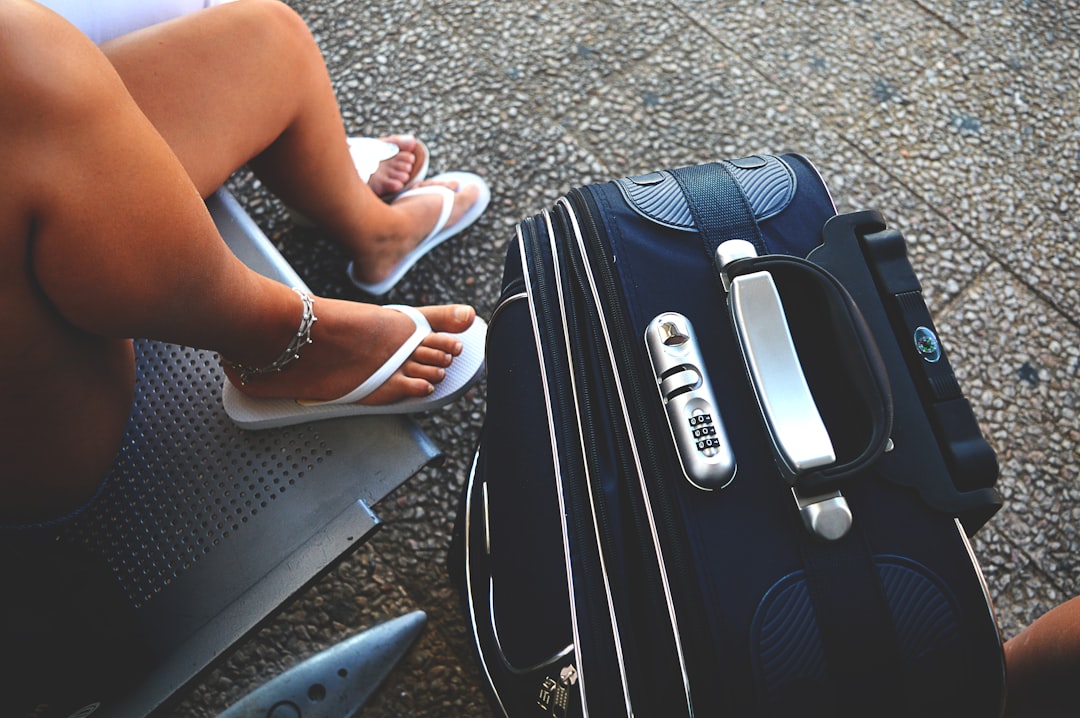
First scenario: a carry-on bag walked through a mid-size regional airport while I sat in another zip code. The bag passed check-in, security, a food court, and two gates before circling back on a parking shuttle. Every tracker in it was logging location pings the entire time. This is the test that separates the networks from the toys, because at no point was any tag within a mile of my phone.
The AirTag 4-pack (2nd generation) did exactly what AirTags have always done in dense iOS environments: it painted a nearly continuous breadcrumb trail. Airport terminals are thick with iPhones, and Find My relays are anonymous and automatic. Location updates landed within minutes of each movement, and the final position was accurate to within roughly 20 feet.
The Pixel Tag matched it beat for beat. This is the part that would have been fantasy in 2024 — an Android-native tracker tracing an airport journey in near real time. Find Hub’s billion-plus device footprint showed up exactly the way Google promised at launch. The Chipolo POP, which also rides Find Hub when paired to an Android phone, delivered effectively the same relay performance; the hardware matters far less than the network it joins.

The Tile was the outlier. Updates arrived in bursts with gaps of twenty minutes or more, because Life360’s network simply doesn’t have the density inside a regional airport terminal. It eventually got the bag’s position right — but “eventually” is doing a lot of work in that sentence. If your primary fear is luggage wandering off without you, the network behind the tag is the entire ballgame.
Test Two: The Couch
Airports prove the network. The couch proves the last fifty feet, and it’s embarrassingly harder. Once a map pin says “your house,” you still have to find the object, and that’s where ultra-wideband earns its keep. UWB is the precision-ranging radio that turns “somewhere in this room” into an arrow pointing at the cushion in question.
My colleague buried each tracker separately — between couch cushions, under a throw blanket, once taped inside the frame of a floor lamp because she thinks she’s funny. The AirTag’s Precision Finding on iPhone walked me to within inches every time, the on-screen arrow swinging like a compass that actually knows things. The second-generation tag’s expanded finding range is a genuine improvement over the original, noticeable in exactly this kind of furniture archaeology.

The Pixel Tag and the Moto Tag 2 both did the same arrow-pointing routine through Find Hub on a Pixel phone. Both have UWB. Both have replaceable batteries, which matters more than you’d think — I’ve already replaced the battery in one of my older first-gen AirTags, and sealed trackers like the Chipolo CARD turn into e-waste when the cell dies. Motorola’s second-gen tag is the sleeper of this entire test: Bluetooth 6.0, UWB, Find Hub native, colors nobody else offers, and street prices that regularly undercut Google’s own tag. The 4-pack of Moto Tag 2 is quietly one of the best per-unit values in the category.
The Chipolo POP has no UWB — when you get close, you’re back to “ring it and listen.” Fortunately, Chipolo’s ringer is obnoxiously loud; it’s the loudest tag in this test by a clear margin, loud enough to hear through a cushion and a folded blanket. The Tile also leans on sound alone, and its chime is weaker. In pure couch science, sound quality is a legitimate spec, and Chipolo wins it walking away.
Test Three: The Car Across Town
The last scenario is the one that actually costs people money: the parked car. I left a tracker in a vehicle parked on a residential street three miles from my office, then checked recovery behavior over 48 hours. This tests passive network coverage in the suburbs, where foot traffic is thinner and relay pings depend on random passersby carrying the right phones.
All three of the big-network tags — AirTag, Pixel Tag, Chipolo-on-Find-Hub — held a usable position the entire time. The updates were less frequent than at the airport, which is physics and demographics, not failure. The AirTag and Pixel Tag both fired anti-stalking alerts to their respective phones within a few hours, by the way; if a stranger’s tracker rides with you, your phone nags you about it. That system worked on both platforms in testing, which is worth saying out loud because it didn’t used to.

The Tile’s suburban performance was the weakest result of the entire experiment. Position updates were rare and coarse, sometimes pinning to the wrong block entirely. Life360 has been folding Tile into its own location platform, and the experience still feels like a company pivoting away from the hardware that made it famous. I can’t recommend it as a primary tracker in 2026, with one exception I’ll get to.
The Wallet Loophole
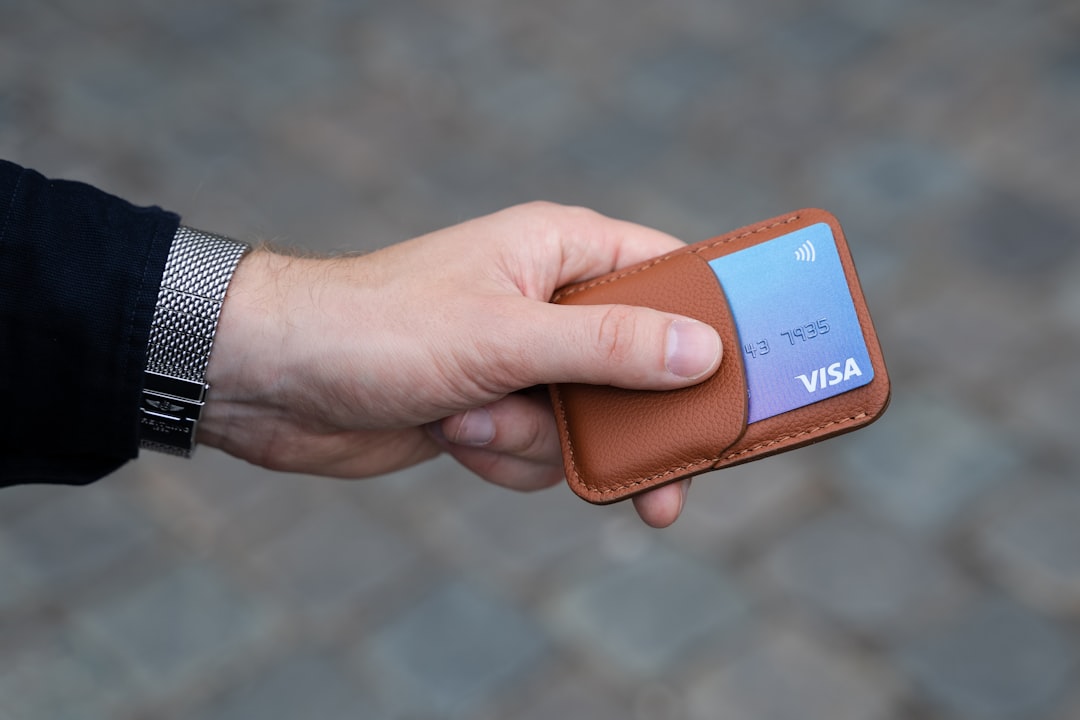
Trackers are round because keyrings are round, which means wallets have always been the forgotten category. A disc tag turns a slim wallet into a brick. Chipolo’s answer is the CARD, a rechargeable, wallet-thin tracker that works on either Find My or Find Hub — and the 2-pack covers the passport-and-wallet travel combo. It’s the one form factor Apple still refuses to make, and until Cupertino ships an AirCard, it’s the best answer for anyone whose most-losable object is rectangular. Pair it with the gear in my travel tech kit and luggage anxiety drops another notch.
The One Reason Tile Still Exists in My Drawer
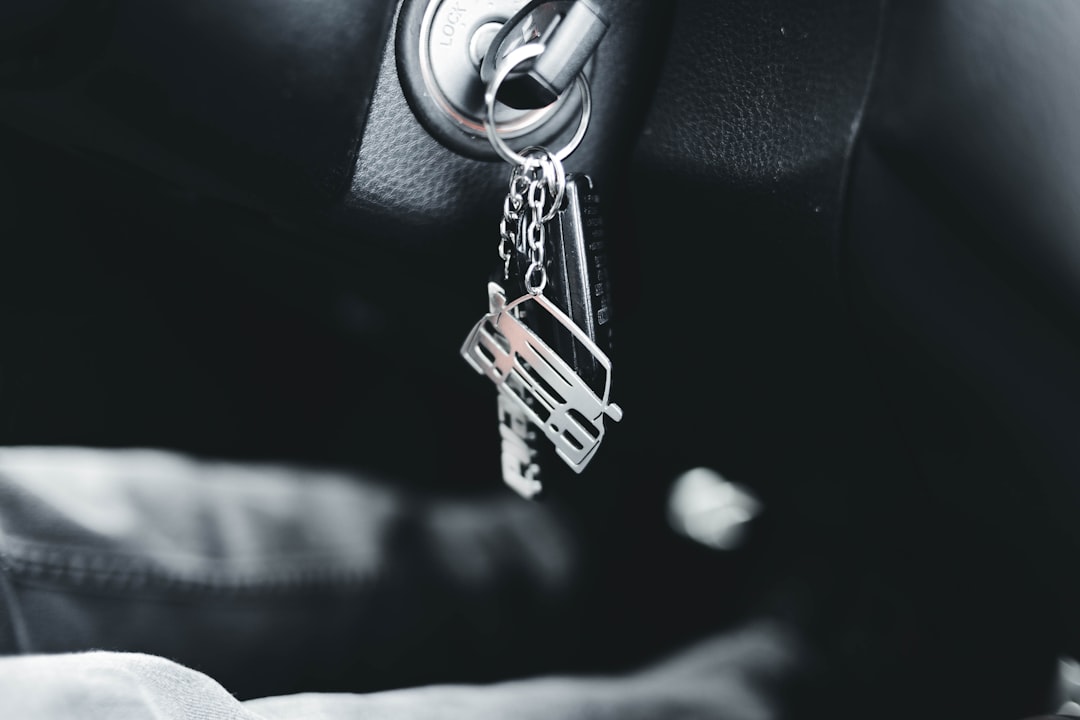
Here’s that exception: mixed households. Tile is the only major tracker that works identically with iPhone and Android — no ecosystem gating at all. If two people share a set of car keys and one carries an iPhone while the other carries a Galaxy, a 4-pack of Life360 Tiles is still the path of least resistance, and its 400-foot direct Bluetooth range is legitimately the longest in this test.
Samsung owners have their own obvious answer in the SmartTag2 4-pack, which rides Samsung’s SmartThings Find network and adds UWB plus an IP67 rating. But if your family is platform-agnostic, Tile remains the diplomatic compromise — just go in knowing the recovery network is the weakest of the four when something leaves the house for real.
So Which One Goes on Your Keys?
After three scenarios and a month of carrying all four, the decision tree is shorter than the marketing suggests. If you carry an iPhone, buy the AirTag 4-pack and don’t overthink it — the network is unmatched on iOS, and the second-gen precision range is a real upgrade. Grab a 4-pack of keyring holders while you’re at it, because Apple still doesn’t include a way to attach the tag to anything, which remains the most Apple decision in this entire category.
Two practical notes before you check out. Every tag here except the Chipolo CARD runs on a replaceable CR-series coin cell — budget five minutes and a flat spare key every year or so, and buy name-brand cells, because the off-brand ones die in months. And check your phone’s OS version before buying anything: UWB precision finding needs recent hardware on both ends, so a ten-year-old handset will flatten these trackers back into plain Bluetooth beepers. The tag can only be as smart as the phone talking to it.
If you carry an Android phone, this is genuinely your year. The Pixel Tag is the default pick, and the Moto Tag 2 is the value pick with identical network performance. If you want one foot in each world — you’re switching platforms soon, or you lose your wallet more than your keys — Chipolo’s dual-compatible lineup is the hedge, with the loudest ring in the business as a bonus.
The bigger lesson from a month of deliberate losing: the tracker is the smallest part of the system. What you’re really buying is access to a billion-pocket network of strangers’ phones, and in 2026, for the first time, that network is competitive on both sides of the platform divide. The keys, I should mention, have not been lost since. They’re in the couch. I checked. The arrow told me.
