
There’s a specific kind of quiet panic that hits when a piece of hardware you depend on gets quietly discontinued. Mine arrived in April, when Google archived the driver for the Coral TPU — that little purple USB stick that has been the default brain for every self-hosted AI camera project since roughly 2019. The store page went dark, the kernel driver stopped building on modern Linux, and Frigate’s own documentation quietly stopped recommending it for new installs. If you never heard any of that happen, you’re not alone. Google didn’t announce it so much as let it dissolve.
I had two of them running in the rack that feeds my camera system. So I did what I always do when the industry yanks the rug: I called the team together, we cleared a shelf, ordered the wrong thing once, ordered the right thing twice, and rebuilt the whole detection stack from scratch. Six weeks later, the new rig is faster than the old one, costs less than the parts it replaced, and draws about as much power as the lamp on my desk. Here’s what we learned — and what I’d buy in September 2026 if I were starting from zero.
Why a Purple USB Stick Ran My Security for Five Years
First, context. If you’ve only ever owned cameras from Ring, Nest, or Wyze, you’ve been renting intelligence by the month. The camera sends video to somebody’s cloud, somebody’s servers decide whether that blob is a person or a raccoon, and you pay somewhere between $4 and $20 a month for the privilege of being told. I did that math two years ago and haven’t recovered from it.
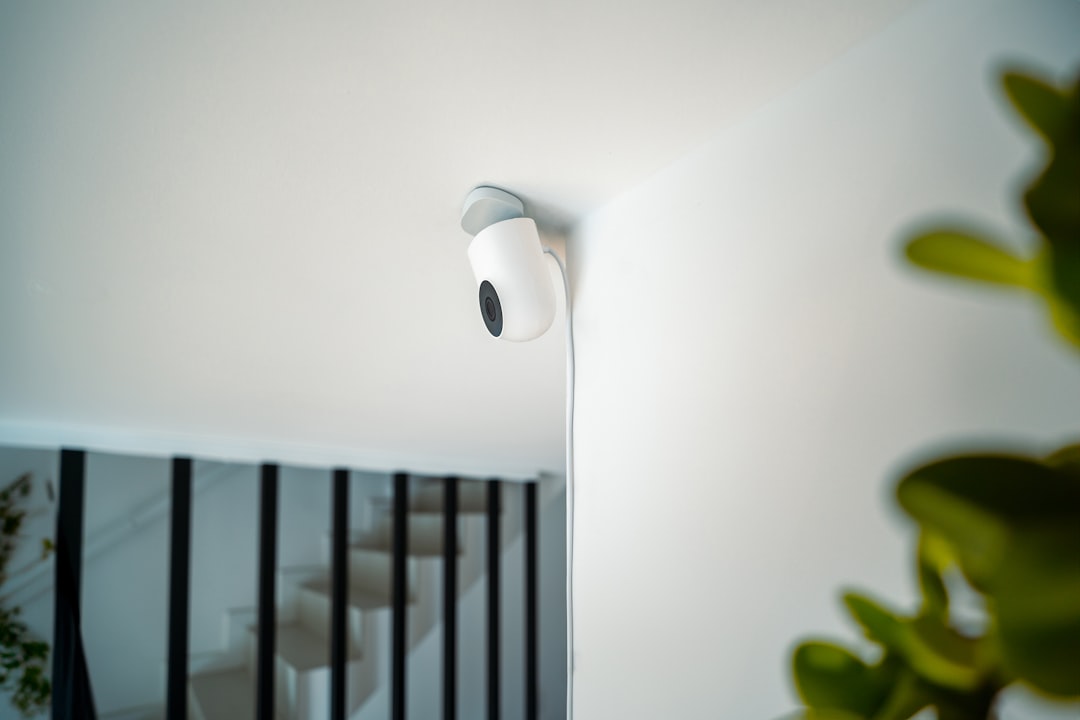
Frigate flips the model. It’s an open-source NVR that pulls raw streams from your cameras over your own network and runs object detection locally — no cloud, no account, no monthly fee. It tells a person from a package from a possum, on hardware sitting in your house. The catch was always the detection itself. Decoding six camera streams and running a neural network on them used to bury a general-purpose CPU, so everybody bought a Coral: a $60 accelerator that chewed through detection in about 10 milliseconds while sipping milliwatts. It was the answer. For years, the answer to “what hardware do I need for local AI cameras?” was literally one word.
And now it’s gone. Not the used ones floating around marketplace listings — those still work fine on older kernels, and if you already own one, keep using it. But recommending one for a new build in 2026 is like recommending a carburated engine to someone buying a new truck. The ecosystem moved.
The Plot Twist: a $180 Mini PC Ate the Accelerator’s Job
Here’s the part nobody saw coming. The replacement for a dedicated AI accelerator turned out to be… a whole computer. Intel’s cheap N100 and N150 chips — the kind you find in $160-to-$200 mini PCs — changed the arithmetic in two ways at once.
First, their integrated graphics include QuickSync, Intel’s hardware video decoder. Feeding camera streams to Frigate used to eat 60 to 80 percent of a modest CPU; with QuickSync doing the decode, that drops under 20 percent. Second, the CPUs themselves got fast enough to run Frigate’s detection models through OpenVINO — Intel’s inference framework — at speeds that are, for a home with four to six cameras, functionally indistinguishable from the Coral. Detection latency that used to justify a $60 accelerator is now a rounding error on a chip that costs about as much as a nice dinner.
The box I landed on after testing is almost embarrassingly boring: a Beelink Mini S12 Pro with the N100, 16GB of RAM, and a 500GB SSD. It idles at around 11 watts with four cameras recording and detection running — I measured it at the wall for a week, because of course I did. The newer Beelink Mini S13 with the N150 posts nearly identical Frigate numbers with slightly better single-core speed, so grab whichever is cheaper the week you’re ordering. There is genuinely no wrong answer between them.
If you want the more paranoid architecture — and after covering this stuff for 25 years, I increasingly do — the move is dual network ports: one NIC for your camera network, one for the house LAN, so cameras can be blocked from touching the internet entirely. That’s the setup Frigate’s maintainers themselves recommend. A GMKtec M8 with dual 2.5GbE ports handles it in one box, though a $100 N100 plus a cheap managed switch gets you the same isolation if you’d rather piece it together.
The Cameras: Dumb Sensors Are a Feature Now
One delightful side effect of moving the intelligence into the NVR: your cameras get dumber, and that’s a promotion. All a camera needs to do in a Frigate build is produce a clean RTSP stream over PoE and shut up. No app, no cloud, no firmware nagging. My two current favorites after the rebuild are Reolink’s RLC-820A 4K dome, which has survived a summer of Midwest weather without complaint, and the Duo 3 with its 180-degree dual lenses, which replaced two bullet cams over the driveway with one panoramic view. On a tighter budget, Amcrest’s 4K PoE AI bullet around $70 has been rock solid for a friend’s barn build we helped with — the onboard AI features go unused, which is exactly the point.
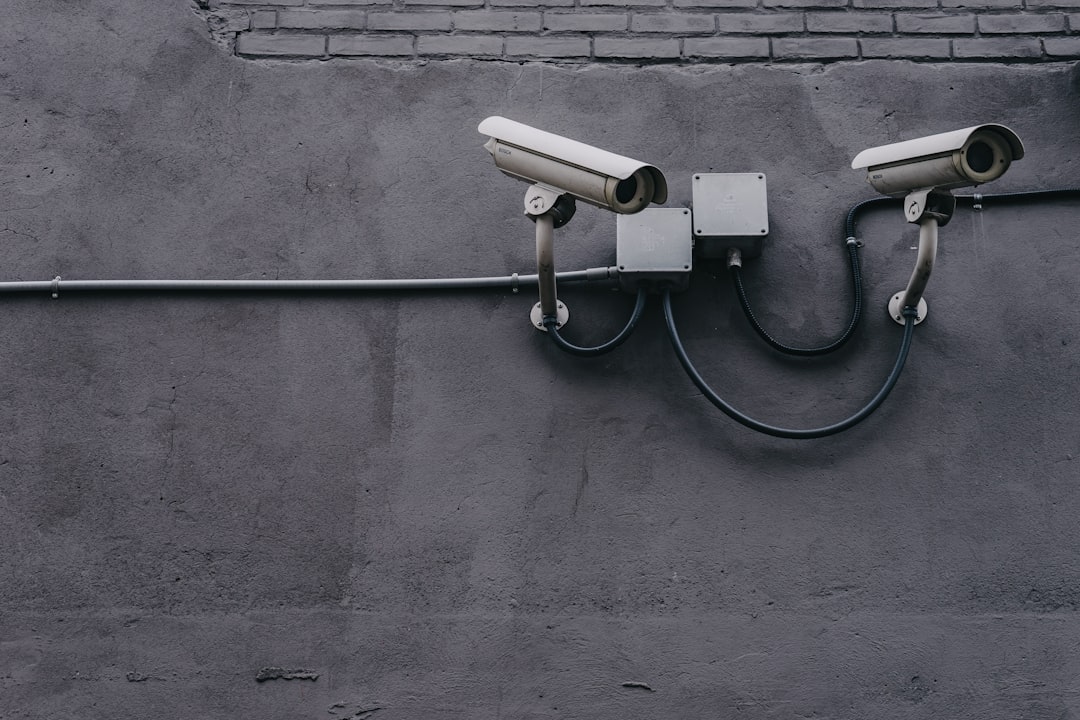
Wiring is the part people fear and shouldn’t. One TP-Link 5-port PoE switch powers everything on my eaves, and a box of pre-terminated Cat6 handles the runs. Power, video, and network all ride the same cable. If you can hang a picture frame, you can wire a PoE camera.
When You Still Want an Accelerator: Say Hello to Hailo
Coral’s heir apparent, at least in the Frigate world, is the Hailo-8. It’s an M.2 module delivering 26 TOPS — several times the Coral’s throughput — with actively maintained drivers, which after the last six months is not a detail I take for granted. In our testing, a Hailo-8 turns in roughly 7-millisecond detections running YOLO models. You don’t need that for four cameras. You start needing it around eight 1080p streams, or three or four 4K cameras, or the day you decide detection should also run on the record stream so you can mine old footage for “that gray cat that keeps sitting on my car.”
The Waveshare Hailo-8 M.2 module is the one to get — it slots into the A/E key socket most mini PCs still ship with, even when the marketing forgets to mention it. Fair warning: it often costs as much as the computer you’re putting it in. That’s the 2026 economy of edge AI. The computer got cheap; the accelerators stayed proud.
Storage: The Part That Actually Dies
Continuous recording is non-negotiable for me — detection is for alerts, but footage is for answers. That means the drive matters more than anything else in the stack. A surveillance-rated drive like the WD Purple 4TB is built for exactly this: 24/7 writes, vibration tolerance for multiple streams, and firmware tuned for the write-once-read-never workload of security footage. Four terabytes holds roughly two weeks of four-camera continuous recording at sensible bitrates, which covers every “when did that actually happen?” question I’ve ever had.
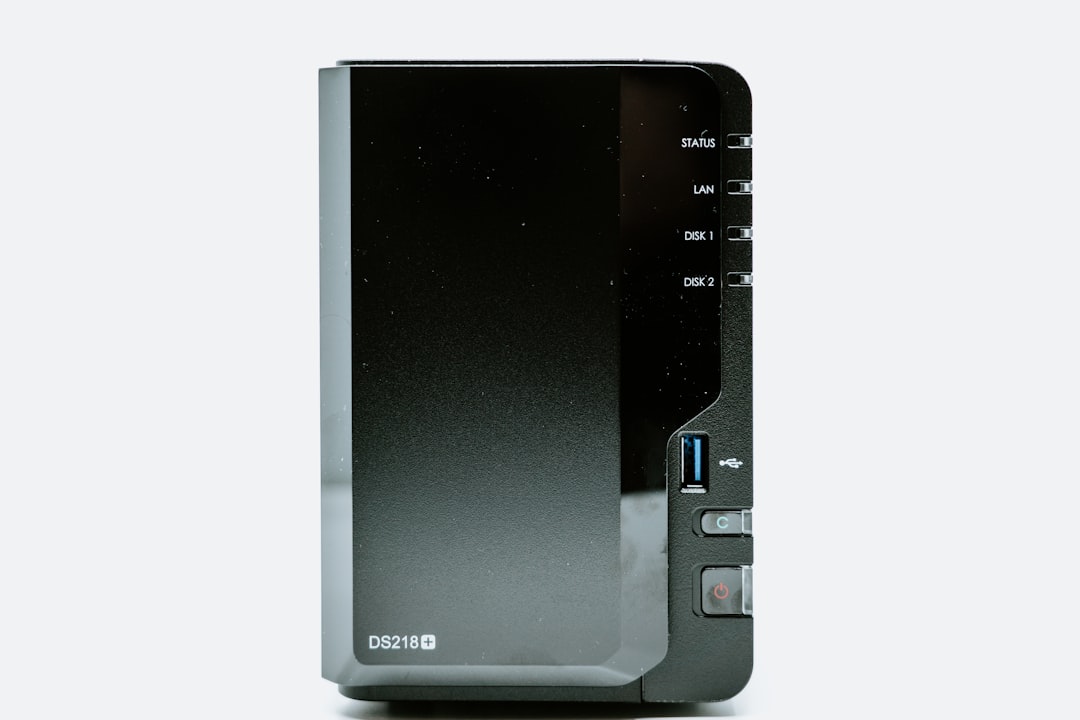
If you’re building on a used office box instead of a mini PC, pair it with a small Crucial MX500 SSD for the OS and let the spinning rust do the dirty work.
The Software Half: One Afternoon, Honest
I won’t pretend the software is the easy part — it isn’t hard so much as it is a sequence. Frigate runs in Docker. You point a config file at your camera RTSP streams, set detection resolution to something modest (720p is plenty; the model doesn’t need 4K to recognize a human), and draw your motion zones in the built-in editor by literally clicking corners on a live frame. An MQTT broker connects it to Home Assistant, which is where the magic compounds: porch person detected while nobody’s home → hallway lights on → phone buzzes with a snapshot. All local, all offline-capable.
Count on an afternoon for the first build and a weekend for the fiddly parts — RTSP URLs are the wild west, every brand formats them differently, and the first successful detection frame on your dashboard feels like tuning in a distant radio station by hand. My advice: get one camera perfect before touching the second. The config compounds; mistakes do too.
It pairs beautifully with the other boxes I’ve written about. The same N100 that watches the house could also host the local voice assistant we set up last month — though I’d keep them on separate containers, not separate machines, after learning what an 11-watt server can and can’t juggle. If you want a single do-everything homelab instead, the used-GPU route still wins on versatility, at the cost of noise and about ten times the power draw.
The Five-Year Math That Sealed It
Let’s total the rebuild: mini PC $190, cameras $300, PoE switch and cabling $70, surveillance drive $100. Call it $660, once. The equivalent cloud subscription for four cameras runs $100 to $200 a year and creeps upward on a schedule you don’t control. Five years out, my stack costs $660 and theirs costs $500-to-$1,000 — and mine has no terms-of-service that can change while I sleep, no cloud outage that blinds it, and no advertiser-grade metadata pipeline attached to my front door. The footage lives on a drive I own, behind a network I control.
Google killing the Coral felt, at the time, like the hobby taking a hit. Six weeks later I’m convinced it was a graduation. The dedicated accelerator was a crutch for an era when general-purpose silicon couldn’t do inference — and that era quietly ended while we were all arguing about GPUs. A $190 box the size of a paperback now outperforms the setup I was sure I’d be sad to lose, on eleven watts, with no purple stick in sight. When the industry takes something away, sometimes it’s because you no longer need it.
