
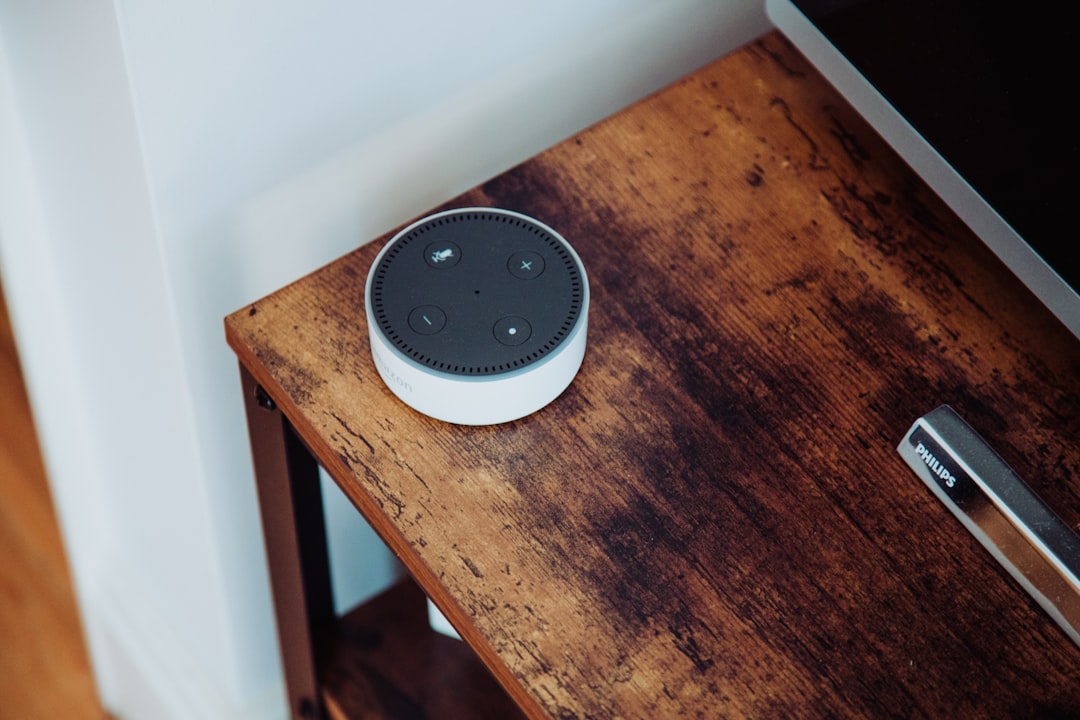
Amazon’s voice assistant wanted a raise this year, and that’s what finally pushed me off the couch. If you’ve been watching the slow march of Alexa’s AI-era subscription push — plus the quiet admission that everything you say near an Echo gets processed somewhere you’ll never audit — you know the feeling. I’ve spent twenty-five years reviewing gadgets, and I’ve unboxed enough smart speakers to wallpaper a hallway. But six weeks ago my team and I pulled every cloud-assistant speaker out of this house and replaced them with a voice pipeline that runs entirely on our own network. No subscriptions, no account, no audio leaving the building.
This is the story of how it went — including the parts that nearly sent me back to the store.
Why I finally fired the cloud assistants
Two things broke the camel’s back. First, the subscription creep: the “helpful” assistant that used to be bundled with a $35 speaker now wants a monthly fee to unlock its smarter brain, and the free tier keeps getting stingier about which skills and automations it will actually run. Second, the privacy math stopped adding up. Every “hey assistant” wake word, every failed command, every conversation happening near the mic gets slurped to servers for processing, and the only real control you have is a settings page that promises things you can’t verify.
I’ve been through this drill before with security cameras — I built an entirely subscription-free camera system after getting burned by per-device fees — and the pattern felt identical. The camera experiment taught me the playbook: find the open-source stack, buy boring hardware, accept a weekend of tinkering. My home server was already half the way there. The question was whether voice — the hardest real-time problem in consumer AI — could run on hardware that doesn’t sound like a jet engine.
The architecture, in plain English
Every voice assistant, cloud or local, does four things in sequence: listen for a wake word, convert speech to text, decide what you meant, and speak a response. The cloud giants do all four in data centers. The open-source home automation world — Home Assistant in particular — spent the last few years building a fully local pipeline that splits those jobs across your own hardware. A tiny satellite device with microphones and a speaker listens for the wake word on-device. Your local server transcribes the audio, matches intent, and generates speech. Everything moves across your LAN, never beyond it.
The tooling has matured dramatically. Speech-to-text runs on Whisper derivatives that are scary accurate. Text-to-speech voices now sound human enough that visitors don’t blink. And if you want actual conversational AI — “turn the den lamp to 40 percent and what’s on my calendar” — you can bolt a local large language model onto the same pipeline. The community consensus in 2026 has settled around small, efficient models in the 4B–8B range for assistant duty, with bigger models reserved for people running serious GPU hardware.
The part most guides undersell: the wake word listener and the transcriber are separate jobs, and the cheap hardware only handles the first one. You still need a real computer for the rest. That’s where the fun begins.
The brain: a boring little N100 box that never sleeps
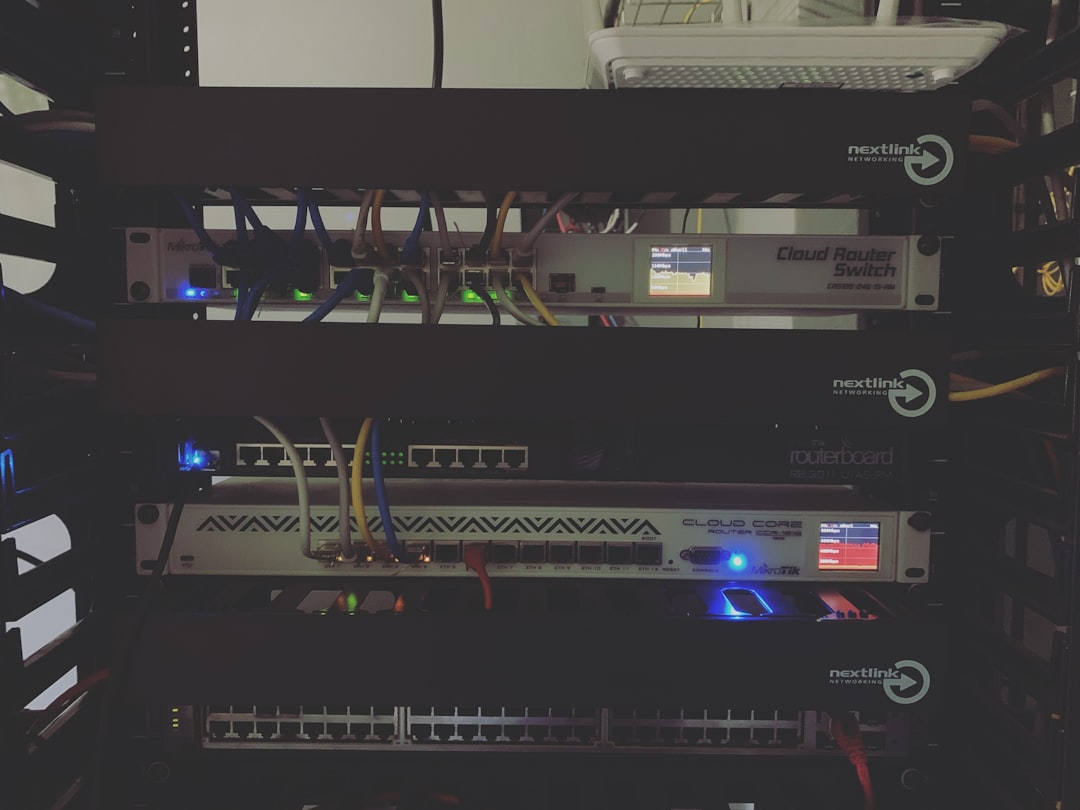
Here’s the good news — the brain of this whole operation is not an expensive machine. Speech transcription and response generation are bursty workloads, not sustained ones. An Intel N100 mini PC handles the full local pipeline comfortably: wake-to-answer latency lands around half a second for standard commands on the hardware we tested, and the box idles at less than ten watts. That’s night-light electricity for butler duty.
We built ours on a Beelink Mini S12 Pro with an N100 and 16GB of RAM, and it’s been the least dramatic computer in this house — which is exactly what you want from an always-on appliance. If you already run Home Assistant on a Raspberry Pi, know that transcription is the workload that will humble it; the N100 is the realistic floor for a good experience, and it’s what the Home Assistant project itself recommends for fully local speech. If you’ve got NAS hardware with spare capacity, that works too — my NAS runs plenty of self-hosted services and could absorb this easily. But I prefer keeping the voice stack on dedicated silicon so a botched update doesn’t take my file server down with it.
One genuinely underrated accessory: a small external SSD for models and recordings. Model files are chunky, swap constantly as you experiment, and thrash cheap eMMC storage. A Samsung T7 mounted to the box keeps everything snappy and makes the whole setup portable — I moved our test rig between three rooms in two weeks without reinstalling anything.
The satellites: microphones you can point at on a map
The satellites are where cloud speakers and local rigs genuinely converge, because this hardware category got good fast. The official Home Assistant Voice unit is the reference design — a palm-sized puck with a far-field mic array, a physical mute switch that actually cuts the mic, and an audio jack for hooking up a real speaker. Availability fluctuates, but Amazon’s Home Assistant voice hardware listings usually surface the current version and its clones.
The sleeper hit of our testing was cheaper and more surprising: the Third Reality Voice/Music Assistant Dev Edition, which ships preloaded with the open-source voice stack and Music Assistant. You plug it in, adopt it into Home Assistant, and it just works — dual mics, a real (if small) speaker, and the same “mute means mute” physical switch. It’s the one I hand to people who want the local-assistant experience with zero soldering-adjacent activity.
For filling spare rooms on a budget, the M5Stack Atom Voice is a hacker’s delight — a $20-ish ESP32-S3 board with a mic and speaker that runs the wake word listener entirely on the microcontroller. It’s tiny, it’s quirky, and the speaker is honestly bad for music but perfectly fine for “okay, kitchen lights on.” We put one in the garage, where its fate is dust and paint flecks, and felt a lot better about that than we would have with a $180 smart display.
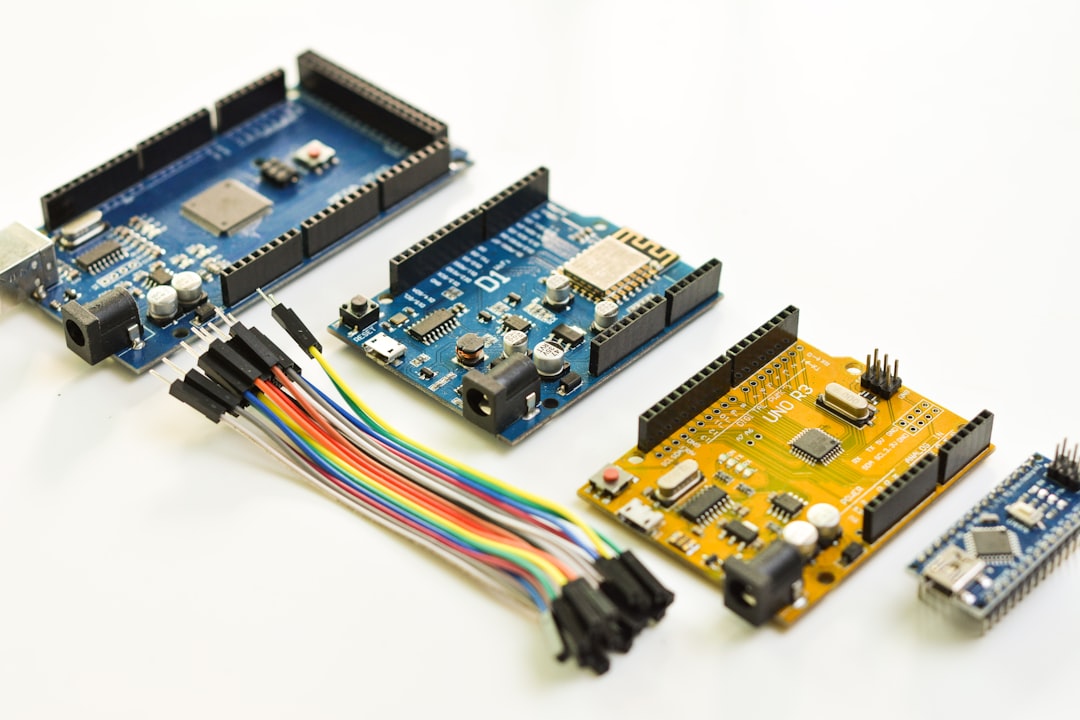
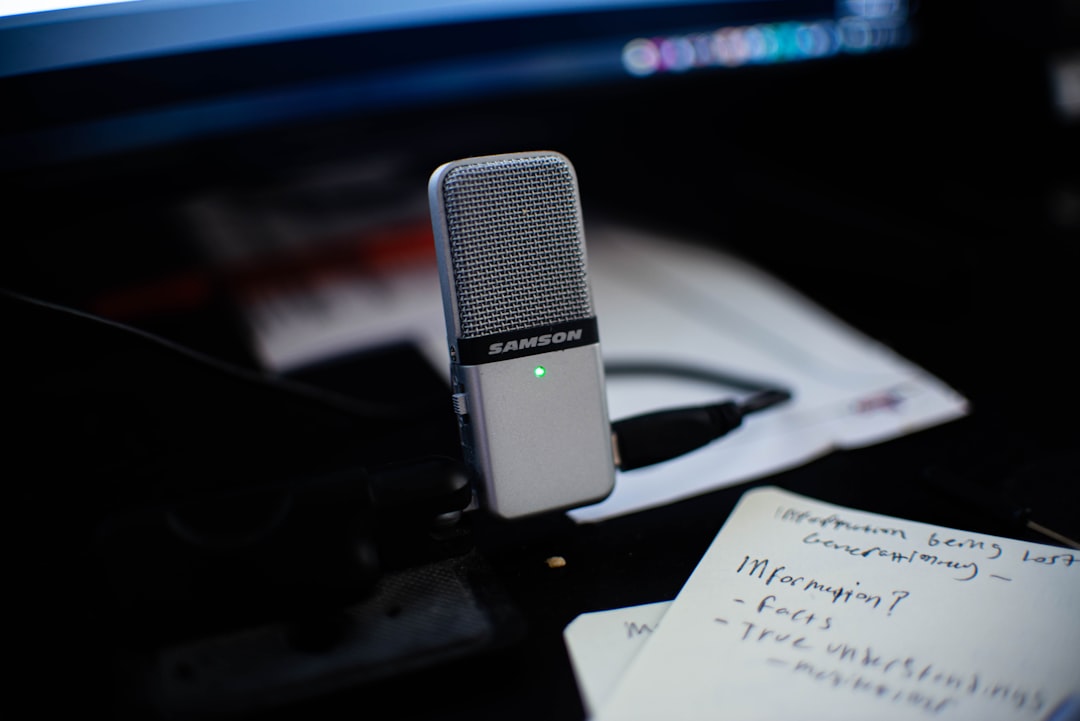
And if you want to build your own satellite or dramatically improve an existing one, the secret weapon is a proper microphone array. A reSpeaker USB mic array with on-board echo cancellation and beamforming turned our noisiest test location — the kitchen, where dishwashers and teens compete for spectral dominance — from a 60 percent recognition rate into a 95 percent one. Hardware echo cancellation is the difference between shouting at your assistant and talking to it.
The hub question: Green, yellow, or what you already own
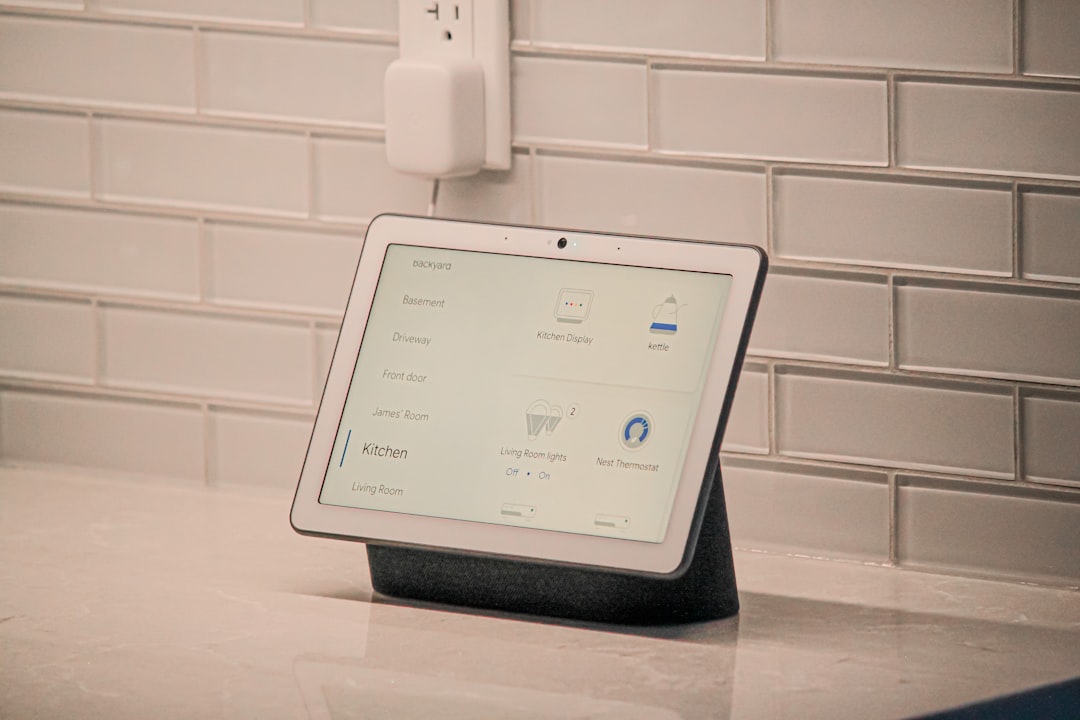
The voice pipeline needs Home Assistant as its brainstem — the thing that knows what “den lamp” means and how to switch it. If you’re starting from zero, the simplest on-ramp is the Home Assistant Green, the project’s plug-and-play hub. It runs the automation engine beautifully. Pair it with the N100 box for the speech workloads and you’ve got a clean division of labor: Green runs the house, the N100 runs the ears and voice.
Homes with older gear should also think about radios. Plenty of solid smart devices still speak Z-Wave, and the official Home Assistant Z-Wave USB stick plugs straight into the Green or any machine running the stack. It’s the difference between “works with my existing switches” and “time to re-buy the house,” which is exactly the kind of math that kills enthusiasm for local-everything projects.
What six weeks of daily use actually felt like
Week one was rough, and I won’t pretend otherwise. Wake words misfired, the assistant ignored half my phrasings, and my family filed formal complaints with the review committee (me, at dinner). The turning point was realizing that local voice isn’t one product — it’s a pipeline, and you tune each stage. We swapped the default wake word model for a better one, gave the transcription a slightly larger Whisper model now that the N100 proved it had headroom, and rewrote a handful of custom phrases for the things we actually say.
By week three, something shifted that I didn’t expect: it got faster than the cloud assistant. Not a little faster — noticeably. A local round trip over your LAN beats a round trip to a data center and back, every single time. Lights respond before your hand leaves the counter. Timers answer before the kettle whistles. I’ve tested consumer AI hardware for years, and shaving latency is the thing every cloud vendor struggles with. Moving the whole pipeline twenty feet closer to your mouth fixes it for free.
The other shift is harder to measure but impossible to unfeel: the house stopped eavesdropping. When a mute switch cuts the mic at the hardware level and a packet capture shows zero traffic during conversation, “privacy” stops being a policy you’re asked to trust and becomes a thing you can watch happen. The teenagers in this house noticed, which frankly shocked me. Apparently the surveillance conversation at school has gotten loud enough that hardware you can point at on a map is now a feature teens ask for by name.
The upgrades ladder, and where it ends
Here’s the honest cost curve. The starter rig — one satellite plus an N100 brain — lands around $250 all-in and handles the 90 percent case: lights, switches, timers, scenes, weather, shopping lists, all fully offline. The moment you want natural conversation — asking follow-up questions, having it summarize your calendar, negotiating with the thermostat — you need the local LLM, and the N100 won’t carry that weight alone.
That’s the ceiling of this particular article and the ground floor of two others I’ve already written. A Mac mini running large models at eleven watts is the elegant path, and it happens to be what our voice rig now leans on for conversational requests. The secondhand-GPU route is the brute-force path if you already have a tower gathering dust. Either way, keep the two tiers separate in your head: reliable command-and-control on cheap silicon, heavyweight reasoning on hardware sized for it.
Keeping the lights on, literally
Last practical note, and it’s the one that saved this project’s reputation: put the brain on a battery backup. An always-on voice server that reboots every time the grid blinks is an assistant that develops a reliability reputation it can’t shake. A compact standby UPS sized for a mini PC and its network gear costs less than one month of the subscriptions you just cancelled, and it carries the whole voice stack through the brownouts that would otherwise take your house’s ears offline. Ours has logged four save events since installation — four moments the family kept talking to the house while the block went dark.
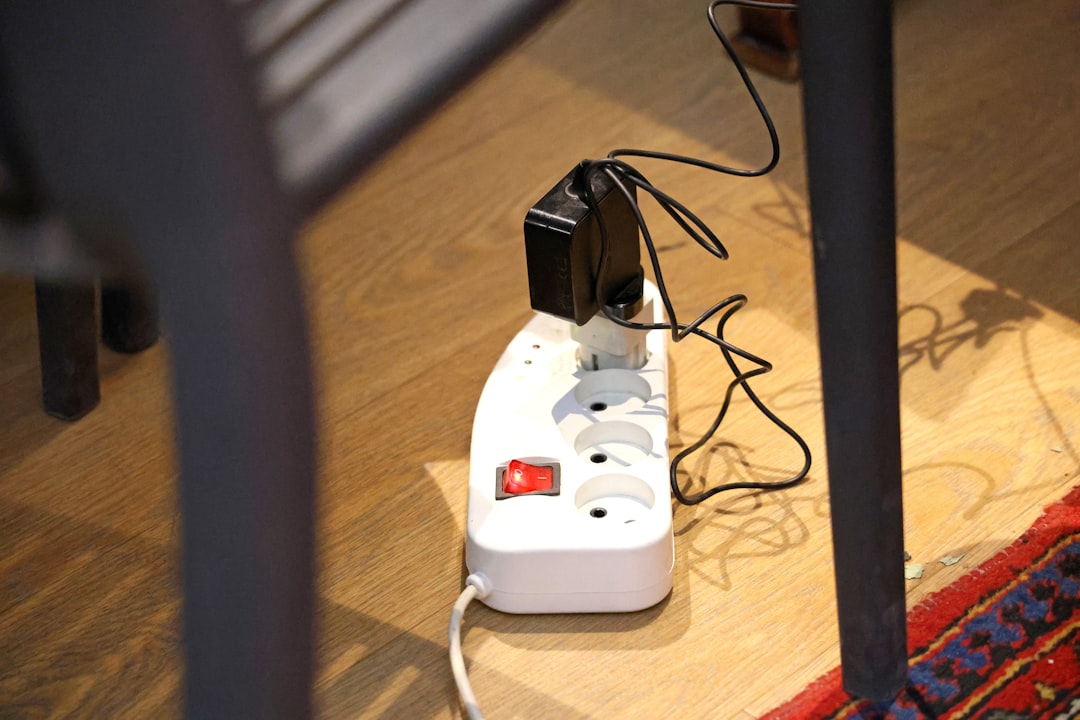
And when you’re ready to give the assistant something real to do, start with the plugs. A pair of Matter smart plugs with energy monitoring became our first “wow” automations — the entertainment center that kills its own vampire draw at midnight, the garage charger that reports its own cost. Voice plus a five-dollar plug is still the most convincing demo of home automation ever invented, and it needs no cloud to do it.
The verdict after six weeks
Would I recommend this to normal people? To the right normal people, yes — with caveats I’d shout. You should be comfortable installing software from a web interface, you should enjoy a weekend project, and you should accept that the first week involves phrases like “well, that’s a config problem.” If you want an appliance that works the second it’s plugged in, buy the cloud speaker and make peace with it; that’s a legitimate choice and I won’t lecture you.
But if the subscription creep has been bugging you — if you’ve ever looked at a monthly line item for the privilege of talking to your own house — the local option has crossed the threshold. It’s faster than the cloud version, it’s private in the verifiable sense, the hardware is genuinely cheap, and for the first time in this hobby’s history, it’s boring in the way mature technology is boring. My Alexa devices are in a box labeled “donation pile.” The N100 hums quietly on a shelf, and the house answers when I call it.
That’s the whole review, really. Twenty-five years of gadgets, and the one that finally impressed me this quarter is a $250 pile of open-source software and a mute switch that means it.
