
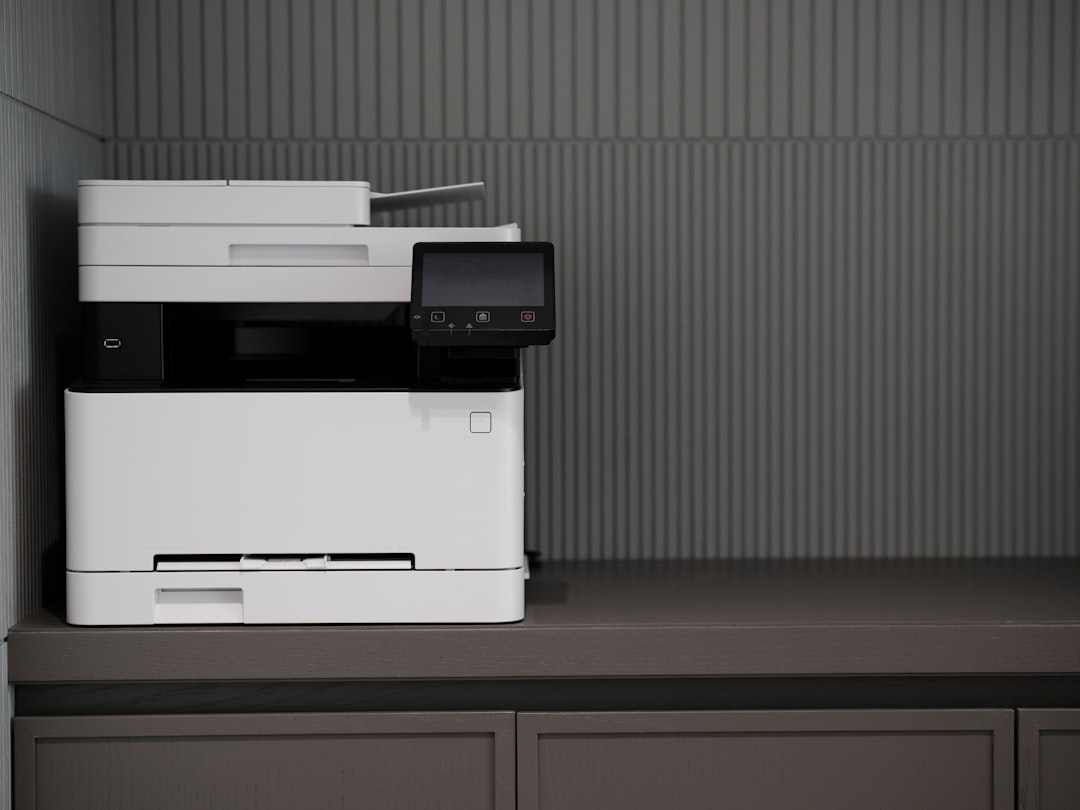
It started with an expired credit card. A friend on my testing team — the person who handles shipping labels and invoice copies around here — logged a support ticket that read like a ransom note: her printer refused to print, and the screen kept directing her to a billing portal. Nothing was broken. The card she’d used for an ink subscription had lapsed, and the manufacturer had remotely paused her machine until payment resumed. Mid-quarter, with a stack of contracts waiting, her hardware had become collateral.
That story would have been an outlier a decade ago. In 2026 it’s practically a genre. The trade group that polices imaging tech publicly called out HP again this past March for firmware that bricks third-party ink, and the horror threads keep stacking up: canceled subscriptions that kill genuine cartridges, updates that reject supplies people already owned, printers that morph from appliances into meters running in the corner of your office. I spent twenty-five years assuming printers were boring. They’re not boring anymore. They’re the clearest example we have of hardware turning into a subscription with a plastic shell around it.
So this year I did the thing I should have done a decade ago, and I’m not going back.
The Subscription That Holds Your Hardware Hostage
Here’s the part most people don’t read until it’s too late: with programs like Instant Ink, the cartridges in your printer are not yours. They’re leased. The ink is physically in your house, sitting in your machine, and it remains the manufacturer’s property. Stop paying — intentionally or because a card expired — and the company can remotely disable those cartridges. You paid for the printer. You’re renting the ability to use it.
The inkjet ecosystem has spent years sharpening this model. Firmware updates flag third-party cartridges as unauthorized. Colorful warnings appear mid-job. A class action over exactly this practice settled in 2025, and yet the strategy marches on, because the economics are too juicy to abandon: sell the hardware cheap, then rent the consumable forever. We ran the same playbook analysis when we built a subscription-free security camera system, and cameras aren’t unique — the printer aisle is where the tactic was perfected.
Once you see the pattern, you can’t unsee it. And once you see the alternative, you can’t go back.
Ink Economics Are Rigged for People Who Print Twice a Month
Ink costs more per milliliter than decent champagne, and that would be fine if it all ended up on paper. It doesn’t. An inkjet that sits idle burns its own supply running cleaning cycles to keep nozzles from clogging. Print nothing for three weeks and the machine quietly sips ink rehearsing for a job that never comes. For a home office that prints contracts, shipping labels, and the occasional form, the real cost per page lands somewhere between painful and absurd once you factor in the waste.

To be fair, there’s one honest version of the inkjet: the tank refill. An Epson EcoTank ET-2803 ships with bottles instead of cartridges, and Epson has largely stayed out of the ink-DRM knife fight. If your household prints volume in color, that’s the inkjet I’d point you at. But notice what even the good option is optimizing for: frequent printing. Nobody built these machines for people who print four pages on a Tuesday and then nothing for a month.
That’s the profile of almost everyone I know. Which brings me to the machine that actually fits it.
Toner Doesn’t Dry Out or Hold Grudges
A laser printer doesn’t care about your schedule. It fuses dry powder to paper with heat, so there’s no liquid to evaporate, no nozzles to clog, no cleaning cycles eating supplies while you sleep. My bench unit sat untouched for seven weeks over the summer — I was traveling and drowning in review units — and the first page out of it was as crisp as page five hundred. That single behavior changes the ownership experience more than any spec sheet line ever will.
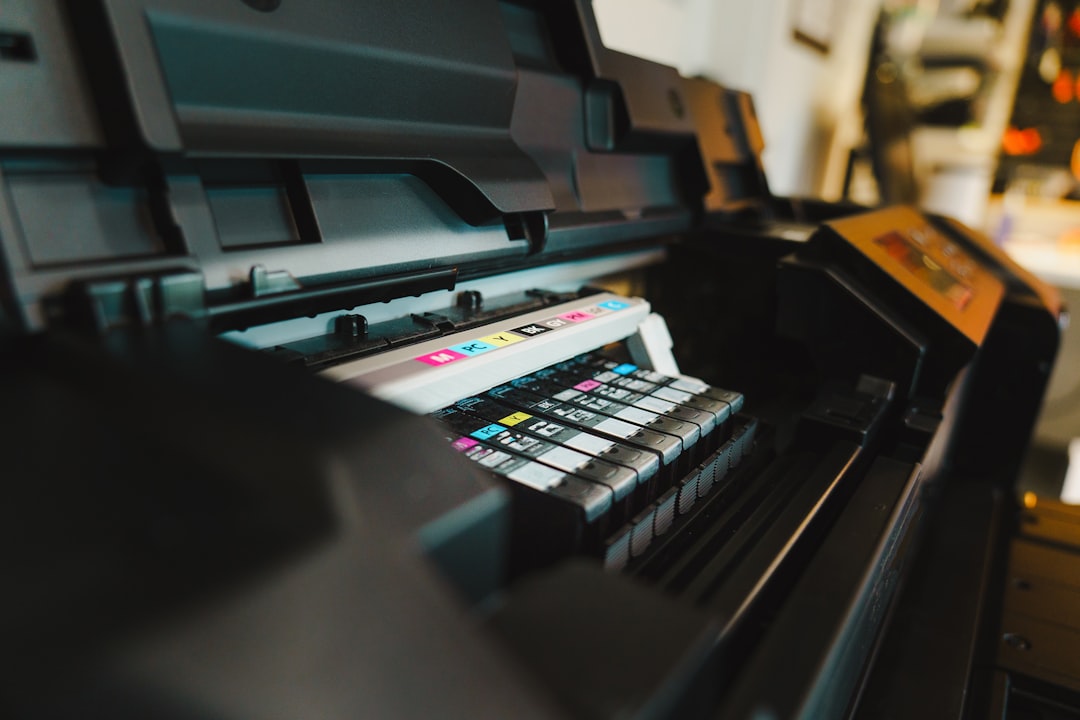
The running cost story is just as lopsided. A high-yield monochrome toner cartridge runs roughly fifty dollars and covers thousands of pages, which works out to around two to three cents per page. The equivalent inkjet page costs two to four times that before you count the waste. When the starter cartridge finally runs dry, you pop in a spare TN2290 cartridge and move on with your life.
And here’s the part that matters in 2026: Brother, the brand I landed on, sells an optional replenishment subscription — but it’s genuinely optional. No firmware police. No bricked third-party toner. The company that dominates budget lasers seems to have looked at the inkjet playbook and decided to just sell printers. Novel concept.
The $130 Box That Ended My Search
After months of side-by-side testing, the machine that earned the permanent desk spot is the Brother HL-L2480DW. Monochrome laser, prints and copies and scans, automatic duplex turned on out of the box, Wi-Fi that connected without a séance. It’s compact enough to slide into a shelf cubby, loud in the way all lasers are loud for eight seconds, and then it’s done — no warm-up drama, no alignment rituals, no app account demanding your birthdate before it will print a boarding pass.
What sold me wasn’t speed, though text pages come out satisfyingly quick. It was behavior. The thing wakes from deep sleep and delivers a finished page before an inkjet would have finished thinking about cleaning its nozzles. Duplex is the default, so a twelve-page contract becomes six sheets without me remembering to toggle anything. The scanner handles the occasional multi-page PDF through its feeder. For a machine in this price bracket, the gap between what it promises on the box and what it does on a Tuesday is essentially zero, and that gap is where most printers live or die.
Three Lasers for Three Kinds of Households
The L2480DW is my pick, but it’s not the only sane answer, and the right choice depends on what your household actually prints. My team grouped the contenders into three profiles after a round of testing.
If you never scan and never copy — you just need crisp black pages — save the money and get the print-only Brother HL-L2460DW. Same engine family, same toner economics, one fewer thing to break. Prefer Canon’s industrial gray? The Canon imageCLASS LBP122dw is the compact print-only alternative that survived our paper-handling gauntlet.

Small-office souls who live on the scanner glass and auto-document feeder should step up to an all-in-one with an ADF. The Canon imageCLASS MF275dw handles the copy-scan-fax trifecta at thirty pages a minute, and if fax still exists in your world, the Brother MFC-L2820DW keeps a dedicated keypad and Brother’s famously dull — in the best way — software. Dull software is a feature. Every exciting printer app I’ve tested this year was exciting in the way a timeshare presentation is exciting.
When Color Actually Matters, Be Honest About It
Every printer conversation eventually arrives at the same question: what about color? Mine arrived when a colleague needed forty flyers for a community event. The honest answer is that most people need color rarely, and there are two good ways to cover the gap.

If “rarely” means flyers, handouts, and the school bake-sale poster, a compact color laser like the Canon Color imageCLASS LBP646Cdw handles it without ever drying out or demanding a subscription. If “rarely” means photographs, skip printing them at home entirely — drugstore and warehouse-club photo labs beat any consumer printer on cost per print, no contest. Buy the mono laser for the 95% of your life that’s documents, and solve the other 5% without renting a second machine.
Paper, Placement, and the Only Two Consumables You’ll Ever Buy
The entire supply chain for a mono laser fits on one shelf. A case of decent 20-pound bond — we keep Amazon Basics multipurpose paper on subscription-free autopilot from the pantry — lasts a two-person office the better part of a year. Toner arrives by mail once in a blue moon. That’s it. No printheads, no waste tanks, no recycling envelopes full of expired cartridges.

Placement is the one decision people get wrong. Lasers want breathing room — a ventilated shelf cubby or a stand with open sides, not a sealed cabinet, because that fuser pushes warm air on every job. We mounted ours on a wire shelf beside the desk, out of the paper-shredder crumb zone. And since a printer is always-on electronics plugged into the wall in a home full of sketchy wiring, it earns a spot on the protected side of the surge planning we covered in our power-spike anatomy lesson. A labeled bin for spare paper and toner, sorted with the same label maker system we use for cable storage, closes the loop: one glance tells you the supply status of the least dramatic machine in the house.
Printing From the Couch, Like an Adult
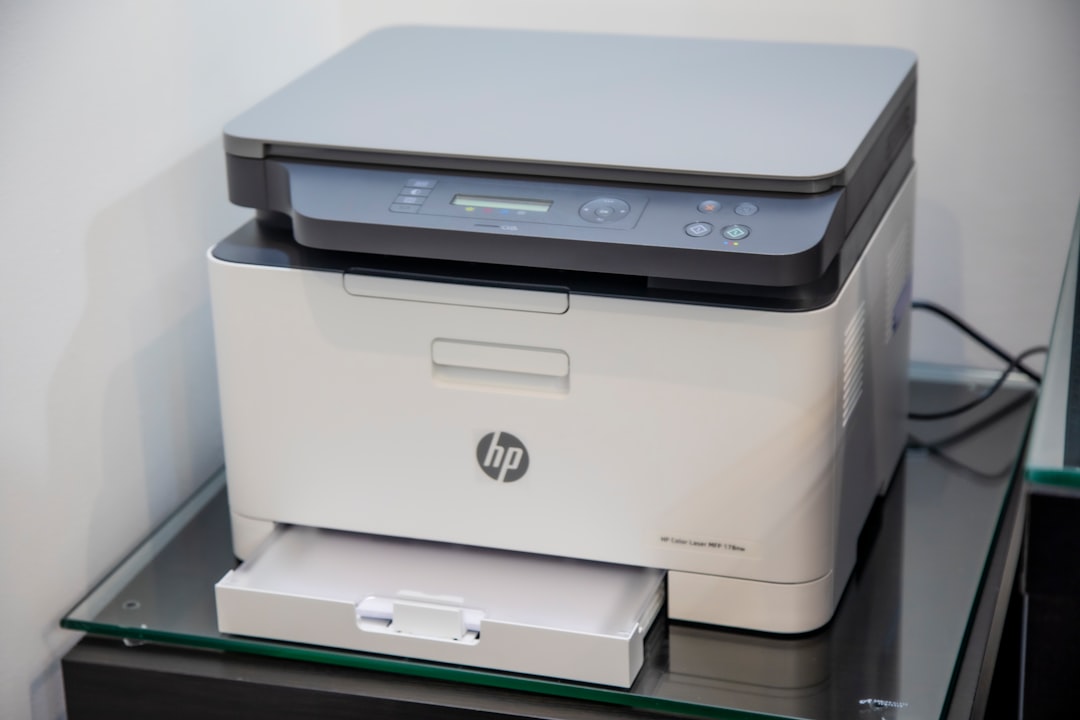
The last surprise was wireless. I expected the usual pairing ritual: accounts, QR codes, a cloud service that “helpfully” holds your documents. Instead, AirPrint and Mopria just worked — every phone and laptop in the house discovered the machine on the network and printed directly, no vendor account standing in the middle taking notes. From the couch, I send a return label to the tray by the door and it’s there by the time I have shoes on. After years of printers demanding relationships, one that simply does its job feels almost transgressive.
The Five-Year Math
Run the numbers the way we ran them for buying smart in the RAMageddon era: printer, one case of paper a year, one spare toner cartridge across five years. Call it three hundred dollars, total, for a machine that will still be boring and reliable in 2031. The subscription inkjet route costs that much in ink alone every eighteen to twenty-four months — and it can be switched off remotely the day a card expires. In a moment when every vendor on earth is trying to convert ownership into rent, the humble $130 mono laser is a small act of defiance. Tech should work for you, not bill you. This one does.
