
Every house has one. Ours was a metal filing cabinet in the basement, plus a shoebox of receipts that migrated from closet to closet through three moves. When the insurance adjuster asked for the serial number of a water heater we bought in 2021, I spent forty-five minutes downstairs with a flashlight, emerging with a crumpled invoice and a conviction that there had to be a better way. There is, and the punchline is that the better way fits on a shelf, costs less than a mid-range phone, and never sends a single page of your life to someone else’s server.
Over the past six months, my team and I built and lived with what I’ve started calling a document brain: a scanner that eats paper, a fanless mini computer that reads and files it, and a local AI model that answers questions about all of it. This is the story of that build, what it costs, where it stumbles, and why the shredder has quietly become my favorite piece of the whole system.
The Rule I Set Before We Started: The Paper Never Leaves the House
There are a dozen services that will happily OCR your mortgage documents in the cloud. I want to be direct about why I ruled all of them out. A scanned document archive is the single most sensitive dataset most families own — tax returns, medical bills, pay stubs, Social Security numbers, the deed to your house. Uploading that to a document SaaS means trusting that company’s security team, their subprocessors, their acquisition prospects, and their terms-of-service lawyers, indefinitely. That’s a lot of strangers for a filing cabinet.
So the rule for this build was absolute: every byte stays on hardware I own. We verified it, too. During testing we ran a packet capture on the archive box for two weeks — DNS logs, outbound connections, the works — and the only traffic leaving it was our own VPN endpoint for remote access. Everything else, from OCR to the language model doing the filing, happened on a machine pulling about eleven watts from the wall. If you’ve read my piece on the Mac mini that quietly replaced my home server, you already know small, silent, and local is my favorite genre of computer.
The Scanner Does More Hard Work Than the AI
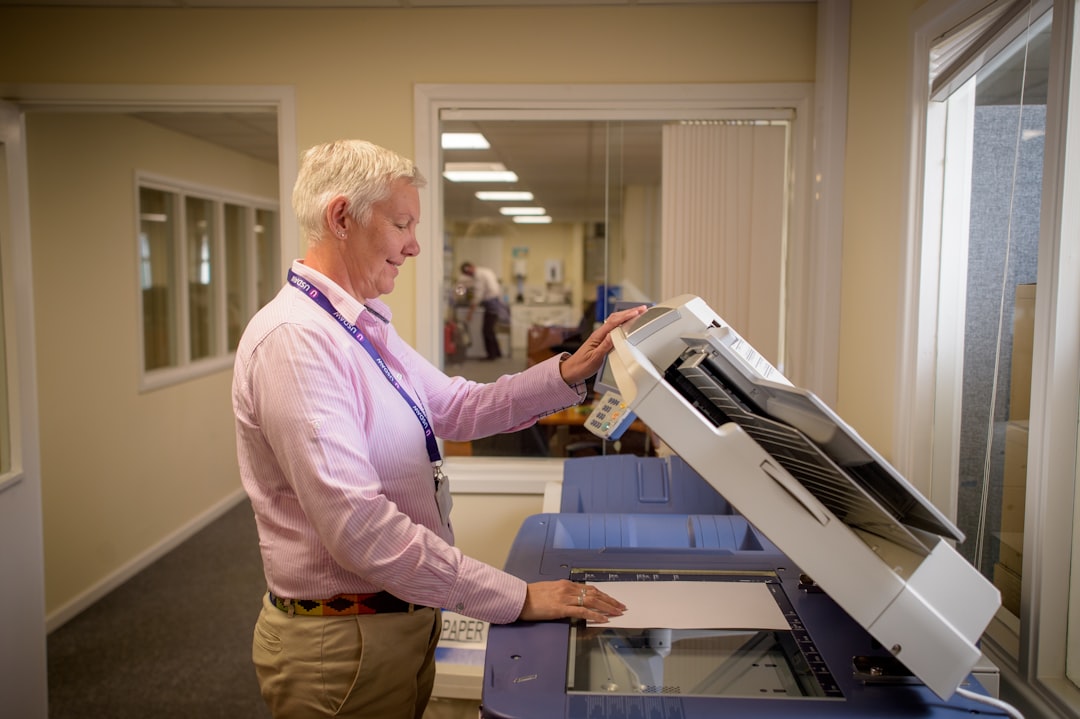
Here’s the thing nobody tells you when they’re nerding out about local LLMs: the scanner is the component that determines whether you actually finish this project. We started with a flatbed borrowed from a friend and abandoned it after ninety minutes and maybe thirty pages. The automatic document feeder is the whole ballgame. You want duplex scanning, because every real document is printed on two sides, and you want a feed mechanism that doesn’t jam on the crumpled receipts that started this whole saga.
The scanner that ended up earning its shelf space is the Fujitsu ScanSnap iX1600. It ingests forty pages a minute, both sides in one pass, straight into the archive over Wi-Fi, and its ultrasonic sensor catches double-feeds so two pages never get welded into one scan. If the budget is tighter, the Brother ADS-1700W handles the same duty cycle at a slower clip, and the compact Brother ADS-1300 proved perfectly adequate for the low-volume household — think a few sheets a week, not a backlog purge. Buy the scanner based on how many pages are sitting in your own shoebox right now, not on specs you’ll never stress.
The Brain Is a Fanless Box the Size of a Paperback
The computer running this thing is almost comically modest. OCR and document classification are steady, patient CPU workloads, not the bursty matrix math that demands a giant GPU. We standardized the build around a Beelink Mini S13 with Intel’s N150 chip, 16GB of RAM, and a small NVMe drive. It idles silent, pulls single-digit watts, and costs about what you’d spend on dinner for four. It runs the database, the OCR engine, and a compact language model without breaking a sweat.
A note on memory, because 2026 has not been kind to it. Prices on RAM have climbed enough that I’d no longer advise over-buying “for later” — the 16GB in the Beelink handled a 4,300-document backfill while juggling the language model, and it never swapped. Storage, though, is where I’d spend freely. Documents are tiny, but the database indexes and model files appreciate the NVMe speed, and a roomy drive means never having to prune your own history. Buy the fast drive, skip the RAM you won’t use, and pocket the difference.
If you’re the type who wants the absolute floor on price, a Raspberry Pi 5 starter kit with 8GB of RAM runs the same software stack. It’s slower on the initial backlog — our Pi finished a thousand-page import in roughly twice the time the Beelink needed — but for ongoing weekly intake you’d never notice the difference. And if you’d rather scale up someday for bigger local AI workloads, the upgrade path runs straight through the parts list in my used-GPU build guide; the software doesn’t care what hardware it lives on.
The Software Stack That Ties It All Together
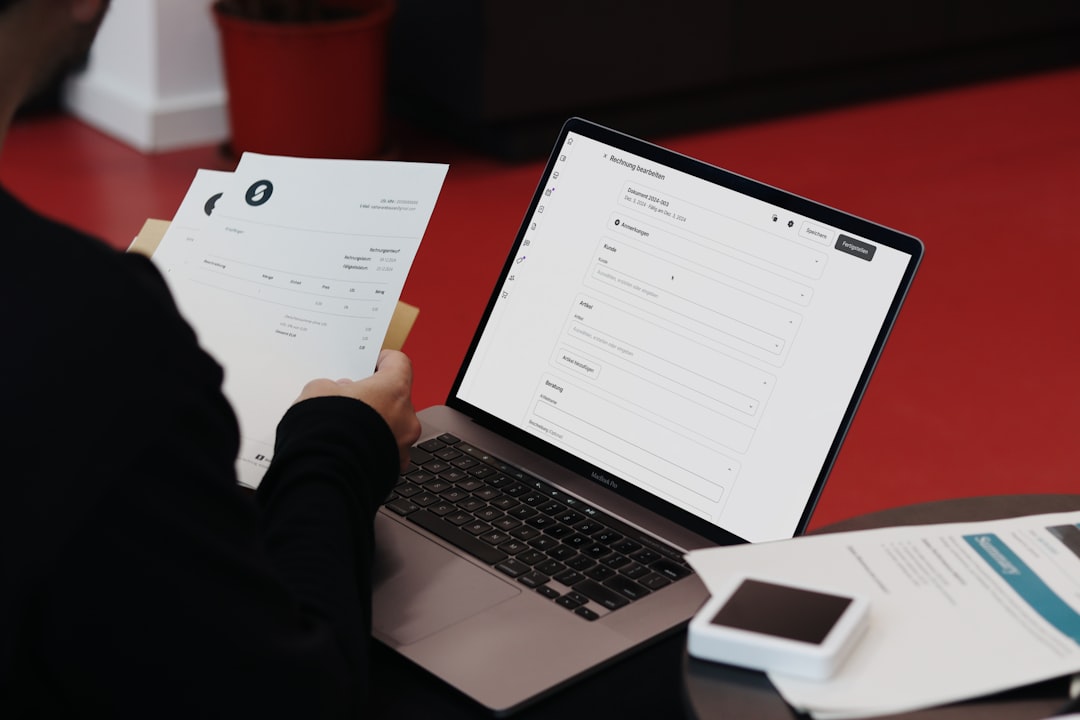
The heart of the system is Paperless-ngx, an open-source document management system that’s been maturing for years. It consumes scans, runs OCR across them, extracts dates and correspondents, and stores everything in a searchable, tag-filterable archive you can reach from any browser in the house. On its own, it already beats every filing cabinet ever manufactured. What changed in the last year is that you can now point a local language model at it.
We wired the box to an Ollama-hosted model running on the same machine, and the experience transformed. New documents get read and titled sensibly instead of landing as raw filenames. The model assigns tags — utilities, medical, automotive, taxes — with about 95 percent accuracy across our backfill, and when it’s unsure, it flags the document for review rather than guessing. The killer feature is semantic search: ask the archive “which receipt had the warranty for the sump pump” and it finds the document even though the word “sump pump” appears nowhere in the OCR text of the page header. The team’s favorite party trick is asking it to summarize every medical expense from a given year at tax time. That query used to be an afternoon. Now it’s a sentence.
Storage, Backups, and the Deeply Satisfying Ritual of the Shredder
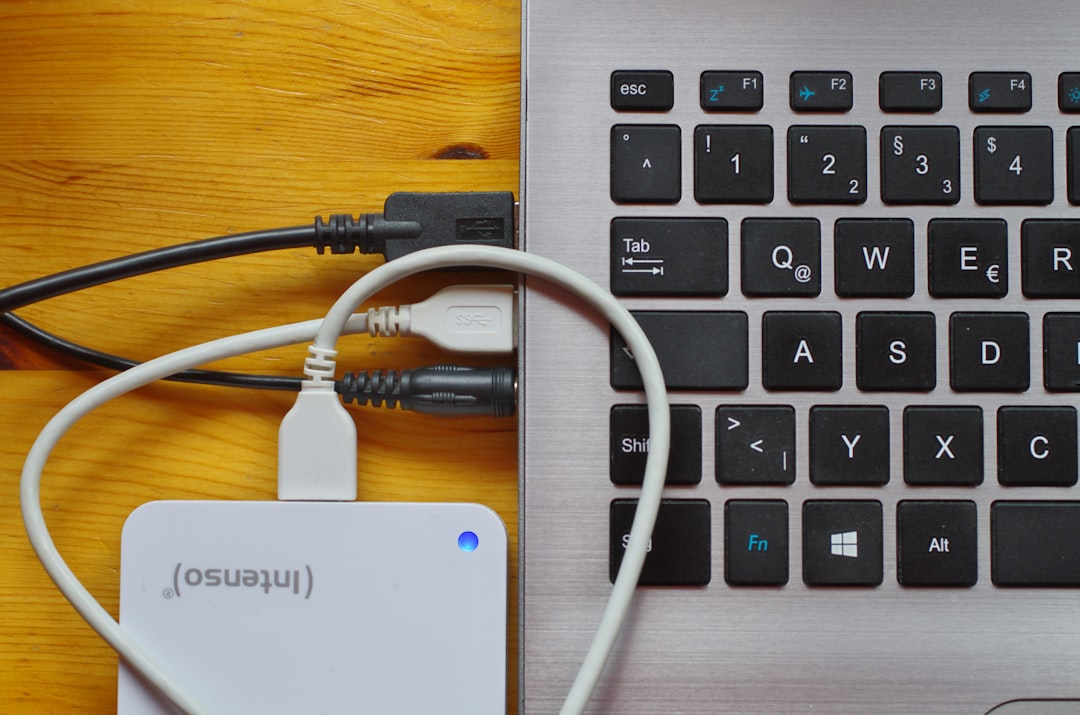
An archive is only as good as its copies, so we kept the 3-2-1 discipline I preached when I built out the family’s personal cloud: the live copy on the mini PC, a nightly sync to the NAS, and a monthly encrypted snapshot to a Crucial X9 2TB portable SSD that lives in a fireproof box at a relative’s house. Documents are small — our entire scanned life, OCR text included, is under 40GB — so even the modest drive has a decade of headroom.
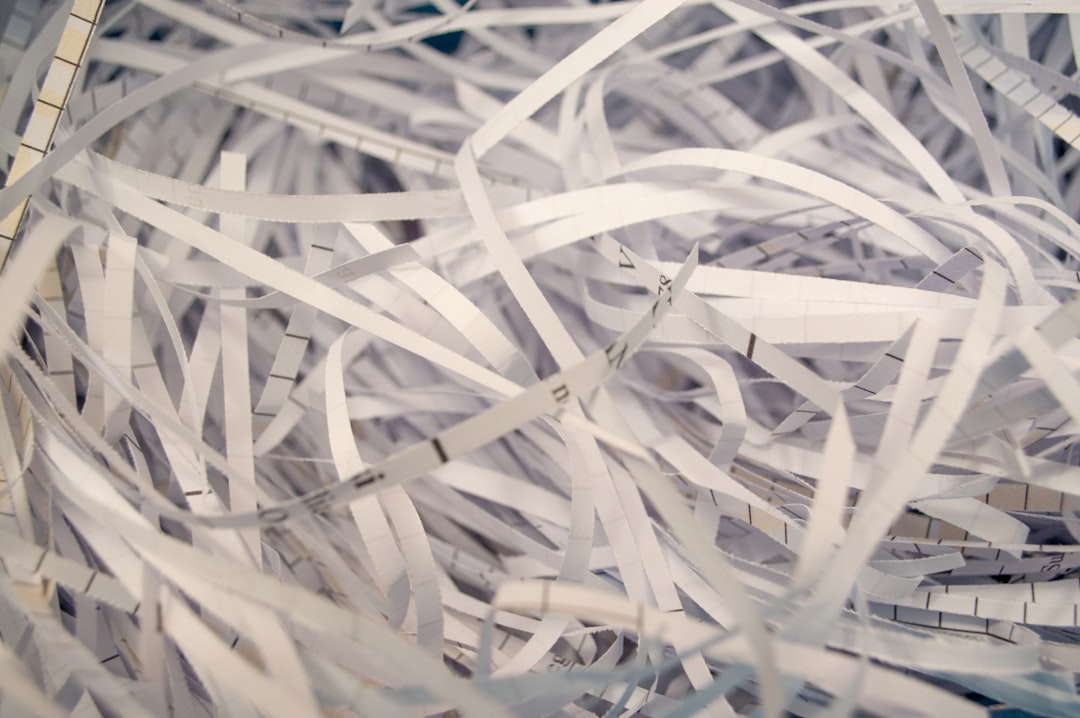
Then comes the part I didn’t expect to love. Once a document is scanned, verified, and backed up, the original paper goes into the shredder, and a good micro-cut shredder matters here because you’re destroying precisely the documents identity thieves want. The Bonsaii 12-sheet micro-cut on our bench swallowed the entire backlog without overheating, and the smaller Bonsaii 6-sheet model is the right size for most desks. Watching twenty years of filing cabinet condense into a shopping bag of confetti is genuinely one of the more satisfying afternoons I’ve had in this line of work. One caution from experience: keep the originals of anything with a seal, a signature, or sentimental value — birth certificates, diplomas, the deed — in a small fire safe. Digitize everything, shred the rest.
Because the box is now the only place some documents exist, it earns real power protection. A compact unit like the CyberPower 800VA battery backup rides out the blinks and brownouts that would otherwise corrupt a database mid-write. It’s twenty minutes of runtime, which is plenty for a graceful shutdown, and it costs less than the scanner’s replacement rollers.
Six Months In: What an Archive That Talks Is Actually Like
The novelty has worn off and the habit has stayed, which is the truest test of any system. Mail gets scanned the day it arrives, tags itself, and the paper gets shredded within the week. The filing cabinet went to a friend starting a home office. In six months the archive has answered the water heater question in eight seconds, produced a complete expense packet for an insurance claim in one evening, and settled a warranty dispute with a contractor by pulling up a signed change order from 2022. My accountant received the most organized document bundle of her career and asked, only half joking, whether every client could do this.
The failures have been mundane. Thermal-paper receipts from two specific gas stations fade within months, so scan those immediately or photograph them on arrival. Handwritten notes OCR about as well as you’d expect, which is to say the model reads them like a polite doctor deciphering another doctor’s prescription. And the initial backlog is a project — ours was four hundred pages a night for a week, and honestly, that pace made it feel like a proper ritual instead of a chore.
Who Should Skip This Build
Honesty time, because this isn’t for everyone. If your household generates almost no paper anymore, you don’t need a dedicated rig — the NAS setup I described earlier can host the same software in a container, and your phone’s camera handles the occasional intake. And if paper still flows into your life faster than you can scan it, tackle the inflow first; a scanner sitting next to a pile that only grows is just a very expensive paperweight. For everyone between those poles — homeowners, freelancers, anyone who’s ever lost an afternoon to a basement filing cabinet — this is one of the highest-value builds I’ve put together in years. Total damage for the full stack, scanner to shredder, ran us well under a grand. Compare that to a single year of most cloud document plans plus the shredding service we no longer need, and the box pays for itself while keeping every page exactly where it belongs: home.
