
The Router or Mesh Debate: I’ve Tested Dozens — Here’s What You Actually Need
Last month, my neighbor called me in a panic. His new $700 mesh WiFi system was slower than the five-year-old router he’d just replaced. He’d fallen for the marketing hype: more nodes, better coverage, future-proof WiFi 7. The reality? He lived in a 1,200-square-foot apartment with clear line of sight to his router. He didn’t need a mesh system—he needed to understand what his home actually required.
After two decades of testing networking gear and helping friends, family, and readers sort through the confusion, I’ve learned that the router vs mesh debate isn’t about which technology is “better.” It’s about matching the right tool to your home’s layout, your devices, and your budget. Let me cut through the marketing noise and tell you what actually matters.
The Fundamental Difference: One Box vs Many
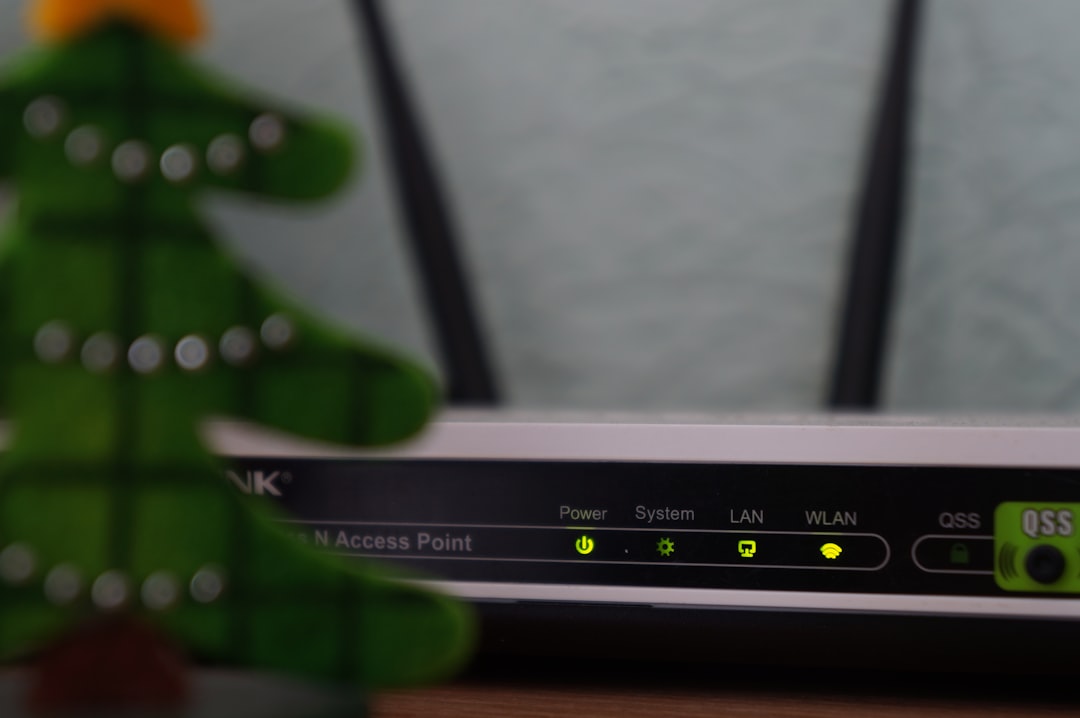
A traditional router is a single device that broadcasts WiFi from one location. Think of it like a lightbulb in the center of a room—the closer you are, the brighter the light. Move too far, and you’re in the dark.
A mesh system replaces that single bulb with multiple smaller lights scattered throughout your home. Each node talks to the others, creating a blanket of coverage. Walk from your living room to your backyard, and your device seamlessly switches nodes without dropping the connection.
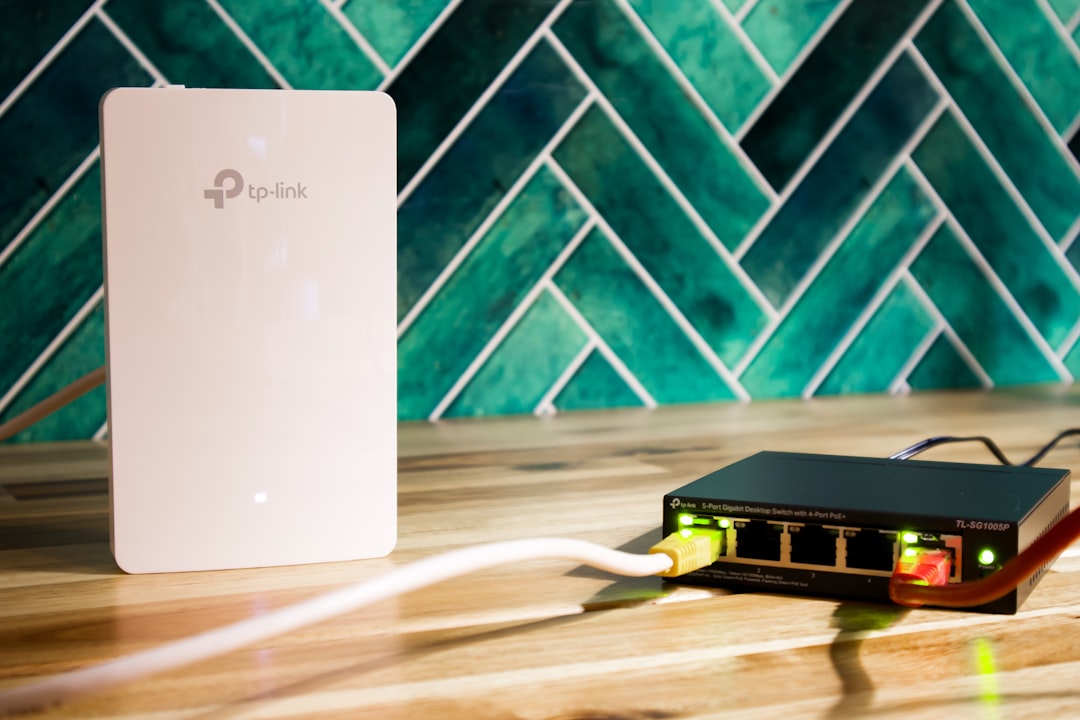
The magic happens in two ways. First, mesh systems use dedicated wireless backhaul—essentially a private network highway just for the nodes to talk to each other. This means your Netflix stream doesn’t fight with the signal your upstairs node needs to stay connected. Second, the system handles roaming decisions intelligently, deciding which node your device should use based on signal strength, load, and performance.
When a Traditional Router Makes Sense
Most homes don’t actually need mesh. If you live in an apartment, condo, or smaller single-story home under 2,000 square feet, a single well-placed router will cover every corner. The key is placement—central location, elevated if possible, away from thick concrete walls and metal appliances.
I’ve tested dozens of routers in this scenario, and modern WiFi 6 and WiFi 7 units are incredibly powerful. They push strong signals through multiple walls, maintain high speeds at range, and handle dozens of connected devices without breaking a sweat. The advantage? Simpler setup, fewer things to plug in, no worrying about node placement, and significantly lower cost.
For most people in this situation, I’d recommend a solid WiFi 6 router like the TP-Link Archer AX6000 or WiFi 7 options like the Netgear Nighthawk RS700. They’re overkill for today’s needs, which means they’ll handle whatever you throw at them for years.
When Mesh Actually Justifies the Cost
Mesh systems shine in specific scenarios. The first is large homes—3,000+ square feet with multiple floors. Thick walls, dead zones in far bedrooms, spotty coverage in the yard. If you’ve ever had to stand in a specific spot to get a workable signal, you’re in mesh territory.
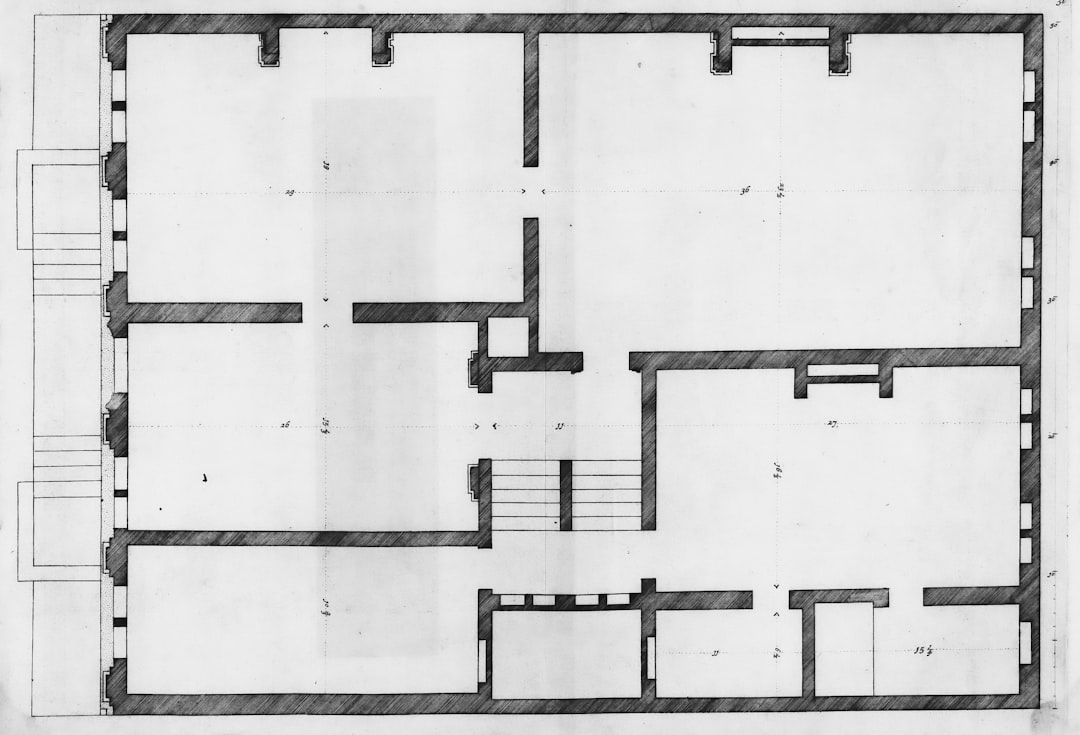
The second scenario is tricky layouts. Open-concept homes with multiple wings, houses with metal roofing or radiant floor heating that blocks signals, older buildings with plaster and lath walls. A single router struggles here because the signal has to navigate physical barriers that WiFi simply doesn’t penetrate well.
Third: if you need consistent performance for bandwidth-heavy activities throughout your home. Streaming 4K video to multiple TVs, gaming on a console in the basement while someone else video conferences upstairs, running a smart home with dozens of devices spread everywhere. Mesh handles this distributed load better than a single router ever could.
For these homes, I’ve had excellent results with the eero Pro 6E system. It’s not the flashiest on paper, but the software is rock-solid, setup takes minutes, and it just works. The Amazon eero Max 7 is the premium option if you want WiFi 7 and multi-gig ports for future-proofing. On the value side, the TP-Link Deco X55 offers impressive coverage at a price that won’t make you wince.
The Hidden Factors That Matter More Than You Think
After years of testing, I’ve learned that the hardware specs matter less than the software. A router with the fastest WiFi 7 specs on paper will frustrate you if the firmware is buggy, updates are rare, and the interface is a mess. Conversely, a slightly slower system with excellent software will deliver a consistently better experience.
Here’s what actually matters in daily use:
Reliability first: Your network should be like electricity—always there, never thought about. Look for systems with automatic firmware updates, self-healing features that restart nodes when they act up, and quality of service (QoS) that prioritizes critical traffic like video calls.
Ease of setup: Nobody wants to spend Saturday afternoon deciphering networking jargon. The best systems have apps that walk you through placement, run speed tests to optimize positioning, and give you clear feedback when something’s wrong. The Google Nest WiFi Pro excels here—it’s practically foolproof.
Parental controls and security: If you have kids, built-in parental controls that pause internet by device, filter content, and schedule screen time are invaluable. For security, look for systems that offer automatic threat protection, guest network isolation, and regular security updates. The eero systems include a year of eero Secure+ free, which covers VPN access, ad blocking, and threat protection.
Ecosystem integration: If you’re deep in Amazon’s world, eero makes sense. Google users will prefer Nest WiFi. Apple loyalists might wait for the long-rumored Apple router, though for now, the ASUS ZenWiFi Pro works beautifully with HomeKit and offers the advanced features power users crave.
What I’d Buy for Different Situations
After testing dozens of systems in real homes, here are my specific recommendations:
Small apartment or condo (under 1,500 sq ft): Skip mesh entirely. Grab a TP-Link Archer AX50. It’s inexpensive, fast enough for anything you’ll throw at it, and the setup is straightforward. Spend the money you save on better internet service instead.
Medium single-story home (1,500-2,500 sq ft): If your home is relatively open, a single high-end router like the ASUS RT-AX88U Pro will cover everything. If you have a challenging layout with multiple wings or a detached garage, a 2-node mesh system like the eero Pro 6E makes more sense. I’ve written before about how upgrading your home office connectivity can transform your workflow—the same logic applies to whole-home networking.

Large multi-story home (2,500-4,000 sq ft): This is mesh territory. A 3-node Netgear Orbi WiFi 6E system has consistently delivered the strongest performance in my tests, especially for large homes with thick walls. The dedicated backhaul makes a real difference when you’re pushing data across multiple floors.
Very large home or challenging layout (4,000+ sq ft): You need professional-grade equipment. The ASUS ZenWiFi AX6600 or the Netgear Orbi 970 series with WiFi 7 are designed for this scale. Expect to pay a premium, but you’ll get enterprise-style features, multi-gig ports, and the coverage to handle practically any residential layout.
The Setup Mistakes Everyone Makes
I’ve watched hundreds of people set up mesh systems, and the same mistakes crop up repeatedly. Avoid these and you’ll save yourself hours of frustration:
Node placement: Don’t just shove nodes in rooms where you want better signal. Each node needs to be within range of the main router or another node, but not so close that they’re competing. Aim for about 30-40 feet between nodes in open space, closer if there are walls in between. The best rule of thumb: place nodes roughly halfway between the router and the dead zone you’re trying to eliminate.
Forgetting the basics: Before you spend hundreds on new gear, check the obvious. Restart your modem, ensure your router’s firmware is current, verify you’re not on a congested WiFi channel, and check that your internet plan actually delivers the speeds you’re paying for. I’ve solved countless “router problems” that were actually ISP issues or just needed a simple reboot.
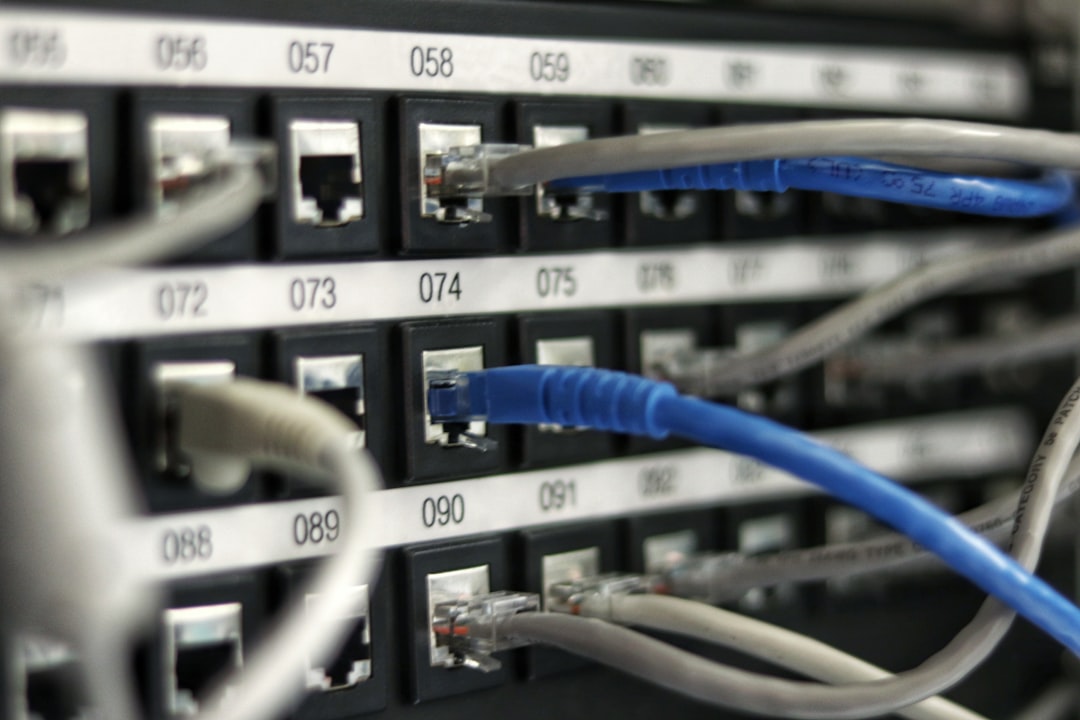
Ignoring wired backhaul: If your home has Ethernet wiring, use it. Connecting nodes via cable instead of wireless dramatically improves performance and reliability. Even if you only have wiring to one or two locations, using it for those nodes takes pressure off the wireless network. Most modern mesh systems support hybrid setups with some nodes wired and others wireless.
Overbuying for the future: WiFi 7 is exciting, but unless you have multi-gig internet or specific needs like ultra-low-latency gaming, you won’t see real-world benefits today. WiFi 6E is plenty fast for current needs, and prices have dropped dramatically. Save your money for when you actually need it.
The Truth About WiFi 7 and Future-Proofing
Every marketing push screams about WiFi 7 and multi-gig speeds. Here’s the reality: unless you have gigabit-plus internet service, you won’t see benefits. Most cable connections top out at 1Gbps, and fiber is only just starting to deliver 2Gbps to residential areas. WiFi 6E handles 1Gbps easily, so unless you’re in one of the few areas with multi-gig internet, you’re paying for capabilities you can’t use yet.
That said, if you’re buying for the long haul and the price difference isn’t massive, WiFi 7 gear does offer better handling of many simultaneous devices. For large families with everyone streaming, gaming, and video conferencing at once, the improved efficiency makes a difference. Just don’t expect it to magically fix dead zones or make your internet plan faster than what you’re paying for.
When to Call a Professional
Sometimes DIY isn’t the right answer. If you have a particularly challenging situation—massive home, complex layout, business needs, or you just want it done right—consider a professional installation. Services like HelloTech or Geek Squad will assess your space, recommend the right equipment, and handle installation for a fee. For more on designing a connected home from scratch, check out my blueprint for transforming dead zones into smart zones.
For most people, though, the right system installed thoughtfully will deliver excellent results. The key is being honest about your needs rather than buying based on hype.
What I Actually Use at Home
After years of testing everything that hits the market, I’ve settled on a simple setup that covers my 2,100-square-foot home without a single dead zone. A single high-end WiFi 6 router sits in the center of my home, elevated on a shelf, away from interference. It handles 4K streaming to multiple TVs, video calls, smart home devices, and everything else without breaking a sweat.

I tried a mesh system for a month, carefully measuring performance in every room. The results? Marginally better speed in the far bedroom, but at the cost of more complexity, more devices to manage, and three times the price. For my home, a single router is the right answer.
Your mileage will vary. That’s the point of this guide—not to sell you on one solution, but to help you understand what your home actually needs. The best networking gear is the gear that matches your specific situation, not the gear with the flashiest marketing or the highest price tag.
Spend the money you save on the right solution for your home. Better internet service, faster devices, or just keeping the cash in your pocket—all smarter investments than buying more router than you’ll ever use.
