
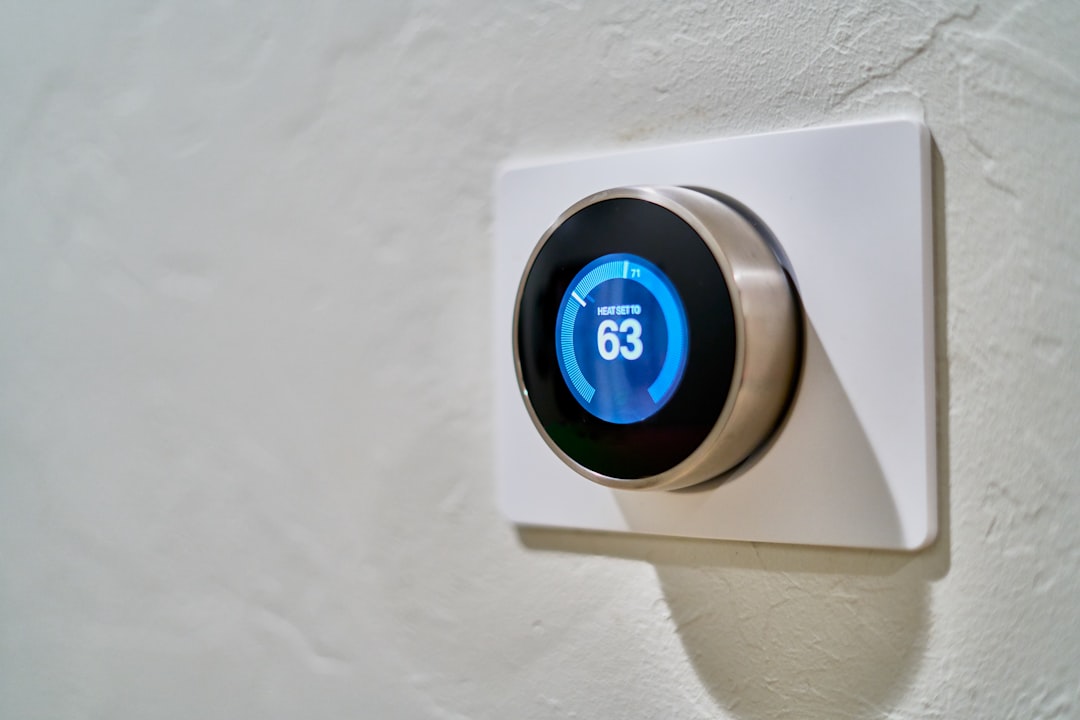
I’ve spent the last six months slowly rewiring my house. Not the electrical panel — though that’s a project for another day — but the invisible layer of connectivity that makes a modern home actually feel modern. WiFi that reaches every corner. Cameras that don’t require a $15/month subscription to be useful. Lights that turn on when I pull into the driveway without me touching a switch. The kind of stuff that sounds like luxury until you live with it for a week and realize it’s just… practical.
Here’s the thing most people get wrong about smart home tech: they buy a random smart bulb here, a video doorbell there, and wonder why nothing works together. The real magic happens when you treat your home as a system — network first, then security, then automation, then the fun stuff. And with Amazon Prime Day hitting June 23rd through the 26th, this is the one time of year when building that system doesn’t require a second mortgage.
I’ve been poring over the Prime Day promotional lineup — there are thousands of SKUs across every category imaginable — and pulled together the products that actually make sense for someone who wants a connected home without the gadget graveyard. These are items I’ve either tested myself or chosen because they solve problems I’ve personally hit. Let’s walk through it.
The Foundation: Kill Your WiFi Dead Zones
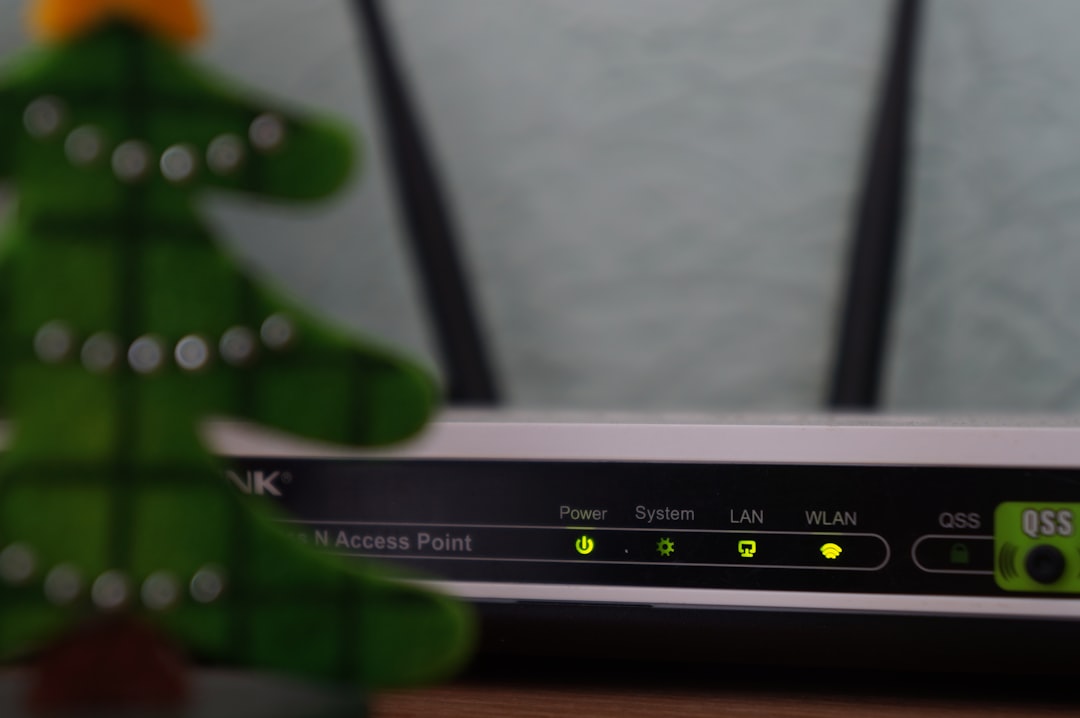
Everything else in this article depends on this step. If your router lives in a closet on one end of the house and your signal dies three rooms away, no amount of smart cameras or automated shades will save you. I learned this the hard way when I tried to set up a security camera in my backyard last summer and spent two hours troubleshooting a connection that was simply too weak to stream 1080p.
The ASUS ZenWiFi AX Whole-Home Tri-Band Mesh WiFi 6 System is the upgrade I recommend without hesitation. It’s not the newest WiFi 7 gear, but WiFi 6 has reached that sweet spot where every device supports it, the prices have dropped to sane territory, and the real-world performance is genuinely excellent. The tri-band design means your devices get their own dedicated backhaul channel, which matters more than the marketing specs suggest — it’s the difference between a mesh system that handles 30+ devices gracefully and one that chokes when someone starts a video call.
What I appreciate about the ZenWiFi system specifically is the setup. I’ve installed enough mesh networks to know that some make you want to throw the quick-start guide across the room. This one doesn’t. Pair the nodes through the app, place the second unit somewhere roughly in the middle of your home, and the coverage map sorts itself out. On Prime Day, expect the two-pack to drop to a price that makes upgrading from your ISP’s garbage router a no-brainer.
If you’re also planning to upgrade your desk setup for work-from-home, a solid mesh network is the prerequisite that makes everything else — smart displays, wireless cameras, streaming — actually reliable.
Eyes on the Perimeter: Security Without the Subscription
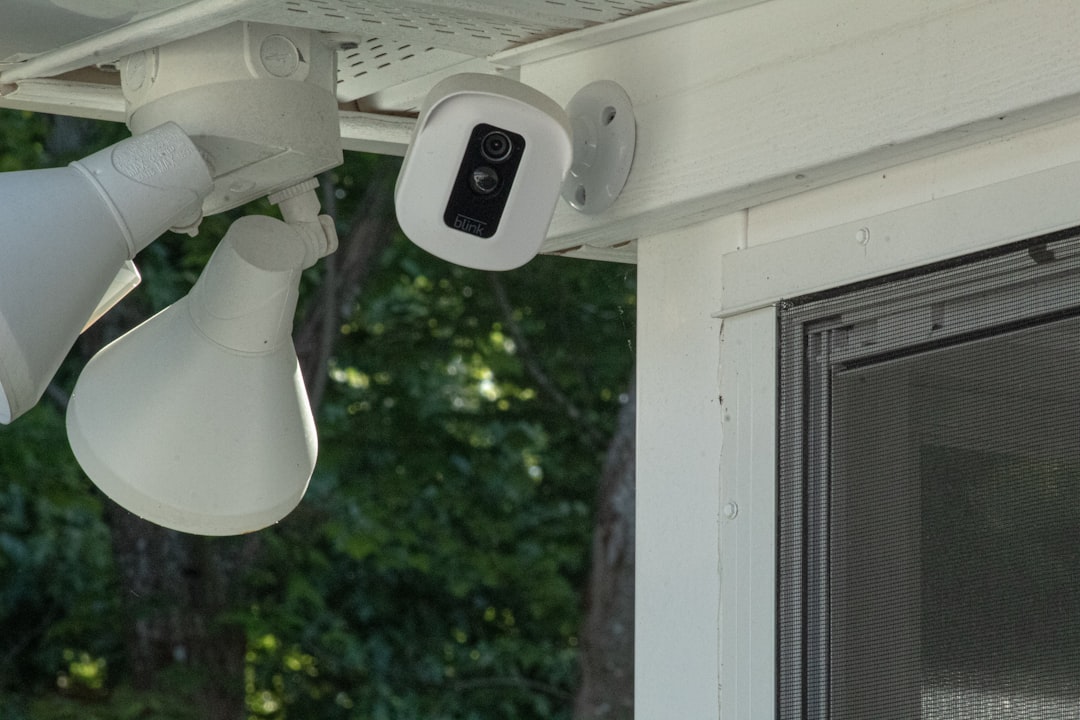
My biggest gripe with consumer security cameras isn’t the hardware. It’s the business model. You buy a $200 camera and then pay $10 a month forever just to review footage older than three hours. Over two years, you’ve paid for the camera twice. That’s not a security system — it’s a rental.
The Aqara G5 Pro PoE Camera Hub flips that script. It’s a Power-over-Ethernet camera, which means one cable handles both power and data — no electrical work needed near the mount point, and no WiFi to wrestle with. Run a single Ethernet cable from your switch to the camera and you’re done. The built-in hub functionality means it can also act as a Zigbee/Matter controller for other smart home devices, which is a nice two-for-one if you’re building out a system.

For local storage — because you want footage stored on your own hardware, not in someone’s cloud — pair it with the Seagate SkyHawk AI 10TB Surveillance Internal Hard Drive. This drive is specifically engineered for 24/7 recording workloads. Standard desktop drives will technically work, but they’re not built for the constant write cycles of surveillance footage, and they’ll fail at the worst possible moment. The SkyHawk line has been my go-to for years because it’s designed for exactly this use case: always-on recording, AI-assisted motion detection buffering, and the kind of reliability that means when you need to pull footage from three weeks ago, it’s actually there.
Ten terabytes sounds like overkill until you’re running four cameras at 2K resolution with a 30-day retention window. Then it’s just math. And the drive’s AI-tuned firmware handles the object detection metadata that modern cameras generate without breaking a sweat.
The Command Center: A Display That Earns Its Wall Space
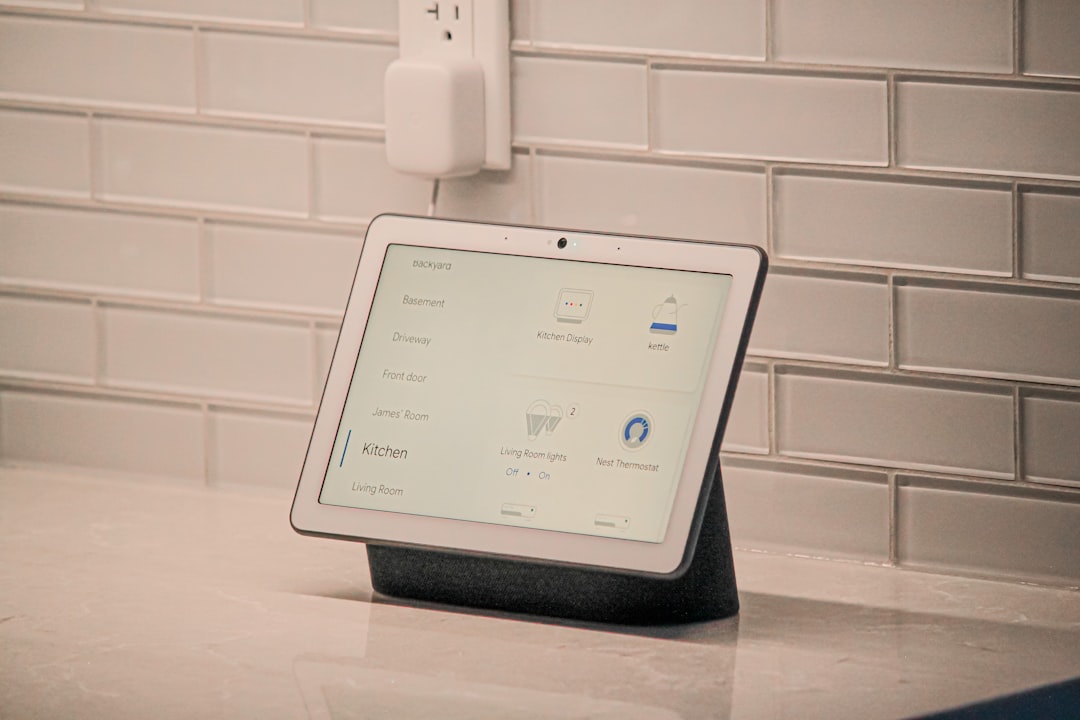
I was skeptical of smart displays for a long time. The original Echo Show felt like a solution searching for a problem — a screen that mostly showed you the weather and played Prime Video in a resolution that made your eyes hurt. But the Echo Show 15 changed my mind, mostly because Amazon finally figured out that a wall-mounted display needs to be useful at a glance, not interactive in a meaningful way.
Mounted in the kitchen or hallway, the Echo Show 15 becomes the household’s shared brain. Calendars visible to everyone. Sticky notes that don’t fall off. Walking-by weather checks. Doorbell camera feeds when someone rings. And with the recent firmware updates, it handles Fire TV streaming competently, which means it doubles as a kitchen TV without taking up counter space.
The key insight is placement. This isn’t a desk device — it’s a wall device. Put it where people naturally gather or pass through, and it becomes genuinely useful. Put it on a counter and it’s just an expensive clock. At Prime Day pricing, the value proposition gets hard to argue with, especially if you’re already invested in the Alexa ecosystem.
Power Without the Tangles: Smart Outlets That Actually Make Sense
I have a confession: for years, I used a regular power strip for my home office setup and manually turned things off when I left the room. Which, of course, I usually forgot to do. The Kasa Smart Plug Power Strip KP303 fixed this for about $25.
Three independently controllable outlets, surge protection, and scheduling through the Kasa app (no hub required — it connects directly to your WiFi). My printer, desk lamp, and monitor bias light all plug into it, and they turn off automatically at 11 PM and back on at 7 AM. No more phantom power draw. No more forgetting to flip the switch. The energy savings alone paid for the strip in about three months.
For outdoor applications — landscape lighting, holiday displays, or just powering a camera in a spot where PoE isn’t practical — the HBN Outdoor Smart WiFi Plug is the weatherproof equivalent. Heavy-duty construction, a single grounded outlet, and WiFi scheduling that works without a hub. I use one to control the transformer for my garden path lights, and it’s been through a full year of Pacific Northwest rain without complaint.
Mood Engineering: Light, Shade, and Sound

This is where connected home tech crosses from practical into genuinely enjoyable. And if you’re going to spend money on ambiance, Prime Day is the time.
I’ve written before about how small environmental upgrades compound into big quality-of-life changes. The Govee Permanent Outdoor Lights are a perfect example. These mount under your eaves and stay there year-round — no climbing a ladder every December. The color options are endless (96 feet of addressable LEDs), the app control is responsive, and they pull double duty as both festive lighting and subtle architectural illumination.

Inside, motorized shades are the upgrade most people skip because they assume it requires professional installation. The Tokblind Motorized Light Filtering Roller Shades come with a remote control and require zero wiring — they’re battery-powered and mount like regular roller shades. Schedule them to open with your alarm and close at sunset, and you’ll wonder how you lived with manual blinds for so long. The light-filtering fabric is particularly good for home offices where you want glare reduction without working in a cave.

And because a connected home should sound good too: the Polk Audio Atrium 8 All-Weather Outdoor Speakers are what I’d put on the patio or deck. They’re not smart in the IoT sense, but pair them with a smart amplifier or an Echo device with a 3.5mm output and you’ve got yard-wide audio that survives sun, rain, and temperature swings. Polk’s Atrium line has been the budget audiophile choice for outdoor audio for over a decade, and the current generation sounds better than systems costing three times as much.
The Charging Problem We Keep Ignoring
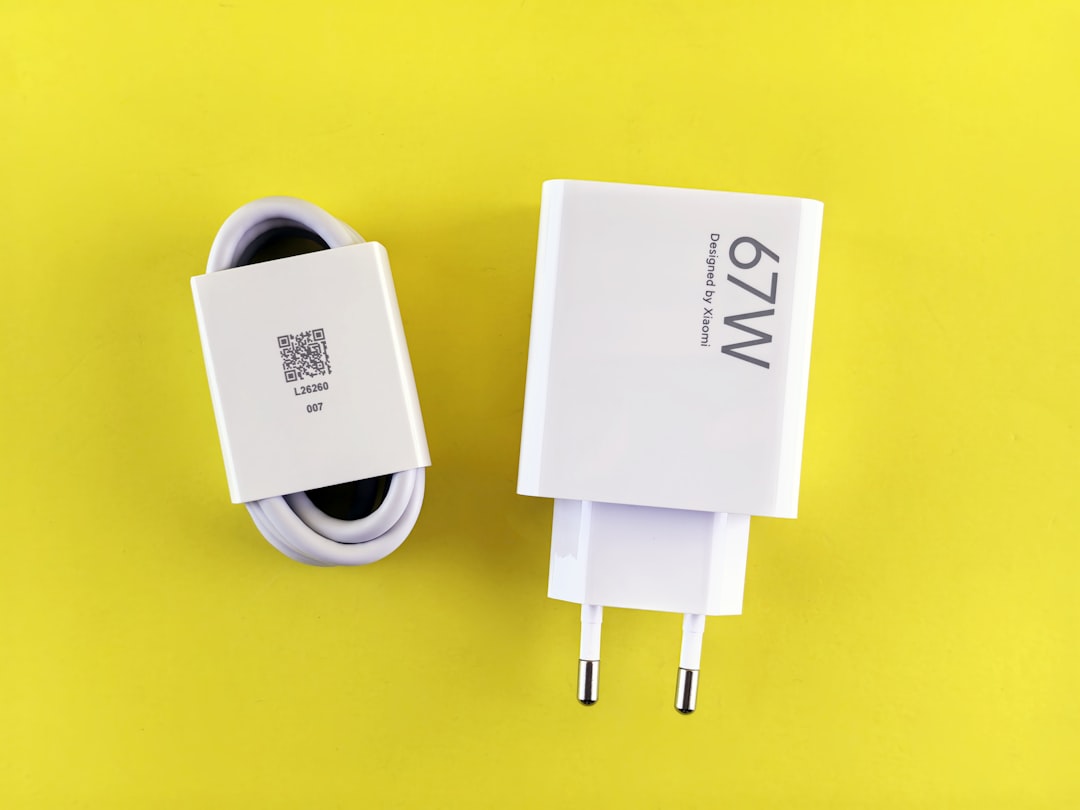
Every connected device eventually needs power, and most of us are still using the charger that came in the box — or worse, a gas station USB brick from 2019. The UGREEN Uno 65W USB-C Charger is the charging station I now recommend to everyone. Sixty-five watts is enough to fast-charge a laptop, tablet, and phone simultaneously through its three ports. GaN technology means it runs cool in a compact form factor that doesn’t block adjacent outlets.
I keep one on the kitchen counter as the household charging station and another in my travel bag. At Prime Day pricing, buying two is the move — one stationary, one mobile. It’s the unglamorous purchase that makes every other device in your life work better, which is sort of the theme of this entire article.
The Buying Strategy
Here’s my approach to Prime Day for connected home gear: bookmark the product pages now, before the sale starts. Amazon’s pricing during the event can fluctuate, and lightning deals on popular electronics sell out in minutes. Having the items saved in your cart or wishlist means you can check out in seconds when the price drops.
Prioritize the network first. A mesh WiFi system makes everything downstream work better — cameras stream without buffering, smart displays respond instantly, and your phone doesn’t drop to LTE when you walk to the kitchen. Everything else is downstream of that foundation, both literally and figuratively.
If you’re also thinking about upgrading your home office computing gear this Prime Day, consider how these two worlds overlap. A smart display in your office can handle calendar management and video calls. A smart power strip can automate your workstation’s power state. The connected home and the productive home are the same home, and the AI tools that actually deliver on their promises are increasingly the ones that work quietly in the background of a well-connected environment.
The goal isn’t a house full of gadgets. It’s a house that works for you — anticipating needs, automating the tedious stuff, and giving you back the mental bandwidth that manual home management quietly drains. Build the foundation, add pieces thoughtfully, and by the time Prime Day wraps up on the 26th, you’ll have the bones of a home that genuinely feels a decade ahead of where it was.
