
I’ve spent the better part of two decades testing computers in every configuration imaginable — massive towers that sound like jet engines, slim laptops that thermal-throttle under a heavy browser tab load, and tiny boxes that somehow punch above their weight class. After all that testing, I’ve arrived at an opinion that surprises people: the most meaningful desktop upgrade you can make in 2026 has nothing to do with raw benchmarks. It’s about silence.
Not the romantic kind. The literal kind. The absence of fan noise, the hum of spinning drives, the buzz of a cheap power supply working overtime. When your workspace is genuinely quiet, your concentration deepens. You stop flinching at the roar of your own machine every time a compile finishes or a video starts rendering. And right now, with Prime Day 2026 dropping prices on exactly the kind of hardware that makes a silent setup possible, the barrier to entry has never been lower.
I’m not talking about some luxury aesthetic setup with a single cable and a walnut desk. I’m talking about the practical path — the components and accessories that take your existing workspace from loud, laggy, and cluttered to quiet, capable, and genuinely pleasant to sit at for eight hours. Let me walk you through what I’d grab right now.
The Case for a Fanless (or Near-Fanless) Desktop
Most people assume silence means compromise. That used to be true — fanless PCs were underpowered afterthoughts, barely capable of running a browser without choking. But the landscape has shifted dramatically. Apple’s M-series chips proved that desktop-class performance can come in a package that barely whispers, and the PC ecosystem has followed suit with efficient Intel and AMD parts that sip power and generate minimal heat.
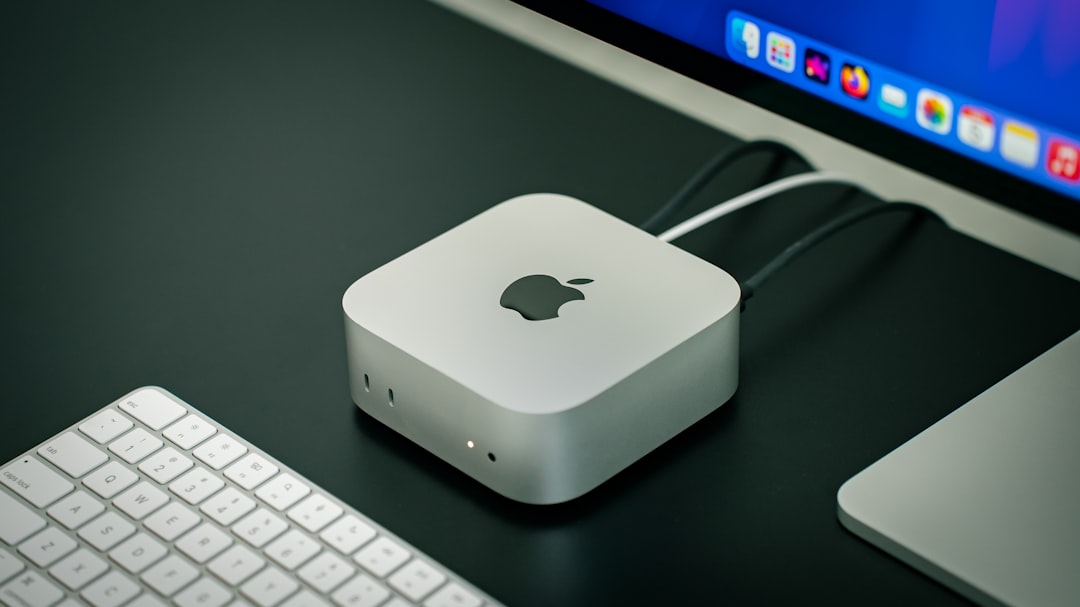
The Apple Mac mini with the M4 chip is the obvious poster child. I’ve been running one as my daily driver for months, and it handles everything from 4K video editing to running local AI models without breaking a sweat — all while being small enough to palm and quiet enough that I sometimes forget it’s on. For Prime Day, I’m expecting the deepest discounts we’ve seen on this machine since launch. If you’ve been waiting for a sign, this is it.
But maybe you’re not in the Apple ecosystem, or you want something even more literal about its silence. Enter the MINIX Z150-0dB Fanless Mini PC. Yes, that “0dB” is the actual product name — and yes, it delivers on the promise. Intel’s N150 chip inside isn’t going to win benchmark shootouts against an M4 Pro, but for office work, web development, and light creative tasks, it’s more than enough. Zero moving parts means zero noise, and it also means fewer failure points. I keep one on my test bench as a secondary machine, and it has been bulletproof.
Your Monitor Is Doing More Damage Than You Think

Here’s something I see constantly: people spending two grand on a computer and then connecting it to a ten-year-old 60Hz panel that flickers slightly at certain brightness levels. Your monitor is the thing you stare at all day. A bad one causes eye strain, headaches, and a vague sense that something is off that you can never quite diagnose.
The upgrade path is simpler than you’d think. A solid 27-inch IPS panel at 100Hz — like the HP 27″ 100Hz IPS monitor — hits a sweet spot. The higher refresh rate makes everything from scrolling documents to moving windows feel noticeably smoother, even outside of gaming. IPS means accurate colors and good viewing angles. And during Prime Day, these mid-range displays consistently see the steepest discounts. I’ve watched prices on these panels drop 30-40% during previous sales, and the pattern should hold.
If you’re still on a single monitor, by the way, adding a second one — even an inexpensive one — does more for your productivity than any processor upgrade I could recommend. The difference between alt-tabbing between windows and simply glancing to the side is enormous.
Storage: The Upgrade Everyone Forgets Until It’s Too Late
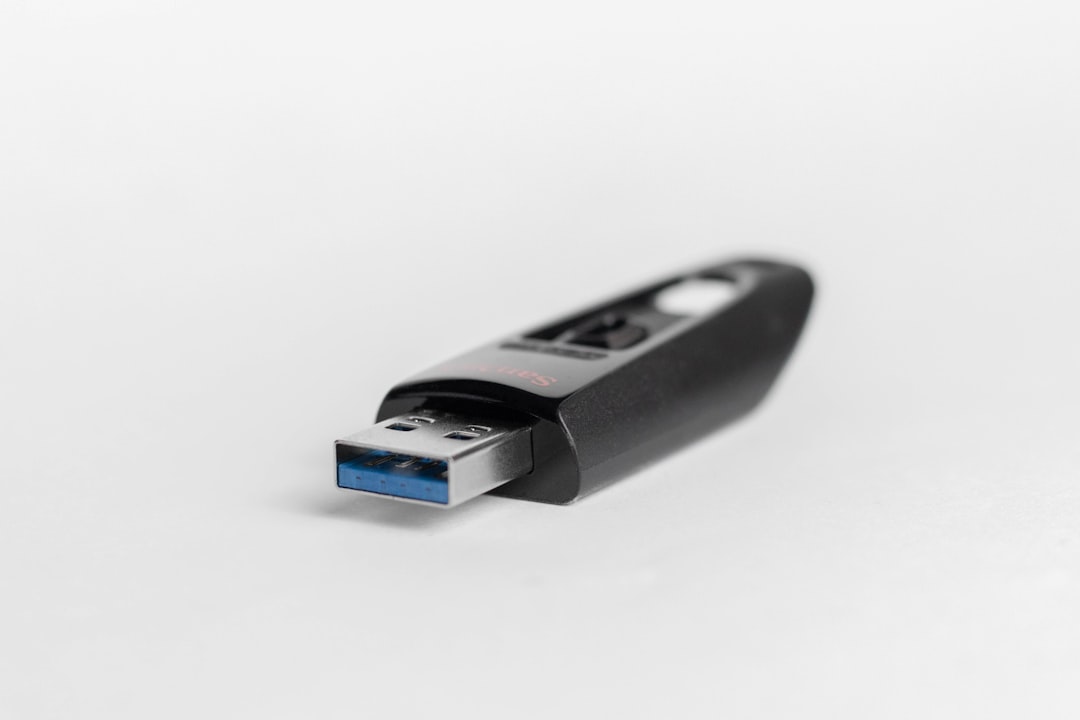
Every year, I hear the same story. Somebody’s hard drive died, and they lost photos, documents, or a project they’d been working on for weeks. And every year, I think the same thing: a portable SSD costs less than dinner for two, and it would have prevented the entire catastrophe.
The Samsung T7 Shield is the drive I recommend to everyone, regardless of their technical comfort level. It’s ruggedized with an IP65 rating, meaning it shrugs off dust and splashes. It delivers real-world transfer speeds around 1,000 MB/s over USB 3.2. And it’s small enough to clip to a keychain. I carry two — one for Time Machine backups, one for active project files I need to move between machines.
What makes this a Prime Day play specifically is that Samsung drives reliably get aggressive discounts during the sale. I’ve tracked the T7 Shield across three Prime Day events now, and it consistently drops to its lowest price of the year. If you don’t have one yet, this is the time.
Lighting Matters More Than Your Specs Sheet
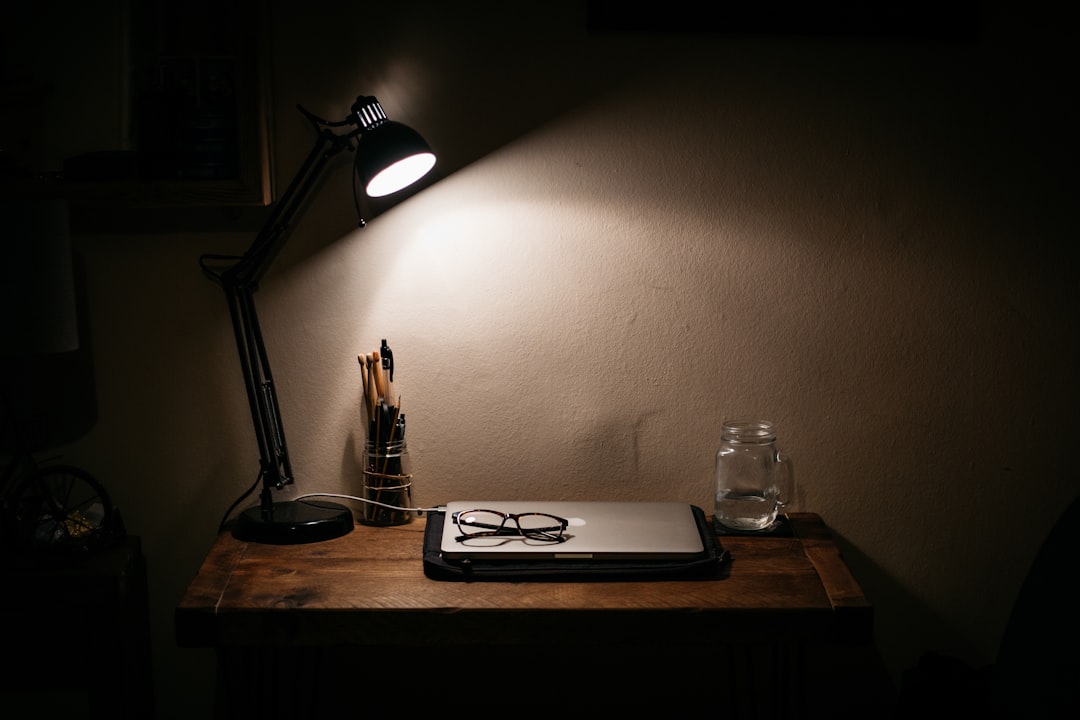
I know, I know — lighting sounds like an aesthetic concern, not a productivity one. But hear me out. I spent years working under a harsh overhead ceiling fixture, and I always attributed my afternoon fatigue to screen time. Then I switched to a dedicated desk lamp with adjustable color temperature, and the difference was immediate. Warm light in the evening reduces eye strain. Cool light in the morning helps you feel alert. It’s not magic — it’s basic biology.
The Honeywell LED Desk Lamp is the one currently on my desk, and it checks every box I care about: dimmable, multiple color modes, USB charging port built into the base, and a design that doesn’t look like it belongs in a dorm room. Honeywell has been quietly making excellent lighting products, and this lamp punches well above its price class.
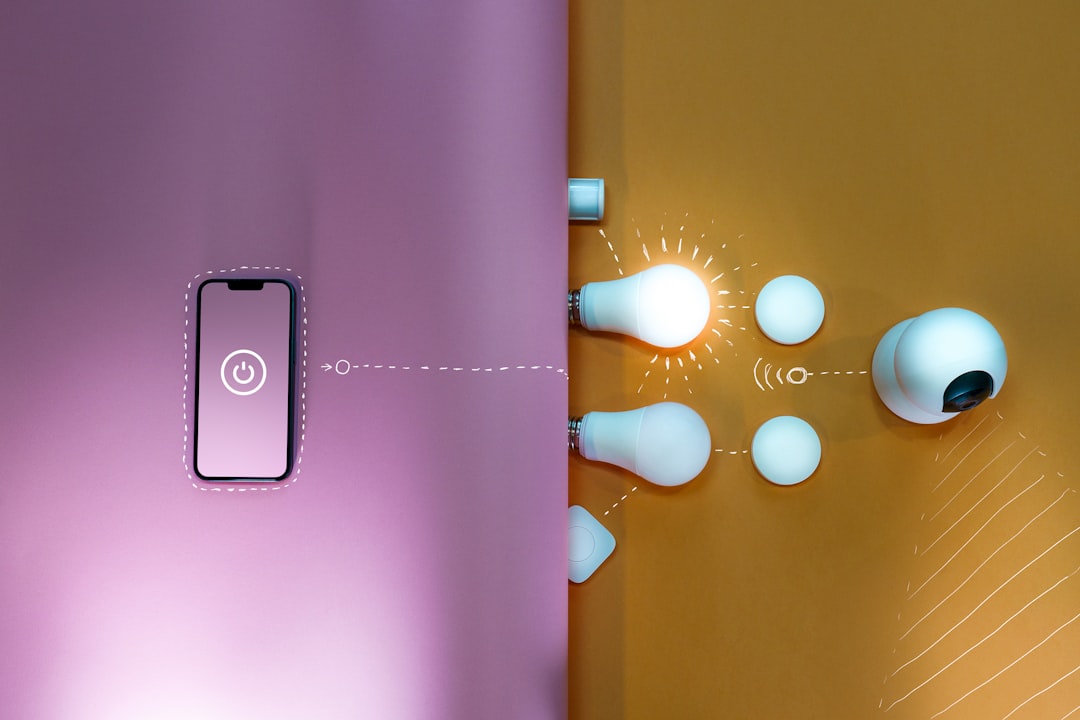
But here’s the next-level move: pair that desk lamp with a Lutron Caseta Smart Dimmer Switch on your office wall. Now you can control the room lighting from your phone, set schedules (dim automatically at 7 PM to signal your brain that the workday is winding down), and integrate with voice assistants. Lutron’s Caseta line is the smart home lighting system I trust most — it’s rock-solid reliable and doesn’t require a subscription. During Prime Day, starter kits typically see meaningful price drops.
The Charging Situation: Stop Using Random Power Bricks
Every desk I’ve ever tested has the same problem: a tangle of chargers, each one dedicated to a single device, none of them particularly good. The Anker Nano II 65W GaN charger solves this with elegant finality. One tiny brick that can fast-charge a laptop, a phone, and a tablet — often all at once if you step up to the multi-port version.
GaN (gallium nitride) chargers run cooler, are dramatically smaller than traditional silicon-based power bricks, and have become genuinely affordable. I replaced six separate chargers on my desk with a single Anker unit and an upgraded surge protector with built-in USB ports. The cable drawer has never been emptier.
Speaking of surge protectors: if yours is more than five years old, replace it. Surge protection degrades over time — the component that absorbs voltage spikes sacrifices itself a little with each hit, and after a few years, you’re essentially running unprotected. A new unit with proper joule rating and individually switched outlets costs very little, especially during a sale event.
Tidy Cables, Clear Mind

I used to think cable management was cosmetic. Then I spent an afternoon actually routing cables properly — using a simple under-desk cable management tray — and I’m not going back. The psychological difference is real. When your desk surface is clean and you’re not pushing through a thicket of wires to reach your keyboard, everything feels more intentional. It’s the kind of five-dollar fix that pays dividends every single day.
And if you’re going the Mac mini route, do yourself a favor and pick up the UGREEN Mac mini M4 Dock and Stand. It slides under the machine, raises it slightly for better airflow, and adds three USB-A ports, a USB-C data port, an SD card reader, and an NVMe SSD enclosure. That last feature is the killer one — you can add terabytes of internal-caliber storage without opening the Mac mini at all. It’s the accessory that turns a great computer into a complete workstation.
The Wildcard: AI Translation Earbuds
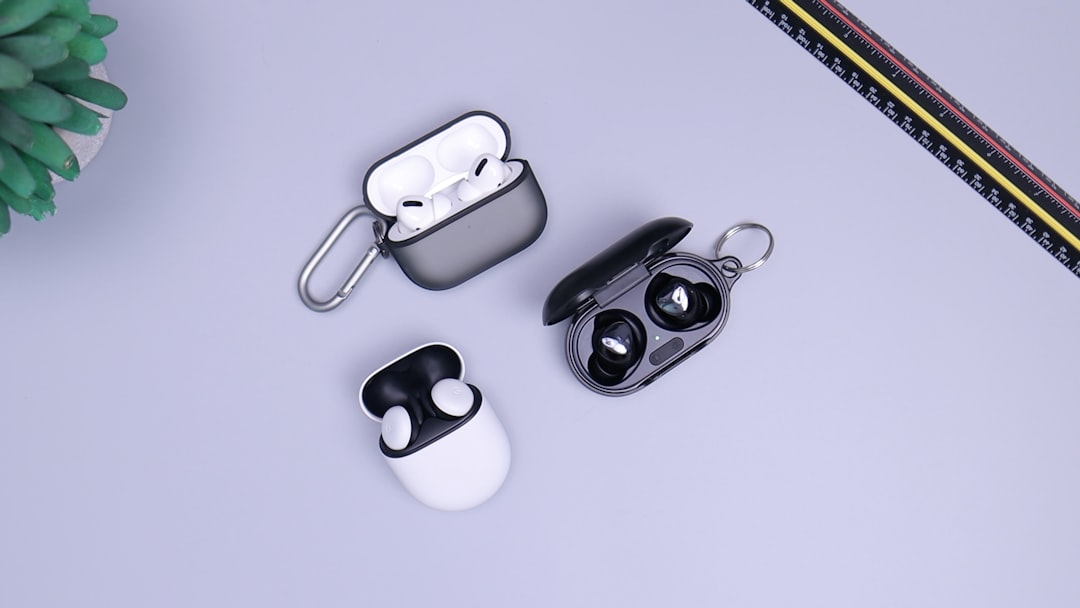
This one wasn’t on my radar until recently. I’ve been testing a pair of AI-powered translation earbuds that handle real-time translation across 160+ languages with sub-second latency. As someone who collaborates with developers and contractors across multiple continents, these have become surprisingly indispensable. The ability to hop on a call with someone speaking Mandarin or Portuguese and follow along in real-time — without a separate app or awkward delay — feels like living in the future.
Even if you don’t need translation regularly, they function as solid everyday wireless earbuds. The AI processing happens on-device, which means no cloud dependency and no subscription. Prime Day is when I’d expect to see these at their best price — they’re still relatively new to the market, and retailers are using the event to build awareness.
A Few More Things Worth Grabbing
Don’t overlook the small stuff. A foldable aluminum phone stand seems trivial until you realize how much neck strain you’ve been accumulating by looking down at your phone between tasks. Having it at eye level next to your monitor changes your posture over the course of a day.
And if you’re still using the laptop that came with your last job — or worse, borrowing the family Chromebook — consider the timing. The Microsoft Surface Laptop with Snapdragon X is a Copilot+ PC that handles AI workloads locally, gets genuinely all-day battery life, and is seeing aggressive Prime Day pricing. I ran it through my full laptop bake-off testing a few weeks back, and it held its own against machines costing twice as much.
Timing the Purchase
Prime Day runs June 23 through 26 this year. My advice: start bookmarking product pages now. Prices will fluctuate during the event — some items drop early, others get lightning deals midway through. The products I’ve mentioned here are ones I’d genuinely recommend at full price, which means whatever discount they see during the sale is pure upside.
The trap to avoid is buying something just because it’s discounted. Every product in this list is something I’ve either tested personally or recommended to people in my inner circle and heard back positively about. The Mac mini M4 is the best desktop value I’ve tested in years. The Samsung T7 Shield is a $70 insurance policy for your data. The Lutron Caseta system is the smart home investment you’ll still be using a decade from now.
If you already grabbed some home office essentials during previous Prime Day events, this is the year to take the next step. Move beyond the basics. Build a setup that’s genuinely quiet, genuinely fast, and genuinely designed around the way you actually work. Your future self — the one not replacing a dead hard drive or fighting a tangled cable nest at midnight — will thank you.
And if you’re looking to expand your connectivity or rethink your physical desk setup, I’ve got deep dives on both. The ecosystem matters more than any single component — and a quiet, capable ecosystem is worth more than the fastest individual part money can buy.
