

I spent the last six weeks carrying a 15.6-inch slab of glass and circuitry in my backpack everywhere I went — coffee shops, airports, hotel desks, my own couch. My team and I wanted to answer one deceptively simple question: is a portable monitor actually worth the money in 2026, or is it one of those gadgets that sounds brilliant on paper and collects dust by week three?
The short answer? It depends entirely on which one you buy. I tested seven portable displays ranging from a $60 budget FHD panel to a $600 OLED powerhouse, and the gap between the best and the worst was wider than any product category I’ve evaluated this year. Some genuinely changed how I work. Others made me question why I carry them at all.
Here’s everything I learned — the good, the dim, and the genuinely transformative.

Why a Second Screen Matters More Than You Think
I’ve been writing about productivity hardware for over two decades, and I used to be skeptical about portable monitors. My desk setup at home runs dual 27-inch displays — why would I need a tiny 15-inch panel that fits in a bag? Then I started traveling more for product launches last spring, and I found myself doing that awkward laptop-window-shuffle: reference material on one half of the screen, article draft on the other, constantly alt-tabbing between Slack, a browser, and my notes. It was slow, frustrating, and frankly embarrassing for someone who writes about tech for a living.
A second screen — even a modest one — eliminates that friction entirely. You keep your communication tools on the laptop, your reference material on the portable display, and your actual work in front of you. The productivity gain isn’t theoretical. Research from the Jon Peddie Research Group found productivity gains of 42% when moving from one screen to two, though in my real-world testing the improvement was closer to 25-30%. Still meaningful. Still worth the investment.
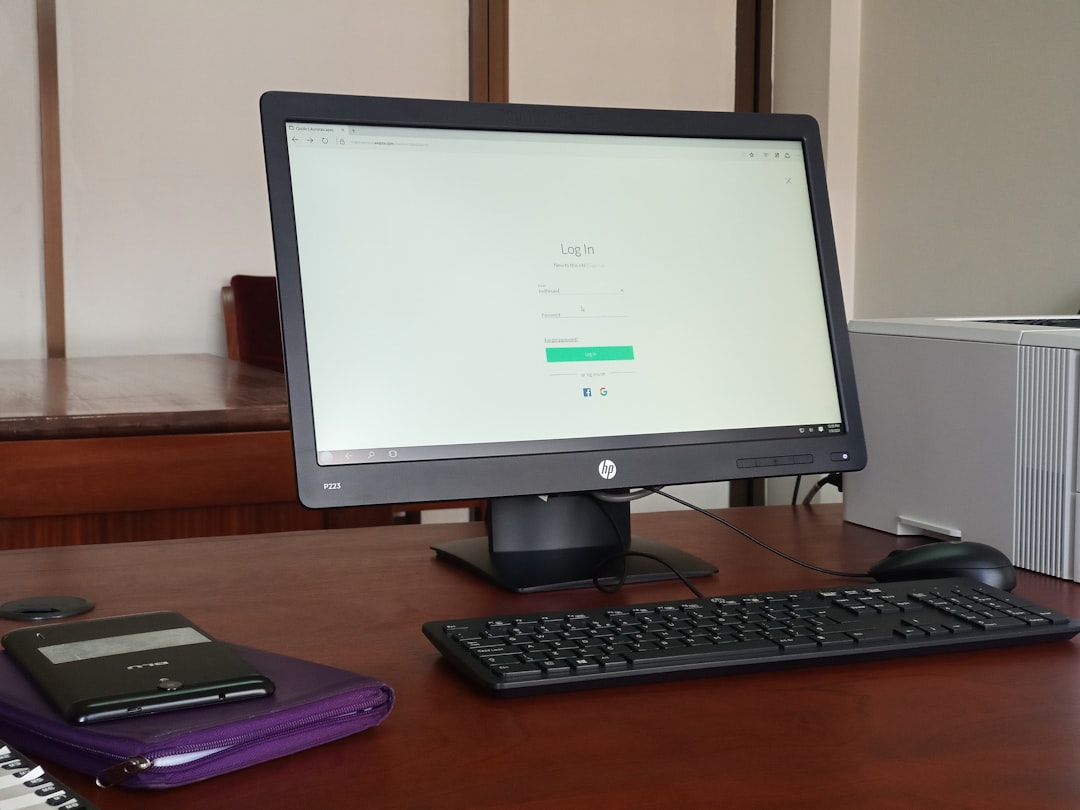
What Actually Matters When Choosing One
Before I get into specific recommendations, let me walk you through the five criteria that actually matter — because the spec sheets on these things are designed to overwhelm, not inform.
Panel Type: The Deal-Breaker Nobody Mentions
Every portable monitor on the market falls into one of three categories: IPS LCD, OLED, or budget TN. Ignore TN entirely — the viewing angles and color shift will drive you insane within minutes. That leaves IPS versus OLED, and this is where your budget decision gets real.
OLED portable monitors have dropped dramatically in price during 2026. What was a $900 luxury two years ago is now available for $300-500, and the difference is immediately visible. Perfect blacks, infinite contrast, and color accuracy that rivals professional desktop displays. If you do any photo editing, video work, or just care about image quality, OLED is worth every extra dollar. The ViewSonic VX1655-4K-OLED I tested rendered colors my IPS panels literally cannot reproduce — 100% DCI-P3 coverage at 4K resolution in a panel that weighs under two pounds.
IPS is perfectly fine for productivity work, though. If you’re reading documents, writing, or managing spreadsheets, a solid IPS panel will serve you well and save you $200+. The key is brightness: anything under 250 nits is unusable in a coffee shop near a window. Trust me on this — I tried.

Connectivity: The Hidden Cost
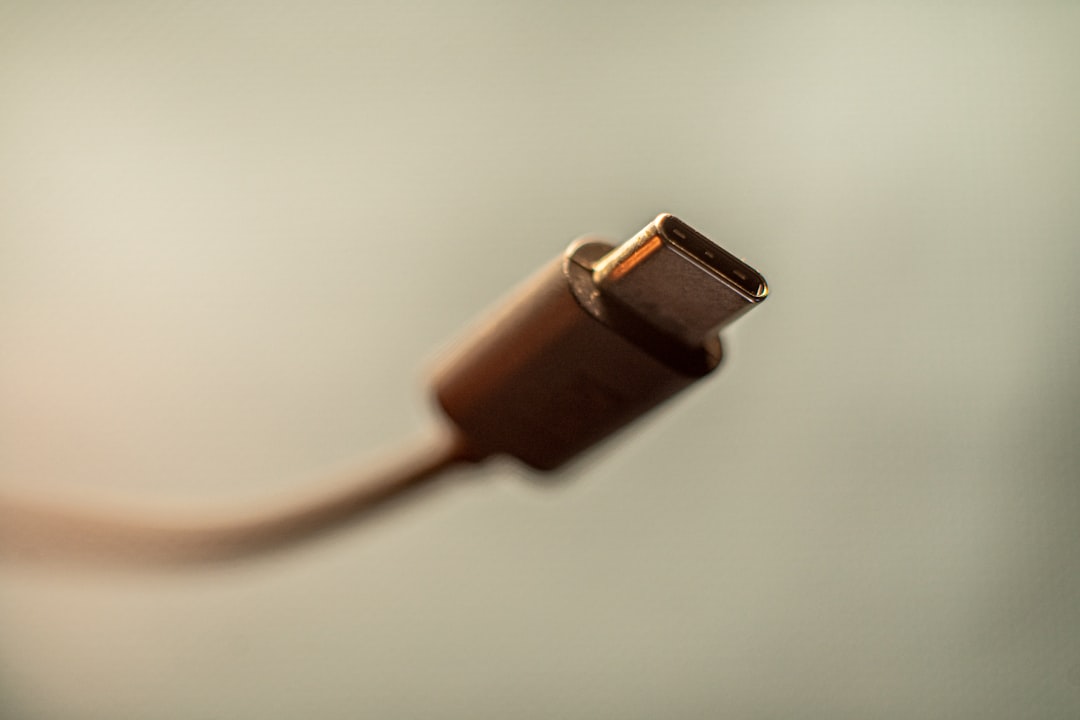
This is where most portable monitor reviews get it wrong. They list ports without explaining what actually matters. Here’s the reality: you need a single USB-C port that handles both power and display signal simultaneously. That’s it. If a monitor requires separate power and HDMI, you’re carrying three cables and a power brick — at which point the “portable” part of “portable monitor” becomes a lie.
Every monitor I tested with dual USB-C (one for signal/power in, one for passthrough charging) was dramatically more pleasant to use. The ASUS ZenScreen MB169CK gets this exactly right: plug one cable from your laptop, and it just works. No drivers, no configuration, no power adapter hunting.
One critical thing I learned the hard way: if your laptop only has one USB-C port (looking at you, MacBook Air owners), you’ll want a USB-C hub that supports display output. I tested several, and the Anker 7-in-1 USB-C Hub handled 4K@60Hz output while simultaneously charging my laptop and connecting peripherals. At under $40, it’s essentially mandatory equipment if your laptop is port-challenged.
Size and Weight: The Daily Carry Equation
Every ounce matters when you’re carrying something every day. I started this test carrying a 17.3-inch portable monitor, and by day four I was actively resenting it. Too wide for airplane tray tables, too heavy for my messenger bag, and the case added another pound on top of the monitor’s own weight. By comparison, the 15.6-inch models I tested felt almost weightless — most came in between 1.7 and 2.1 pounds with their covers.
There’s also a 13.3-inch category that I initially dismissed as too small. After a week with the ViewSonic VP16-OLED (technically 15.6-inch but incredibly thin), I started appreciating how much easier the smaller panels are to prop up in unconventional spaces — hotel nightstands, coffee shop counters, even an airplane tray table during a long flight. If you primarily work in tight spaces — especially if you’ve already optimized your setup with one of the best lap desks — prioritize compact dimensions over screen real estate.

The Stand Problem: Nobody Talks About This
Here’s the thing that drove me absolutely crazy during testing: portable monitors are useless if you can’t position them. Some come with folio cases that double as stands (the ASUS ZenScreen approach). Others have built-in kickstands (ViewSonic’s newer designs). A few — and this is genuinely maddening — ship with nothing at all and expect you to prop them against a wall.
The folio case approach works, but most folios only offer two or three viewing angles. If you’re working at a standing desk one day and a couch the next, that’s frustrating. After three weeks of fiddling, I bought a dedicated adjustable tablet stand that accommodates portable monitors up to 17 inches, and it was a revelation. Magnetic attachment, 360-degree swivel, height-adjustable. It turned my portable monitor from a sometimes-useful gadget into a permanent part of my mobile kit.
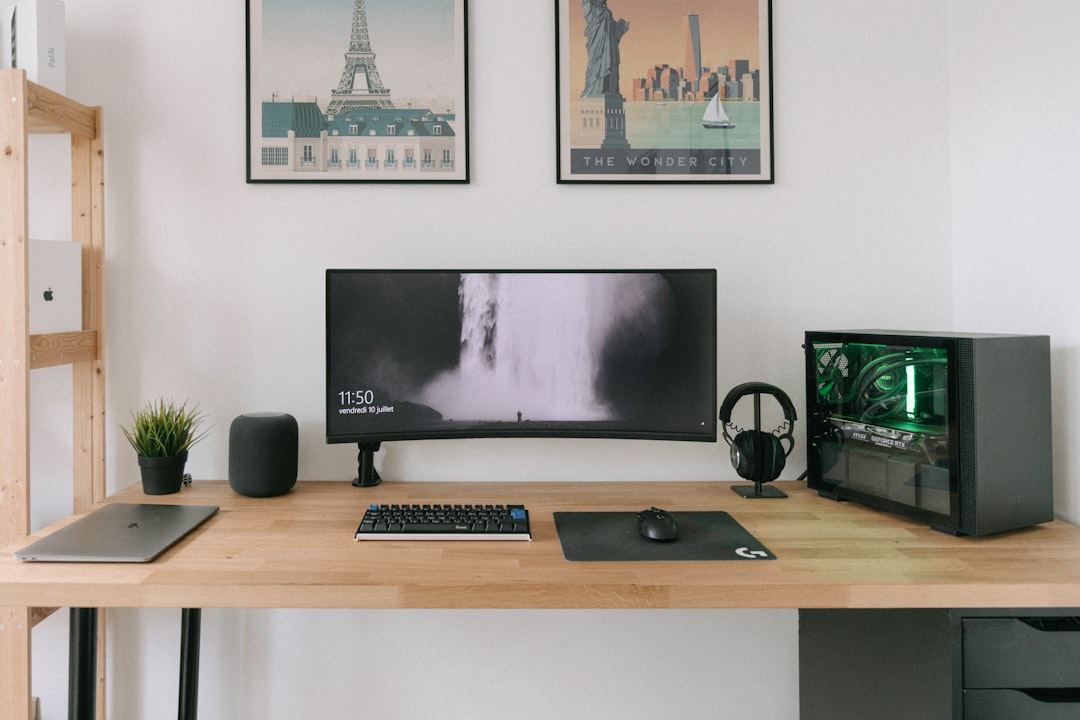
The Seven Contenders: What I Tested and What Survived
My team sourced seven portable monitors across four price tiers. I lived with each one for at least three full work days, using them for everything from writing and editing to video calls and photo review. Here’s how they held up.
Tier 1: The Premium Picks ($350-600)
The ViewSonic VX1655-4K-OLED is the monitor I couldn’t stop showing people. 4K resolution on a 15.6-inch OLED panel is almost absurdly sharp — text looks like it’s printed on paper, and 4K video content has a depth that no IPS panel can match. At around $550, it’s expensive, but ViewSonic includes a proper built-in stand (not a folio), dual USB-C with 60W passthrough charging, and Mini HDMI as a backup. This is the monitor I’d buy if money weren’t a factor, and the one I kept reaching for after the test was technically over.
If OLED isn’t in your budget but you still want 4K, the ViewSonic VX1655-4K IPS version delivers the same resolution and connectivity for roughly half the price. Colors aren’t as punchy and blacks are more dark gray than true black, but for productivity work the sharpness is what matters and the 4K IPS panel delivers.
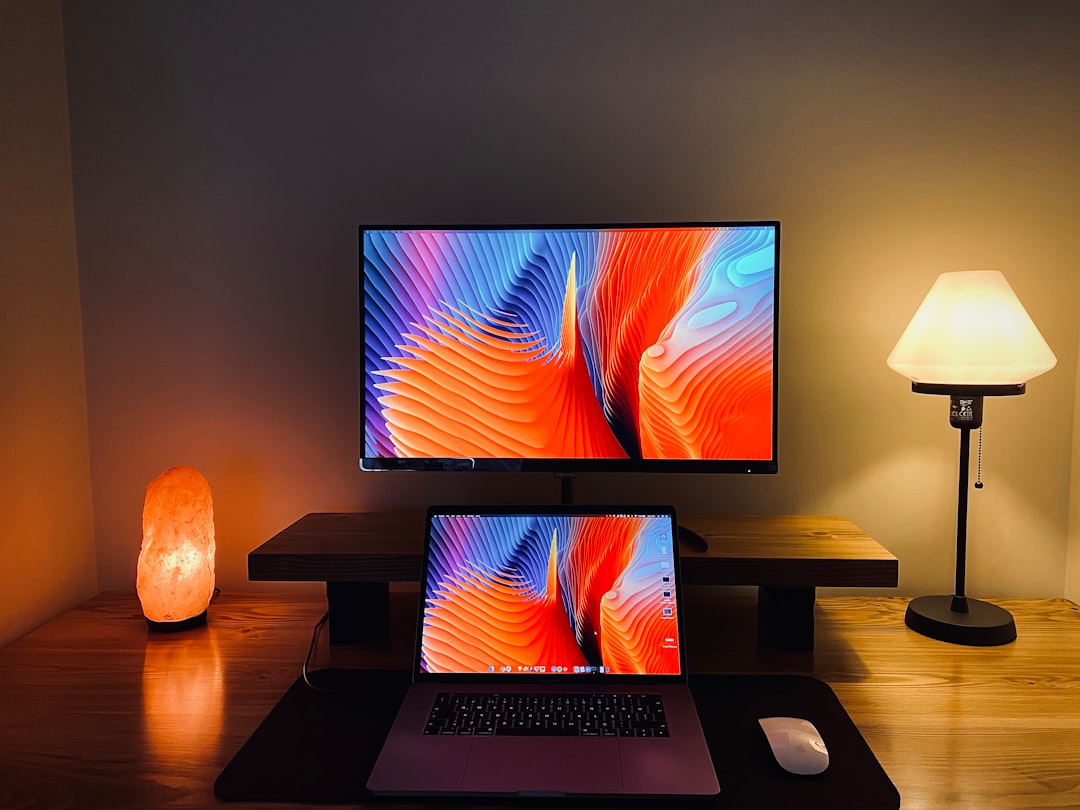
The ViewSonic VP16-OLED sits in an interesting middle ground — 1080p OLED rather than 4K, but Pantone-validated color accuracy that makes it the choice for anyone doing photo or video work on the road. It’s what I’d recommend for content creators who need trustworthy color but can’t justify the 4K premium.
Tier 2: The Practical Mid-Range ($200-350)
The ASUS ZenScreen MB169CK was the surprise favorite in this tier. Dual USB-C, a clean 1080p IPS panel, a clever 360-degree kickstand that works in both landscape and portrait orientations, and ASUS’s three-year warranty. At around $220, it’s the monitor I’d recommend to most people without hesitation. It nails the fundamentals without unnecessary features that inflate the price.
For a slightly different take, the ASUS ZenScreen MB16ACV offers similar specs but with a folio-style smart case instead of the kickstand. Some people prefer this — the case protects the screen in transit and folds into a stand at your destination. I personally found the kickstand more versatile, but this comes down to preference.
The dark horse of this tier was the INNOCN 15.6-inch OLED. At roughly $250, it delivers an OLED panel with 100% DCI-P3 coverage and a 1ms response time. The build quality isn’t as premium as the ViewSonic, and the OSD menu is genuinely terrible, but the display itself is stunning for the price. If you want OLED without the premium price tag, this is the one.
Tier 3: The Budget Question ($60-150)
I’ll be honest — I expected to hate the budget tier. But the MNN 15.6-inch Portable Monitor genuinely surprised me. At around $65, you get a 1080p IPS panel, USB-C and HDMI connectivity, built-in speakers (bad ones, but they exist), and a magnetic smart cover. No, it’s not color-accurate. No, it won’t win design awards. But for someone who just needs a second screen for documents and Slack at a coffee shop, it’s hard to argue with the value.
The KYY 15.6-inch and Anyuse PM-156P1 occupy similar territory — both under $80, both perfectly adequate for basic productivity. The KYY includes a decent cover, while the Anyuse adds a built-in kickstand that’s more useful than I expected. Either is fine as a starter portable monitor; just don’t expect color accuracy or premium build quality.
One budget-tier purchase I’d recommend: if your monitor doesn’t come with an adequate stand, grab an Anker 5-in-1 USB-C hub to handle connectivity and a dedicated stand. You’ll still spend under $100 total, and the daily experience is dramatically better.
Real-World Use Cases: Where These Actually Shine
After six weeks of testing, I identified three scenarios where a portable monitor genuinely changed my daily workflow — and two where it felt like overkill.
Where It’s Transformative
Coffee shop and co-working sessions. This is the obvious one, but it bears repeating. Having reference material on a second screen while writing on my laptop cut my task-switching time dramatically. I stopped losing my train of thought every time I needed to check a spec sheet or verify a product detail.
Hotel room work sessions. If you travel for work, you know the hotel desk struggle — one tiny screen, terrible lighting, and a chair that’s too low. A portable monitor turns any hotel room into a functional dual-monitor workspace. I wrote an entire product comparison guide from a Holiday Inn in Taipei using this exact setup, and it was the first time a portable display matched the experience of my home office.
Presentations and screen sharing. Several monitors I tested support portrait mode, which is surprisingly useful for showing code, documents, or long web pages to a small group. Prop the monitor up, mirror your screen, and skip the projector hunt.
Where It Falls Flat
Outdoor use. Even the brightest portable monitors I tested (around 400 nits) struggle in direct sunlight. If you’re planning to work at a park bench or beach, save your money — you’ll be squinting at a dim reflection of your own face.
Airplanes. I tried. I really tried. But tray tables are too narrow for a 15.6-inch monitor plus a laptop, and the person in front of you will inevitably recline into your carefully positioned display. The 13.3-inch models work better here, but even then, the logistics are rough. For flights, stick to window management on your laptop screen.
How I’d Spend My Own Money
If I were buying today with my own cash, here’s how the decision tree breaks down:
If you do creative work — photo editing, video review, design — get the ViewSonic VX1655-4K-OLED. Nothing else in this test comes close for color-critical work, and the 4K resolution makes text razor-sharp. Yes, it’s expensive. Yes, it’s worth it.
If you’re a writer, developer, or general productivity worker who just needs screen real estate without the OLED premium, the ASUS ZenScreen MB169CK is my top pick. It does everything right without overcomplicating things, and the dual USB-C design means one cable is all you carry.
If you want OLED color quality but can’t justify $500+, the INNOCN 15.6-inch OLED at around $250 is the value champion. The OSD is rough and the build is utilitarian, but the panel itself punches well above its weight class.
And if you’re just curious whether a second screen would help your workflow without committing serious money, grab the MNN 15.6-inch for under $70. It’s good enough to tell you whether the concept works for your life. If it does, you can always upgrade later.
The Bottom Line After 42 Days
I started this test as a skeptic. I ended it as a convert. My portable monitor now lives in my bag permanently, alongside a single USB-C cable and the adjustable stand. The productivity gain is real, the setup friction is minimal once you dial in your cable situation, and the technology has improved dramatically — OLED at these prices was unthinkable two years ago.
The key is matching the monitor to your actual workflow, not the spec sheet that looks most impressive on Amazon. Buy for your daily reality, not your aspirational one. And whatever you choose, make sure it has a proper stand. I cannot stress this enough.
My team is already planning a follow-up test for the fall, when several manufacturers are expected to launch refresh-rate focused portable displays targeting gamers. But for now, the monitors above represent the best the category has to offer in mid-2026. Any of them will serve you well — it just depends on how much screen quality your workflow (and your wallet) demands.
