

The Connectivity and Peripheral Upgrades That Transformed My Home Office Workflow
For years, I obsessed over the wrong things when building my home office. I chased the fastest processors, the highest-resolution monitors, and the flashiest peripherals. Don’t get me wrong—those matter. But after months of testing and living with various setups, I’ve realized the quiet upgrades that actually transformed my daily workflow weren’t the flagship products I spent hours researching. They were the unglamorous connectivity solutions and peripherals that eliminated friction points I barely noticed until they were gone. With Amazon Prime Day running June 23–26, these timing-limited deals are worth bookmarking now before prices drop during the event window.
The real productivity killers aren’t slow computers or inadequate monitors. They’re the five-second delays when switching devices. The cable clutter that makes your desk feel chaotic. The storage bottleneck that forces you to delete files instead of archive them. The peripheral limitations that make hybrid work feel like a constant compromise. Let me walk you through the upgrades that transformed how I work, all of which happen to have Prime Day promotions that make this week the right time to finally pull the trigger.
The One-Cable Solution That Replaced My Desk’s Mess
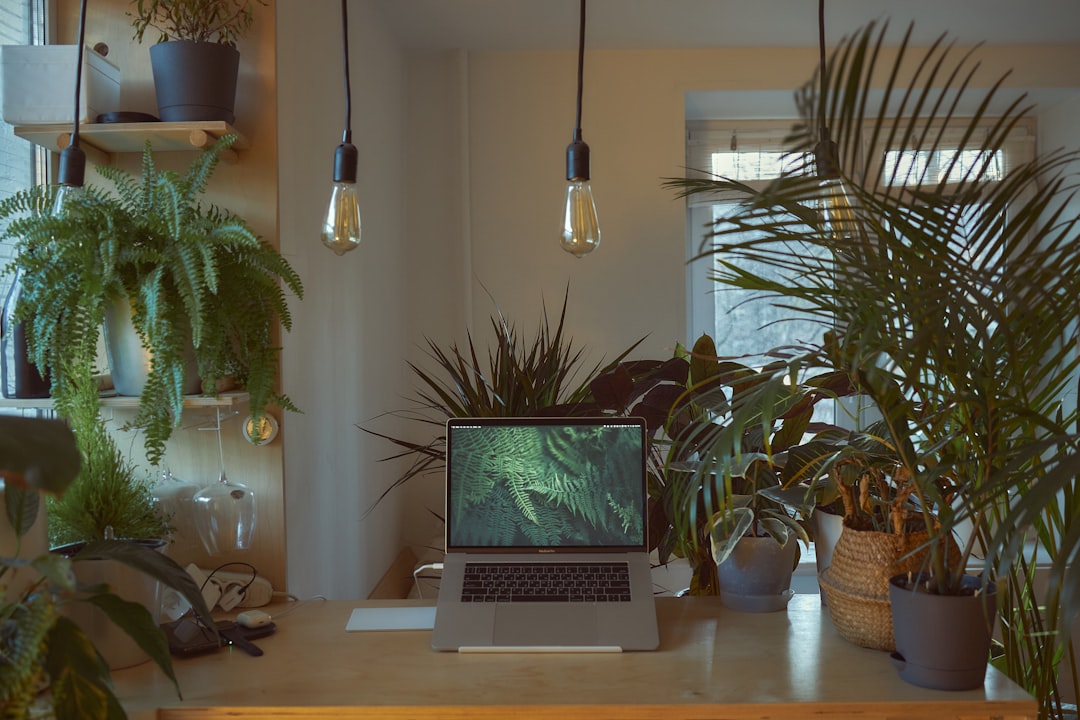
My desk used to look like a cable octopus had exploded. Display cables, USB peripherals, ethernet, power adapters—all snaking across my workspace in a tangle that made everything feel disorganized. The solution wasn’t a minimalist desk setup or expensive cable management (though those help). It was finally investing in proper USB-C connectivity that consolidated everything into a single connection point. When I sit down now, I plug in one cable and my laptop connects to dual monitors, gigabit ethernet, a full suite of USB peripherals, and 100W power delivery. The difference in how my workspace feels—and how quickly I can transition from mobile to desk mode—has been profound.
What I’m watching during Prime Day: High-quality USB-C hubs and docking stations from reputable brands. I’ve been particularly impressed with the Anker Laptop Docking Station Dual Monitor which consolidates everything into one connection, and the Anker USB C Hub 5-in-1 for simpler setups. The cheap no-name hubs I tried early on had flaky connections and couldn’t deliver consistent power to power-hungry laptops. The difference between a $20 hub and a properly engineered solution from established brands has been night-and-day for reliability. If you’re still plugging in four different cables every time you sit down at your desk, this single upgrade will pay dividends in daily friction reduction.
The Storage Upgrade That Ended My File Management Anxiety
I used to treat external storage as an afterthought—something I grabbed when my laptop filled up and needed immediate relief. But after testing several portable SSDs during my workflow experiments, I’ve come to see fast external storage as essential workspace infrastructure. The Samsung T7 Shield Portable SSD has been particularly impressive in my testing. It combines rugged durability with speeds that make it feel like an extension of your internal storage, not an external afterthought. The Shield variant adds protection against drops and water, which matters more than you’d think for something that lives in your bag and gets tossed onto desks, tables, and coffee shop counters.
Why this matters for productivity: When external storage is fast enough, you stop thinking about it as external. I keep my entire photo archive, project backups, and reference materials on the T7 Shield, and accessing them feels instant. The 2TB Samsung T7 Shield offers even more capacity for large archives, while the standard Samsung T7 Portable SSD remains a solid choice if you don’t need the rugged protection. No more deciding which files to keep local versus offload to slow external drives. No more waiting minutes for large transfers. It’s just there, ready when you need it. The Prime Day pricing on storage has historically been aggressive, and SSDs this capable at discounted prices make it the right time to finally stop treating external storage as an afterthought.
The Hybrid Work Peripheral That Changed How I Present
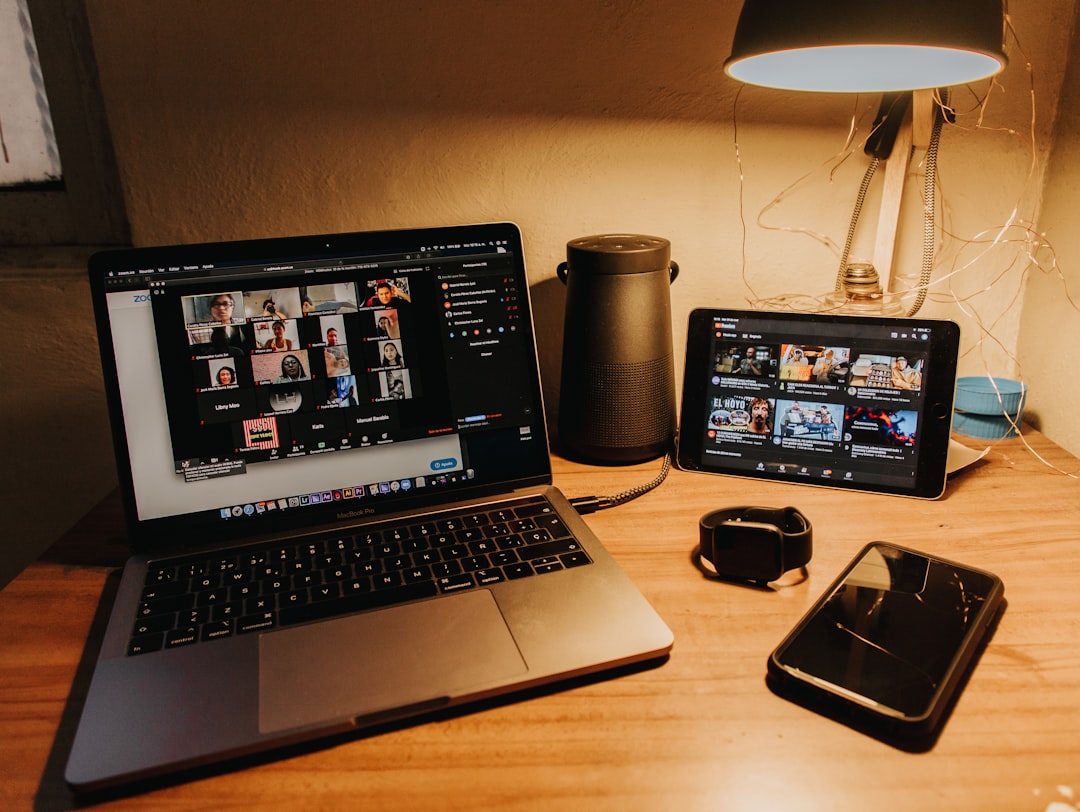
One upgrade I didn’t see coming was how much a document camera improved my remote presentation workflow. When Zoom calls became my primary meeting medium, I struggled with the limitations of screen sharing for showing physical objects, sketches, or handwritten notes. The IPEVO V4K PRO Ultra HD USB Document Camera solved a problem I barely recognized I had. Being able to quickly show physical objects, whiteboard sketches, or handwritten annotations during video calls has transformed how I collaborate remotely. It’s not just about clarity—though the 4K resolution and AI-enhanced microphone make a huge difference. It’s about the spontaneity of being able to grab something off your desk and show it, rather than figuring out how to capture it digitally first.
This isn’t a product you see in many home office roundups, but after living with it, I can’t imagine going back. If you do any hybrid work, client presentations, or remote collaboration that involves physical materials, a good document camera belongs in your toolkit. The IPEVO V4K Ultra High Definition 8MP is another excellent option if you don’t need the AI-enhanced microphone. The Prime Day window is a good opportunity to grab one at promotional pricing before you realize how much you need it.
The Power and Cable Infrastructure That Holds It All Together
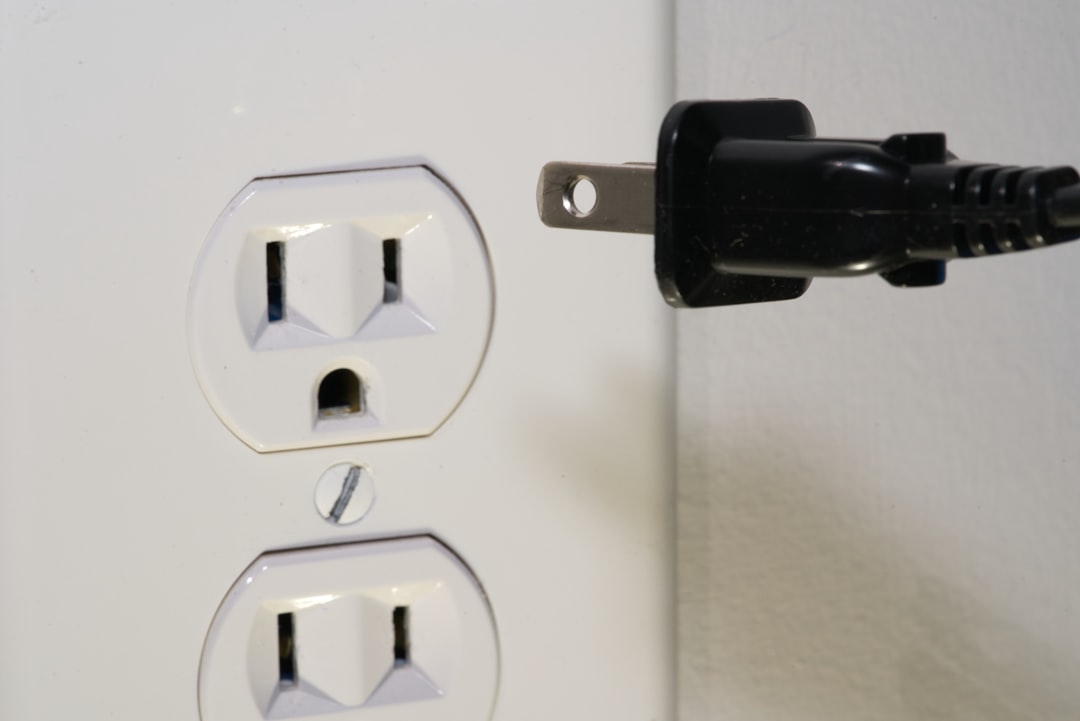
The most invisible but critical upgrades in my workspace were the ones I never thought about until they failed. Surge protectors that actually protect your gear. Extension cords that don’t become tripping hazards or fire risks. Quality cables that don’t fail after three months of use. These aren’t exciting purchases, but when you’re building a productive home office, they’re the foundation that everything else rests on. After several close calls with cheap surge protectors during storms, I replaced my entire power infrastructure with quality surge protectors and extension cords from reputable manufacturers. The peace of mind alone has been worth it, but the practical benefits—reliable power delivery, enough outlets for everything, cables that stay connected—have transformed how my workspace functions.
What to look for during Prime Day: Surge protectors with high joule ratings (4000J+ for serious protection), quality extension cords rated for your power needs, and cables from brands that stand behind their products. The Belkin 12-Outlet Surge Protector delivers 3,780 joules of protection, while the Amazon Basics 12-Outlet Surge Protector offers 4,000 joules at an excellent value. The TROND Surge Protector Power Strip is another solid option with 4,000 joules and widely-spaced outlets. The difference between a $10 power strip and a properly engineered surge protector isn’t just marketing—it’s the difference between protected gear and a potential disaster. These are easy purchases to skip or cheap out on, but when they matter, they really matter.

The Quiet Efficiency Upgrade That Makes Everything Feel Faster
The final category of upgrades that transformed my workflow were the ones that reduced background friction. Cable management solutions that keep your workspace tidy. Monitor stands that put screens at the right height. The small ergonomic improvements that eliminate low-level discomfort you barely notice until it’s gone. These aren’t headline-grabbing purchases, but after implementing them, I’ve been amazed at how much better my workspace feels and how much more smoothly my workdays flow.
One product that surprised me was how much difference a simple business card holder and desk organizer made. Having a designated place for the small items that accumulate on your desk—business cards, notes, cables—keeps your workspace feeling organized instead of cluttered. It sounds trivial, but the psychological impact of a tidy workspace shouldn’t be underestimated. When your desk feels organized, your mind feels more organized. When everything has a place, you waste less mental energy managing your environment.

What This All Means for Your Prime Day Strategy
The theme across all these upgrades is the same: they eliminate small frictions that compound over the course of a workday. A slightly faster computer matters, but not as much as not having to think about which cable to plug in. A higher-resolution monitor is nice, but not as impactful as having reliable storage that doesn’t force you to make file management decisions. The best productivity upgrades aren’t always the headline products—they’re the infrastructure that makes everything else work seamlessly.
Prime Day is a good time to grab these upgrades because the promotional pricing makes it easier to justify purchases that aren’t traditionally exciting. Surge protectors and cable management don’t generate the same enthusiasm as a new laptop, but after living with a properly connected, organized workspace, I can tell you: the invisible upgrades matter more than you think. Bookmark the products that address your specific friction points now, and when Prime Day pricing drops during June 23–26, you’ll know exactly what belongs in your workspace.
The right approach isn’t to buy everything on some generic “home office upgrade” checklist. It’s to identify the specific friction points in your workflow—the small annoyances that compound over time—and solve those directly. For me, it was cable clutter, storage bottlenecks, and remote presentation limitations. For you, it might be something different. But whatever your specific friction points are, Prime Day is a good opportunity to finally address them with quality gear that disappears into the background and just works. That’s the real goal of a productive home office: infrastructure that supports your work without demanding your attention.

4 thoughts on “The Connectivity and Peripheral Upgrades That Transformed My Home Office Workflow”