
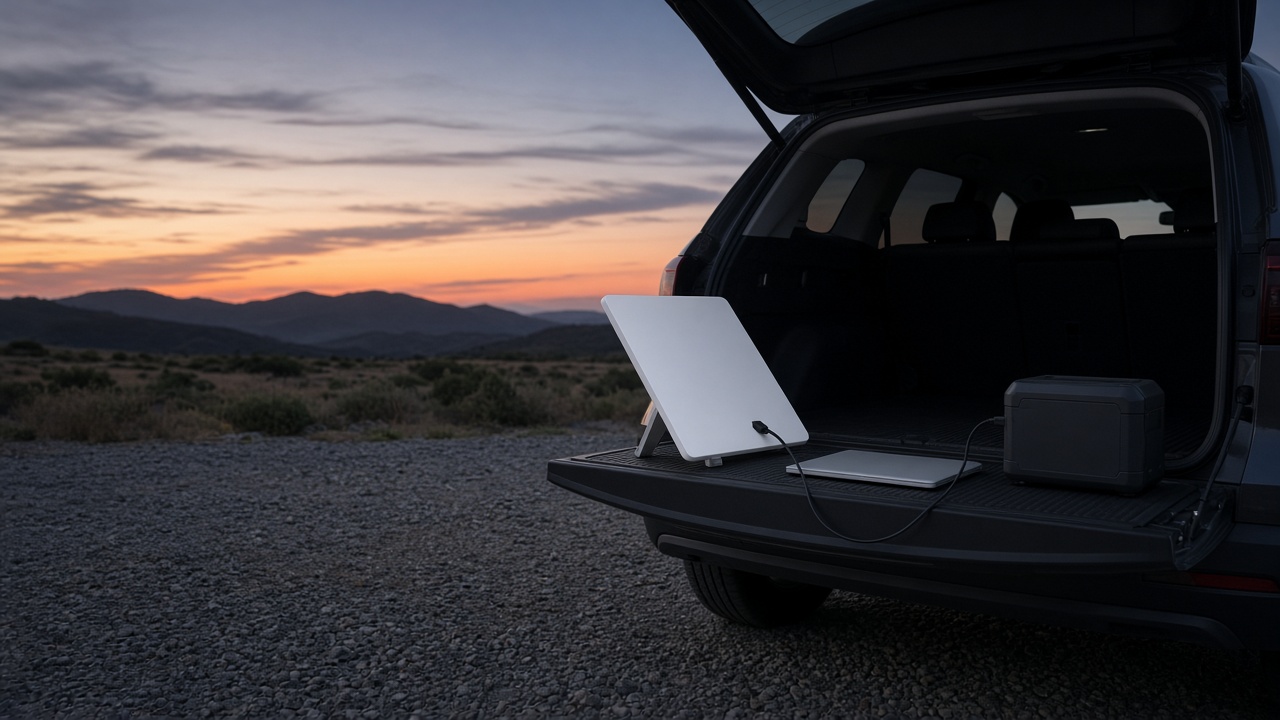
Last Saturday I had a Starlink dish propped on the tailgate of a borrowed SUV in a gravel lot two hours from anything, a battery at its feet and a laptop on the hood, running a speed test while the sun went down behind a ridge. Four days earlier SpaceX had announced the thing everybody who drives to Thanksgiving with a laptop has wanted for two years: a Mini with a battery built in. Then I read the fine print. The new one ships in mid-December, by invitation only, bundled with a year of service. The turkey is on the table November 26.
So the question in my inbox this week is not “is satellite internet good now?” It is good. The question is whether you buy the original Mini this week for the holiday drive, or wait for the battery model and spend Thanksgiving on a relative’s Wi-Fi password taped to the fridge. I’ve spent the past few weeks living with the first Mini and reading every spec sheet SpaceX has published for the second. Here is how I would sort it out, what it really costs for a holiday-length trip, and the handful of power and mounting pieces that make the first Mini behave like it has a battery anyway.

The Short Answer Before You Pack
If you are leaving for Thanksgiving in the next eight days and need internet where there isn’t any, here is what I would buy, in the order I would buy it.
- The dish: the Starlink Mini Kit. It is the only one you can actually get before the holiday, and it works today.
- The battery that runs it all evening: the Anker SOLIX C300 DC Power Bank Station, a 288 watt-hour brick with USB-C outputs strong enough for the Mini.
- The battery that also runs a coffee maker: the Jackery Explorer 300 Plus, if you want wall-style outlets at the campsite too.
- The pocket option for an hour or two: the Anker Prime Power Bank (26,250mAh, 300W), which stays under the airline limit if part of the trip is a flight.
- Power from the car: a UGREEN 130W USB-C Car Charger plus a USB-C to DC Barrel Cable for Starlink Mini, or a direct 12V Car Plug Cable for Starlink Mini.
- Keeping it on the roof: a Magnetic Roof Mount for Starlink Mini and a Hard Travel Case for Starlink Mini.
- Sharing it with the whole cabin: the GL.iNet Beryl AX Travel Router, only if you need wired gear or want to blend campground Wi-Fi with the dish.
- Proving your numbers: a Plugable USB-C Power Meter Tester, so you know what the dish is pulling instead of guessing.
- Wait instead if: you don’t travel until Christmas, you already planned to pay for unlimited data for a full year, and you got an invitation for the Starlink Mini 2.
Everyone else should read on, because the waiting math is more interesting than it looks.
What the Battery Model Actually Changes
SpaceX announced the second-generation Mini on November 10, and on paper it fixes almost every complaint I have about the original. The Starlink Mini 2 has a removable 71 watt-hour battery that SpaceX rates for up to four and a half hours, a quick-release latch so you can swap in a charged spare without tools, and 60-watt USB-C charging. The battery itself weighs about 1.08 pounds and has its own USB-C port and charge lights, so you can top it up on a car charger while the dish keeps running on another.
The rest of the list is just as sensible. The router moves from Wi-Fi 5 to Wi-Fi 6, and the rated coverage grows from about 1,200 square feet to 1,800. The body drops from 38.5mm thick to 23.1mm, which is thinner than a lot of laptops from five years ago. It keeps the IP67 dust and water rating, adds a foldable kickstand, and finally has a standard 1/4-20 camera thread on the back, so any decent tripod becomes a mount. The trade is weight: about 3.53 pounds with the battery and stand, versus 2.43 pounds for the original dish alone.
That is a good product. I’d like to own one. But a good product you can’t hold until mid-December doesn’t help you on a Wednesday in late November, and the way it is being sold right now changes the math for most holiday travelers.
The $999 Question
Right now the only way to get the new dish is an invitation-only preorder for select US customers. The offer, as reported by PCMag, The Verge and TechRepublic from the invitation emails, is $999 plus tax: a $100 refundable deposit now and the remaining $899 when it ships, with 12 months of Roam Unlimited service included. SpaceX values that year of service at $2,100, which lines up with Roam Unlimited’s list price of $175 a month. Shipping is estimated for mid-December. There is no announced standalone hardware price, no announced price for spare batteries, and no word on wider availability.
Notebookcheck reported that a day before the invitations went out, Starlink’s site code showed a $249 dish and a $50 battery tied to a beta program. Treat that as a rumor until SpaceX puts it on a checkout page. I would not plan a purchase around it.
Now run the numbers the way a holiday traveler actually uses the thing. The original Starlink Mini Kit was listed at $149 upfront in SatelliteInternet.com’s November review, or $12.41 a month over a year if you take Starlink’s payment plan. Starlink’s own plans page lists Roam at $55 a month for 100GB, $80 for 300GB, and $175 for unlimited. Roam bills in one-month increments and you can pause it, dropping to Standby Mode for a small monthly fee when you are home.
So if you need the dish for the Thanksgiving week and the Christmas week, that is the Mini plus two months of the 100GB plan: about $259 before tax. Even if you went Unlimited both months, you’d be near $500. The $999 bundle only wins if you were going to pay for unlimited data for most of the next year anyway. Full-time RVers, people who work from the road every week, a crew that runs a job site off a truck: yes, the bundle is a strong deal for you. A family that drives to Grandma’s twice a year is paying for ten months of service it will never touch.
One more wrinkle worth knowing before you click anything. SatelliteInternet.com reports a Black Friday promotion through November 30 that takes 30% off the first month of Roam for new customers, which drops the 100GB plan to $38.50 for that month. Promotions vary by region and change without much notice, so check your own checkout page before you count on it. If you want a refresher on telling a real deal from a dressed-up list price, I walked through the ten-minute price check I run on every Black Friday tech deal, and the same habits apply to service plans.

Giving the Original Mini a Battery of Its Own
The original Mini doesn’t have a battery, but it is unusually easy to power. Starlink’s spec sheet lists average consumption of 25 to 40 watts, a DC input rated 12 to 48 volts at 60 watts, and a USB Power Delivery requirement of 100 watts at 20 volts and 5 amps when you use a USB-C to barrel-jack cable. That last line matters more than any other number in this article. The dish doesn’t sit at 100 watts. It needs a source that can offer the 20-volt, 5-amp profile so it starts reliably. A power bank that tops out at 65 watts may light the dish up, or may not, and when it doesn’t, it is usually at the worst possible moment.
Here is how I’d match a battery to the trip. These runtime numbers are my rough working figures at the typical 25 to 40 watt draw, after some conversion loss, not lab measurements:
- An hour or two at a rest stop: the Anker Prime Power Bank (26,250mAh, 300W). It is about 99.5 watt-hours and its USB-C ports go well past the 100-watt profile the Mini wants. Plan on roughly two to three hours of dish time. It is also under the 100 watt-hour line most airlines use, so it can ride in a carry-on if part of your trip is a flight. My rundown of the power banks and chargers that clear this holiday’s airline rules covers the carry-on side in detail.
- A full evening at the campsite: the Anker SOLIX C300 DC Power Bank Station. At 288 watt-hours with no AC inverter wasting power, this is the one I reach for first. Six or seven hours of dish time is realistic, with room left to charge phones.
- A weekend with other things to plug in: the Jackery Explorer 300 Plus. Similar capacity, plus AC outlets for a small appliance or a laptop brick. Power the Mini from its USB-C port, not through the AC outlet and the stock power supply, which burns energy converting DC to AC and back.
Whatever you choose, run it from the USB-C to DC Barrel Cable for Starlink Mini and buy one that is explicitly rated for 100 watts with an e-marker chip, not a thin generic lead. A Plugable USB-C Power Meter Tester inline between the battery and the cable will show you the real draw. On my tailgate test it sat inside Starlink’s published 25-to-40-watt range most of the evening and crept toward the top of it while two devices streamed video. Your number will move with the weather and the sky, and that is the whole point of measuring.
Power From the Car, and Where the Dish Rides
On the drive itself, the car is the biggest battery you own. The simplest path is a UGREEN 130W USB-C Car Charger feeding the USB-C to DC Barrel Cable for Starlink Mini. Look for a single USB-C port rated 100 watts on its own, because many multi-port chargers split their headline wattage the moment you plug in a second device. Because the Mini accepts 12 to 48 volts, a direct 12V Car Plug Cable for Starlink Mini also works and skips the USB conversion entirely. Both are fine. The direct cable is a little more efficient; the USB-C route lets you share one charger with a laptop at a rest stop.
Two rules about running the car. Don’t idle a gas engine in a closed garage or anywhere exhaust can collect, and don’t leave the dish drawing from the 12V socket overnight with the engine off unless you know how much your starter battery can spare. A dead car on the morning of Black Friday is a worse problem than slow email. That is exactly where a separate battery from the section above earns its keep.
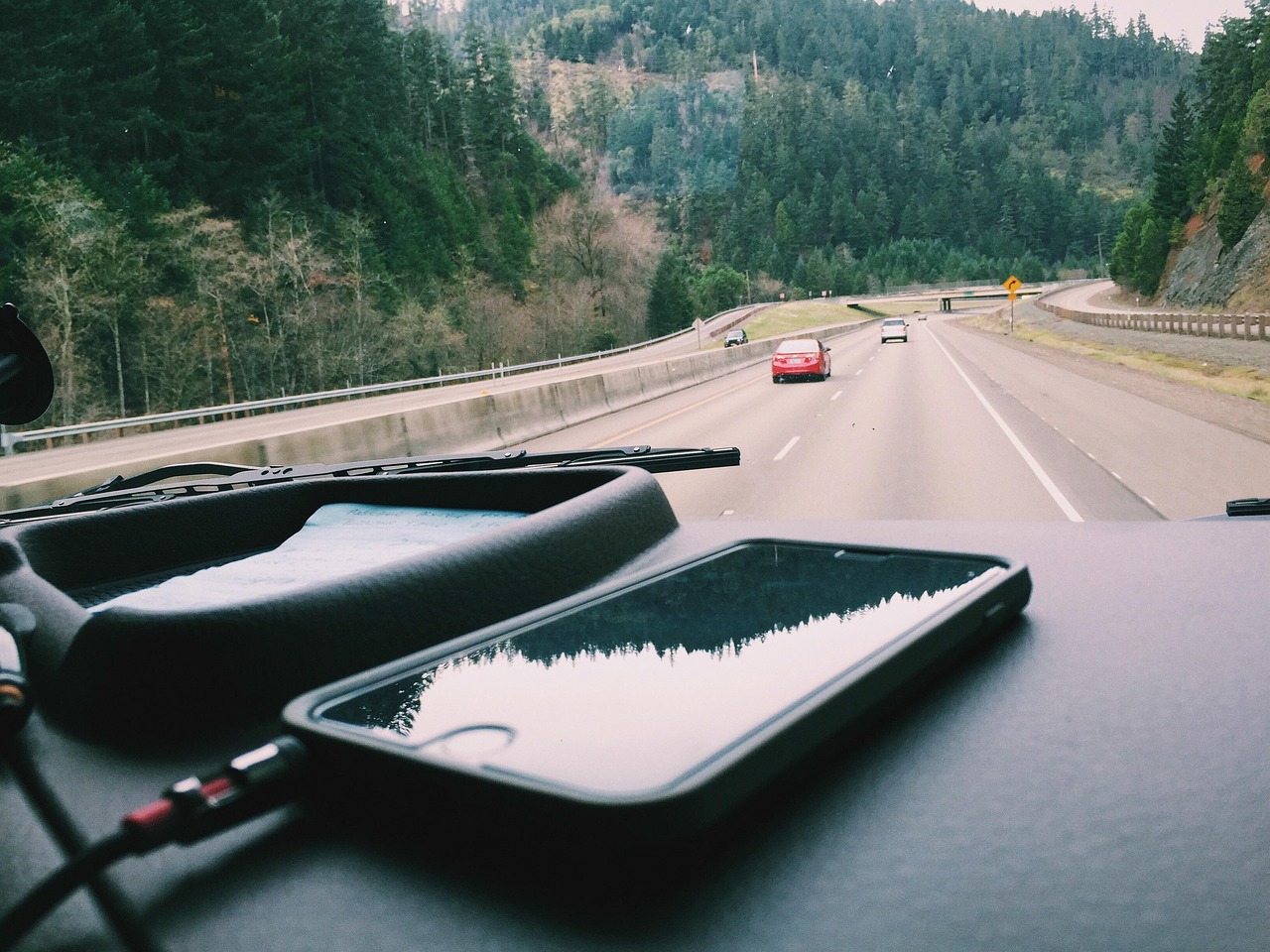
Now the part people get wrong in the first ten minutes. The dish needs a clear view of the sky. It will not work well lying on the dashboard behind the windshield, and it will not work at all under a roof liner. Starlink’s Roam plans do allow use while moving, but the dish has to be properly secured to the vehicle, not sitting on a passenger’s lap or wedged against the glass. A Magnetic Roof Mount for Starlink Mini on a steel roof is the quickest way to get there for a holiday trip. Check that the magnets are rubber-coated so they don’t scratch the paint, run the cable through the door seal rather than a pinched window, and take the dish down before the car wash or a low parking garage. When it is not on the roof, it lives in a Hard Travel Case for Starlink Mini, because a cracked dish face on a gravel lot is a very expensive way to end a trip.
If the dish is going to live on a van or camper for good, a removable magnet mount stops making sense. The Make Someday Today channel has a clear walkthrough of a low-profile permanent Starlink Mini installation on a camper van, including where the cable comes through the roof. For one holiday trip, the magnets are plenty.
Sky, Trees and the Tunnel Problem
Satellite internet has a different set of dead zones than your phone. Cell coverage dies in valleys and empty stretches; the dish dies under trees, against cliffs, in parking garages, and in tunnels. The Mini’s field of view is about 110 degrees, and it wants as much of that cone as you can give it. On my test weekend, a campsite with a ridge on one side cut the dish’s connection more often than a wide-open field forty miles farther from the nearest town.
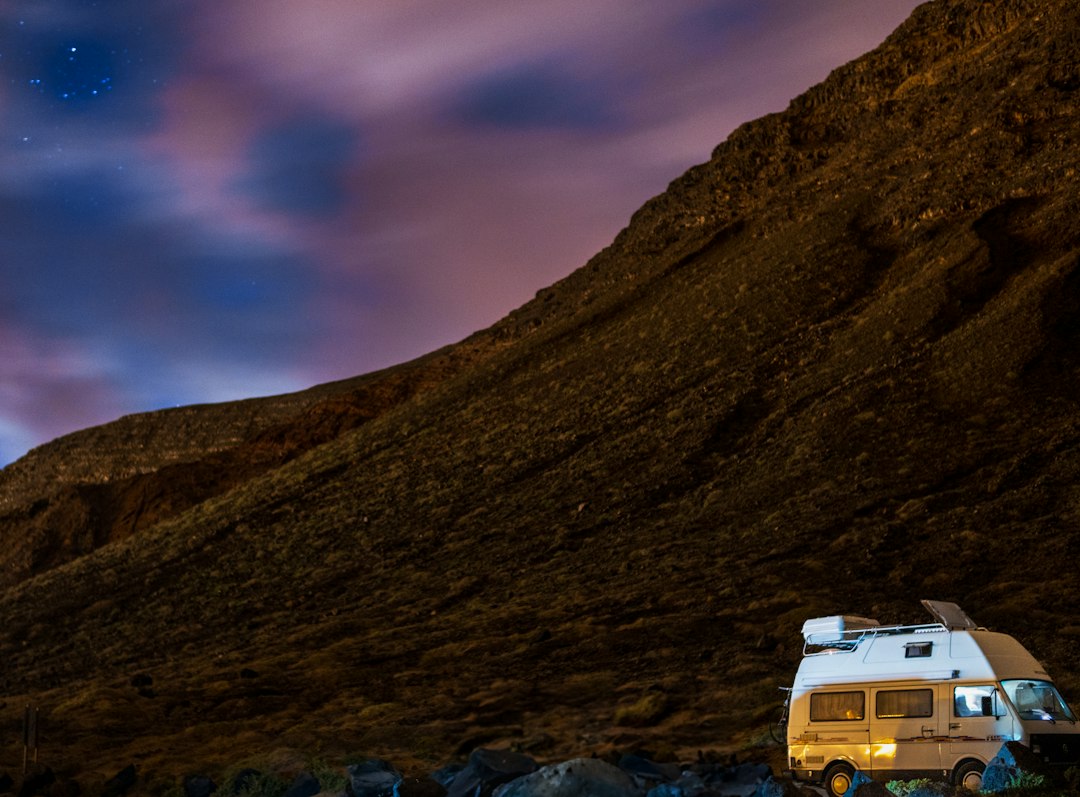
The Starlink app has an obstruction check that uses your phone’s camera to map the sky around you. Run it every time you set up, not just the first time. It takes a minute and it tells you whether to move the dish ten feet or move the whole car. On a moving road trip, expect short dropouts under overpasses and heavy tree cover; a video call will freeze for a few seconds and come back. That is normal. If the call matters, pull over somewhere open.
Weather matters less than people think. The original dish is rated IP67 with its cable and plug installed and can melt about an inch of snow an hour, and SpaceX keeps the IP67 rating on the new model. Heavy rain will slow it down. It will rarely take it off line on its own.

How Much Data a Holiday Week Really Uses
The 100GB Roam plan sounds small until you do the arithmetic. These are my working estimates, not Starlink’s: an hour of video calling is around 1 to 1.5GB, an hour of HD streaming is roughly 3GB, and a day of email, documents and chat for one remote worker is often under 2GB. One person working three days from the road plus a couple of movies on a cabin night lands somewhere between 20 and 40GB. A family of four streaming every evening can burn through 100GB in a week.
When you run out of high-speed data on the 100GB or 300GB plans, Starlink keeps you online at low speed rather than cutting you off, which is enough for messages and maps but not for a video call. If you know the household streams, go to 300GB for the month and drop back when you get home. The beauty of Roam is that you can change your mind every month.
Turn off automatic phone backups and app updates on the satellite connection before you leave. Those two background chores can eat more data in one night than a week of email. Most phones let you mark a Wi-Fi network as metered or low-data; do that for the dish.
Sharing the Connection Without the Drama
The Mini’s built-in router is fine for a car full of phones and a laptop or two. Where it runs out of patience is a rented cabin with thick walls, or a setup where somebody needs a wired connection for a work dock or a streaming box. That is where a travel router earns a spot in the bag. The GL.iNet Beryl AX Travel Router can take the dish’s signal and rebroadcast it, give you an Ethernet port, and keep one familiar network name on every device so nobody has to re-enter passwords at every stop. It can also use campground or hotel Wi-Fi when that happens to be decent, which saves your satellite data for when you need it.
Note that the original Mini’s Ethernet port uses Starlink’s own latching plug rather than a standard jack, so check what you need before you count on a wired connection straight off the dish. If you have never set up a travel router, my four-router bake-off in Hotel Wi-Fi Is Out to Get You walks through the basics.
Who Should Buy This Week, Who Should Wait
After living with this setup for a few weeks, I think it splits cleanly into four kinds of people.
The Thanksgiving remote worker. You are driving somewhere with weak or no broadband and you have meetings the Monday and Tuesday before the holiday. Buy the Starlink Mini Kit and the Anker SOLIX C300 DC Power Bank Station now. Activate the 100GB Roam plan the day before you leave, test it in your driveway, and pause it when you get home.
The full-timer or weekly road worker. If you were going to pay $175 a month for unlimited data anyway, the Starlink Mini 2 bundle is the better buy, and the built-in battery will change how you work. If you have an invitation, take it. For Thanksgiving, borrow a dish, use the cabin’s connection, or plan your work around town stops; the new one arrives in time for Christmas travel if the mid-December estimate holds.
The family that drives twice a year. Buy the original. The Anker Prime Power Bank (26,250mAh, 300W) and a UGREEN 130W USB-C Car Charger cover the drive and an evening, and you will spend a fraction of the bundle price. If the battery model eventually sells on its own at a sane price, you can sell the first one secondhand.
The person whose relative already has good Wi-Fi. Don’t buy anything. A satellite dish is a solution to a coverage problem, not a holiday gadget. If the house you are driving to has decent broadband, put the money toward something you’ll use every week.
If the house you are heading to has a habit of losing power in winter storms, my notes on keeping a workday online when the breaker trips pair well with a satellite backup. And if you are still deciding whether to drive at all, the travel desk did the math on this year’s Thanksgiving drive-or-fly decision with gas up 74 cents a gallon.
The Night-Before Checklist
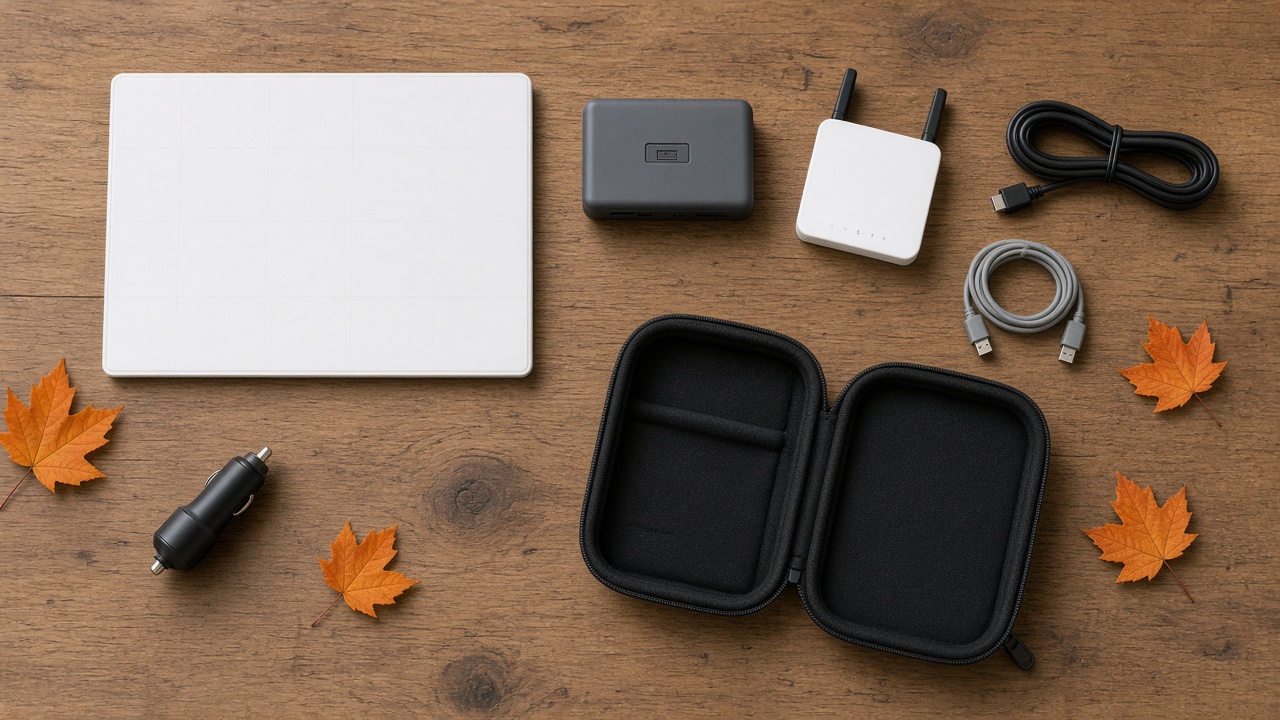
The setup only fails in predictable ways, so here is the list I tape inside the case lid before a trip:
- Activate or un-pause Roam at least a day early, and confirm the plan size in the app.
- Do a full test in the driveway: dish, battery, cable, phone, laptop, one video call.
- Charge every battery to full, including whichever power station you packed, then check it again the morning you leave.
- Pack both power cables, the USB-C one and the 12V one, together, so one failure doesn’t strand you.
- Put the power meter in the cable pouch; when something won’t power on, it tells you in ten seconds whether the battery or the cable is the problem.
- Set the dish network as metered on every phone and laptop, and turn off cloud photo backups until you are home.
- Pack a microfiber cloth with the roof mount to wipe the roof before the magnets go down.
- Keep the hard case for the dish only, so it never rides loose against a battery corner.
- If the family needs one shared network or a wired port, set up the travel router at home first, not in a dark cabin.
- Write your Starlink account email and password somewhere offline. You will need them on the one day you can’t look them up.
The Dish You Can Hold Beats the One You’re Promised
I’m genuinely excited about the battery model. Swappable power, Wi-Fi 6 and a tripod thread are exactly what a traveling dish should have had from day one, and I expect it to be the one I recommend to most people by spring. But a December ship estimate on an invitation-only bundle doesn’t get anyone online on the Wednesday before Thanksgiving. The original Mini, a real 100-watt USB-C source and a proper mount will. Buy what solves this trip, keep the receipts, and let the second generation prove itself on someone else’s tailgate first.