

I’ve been testing AI hardware for years — NPUs, GPUs, dedicated accelerators, the works. But the most surprising AI upgrade I’ve made in the last six months didn’t involve a new computer at all. It came from three devices sitting on my desk that I hadn’t thought about in years: my webcam, my headset, and my speakerphone.
The hardware world spent 2025 and early 2026 obsessing over neural processing units inside laptops and phones. Meanwhile, a quiet revolution was happening in the peripherals sitting right in front of us. Webcams that track your face with onboard motorized gimbals. Headsets that run real-time noise separation using dedicated DSP chips. Conference speakers that beam-form six microphones into a virtual cone that follows your voice around the room. None of this touches your CPU. None of it requires a cloud connection. It’s edge AI in the most practical form I’ve seen — and almost nobody is talking about it.
After living with the latest generation of these devices for the better part of three months, I’m convinced they represent the most genuinely useful category of AI hardware for normal people. Not AI laptops. Not AI phones. AI desk gear — the stuff that makes you look and sound better on every single call without thinking about it.
Why Your Webcam Is the Real Bottleneck
Here’s something I’ve noticed after auditing hundreds of video calls: the person with the best laptop usually has the worst image quality. That sounds backwards until you think about it. A $2,500 laptop sitting on a desk points its camera at your chin from below. The sensor is tiny. The lens is mediocre. And all the AI processing happening inside that fancy new machine? It’s busy running background blur that makes your ears disappear every time you turn your head.
The team and I started testing dedicated webcams with onboard AI processing about four months ago, and the difference is not subtle. We’re talking about devices that have their own neural inference chips handling face tracking, exposure adjustment, framing, and even gesture recognition — all without touching your computer’s resources.
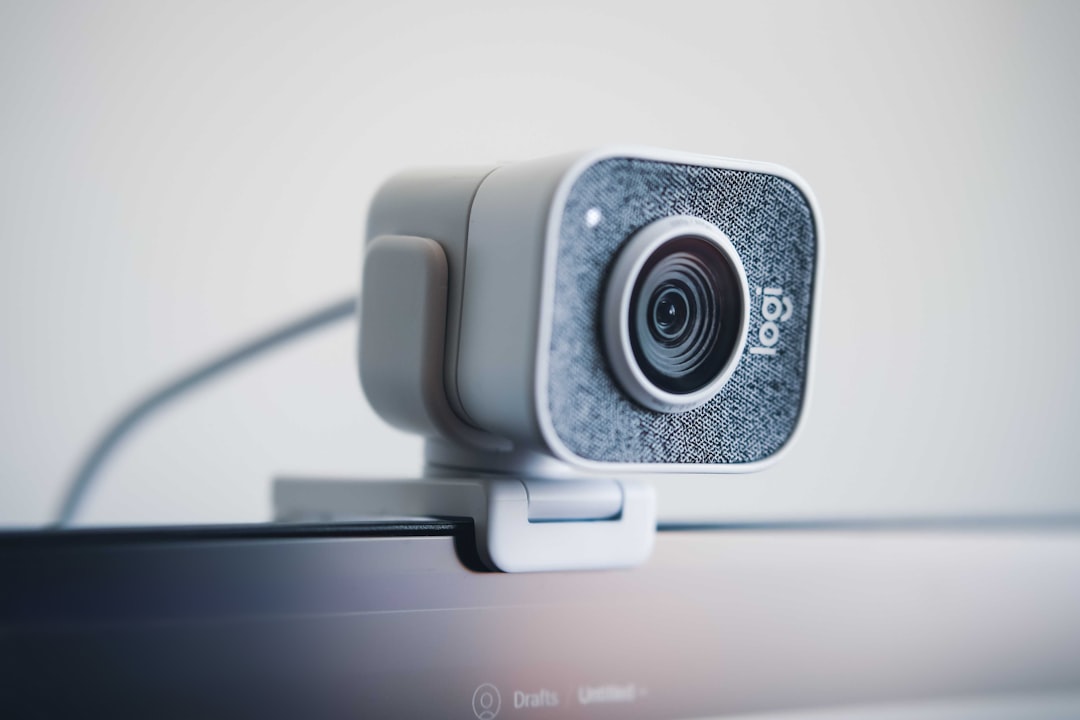
The Insta360 Link 2 is the one that surprised me most. It uses a two-axis motorized gimbal — the same kind of stabilization tech you’d find in an action camera — to physically track your movement across a wide framing area. You stand up, it tilts up. You walk to a whiteboard, it pans to follow you. The tracking is optical and mechanical, not digital crop, so you never lose resolution. During a 45-minute call where I was pacing around my office (my preferred thinking mode), the Link 2 kept me perfectly framed the entire time without a single moment of hunting or jitter.
The newer Insta360 Link 2 Pro steps up to a larger 1/1.3-inch sensor, which makes a real difference in mixed lighting. My office has a window to the right and warm overheads to the left — a lighting nightmare that exposes every weakness in a cheap sensor. The Pro handled it without the HDR halos I see on most webcams. If you’re doing client calls, streaming, or recording video content, the Pro’s low-light performance alone justifies the premium.
The Tracking Camera That Changed How I Present
I want to talk about a different category for a moment, because it bleeds into the webcam conversation. The OBSBOT Tail Air isn’t technically a webcam — it’s a PTZ (pan-tilt-zoom) streaming camera with AI tracking that happens to work beautifully as one. My team has been using it for recording product demos and workshop sessions where the presenter moves around a larger space than a traditional webcam can handle.
The Tail Air’s AI tracking is a step above what I’ve seen from anyone else. It recognizes multiple subjects, supports gesture controls (raise your hand to lock tracking, point to redirect), and outputs over HDMI, USB-C, or NDI for professional streaming setups. I set one up at the back of a 20-person meeting room and it automatically framed whoever was speaking — cutting between people with the kind of intelligence I’d expect from a human camera operator.
For solo creators and remote workers, this might be overkill. But if you’re recording training content, hosting hybrid meetings, or doing any kind of presentation where movement matters, the Tail Air eliminates the need for a camera person entirely. That’s genuinely disruptive.
Logitech’s AI Vision: The Mainstream Pick
Not everyone needs a motorized gimbal. Sometimes you just want a webcam that makes you look good without any fuss, and that’s where the Logitech MX Brio comes in. Logitech’s approach to AI in webcams is less dramatic than Insta360’s — there’s no physical gimbal — but it’s arguably more practical for the 90% of people who just sit at a desk and want to look sharp on Zoom.
The MX Brio uses AI-enhanced image processing to handle exposure, color balance, and face-based framing digitally. The sensor is a genuine 4K unit with a large format that captures real detail, not the upscaled 1080p you get from budget webcams claiming 4K. During testing, I was struck by how natural the image looked — no over-sharpened edges, no waxy skin tones, no aggressive beauty filtering. It just looks like you, but better lit and properly exposed.
I’ve recommended the MX Brio to several friends who do daily client calls, and the universal response is some variation of “I had no idea I could look this professional.” That’s the AI working invisibly in the background — exactly how it should.

The Audio Problem Nobody Solved Until Now
Video gets all the attention, but audio is where AI desk gear has made the biggest functional leap. I’ve been working from home for over a decade, and my office sounds like a typical residential space — dishwasher running in the next room, dogs barking at the mail carrier, the occasional lawnmower from two houses down. Traditional noise cancellation in headsets used aggressive filtering that made my voice sound like I was calling from inside a tin can.
The current generation of AI-powered headsets takes a fundamentally different approach. Instead of simple frequency filtering, they use neural networks trained on millions of audio samples to distinguish speech from noise in real time. The difference is like going from a sledgehammer to a scalpel.
I tested three Jabra models across different price points, and each one impressed me. The Jabra Evolve2 40 SE (2026 Version) is the wired workhorse I’d recommend for most people. It uses a three-microphone array with AI-powered voice isolation that eliminates background noise without mangling your vocal frequencies. At under $100, it’s the best bang-for-buck audio upgrade you can make for your desk setup.
For wireless freedom, the Jabra Evolve2 65 Flex adds hybrid active noise cancellation and a convertible design that lets you wear it over-ear or on-ear. I wore this for a full week of back-to-back calls and the battery never flagged. The AI noise processing is the same as the wired models, but the ANC adds a layer of isolation that helps you focus even when you’re not on a call.
The Jabra Evolve2 50 sits in between — wired dual-ear with a noise-canceling boom mic that benefits from the same neural processing. If you don’t need wireless but want premium build quality and the best possible outbound audio, this is the one I’d grab.

The Speakerphone Comeback Nobody Expected
Here’s a confession: I’d written off speakerphones as a dead category. The ones from five years ago were tinny, echo-prone, and honestly worse than just using your laptop speakers. But when a colleague brought an Anker PowerConf S330 to a strategy session earlier this year, I was genuinely shocked at the audio quality.
The S330 uses four microphones arranged in a 360-degree array with smart voice enhancement that runs entirely on the device. You plug it in via USB and it just works — no drivers, no software, no cloud dependency. In a room with six people, it picked up every voice clearly and rejected the HVAC noise that usually ruins speakerphone calls.
For larger rooms or more demanding setups, the Anker PowerConf 2 (Zoom-certified with six mics and 24-hour battery) is the upgrade path. The PowerConf 2’s AI processing does something I didn’t think was possible from a device this size: it creates a virtual beam-forming array that focuses on whoever is speaking and suppresses everything else. It’s like having a microphone operator for your conference room.
I’ve started recommending speakerphones to people who never thought they needed one — especially anyone working from a shared space, a kitchen table, or a home office with hard surfaces that create echo. The AI audio processing in these devices solves problems that no software running on your computer can match.
Lighting: The Dumb Upgrade That Makes Smart Gear Shine
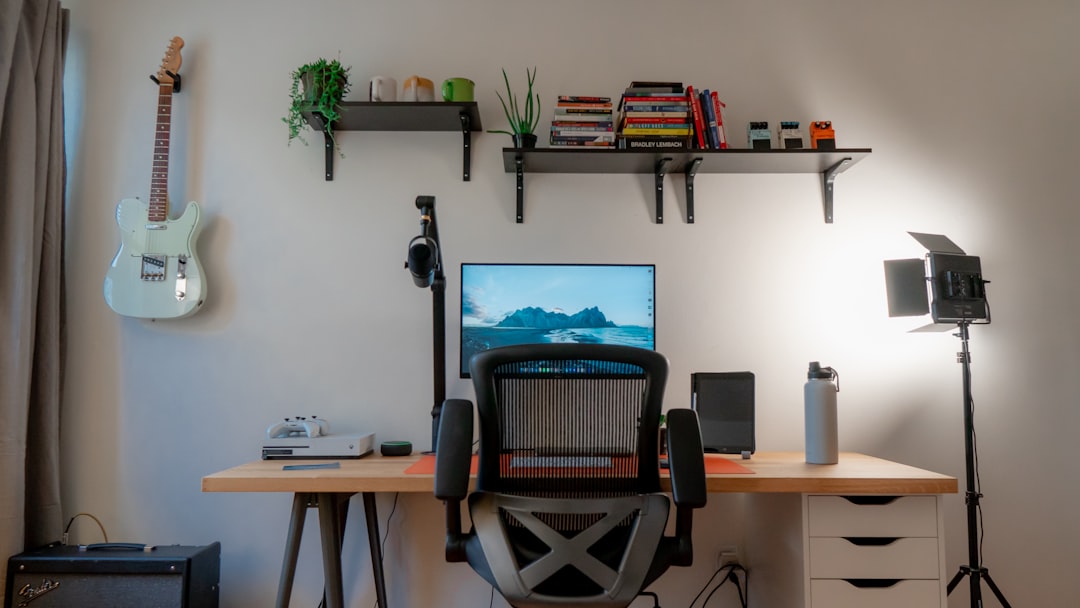
I know, I know — I said this article was about AI hardware. But here’s the truth nobody in the webcam industry wants to acknowledge: even the best AI processing can’t fix bad lighting. I’ve watched people spend $300 on an AI webcam while sitting in a dark room with a single overhead bulb behind them. The neural chip in that fancy camera is working overtime trying to recover shadow detail that a $25 light would have solved instantly.
The Evershop clip-on ring light is the quick fix I recommend to everyone. It clamps onto your monitor, offers five color temperatures and brightness levels, and costs less than a pizza. Pair it with a decent webcam stand mount so you can position your camera at eye level instead of shooting up your nostrils, and you’ve solved 80% of the video quality problem for under $50 total.
The remaining 20% — the tracking, the framing, the exposure refinement, the noise reduction — that’s where the AI earns its keep. But only after you’ve handled the fundamentals.
What Actually Runs the AI: Edge Processing Explained
One of the questions I get asked most is: “Where does the AI actually run?” It’s a good question, because the marketing materials are vague about it. Here’s what I’ve learned from tearing down (figuratively) these devices over the past few months.
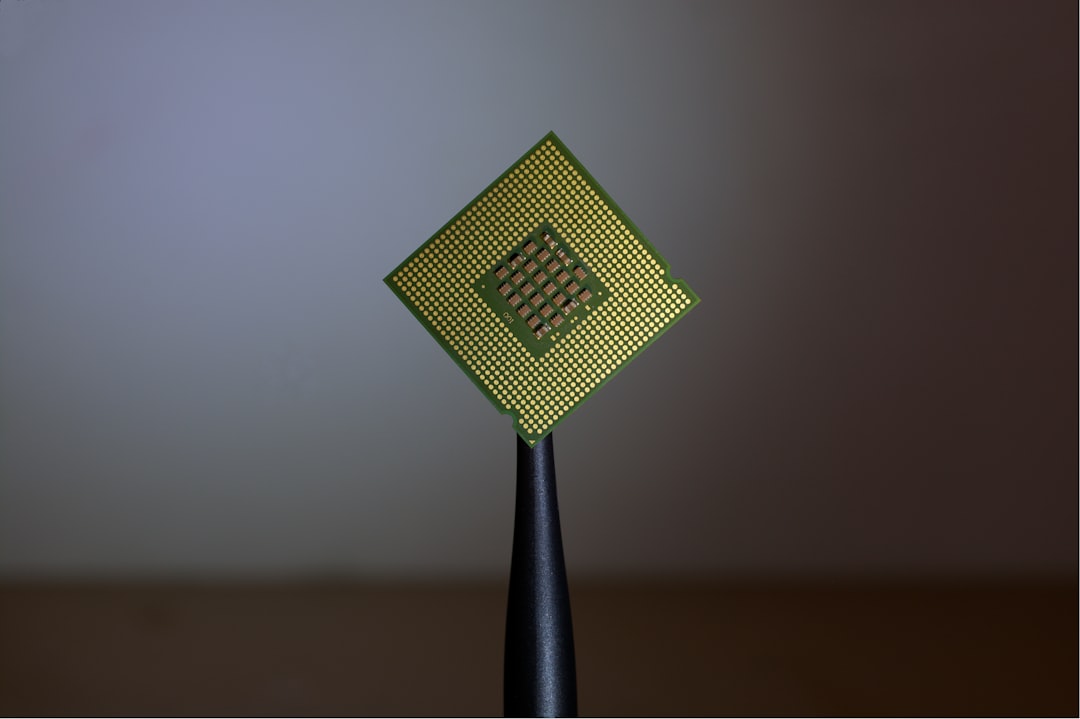
Most AI webcams use a dedicated image signal processor (ISP) that runs neural inference models on-device. These aren’t large language models — they’re compact vision models trained specifically for tasks like face detection, exposure weighting, and auto-framing. The same approach is used in smartphone cameras, but the implementations in dedicated webcams are now sophisticated enough to rival what your phone does.
AI headsets and speakerphones use digital signal processors (DSPs) running audio neural networks. These chips are incredibly efficient — they sip power while running inference at 48,000 samples per second, which is the standard audio sample rate for calls. The models are trained to identify speech patterns and separate them from noise in ways that traditional DSP algorithms simply can’t match.
The key point: none of this processing touches your computer. Your CPU doesn’t see it. Your GPU doesn’t render it. It’s truly edge AI — self-contained inference happening in silicon that was purpose-built for one job. That’s why I find this category so compelling. It’s the antithesis of the cloud-dependent AI that everyone else is building. No latency, no privacy concerns, no subscription.
The Bottom Line: Spend Less on Your Laptop, More on Your Desk
If you’ve been saving up for an AI PC with a powerful NPU, I’m going to suggest something contrarian: consider spending a fraction of that budget on AI desk gear instead. A mid-range laptop plus a great AI webcam, a solid AI headset, and a decent speakerphone will make a bigger practical difference to your daily work experience than upgrading from a Snapdragon X to an X2 Elite.
The AI revolution in desktop tech isn’t happening inside your computer — it’s happening on the devices surrounding it. The earbuds trend I wrote about earlier this year was the first hint. These webcams, headsets, and speakerphones are the full realization of what edge AI can do when it’s applied to a specific, well-defined problem instead of being marketed as a general-purpose feature.
My recommendation for most people: start with the Insta360 Link 2 and the Jabra Evolve2 40 SE. That combination solves video and audio for under $300 total. Add the Anker PowerConf S330 if you take calls from a space with background noise, and the clip-on ring light to handle the fundamentals. You’ll look and sound better than 95% of the people on your calls — whether you’re on a budget AI laptop or a decked-out AI workstation.
That’s the promise of AI desk gear — the same edge AI philosophy I wrote about in my smart plug automation piece, applied to the devices you actually face all day. Not more features, not more complexity — just better calls, better recordings, and a more professional presence. The neural processing happens silently, invisibly, and exactly where it should: on the device, not in the cloud, and definitely not in your imagination.
