
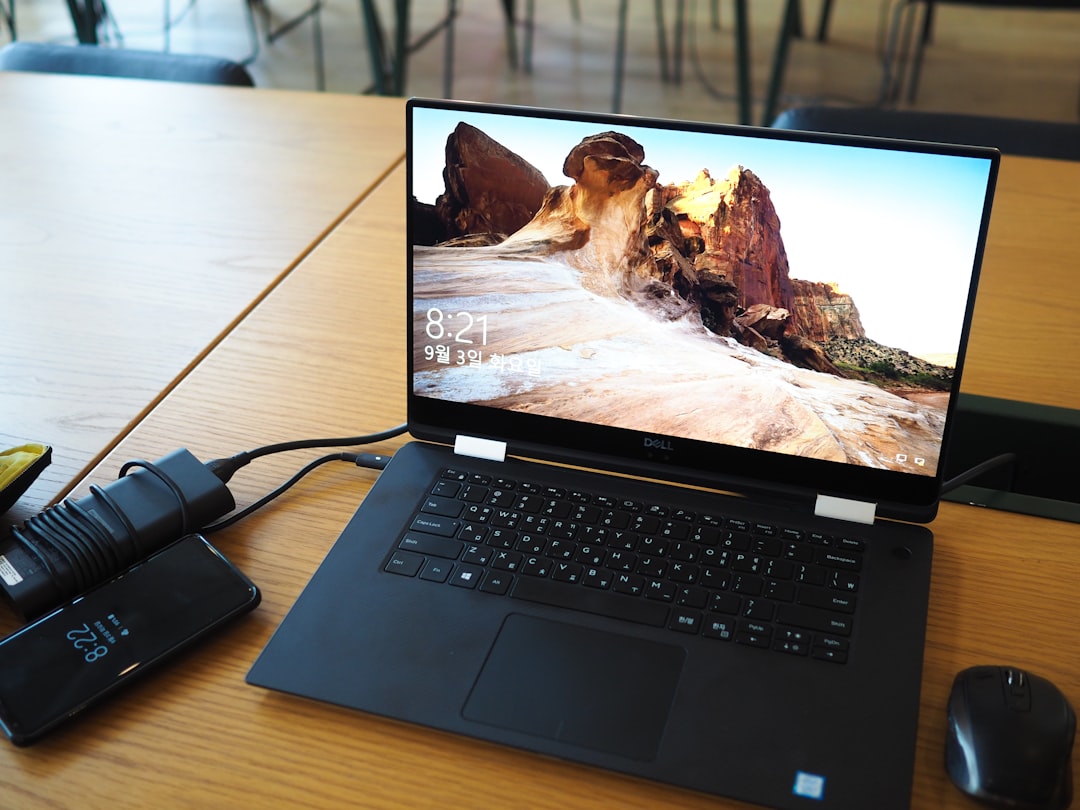
I’ve been living with Thunderbolt 4 docks since they launched, and honestly? They’ve been fine. Reliable, fast enough for most things, and widely supported. But “fine” isn’t why I get excited about technology. So when Thunderbolt 5 hardware started landing on my test bench late last year, I cleared my schedule and started plugging things in. Six months and more than a dozen docks later, I have opinions. Strong ones.
Thunderbolt 5 isn’t a minor spec bump. It doubles the bi-directional bandwidth to 80 Gbps, with a “Bandwidth Boost” mode that pushes 120 Gbps in one direction for high-resolution display traffic. That’s the difference between driving two 6K displays comfortably and pushing into dual 8K territory — or running an external GPU enclosure without the performance tax that made TB4 setups feel compromised. If you’ve ever watched your laptop struggle to push pixels to a pair of 4K monitors while also transferring large video files, you understand why this matters.
The New Math: Why 80 Gbps Changes Everything
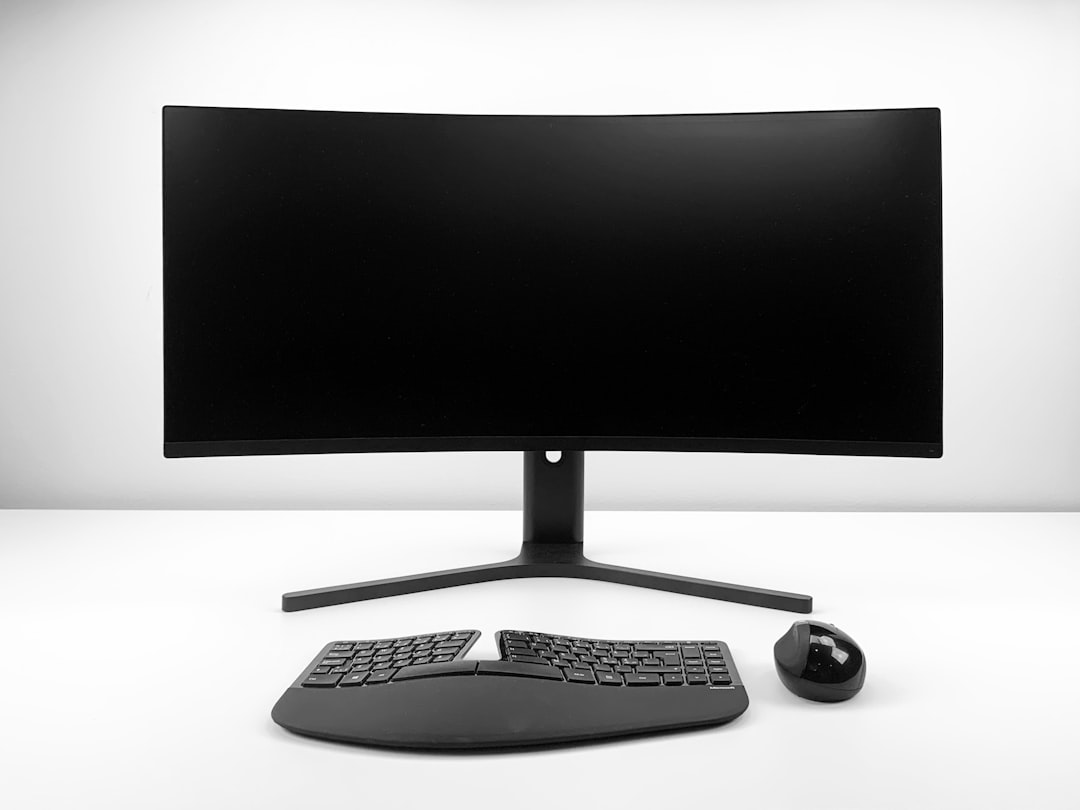
Let me paint a picture of my old workflow. I’d have my MacBook Pro connected to a Thunderbolt 4 dock, driving two 4K displays at 60 Hz, with an external SSD churning through video transfers. Everything worked — until I tried to do all three simultaneously. The bandwidth would saturate, my external drives would slow to a crawl, and occasionally one of the monitors would flicker. That’s the TB4 tax: 40 Gbps sounds generous until you split it between displays, storage, and peripherals.
Thunderbolt 5’s 80 Gbps baseline eliminates that bottleneck entirely. I’ve been running dual 6K displays at full refresh while simultaneously transferring hundreds of gigabytes from a OWC Envoy Ultra Thunderbolt 5 SSD and I can’t make the setup stutter. The 120 Gbps boost mode kicks in automatically when the dock detects heavy display traffic, routing extra bandwidth where it’s needed without any configuration. It’s the first docking standard that genuinely feels future-proof for creative professionals.
The Docks Worth Your Money
Not every Thunderbolt 5 dock is created equal. I’ve tested units ranging from $250 compact hubs to $500 desktop powerhouses, and the gaps in build quality, thermal design, and port selection are significant. Here are the ones that earned a permanent spot on my desk — and the ones I sent back.
CalDigit TS5 Plus: The Undisputed Champion
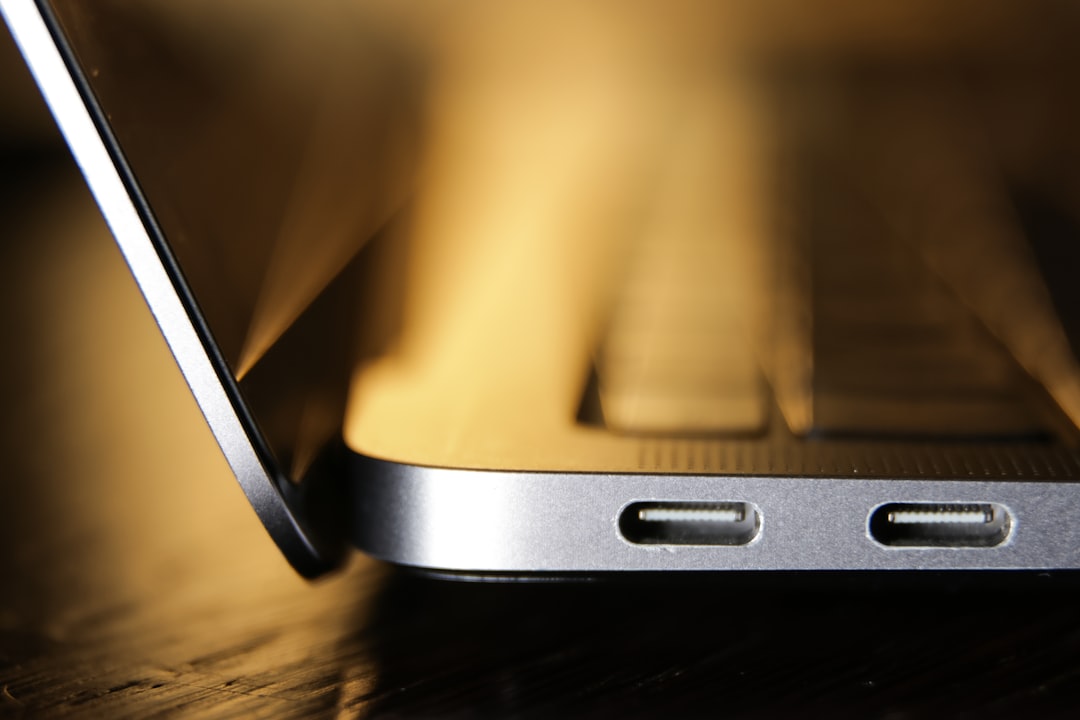
CalDigit has been making the best Thunderbolt docks for years, and the TS5 Plus is their masterpiece. Twenty ports. Three downstream Thunderbolt 5 connections. 140W of host charging. Dual USB controllers so your storage traffic doesn’t compete with your peripherals. And a front-facing USB-C port that delivers 36W — enough to fast-charge a MacBook Air while it’s sitting on your desk. At $499, it’s not cheap, but it replaces virtually every other hub, card reader, and charging brick on your desk.
The thermals are what surprised me most. The aluminum chassis stays cool even under sustained heavy load, and the internal fan is inaudible from two feet away. I ran it for 48 hours straight during a video export marathon and never heard a peep. That kind of engineering doesn’t happen by accident.
Anker Prime TB5: The Compact Contender
If the CalDigit is the full-size workstation play, the Anker Prime TB5 is the dock I reach for when I’m working from somewhere other than my main desk. Fourteen ports in a surprisingly compact chassis, with 140W charging and an integrated cooling system that keeps things running smoothly. It drives dual displays without breaking a sweat and handles my storage needs just fine. The build quality is excellent — dense, premium, and confidence-inspiring.
My one complaint: Anker’s port layout puts the USB-A ports a little too close together for some wider thumb drives and wireless receiver dongles. It’s a minor gripe, but if you’ve got a collection of chunky USB devices, you might need a short extension cable for one of them.
Budget Pick: UGREEN Revodok 10-in-1
Not everyone needs twenty ports or wants to spend $400+ on a dock. The UGREEN Maxidok Thunderbolt 5 Hub delivers the core TB5 experience — three downstream Thunderbolt 5 ports, 140W total power delivery, and dual display support — in a slim, portable package that costs significantly less than the full desktop units. It’s perfect for someone with a single monitor setup who wants the bandwidth headroom without the desk footprint.
Don’t Sleep on the Cables
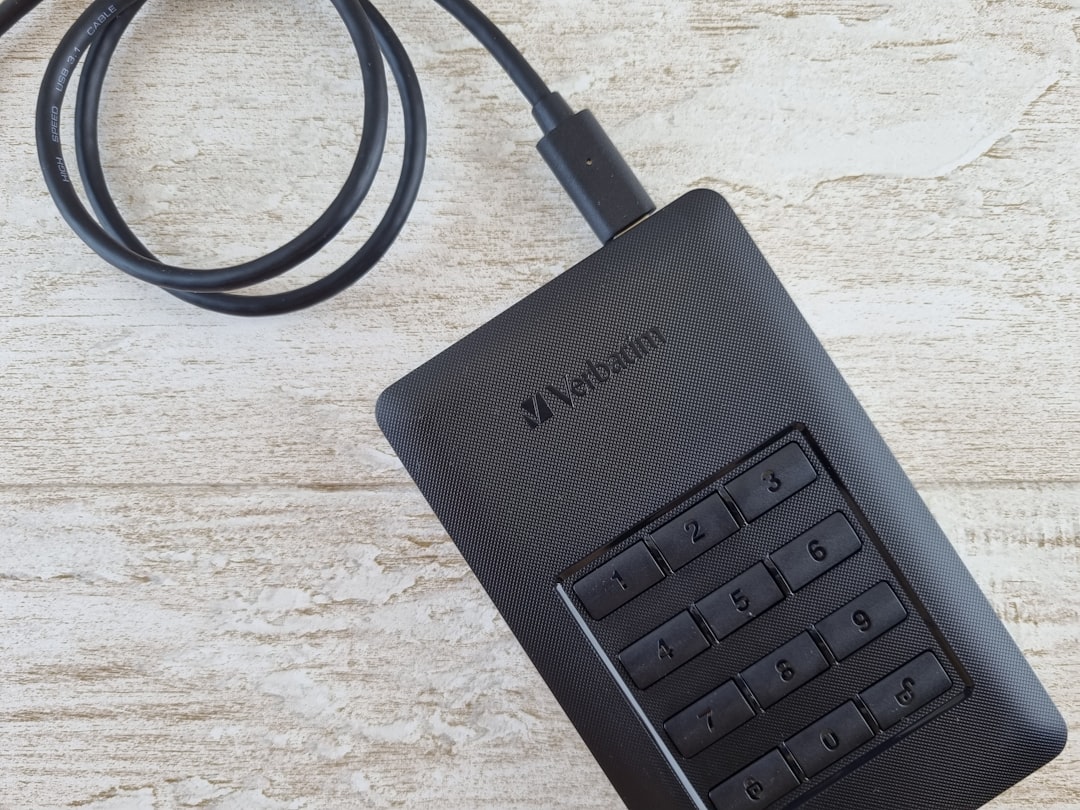
Here’s something most people learn the hard way: Thunderbolt 5’s performance is only as good as the cable connecting your dock to your laptop. I spent two frustrating days debugging display flickering on an otherwise perfect setup before realizing the included cable was a TB4-rated unit masquerading as TB5-compatible. The moment I swapped in a certified Anker Prime Thunderbolt 5 Cable, everything stabilized.
Certification matters. Look for the Thunderbolt 5 logo on the cable packaging, or check that it explicitly supports 80 Gbps bi-directional with 120 Gbps boost. The Cable Matters Intel-Certified TB5 cable is another solid option that I’ve been using for months without issue. Both support 240W charging, which covers even the most power-hungry laptops on the market.
And please, don’t buy the cheapest cable you can find. I’ve seen $12 “Thunderbolt 5” cables on Amazon that can’t sustain 40 Gbps, let alone 80. This is one area where spending a little more saves you hours of troubleshooting.
The Storage Revolution No One’s Talking About
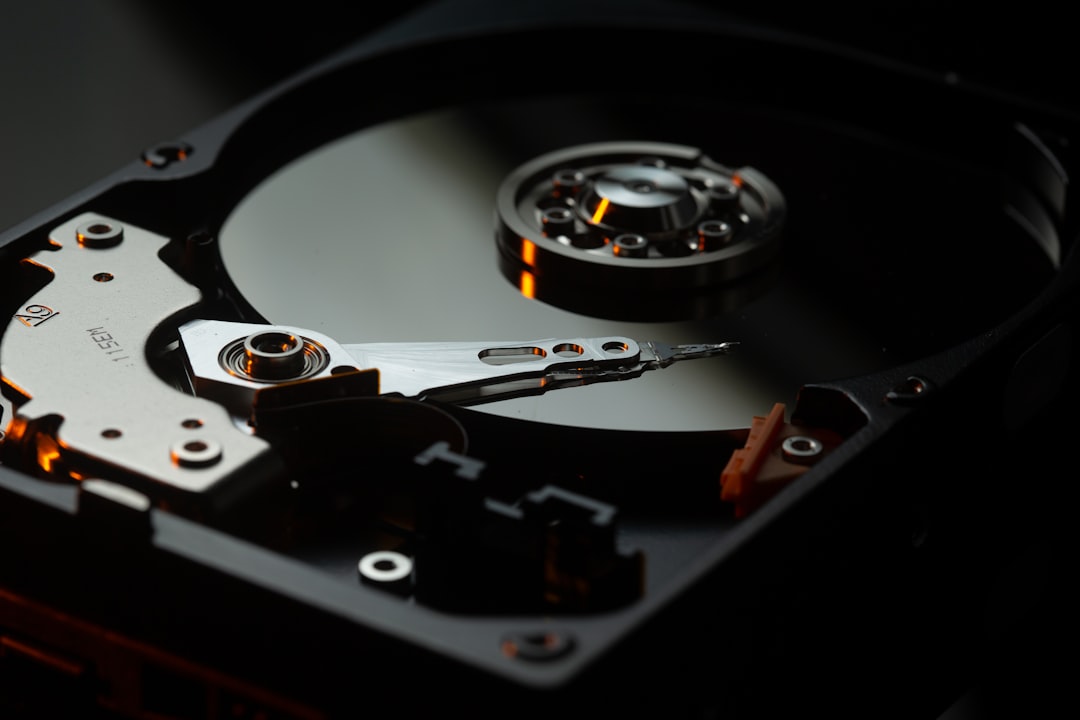
Thunderbolt 5’s bandwidth doesn’t just help with displays. It transforms external storage performance. The Sabrent Rocket XTRM 5 — one of the first true Thunderbolt 5 portable SSDs — delivers sustained transfer rates north of 6,000 MB/s. That’s faster than most internal laptop SSDs from just two generations ago. For video editors working with 8K RAW footage or photographers managing massive libraries, this is a game-changer: you can edit directly from external storage without any perceptible performance penalty.
I’ve been editing 4K ProRes footage from the OWC Envoy Ultra for weeks now, and the experience is indistinguishable from working on an internal drive. Scrubbing through timelines, applying effects, exporting — everything happens in real time. Three years ago, that workflow required a $5,000 desktop with internal NVMe RAID. Now it fits in my backpack.
Who Should Actually Upgrade?
Let’s be honest: if your current Thunderbolt 4 setup handles your workload without issues, you don’t need to upgrade today. TB5 is backward compatible, so your existing docks and cables will continue to work with TB5 laptops. The performance gains are real but situational.
But here’s where it gets compelling. If you’re doing any of the following, Thunderbolt 5 delivers an immediately noticeable improvement:
- Running dual high-resolution displays (6K or above) while simultaneously transferring large files
- Using external GPU enclosures for AI workloads or rendering
- Editing video from external storage and tired of the performance compromise
- Connecting multiple Thunderbolt devices in a chain without bandwidth starvation
- Future-proofing a new laptop purchase with a dock that won’t be obsolete in two years
The Plugable TBT-UDH2 and StarTech Thunderbolt 5 Dock are two more options worth considering if CalDigit and Anker don’t match your specific port requirements. The Plugable is fanless and completely silent, which matters if you’re doing audio work. The StarTech supports dual 8K on Windows, which is rare at its price point.
My Setup After the Upgrade
After months of testing, here’s what’s staying on my desk: the CalDigit TS5 Plus as my primary dock, connected to my laptop with an Anker TB5 cable. Two 6K displays hang on monitor arms, the OWC Envoy Ultra handles my working storage, and everything powers through a single cable. When I need to grab my laptop and go, one disconnect and I’m mobile. Reconnect, and my entire workstation is back in seconds.
That’s the promise Thunderbolt 5 actually delivers on: a desktop-class experience through a single cable, with bandwidth to spare. After years of compromises and workarounds, it finally feels like we’ve arrived at the future that Thunderbolt always promised.

One thing I haven’t mentioned yet: power delivery. Thunderbolt 5 docks consistently deliver 140W to the host laptop, which is enough to fast-charge even a loaded 16-inch MacBook Pro under heavy workload. Previous-generation docks often topped out around 96W or 100W, which meant your laptop would slowly drain during intensive tasks even while plugged in. That’s no longer a concern. The CalDigit TS5 Plus even provides 36W on its downstream Thunderbolt ports, which is enough to charge an iPad Pro or run a portable monitor without any additional power adapters cluttering your workspace.
The upgrade isn’t cheap. A good TB5 dock plus cables will run you $350 to $550. But if your work depends on fast external storage, multiple high-resolution displays, or just not waiting on bandwidth, it pays for itself in time saved within the first month. And unlike so many tech upgrades that feel marginal, this one delivers a difference you can feel from the moment you plug in.

One thought on “Thunderbolt 5 Docks: After Testing Them All, Here’s What Actually Justifies the Upgrade”