
I’ve spent the last month carrying four different e-ink tablets everywhere — coffee shops, client meetings, my couch, even a red-eye flight from JFK to San Francisco. My wife thought I’d lost it when I lined them all up on the kitchen table like some kind of digital paper museum. But after years of typing every thought into a laptop and watching my handwriting devolve into something a pharmacist would struggle to read, I wanted to know: is the e-ink tablet revolution actually real, or is it just another gadget category that looks great on Instagram and gathers dust by March?
The short answer surprised me. These devices have gotten genuinely good — shockingly good in a couple of cases — and the gap between “neat idea” and “daily driver” has narrowed dramatically since the first reMarkable launched back in 2017. But here’s the thing nobody in the marketing materials tells you: the right e-ink tablet depends entirely on what you’re trying to escape from. If you want to ditch paper notebooks, that’s one answer. If you want to read and annotate PDFs, that’s another. If you want a distraction-free writing tool that syncs to your laptop, that’s a third. And if you think you want all three simultaneously, well, keep reading.
Why I Started Taking E-Ink Seriously
For context: I take notes for a living. Product briefs, meeting recaps, hands-on testing observations, half-baked article ideas at 2 AM — they all go somewhere. For most of my career, that somewhere was a Moleskine notebook and a Pilot G2. Then it became Apple Notes. Then Notion. Then a convoluted system involving Obsidian, a Pomodoro timer, and three browser extensions I kept forgetting to open. The problem wasn’t the tools. The problem was that every tool wanted my attention — notifications, sync errors, updates, the gravitational pull of a browser with 47 tabs open.
E-ink tablets promised something different: a screen that only does one thing and does it without screaming for your attention. No Twitter. No Slack. No temptation to “just check email real quick.” It’s you and the page. After a month of living with these devices, I can confirm that the psychological effect is real, and it’s probably the most underrated selling point of the entire category. There’s a calm that comes from writing on a device that literally cannot interrupt you.
The Contenders and What They’re Actually Built For
Let me walk you through the four devices I tested, what each one does well, and where each one falls apart. I’m not going to give you a spec sheet — you can find that anywhere. I’m going to tell you what it’s actually like to live with these things day to day.
reMarkable Paper Pro: The Purist’s Choice
The reMarkable Paper Pro is the newest entry in reMarkable’s lineup, and it’s the closest any e-ink device has come to actually feeling like paper. The 11.8-inch color display is beautifully low-glare, and the Marker Plus pen has just enough friction to make your brain believe you’re writing on something real. I found myself reaching for it instinctively during phone calls — there’s no unlock screen, no app to open, just write and it’s there.
Where it shines is focused writing. Long-form notes, journaling, sketching article outlines — the Paper Pro disappears in your hands in a way that no iPad ever has for me. The handwriting recognition is solid for English text, and the cloud sync means your notes show up on your phone or laptop within seconds. But here’s the catch: that’s basically all it does. There’s no app store. No web browser. No way to install Kindle or read Kobo books. If you want a reading device too, you’re looking at carrying a second gadget. And at nearly $600 for the base model, that’s a tough pill.
There’s also a smaller, more portable option — the reMarkable Paper Pro Move — which stuffs a 7.3-inch color screen into something closer to a pocket notebook. I didn’t test it as extensively, but the few days I carried it were enough to see the appeal for quick captures on the go.
Kindle Scribe: The Reader Who Also Writes
Amazon’s approach with the Kindle Scribe is the exact opposite of reMarkable’s. Where reMarkable built a writing tool and called it a day, Amazon built a Kindle that also lets you write. And if you’re already deep in the Kindle ecosystem — thousands of books, Kindle Unlimited, Send to Kindle for documents — this thing makes an absurd amount of sense.
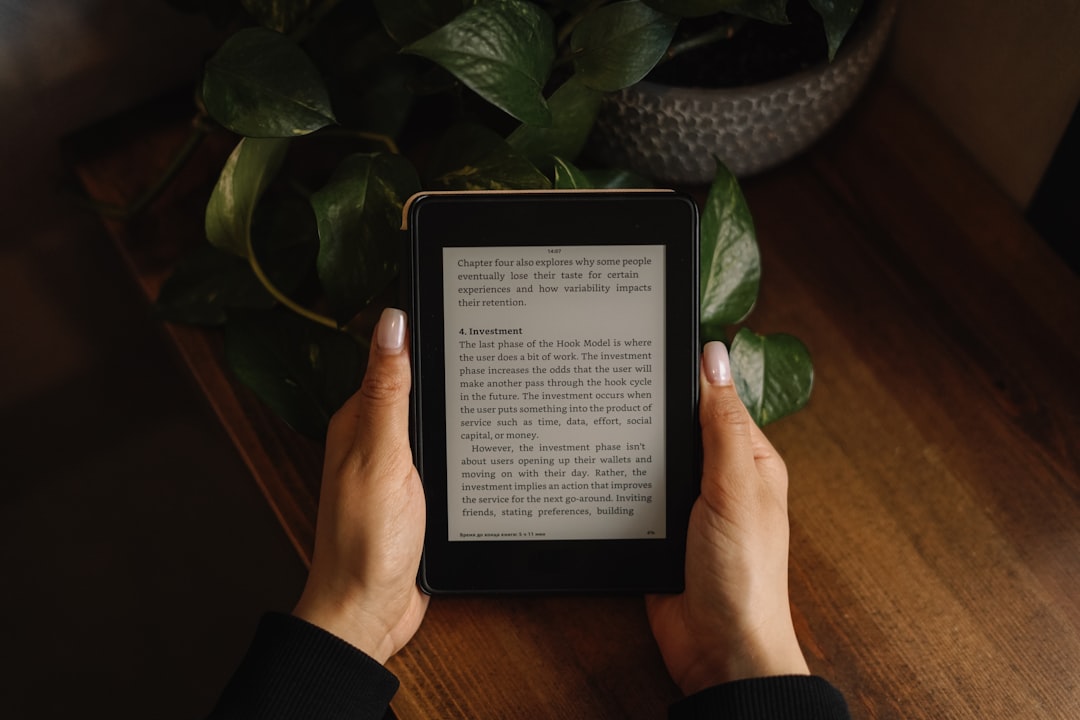
The 11-inch 300ppi display is crisp and comfortable for long reading sessions, and the new AI-powered notebook summarization is actually useful — it can take a page of your messy meeting notes and generate a surprisingly coherent summary. The writing experience isn’t as paper-like as the reMarkable, but it’s competent, and the included Premium Pen feels solid in hand. Battery life is measured in weeks, not hours, which is a category advantage that matters more than you’d think.
The downside is that the note-taking features still feel like they were designed by a team whose heart belongs to reading. Notebook organization is basic. There’s no way to tag or categorize notes beyond folders. And the document markup tools, while functional, don’t have the depth of what you’ll find on a Boox device. If you’re primarily a reader who wants to jot notes and annotate books, the Scribe is tremendous value — the 64GB model gives you plenty of room for both books and documents.
Boox Note Air 5 C: The Power User’s Swiss Army Knife
If the reMarkable is a beautifully crafted fountain pen and the Kindle Scribe is a really nice hardcover with margins for notes, the Boox Note Air 5 C is a full-on workstation running Android. That means the Google Play Store, which means Kindle app, Kobo app, Libby for library books, Microsoft Office, Google Drive, and any other Android app you want to throw at it. It’s the “have your cake and eat it too” option.
The 10.3-inch color Kaleido 3 display isn’t as crisp as the reMarkable’s monochrome screen for pure text, but the flexibility more than makes up for it. I loaded it up with a half-dozen Android apps and spent a week trying to break the workflow: reading a PDF, annotating it, opening a web article in a browser, pasting a quote into a note, then exporting everything as a PDF to Google Drive. It all worked. The stylus response is snappy, the NeoReader app handles PDF annotation beautifully, and the split-screen mode lets you read and take notes simultaneously.
The trade-off is complexity. Boox’s custom interface layer over Android is functional but not intuitive. There’s a learning curve, and the settings menus go deeper than they need to. Battery life takes a hit because you’re running a full Android system — think days, not weeks. And because it can do everything, it’s easier to fall into the trap of loading it up with distractions, which somewhat defeats the purpose of an e-ink device in the first place. Still, for someone who wants one device for reading, writing, and light productivity, the Note Air 5 C is remarkably capable. If you want something even more portable, the Boox Go Color 7 Gen II is a pocket-sized alternative worth considering.
Kobo Elipsa 2E: The Underdog With Surprising Depth
Kobo doesn’t get the attention that reMarkable and Amazon command, but the Kobo Elipsa 2E quietly does a lot of things right. It’s the best pure e-reader of the bunch, with OverDrive integration baked in for library borrowing, support for more file formats than either the Kindle or reMarkable, and a warm front light that makes late-night reading genuinely comfortable. The included Kobo Stylus 2 is adequate for note-taking, though the writing feel doesn’t match the reMarkable’s Marker.
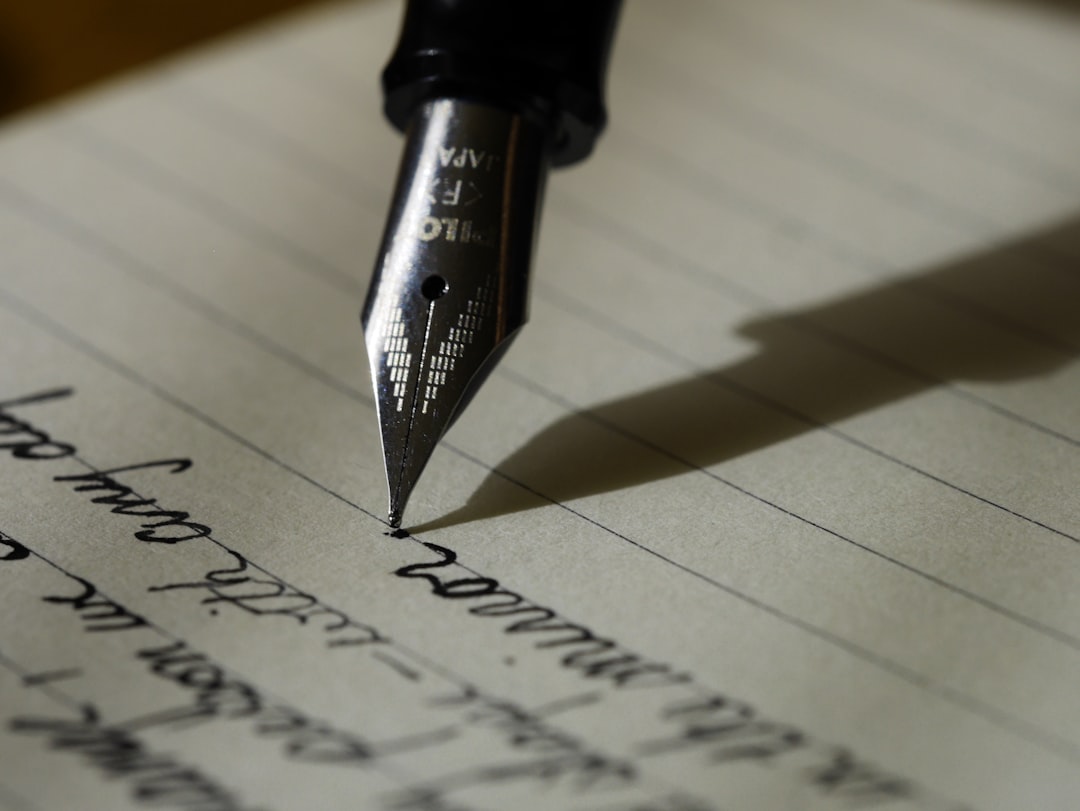
Where the Elipsa surprised me was document handling. I threw complex PDFs at it — multi-column academic papers, schematics, magazine layouts — and it navigated and rendered them more reliably than the Kindle Scribe. If your workflow involves a lot of technical documents and you want to mark them up without printing, Kobo deserves serious consideration. The Kobo Libra Colour is another option if you want color in a smaller, more affordable package.
The Writing Feel: It Really Does Matter
I know it sounds like a minor detail, but the tactile experience of writing on these devices varies wildly, and it’s probably the single biggest factor in whether you’ll actually use one long-term. I touched on this in my desk gadgets roundup last month, but these devices deserve their own deep dive. The reMarkable Paper Pro wins this hands down — there’s a subtle texture and resistance that feels like writing on a slightly smooth sheet of heavy paper. The Boox is second, with a glass surface that’s smooth but responsive. The Kindle Scribe and Kobo Elipsa both feel more like writing on a whiteboard — smooth and fast, but without that satisfying friction.
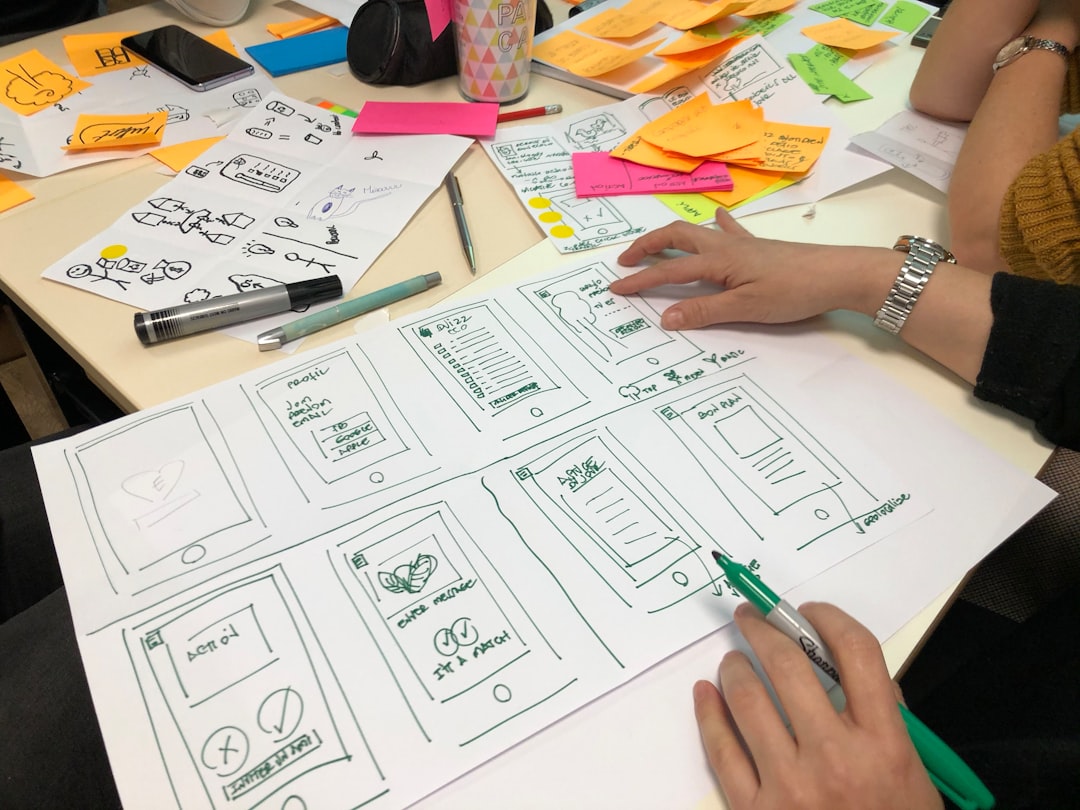
If you’re coming from real paper and the “feel” matters to you, budget for a matte screen protector. I tested this two-pack from TiMOVO on a reMarkable 2 and it added a noticeable improvement in texture. The difference between naked glass and a matte film is night and day for extended writing sessions, and at under fifteen bucks for two, it’s a no-brainer upgrade for any of these devices.
Who Should Buy What
After a month of switching between all four devices, here’s my honest breakdown of who each one is actually for:
Buy the reMarkable Paper Pro if you want the best pure writing experience and don’t care about reading books or running apps. It’s the “shut out the noise and write” machine. If you journal, take long-form meeting notes, or sketch ideas, nothing else comes close to the feel. Writers and creative professionals who are serious about distraction-free workflows will love it.
Buy the Kindle Scribe if you already read on a Kindle and want to add note-taking without carrying a second device. It’s the pragmatic choice — great reading experience, adequate writing, and the Kindle ecosystem is unmatched for book selection. The AI summarization feature is a nice bonus that’s actually useful in practice.
Buy the Boox Note Air 5 C if you want one device that does everything and you’re willing to tolerate some complexity. It reads, it writes, it runs Android apps, it handles PDFs better than anything else in this lineup. Power users and people who work with a mix of document types will get the most value here.
Buy the Kobo Elipsa 2E if you’re a heavy library borrower, read a lot of technical PDFs, or want the most format-friendly device. It’s the unheralded workhorse of the group — less flashy than the others, but deeply competent where it counts.
The Accessories That Actually Make a Difference
Regardless of which device you pick, a few accessories are worth the investment. A good protective case or cover is essential — these screens are more fragile than glass tablets, and a drop on a hard floor will ruin your day. I’d also recommend picking up a replacement stylus or pen tip set early, because the included tips wear down after a few months of heavy use, and finding replacements at the last minute is annoying.
One thing I learned the hard way: don’t skip the cloud sync setup. Whether it’s reMarkable’s cloud, Kindle’s WhisperSync, or Boox’s Google Drive integration, getting your notes off the device and onto your laptop quickly is what separates a gadget you use for a month from a tool you depend on daily. Spend the twenty minutes to configure it properly on day one.
The Verdict After 30 Days
E-ink tablets have crossed the threshold from “interesting niche” to “genuinely useful productivity tool.” The writing experience is close enough to paper that your brain accepts it, the battery life means you charge them once every couple of weeks, and the distraction-free nature of the displays creates a focused headspace that I didn’t fully appreciate until I’d spent a month without it. Pair one of these with the standing desk converter I’ve been testing and you’ve got a setup that genuinely changes how you work.
My personal pick? I kept the reMarkable Paper Pro on my desk and the Kindle Scribe on my nightstand. The reMarkable is for work — meetings, brainstorming, article planning. The Scribe is for everything else — reading before bed, jotting down ideas that hit at odd hours, annotating books. Two devices, two purposes, and my laptop stays closed a lot more than it used to.
But that’s me. Your mileage will depend on what you’re trying to accomplish and what ecosystem you’re already invested in. The good news is that there are no bad choices in this lineup anymore — just different trade-offs for different workflows. And honestly, that’s a sign of a product category that’s finally matured.
If you’re still scribbling in spiral notebooks and losing pages, or if you’re tired of every note-taking app demanding your attention every three minutes, it might be time to give e-ink a serious look. The technology has arrived — the question is whether your workflow is ready for it.
