
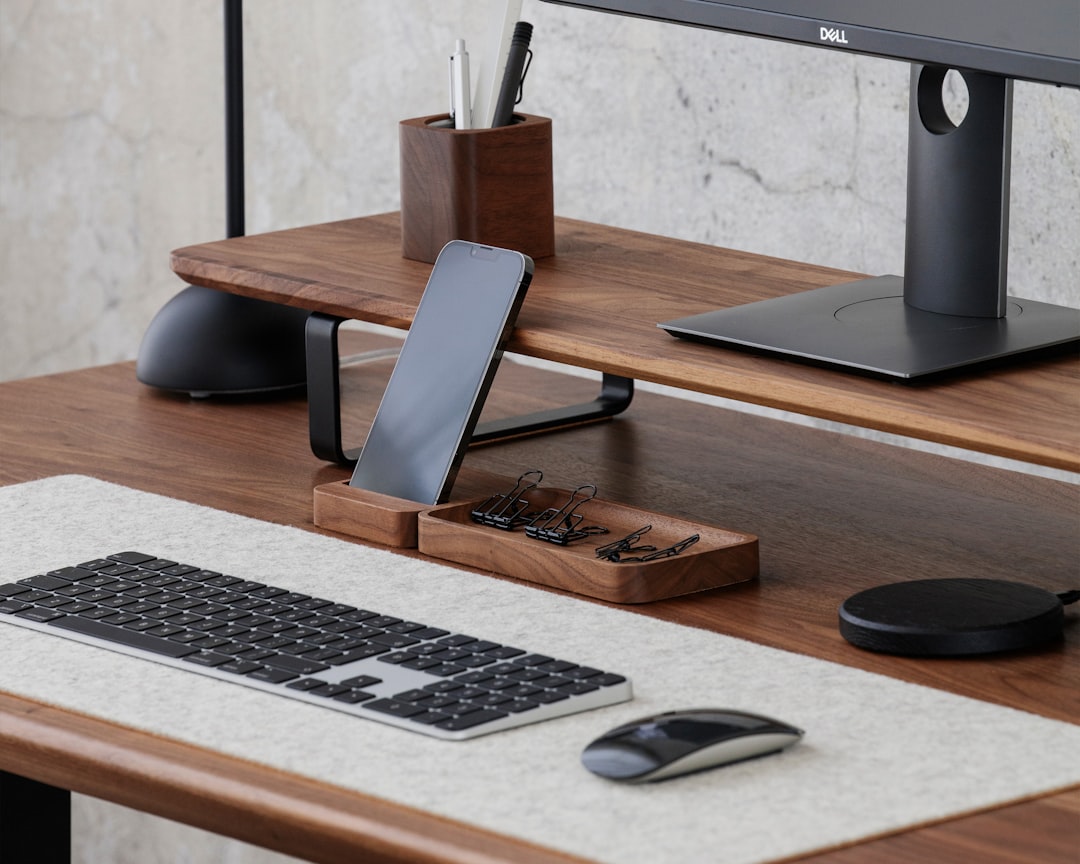
I used to end every workday the same way: unplugging a tangle of USB-C cables from my laptop, hunting for the right wall wart to charge my phone, and hoping my earbuds hadn’t died overnight. My nightstand was a graveyard of half-dead devices and my desk looked like a power strip had thrown up on it. If that sounds familiar, you’re in the right place.
After months of living with cable chaos, I went down the rabbit hole of desk charging stations — those all-in-one pads, stands, and hubs designed to charge your phone, watch, earbuds, and sometimes your laptop from a single organized spot on your desk. I’ve tested over a dozen of them in my own workspace, and the difference between a good one and a bad one is night and day. Let me walk you through what I found.
Why a Desk Charging Station Even Matters
Here’s the thing most people don’t realize until they fix it: the mental friction of charging is real. Every time you glance at your phone and see 18% battery, you have to find the cable, plug it in, remember where you put the right adapter. It’s a tiny interruption, but it adds up. A dedicated charging station eliminates that friction entirely. You put your devices in the same spot every time, and they’re always ready when you need them.
Beyond convenience, there’s the aesthetic factor. My cable management project taught me that a clean desk isn’t just about looks — it genuinely changes how you feel sitting down to work. A charging station consolidates five separate power bricks and cables into one tidy footprint.
What I Was Looking For
Before I started testing, I set some ground rules. Any station worth recommending had to charge at least three devices simultaneously — phone, earbuds, and a smartwatch. It needed to support modern fast-charging standards (at least 15W for Qi2/MagSafe on phones). It had to look good enough to leave out on a professional desk. And it couldn’t cost more than a reasonable standalone charger for each device combined. If a $200 station only saves me from buying three $25 chargers, that math doesn’t work.

I also paid attention to build quality, indicator light brightness (nothing worse than a glowing LED keeping you awake), and whether the thing actually stayed put on a desk without sliding around.
The Standout Pick: MagSafe Trio-Style Stations
If you’re in the Apple ecosystem, the new wave of three-in-one MagSafe charging stations is where it’s at. These typically have an upright MagSafe pad for your iPhone, a smaller Qi pad for AirPods, and an Apple Watch charger built in — all powered by a single cable running to the wall.
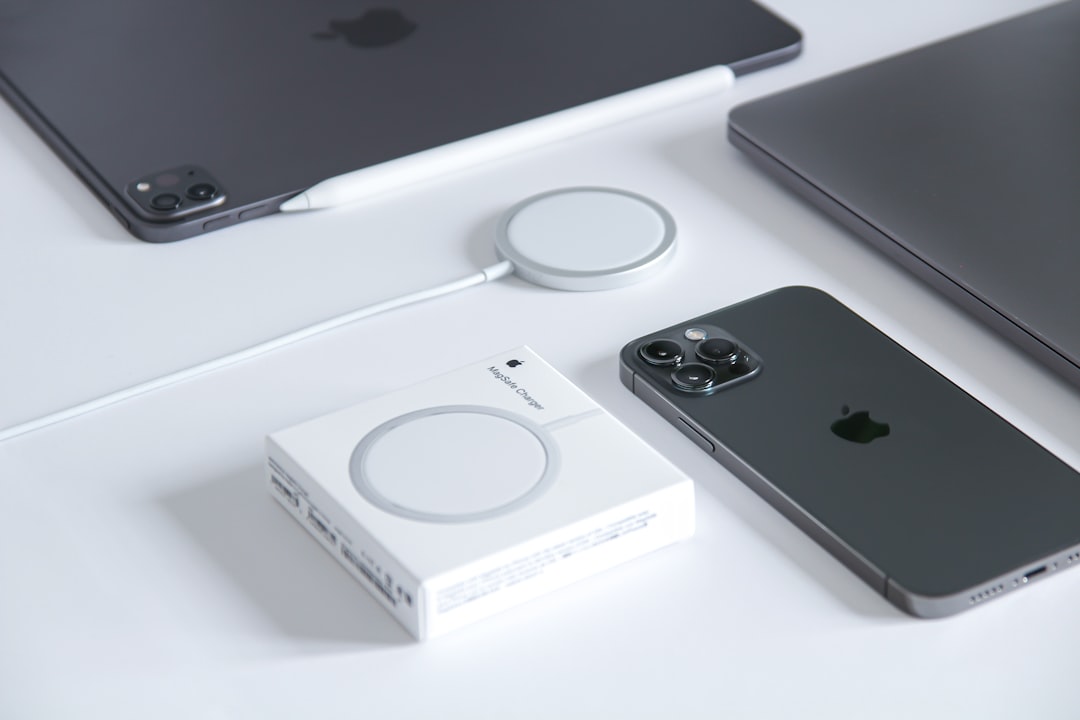
The design philosophy here is simple: drop your devices onto their designated spots and walk away. No fumbling with alignment, no checking if it’s actually charging. The MagSafe magnet snaps your phone into the perfect position every time, and upright charging means you can still see notifications or use StandBy mode while it juices up.
Prices range from about $80 for basic models to $180+ for premium materials like aluminum and leather. The sweet spot, in my experience, is right around $100-130 — that gets you solid build quality, proper 15W iPhone charging, and a design that doesn’t look like it came from a gas station checkout aisle. You can browse current MagSafe trio stations on Amazon to see the latest options.
The Multi-Device Powerhouse: USB-C Charging Hubs
Not everyone lives in Apple’s walled garden. If you’re juggling Android phones, tablets, laptops, and accessories from different manufacturers, a USB-C charging hub might serve you better than a wireless pad. These desktop power stations typically offer a mix of USB-C Power Delivery ports (up to 100W or even 140W per port) and USB-A ports, letting you plug in whatever needs juice.
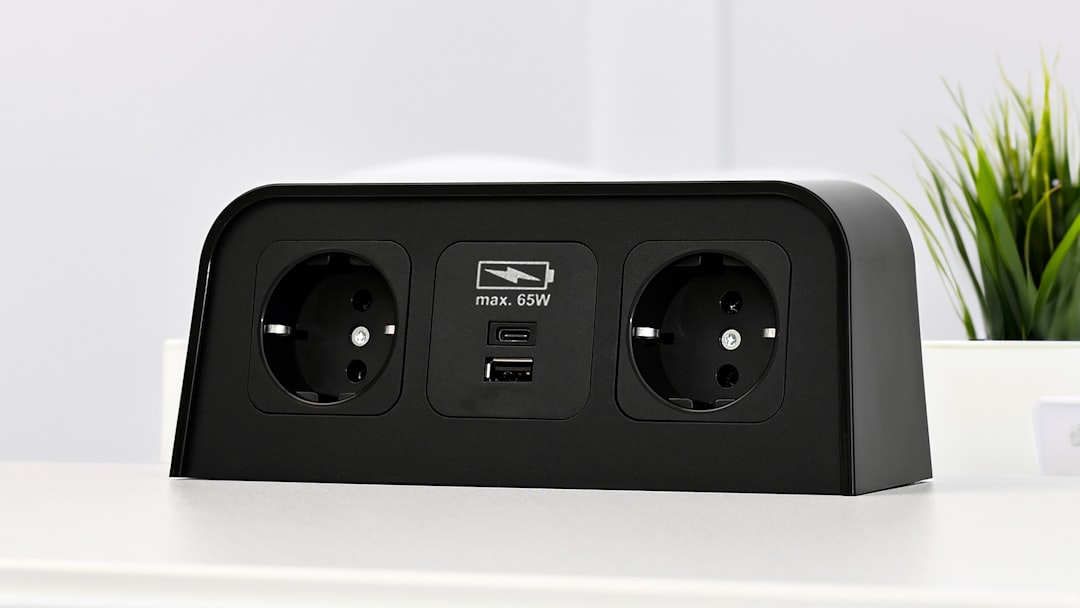
The advantage here is raw speed. Wireless charging tops out at 15W for the fastest phones, but a wired USB-C connection can push 45-100W depending on the device. That’s the difference between a two-hour charge and a thirty-minute one. For laptops and tablets, wired isn’t just faster — it’s often the only practical option.
I’ve been using a 100W USB-C desktop charging station as my daily driver for the past three months, and it handles my laptop, phone, tablet, and wireless earbuds case simultaneously without breaking a sweat. The key feature I didn’t know I needed: individual port power allocation. The smart ones automatically detect what’s plugged in and deliver the right wattage to each device, so your laptop gets 65W while your earbuds get a gentle 2.5W.
Qi2 Changes Everything for Android Users
If you haven’t been following the wireless charging space, Qi2 is the biggest thing to happen to it in years. It brings MagSafe-style magnetic alignment to the universal Qi standard, which means Android phones (and any Qi2-certified device) now get that satisfying snap-into-place experience that iPhone users have enjoyed since 2020.
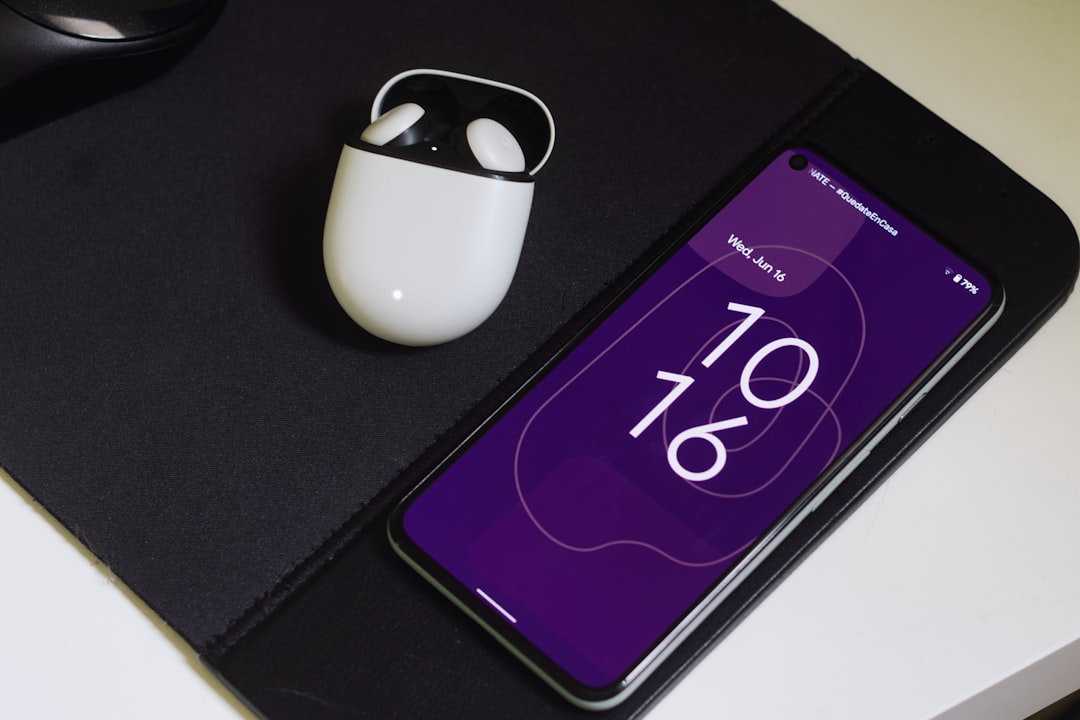
This matters for charging stations because alignment has always been the achilles heel of wireless charging. Miss the coil by a few millimeters and your phone charges at half speed — or doesn’t charge at all. Qi2’s magnets solve that problem completely. If you’re shopping for a station and you have an Android phone that supports Qi2 (most 2025 and newer flagships do), make sure the station explicitly lists Qi2 compatibility. Qi2-certified charging stations are still relatively new, but the selection is growing fast.
The Hybrid Approach: Wireless Meets Wired
After testing all the pure-play options, I’ve settled on what I think is the ideal setup for most power users: a hybrid station that combines wireless pads with wired USB-C ports. You get the convenience of drop-and-charge for your phone and earbuds, plus the speed of wired connections for your laptop and tablet.
Several manufacturers now make these combo units, and they’re genuinely well-designed. The wireless section sits on top or to one side, with USB-C ports along the front or bottom edge. Some even include a built-in USB-C cable that wraps around a spool for neatness — a small touch that shows someone actually thought about how people use these things.
The hybrid approach is what I’d recommend to anyone building or upgrading their desk setup from scratch. It handles the most devices with the fewest compromises. Expect to spend $120-160 for a good one. Hybrid charging stations are worth a look if you want the best of both worlds.
Budget Picks That Don’t Feel Cheap
Not everyone wants to drop $150 on a charging station, and honestly, you don’t have to. Some of my favorite options cost under $50. The tradeoff is usually fewer device slots and slower charging speeds, but if you just need something for your phone and earbuds, a simple dual wireless charging pad does the job perfectly well.
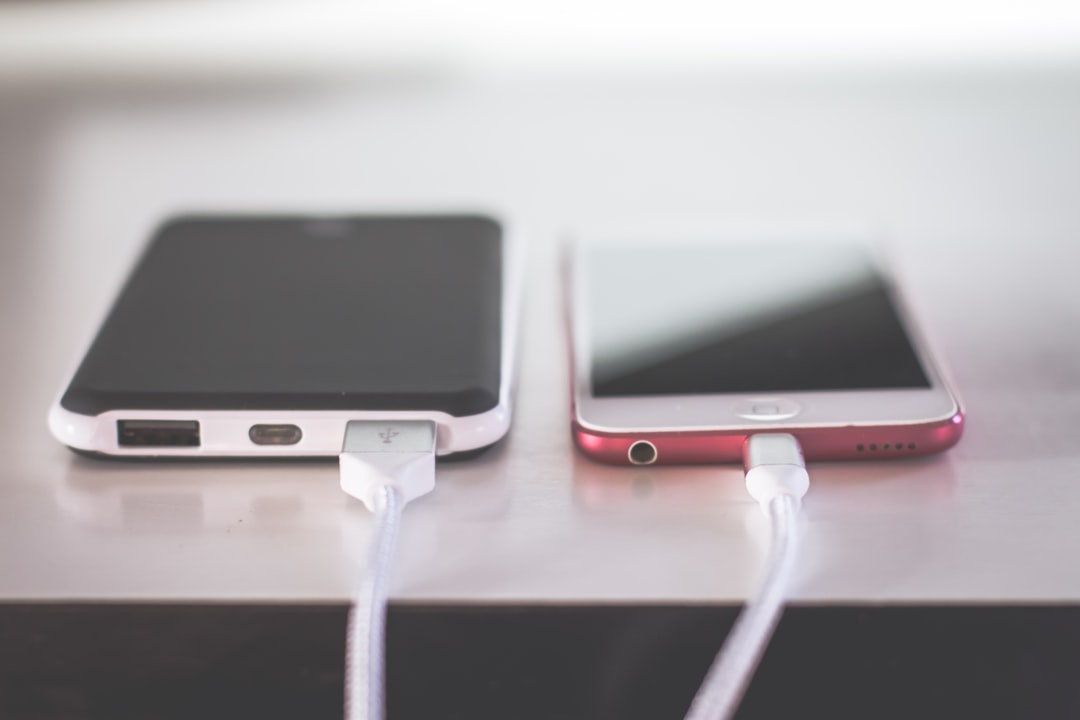
The budget dual charging pads I tested ranged from $20-45, and the best ones charged my phone almost as fast as the expensive stations. The main differences were in material quality (more plastic, less aluminum) and the lack of extra features like foreign object detection or LED indicators that show charge status at a glance.
For a step up without breaking the bank, three-in-one wireless chargers under $50 offer phone, earbud, and watch charging in a single footprint. They’re usually made of plastic and won’t win design awards, but they work reliably and look fine on a desk. I kept one of these as a travel option — it folds flat and takes up almost no space in a bag.
The Charging Desk Mat Category
One of the more creative solutions I tested this year was the charging desk mat. It’s exactly what it sounds like: a full-size desk pad (like a mouse pad that covers your whole desk) with integrated wireless charging zones. You just set your phone down anywhere in the charging zone and it starts juicing up.
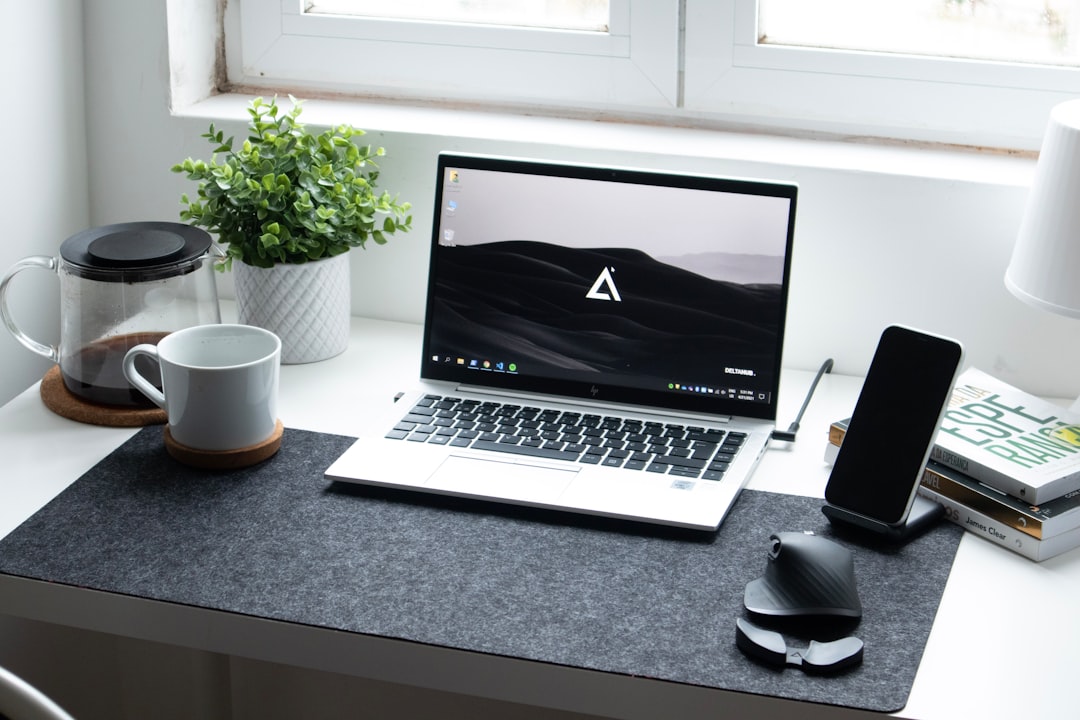
The concept is brilliant for minimalists who hate having dedicated charging stands cluttering their workspace. The execution varies wildly, though. The best ones have clearly marked MagSafe or Qi2 zones with strong magnets, while the cheaper ones require careful positioning and charge slowly. The charging desk mat category is still maturing (pun intended), but it’s worth watching if you prefer a clean, accessory-free desk aesthetic.
I used one for about six weeks and ultimately went back to a dedicated station, mainly because I like having my phone upright and visible while it charges. But if you’re the type who already uses a desk mat and doesn’t care about seeing your phone’s screen while it charges, this could be the perfect two-birds-one-stone solution.
Power Delivery Explained (Without the Jargon)
One thing that tripped me up early in my testing: understanding power delivery specs. Charging station manufacturers love throwing around numbers like “100W” and “140W” without explaining what that actually means for your devices. Here’s the simple version.
That big number is the total power budget of the station, not what each device gets. A 100W station with four ports doesn’t deliver 100W to each port — it divides that 100W among whatever’s plugged in. Smart stations dynamically allocate power based on what needs it most. Dumb ones split it evenly, which means your laptop might only get 25W when everything’s connected.
For most people, a 75-100W total budget is plenty for phone, watch, earbuds, and a tablet. If you want to charge a laptop through the station too, look for something in the 140-200W range. And always check if the station supports USB Power Delivery 3.0 or higher — that’s the protocol that enables smart power allocation. High-wattage USB-C stations with smart power distribution are the ones worth buying.
What I’m Actually Using Right Now
After all this testing, my daily setup is a Qi2-compatible three-in-one wireless station on the right side of my desk for my phone and earbuds, plus a 100W USB-C hub tucked under the monitor stand for my laptop and tablet. Total investment was about $160 for both, and it’s genuinely one of the best desk upgrades I’ve made this year.
The wireless station means my phone is always topped up and visible. The USB-C hub handles everything else with enough headroom to fast-charge my laptop while also powering my desk lighting accessories. And I went from having eight cables snaking across my desk to exactly two — one power cord to the wall for each station. If you’re tired of the cable tangle, check out the current crop of multi-device chargers — even the affordable ones are a huge upgrade over the old way.

2 thoughts on “The Desk Charging Station Upgrade I Wish I’d Made Sooner: After Testing a Dozen, Here’s What Actually Works”