
Every few years a phone shows up that promises to replace the bag on your shoulder. I have heard that pitch since PDAs had styluses and hinged keyboards, and I have carried every generation of that promise through airports, coffee shops, and hotel lobbies. Last Friday, October 23, Apple added its own entry: the $1,999 iPhone Duo, a 7.6-inch tablet that folds into a 5.4-inch phone.
The question landing in my inbox all week is not whether the Duo is a good phone. It plainly is. People want to know if it can be the work machine. Can it carry an inbox, a calendar, a document, and a video call well enough that you leave the laptop, or at least the iPad, at home? My team and I spent the week going through every serious review, lining up the battery data, and checking the Duo’s multitasking rules against the way real people actually work. I also leaned on a lot of hours with Android foldables that tried this exact trick before Apple did.
The honest answer is a split decision, which feels about right for a phone built around two halves. The Duo is the best “away from the desk” work device Apple has ever made. It is also boxed in by one rule that quietly decides who should buy it: two apps, split fifty-fifty, landscape only. If your work fits inside that box, this is a remarkable tool. If it doesn’t, you are paying two thousand dollars for a very nice phone.
The Short Answer, With the Kit
If you only read one section, read this one. These are the pieces I would actually pair with a Duo that is expected to do real work, plus who should skip the whole idea.
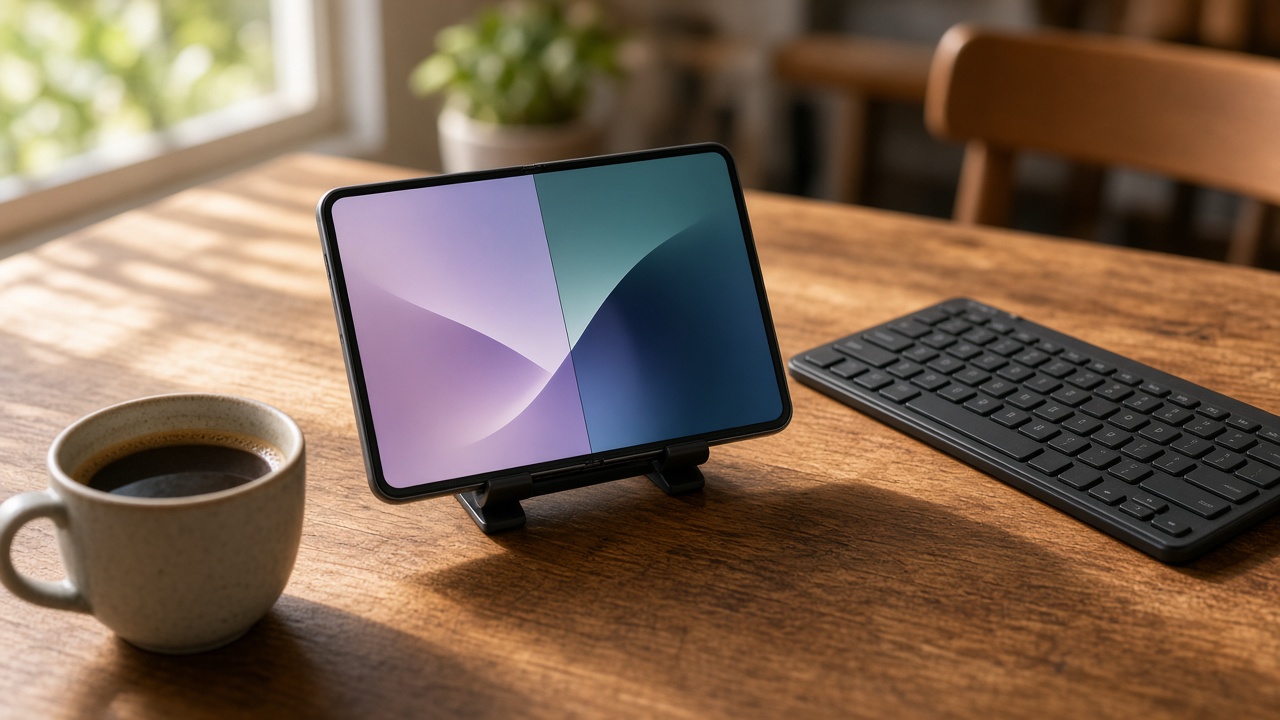
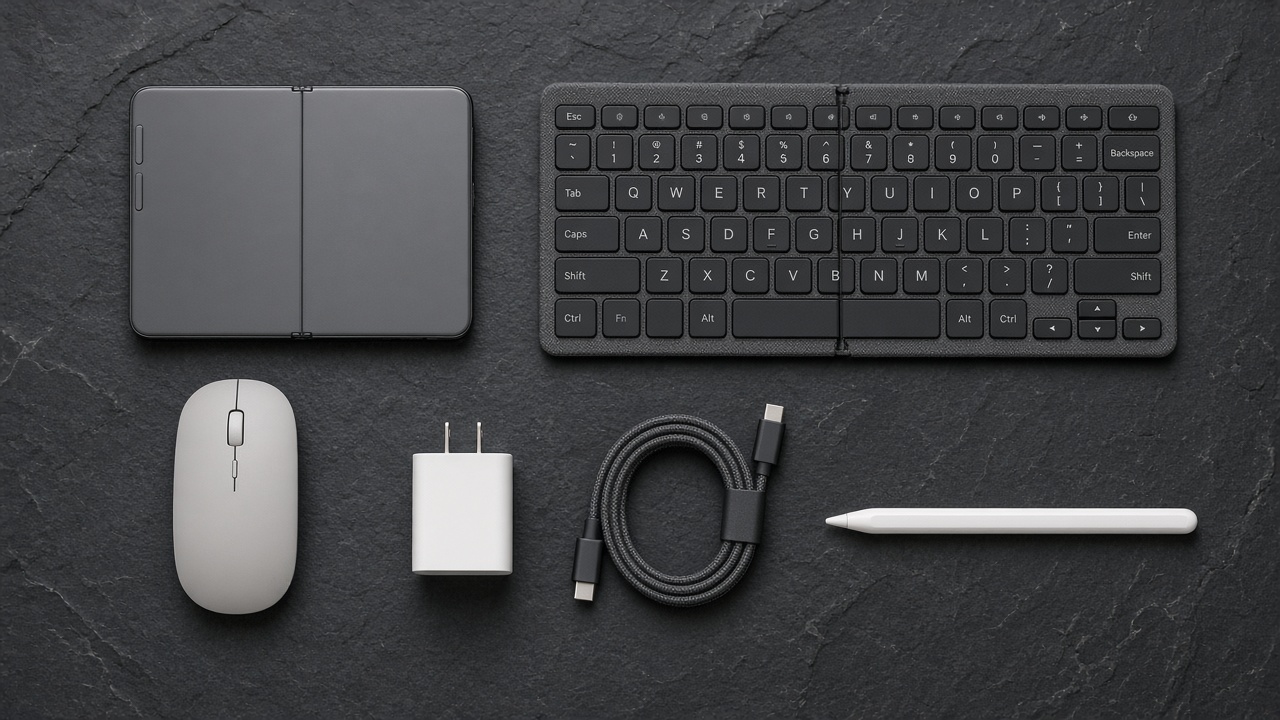
- The keyboard that turns it into a writing machine: the ProtoArc XK01 Folding Bluetooth Keyboard. It folds to roughly the size of the closed phone and pairs with three devices.
- A mouse for precise text selection: the Logitech Pebble Mouse 2 M350s. Slim, quiet, and it switches between devices with one button. You will need to turn on AssistiveTouch first; more on that below.
- Something to prop it up: the ESR HaloLock Magnetic Kickstand. A foldable you have to hold up with one hand is not a workstation.
- The charger that maxes out wired speed: the Anker Nano 45W USB-C Charger. Apple says 45 watts is all the Duo can use, so anything bigger is wasted.
- Backup power that actually fits the shape: the Anker Nano Power Bank with Built-In USB-C Cable. Magnetic packs built for tall iPhones sit awkwardly on this squat body.
- Skip the Duo entirely if: you need three windows, resizable splits, or a real extended desktop. Keep the laptop and buy a cheaper phone.
What You Are Actually Paying For
The numbers first, because the price frames every decision. The Duo starts at $1,999 for 256GB, $2,199 for 512GB, and climbs from there to a 2TB model. Inside is the same A20 Pro chip as the iPhone 18 Pro. Open, it is 5.2 millimeters thin, the thinnest iPhone Apple has made. Closed, it is 11.3 millimeters thick and weighs 254 grams, a bit heavier than the iPhone 18 Pro Max.
WIRED made the comparison that I think every buyer should start with. An iPhone 18 Pro is $1,199. An iPad is $449. Together that is about $1,650, which is a few hundred dollars less than one Duo. So the real question is not “is this a good tablet” or “is this a good phone.” The question is whether merging the two into one object is worth roughly $350 to you, and whether you are giving up anything in the merge.
For a lot of people the answer to the first part is yes. One device means one charger, one set of notifications, one thing to lose. The inner screen has Apple’s matte nano-texture finish, which matters more than it sounds when you are working near a window or under harsh overhead lights. The Duo also supports the Apple Pencil (USB-C), a quiet detail that makes it a better note-taking slate than any phone before it.
If you followed our coverage of Apple’s foldable launch night in September, you know the hardware was never the risk. The software was. That is where the work question lives.
The Fifty-Fifty Rule
Here is how the Duo does multitasking. Hold it in landscape, swipe up and hold, then drag an app to the left or right and it snaps into place. Drop a second app on the other side, tap the small tab in the divider, and the two become a pinned pair. The next time you open either one, both come back together. Engadget called out the obvious first pair: email next to calendar. That is exactly where I would start, too.
The limits are where it gets interesting. Apple enforces a strict 50/50 split. You cannot drag the divider to give your document two-thirds of the screen and your chat window one-third, which every Android foldable has allowed for years. You cannot float a third app over the pair either, even though the iPad has done that for a long time. The only exception is video, which can hover in picture-in-picture.
Turn the phone to portrait and the rules tighten again. You cannot stack two regular apps top and bottom. The only portrait split Apple allows is a video on top with one app underneath, and The Verge described a six-step ritual just to get that arrangement going. It works in some video apps and not in others.
For a workday, this has a very specific consequence. Two-app jobs are great. Reading a PDF while writing the summary. Email plus calendar. A spreadsheet next to the chat thread where your boss is asking about the spreadsheet. The moment your task needs a third thing, like a reference document, a messaging window, and the draft you are writing, you are back to swapping apps on a screen that is still smaller than an iPad mini. That is the point where two apps stop being enough, and for most office workers it comes up several times a day.
There are smaller paper cuts, too. The Verge noticed you cannot pinch the on-screen keyboard down to a smaller floating version, something iPads have done for ages. Not every app is updated for the new screen shape yet, so a handful of them still open letterboxed or stretched. Those will improve. The fifty-fifty rule is a design decision, and I would not count on it changing soon.
Typing on Glass Gets Old by Lunch
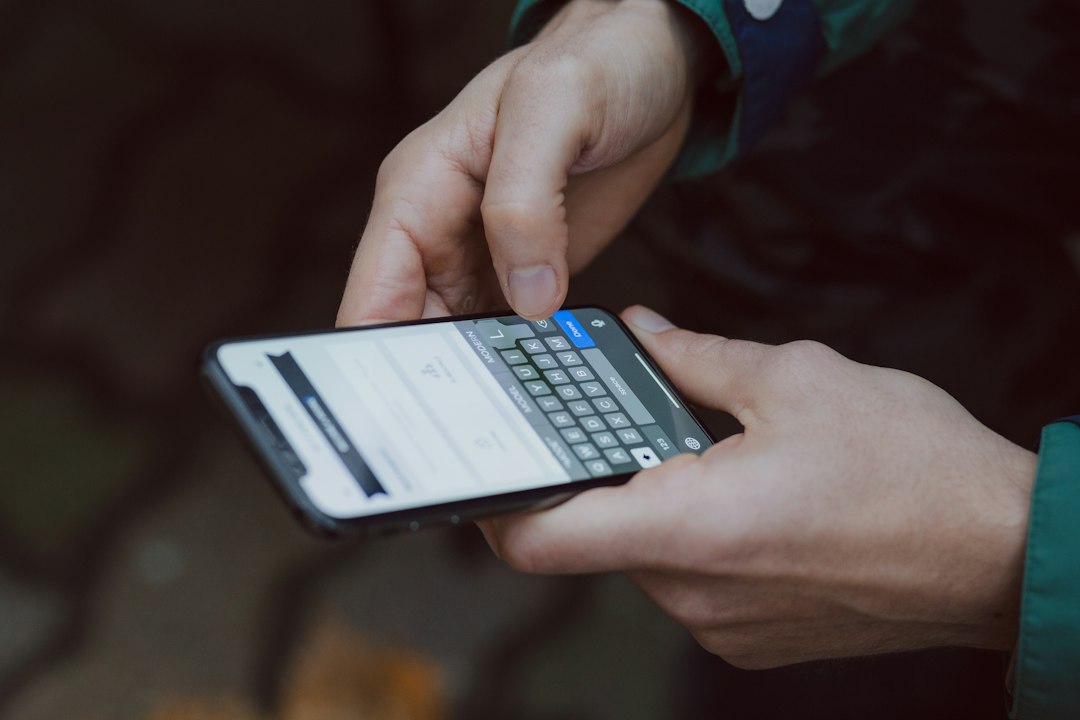
Here is the part every review hints at and few say plainly. A 7.6-inch screen is a great place to read and a mediocre place to write. Thumb-typing on the unfolded Duo is a stretch, since your thumbs are reaching across a much wider surface than on any phone. Setting it flat on a table and typing on glass is worse. If you plan to write more than a few paragraphs, you need a real keyboard.
WIRED’s reviewer tried a full workday on the Duo with an old folding Bluetooth keyboard and Apple’s folio case. My advice is the same: buy a folding keyboard that packs down to about the size of the phone. The ProtoArc folding board from my short list is the one I keep recommending, because the keys are full-height and it doesn’t flex in the middle when you type on your lap. If you prefer a flat, non-folding board that stays in a laptop bag anyway, the Logitech Keys-To-Go 2 is thinner and has a built-in cover.
Once a keyboard is paired, turn on Full Keyboard Access under Settings, Accessibility, Keyboards & Typing. It lets you move around the system with Tab and arrow keys, open the app switcher, and jump home without touching the screen. It takes about a day to learn, and it saves you from reaching over the keyboard every thirty seconds.
The Mouse Workaround Nobody Mentions on Launch Night
This is the detail that surprises people most. Out of the box, iOS does not treat a Bluetooth mouse or trackpad as a normal pointer on the Duo. To get a cursor, you go into Accessibility settings and switch on AssistiveTouch. Then you get an iPad-style round pointer you can use to select text, click buttons, and drag files between the two app panes.
It works, and for anyone editing documents it is close to essential. Selecting the third word of the fourth paragraph with a fingertip on a folding screen is an exercise in patience. The Pebble Mouse 2 I listed up top is my pick because it is small, nearly silent, and can switch between the Duo and a laptop with a button press. But be clear on what this tells you. Apple built a phone that can do serious work, then left pointer support behind an accessibility toggle. That is a hint about how Apple thinks you should use it: as a phone first.
Keep It Upright, Keep It Cool
A foldable lying flat on a desk is a reading device. Propped up at eye level next to a keyboard, it becomes a tiny workstation. WIRED’s reviewer liked Apple’s own Folio With Kickstand case so much that they wished the stand were built into the phone. I agree that some kind of stand is mandatory, and you have options.
If you want to keep your case choice open, a magnetic stand like the ESR one in my short list clips on and off the back and holds the Duo in landscape at a decent viewing angle. At your desk, a Qi2 charging stand does double duty. The Belkin BoostCharge Pro Qi2 25W Stand holds the phone up while it charges at the Duo’s full 25-watt wireless rate. I covered the logic of building a desk around magnetic charging in my six-week Qi2 desk experiment, and the Duo fits right into that setup.
Heat is the other thing to watch. The Verge reported that the Duo gets warm and sometimes hot, mainly in video apps, some of Google’s apps, and long camera sessions that light up both screens. A thin phone running a large display has very little room to shed heat. In practice, that means a long video call with the screen at full brightness while charging is the worst case. Keep calls on Wi-Fi when you can, drop the brightness a few notches, and don’t charge it face-down under a stack of papers.

Battery: Better Than the Fear, Worse Than a Laptop
The battery news is mostly good. LTT Labs measured a 4,883 mAh cell split across both sides of the hinge, about 14 percent bigger than the iPhone 18 Pro’s. In their streaming test, the Duo lasted around 34 hours on the outer screen and about 24 hours on the inner one. Engadget’s video rundown came in at 28 hours and 48 minutes, a hair longer than the Galaxy Z Fold 8.
Real workdays are messier. WIRED worked off the Duo most of a day, logged more than six hours of screen-on time, and was still at 45 percent around 6 p.m. One Verge reviewer, using Slack, Google Docs, Safari, and streaming video, needed to top up once a day, which matched what that reviewer already did with a regular Pro iPhone. The pattern is consistent. Use the outer screen and it lasts like a big iPhone. Live on the inner screen and you lose roughly a third of your runtime.
For charging, Apple says the Duo hits 50 percent in about 20 minutes on a 60-watt adapter, but that 45 watts is all it can use. LTT Labs saw wired charging peak around 36 watts. So skip the giant laptop brick. A compact 45-watt brick like the Anker Nano gives you full speed and fits in a jacket pocket.
Backup power needs one adjustment. The Verge found that MagSafe battery packs designed for taller iPhones don’t sit well on the Duo’s short, wide back. A pack with its own built-in cable avoids the fit problem entirely, and that is why the Anker Nano pack with its attached cable is the one I carry. If you are bringing a laptop anyway, our laptop power bank shootout covers bigger packs that can charge both.
Plugging Into a Bigger Screen
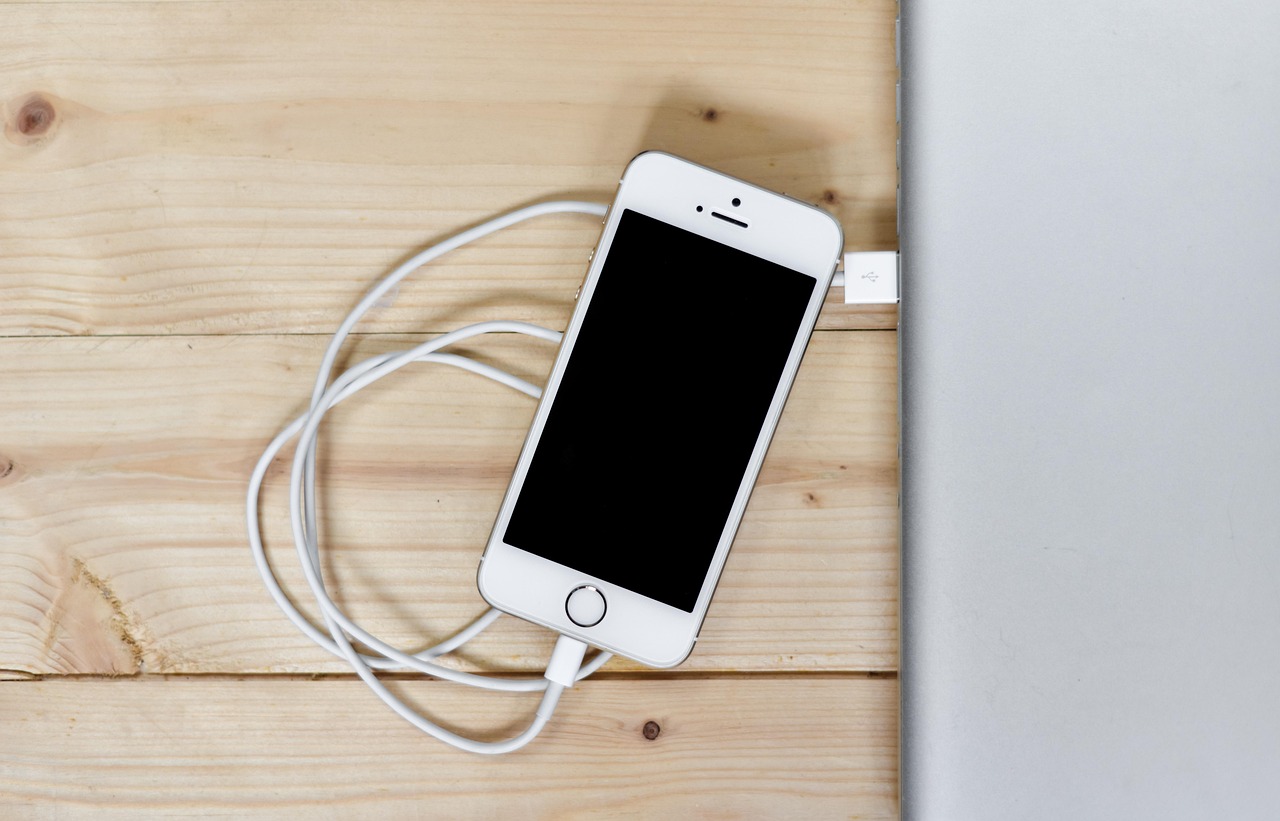
Here is a feature that sounds bigger on paper than it is. The Duo’s USB-C port supports DisplayPort, and Apple says it can send video out at up to 4K HDR. Connect it to a monitor and you get your phone screen on a big display. What Apple has not announced is an extended desktop or Stage Manager mode. That means mirroring, not a second workspace. Your two-app split shows up larger, but it is still two apps at fifty-fifty, still in landscape.
That is fine for presenting slides in a client’s conference room or watching a movie in a hotel, and a cheap Anker USB-C to HDMI Adapter is all you need for that. For a hotel-desk office, a USB-C portable monitor like the ASUS ZenScreen 15.6-Inch Portable Monitor makes reading long documents far easier on the eyes. Just expect mirroring, and plan to power the monitor separately, because a phone battery won’t feed a display for long. Our portable monitor showdown covers which panels have pass-through charging.

Where the Duo Earns Its Price
After all those caveats, here is where I think the Duo honestly shines for work. The outer screen is big enough for most quick tasks: triaging email, replying to messages, checking tomorrow’s calendar. MacRumors’ one-week update made the same point. You keep it closed for the small stuff and open it only when you need room. That habit is the key to good battery life, and it is a healthy way to work, too.
Open, the Duo is excellent at reading and reviewing. Contracts, slide decks, research PDFs, long reports on a train or in a waiting room. Multi-pane apps show a list and the item side by side, the way the iPad does. Add the Apple Pencil (USB-C) and you can mark up a document on the go without printing anything. Call quality and noise handling depend on your earbuds more than the phone, and a pair like Apple AirPods Pro 3 keeps calls clean on a noisy platform and switches between your Apple devices on its own.
It is also a great holiday-travel device. If you are heading home for Thanksgiving and want to answer a few emails without hauling a laptop through security, the Duo plus a folding keyboard covers about 80 percent of what a laptop does in about a third of the bag space. That also matters for the bag-fee math my colleague ran in a breakdown of holiday baggage costs. Every pound you leave home helps.
Who Should Buy It, Who Should Wait
Let me sort this into plain groups, the way I would explain it to a friend over coffee.
Buy it if you already carry both an iPhone and an iPad, and the iPad mostly gets used for reading, email, and markup. The Duo replaces both with one device, and the price difference is fair for that convenience. It’s also a strong fit for people whose work happens in pairs: sales reps checking a CRM against an email, managers approving documents between meetings, and writers who research in one pane and draft in the other.
Wait if you need three things on screen at once, depend on resizable windows, or want an extended desktop when you plug into a monitor. Those are software limits, and Apple has relaxed rules like this before. Wait also if you rely on apps that have not been updated for the new screen yet. Give developers a few months.
Skip it if you were hoping to retire your laptop. Even the best version of this setup, with a keyboard, a mouse through AssistiveTouch, a stand, and a monitor, is still two apps at fifty-fifty. That is not a laptop. A good laptop plus a regular iPhone remains the cheaper, more flexible pair for most full-time office work.
Budget for the Accessories Up Front
If you are buying a Duo for work, set aside another $150 to $250 for the gear from the short list at the top: a keyboard, a mouse, a stand, a proper charger, and a pack that fits. That money is the difference between a fancy phone and a pocket office. Skip it and you’ll end up thumb-typing a long email on a train, wondering why you spent two thousand dollars.
The Duo is the first iPhone I can picture someone doing a real slice of their job on. It is not the device that replaces everything, and Apple has been careful not to claim it is. Fifty-fifty, landscape, two apps. Build your workflow around that rule, accept where it ends, and the Duo is a joy. Fight the rule and you will miss your laptop by Tuesday afternoon.