Two days ago Apple stood on a stage in Los Angeles and did the two things it spent fifteen years saying it would never do to a Mac. It put an OLED panel in the MacBook Pro, and it made that panel respond to your finger. The preorder page went live the same afternoon. The first units land on doorsteps on November 6.
Since Wednesday night my inbox has been one question asked thirty different ways. Should I buy it? I have been buying, fixing, and recommending laptops for over twenty-five years, and I have watched plenty of “this changes everything” launches turn into “this changed one thing” a year later. So let me be clear about what this piece is and is not. Nobody on my team has had one on a desk yet, and I will not pretend otherwise. What we do have is the spec sheet, the full price ladder, two other new Macs announced the same week, and a long memory of how first-generation Apple hardware tends to age.
Here is the short version. If you are a working pro on an Intel Mac or an M1, the touchscreen MacBook Pro is a reasonable buy, but only for a specific kind of work. Everyone else should either take the cheaper mini-LED model that Apple is still selling right next to it, or take the brand-new M6 model, which is quietly the best laptop announced this week.
The Verdict at a Glance
If you only have time for one section, make it this one. These are the machines and the gear I would actually put money on this fall, depending on what you do for a living.
- Buy if you grade color, edit HDR video, or retouch photos for clients: the PROLED XDR model, starting with the Apple MacBook Pro 14-inch M5 Pro. The display is the entire reason it exists, and your work is the work it was built for.
- Buy instead if you write code, run spreadsheets, or live in a browser: the Apple MacBook Pro 14-inch M6. It starts at $1,999 with 16GB and a full terabyte, and the newer chip is the better long-term bet.
- The one dock worth pairing with either: the CalDigit TS5 Plus. One cable for power, displays, and storage.
- Storage that saves you a configuration upcharge: the Samsung T9 Portable SSD 4TB. Fast enough to edit from directly.
- The accessory a touchscreen suddenly makes mandatory: the Whoosh! Screen Shine Cleaner Kit. Fingers mean fingerprints. Every single day.
- Protection for a laptop that just got a lot lighter: the tomtoc 360 Protective Sleeve.
The rest of this piece explains why, and where the four hundred dollar question really lands.
What Apple Actually Announced
Strip away the stage lighting and the new MacBook Pro is three changes wrapped around an old chip.
The first change is the screen. Apple is calling it a PROLED XDR display. It is a tandem OLED panel, the same stacked approach Apple has used in the iPad Pro since 2024, with touch sensing built into the panel itself rather than layered on top. The headline numbers are 2,000 nits of peak brightness for HDR and SDR alike, 1,000 nits sustained across the whole screen, a ten million to one contrast ratio, and a refresh rate that floats between 10Hz and 120Hz. It covers both P3 and Adobe RGB, which matters a great deal to print photographers and not at all to anyone else. The notch is gone, replaced by a Dynamic Island like the one on the iPhone.
The second change is weight. The 14-inch model drops to about 3 pounds, roughly 1.38 kilograms against 1.60 for the model it sits beside. The 16-inch model drops to about 4 pounds. For a laptop that has carried the nickname “the brick” for most of the Apple silicon era, that is a real shift.
The third change is the hinge and cooling, both redesigned to fit a thinner lid. Apple also gave the speakers deeper bass and brought back a glowing logo on the lid, which tells you exactly who this laptop is meant to be seen with.
What did not change matters just as much. The chips are the same M5 Pro and M5 Max that shipped in March. Battery life is still rated at up to 24 hours. The ports are the same welcome set: three Thunderbolt 5, HDMI, an SD card slot, MagSafe, and a headphone jack. You are paying for a display and a diet, not for speed.
The Four Hundred Dollar Question
This is the part that most launch coverage glossed over. Apple did not replace the mini-LED MacBook Pro. It is still on sale, with the same M5 Pro and M5 Max chips, right next to the new one. That makes the math unusually clean.
The OLED 14-inch with an M5 Pro, 24GB of memory, and a 1TB drive is $2,899. The mini-LED version with the same chip and memory is $2,499. The 16-inch versions are $3,399 and $2,999. Move up to the M5 Max and it is $4,499 against $4,099 for the 14-inch, and $4,799 against $4,399 for the 16-inch. Every rung is a flat $400 for the screen, the touch layer, and the lighter chassis.
There is a sour footnote here. The mini-LED models started at $2,199 in March. Apple raised them on June 25, citing the same memory cost squeeze that has pushed up prices across the whole laptop market this year. I covered that in detail in my Black Friday laptop rules for the memory crunch, and the short version applies here too. Do not expect the deep holiday discounts that Apple laptops used to get. A hundred or so off at the big retailers would not surprise me. Four hundred off a brand-new OLED model in its first holiday season would.
So is a better screen and about half a pound worth $400? For most people, honestly, no. For a specific group of people, it is the cheapest upgrade they will make all decade.
Who the OLED Screen Is Actually For
Mini-LED was a good technology with one stubborn flaw. It lights the picture through a grid of dimming zones, so a bright object on a black background picks up a faint halo, often called blooming. Most people never notice it. Colorists, HDR editors, and anyone who edits star fields or concert footage notice it every day, and they have spent years carrying a separate reference monitor to work around it.
OLED lights each pixel on its own. Black is genuinely off, so there is no halo to manage. Add the wider Adobe RGB coverage and the sustained brightness and you have, on paper, a laptop screen good enough to make the final call on a grade without a second display. If that sentence describes your job, this is the one to buy.
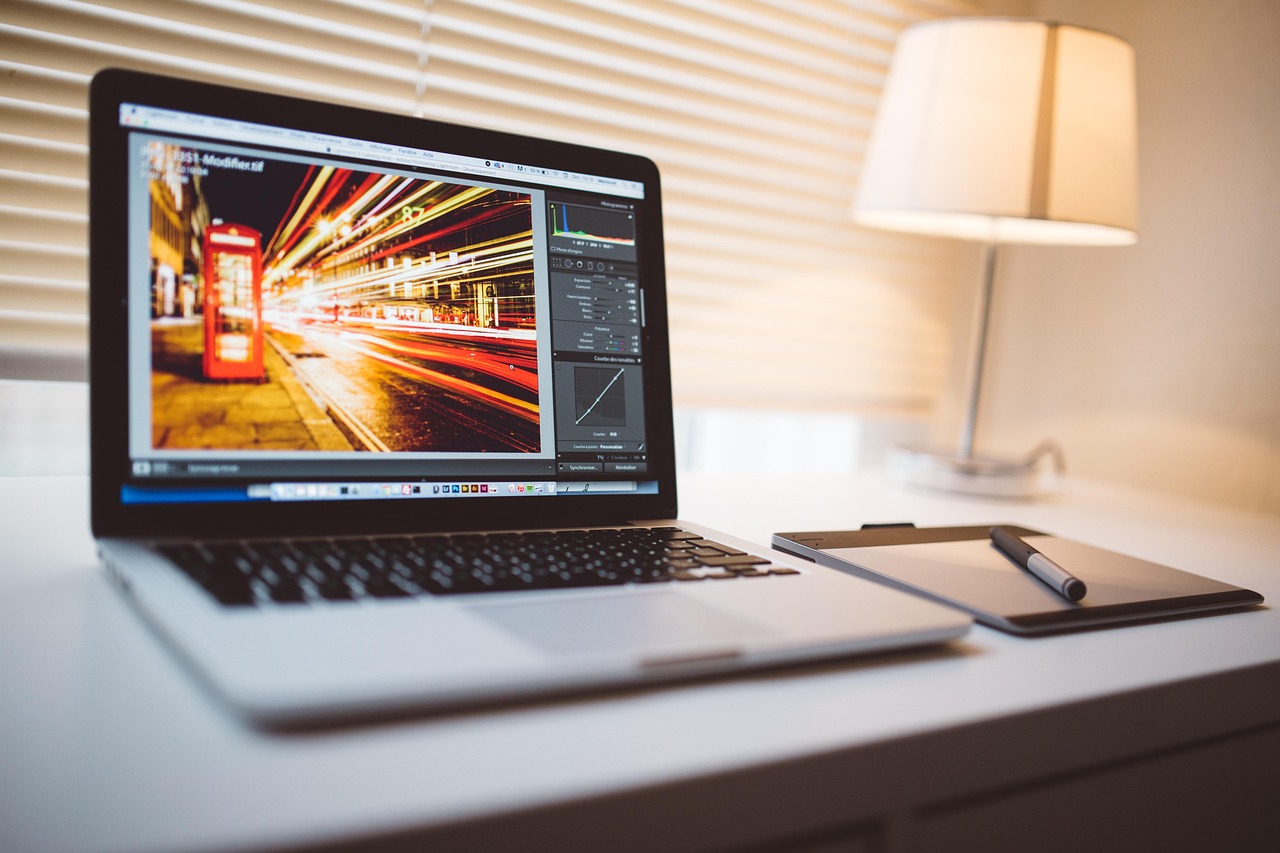
If you are a photographer, there is a smaller but still real benefit. Wider gamut coverage means fewer surprises between what you see on the laptop and what comes back from the print lab. And if you shoot all day and edit on the road, the weight drop matters more for you than for almost anyone else.
If you are a developer, a writer, an analyst, or an executive who lives in email, the OLED screen will look lovely and change almost nothing about your workday. That is not a knock on the screen. It is just that a spreadsheet looks about the same at a million to one contrast as it does at ten million to one.
The Touchscreen Is the Least Important Part
I know. It is the headline. It is the reason this launch trended. But think about what Apple actually built here.
This is not a 2-in-1. The screen does not fold back, and it does not pop off. For apps that have not been rewritten, macOS simply turns a tap into a click. That is handy for scrolling a long timeline, poking a dialog box, or pinching a photo, and it will be genuinely nice on a plane tray table where a trackpad is awkward. It is not a new way of working, and it is certainly not an iPad.
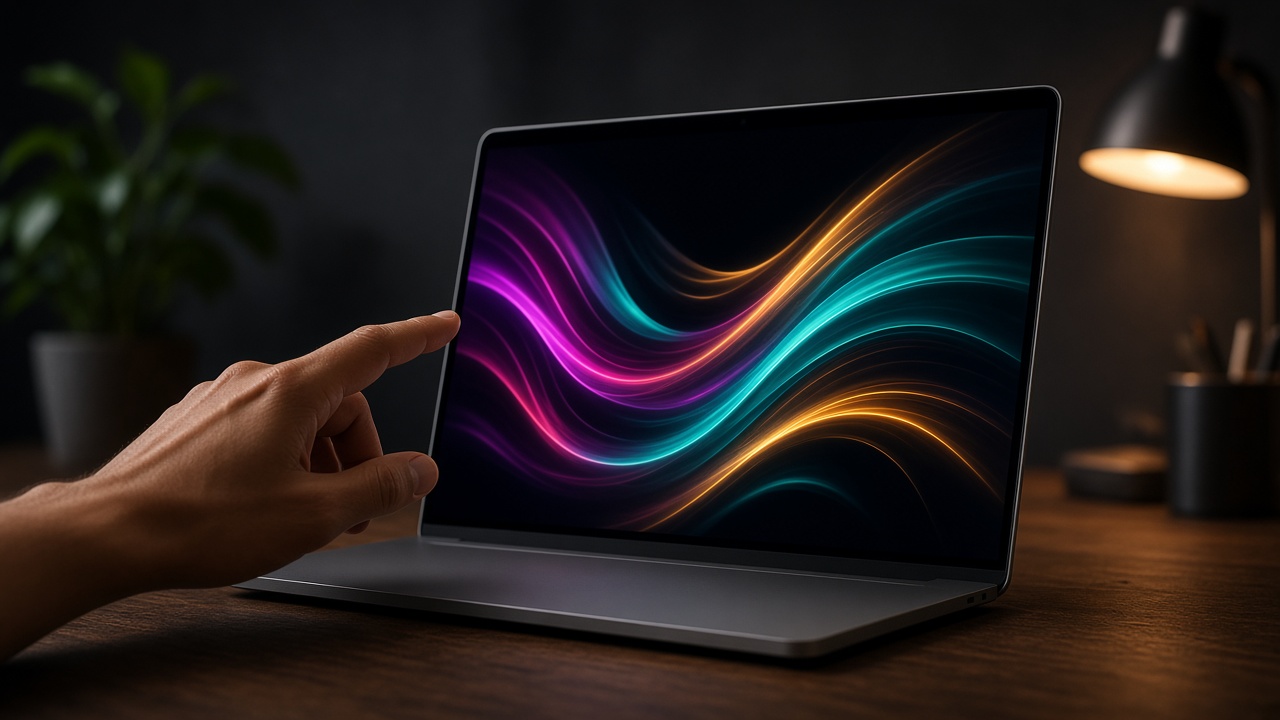
Reaching up to touch a laptop screen for more than a minute or two also gets tiring. Every Windows touchscreen laptop owner I know uses touch in small bursts and goes back to the keyboard and pointer. I expect Mac owners to land in the same place. The best case is that touch becomes a pleasant extra. The worst case is that it becomes a fingerprint magnet with no real job.
That second case is the one you can plan for. A glossy OLED that gets touched all day needs regular cleaning, and paper towels will eventually scratch the antireflective coating Apple put on it. A soft microfiber cloth and a gentle cleaner, like the Whoosh kit from my picks list above, cost less than lunch and avoid a very expensive mistake. If you want touch without the arm fatigue, prop the laptop closer to eye level with something like the Rain Design mStand and use a real keyboard and mouse for long sessions.
The Burn-In Conversation Nobody Wants to Have
OLED pixels age. Pixels that show the same bright image for thousands of hours age faster than their neighbors, and eventually you can see a faint ghost of that image. Apple says the new panel uses per-pixel compensation to track that wear and correct it. Note the exact wording, though. Apple says the system reduces burn-in. It does not say it eliminates it.
Tandem OLED helps a lot, because two stacked layers share the load and each one works less hard. Phones and the iPad Pro have shown that modern OLED holds up well with normal, varied use. But a laptop is not a phone. A video editor stares at the same timeline layout, the same bright menu bar, and the same docked panels for eight or ten hours a day, five days a week, for years. That is close to a worst-case pattern for any OLED.
My advice is boring but effective. Turn on auto-hide for the Dock and menu bar. Use a dark mode that is actually dark. Do your long static work on an external monitor when you are at a desk, which you probably already do. And buy AppleCare if you are going to put this machine through a full-time edit schedule. First-generation hardware with a new display technology is exactly where that kind of coverage earns its price.
Three Pounds Changes How You Carry It
I did not expect to care about the weight. Then I looked at the numbers again. Saving about half a pound on the 14-inch and about three quarters of a pound on the 16-inch is the difference between a laptop you think about in your bag and one you forget is there.

If you fly every month, this is the change you will feel every single trip, much more than the touch layer. It also makes the 16-inch model a realistic carry for people who always wanted the bigger screen and always gave up on the bulk. Just do not let a thinner lid ride naked in a backpack next to a charger brick. A padded sleeve with corner bumpers, like the tomtoc I picked above, is built for exactly the kind of drop that cracks glass. And if your office moves around more than your laptop does, my colleagues on the travel side wrote up a clever setup in their piece on a van life table that changes jobs three times a day.
Pack one charger, not three. A single Anker Prime 140W USB-C Charger can fast-charge the 14-inch and still have room left for your phone, and it is smaller than the brick that comes in the box.
The Case for Waiting, and the Case for the M6
Here is the twist in this week of announcements. The day before the OLED launch, Apple announced a 14-inch MacBook Pro with the new M6 chip. It starts at $1,999 with 16GB of memory and a 1TB drive, uses a mini-LED screen at up to 1,600 nits, and supports up to 32GB of memory and two external displays. It has Thunderbolt 4 rather than Thunderbolt 5.
For the large group of people who buy a “Pro” laptop because they want a great screen, all-day battery, and a machine that will last, the M6 model is the smart buy this fall. It is $900 cheaper than the OLED model, it has the newer chip generation, and newer chips tend to get software support for longer. That last point is something I care a lot about. I walk through the habits that keep a laptop useful for years in my laptop longevity playbook, and buying the newest silicon you can afford is rule number one.
Waiting is also a real option. Reports point to M7 Pro and M7 Max chips arriving in late 2027, almost certainly inside this new OLED design. A second-generation version would get the new display on a newer chip, along with whatever fixes Apple learns from the first year of real-world use. If your current Mac is an M2 Pro or newer and it does its job, there is nothing in this launch you will regret skipping for a year.

My Buy, Wait, or Skip Call
Buy the OLED model if you edit HDR video, grade color, or retouch photos for paying clients, and you are coming from an Intel Mac or an M1. The display removes a real daily compromise from your work, the weight drop is a genuine bonus, and $400 is small next to the cost of a reference monitor. Spend the extra on memory, not on storage.
Buy the M6 model instead if you want a premium MacBook Pro for everything else. It is the better value and the newer chip.
Buy the mini-LED M5 Pro only if you need M5 Pro or Max performance, more than 32GB of memory, or Thunderbolt 5, and you do not care about the screen. It is the same speed for $400 less.
Wait if you are on an M2 Pro, M3 Pro, or newer. Late 2027 is not that far away, and second-generation Apple hardware is almost always the one to own.
Skip it entirely if the touchscreen was the main reason you were interested. It is a nice extra, not a reason to spend $2,899.
The Accessories That Close the Gap
Whichever model you pick, a few accessories do more for your workday than another configuration upgrade. Apple still charges a lot to bump internal storage, so the smart move is a modest internal drive plus a fast external one. The Samsung T9 Portable SSD 4TB is quick enough to edit 4K footage straight from the drive, and it costs a fraction of the internal upgrade.
At a desk, one Thunderbolt cable should do everything. The CalDigit TS5 Plus is my pick for the M5 Pro and Max models, which can drive up to four external displays on the Max. If you are curious how it stacks up against the rest of the field, my team and I went through the whole category in our Thunderbolt 5 dock roundup. On the M6 model, which tops out at Thunderbolt 4, a good hub is plenty, and this hub guide covers the ones worth owning.
For long sessions, get the laptop up on a stand and put your hands on a real keyboard and mouse. The Logitech MX Keys S for Mac and the Logitech MX Master 3S for Mac are still the pair I recommend most. They also happen to be the best burn-in insurance you can buy, because they get your eyes onto a bigger external screen and off the laptop panel for the static, all-day work.
The Bottom Line
Apple finally built the MacBook Pro screen that creative pros have been asking for since the first Retina display. It is a big step for the people who stare at color for a living, and a pleasant but pricey extra for everyone else. The touchscreen is the part people will talk about at Thanksgiving dinner. The display and the weight are the parts that actually matter.
If your work is visual, preorder now and get it before the holiday rush. If it is not, buy the M6 model and put the difference toward a dock and a fast drive. And if your current Mac still does its job, keep it. The second-generation OLED MacBook Pro is coming, and it is very likely to be the one worth owning.