
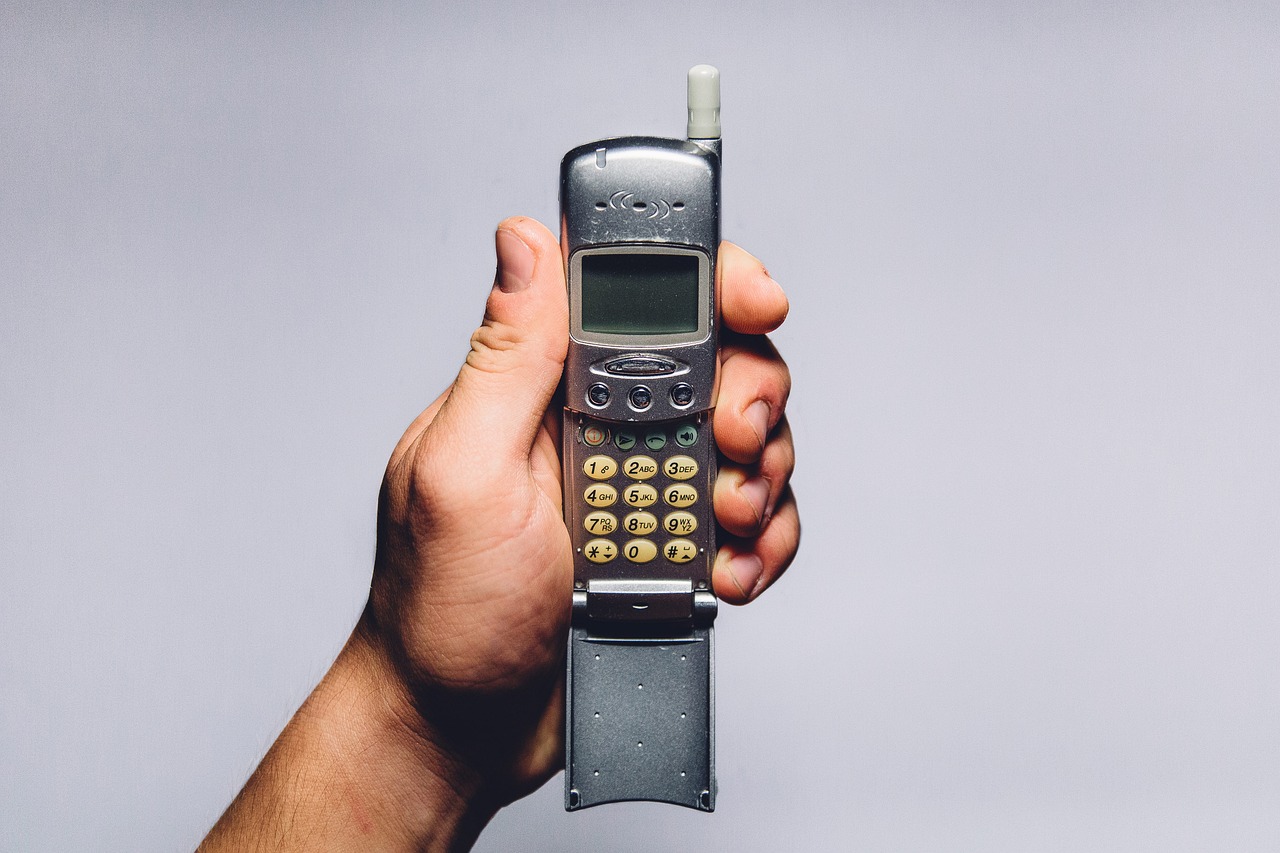
Every year around this time my inbox fills with two kinds of email. The first kind is Black Friday deal alerts. The second kind, which has grown louder every season for about three years now, is some version of the same question from a friend or reader: “I want to put my phone down over the holidays. Is a flip phone actually going to work, or am I going to hate it by Saturday?”
It is a fair question, and the timing of it this fall is not an accident. US Google searches for “dumb phone” hit a ten-year high in August. A Pew Research Center survey published in September found that 53 percent of American adults think they spend too much time on their smartphone, rising to 70 percent of people under 30. Marketplace ran a piece this week about people choosing stripped-down phones at the exact moment Apple’s first foldable iPhone landed in stores at nearly two thousand dollars. In Norway, one of the big electronics chains says keypad phone sales are up 51 percent this year on top of a year where they doubled.
I have carried a flip phone as a weekend and travel phone, on and off, for a couple of years. My team and I have also set up more of these switches for friends and family than I can count. So here is my honest answer on using a dumb phone for digital detox over the holidays: a flip phone works beautifully over the holidays, but only if you plan for the five or six jobs your smartphone quietly does for you every day. Skip that planning and you will be back on the glass slab before the pie is cut. Do it and you get something I genuinely did not expect the first time. Longer dinners.

My Holiday Downgrade Picks at a Glance
If you only have two minutes before the next family group text, this is the kit I would put together for a Thanksgiving-to-New-Year trial. Everything here is chosen to replace a specific smartphone job, not to look cute in a drawer.
- Best flip phone for most people: Nokia 2780 Flip. Works on all three major US carriers, has a hotspot and basic maps, and costs about what a nice dinner out does.
- Best flip if you keep switching carriers: Sonim XP3 Plus. Rugged, carrier-flexible, and backed by a long warranty.
- Best way to keep your smartphone out of reach: Kitchen Safe Timed Lock Container. Set the timer, drop the phone in, walk away.
- Best replacement for your phone alarm: Hatch Restore 3 Sunrise Alarm. The phone never has to sleep next to you again.
- Best replacement for doomscrolling at night: Kindle Paperwhite. A screen that only does one thing, and does it well.
The rest of this piece explains why each one is on the list, what I would skip, and the setup steps that make or break the whole experiment.
Why the Holidays Are the Right Time to Try This
I tell people to start the Wednesday before Thanksgiving, which this year is November 25, and run it through the first work Monday of January. That window is long enough to break a habit and short enough to feel like an experiment instead of a vow. It also lines up with the stretch of the year when your smartphone is at its most demanding and least useful. Shopping notifications, delivery tracking, a dozen group chats about who is bringing the rolls, and a feed that is somehow both louder and emptier than usual.
The other reason is social cover. Over the holidays, people expect you to be a little harder to reach. “I am mostly offline until January, call me if it matters” is a sentence nobody will question in late November. Try it in March and you will spend the week explaining yourself.
One honest caveat before we go further. The research on this trend says people talk about dumb phones far more than they buy them. One recent survey of young adults found only about nine percent use one regularly. That matches what I see. Most people who try this end up in a hybrid setup, with a flip phone in the pocket and the smartphone parked at home for banking and boarding passes. That is not failure. That is the realistic version of the goal, and it is what this guide is built around.
Choosing the Phone Without Buying a Paperweight
Here is the part that trips up almost everyone. The phone itself is the easy decision. Whether it actually makes calls on your network is the hard one. The 3G networks in the US are gone, so any phone you buy has to support VoLTE on your specific carrier, and the same model often ships in carrier-specific variants. A cheap import that “supports LTE” can still fail to make a single phone call on Verizon. Buy the variant certified for your carrier, full stop.
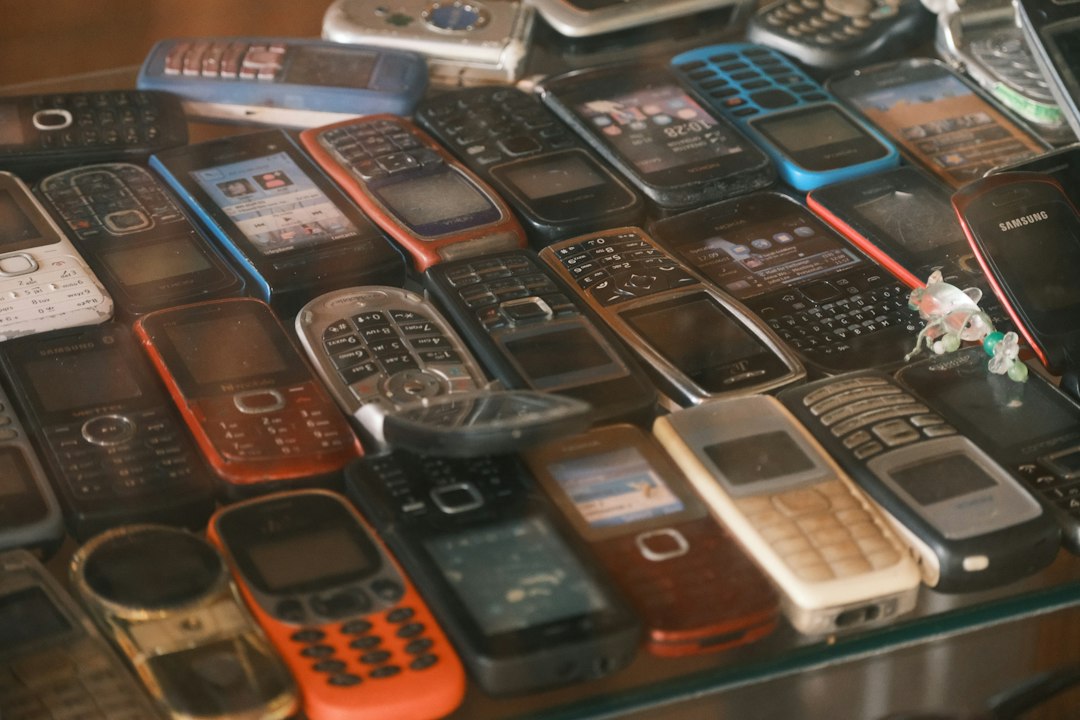
With that out of the way, my default recommendation is still the Nokia 2780 Flip. It works on AT&T, T-Mobile and Verizon, the keypad has real travel, and it carries a solid hearing aid rating, which matters more than you think if you are also handing one to a parent. It runs KaiOS, which means a basic browser, maps and a Wi-Fi hotspot. Note that WhatsApp is no longer available on KaiOS, so if your family lives in WhatsApp, factor that in now rather than on Thanksgiving morning.
If you want something even simpler and you are on T-Mobile or one of its prepaid brands, the Nokia 2660 Flip has bigger buttons, a louder speaker than most of its rivals, and an emergency key. The camera is awful. That is almost a feature here.
For people who are rough on gear, or who want a phone that will survive a ski trip, a tailgate and a toddler, the Kyocera DuraXV Extreme+ is the Verizon tank I keep pointing to. It is pricier than the Nokias, but it is military-spec tough, and the large keys make texting with gloves on less miserable. The Sonim XP3 Plus from my picks list plays the same role with more carrier flexibility.
What about the boutique minimalist phones? The Light Phone III is beautiful and thoughtful, but it lists at $899 unlocked with new orders expected to ship in late December, which means a holiday trial is basically off the table. Light’s cheaper Light Flip is $349 and not due until spring 2027. I love the idea of both. For a forty-day experiment starting next month, a sub-$100 Nokia is the smarter bet. If you fall in love with the lifestyle, you can graduate in the spring.
Moving Your Number Without Breaking Your Texts
This is the boring section, and it is the section that decides whether you will love this or hate it. Do these steps a week before you switch, not the night before.
If you use an iPhone, turn off iMessage first. Go to Settings, then Messages, and switch iMessage off before you move your SIM. If you skip this, texts from other iPhone users can keep getting routed to your old phone as blue bubbles, and you will never see them. If your iPhone is already out of reach, Apple has a web page called Deregister iMessage that does the same thing using your phone number.
Check whether you need a physical SIM. A lot of newer smartphones have gone eSIM-only, while many flip phones still want a physical nano SIM card. Your carrier store can usually issue one on the spot. Ask for it before the holiday rush, not on the Friday after Thanksgiving when every store is packed.
Warn your group chats. Group MMS on basic phones is hit-and-miss. Some threads come through fine, some arrive as a pile of separate messages, and some go missing. I send one message to the family thread before I switch: “On a flip phone through New Year. Call me for anything that matters, and text me directly for plans.”
Sort your two-factor codes. If your bank or email sends codes to an authenticator app on your smartphone, decide now how you will get them. Some services can fall back to text messages, which a flip phone handles fine. Others cannot, and those are the accounts you will check from home with the smartphone.
The Bridge Kit: Six Jobs Your Phone Used to Do
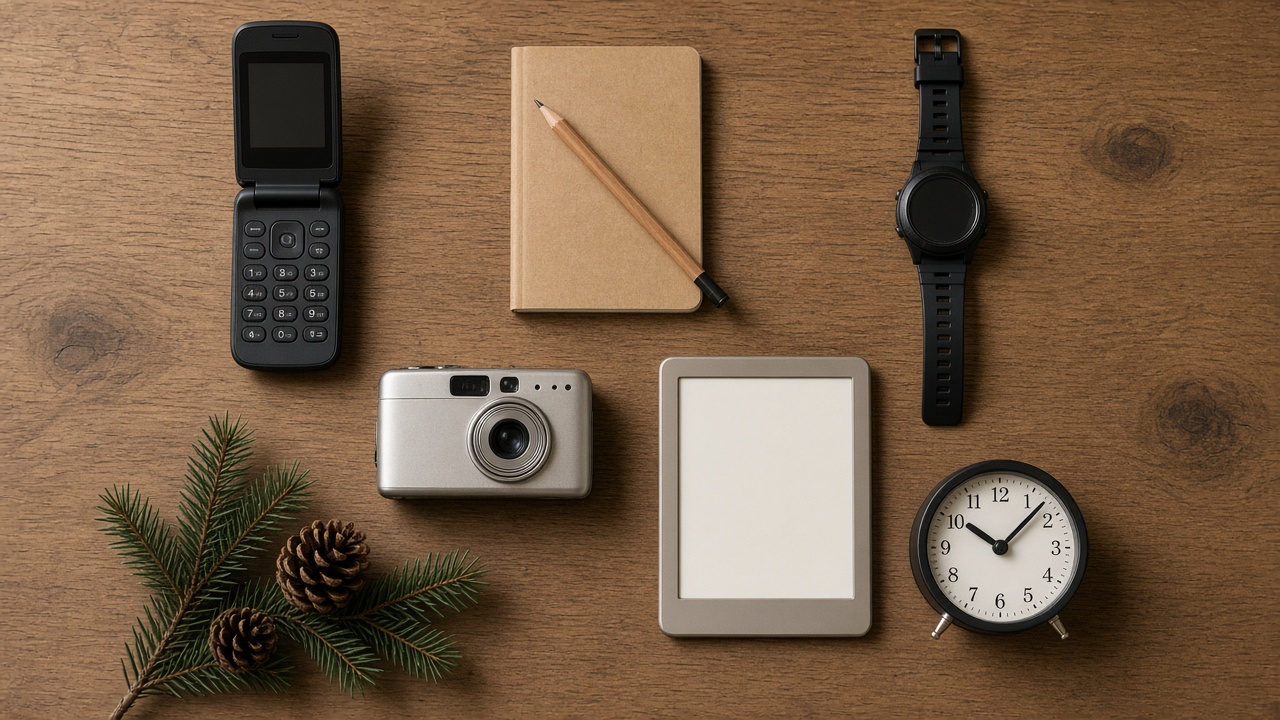
When people bail on a flip phone, it is almost never because they missed social media. It is because they missed the alarm, the map, the camera, or the music. The fix is simple and a little old-fashioned. Give each of those jobs back to a device that does only that job. My team calls this the bridge kit, and it is the single biggest difference between people who make it to January and people who quit by Black Friday.
Navigation for Holiday Road Trips
The Nokia’s maps will get you across town in a pinch, but I would not want to rely on them for a four-hour drive to the in-laws in the dark. If you have a car without built-in navigation, a dedicated GPS is the cleanest answer. The Garmin DriveSmart 66 has a big, bright screen, real lane guidance and traffic alerts, and it never once tries to show you a notification while you merge. Pair it with an old-school road atlas in the seat pocket for the moment the signal drops on a mountain pass.

A Camera for the Moments You Will Actually Want
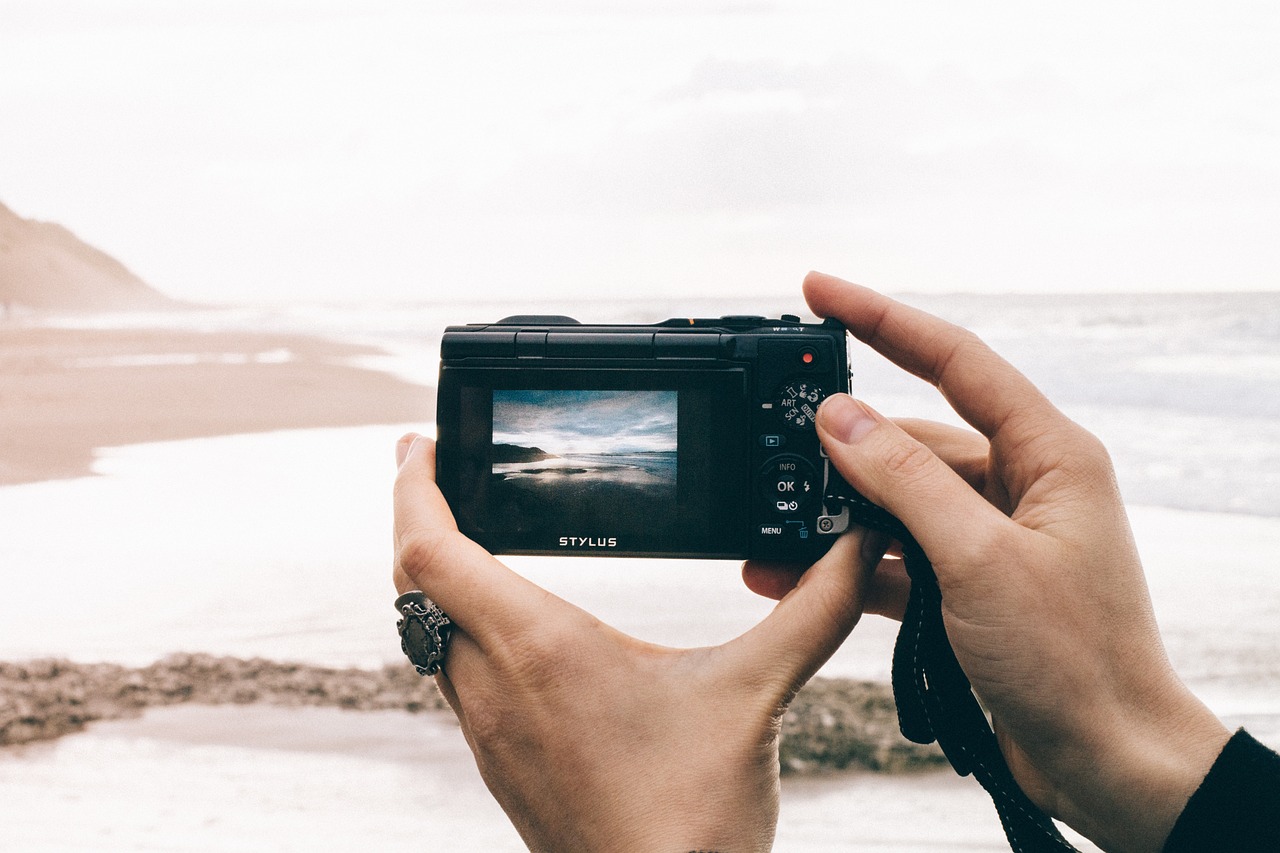
This is the job people underestimate the most. The holidays are when you take the photos that end up framed. A flip phone camera will not cut it. You do not need anything fancy, though. A pocket camera like the Kodak PIXPRO FZ55 costs less than a mid-range pair of earbuds, has an optical zoom your old phone could only fake, and runs on its own battery. Something unexpected happens when you have to take a separate camera out of a coat pocket. You take fewer photos, you take better ones, and you are not tempted to check email in between.
An Alarm That Does Not Live on Your Nightstand
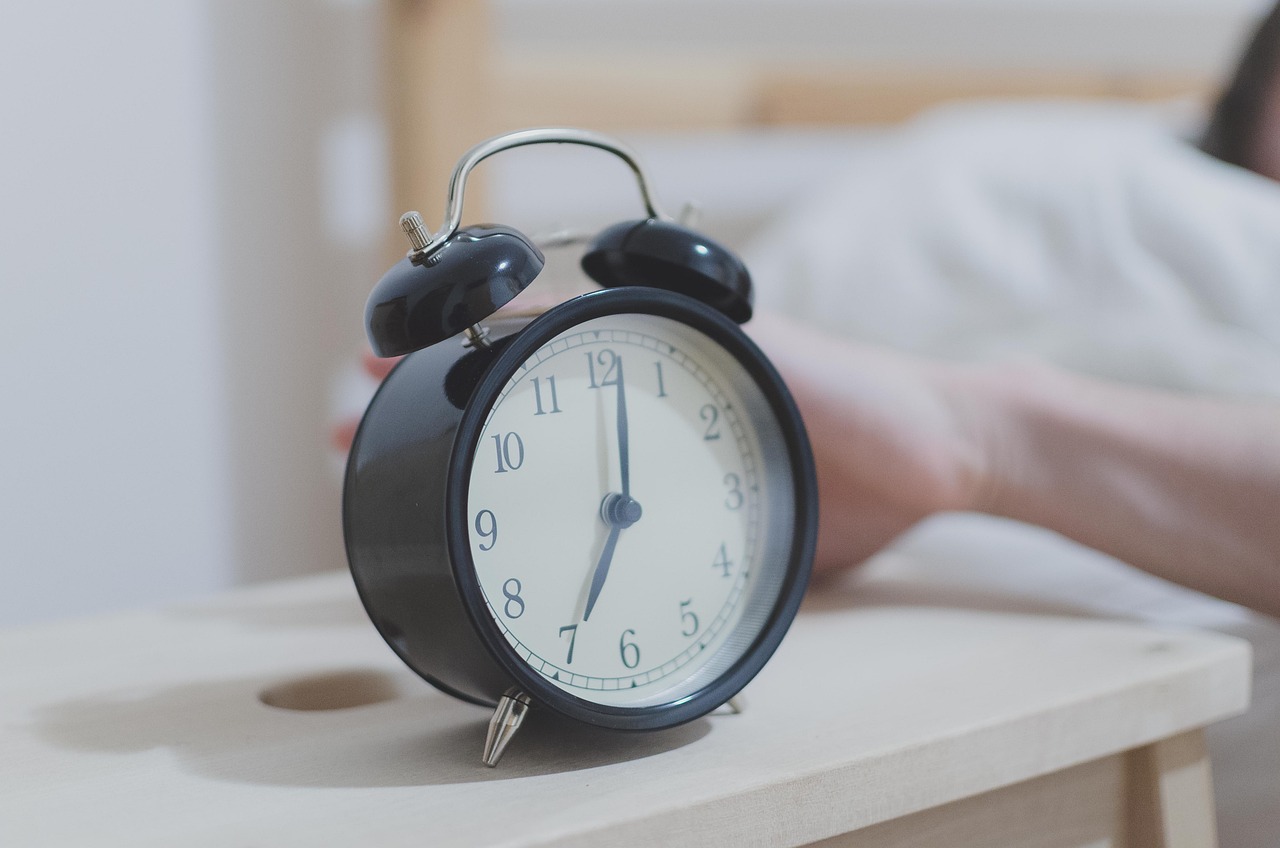
I will say this plainly: the alarm is the trap. If your smartphone wakes you up, it is the first thing you touch every morning, and the morning scroll starts before your feet hit the floor. Move the alarm to a dedicated clock and the smartphone can spend the night charging in the kitchen. The Hatch Restore 3 from my picks list wakes you with a slow sunrise glow, which is a real gift in the dark weeks of December. Over on our sister site, the health team wrote a good piece on using morning light to get through the dark season, and it pairs nicely with this change. If you would rather keep it simple and cheap, any analog alarm clock with a real bell does the job just as well.
Time, Timers and a Stopwatch on Your Wrist
You will be shocked how often you reach for your phone just to see the time, set a timer for the turkey, or check how long the kids have been on the sledding hill. A cheap digital watch kills all three of those reasons at once. I keep a Casio W800H Digital Watch in my travel bag for exactly this. It has an alarm, a countdown timer, a stopwatch, a backlight, and a battery that lasts for years. No apps, no rings to close, no buzzing.
Reading Instead of Scrolling
Evenings are where the smartphone habit is strongest, so you need something to fill that gap that is not a feed. A good e-reader is the best answer I know. The Kindle Paperwhite from my picks list is the one I hand to most people. It is easy on the eyes in a dim room, the battery goes for weeks, and nobody has ever lost an hour on one by accident. If you are deciding between models, my team covered the new Kindle lineup and its pricing just last week.

A Notebook for Everything Else
Grocery lists, gift ideas, the name of that wine your brother-in-law liked, the flight number for Aunt Carol. A pocket notebook covers all of it. I like Field Notes Memo Books because they fit in a back pocket and survive being sat on. It sounds quaint until you realize you have stopped opening your phone “just to write something down” and then losing twenty minutes.
Where to Park the Smartphone
Almost nobody goes fully smartphone-free, and I do not think you should try. You will still need it for mobile boarding passes, your bank app, maybe a ride home from the airport. The trick is making it slightly annoying to reach. Friction is the whole game.
The bluntest tool is a timed lock box. The Kitchen Safe from my picks list was designed for cookies, and it works just as well for phones. You set a timer, close the lid, and it will not open until the countdown ends. I use it for the evening hours and for the big family dinners. If you would rather keep the phone usable but boring, physical app blockers like Brick, a $59 magnetic puck that locks chosen apps until you tap the phone against it again, are a softer middle ground. I wrote earlier this year about a simple plastic cube that changed how I use my phone for work, and the same principle applies. A physical object beats a willpower setting every single time.
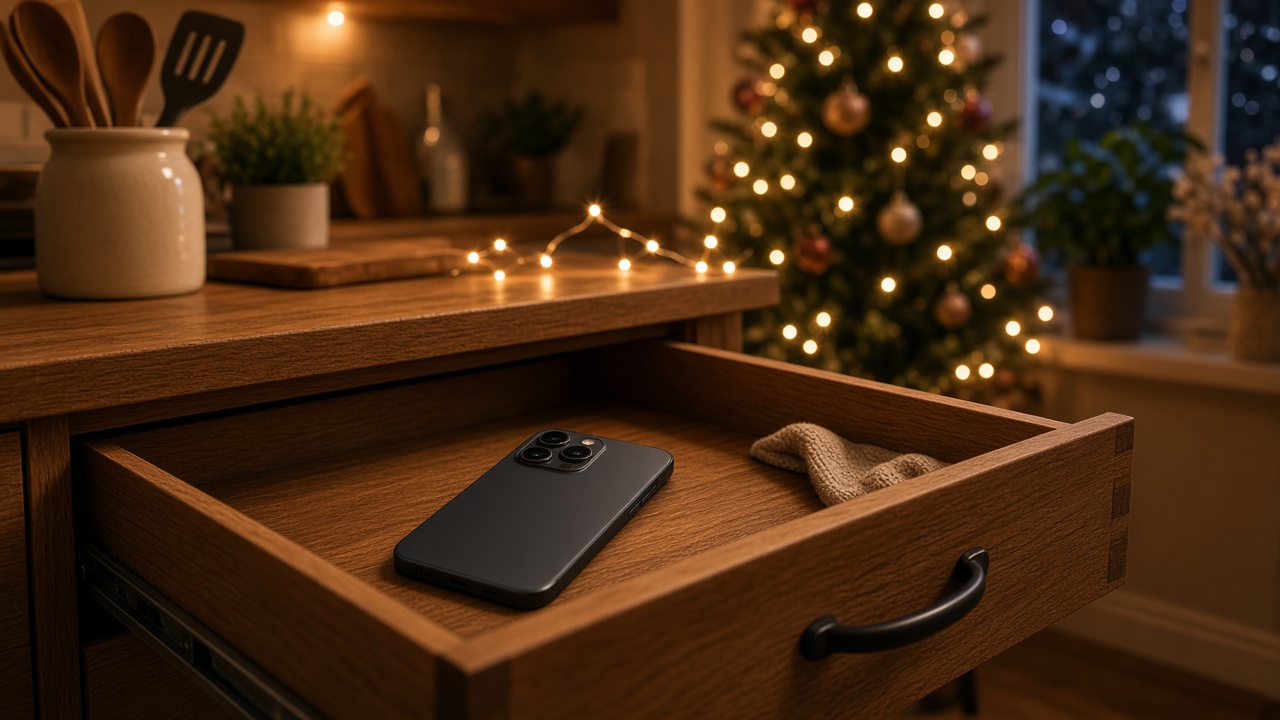
My own rule is simple. The smartphone lives in the kitchen. It gets checked twice a day, at a counter, standing up. Standing up matters more than you would think. Nobody doomscrolls for an hour while leaning on a counter.
What You Will Miss, Honestly
I am not going to pretend this is all upside. You will miss tap-to-pay at the coffee shop, so put a card back in your wallet. You will miss looking things up mid-argument at dinner, and you will discover that the argument was more fun without the answer. You will miss photos from the family thread, which is why I ask one person to email me the good ones every Sunday. You may also miss some group plans, which is why the warning text in the setup section matters.
What you get in return is harder to put on a spec sheet. In my experience and the experience of nearly everyone I have helped do this, the first three days feel like phantom limb syndrome. By day five, the itch fades. Around the second week, people tell me the same thing almost word for word: they forgot how long an evening actually is.
A Gift Idea Hiding in Plain Sight
One last thought, since this is gift season. A flip phone with a bridge kit makes a surprisingly good present for two very different people. The first is the stressed-out friend who keeps saying they want to cut back. Wrap the phone, the watch and a notebook, and include a card that says “forty days, I dare you.” The second is an older parent who has never really gotten along with their smartphone. If that sounds like your house, my piece on the Thanksgiving tech audit I do for my mother covers the rest of that visit. And if you are traveling for the holidays, here is the travel tech I actually pack, most of which works just as well with a flip phone in your pocket.
Tech should work for you, not the other way around. For most of the year, a smartphone does a decent job of that. Over the holidays, a phone that does less might just do it better. Order the flip phone this week, set it up before the Thanksgiving rush, and give it until January. Worst case, you are out the price of a nice dinner. Best case, you get a lot more of them.
