
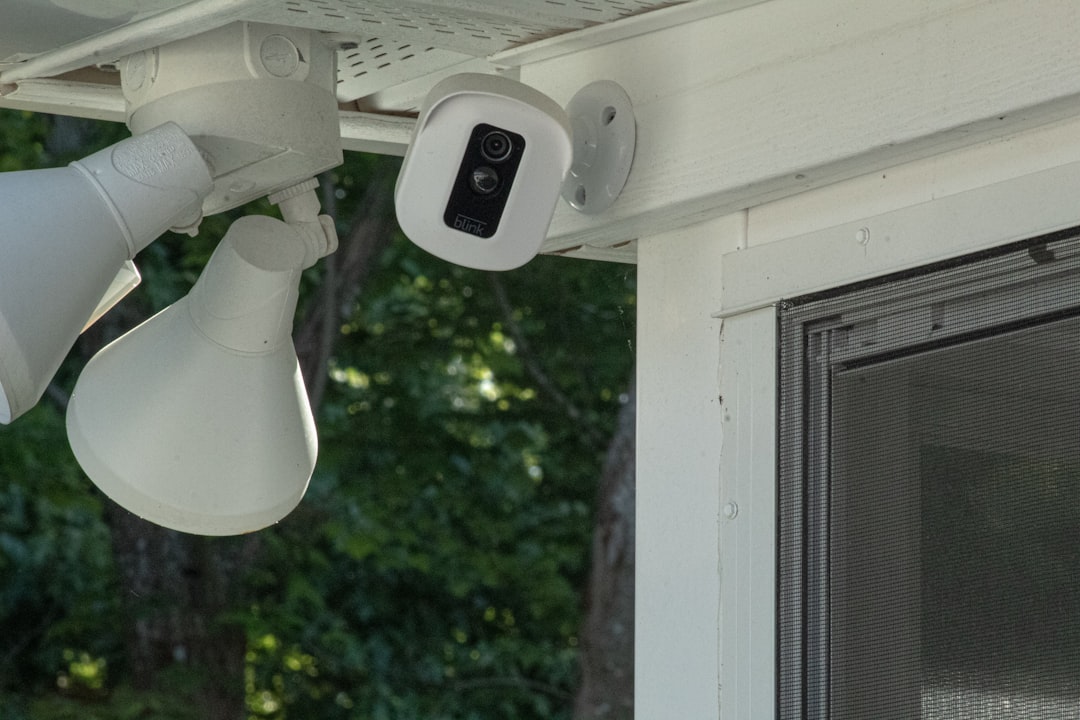
I’ve been writing about consumer tech for over two decades, and I still get caught off guard by recurring fees. Last fall, I was helping my neighbor set up a four-camera security system around his property — name-brand stuff, good hardware, easy installation. We had everything mounted and connected in under an hour. Then the app prompted him to activate cloud storage at $3.50 per camera per month. That’s $168 a year, every year, just to record the footage his own cameras were already capturing. Over five years? $840 in subscription fees on a system that cost $380 upfront.
That moment sent me down a rabbit hole. I spent the next three months testing security cameras from every major brand, with one specific goal: finding systems that actually work without a recurring subscription. What I discovered is that the landscape has shifted dramatically in 2026, and the gap between “subscription-free” marketing claims and reality is wider than most reviewers admit.
The Real Math: What Cloud Storage Actually Costs You Over Time
Let’s start with numbers, because the numbers are genuinely alarming. I built a spreadsheet comparing the total cost of ownership for a typical four-camera system over five years — hardware plus subscriptions. The results made me want to audit every subscription in my own life.
A mid-tier cloud-dependent system — let’s say four cameras at $75 each plus the manufacturer’s standard cloud plan at $3 per camera per month — costs $300 in hardware and $720 in subscriptions over five years. That’s $1,020 total. A comparable local-storage system costs $400 upfront with effectively zero ongoing storage fees. Same coverage, same features, less than half the long-term cost. And the gap only widens if you add more cameras or if the subscription price goes up, which it always does.

Some manufacturers have started bundling “free” cloud tiers that store 24 hours of footage. Sounds generous until you realize that if someone breaks in on Friday night, the footage is gone by Sunday morning. For real peace of mind, you need at least 7 to 14 days of continuous recording, and that’s where the paywall typically kicks in.
What “No Subscription” Actually Means (And Doesn’t)
Here’s where things get tricky. Several camera brands now advertise “no monthly fee” on their packaging, but the fine print reveals a spectrum of what that actually means. Some cameras include built-in storage — typically 4 to 8GB — that holds a few days of event-based clips but can’t do 24/7 recording. Others support microSD cards up to 512GB, giving you weeks of continuous footage locally. A few require a dedicated NVR (network video recorder) or home base station to store footage on a hard drive.
The key questions I now ask before recommending any camera: Can it record continuously to local storage, or only event-triggered clips? Does AI detection (person, vehicle, animal) work offline, or does it require a cloud connection? Can I access recorded footage through the app without uploading anything? If the answer to any of these is “requires cloud,” then the subscription is effectively mandatory, even if it’s not explicitly charged on day one.
After three months of testing, I found five cameras and one ecosystem approach that genuinely deliver subscription-free security without critical compromises. None of them are perfect — I’ll get into the trade-offs — but all of them let you own your footage without paying rent on it.
The Outdoor Workhorse: EufyCam C35 4-Cam Kit
Let’s start with the system I ended up deploying at my own house. The EufyCam C35 kit includes four wire-free cameras with magnetic mounts, color night vision, and built-in 8GB of local storage per camera. No base station subscription, no cloud requirement. The included home base handles AI detection locally — person, vehicle, pet, and facial recognition all happen on-device, which means alerts keep working even if your internet drops.
Battery life is the real standout here. I’ve had the C35 cameras running since April, and I’m projected to get roughly eight months per charge with moderate activity. The magnetic mounts make repositioning trivial — I adjusted two of my cameras three times in the first week until I found the perfect angles for my driveway and side yard. IP67 weatherproofing held up through a nasty June thunderstorm with zero issues.
The trade-off? Eight gigabytes gives you roughly five to seven days of event-based recording. If you want longer retention, you’ll want to add a microSD card. I dropped a SanDisk 128GB microSD into the base station, which extended my local storage to about six weeks of continuous event history. Not bad for a one-time $15 purchase versus $14/month forever.
The Budget Champion: TP-Link Tapo C120
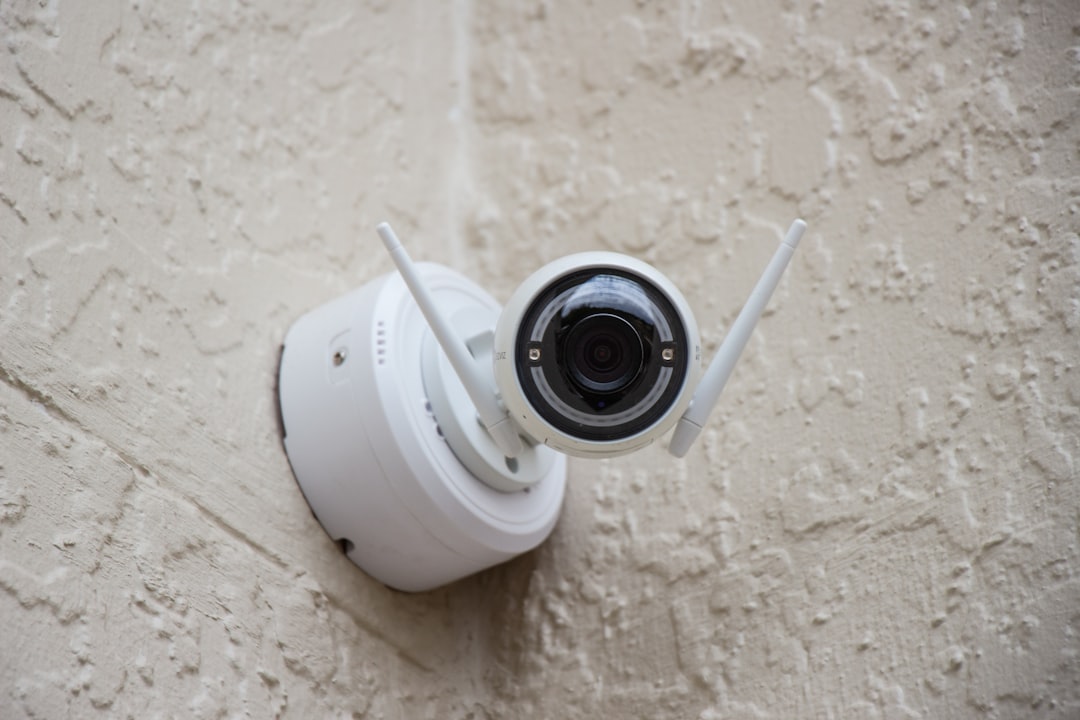
Not everyone needs a four-camera wire-free kit. If you’re covering an apartment or a small home and want something that just works without thinking about it, the Tapo C120 is the camera I recommend most often in 2026. At its price point, it’s absurdly capable: 2K+ resolution, color night vision, AI-based person/pet/vehicle detection, and a weatherproof rating that handles indoor and outdoor duty equally well.
The C120 accepts microSD cards up to 512GB. I tested it with a 128GB card and got nearly two weeks of continuous 24/7 recording. The detection is solid — it rarely false-triggered on tree shadows or passing cars during my testing. It’s a wired camera, so you’ll need a power outlet nearby, but that also means you never worry about battery life. If you’re starting from scratch, TP-Link’s Tapo C520WS adds pan/tilt functionality for outdoor coverage with the same local storage approach.

What you lose versus premium options: the app experience is functional but not polished, and two-way audio has noticeable latency. For a sub-$40 camera that records in 2K and requires zero monthly payment, those are compromises I can live with.
The Solar-Powered Option: Reolink Argus PT Ultra
For spots where running power isn’t feasible, the Reolink Argus PT Ultra became my go-to recommendation. It’s the first 4K solar-powered security camera I’ve tested that actually delivers on both promises — crisp footage and reliable off-grid operation. The included solar panel keeps the battery topped up indefinitely in most climates, and the camera supports local storage via microSD up to 128GB.
I mounted one on a detached garage where running ethernet or power would have cost more than the camera itself. Three months in, the battery has never dropped below 80%, even through a stretch of overcast days. The pan-and-tilt head auto-tracks moving objects, which is genuinely useful for covering a wide driveway without multiple cameras.
The Argus PT Ultra records event-based clips locally by default. For continuous 24/7 recording, you’ll want the largest microSD card it supports and to set the camera to overwrite oldest footage automatically. In my testing, a 128GB card gave me about four days of continuous 4K recording before looping. For most security scenarios, event-based recording is the better choice anyway — you don’t need 14 hours of footage of an empty yard.
Another solar option worth considering if battery life is your top priority: the TP-Link Tapo SolarCam C402 comes with a solar panel in the box at a lower price point than the Reolink, though with 1080p resolution instead of 4K.
The Smart Home Play: Aqara G100 and the Hub Approach
If you’re already invested in a smart home ecosystem, the Aqara G100 is worth a serious look. What sets it apart is native support for HomeKit Secure Video, which processes detection on your Apple home hub (Apple TV or HomePod) rather than in the cloud. Footage is encrypted and stored locally on the hub — no subscription, no cloud upload, and it works with Alexa and Google Home alongside HomeKit.
The G100 itself supports microSD storage up to 512GB as a backup. The 2K resolution is sharp, the 140-degree field of view covers more ground than most competitors, and the spotlight-based color night vision is among the best I’ve tested in this price range. It’s an indoor/outdoor camera with IPX4 weather resistance — fine for covered locations, not ideal for fully exposed mounts.
For deeper smart home integration, the Aqara G350 dual-lens hub camera goes further, functioning as both a 4K security camera and a Zigbee hub for other Aqara sensors. That’s a clever two-birds-one-stone approach if you’re building out a connected home from the ground up. I tested it alongside door sensors and motion detectors, all routing alerts through the same hub. The ecosystem approach mirrors what I’ve recommended for smart home connectivity — fewer single-purpose devices, more systems that work together.
Indoor Coverage Without the Creep Factor: Eufy E30
Indoor cameras make people nervous, and rightfully so. I’ve spent enough time in this industry to know that internet-connected cameras inside your home deserve extra scrutiny. The Eufy 4K Indoor Camera E30 handles the privacy concern better than most: all AI processing happens on-device, footage stays on local storage, and there’s a physical privacy shutter you can close when you’re home.

I use one as a pet camera during the day and close the shutter when I’m home in the evening. The pan-and-tilt head auto-tracks movement, and the 4K resolution is detailed enough to tell whether the dog is sleeping or chewing on something expensive. It works as a nanny cam, baby monitor, or general indoor security camera — all without uploading a single frame to anyone’s server.
For larger indoor spaces, the E30 also supports 24/7 continuous recording to local storage, which most indoor cameras at this price don’t offer. That makes it genuinely useful as a security device, not just a check-in camera.
The One Compromise I Still Can’t Resolve
Here’s the honest caveat that most “no subscription” articles skip. Local storage has one genuine disadvantage: if someone steals or destroys the camera, they’ve also destroyed the evidence. Cloud storage keeps footage off-site, which matters for catching vandalism or break-ins where the camera itself is a target.
My solution is a hybrid one. I use cameras that support local recording as the primary storage method, but I also run a local NAS that automatically backs up footage from all cameras nightly. It’s not cloud, but it’s physically separate from the cameras. If you want to go this route, any network-attached storage with scheduled sync capabilities works. It’s a setup that mirrors what I did for protecting my entire tech stack from power failures — redundant, local, and under my control.
If that sounds like too much work, most subscription-free cameras also offer optional cloud plans. The difference is that you’re choosing to pay rather than being forced to. That’s the entire point — own your storage by default, add cloud only if it adds value for your specific situation.
The Camera I’d Still Recommend to Most People: Blink Outdoor 4
Despite everything I’ve said about subscriptions, I have to be honest about one product. The Blink Outdoor 4 system from Amazon is the camera I recommend to my parents, my less technical friends, and anyone who values simplicity over absolute control. Yes, Amazon pushes their Blink Subscription Plus plan hard. Yes, the free tier only stores clips (not continuous recording) and only for 60 days with a Sync Module 2 and a USB drive inserted.

But the free tier does exist, and with a USB drive plugged into the sync module, you get local clip storage without any monthly payment. Two-year battery life is real — I verified it on a test unit deployed in January. The cameras are easy to mount, the app is intuitive, and for a lot of people, that ease of use is worth more than the granular control I personally prefer.
The key is knowing what you’re getting into. Blink’s free tier is event-based, not continuous. If someone walks past the camera and triggers a motion event, you get the clip. If nothing triggers, nothing records. For most home security scenarios, that’s sufficient. For commercial-grade 24/7 surveillance, look at the Reolink or Eufy options above.
Building Your System: What I’d Buy Today
If I were starting from scratch with a typical suburban home — say, four outdoor coverage points and one indoor camera — here’s what I’d piece together. The total comes in under $700 with zero ongoing fees, compared to easily $1,200+ over three years for a cloud-locked equivalent.
For outdoor coverage, two EufyCam C35 cameras covering the front entry and driveway, plus one Reolink Argus PT Ultra on a detached garage or side gate where solar power eliminates the battery-charging chore. For the back door, a Tapo C520WS provides pan/tilt coverage at a budget price. Inside, the Eufy E30 handles pet monitoring and indoor security with a privacy shutter.
One critical prerequisite: this kind of setup depends on solid Wi-Fi coverage across your property. If your network can’t reach the far corners of your home, cameras drop offline and miss events. I went deep on this topic in my router versus mesh breakdown, and the same advice applies here. Get your network right first, then layer cameras on top. A $200 camera with a flaky connection is worth less than a $40 camera with a rock-solid signal.
The Bottom Line After Three Months of Testing
The security camera industry has quietly built one of the most successful subscription models in consumer tech. You buy the hardware, but the manufacturer controls access to the footage that hardware produces. It’s like buying a safe and paying a monthly fee to access the contents. That model works for the companies, not for you.
The good news is that 2026 has given us genuine alternatives. Cameras from Eufy, Reolink, Aqara, and TP-Link now offer local AI processing, local storage, and app-based access without requiring a cloud tether. The technology has caught up. The question is whether enough consumers will choose ownership over convenience to push the market further in this direction.
I’ve been running my six-camera, zero-subscription setup for three months now. I’m not going back. The footage is mine, the storage is mine, and the only monthly fee I pay is for the internet connection that makes the whole thing possible. That feels the way security technology should feel — protective, not extractive.
