
I’ve been testing gear for 25 years, and if there’s one thing I’ve learned, it’s that the best desk setups aren’t specialized—they’re flexible. Whether you’re crunching spreadsheets at 9 AM, gaming at 9 PM, or streaming on weekends, your gear should adapt without missing a beat. Prime Day 2026 (June 23-26) has some genuinely solid deals on the kind of equipment that makes this hybrid life possible. Let me walk you through what actually works.
The Foundation: Audio That Doesn’t Suck
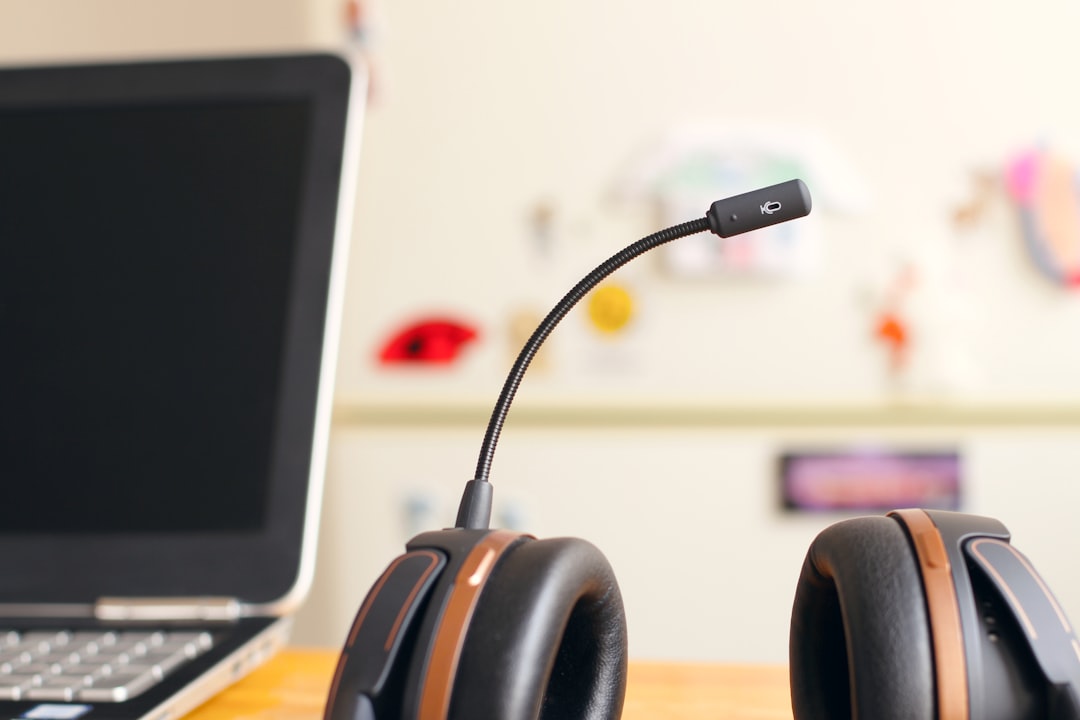
Most people cheap out on audio, and it shows. Crackling mics on calls, tinny music, headsets that pinch after an hour—I’ve seen it all. But a good headset changes everything. For dual-duty work and play, I’m seeing solid Prime Day pricing on wireless gaming headsets that handle video calls just as well as they handle late-night raid sessions.
The SteelSeries Arctis Nova series has been a standout in my testing. Clear microphone, comfortable enough for all-day wear, and the wireless freedom means you’re not tethered to your desk. The active noise cancellation isn’t marketing fluff either—it actually drowns out ambient chaos when you need to focus. Bookmark these now; the Prime Day discounts typically hit 25-30% off retail.
What makes this category particularly interesting right now is how gaming headsets have evolved beyond their original purpose. The microphone quality on premium gaming headsets rivals dedicated broadcast microphones from five years ago, and the battery life has improved dramatically. You’re looking at 30-40 hours of continuous use in many cases—enough to last through a full work week plus gaming sessions on a single charge. The convenience of not having to swap headsets between meetings and matches cannot be overstated. Plus, the wireless range on modern 2.4GHz models is impressive—I’ve tested units that maintain crystal-clear audio from 30 feet away through multiple walls.
For those who prefer open-back designs for natural sound, there are solid options emerging, though they won’t isolate you from environmental noise as effectively. Closed-back remains the practical choice for most home office setups, especially if you share your space with family, roommates, or ambient noise from city streets. The key is finding a balance between audio quality, comfort for extended wear, and microphone clarity—all of which the Arctis series nails.
Shop gaming headsets on Amazon

Video Calls That Don’t Look Like You’re in a Cave
If you’re still using a laptop webcam from 2019, we need to talk. The difference a decent 1080p webcam makes is night and day—better low-light performance, actual color accuracy, and people on calls can finally see you clearly instead of a grainy silhouette. Logitech’s C920 series has been the workhorse choice for years, and this Prime Day, the newer C920e is seeing solid discounts.
Why this matters: Better video calls mean less explaining (“can you hear me now?”) and more actual work getting done. Plus, if you dabble in content creation or streaming, you’re not starting from zero. A good webcam pulls double duty.
The webcam market has gotten interesting recently. We’re seeing 4K options that actually justify the resolution bump, especially if you’re streaming or recording content. But for most office workers, 1080p remains the sweet spot—it’s what most video conferencing platforms support natively anyway. Look for models with decent low-light performance and field of view options. A narrow 65-degree field of view is often better than ultrawide for calls—it keeps you focused and professional-looking without showcasing your entire messy room in the background.
Some newer webcams include built-in privacy shutters, which is a thoughtful addition if your desk faces a high-traffic area. Others offer auto-focus features that genuinely work, unlike the janky implementations from a few years ago. The key is finding something that doesn’t constantly hunt for focus mid-sentence when you shift in your chair. At this point, the technology has matured enough that even mid-range webcams deliver perfectly acceptable quality for professional calls.
The Cable Management Reality
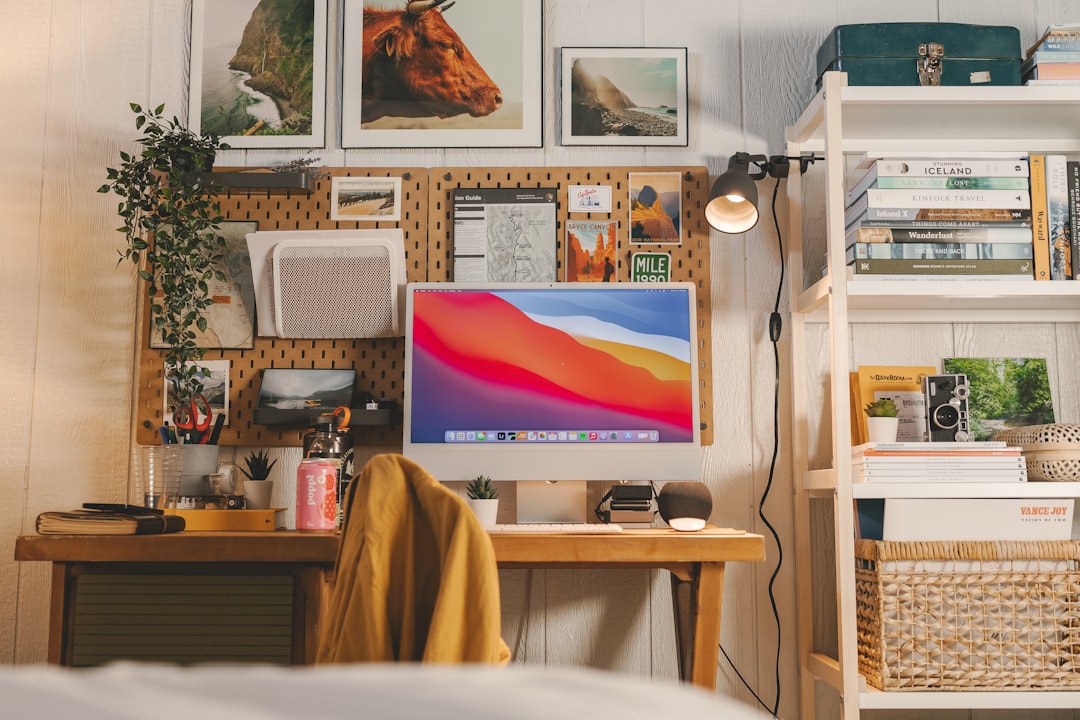
Here’s what nobody admits: A clean desk isn’t about aesthetics—it’s about not constantly knocking things over and losing cables behind your monitor. Prime Day always has deals on surge protectors with USB ports, and these are legitimately useful. Consolidated power means fewer bricks cluttering your workspace, and the surge protection isn’t just marketing—power surges are real, especially if you’re in an older building.
Look for models with at least 8 AC outlets and 2-4 USB ports. The ones with flat plugs are underrated—they fit behind furniture without awkward angles. And no, you don’t need to spend a fortune here; $20-30 gets you something solid during Prime Day.
The evolution of power strips has been surprisingly innovative over the past few years. We’re now seeing models with USB-C Power Delivery that can charge laptops at full speed, which eliminates yet another power brick from your desk. Some include clever cable management features like velcro ties or built-in cable organizers. The real game-changer has been widespread adoption of slim outlet designs—these accommodate those massive power bricks without blocking adjacent outlets, which has been a pet peeve of mine for years.
Smart power strips have also gotten more practical. Some now offer energy monitoring that shows you exactly how much power your setup is drawing, which can be eye-opening if you’re running multiple high-performance devices. Others include automatic shut-off features that cut power to peripherals when your main device goes into sleep mode. It’s a small thing, but the energy savings add up over time, especially if you’re someone who leaves everything powered on 24/7.
Find surge protectors on Amazon
Storage That Actually Keeps Up
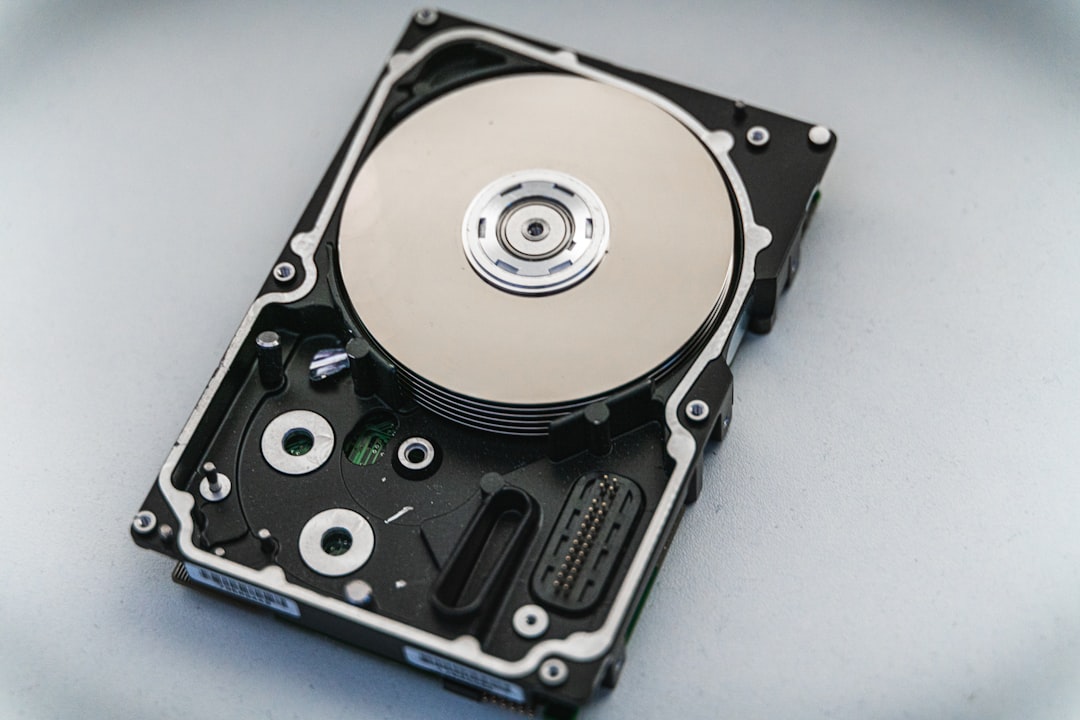
If you’re still juggling files between multiple half-full external drives because “backup is complicated,” stop. External SSDs have gotten absurdly cheap, and the speed difference from old spinning drives is transformative. We’re talking transfers that take seconds instead of minutes, and if you’re editing video or working with large datasets, the time savings add up fast.
Western Digital’s Red SA500 series is built specifically for constant use—these aren’t delicate consumer drives that die after six months. They’re rated for NAS (network attached storage) duty, which means they handle heavy workloads without complaint. A 1TB drive gives you enough space for project files, backups, and media without constantly managing storage.
The external SSD market has exploded in the past two years. We’re now seeing affordable options that hit 2,000 MB/s read speeds—fast enough that you’d barely notice you’re not using an internal drive. This matters for creative professionals moving large video files or developers working with multiple Docker containers. But even for typical office work, the responsiveness boost is palpable. Apps launch faster, files save instantaneously, and that annoying pause when you switch between large documents has largely disappeared.
Durability has also improved dramatically. Modern portable SSDs can survive drops that would have killed older drives, thanks to solid-state construction. Many now include some level of water resistance too, which is great if you tend to knock coffee cups over. The interface battle has largely settled on USB-C with USB 3.2 Gen 2 support, which means you’re getting consistent performance across devices without needing to remember which old cable fits which drive.
The Connectivity Problem: USB-C Hubs That Actually Work
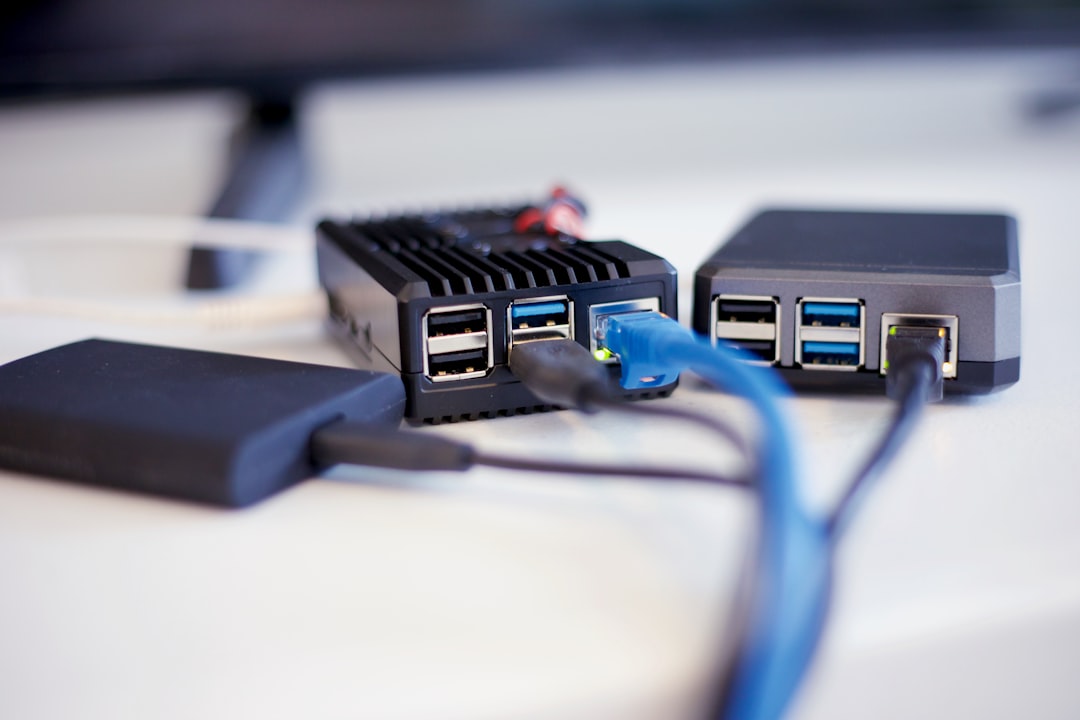
Modern laptops are great until you realize they have two USB-C ports and nothing else. Suddenly you’re dongle-bound, and it’s annoying. A solid USB-C hub fixes this, but most are cheap junk that drops connections or runs worryingly hot. The Microsoft Surface Dock 2 (which works with non-Surface devices too) has been my go-to recommendation because it actually delivers on its promises: multiple USB ports, ethernet, and power delivery over a single cable.
Prime Day deals on these are hit-or-miss, but when they appear, they’re worth grabbing. The convenience of one-cable docking—monitor, peripherals, storage, and power—cannot be overstated. You sit down, plug in one thing, and you’re fully connected. It’s how working should feel.
The USB-C hub ecosystem has matured significantly. We’re finally seeing hubs that properly support USB 4 speeds across multiple ports instead of just one. Power delivery has improved too—many now handle 100W charging, which means they can power even demanding laptops without throttling. Thermal management is the real differentiator though; cheap hubs still overheat under sustained load, causing connection drops. The better models use proper heatsinks and thermal management to maintain consistent performance.
Ethernet connectivity remains one of the most underrated features. WiFi has gotten much better, but nothing beats the consistency of a wired connection when you’re on video calls all day. The hubs that include proper ethernet ports with supported speeds above 1Gbps are worth the premium—future-proofing matters when you might be upgrading your internet service within the drive’s lifespan. Display support has also stabilized, with most quality hubs now reliably handling dual 4K monitors at 60Hz without flickering or dropping connections.
Lighting That Doesn’t Strain Your Eyes
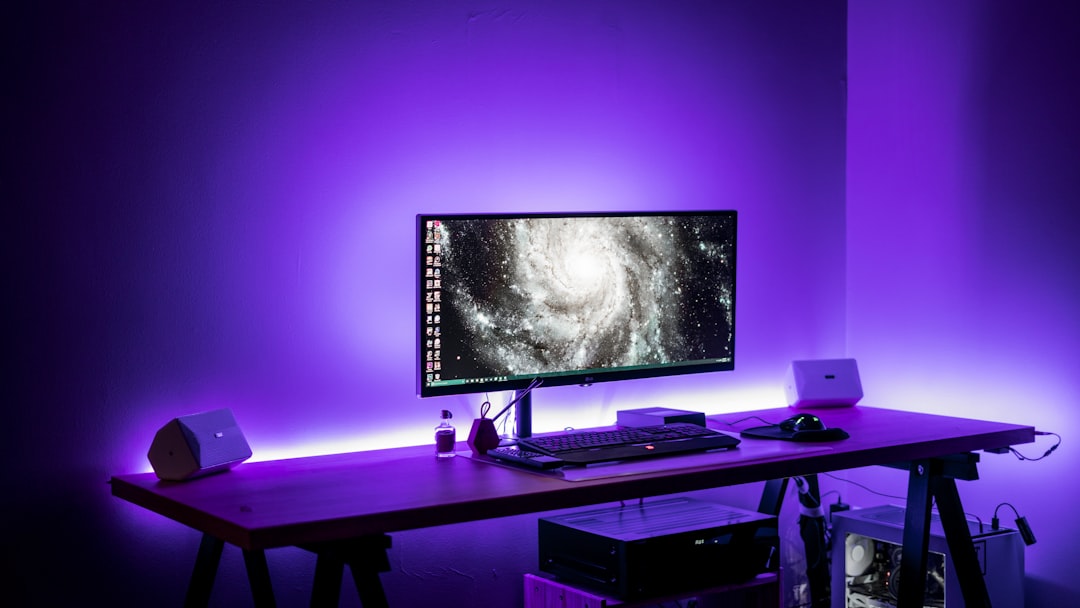
I spent way too many years working in dim rooms with cheap fluorescent overhead lighting. My eyes paid for it. A proper desk lamp is one of those upgrades you don’t appreciate until you have one, and then you can’t imagine working without it. LED desk lamps with adjustable color temperature let you switch between cool light for focus work and warmer light for evening sessions—your circadian rhythm will thank you.
The Aputure Storm 80c is overkill for most people—it’s technically a video light—but if you’re serious about content creation, it’s worth every penny. For typical desk work, any high-CRI LED lamp with adjustable brightness and color temperature will serve you well.
LED technology in desk lamps has advanced remarkably. Color accuracy, measured by CRI (Color Rendering Index), has improved to the point where high-CRI LEDs make colors look natural rather than washed-out or overly cool. This matters if you’re doing any color-sensitive work—graphic design, photography, or even just matching clothes for video calls. The best desk lamps now offer CRI ratings above 90, which was unheard of at consumer prices just a few years ago.
Build quality has improved too. Cheap desk lamps used to feel wobbly and fragile, but even mid-range options now use substantial materials and stable bases that won’t tip over if you bump your desk. Adjustable arms and heads let you position light exactly where you need it without awkward angles. Some models include built-in USB charging ports, which is a nice touch for keeping your phone powered without sacrificing a wall outlet.

Storage and Backups: The Boring Stuff That Matters
Here’s the truth about backups: If you don’t have automated, redundant storage, you don’t have backups. You have a false sense of security. A two-drive NAS (network attached storage) setup gives you automatic redundancy—if one drive fails, your data is safe on the other. Western Digital’s Red drives are designed for exactly this, and Prime Day often has bundle deals that make a two-bay NAS setup surprisingly affordable.
Set it once, configure automatic backups, and forget about it. When—not if—your main drive fails, you’ll be incredibly glad you did this.
Modern NAS systems have become significantly more user-friendly. Setting one up used to require networking knowledge, but now most include mobile apps and web interfaces that guide you through the process. Automated cloud backup has also improved—many NAS devices can now automatically sync selected folders to services like Dropbox or Google Drive, giving you both local and cloud redundancy. The integration is seamless enough that you might forget it’s happening in the background.
The real advance has been in noise reduction. Older NAS units sounded like small jet engines, but modern ones are quiet enough to sit in a bedroom without disturbing sleep. Power efficiency has improved too, which matters if you’re running your NAS 24/7. Some models now include features like automatic drive spin-down to save power when the NAS isn’t being accessed, though purists prefer keeping drives constantly spun up for maximum responsiveness.
Putting It All Together
The common thread here isn’t fancy tech for its own sake. It’s gear that removes friction from your work, whatever that work looks like. Good audio means better communication. Solid lighting means less eye strain. Reliable storage means less anxiety about losing work. These are the invisible upgrades that make your daily workflow smoother.
Prime Day pricing on these items typically drops 20-40% below retail, but the trick is planning: Make your list now, bookmark the product pages, and set alerts. The best deals sell out fast, especially on popular items like gaming headsets and SSDs. Having your research done means you can pull the trigger when prices drop.
This isn’t about buying more stuff. It’s about buying the right stuff—the gear that adapts to whatever you need it to do. Work, play, create, stream. Your desk should handle it all, and with these Prime Day deals, it doesn’t have to cost a fortune to get there.
The most satisfying setups I’ve tested aren’t the ones with the most expensive gear—they’re the ones where every piece serves multiple purposes. A headset that transitions from meetings to gaming seamlessly. A dock that handles both your work laptop and personal machine. Storage that backs up everything automatically without you thinking about it. That’s the goal: a setup that gets out of your way and lets you focus on what actually matters.
Browse all desk setup accessories on Amazon
Prime Day runs June 23-26, 2026. Prices mentioned reflect expected promotional pricing—bookmark product pages now to grab deals when they go live.

2 thoughts on “The Desk Setup That Handles Everything: Prime Day Deals for Work and Play”