
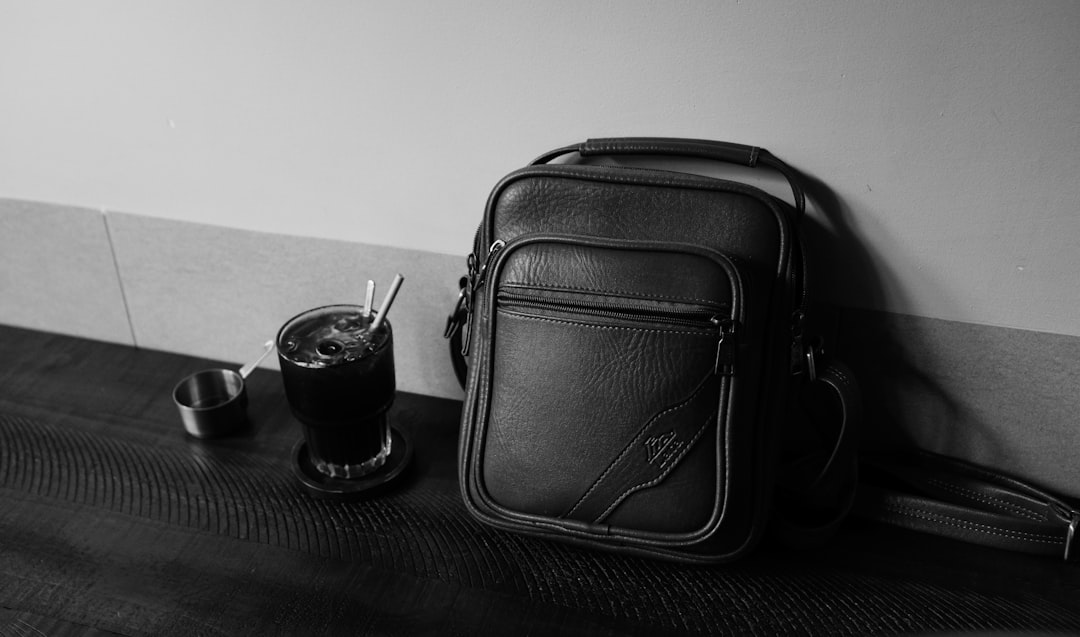
Some days, my office is a coffee shop. Other days, it’s a client’s conference room. Lately, it’s been bouncing between my home desk and whatever quiet corner I can find while the house is in chaos. That’s the reality for more of us than ever—we’re not just working from home anymore, we’re working from everywhere. And let me tell you, dragging around a full desktop setup gets old fast.
I’ve spent the last few months testing gear that actually makes mobile work bearable—stuff that slips into a messenger bag, doesn’t need its own power outlet, and keeps you productive when you’re 45 minutes from home. Amazon Prime Day 2026 kicks off June 23, but the deals are already landing. Here’s what I’m actually carrying, and more importantly, what’s worth grabbing during the sale.
The Power Problem Nobody Talks About
Let’s start with the thing that kills more mobile workdays than anything else: running out of juice. I used to carry multiple chargers, a power bank, and a tangle of cables. Now? Anker’s 45W fast charger with a six-foot USB-C cable handles my laptop, tablet, and phone. It folds down small enough to toss in a side pocket, and 45 watts is enough to fast-charge most ultrabooks while you knock out emails between meetings. You can find the charger here if you’re looking to upgrade your current setup.
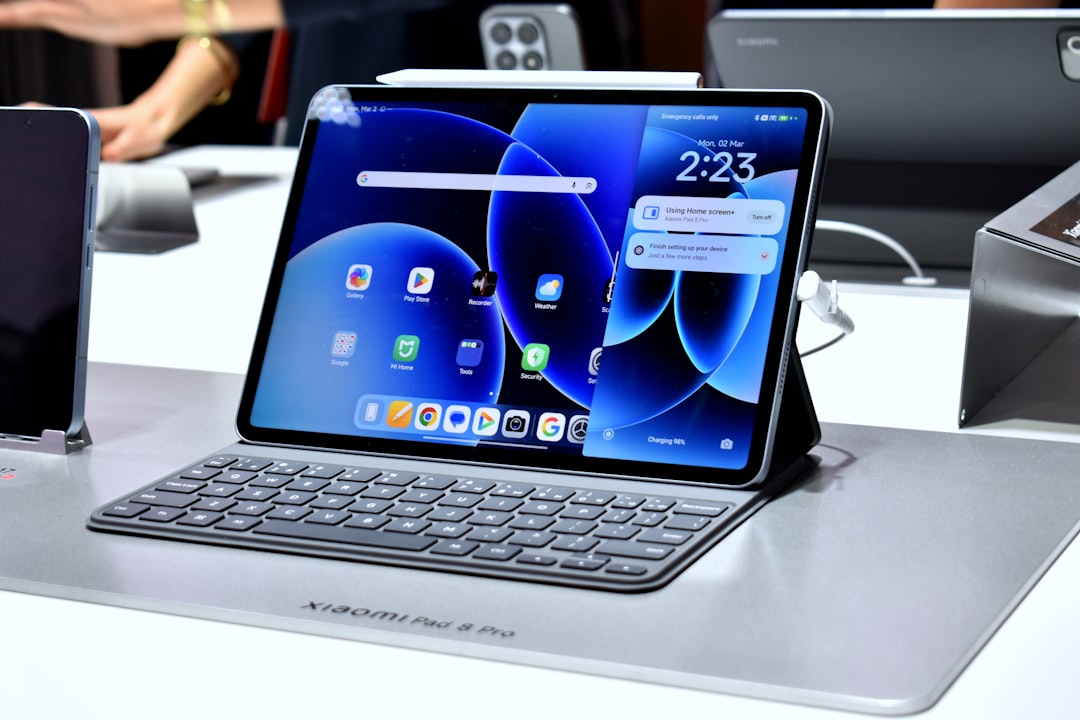
What makes this charger different from the wall wart that came with your laptop is the form factor. It’s compact, the plug folds in, and you’re not carrying a separate charging brick for every device. At 45 watts, you’re looking at fast charging for most phones and tablets, and decent speed for laptops. The six-foot cable means you’re not hugging the wall outlet at the coffee shop, which sounds minor until you’re the person literally sitting on the floor.
While we’re talking cables, UGREEN’s 100-watt USB-C cables come in a two-pack and handle high-speed charging and data transfer. I keep one in my bag and one at my desk. They’re rated for 100 watts, so they’ll fast-charge anything you throw at them, and the braided construction means they’re not going to fray after three months of being jammed into a bag. These cables have become part of my standard carry kit.
Input That Doesn’t Suck
Typing on a tablet or laptop keyboard for eight hours is a one-way ticket to hand cramps. I’ve been carrying Aula’s F99 wireless mechanical keyboard lately, and it’s changed how I work away from my desk. It’s compact enough to fit in most messenger bags, the battery lasts forever, and the wireless connection is solid enough that I’m not constantly reconnecting. Check out the keyboard here if you’re tired of cramped laptop keys.
The mechanical switches make a huge difference in typing comfort, especially during long writing sessions. This isn’t some gamer aesthetic—it’s about tactile feedback and key travel that keeps your hands from screaming at you by 3 PM. RGB backlighting is legitimately useful when you’re working in dim spaces, and you can dial it down or off when you’re trying to be subtle.

On the mouse front, Logitech’s G502 Hero has been my go-to for years. It tracks on just about any surface, the wireless connection is reliable, and the shape fits a wide range of hand sizes. Battery life is measured in months, not days, which is one less thing to worry about. The sensor quality matters when you’re working on weird surfaces—coffee shop tables, airline tray tables, whatever improvised desk you’ve cobbled together. This mouse has been reliable through countless work sessions.
I’ve covered desk setups for Prime Day in detail before, but the mobile approach is different. You’re not optimizing for a single location—you’re building a kit that adapts to wherever work takes you.
Audio for Calls and Focus
Good headphones serve double duty: blocking distractions and making you sound halfway intelligible on calls. JBL’s Tune 570BT on-ear headphones have been my travel pick lately. They’re wireless, the battery lasts ages, and the on-ear design means you’re not completely deaf to your surroundings when you’re walking between locations. Find these headphones here.

The sound quality is solid for music and podcasts when you’re decompressing, and the microphone is clear enough for video calls without being that person with the headset mic. On-ear rather than over-ear is a deliberate choice—less bulk in your bag, and you can still hear order announcements or your name being called without yanking headphones off.
If you’re dealing with constant background noise—construction outside your window, a busy household, or just a loud coffee shop—quiet computing upgrades can make a massive difference in your focus and call quality.
Device Protection That Doesn’t Weigh a Ton
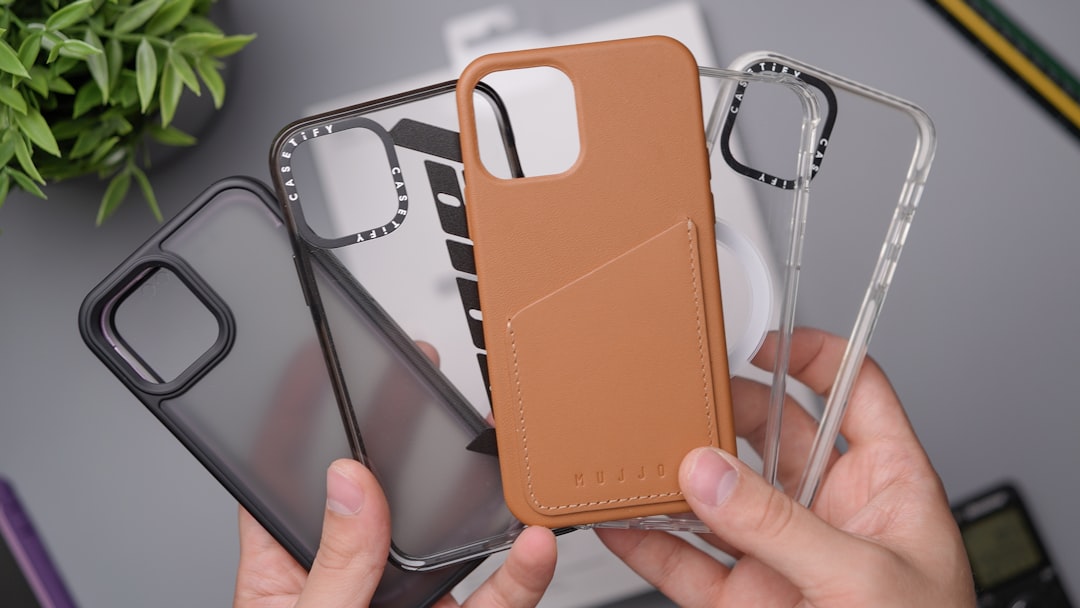
Your phone is probably your most important work tool when you’re mobile. OtterBox’s clear case for iPhone hits that sweet spot between protection and minimalism. It’s MagSafe-compatible, so you’re not losing wireless charging or magnet accessories, and the raised edges protect the camera lenses from meeting the pavement. The clear back shows off your phone (if you’re into that) and lets any MagSafe stickers do their thing. Get the case here.
For tablet users, KingBlanc’s iPad case for the 11-inch models has been pleasantly surprising. It’s not going to survive a three-story drop, but it handles daily commute abuse, protects the screen during bag transport, and the stand functionality is actually useful for propping up your tablet during video calls or as a secondary display. The Auto Wake/Sleep feature is one of those things you don’t notice until you use a case without it, and then it drives you crazy. Check out the iPad case here.
Keeping Everything Powered
If you’re in the Apple ecosystem, that Apple Watch charging cable is worth having in your bag. Apple’s magnetic fast charger is compact, it’s USB-C so you’re not carrying yet another proprietary cable, and it charges Apple Watches quickly. Having a dedicated cable in your travel kit means you’re not unpacking your desk charger every time you leave the house, and you’re not stuck with a dead watch halfway through the day. Find the charging cable here.
The Home Office Anchor Point
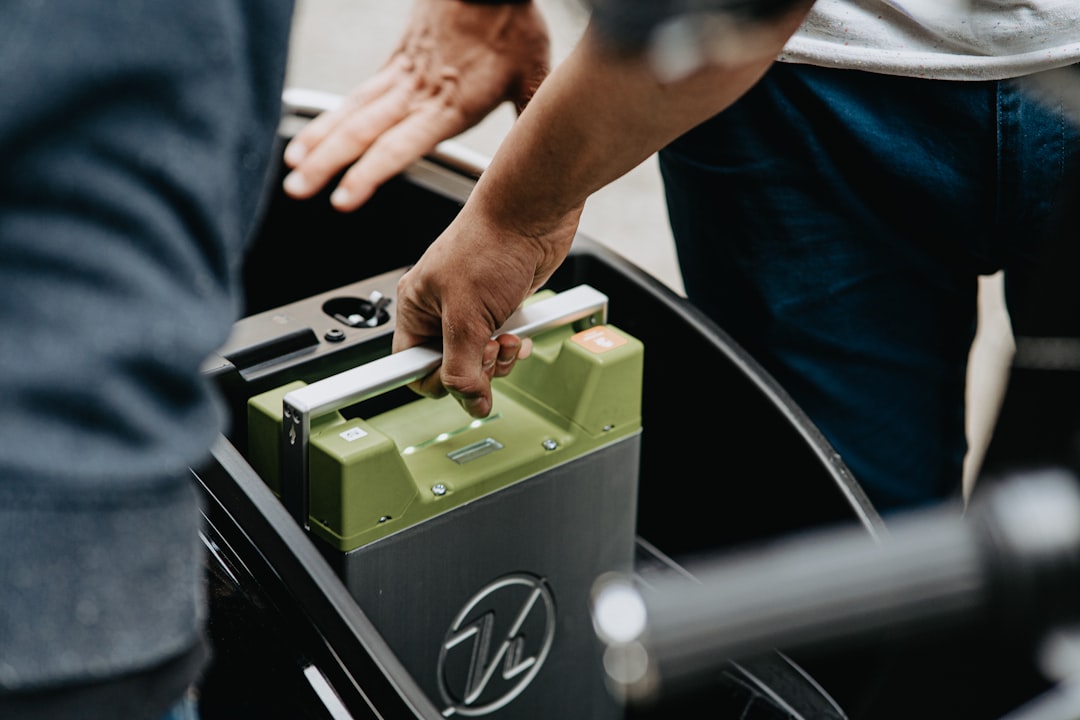
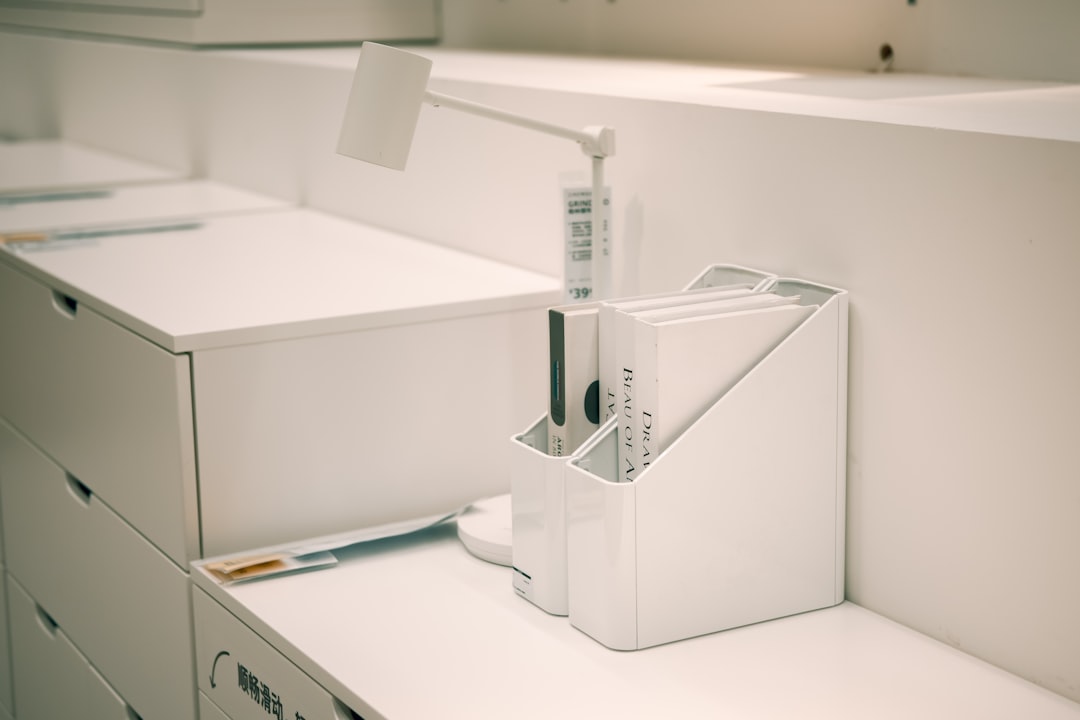
Okay, this one doesn’t fit in a messenger bag, but Laura Davidson’s STOCKPILE mobile file cabinet has become the unsung hero of my home office setup. It’s a three-drawer rolling cabinet with a removable cushion seat, which means it’s storage and seating in one. I use it for reference materials, extra cables, and stuff I need within arm’s reach but don’t want cluttering my desk surface.
Why it matters for mobile work: When you’re home, you need a place to dump your gear and grab what you need for tomorrow. This cabinet rolls where you need it, stores the stuff you’re not carrying, and gives you a place to sit when you’re tired of standing at your adjustable desk. It’s not flashy, but it’s the kind of organizational tool that makes switching between home and away modes seamless.
I’ve written about home office gear worth the investment, and storage solutions like this cabinet are exactly what I’m talking about—they’re not glamorous, but they make your daily workflow smoother.
What This All Costs
Here’s the thing about Prime Day: some of these deals are legitimate discounts on gear you’d buy anyway, and some are just noise. Anker chargers, UGREEN cables, and Logitech peripherals reliably see discounts during Prime Day. OtterBox cases usually don’t drop much in price, but they’re rarely marked up either—solid value at list price. Keyboard prices fluctuate, so if the Aula F99 drops significantly, that’s worth grabbing.
The whole kit, bought at typical sale pricing, runs somewhere in the mid-three-figure range depending on what you already own and what’s actually discounted when you check. Start with the charger and cables—those are universal upgrades. Then think about input devices if you’re typing on laptop keyboards all day. Audio is next, followed by device protection. The file cabinet is a nice-to-have if your home office needs storage help.
The Real Value
After months of testing this stuff, the biggest takeaway isn’t about any single product—it’s about the system. When your gear is portable, reliable, and doesn’t require a dedicated power outlet or desk space, you’re not tied to one location. You can work from a client’s office, a coffee shop, your dining room, or a park bench without feeling like you’re making compromises.
That’s what mobile work should feel like: grab your bag and go, knowing you’ve got what you need to be productive wherever you end up. Prime Day is the excuse to upgrade, but the real win is the flexibility these tools give you the other 362 days of the year.
A Quick Reality Check
Before you start clicking add to cart, a few ground rules: Check what you already own. If your current charger works fine and you’re not carrying multiple devices, you might not need a new one. If you type exclusively on a laptop and don’t have hand fatigue, a mechanical keyboard might be overkill. If you never make calls and don’t listen to music at work, headphones are just extra weight.
The goal here isn’t to buy everything on this list. It’s to identify the friction points in your mobile workday and fix them. Prime Day is just the timing that makes the upgrades affordable.
Prime Day Timing
Amazon Prime Day officially runs June 23-26, but the tech deals have already started. Some of the best discounts sell out early, while others drop mid-event. Bookmark product pages now, check back a few times during the sale, and don’t get sucked into buying stuff just because it’s cheap. If it’s not solving a real problem in your workflow, it’s just more gear to haul around.
The Bottom Line
Mobile work is here to stay, and the right gear makes the difference between feeling productive and feeling like you’re constantly improvising. These are the tools that have worked for me, and with Prime Day pricing, they’re worth considering for your own carry-on kit. Grab what solves your actual problems, ignore the rest, and enjoy working from wherever the day takes you.
