
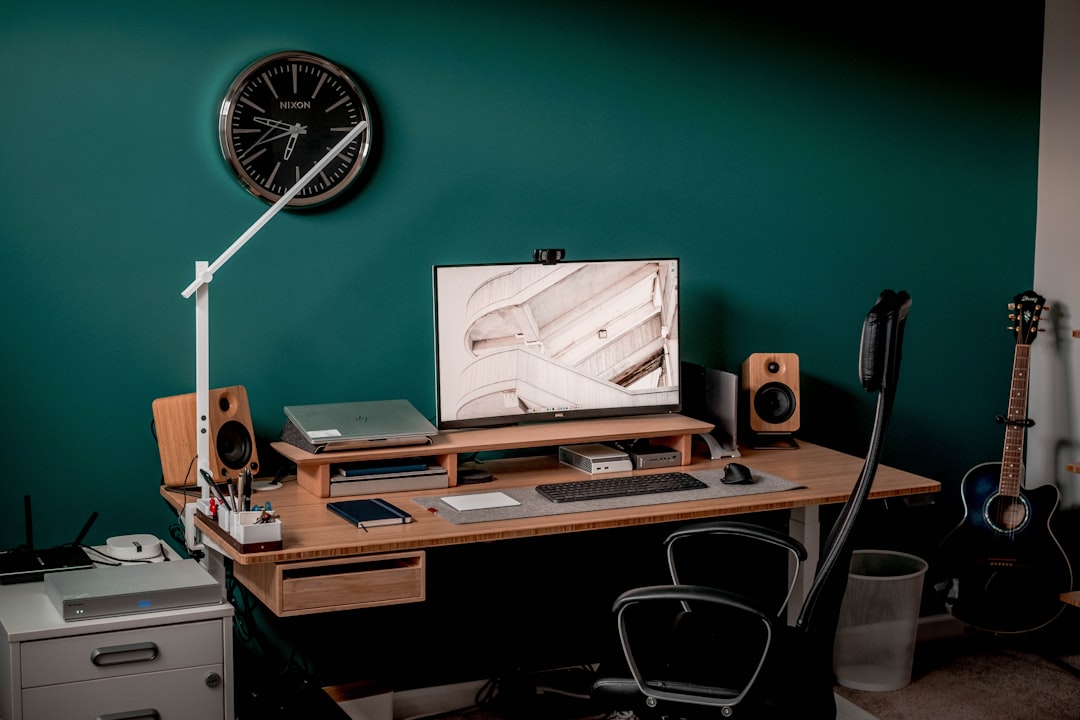
I’ll be honest with you. When the standing desk trend first exploded a few years back, I rolled my eyes. I’d been testing hardware for two decades, and I’d seen enough “revolutionary” office gadgets to last a lifetime. Every ergonomic fad promises to transform your workday, and most end up gathering dust in a closet by month two. But after my lower back started staging daily protests around hour six of sitting, I finally caved. I didn’t want to replace my entire desk — I wanted to test whether a converter could actually change anything. Six weeks later, I have opinions. Strong ones.
The thing nobody tells you about standing desk converters is that the purchase is maybe 30% of the equation. The other 70% is everything around it: the mat you stand on, the keyboard you type with, the cable situation under your desk, and — most importantly — the habits you build. I learned this the hard way so you don’t have to.
Why I Went With a Converter Instead of a Full Desk
I test a lot of hardware. My desk is load-bearing in the emotional sense — it holds multiple monitors, a stack of charging gear, a USB hub or three, and enough cables to wire a small data center. Ripping all that out to accommodate a full standing desk frame felt like overkill for an experiment I wasn’t sure would stick. A converter let me keep my existing desk surface and simply add the ability to stand when my body demanded it. If the whole thing flopped, I’d be out a fraction of the cost and could slide it into a closet without remodeling my office.
That logic is exactly why converters have exploded in popularity. The market is flooded with options ranging from $80 budget risers to $400 motorized units with memory presets. After living with several for six weeks, I can tell you that the differences matter more than the marketing suggests.
The Five Converters I Tested (and the One I Kept Using)
I ordered five converters across different price points and mechanisms. Two were manual spring-loaded designs, one was pneumatic, and two were electric motorized models. Here’s what actually separated the keepers from the return pile.
The VIVO 32-inch K Series was my baseline pick — a solid, no-frills manual converter that runs well under $150. The spring-assisted lift takes some getting used to (you brace the top with one hand while squeezing the side levers), but once you develop the muscle memory, height adjustments take about three seconds. The surface comfortably held my 27-inch monitor and laptop side by side, and the keyboard tray is wide enough for a full-size board plus a trackpad. For most people dipping their toes into standing, this is the sweet spot of price-to-performance.
The TechOrbits 32-inch converter landed at a similar price point but felt noticeably stiffer during height adjustments. The mechanism works, but it required more force than the VIVO, and the particle board surface flexed slightly under my monitor arm’s clamp. It works fine for a laptop-only setup, but I wouldn’t trust it with heavier displays long-term.
Where things got interesting was the FLEXISPOT 36-inch converter. The larger surface area made a real difference for dual-monitor users, and the gas-spring mechanism was significantly smoother than the purely spring-based units. It felt less like “hoisting a shelf” and more like adjusting a well-tuned office chair. If you plan to stand for extended periods and want something that doesn’t feel like a workout to adjust, the upgrade is worth it.
Electric Converters: Genuinely Useful or Overkill?
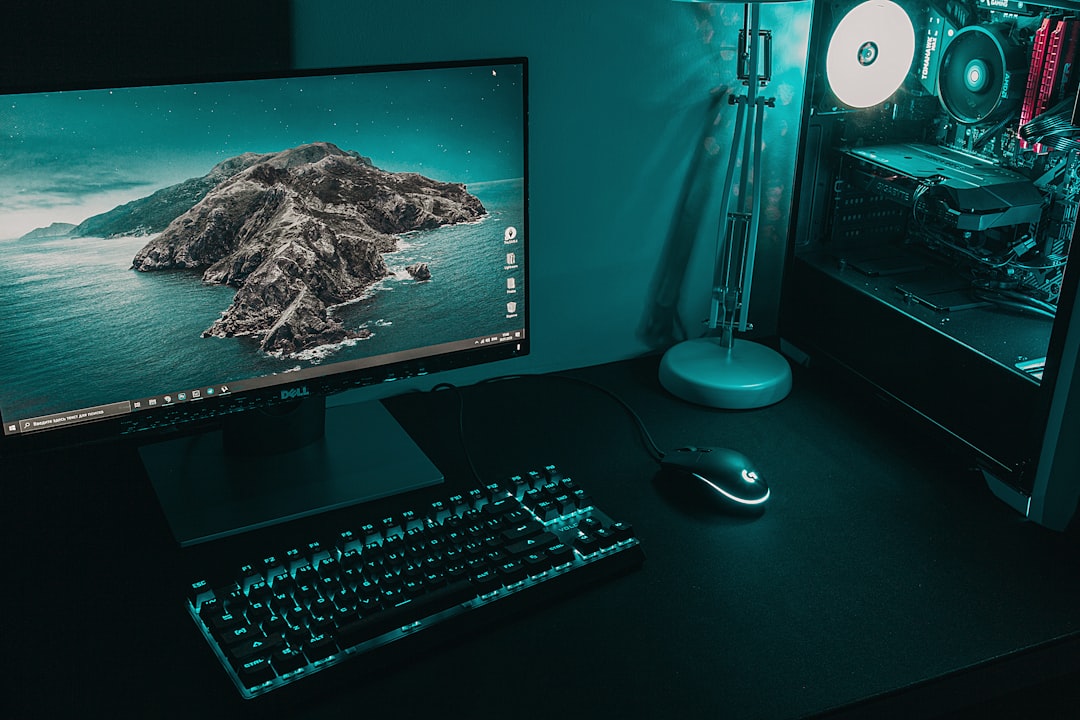
This is where I expected to be underwhelmed. I was wrong. The FLEXISPOT 35-inch electric converter and the VIVO 36-inch electric model both use small motors to raise and lower the platform at the touch of a button. My inner cynic said “just push the lever, it’s not that hard.” My actual experience said “oh, I’m adjusting my desk height four times more often because it requires zero effort.”
That’s the real value proposition of electric converters — not the motor itself, but the behavioral change it creates. When adjusting height is frictionless, you actually do it. The VIVO model even includes memory presets, so you can save your perfect sitting and standing heights and toggle between them with one press. After two weeks with the electric units, my ratio of standing to sitting time had nearly doubled compared to the manual models. That’s not a spec sheet difference. That’s a lifestyle difference.
That said, electric converters cost roughly double their manual counterparts, and they require a nearby power outlet (usually via an included AC adapter). If your desk area is already short on outlets — and whose isn’t? — you may want to look at a proper charging station upgrade first. I ended up adding a dedicated power strip under my desk just for the converter, which also gave me a convenient excuse to finally clean up the cable situation.
The Anti-Fatigue Mat Is Not Optional

I cannot stress this enough. If you buy a standing desk converter and skip the mat, you will last about 45 minutes before your feet, knees, and lower back collectively file a complaint. I tried going bare-floor for the first three days because I thought “it’s just standing, how bad can it be?” It was bad.
A proper anti-fatigue mat provides cushioned support that encourages micro-movements in your feet and legs. These small shifts keep blood flowing and prevent the muscle fatigue that makes standing feel unbearable after the first hour. The FEATOL anti-fatigue mat is the budget pick I’d recommend — thick, comfortable, and under $30. If you want something more engineered, the Topo mat by Ergodriven has a contoured surface with raised peaks that actively encourage foot repositioning. It looks weird. It works brilliantly.
I ended up keeping the Topo at my desk and moving the FEATOL to my workshop. Both are genuinely useful, but the Topo’s terrain-like surface made a bigger difference in how long I could comfortably stand.

Rethinking Your Keyboard and Mouse Setup
Here’s something that caught me off guard. When you raise your desk surface by 10 to 15 inches, your keyboard and mouse come along for the ride — and suddenly the ergonomics you’d carefully dialed in while sitting are completely wrong. Your shoulders creep up. Your wrists bend at awkward angles. Within a week, my wrists were aching worse than they did before I started this experiment.
The fix was twofold. First, I swapped to a Logitech Wave Keys wireless ergonomic keyboard with a built-in palm rest that kept my wrists neutral. If you prefer a more aggressive split design, the Logitech Ergo K860 offers a tented layout that takes pressure off your forearms. Both connect wirelessly, which matters more than you’d think — a keyboard cable that’s too short becomes painfully obvious the moment you raise your desk to standing height.
Second, I spent time adjusting the converter’s height specifically for standing, rather than just cranking it to maximum. You want your elbows at roughly 90 degrees when typing, with your monitor’s top edge at or slightly below eye level. Getting this right makes the difference between feeling energized after an hour of standing and feeling like you’ve been doing wall sits.
I also paired this with the ergonomic mouse setup I wrote about recently, which turned out to be even more important once I started alternating between sitting and standing. The angle of your arm changes when upright, and a vertical mouse prevents the pronation that causes fatigue.
The Productivity Question: Does Standing Actually Help?
This is where I need to separate experience from science. The research on standing desks is more nuanced than the marketing suggests. Studies do show reductions in neck and shoulder pain, modest improvements in metabolic markers, and slight increases in calorie expenditure. But standing all day isn’t the goal — periodic variation is. The benefit comes from the transition between sitting and standing, not from either position alone.
In my own experience over six weeks, the productivity impact was real but indirect. Standing didn’t make me type faster or code better. What it did was give me a physical reset button. When I hit a wall around 2 PM — that familiar afternoon fog where concentration drifts — standing up and working for 30 to 45 minutes provided a genuine cognitive shift. It wasn’t about burning calories. It was about breaking the physical stagnation that feeds mental stagnation.
I also noticed that standing naturally shortened my pointless scrolling. There’s something about being upright that makes you feel more purposeful. Sitting in a comfy chair makes it easy to fall down a YouTube rabbit hole. Standing at your desk makes you want to get in, do the work, and move on. Your mileage may vary, but that behavioral shift alone justified the purchase for me.
Cable Management Becomes Critical

Here’s a practical tip that took me an embarrassing amount of time to figure out. When your desk surface moves up and down, everything connected to it needs slack. Your monitor cable, your keyboard cable, your charging cable, your speaker wire — all of them need enough play to accommodate a 15-inch height change without pulling taut or yanking devices off the desk.
I spent an afternoon routing cables with under-desk cable management trays and zip ties, creating service loops that could flex as the converter moved. If you’re starting from scratch, this is the perfect time to do a full cable management reset — because adding a converter on top of an existing cable disaster is a recipe for frustration.
The other detail: your monitor’s relationship to the converter matters. If you use a monitor arm clamped to your desk (not to the converter itself), the monitor stays fixed while the keyboard surface rises. That means you’ll need to adjust your monitor height each time you transition. If your monitor sits directly on the converter surface, it rises and falls with everything else, which is simpler but eats into your usable desk depth.
Building the Standing Habit (Without Going Overboard)

The biggest mistake I see — and the one I made myself — is trying to stand for hours right out of the gate. Your body is not ready for that, and you will convince yourself the whole thing was a bad idea. Start with 20-minute standing sessions, two or three times during the workday. Stand after lunch when the food coma hits. Stand during phone calls or meetings. Stand when you’re doing creative thinking rather than heads-down execution.
Over six weeks, my body adapted to where I naturally stand for about three to four hours total across an eight-hour workday, broken into 45-to-90-minute sessions. Some days I stand more. Some days I barely stand at all. The converter is there when I need it, and it doesn’t judge me when I don’t. That flexibility is the entire point.
What I’d Buy Differently If Starting Over
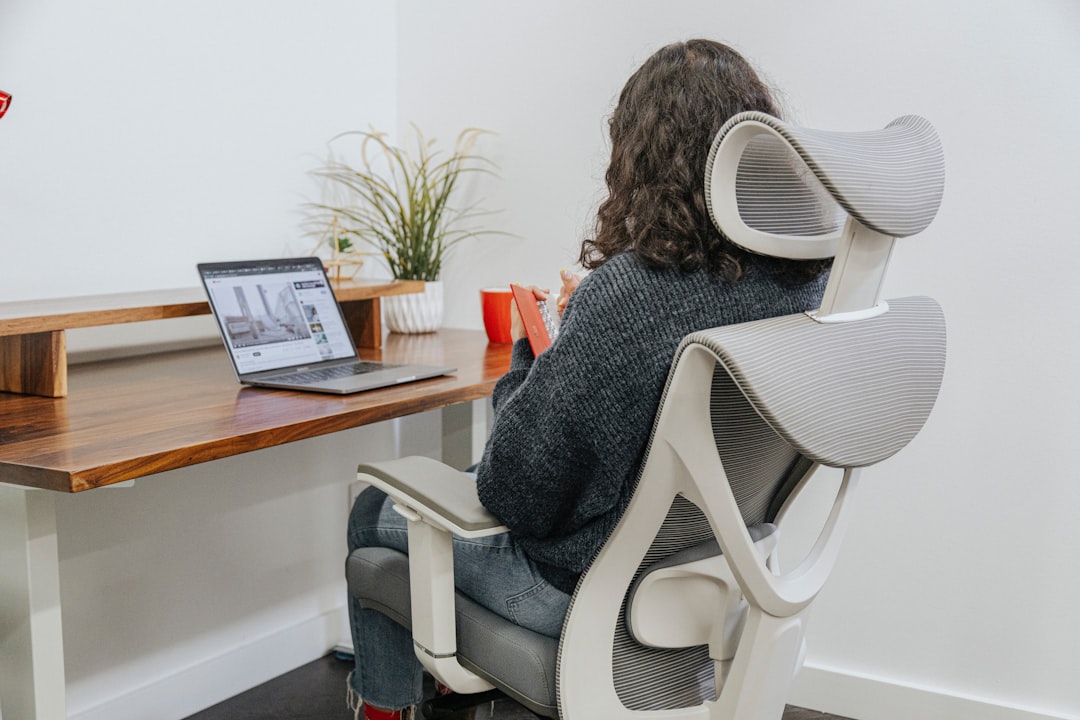
If I were recommending a setup to a friend starting from zero, here’s the exact configuration I’d suggest. Start with a solid manual converter like the VIVO K Series — it’s affordable enough that you’re not making a huge commitment, and it works well enough that you won’t outgrow it in a month. Add a quality anti-fatigue mat immediately; this is not the place to save $20. Pair it with an ergonomic keyboard that keeps your wrists happy in both sitting and standing positions.
If you already know you’ll commit to the standing lifestyle — maybe you’ve tried a friend’s setup or you have persistent back issues — skip the manual tier entirely and go electric. The behavioral difference is that significant. Being able to press a button and transition heights means you’ll actually use the feature, and the premium pays for itself in daily habit formation.
Either way, don’t forget to factor your monitor into the equation. If you haven’t upgraded your display in a while, this is a natural time to think about what actually matters for productivity — a monitor that’s too small, too low, or too dim becomes far more noticeable when you’re standing above it.
The Bottom Line After Six Weeks
My back feels better. My afternoon energy crashes are shorter. I fidget less during long writing sessions. And I genuinely look forward to the standing portions of my day instead of dreading them. A standing desk converter didn’t transform my life overnight — nothing does — but it gave me a meaningful upgrade to how I feel at the end of a workday. After 25 years of testing gadgets, that’s a more substantial outcome than most products deliver.
The key is treating it as a system, not a single purchase. The converter, the mat, the keyboard, the cable management — they all work together. Get any one of them wrong and the whole experience suffers. Get them all reasonably right, and you’ve built a workspace that adapts to your body instead of forcing your body to adapt to it. That’s worth a lot more than any spec sheet will tell you.

2 thoughts on “I Spent Six Weeks on a Standing Desk Converter. Here’s What Nobody Tells You Before You Buy One.”