
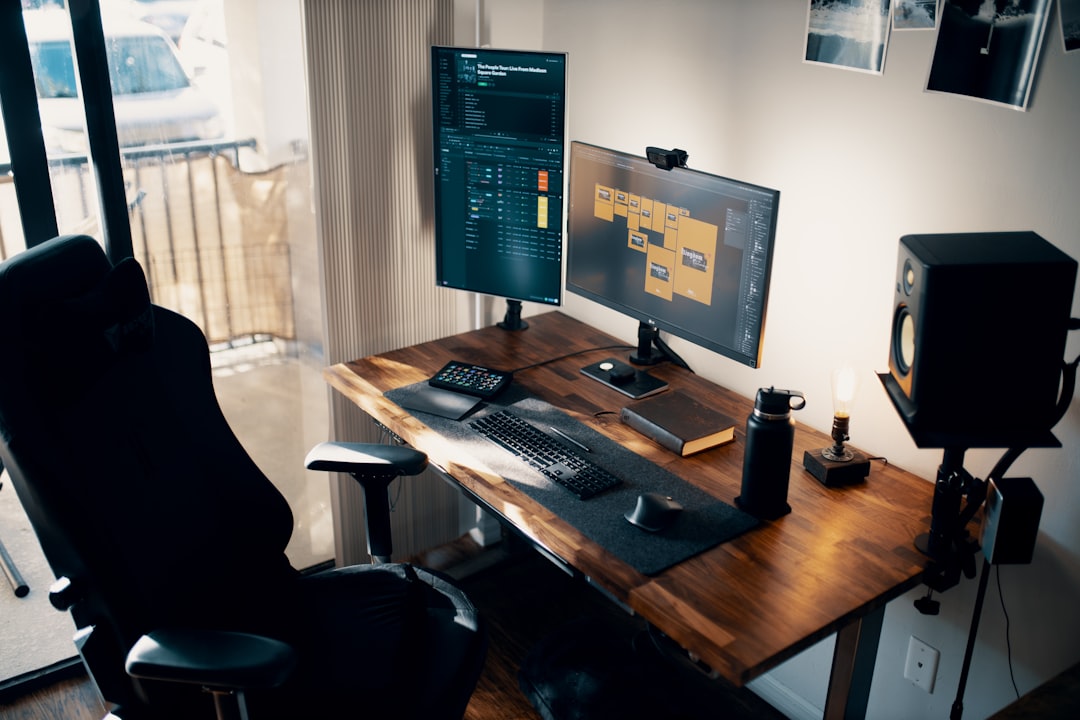
For years, I’ve been testing the latest tech that makes creative work faster and more efficient. As a seasoned tech reviewer who’s spent decades with cameras, editing software, and the hardware that powers it all, I’ve seen the evolution from basic video editing to today’s AI-driven creative workflows. But nothing has transformed the industry quite like the emergence of local AI workstations that can handle complex tasks right on your desktop.
Last month, I decided to build the ultimate AI workstation specifically for creative professionals – video editors, photographers, and content creators who need to integrate AI into their daily workflows without relying on cloud services. What I discovered might surprise you: the hardware requirements are more accessible than you think, and the performance gains are transformative.
The New Reality of AI in Creative Workflows
Gone are the days when AI was just a buzzword in marketing materials. Today, AI is fundamentally changing how we approach creative tasks. From automated color grading and object removal in photos to AI-powered video upscaling and generative content creation, the technology has matured to the point where it’s not just useful – it’s essential.
What makes this particularly exciting for creative professionals is the shift toward local AI processing. Instead of sending your sensitive project files to the cloud and waiting for processing, you can now run these AI tools directly on your workstation. This means faster iterations, better privacy, and the ability to work offline when inspiration strikes.
Why Local AI Matters for Creatives
As someone who’s tested everything from cloud-based AI tools to local implementations, I can tell you that the benefits of running AI locally are significant. The most obvious advantage is speed – no more waiting for cloud processing or dealing with upload/download bottlenecks. But there are other crucial benefits too:
- Privacy and Security: Keep your client projects and creative assets on your own hardware
- Consistency: Predictable performance without depending on internet connectivity
- Cost Efficiency: No recurring subscription fees for cloud processing
- Offline Capability: Work from anywhere, even without internet access
Choosing the Right AI Hardware Foundation
Building an AI workstation starts with the right foundation. After testing various configurations, I’ve found that the sweet spot for creative professionals falls somewhere between a high-end gaming PC and a dedicated workstation. Here’s what I recommend:
CPU: The Often Overlooked Component
Many creatives focus on GPU power, but the CPU plays a crucial role in AI workflows. For video editing and photography, you’ll want a processor with strong single-core performance and plenty of cores for multitasking.
My top pick? The Intel Core i9-14900K or AMD Ryzen 9 7950X. Both offer excellent single-core performance for quick response times and enough multi-core power to handle background AI tasks while you continue working on your primary project. You can find the Intel Core i9-14900K here on Amazon.
GPU: The Heart of AI Processing
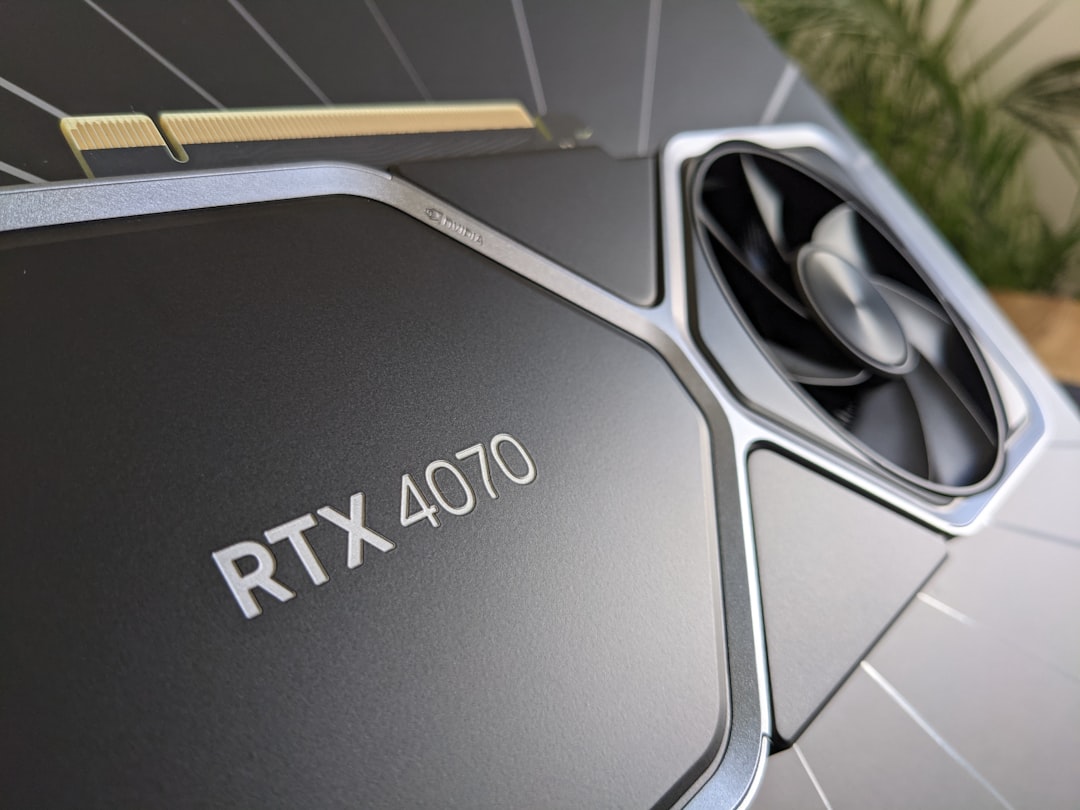
This is where the magic happens. For creative AI work, you’ll want a GPU with plenty of VRAM and tensor core support. The NVIDIA RTX 4090 remains the gold standard, but the RTX 4080 Super offers nearly the same performance at a better price point. You can find the RTX 4090 here on Amazon.
What matters most is VRAM – aim for at least 24GB, preferably 32GB if your budget allows. This will let you run larger AI models and handle higher resolution video without running out of memory.
RAM: Don’t Cut Corners Here
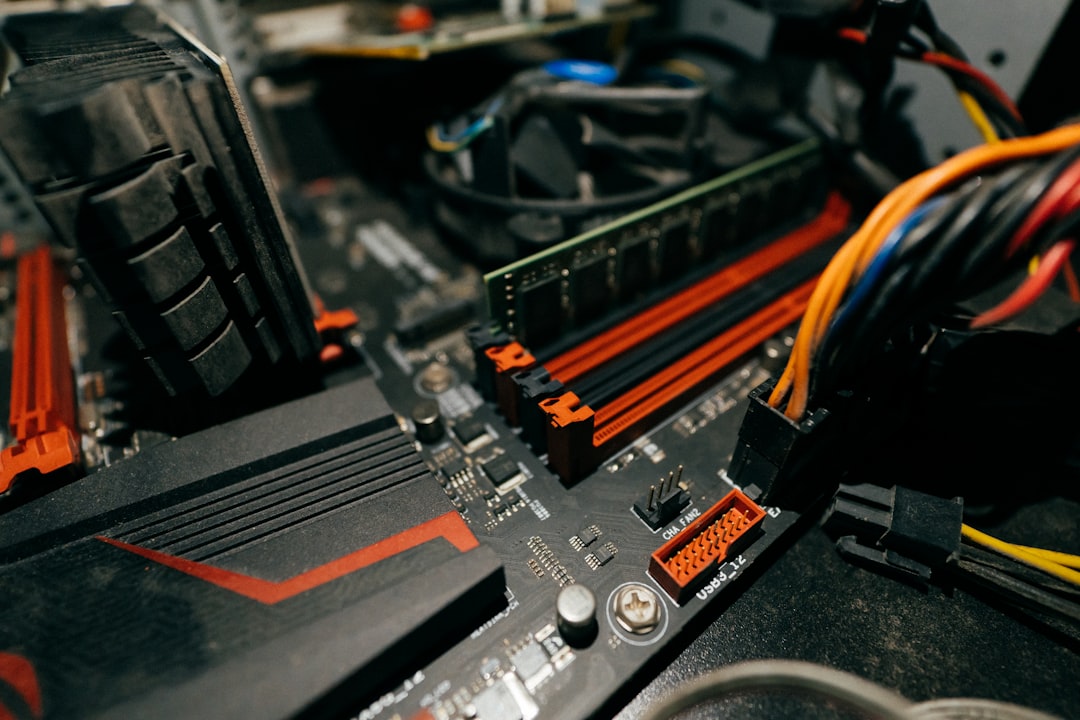
AI workflows are memory-intensive. For serious creative work, I recommend 64GB of fast DDR5 RAM. This gives you plenty of headroom for complex projects, multiple applications running simultaneously, and the memory-hungry AI tools that are becoming standard in creative software. Check out DDR5 RAM options here on Amazon.
AI Accelerators: NPUs and Beyond
While GPUs handle the heavy lifting, specialized AI accelerators can provide additional performance boosts. Modern CPUs and even some motherboards now include NPUs (Neural Processing Units) that can handle certain AI tasks more efficiently.
Intel’s AI Boost and AMD’s AI Engine are worth considering, especially if you’re working with software that can leverage these dedicated processors. They won’t replace a powerful GPU, but they can handle background tasks and free up your main GPU for the most demanding work.
Storage: Speed is Everything
AI workflows generate and process massive amounts of data. A fast NVMe SSD is non-negotiable. I recommend at least a 2TB NVMe drive for your operating system and applications, with additional storage for project files. You can find high-performance NVMe SSDs here on Amazon.
For the absolute best performance, consider a PCIe 5.0 SSD. The speed difference is noticeable when loading large video files or AI models, and it ensures your workstation responds instantly even under heavy load.
Software: The Creative AI Ecosystem
Hardware is only half the equation. The right software makes all the difference. Here are the tools I’ve found most valuable for creative professionals:
Video Editing with AI
Adobe Premiere Pro’s Generative Extend and DaVinci Resolve 19.5 have revolutionized video editing. These tools can automatically generate subtitles, enhance audio, and even create rough cuts based on your footage. Get Adobe Premiere Pro here on Amazon.
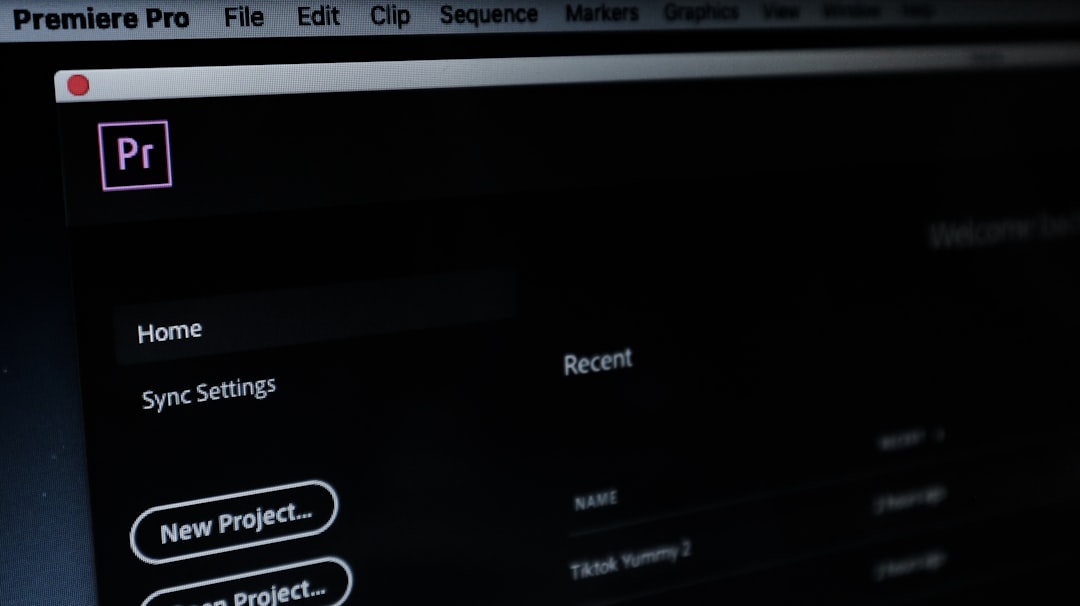
For more advanced AI video work, tools like Runway Gen-3 and Sora integration are changing the game. While these often require cloud processing, having a powerful local workstation means you can experiment with local alternatives and prepare your projects efficiently.
Photography and Image Processing
Adobe Photoshop’s AI features, particularly Generative Fill and Neural Filters, have become indispensable. These tools can remove objects, extend scenes, and apply complex edits with minimal effort. Find Adobe Photoshop here on Amazon.
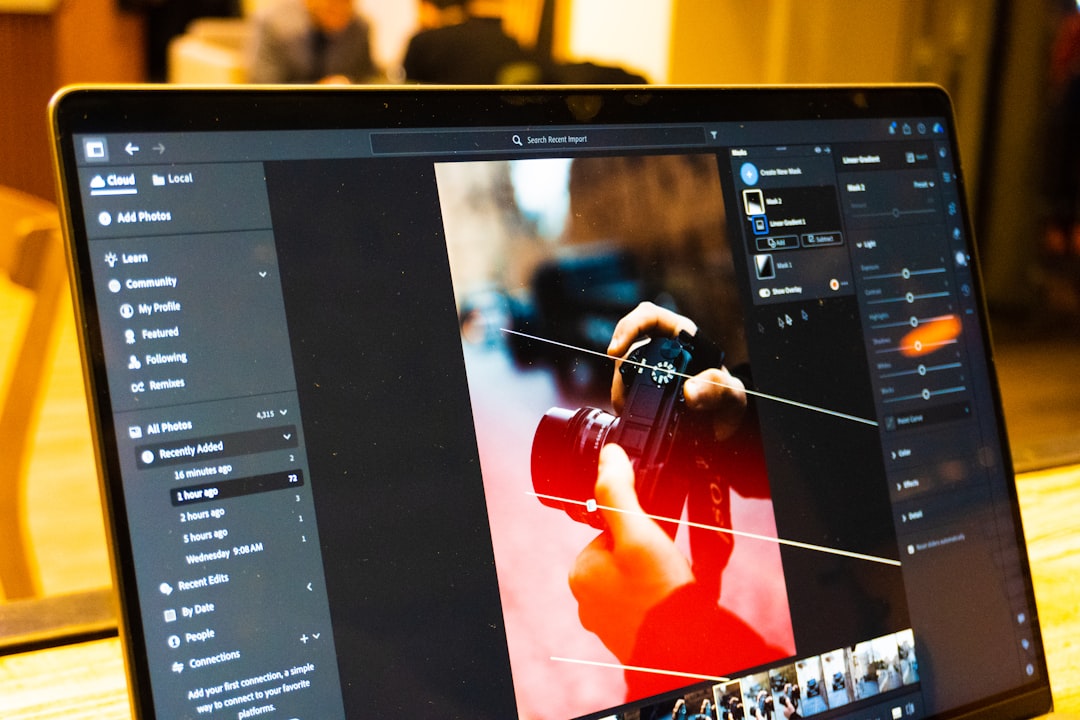
For photographers working with RAW files, AI-powered noise reduction and sharpening tools can dramatically improve image quality while saving hours of manual work.
Real-World Performance: My Test Setup
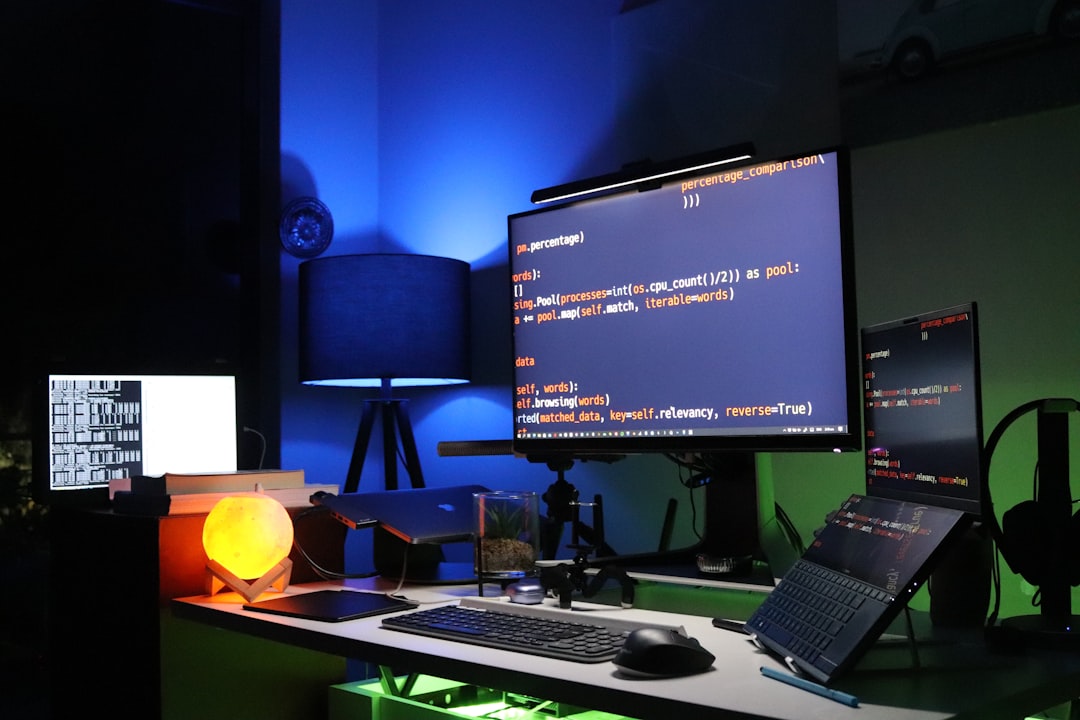
I built a test workstation with the following specifications:
- Intel Core i9-14900K CPU – Shop on Amazon
- NVIDIA RTX 4090 GPU (24GB VRAM) – Shop on Amazon
- 64GB DDR5 RAM – Shop on Amazon
- 2TB PCIe 5.0 NVMe SSD – Shop on Amazon
- Windows 11 Pro
The results were impressive. I was able to run AI-powered video upscaling on 4K footage in real-time, process complex Photoshop edits on 100-megapixel RAW files without lag, and even experiment with local AI models for content generation.
Budget Considerations: Getting the Most Bang for Your Buck
Building an AI workstation doesn’t have to break the bank. Here’s how to optimize your budget:
- Prioritize GPU VRAM: This is the most important factor for AI performance
- Don’t overspend on CPU: A mid-range CPU paired with a powerful GPU often delivers better value
- Invest in fast storage: The productivity gains from fast SSDs outweigh minor cost differences
- Consider used or refurbished: High-end components from previous generations can offer excellent value
The Future of AI in Creative Workflows
As I look to the future, I’m excited about what’s coming. The line between hardware and software is blurring, with AI becoming more deeply integrated into creative tools. We’re moving toward a world where your workstation understands your creative process and can anticipate your needs.
For creative professionals, this means more time doing what you love – creating – and less time on technical hurdles. The AI revolution in creative workflows is just beginning, and having the right hardware puts you at the forefront of this transformation.
Final Thoughts: Is Local AI Right for You?
After months of testing, I can confidently say that local AI workstations are a game-changer for creative professionals. The performance, privacy, and flexibility they offer make them worth the investment for anyone serious about their craft.
The key is to match your hardware to your specific workflow. Video editors need different capabilities than photographers, and 3D artists have their own requirements. Take the time to understand your needs, invest in the right components, and you’ll find that AI transforms not just how you work, but what you can create.
The future of creative work is AI-powered, and having the right hardware puts you in the driver’s seat.

One thought on “AI Hardware for Creative Professionals: Building the Ultimate Local AI Workstation for Video Editing and Photography in 2026”