For fifteen years, my family ran on a paper calendar bolted to the kitchen wall. It cost four dollars at the office supply store, it survived three kids and two house-shuffling moves, and it finally died the way all paper calendars die: not with a bang, but with a smudge. Somewhere between a orthodontist appointment nobody transferred and a birthday party we double-booked, the system quietly collapsed into a group chat that pings my phone eleven times a day with questions that calendar was supposed to answer. “What time is pickup?” “Did you add the recital?” “What’s for dinner?”
So I did what I do: I bought the whole category. Over six weeks, my kitchen wall hosted four different digital calendar displays, plus two DIY stragglers my team rigged up in the office as control groups. The short version is that these things genuinely work — the “what’s for dinner” texts stopped within a week — but the pricing story is deliberately confusing, and one of the most popular options hides half its best features behind a paywall that adds up to more than the hardware itself. Here’s the math nobody puts on the box.
What a Digital Wall Calendar Actually Is
Strip away the marketing and every product in this category is the same three ingredients: a big touchscreen (15 to 27 inches), wall-mount hardware, and software that pulls events from Google Calendar, Outlook, or Apple Calendar and renders them big enough to read from across the room. Everyone in the family gets a color. Whoever adds an event from their phone sees it appear on the wall within seconds. That’s the entire magic trick, and it works — there’s something about a screen that’s always on, always visible, and never in someone’s pocket that makes a family actually look at it.
The differences are in the software philosophy. Some of these are sealed appliances that do one job beautifully and nothing else. Some are Android tablets wearing a calendar costume, which means they can do almost anything if you’re willing to tinker. And one is a full smart-home hub that happens to show your schedule. That fork in the road drives every buying decision in this category, including the subscription question.
Skylight Calendar 2: The Appliance That Hides Its Best Features
The Skylight Calendar 2 is the one your neighbor has. The 15-inch version is the default family gift of 2026, and the hardware deserves the reputation: setup took four minutes (you tap in a code, and everyone joins via an email address — no accounts, no passwords for the kids), the screen is bright and readable from twelve feet, and the interface is so simple my seventy-something mother-in-law added an event without calling me. When people say “it just works,” this is the product they’re describing.
But here’s the part that belongs in fine print. Skylight’s killer features — Magic Import (photographing a paper flyer or school menu and having it parsed onto the calendar), the meal-planning board, chore tracking, and the photo-screen-saver mode — sit behind a Plus subscription that runs $79 a year. The calendar works without it, but the appliance you bought becomes noticeably less magic. The walnut-trim version we tested (same screen, nicer frame) doesn’t escape the paywall either — the trim is cosmetic, the software bill is identical.
And if you want the big one, the 27-inch Skylight Calendar Max at $629.99, the subscription stings twice as hard. It’s a gorgeous object — genuinely the best-looking thing on this wall, and the only one large enough to read from the breakfast table and the stove — but $629 plus $79 a year forever is a strange definition of a family bargain. Over three years that’s north of $860 for a calendar, which is real money in any household budget.
Cozyla Calendar+ 2: The Android Rebel With No Monthly Bill
The Cozyla Calendar+ 2 takes the opposite bet. Under the calendar interface, it’s a full Android device with Google Play access, and every feature — including the ones Skylight paywalls — is free forever. There’s no Plus tier because there’s nothing to unlock. Chore charts, meal plans, photo import, weather, a whiteboard for grocery lists: all included, all local.
The tradeoffs are exactly what you’d expect from an Android device wearing a calendar costume. The interface is widget-based rather than hand-holding — my wife’s first hour with it included actual muttering — and setup took closer to twenty minutes than four. But it color-codes up to eight family members, syncs Google and Outlook natively, and once it’s dialed in, it simply keeps going with no monthly reminder on your credit card statement. The 15.6-inch screen is crisp; there’s also a 24-inch Calendar+ 2 that fills a wall like the Skylight Max does, at a lower door price and zero recurring cost.
After the learning curve, this is the one my family kept using without thinking about it — which is the only benchmark that matters for a shared device. It’s also, not coincidentally, the only one on this wall I’d recommend to anyone who reads this site regularly, because it plays the same open-ecosystem game we’ve been playing with zero-fee security cameras for years: buy the hardware once, own the feature set.
Echo Show 21: The Crossover Pick
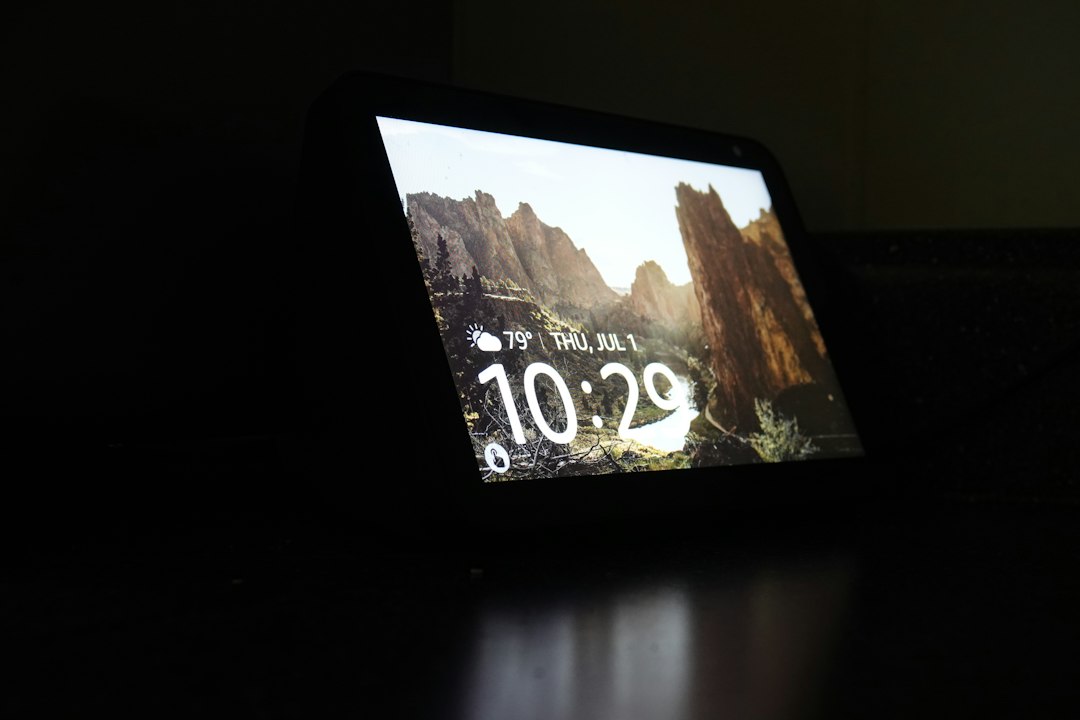
The Echo Show 21 isn’t a calendar at all — it’s Amazon’s 21-inch smart display that happens to do calendars surprisingly well. What you get instead of single-purpose polish is range: full HD screen, Fire TV built in (it doubles as a kitchen television during dinner prep), Alexa voice control, and a visual calendar that anyone can update by shouting across the room. “Alexa, add dentist Tuesday at nine” is a legitimately useful thing to be able to say while holding a cutting board.

The catch is that it’s an Alexa device, which means you’re inviting Amazon’s ecosystem onto your kitchen wall — ads for skills, a home screen that nudges you toward shopping, and the general ambient salesmanship I’ve complained about before. It’s also the priciest single-purpose-adjacent option at $399.99, though it’s frequently discounted during event weeks, and the smaller Echo Show 15 covers the same ground for less wall and less money. If you already run an Alexa household — or you fired it and hired something else, like the local voice assistant living on my network rack — your instincts about fit are correct.
The Budget Door: Dragon Touch and the Fire HD 10 Trick
Two honest budget paths exist. The Dragon Touch 15.6-inch digital calendar runs about $170 and does the core job — cloud sync, color-coded members, chores — with software that feels a generation behind Skylight’s polish. Setup clunks, the companion app is functional at best, but a hundred-plus dollars saved is a hundred-plus dollars. There’s also a 21.5-inch Dragon Touch that gives you wall-filling presence for under $250, which is less than half the equivalent Skylight.
The second path is the tinkerer’s path, and it’s my favorite party trick in this whole category: buy a Fire HD 10 for around $140, mount it in a $15 tablet bracket, and point its browser at DAKboard — a dashboard service whose free tier shows calendars, weather, and tasks beautifully. Total cost lands under $160 with no subscription at all. It’s less elegant and less touch-friendly, but if you already have a retired tablet in a drawer, this experiment costs you nothing but a drill bit.
Hearth and DAKboard: The Two You Can’t Impulse-Buy
Two names deserve honorable mentions. Hearth Display is the design-first option — the one that looks like it belongs in an architecture magazine rather than a kitchen — and its software is lovely, but it sells direct-only at a premium, and you can’t find it on Amazon. DAKboard, mentioned above, is really a software platform: the company will happily sell you a preconfigured display, but its best use is powering hardware you already own. Neither changes the podium below.
The Three-Year Math
This is the table I wish every review included, because the sticker prices in this category are a shell game. Assuming list prices and Skylight’s $79/year Plus kept current:
- Skylight Calendar 2 (15″): $299 + $237 in subscriptions = $536 over three years
- Skylight Calendar Max (27″): $629.99 + $237 = $866.99
- Cozyla Calendar+ 2 (15.6″): $329 + $0 = $329
- Cozyla Calendar+ 2 (24″): roughly $549 + $0 = $549
- Echo Show 21: $399.99 + $0 = $399.99
- Dragon Touch 15.6″: ~$170 + $0 = $170
- Fire HD 10 DIY: ~$160 + $0 = $160
The pattern is hard to miss: the most expensive hardware on the wall is also the only one charging rent. Whether Skylight’s polish is worth $200-plus over three years is a values question, not a specs question — but you should at least get to answer it with the real numbers in front of you.
Mounting, Power, and the Details Reviewers Skip
Three practical notes from six weeks of drywall surgery. First, every one of these mounts with a VESA-style bracket and includes a template — but the displays are heavier than they look, so anchor into a stud or use proper drywall toggles; a 24-inch slab of glass does not forgive a lazy install. Second, all of them need power, which means a cable running down the wall; plan the outlet before you commit to a spot, or budget for an in-wall power kit. Third, and this is the one nobody mentions: an always-on screen is an always-on load on your circuit — a few watts, but enough that I put mine on a smart plug with an evening schedule, so the wall goes dark at bedtime and lights back up before breakfast. The calendar is more useful when it’s awake when people are.
The Verdict
If you want zero friction and money is genuinely no object, the Skylight Calendar 2 is the appliance that will impress your mother-in-law — just sign up for the subscription knowing it’s part of the price. If you want the same wall, the same features, and total cost of ownership that stays flat, the Cozyla Calendar+ 2 is the one that survived our six weeks and earned the permanent spot. The Echo Show 21 wins if your kitchen is really an entertainment-and-automation hub, and the Dragon Touch or a repurposed Fire tablet gets you 80% of the way for a third of the money.
The group chat is quieter now. Pickup times appear on the wall before anyone has to ask. And the four-dollar paper calendar? It’s still there — as a place to stick the school flyers we haven’t photographed yet. Some traditions earn their wall space.