
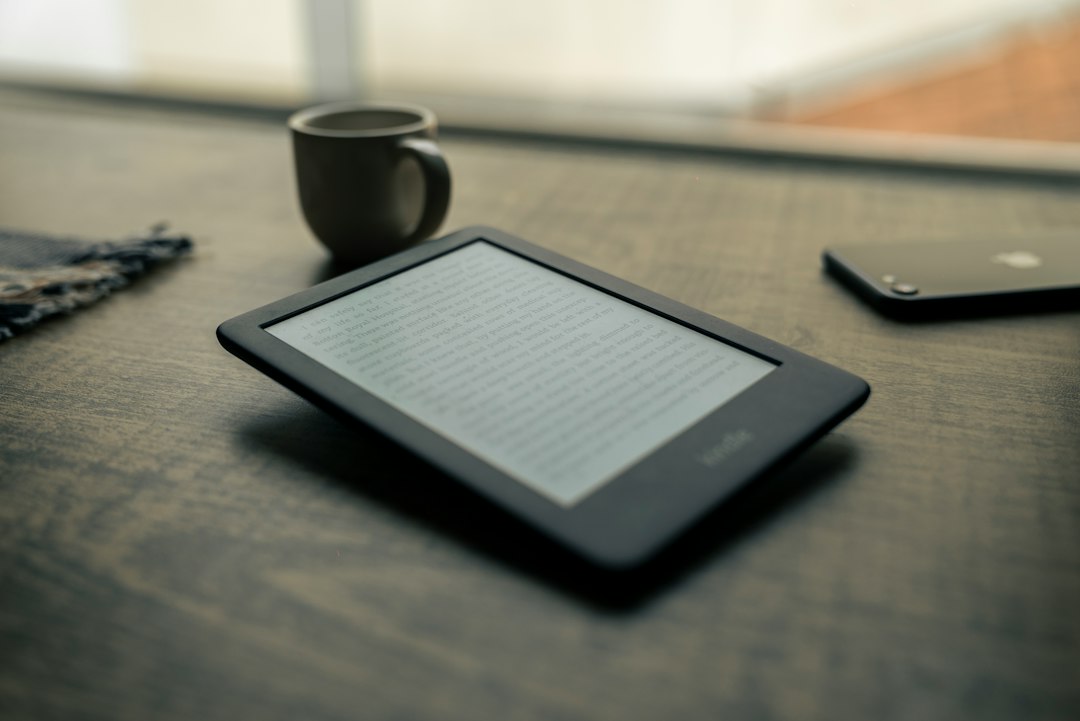
The last thing my eyes saw every night used to be a phone screen, and they were filing complaints. I wrote about fixing that screen fatigue back in August, and the single change that stuck wasn’t an app timer or a pair of amber-tinted glasses — it was moving my evening reading onto a device that doesn’t glow at me so much as it politely exists. That device is an e-reader, and after eighteen months of the category quietly getting genuinely good, I finally did what I do: lined up the hardware on the kitchen table until my family stopped asking questions.
My team and I have spent the past six weeks reading on five different screens — Kindles, Kobos, and one oddball pocket-sized Android e-ink device that shouldn’t work as well as it does. We read in bed, on trains, in the backyard, and through at least one power outage. This is the guide I wish existed when we started, because 2026 turned out to be a strangely important year for reading hardware.
It also turned out to be a complicated month to buy one. There’s a refresh wave landing in October — more on that in a bit — so before you click anything, let’s talk about what’s actually worth your money right now, and what’s worth waiting for.
E-Ink Grew Up While Nobody Was Watching
Here’s the thing most people missed: e-readers stopped being boring around 2024 and just kept going. Color e-ink panels got sharper and stopped looking like a faded newspaper. Page turns got quick enough that flipping through a novel feels like paper, not a slideshow. USB-C became standard across the board. Warm, adjustable front lights are now table stakes on every device worth buying. We’ve been so busy staring at AI laptops and smart glasses — and I’m as guilty as anyone, I spent all summer writing about them — that the most mature screen technology in our homes got almost no attention.
The market has settled into three camps, and picking a camp matters more than picking a model. Amazon builds the best-integrated ecosystem: buy a book anywhere, it appears on the device in seconds, and nobody has matched that frictionlessness. Kobo builds the open-format alternative: native EPUB support, no lock-in, and a library-borrowing experience Amazon simply doesn’t offer outside the US. And BOOX builds Android e-paper machines that run actual apps — the tinkerer’s path. We spent a month on e-ink notebooks earlier this summer, and the same lesson applied here: the panel is only half the story. The software around it decides whether the device gets used or gets shelved.
The Default Answer Is Still the Paperwhite
If you want the shortest possible version of this entire article: buy the Kindle Paperwhite. The current twelfth-generation model is the safest recommendation in consumer tech, full stop. The 7-inch, 300-ppi display is crisp enough that text looks printed. It’s glare-free in direct sun, it’s waterproof enough to survive a bath or a pool ledge, it charges over USB-C, and the battery lasts weeks — plural — per charge. Amazon claims page turns are 20 percent faster than the last generation, and in side-by-side testing with our older unit, that checks out.
The base Paperwhite with 16 GB of storage covers almost everyone; a library of a few thousand books barely dents it. The step-up Signature Edition adds 32 GB, wireless charging, and an auto-adjusting front light — that last feature is more useful than it sounds if you read in a dark bedroom next to someone who has opinions about lamps. If you’re genuinely budget-constrained, the smaller base-model Kindle is lighter and cheaper, but the Paperwhite’s larger, flush, evenly-lit screen is worth the upgrade for anyone who reads more than a book a month.
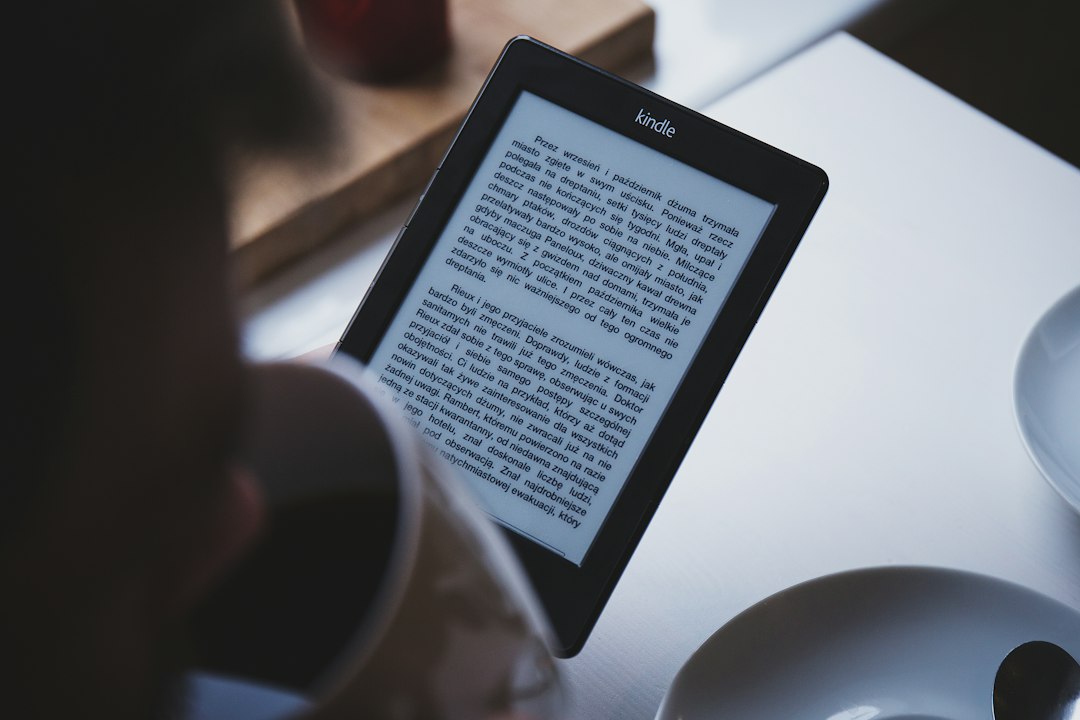
One honest caveat, because there’s always one: Kindles are a walled garden. Amazon now accepts EPUB files through its send-to-Kindle service, which softened the old lock-in considerably, and library borrowing works through Libby in the US. But books bought elsewhere live elsewhere, and the lockscreen shows ads unless you pay Amazon to remove them. You’re trading a little freedom for a lot of polish. For most readers, that trade is correct.
The Borrower’s Machine: Kobo Libra Colour
Now for the pick that surprised me. I came into this test expecting to tolerate the Kobo Libra Colour; I finished it actively recommending it to a specific kind of reader — the kind who uses their public library. The Libra Colour has OverDrive integration baked directly into the device, which means you can browse your library’s ebook collection, borrow, and start reading without ever touching a computer. For a household that goes through four books a month, that feature alone pays for the machine.
The hardware earned its keep too. The 7-inch color Kaleido 3 panel renders covers and comics pleasantly and text sharply. There are physical page-turn buttons, which I’d forgotten I missed until they were back under my thumb. The warm adjustable front light matches Kindle’s, it’s waterproof, and it even takes a stylus for margin notes. Kobo also earns real credit from the repairability crowd — this thing opens up and services like hardware used to. The Libra Colour runs about $230, and if that’s rich for your blood, the smaller 6-inch Kobo Clara Colour keeps most of what matters — the color panel, the library integration, the open formats — for meaningfully less.
The One That Fits in a Jacket Pocket
Every batch of test hardware has a wildcard, and this year it’s the BOOX Palma — an e-reader the size of a phone. The Palma 2 Pro runs Android with access to full app stores, which means it reads Kindle books, Kobo books, library books, web articles, and PDFs from the same pocket-sized slab of e-paper. Text renders at a phone-like sharpness, and its color mode handles covers and graphics acceptably. My most-traveled tester took it on two trips and reported it did the commuting job of both a phone-sized book and a pocket notebook.
Be clear-eyed about the tradeoffs. Battery life is measured in days, not weeks. The Android software asks more of you than a Kindle ever will. And this is a gadget for people who like gadgets — a pure reader is better served by Amazon or Kobo. Timing note for the cautious: BOOX just announced the Palma 3 with a redesigned body and active stylus support, part of a five-device autumn lineup. Early adopters should wait for that; everyone else can enjoy the discounts that follow an announcement.

Do You Actually Need Color?
Let’s answer this honestly, because color is the upsell of the year. If you read novels — plain text, chapter after chapter — you do not need a color e-ink screen, and the monochrome panels render text with slightly more contrast anyway. Color earns its price for manga and comics readers, people who highlight heavily in different colors, cookbook users, and anyone who cares what book covers look like on their shelf of screens. I underestimated that last group until I became one of them.
Amazon’s color answer is the Kindle Colorsoft, and it’s the best color e-ink implementation I’ve used — bright, even, with none of the washed-out haze that haunted earlier color panels. It also carries wireless charging and a price north of the Paperwhite Signature. For annotation-heavy readers, the bigger story is the Kindle Scribe Colorsoft, an 11-inch color machine that finally merges the e-reader and the digital notebook into one device — a direct descendant of those e-ink tablets we tested in June. If your reading involves a pen, that’s your lane.
The October Problem: Buy Now or Wait?
Here’s the timing puzzle I mentioned up top. Three things are converging on the calendar. BOOX is preparing its five-device October wave, including that new Palma 3. Kobo’s CEO has been telling customers to expect developments that “fundamentally change how we read and write” in fall or winter. And Amazon’s last major e-reader refresh landed in October 2024, which by the company’s own cadence makes this October a very reasonable bet for new Paperwhite or Colorsoft hardware.
So: buy now or wait? My honest advice splits three ways. If you need a reader today — school’s back in, the nights are getting longer, your phone is eating your sleep — the current Paperwhite and Libra Colour are mature, discounted-by-time devices, and waiting costs you weeks of better reading. If you’re a Black Friday strategist, hold your fire: we’ve tracked the Paperwhite dipping to $109 during Prime events and the base Kindle to $74, and Kobo’s deepest cuts historically land in November. And if you specifically want cutting-edge color e-paper or a stylus in your pocket, October’s announcements are genuinely worth the wait — this isn’t a fake refresh cycle.
What I’d tell a family member: buy the two-year-old mature hardware in September, let the enthusiasts beta-test October’s new panels. It’s the same logic I apply to phones, and it has never steered anyone wrong.
Three Accessories Worth the Money
E-readers are refreshingly cheap to outfit, but three add-ons earned permanent spots in our testing bag. First, a slim case with auto-sleep — the Fintie fits the current Paperwhite and Colorsoft, wakes the device on open, and costs less than a paperback. Second, a matte screen protector. The Paperwhite’s glass front is its one glare weakness under office lighting, and a matte protector like CoBak’s three-pack both kills the reflections and adds a papery drag under your fingertip that makes long sessions nicer. It’s the closest thing to a personality upgrade for fifteen dollars.
Third, a clip-on book light — not for the e-reader, whose built-in front light is excellent and warmly tunable, but for everything else in your reading life. The Gritin rechargeable light has become the house standard for paper books, magazines, and the times a printed page still wins. If your bedtime reading happens next to a partner, that warm, narrowly-aimed light is relationship maintenance disguised as a gadget purchase.
The Short Version
Amazon household, mostly novels: Paperwhite, done. Library power-user or format freedom fighter: Kobo Libra Colour, and don’t look back. Gadget person who wants every reading app in one pocket: Palma, with an eye on the Palma 3. Pen-in-hand reader: Scribe Colorsoft. Then take the money you saved by not buying a tablet you don’t need, put a library card on whatever you chose, and go read something.
The best reading technology is the kind that disappears — no notifications, no charging anxiety, no glowing blue argument with your circadian rhythm. These devices finally get that right. The revolution, as usual, arrived quietly, on a screen that looks like paper, while everyone was watching something louder.
