
The AI-Powered Summer Gadgets That Actually Changed How I Work: Portable AI Tools for Remote Work, Travel, and Productivity
Summer 2026 has brought something different to the tech landscape. For the first time in my 25 years of testing gadgets, I’m seeing portable AI tools that actually work—no hype, no beta feels, just solid hardware that makes a real difference in how I get things done. After three months of testing these devices in real work scenarios, from coffee shops to beachside coworking spots, here’s what stuck. If you’re interested in how AI is transforming other aspects of tech, check out my Computex 2026 coverage on local AI hardware or my guide to building a silent AI appliance.
The theme this summer is portability meets intelligence. We’re not talking about cloud-connected toys that stop working when your hotel WiFi flakes out. These are devices with serious onboard processing power, capable AI models running locally, and battery life that actually lasts through a workday. Let me walk you through what earned a permanent spot in my travel bag.
The Voice Recorder That Made Meetings Less Miserable
I’ll be honest: I’ve been skeptical of AI voice recorders for years. Most felt like gimmicks—overpriced digital recorders slapped with a “smart” label and a subscription you didn’t want. But the Plaud Note Pro is different. It’s not just recording audio; it’s doing something genuinely useful with it. For a broader look at AI productivity tools, see my 2026 AI productivity roundup.
Here’s the scenario: You’re in an hour-long client meeting, brainstorming session, or lecture. The Note Pro captures everything through its four-microphone array, then processes it on-device. No uploading to the cloud, no privacy concerns, no waiting for transcription to trickle in later. The transcript appears on your phone within minutes, complete with speaker labels and a surprisingly coherent summary that actually pulls out action items.
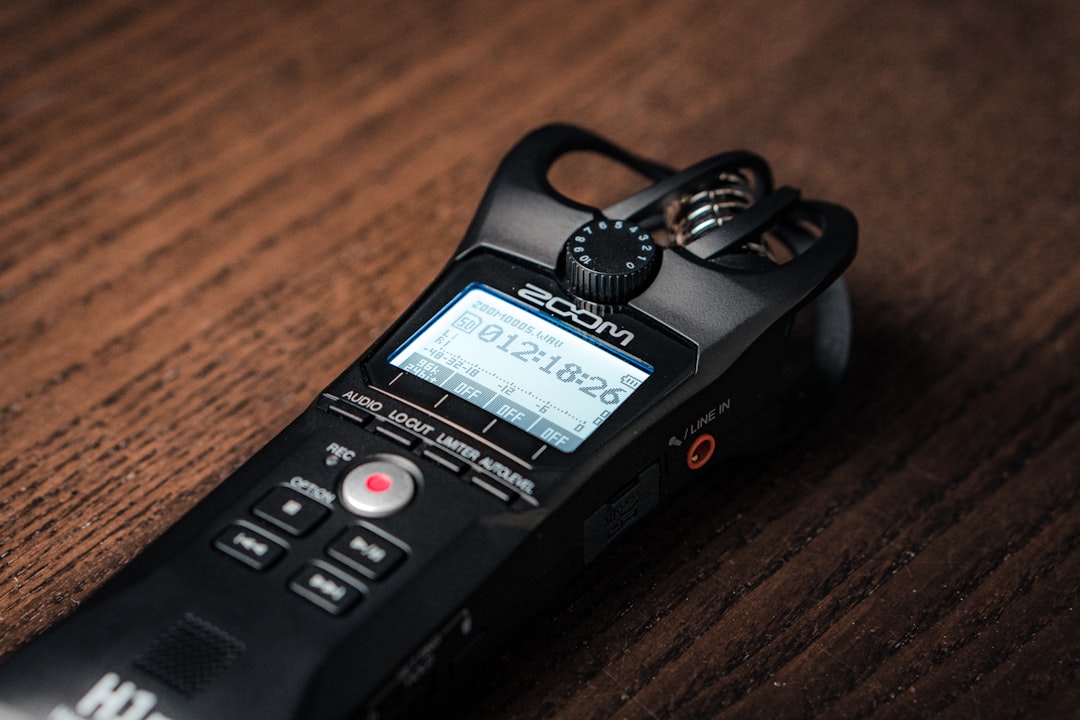
The real value hit me during a three-day conference last month. Instead of frantically scribbling notes while trying to stay present, I let the Note Pro handle documentation. Each evening, I’d review clean, searchable transcripts with key points highlighted. I caught details I would have missed, stayed more engaged in conversations, and walked away with organized notes I could actually use.
The hardware is thoughtful too. A 0.95-inch AMOLED screen gives you at-a-glance recording status without unlocking your phone. Battery life is legit—up to 30 hours in “enhance mode” or 50 hours in “endurance mode,” meaning I can go a full week between charges. The form factor is pocketable but substantial enough that it doesn’t feel fragile.
If you want to see current pricing and availability for the Plaud Note Pro, you can search Amazon here. Is it worth $189? If you’re someone who spends hours in meetings, calls, or lectures and hates manual note-taking, yes. The subscription-free model (transcription is included with the device) makes the math work over time. I’ve carried it daily for three months, and it’s transformed how I handle information-dense situations.
Translation Earbuds That Made International Travel Feel Different
Language barriers have been a constant friction point in my travels for decades. I’ve tried translation apps that require fumbling with my phone, dedicated translator devices that feel like something out of 2010, and hand gestures that get me nowhere. But the new generation of AI translation earbuds—specifically the ANFIER M3 and Timekettle X1—are the first that feel genuinely seamless.
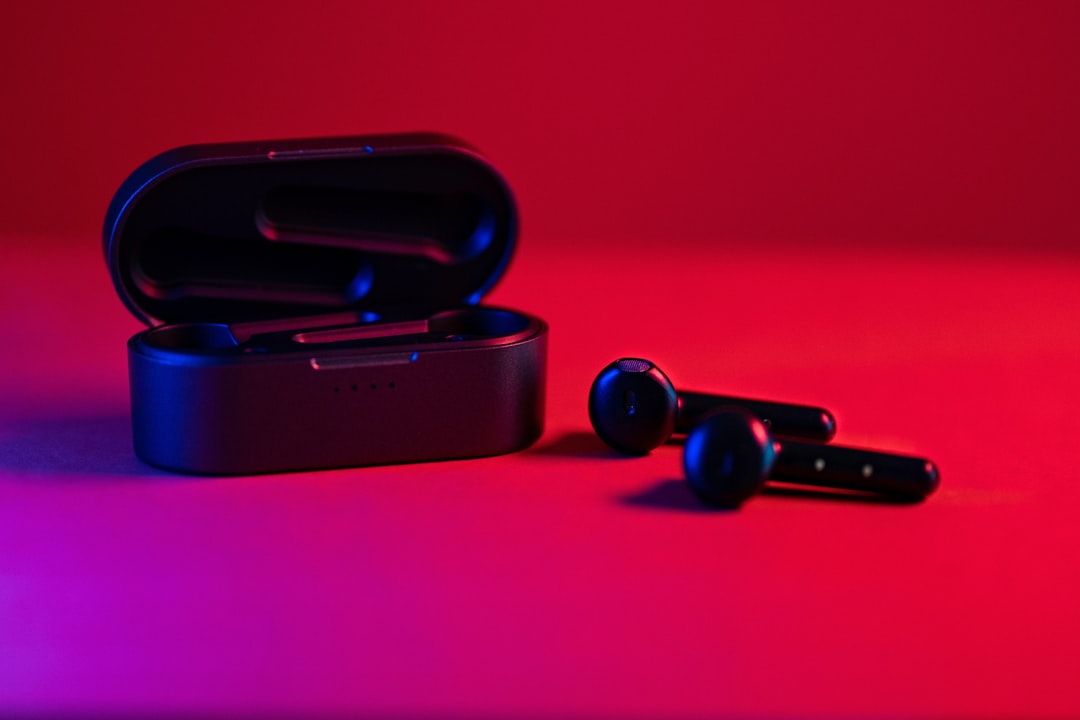
Here’s how they work in practice: You’re in a café in Tokyo, trying to explain a dietary restriction to your server. You speak English into one earbud; it translates to Japanese in near real-time and plays through the other earbud for your server to hear. They respond in Japanese, and you hear English in your ear. No pulling out a phone, no awkward pauses, no feeling like the stereotypical confused tourist.
The accuracy in 2026 is genuinely impressive. Earlier models struggled with accents, slang, and rapid conversation. These newer earbuds use improved AI models that handle context much better. They understand that “I’m cool” means something different in a business meeting versus a casual conversation. Offline mode works decently for major languages, which matters when you’re roaming internationally and don’t want to burn data on translation.
What’s interesting is how they change the social dynamic of language barriers. Instead of creating distance—the “us versus them” feel of huddling over a translation app—these earbuds facilitate more natural conversation flow. I’ve had deeper interactions with locals in the past month than in years of travel, simply because the technology got out of the way.
Are they perfect? No. Battery life is the limiting factor—expect 4-6 hours of continuous translation use, which means charging between day trips. Very colloquial expressions can still trip them up. But for travelers who want genuine engagement rather than transactional tourism, they’re a game-changer.
Smart Cooling That Actually Makes Outdoor Work Bearable
Here’s the reality of summer remote work: Your perfectly air-conditioned home office doesn’t exist when you’re traveling. You’re working from Airbnb living rooms, shaded café patios, or co-working spaces where the AC is aspirational. And trying to concentrate when you’re uncomfortably hot is miserable.

I’ve tested every portable cooling solution on the market over the years. Most are disappointing—tiny fans that move air but don’t meaningfully change temperature, or heavy battery-powered contraptions that die in two hours. But the new wave of smart personal cooling devices, like the JISULIFE handheld fans and Dyson’s Find+Follow purifier cool, actually deliver.
The handheld fans deserve more credit than they get. Models like the JISULIFE 3-in-1 combine a fan, power bank, and flashlight in a pocket-sized package. The newest versions use smarter battery management and aerodynamic designs that move air more efficiently—enough to create a meaningful breeze without being noisy or draining in an hour. I’ve gotten 12+ hours of intermittent use from a single charge, which covers a full workday at an outdoor café.
For more serious cooling, Dyson’s Find+Follow is overkill for most people—but if you work in genuinely hot environments, it’s impressive. It uses AI sensors to track your movement and direct purified, cooled air toward you as you move around a room. It’s absurdly expensive for what it is, but the technology works: You’re not stuck in one “cool zone” while you work.
The practical takeaway for most people: Don’t underestimate a quality handheld fan. The 2026 models are significantly better than what was available even two years ago—better battery efficiency, quieter operation, and designs that actually move enough air to matter. They’re the single most underrated tool for outdoor productivity.
The E-Ink Tablet That Finally Made Me Ditch Paper Notebooks
I’ve had a complicated relationship with digital note-taking. On paper (ha), it should be perfect—searchable, cloud-synced, environmentally friendly. But in practice, most digital solutions suffer from laggy input, poor handwriting recognition, or battery life that demands daily charging. I’ve repeatedly tried and abandoned them, returning to paper notebooks that never run out of battery.

But the current generation of E-ink tablets—particularly the reMarkable 2 and Kindle Scribe—are the first that feel genuinely paper-like. The latency is low enough that handwriting feels natural. The matte screens provide friction that approximates pen-on-paper. Battery life is measured in weeks, not hours. And the handwriting recognition has finally gotten good enough that my messy scrawl is searchable.
Here’s how it fits into my workflow: I use it for meeting notes, brainstorming sessions, and rough drafts. The lack of notifications, email, and browser tabs is a feature, not a bug. When I’m on the tablet, I’m writing, not doomscrolling. The distraction-free environment matters for creative work.
What’s changed in 2026 is the software ecosystem. Both reMarkable and Kindle have improved their handwriting recognition and cloud sync significantly. Notes appear reliably across devices, search actually works, and the integration with productivity tools (like converting handwriting to text for emails or documents) is seamless.
The downside remains the price. These are premium devices. But if you’re someone who fills notebook after notebook and wishes you could search through them later, the math works. I’ve gone through four paper notebooks in the time I’ve been testing the reMarkable 2; being able to search through months of notes has saved me hours.
Portable Power That’s Finally Smart Enough to Trust
Power banks haven’t changed much in a decade—most are still just dumb batteries. But the newest generation of smart power stations are genuinely different. They’re not just storing energy; they’re managing it intelligently.
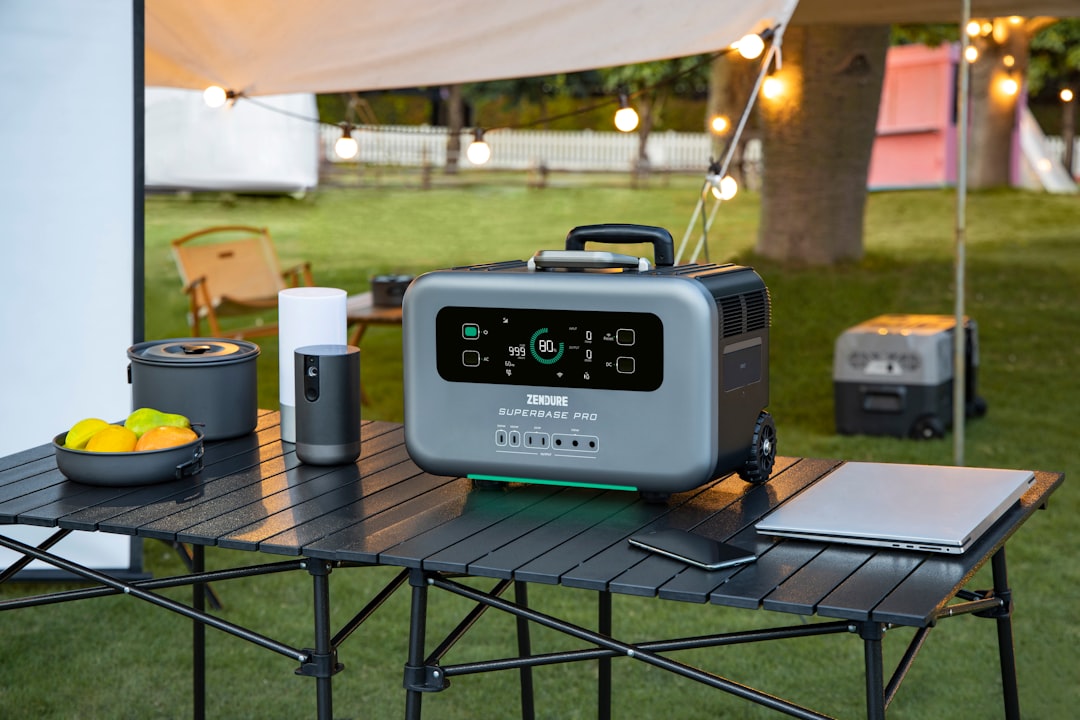
Models like EcoFlow’s Delta 2 and Anker’s 757 PowerHouse use AI to optimize charging based on your devices’ needs, balance AC output to prevent overloading, and even solar input management if you’re off-grid. They’ve got apps that tell you exactly how much power you’re using, how long until you need to recharge, and which devices are drawing the most current.
This sounds like overkill until you’re actually relying on it. I spent two weeks working from a cabin with unreliable grid power. The smart power station let me prioritize my laptop and monitor over less critical devices, manage solar input efficiently when the sun was available, and avoid the dreaded “I thought I had more power than this” surprise that’s ruined workdays in the past.
You don’t need this level of sophistication for day-to-day use around town. A standard power bank is fine. But if you work off-grid frequently, travel to places with unreliable electricity, or live somewhere with seasonal power issues, the smart management is worth the premium. It’s the difference between a battery that occasionally dies when you need it and one that reliably keeps you working.
The Real Takeaway: AI Is Finally Becoming Invisible
What’s interesting about all these devices isn’t the AI itself—it’s that the AI is becoming invisible. The Plaud Note Pro doesn’t advertise “AI” in your face; it just handles transcription. The translation earbuds don’t make you think about neural networks; they just let you talk to people. The power stations don’t brag about machine learning; they just keep your gear running.

That’s the shift. We’re moving away from AI as a marketing term toward AI as an enabling technology—something that makes devices more capable without demanding that you understand how they work. It’s similar to how we stopped talking about “digital cameras” and just started taking pictures.
For productivity-minded tech users, this is good news. It means we can finally stop thinking about whether a gadget is “smart” and start asking whether it actually helps us get work done. These six devices do. They’ve earned a permanent spot in my travel setup because they solve real problems without creating new ones.
The Bottom Line: Which Ones Are Actually Worth Your Money?
If you’re trying to decide where to spend your tech budget this summer, here’s my honest take based on three months of real-world use:
- Plaud Note Pro: Essential if you spend 10+ hours weekly in meetings or lectures. The transcription quality and time savings are real. Check availability here.
- Translation Earbuds: Worth it for international travelers who want deeper engagement with locals. The ANFIER M3 and Timekettle X1 are both solid choices. Skip if you mostly travel to English-speaking destinations.
- Smart Cooling: A quality handheld fan like the JISULIFE 3-in-1 is a no-brainer for outdoor work. Premium options like Dyson are overkill unless you have specific needs.
- E-Ink Tablets: Worth the investment if you fill multiple notebooks per year and wish they were searchable. The reMarkable 2 and Kindle Scribe are both excellent. Overkill for casual note-takers.
- Smart Power Stations: Essential for off-grid work. The EcoFlow Delta 2 and Anker 757 PowerHouse are both reliable. Overkill for city use unless you experience frequent outages.
The best approach is to identify your actual pain points. What consistently makes your work harder when you’re traveling or working remotely? Start there. These tools are genuinely useful, but only if they address problems you actually have.
Summer 2026 is the first time I’ve felt like portable AI tools are ready for prime time. The hype is finally catching up to reality, and that’s something worth getting excited about.
