
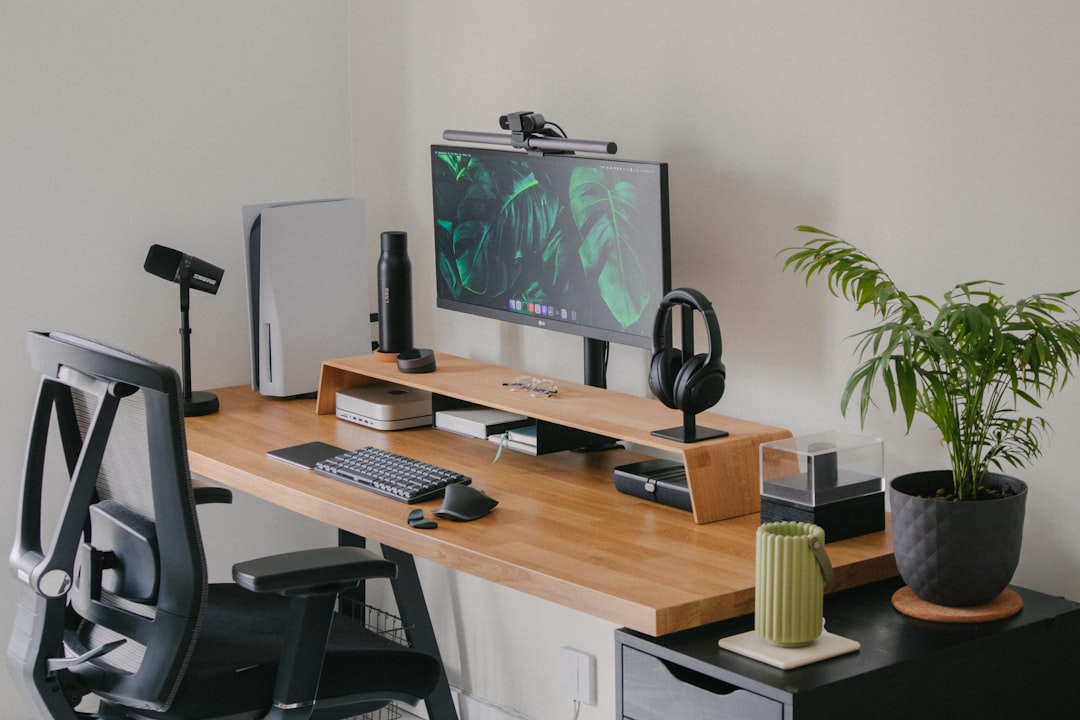
Stop Sounding Muffled and Looking Grainy: Your Complete Remote Work Audio/Video Upgrade Guide
Three years into this remote work experiment, and I’m still stunned by how many people tolerate subpar audio and video. You know the type — the colleague whose voice crackles through a laptop mic like they’re broadcasting from a tin can, the one who’s perpetually backlit by a window while their webcam struggles to capture anything but darkness. It’s not just frustrating; it’s unprofessional. The good news? You don’t need a production studio to fix it. With Prime Day pricing dropping June 23-26, this is the moment to finally upgrade your setup without bleeding your wallet dry.
The Foundation: Why Stock Hardware Fails
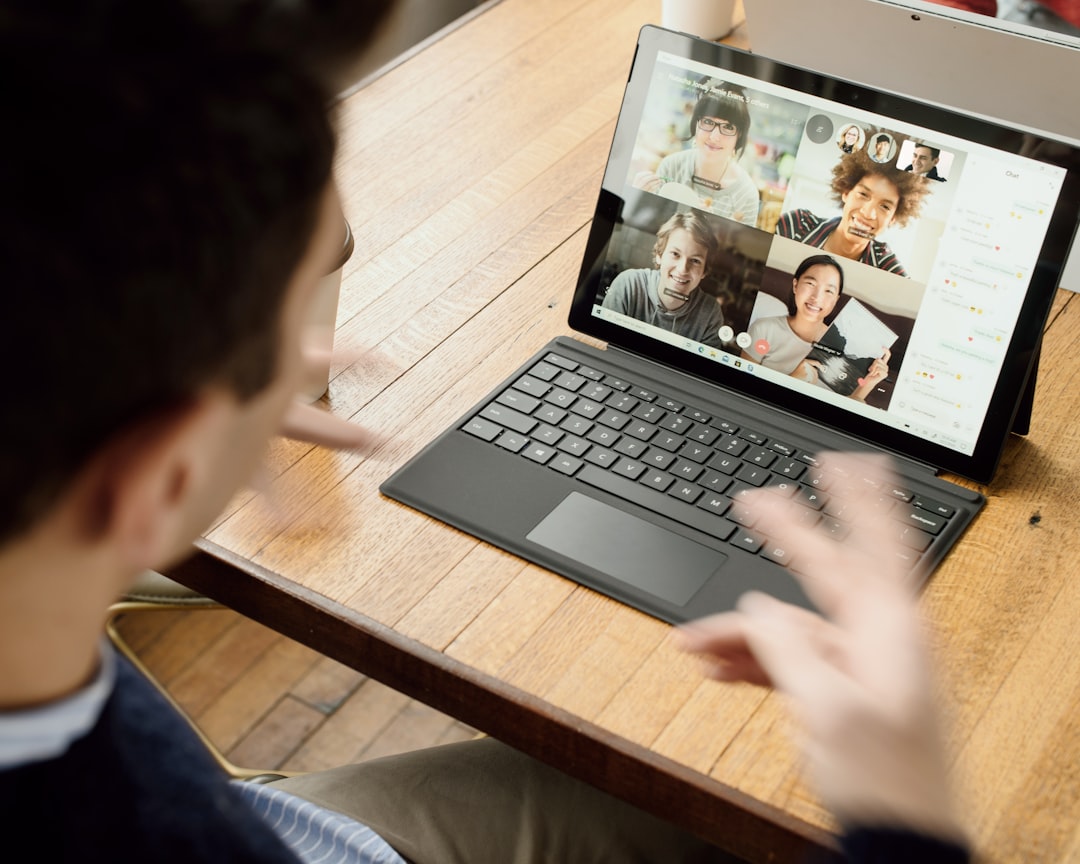
Here’s the uncomfortable truth: your laptop’s built-in webcam and microphone were never designed for professional use. They’re afterthoughts — tiny sensors crammed into a bezel, microphones that pick up every keyboard clack and ambient noise within a thirty-foot radius. Meanwhile, that built-in camera? It’s struggling with grainy low-light performance and a field of view that’s either too narrow or frustratingly wide. The difference between acceptable and professional comes down to three things: sensor size, microphone placement, and lighting. Once you understand these fundamentals, the upgrade path becomes crystal clear.
I’ve spent the past few years testing dozens of peripherals, watching the tech evolve from pandemic-era shortages to today’s competitive market. Here’s what actually moves the needle, organized by budget and use case. Every recommendation below is a Prime Day deal worth bookmarking — prices drop June 23-26, and stock vanishes fast.
Webcam Upgrades: From Acceptable to Professional

If you’re still using your laptop’s camera, you’re leaving professional credibility on the table. But here’s the thing: you don’t need to spend hundreds to see dramatic improvement. The sweet spot for most remote workers is 1080p at 30fps with decent low-light performance. Beyond that, you’re paying for features you’ll rarely use — 4K webcams exist, but they choke most home internet connections and demand lighting setups that rival TV studios.
For budget-conscious upgraders, the Logitech C920x HD Pro Webcam remains the gold standard. It’s been around for years because it nails the basics: solid 1080p performance, autofocus that actually works, and a field of view that frames head-and-shoulders shots perfectly. At under $100 even before Prime Day discounts, it’s the definition of bang-for-buck. If you want something slightly more modern with better low-light handling, the NexiGo N60 1080P Webcam is worth bookmarking — its sensor handles dim rooms remarkably well, and the built-in privacy cover is a nice touch for peace of mind. If you’re curious about how webcam specs translate to real-world performance, I tested the top models earlier this year and found that sensor size matters more than resolution numbers suggest.
Microphones: From Tin Can to Studio Quality

This is where most people see the most dramatic improvement. A decent microphone transforms you from muffled and distant to present and professional. But here’s the mistake I see constantly: people buying USB microphones designed for podcasting when they really need something for conference calls. There’s a difference. Podcast mics prioritize voice isolation and warmth, but they’re often overkill for Zoom calls and can pick up too much room ambience. For most remote workers, a headset or directional mic is the smarter play.
If you’re ready to graduate from your laptop mic, the Blue Yeti USB Microphone is the classic choice for a reason. It’s versatile — four pickup patterns let you switch between solo calls and group recordings — and the audio quality is night-and-day better than built-in options. Just be prepared to tinker with gain settings to avoid sounding too bass-heavy. For something more focused on conferencing, the FIFINE Dynamic Microphone is a fantastic Prime Day find. It’s designed specifically for streaming and recording, with RGB lighting (totally unnecessary, but admittedly cool) and a headphone jack for real-time monitoring. I ran a comprehensive test of USB microphones recently, and the difference between built-in laptop mics and dedicated options is genuinely dramatic.
Headphones: Finding Your Focus Zone
Noise cancellation isn’t a luxury anymore — it’s table stakes for anyone working from home. Between construction noise, leaf blowers, and household members who don’t understand that “on a call” means “quiet please,” decent headphones are your first line of defense against distraction. But here’s what most reviews get wrong: you don’t need to spend $300+ on premium ANC unless you’re constantly traveling. For home office use, a solid mid-range pair that blocks household noise and sounds good on calls is plenty.
The Soundcore Q20i Headphones hit this sweet spot perfectly. 40 hours of battery life means you’ll forget what charging anxiety feels like, and the hybrid ANC genuinely dulls the chaos of suburban life. Plus, at their regular sub-$150 price point, Prime Day deals could push them into impulse-buy territory. If you want something with a bit more brand pedigree, the Sony WH-CH720N Headphones offer excellent noise cancellation with a lighter profile that won’t crush your ears during marathon calls. And don’t overlook earbuds — the Soundcore Life A1 Earbuds are surprisingly capable for the price, with solid sound quality and a case that actually fits in your pocket.
Speakers: Because You’re Not Always on Mute
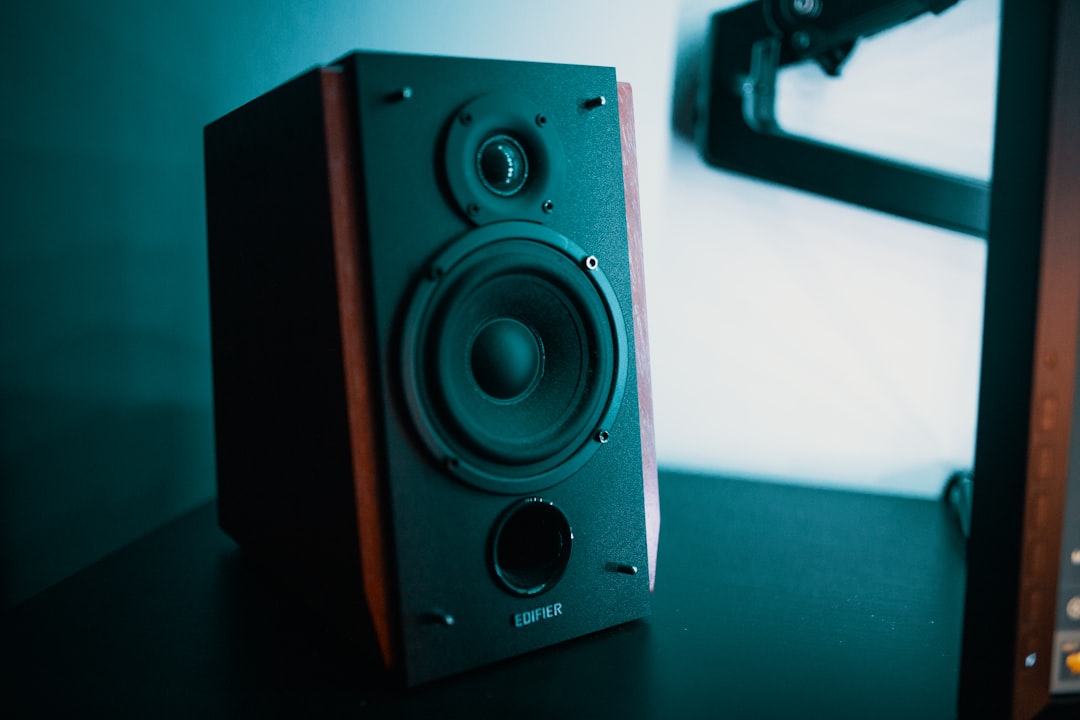
Hate wearing headphones all day? You’re not alone. Sometimes you want to be present, hear your surroundings, and not feel like you’re in a sonic isolation chamber. But here’s the problem: most laptop speakers are tinny, weak, and positioned to fire sound directly into your wrists instead of your ears. Decent desktop speakers make a surprising difference in your daily comfort — music sounds better, video content has actual depth, and you’re not constantly reaching for volume controls.
For most setups, you don’t need audiophile gear. The Creative Pebble Speakers are practically iconic at this point — they’re tiny, they look great on any desk, and they sound far better than their price suggests. The built-in USB power means one less cable cluttering your setup, and the rear-facing drivers use your desk surface as a makeshift subwoofer. If you want something slightly more traditional, the Amazon Basics Computer Speakers are boring in the best way — they just work, with decent volume and clarity for under $30. Either option transforms your desktop audio from an afterthought into something you actually enjoy using.
Lighting: The Secret to Professional Video
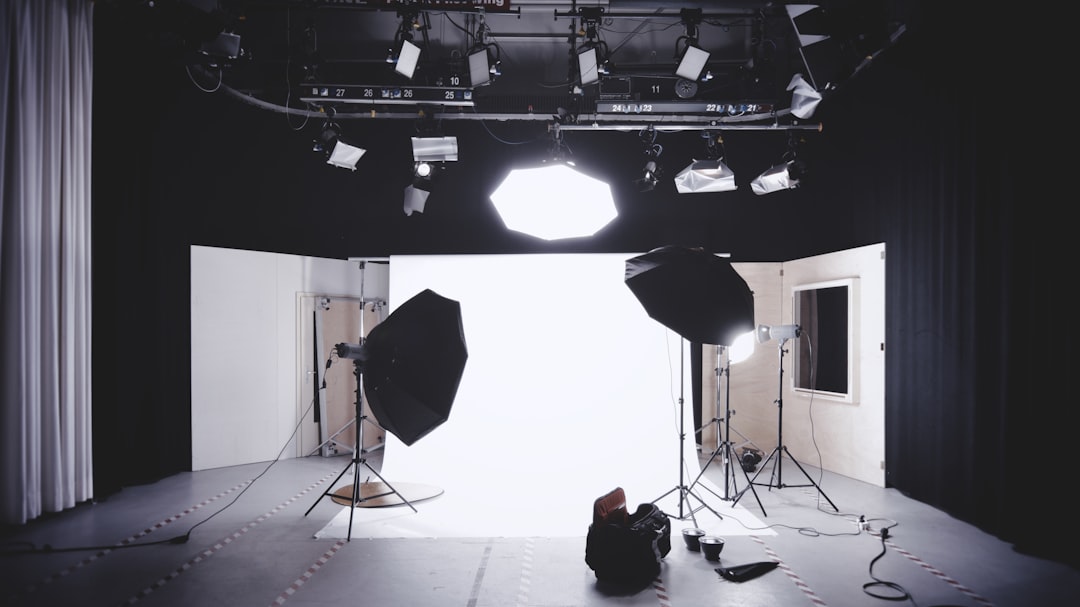
This is the step most people skip, and it’s the single biggest reason they still look amateur on video calls. You can have a $500 webcam and still look terrible if your lighting is wrong. The golden rule: face a window, don’t back it. Natural light is flattering and free, but it’s not always available — especially if you’re taking calls at odd hours or in windowless rooms. That’s where a simple ring light or video conference light makes all the difference.
The Cyezcor Ring Light clips directly onto your monitor or laptop, providing soft, even illumination that eliminates harsh shadows and makes you look alert and professional. It’s ridiculously simple, but the transformation is immediate. If you want something more versatile, the Zoom Conference Light offers multiple color temperatures and brightness levels, letting you dial in the perfect look for your space and skin tone. Either option is orders of magnitude better than relying on overhead lighting, which casts unflattering shadows and makes you look tired regardless of how rested you actually feel.
The Complete Package: Building Your Ideal Setup
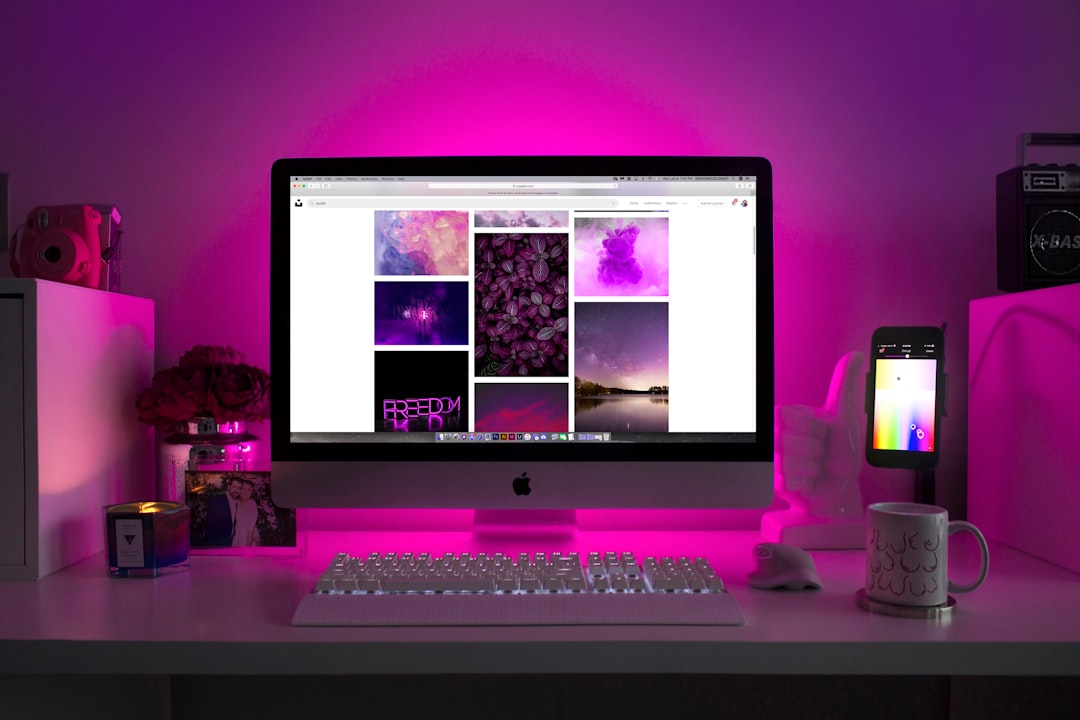
So what should you actually buy? Here’s the thing: you don’t need to upgrade everything at once. Start with the element that’s currently holding you back the most. If you constantly sound muffled on calls, upgrade your microphone first. If you’re perpetually in shadowy darkness, fix your lighting before dropping money on a premium webcam. The goal is incremental improvement, not bankruptcy.
That said, if you’re starting from scratch and want a complete overhaul, here’s my recommended Prime Day shopping list, organized by priority. Budget-conscious beginners should grab the Logitech C920x webcam, Soundcore Q20i headphones, and a basic ring light — that trio alone will transform your remote work presence for under $300. Intermediate upgraders ready for more serious gear should consider the Blue Yeti microphone, NexiGo N60 webcam, and Creative Pebble speakers. And if you’re ready to go all-in, the Sony WH-CH720N headphones, FIFINE dynamic microphone, and Zoom conference light represent a professional setup that will serve you well for years.
Beyond Hardware: The Soft Skills of Professional Presence
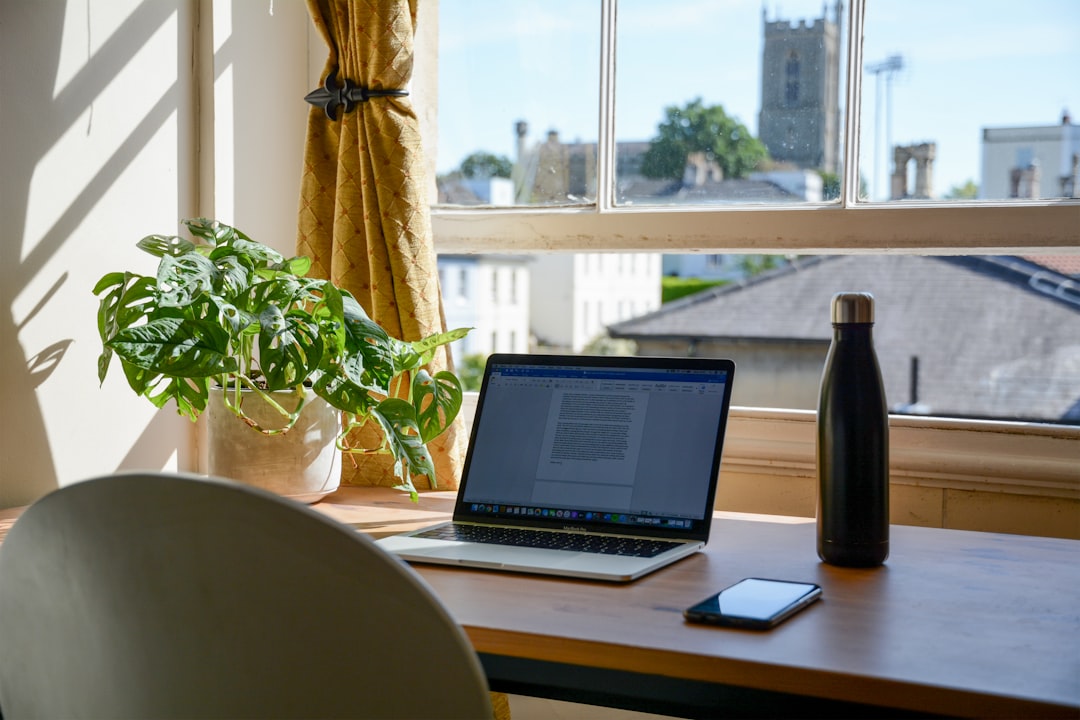
Here’s the thing nobody tells you: gear matters, but how you use it matters more. I’ve seen people with thousands of dollars of equipment who still look unprofessional because they haven’t mastered the basics. Frame yourself properly — head and shoulders, centered in the shot, with your camera at eye level (not staring up your nose or down at your forehead). Test your audio before important calls — nothing kills credibility faster than “can you hear me?” repeated five times while everyone waits. And please, for the love of everything professional, mute yourself when you’re not speaking. Your keyboard clicking is not endearing background ambience.
The other secret? A dedicated background. You don’t need a studio backdrop, but a tidy, neutral space behind you signals professionalism. Cluttered rooms, messy beds, and laundry piles broadcast “I barely have it together” regardless of how capable you actually are. Even a simple corner with a plain wall and decent lighting makes you look organized and intentional.
Prime Day Strategy: Don’t Sleep on These Deals
Prime Day isn’t just about impulse buying — it’s about strategically upgrading the gear that will serve you daily for years. Every recommendation on this list sees significant discounts during the event, but stock issues are real, especially on popular items like the Blue Yeti and Logitech webcams. Bookmark the products you’re interested in now, set price alerts if you’re feeling fancy, and be ready to pull the trigger when deals drop June 23-26. If you’re specifically focused on fixing your video call presence, I covered the most common video call pitfalls recently, along with the Prime Day deals that actually address them.
The frustrating truth? Most of these items are already reasonably priced. You don’t need Prime Day to justify buying them. But if you’ve been on the fence, waiting for a sign that it’s time to finally upgrade your remote work setup — this is it. Better audio and video isn’t about vanity; it’s about showing up professionally in a world where remote work is increasingly the norm. Your colleagues will notice. Your boss will notice. Most importantly, you’ll notice — the difference between struggling through muffled calls and actually enjoying professional presence is worth every penny.
The Final Word: Invest in Your Professional Presence
We’re not going back to offices full-time. The hybrid experiment is here to stay, and that means your home setup is your professional face to the world. It’s worth getting right. Start with the upgrade that addresses your biggest pain point, add incrementally over time, and don’t be afraid to return items that don’t work for your space or workflow. The goal isn’t gear perfection — it’s reliable, professional presence that lets you focus on your work instead of your equipment.
Prime Day discounts make this the perfect time to finally stop tolerating subpar audio and video. Your future self, looking back at crisp footage and hearing clear audio on every call, will thank you for investing in your professional presence now. Bookmark these deals, set your alarms for June 23, and prepare to finally sound and look like the professional you actually are.
