
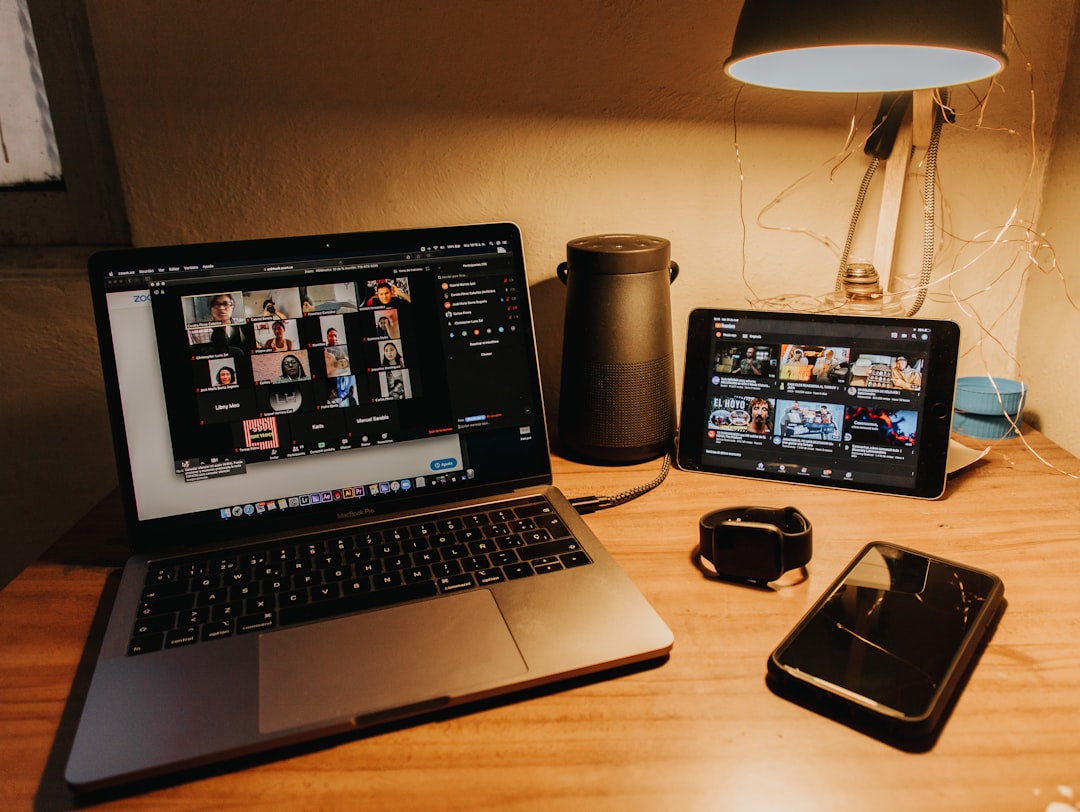
I’ve been on both sides of enough video calls to know the truth: most people look and sound terrible on camera, and they have no idea. It’s not their fault — laptop webcams have improved over the years, but they’re still tiny sensors behind cheap optics. Built-in microphones pick up every keyboard clack, dog bark, and air conditioner hum within a thirty-foot radius. And that overhead kitchen light? It’s doing you zero favors on a webcam.
The good news is that fixing your video presence doesn’t require a broadcast studio budget. With Prime Day pricing rolling around June 23rd through the 26th, there’s never been a better time to grab the gear that actually moves the needle. I’ve tested hundreds of peripherals over the past few years, and I’ve narrowed it down to the upgrades that deliver the biggest “wow, you look great today” ROI.
Here’s the breakdown of what to prioritize — and what to skip.
Stop Using Your Laptop Webcam. Seriously.
I know, I know — the webcam built into your MacBook or ThinkPad is “fine.” It was fine in 2019 when nobody had a choice. But after spending the better part of a year testing dedicated webcams against built-in cameras, the gap is enormous. A standalone webcam like the Microsoft LifeCam Cinema gives you a real glass lens, proper light correction, and a noise-canceling microphone that doesn’t sound like you’re broadcasting from inside a tin can. The autofocus alone is worth the upgrade — no more blurry freeze-frames every time you shift in your chair.
Position it at eye level on top of your monitor (a foldable aluminum phone stand works surprisingly well as a makeshift webcam shelf if your monitor doesn’t have a built-in mount), and you’ve already jumped from “meh” to “actually professional” without spending more than dinner for two.
Lighting: The Upgrade Nobody Thinks About
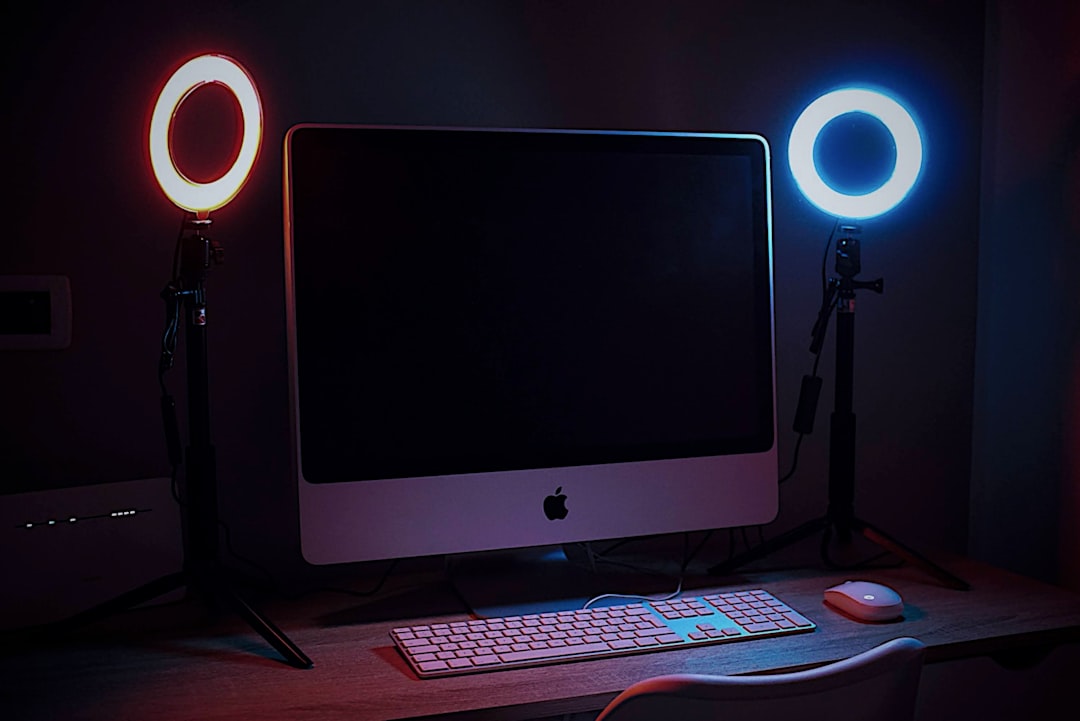
If there’s one thing I wish I’d learned sooner, it’s that lighting matters more than camera resolution. You can have a 4K webcam, but if your face is lit by a harsh overhead fluorescent, you’ll look worse than someone with a 720p camera and a decent ring light. I’ve been running a Weilisi 10.2-inch desk ring light with the C-clamp mount for months now, and the difference is night and day — literally. The clamp attaches to the edge of your desk, the gooseneck arm lets you position it perfectly, and the color temperature dial means you can go from warm morning light to cool daylight with a twist.
For anyone doing content creation beyond video calls — YouTube thumbnails, TikTok product shots, Instagram Reels — stepping up to something like the NEEWER RGB168 LED panel light kit gives you full RGB color control, app-based adjustments, and two tripod stands. I use these for overhead product shots and they’ve completely replaced the expensive softbox setup I used to lug out of storage.
Audio: What They Hear Matters More Than What They See
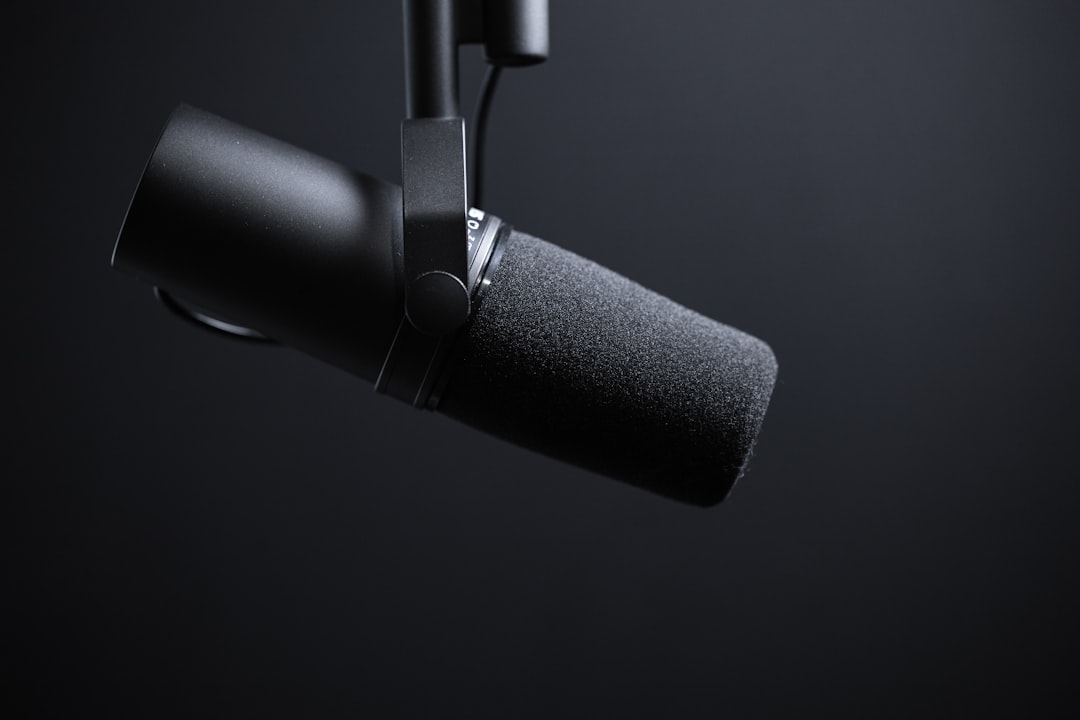
Here’s an uncomfortable truth: people will forgive grainy video, but they will tune out the second your audio echoes, crackles, or sounds like you’re trapped in a well. I’ve written before about the best USB microphones for podcasting and remote work, but you don’t need a $200 condenser mic to sound decent on calls.
A wireless lavalier system like the NEEWER wireless lavalier microphone is one of those tools that punches way above its weight. Clip it to your collar, pair it with your phone or computer, and suddenly you’ve got clean, close-miked audio without the desk clutter. The charging case means you’re never scrambling for batteries before a call. I’ve started using one for all my client meetings and the improvement is immediate — no more echo chamber effect from the laptop picking up the whole room.
For everyday audio output — whether that’s listening to meeting participants or catching up on podcasts between calls — a solid pair of desktop speakers beats earbuds for comfort and presence. The Amazon Basics computer speakers aren’t going to win any audiophile awards, but they deliver clear dialogue and decent bass for under twenty bucks. Sometimes simple is exactly right.
The Overhead Angle: Content You Didn’t Know You Could Create
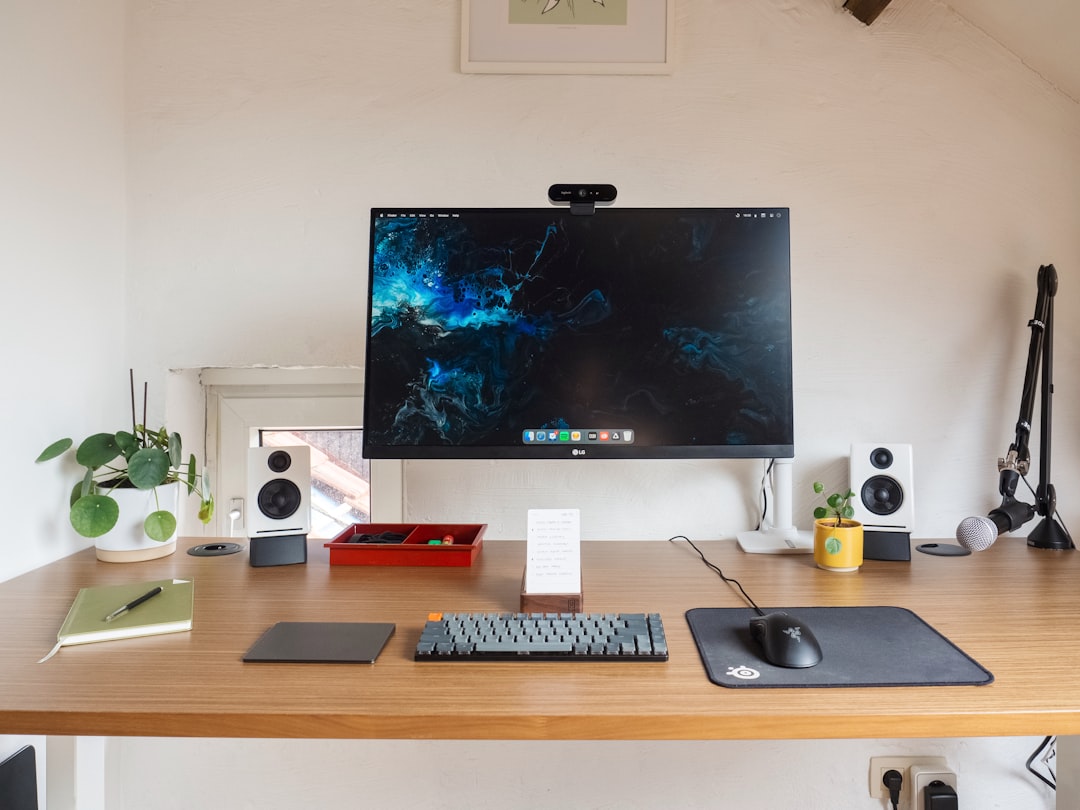
One of the most underrated setups for remote workers and content creators is the overhead camera angle. Whether you’re filming unboxing videos, demonstrating a product, sharing sketches, or just showing your desk during a tutorial call, a top-down view is infinitely more engaging than a straight-on webcam shot. The jusmo desk camera mount is an aluminum articulating arm that clamps to your desk and positions your phone or small camera directly above your workspace. It folds away when you don’t need it, which means it doesn’t eat up precious desk real estate.
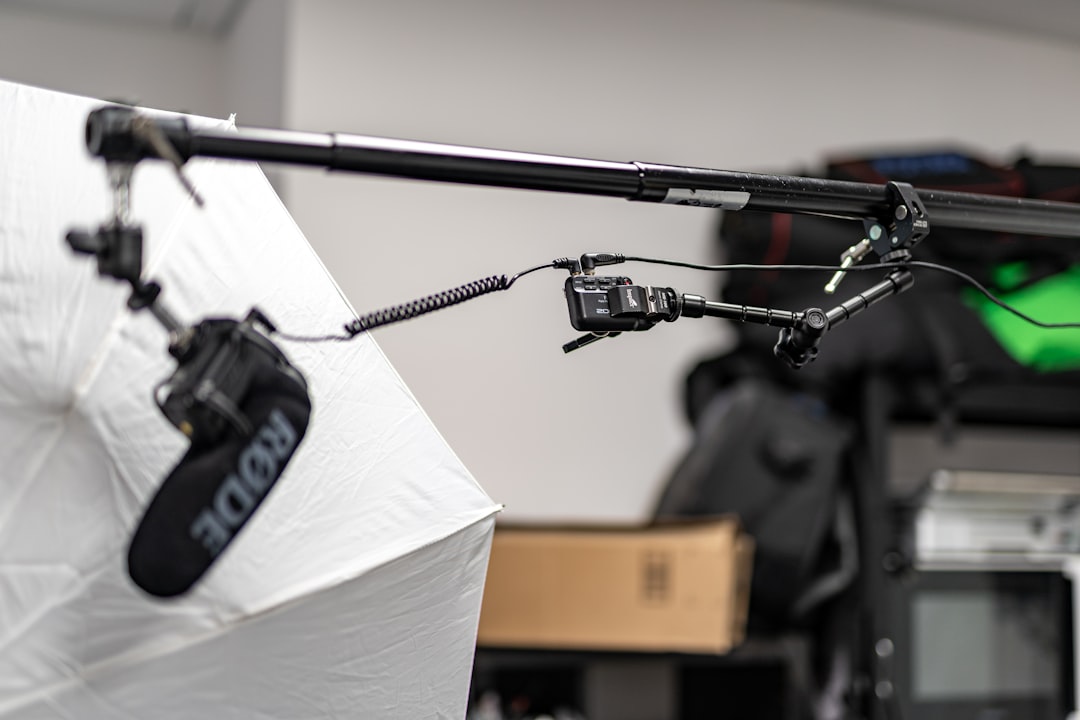
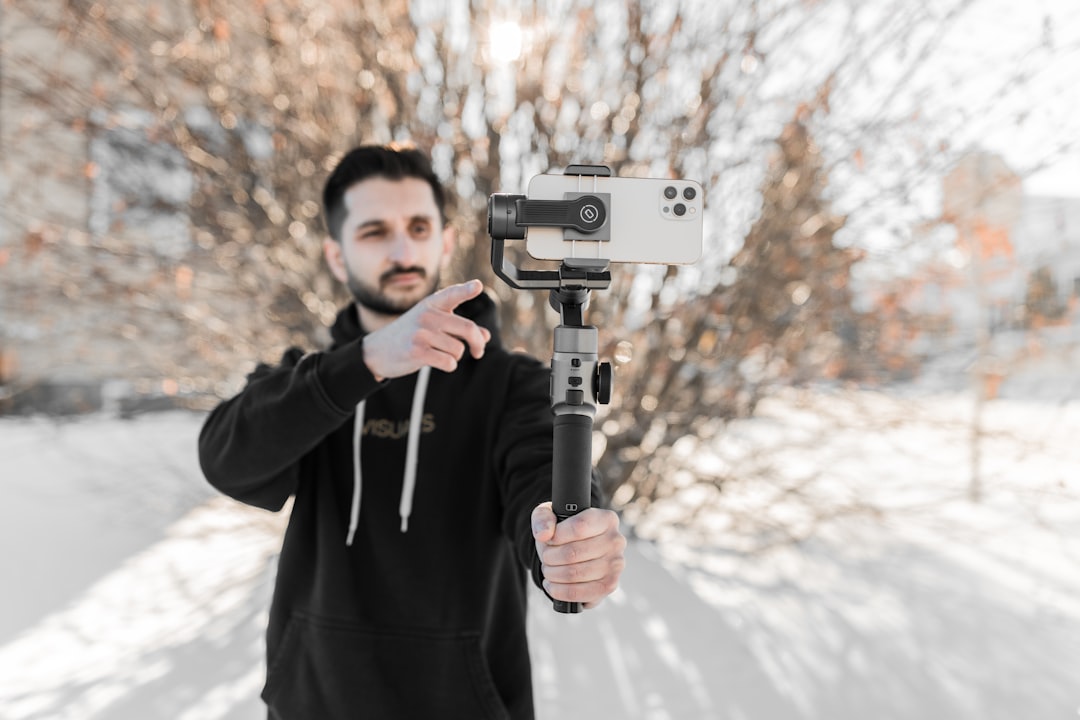
If you want to go even further with mobile video, the DJI Osmo Mobile 7P gimbal is a pocket-sized three-axis stabilizer that turns your phone into a smooth-shooting video machine. I’ve used it for everything from walking tour clips to product demos, and the native tracking feature means you can step in and out of frame without a camera operator. The built-in lighting module is a nice bonus for evening shoots.
Desk Organization: Because Clutter Reads on Camera
Even if your video quality is perfect, a messy desk behind you sends the wrong message. I spent an entire weekend doing a cable management reset earlier this year, and the single biggest improvement was getting my laptop off the desk entirely. A vertical laptop stand with a built-in headphone holder does double duty: it keeps your closed laptop accessible but out of the way, and gives your headphones a home instead of draped over your monitor like a college dorm room.
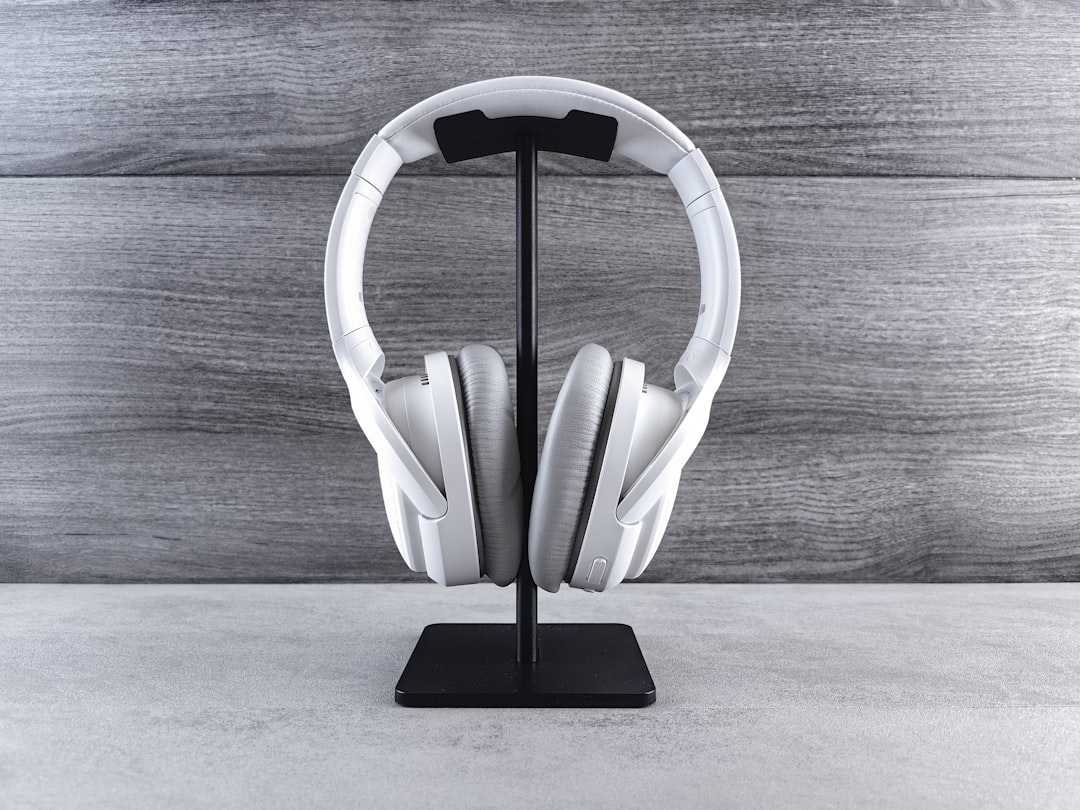
Combine that with a phone stand for your secondary device (I use my phone as a chat monitor during streams) and you’ve got a clean, professional-looking backdrop that works as hard as your gear. The JSAUX foldable aluminum phone stand is adjustable enough to work at any angle and folds flat for travel.
Putting It All Together
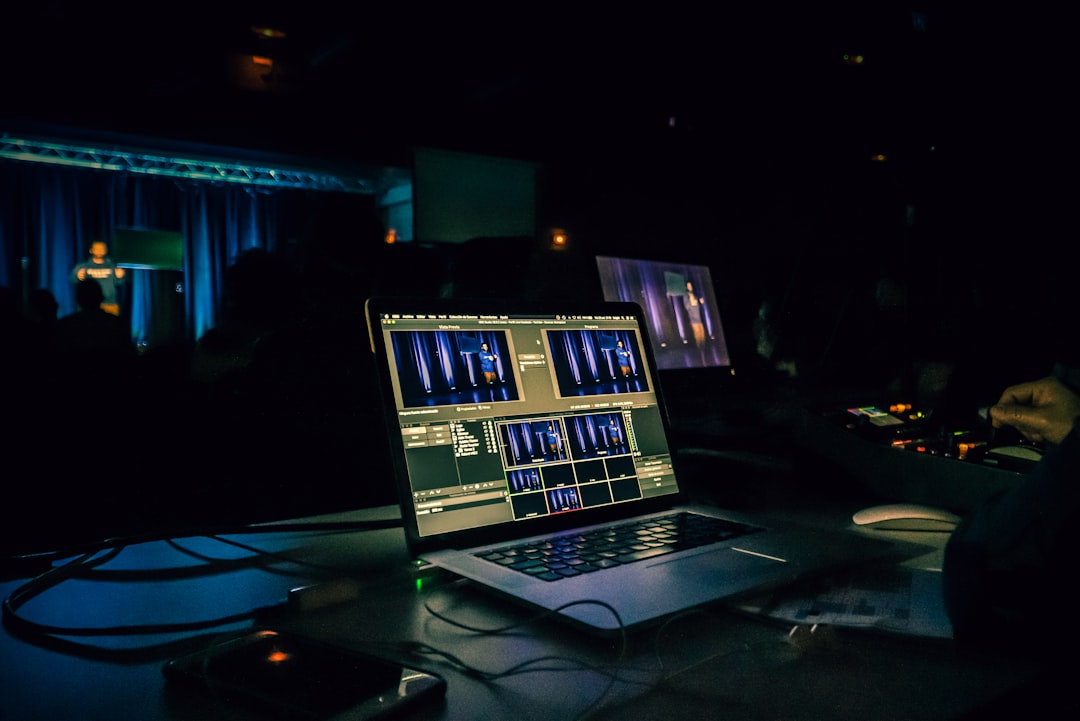
The beauty of this setup is that it’s modular. You don’t need to buy everything at once — start with the webcam and lighting, and you’ll see the biggest improvement for the least investment. Add the lavalier mic when you’re ready to level up your audio. Toss in the overhead mount and gimbal when you start creating content beyond standard video calls.
With Amazon Prime Day running June 23rd through the 26th, every product I’ve mentioned here will be at its lowest price of the season. My advice: bookmark the ones that fit your workflow now, and pull the trigger when the deals go live. The best time to upgrade your setup was last year. The second-best time is Prime Day.
Quick Shopping List
- Video upgrade: Microsoft LifeCam Cinema Webcam — dedicated glass lens with noise-canceling mic
- Lighting: Weilisi 10.2″ Desk Ring Light — clamp-mount, adjustable color temperature
- Advanced lighting: NEEWER RGB168 LED Panel Light Kit — full RGB, app control, dual tripods
- Audio: NEEWER Wireless Lavalier Microphone — clip-on, charging case, universal compatibility
- Speakers: Amazon Basics Computer Speakers — simple, clear, budget-friendly
- Overhead mount: jusmo Desk Camera Mount — articulating aluminum arm for top-down shots
- Mobile video: DJI Osmo Mobile 7P Gimbal — 3-axis stabilization with built-in light
- Desk organization: NodoCA Vertical Laptop Stand — headphone holder + laptop storage in one
- Phone mount: JSAUX Foldable Aluminum Phone Stand — adjustable, travel-friendly
Every item above has earned a permanent spot on my desk or in my gear bag. Whether you’re tuning up for better Zoom calls or building out a full content creation setup, these are the tools that deliver real results without the premium price tag. Happy Prime Day hunting.

2 thoughts on “Why Your Video Calls Still Look Terrible — and the Prime Day Fixes That Actually Work”