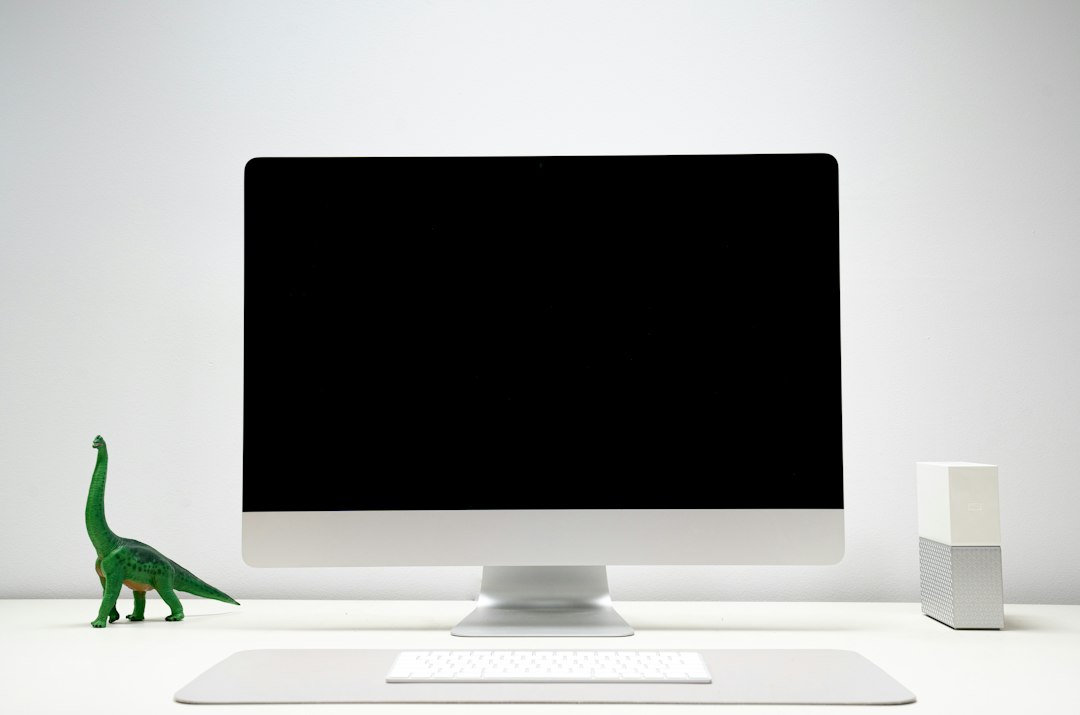
The M6 iMac starts arriving Friday, November 6. Preorders have been open since October 28. The computer that shows up on the kitchen counter looks, from five feet away, exactly like the M4 iMac that has been sitting on those counters for the past two years. Same 24-inch shell. Same seven colors. Same one-cable-to-the-wall promise that has made the iMac the default family Mac for a generation of households that do not want to shop for a monitor.
Apple skipped the M5 generation entirely for this machine. The chip jumped, the case did not. That is the whole story, and it is also why so many people are asking the wrong question. The question is not “is the M6 iMac good?” Of course it is. The question is who should spend $1,499 to $1,699 on one this holiday season, who should keep the M4 they already own, and who should quietly build a Mac mini desk instead and put the difference toward a better screen — or toward Thanksgiving dinner.
My team and I spent the last week on Apple’s spec sheets, the current Mac mini and display prices, and the real accessory bill that comes with each path. Here is the short version first, then the reasoning you can adjust for your own kitchen table.
The Short Answer: Buy, Keep, or Build
If you only read one section, make it this one. These are the purchases I would actually make before the holidays, depending on where you are starting.
- No modern Mac, shared family desk, video calls matter: buy the Apple iMac 24-inch with M6. The two-port model at $1,499 is the right starting point for most households; step up to the four-port $1,699 version if you want Ethernet, Touch ID as standard, and a second external display.
- You already own an M4 iMac and it feels fine: keep it. The display, camera, speakers, and ports did not change. Spend the money on storage and a better backup plan instead of another all-in-one.
- You already own a good monitor: buy the Apple Mac mini (M4, 16GB) and stop. The mini is the bargain only when the screen is already paid for.
- You want a bigger or second screen and you are starting from zero: skip the iMac. Pair a mini with a Dell UltraSharp 27-inch 4K USB-C Monitor and a Logitech MX Keys for Mac. You will still land under or near the iMac’s sticker, with room to grow.
- Storage Apple charges too much for: configure 512GB if you must, then add a Samsung T9 Portable SSD 2TB for photo libraries and Time Machine.
- The keyboard worth putting in the box: the Apple Magic Keyboard with Touch ID, which unlocks the machine, authorizes Apple Pay, and keeps kids from borrowing your password every afternoon.
Everything below explains why those six lines hold up under a holiday budget.
What Actually Changed From the M4
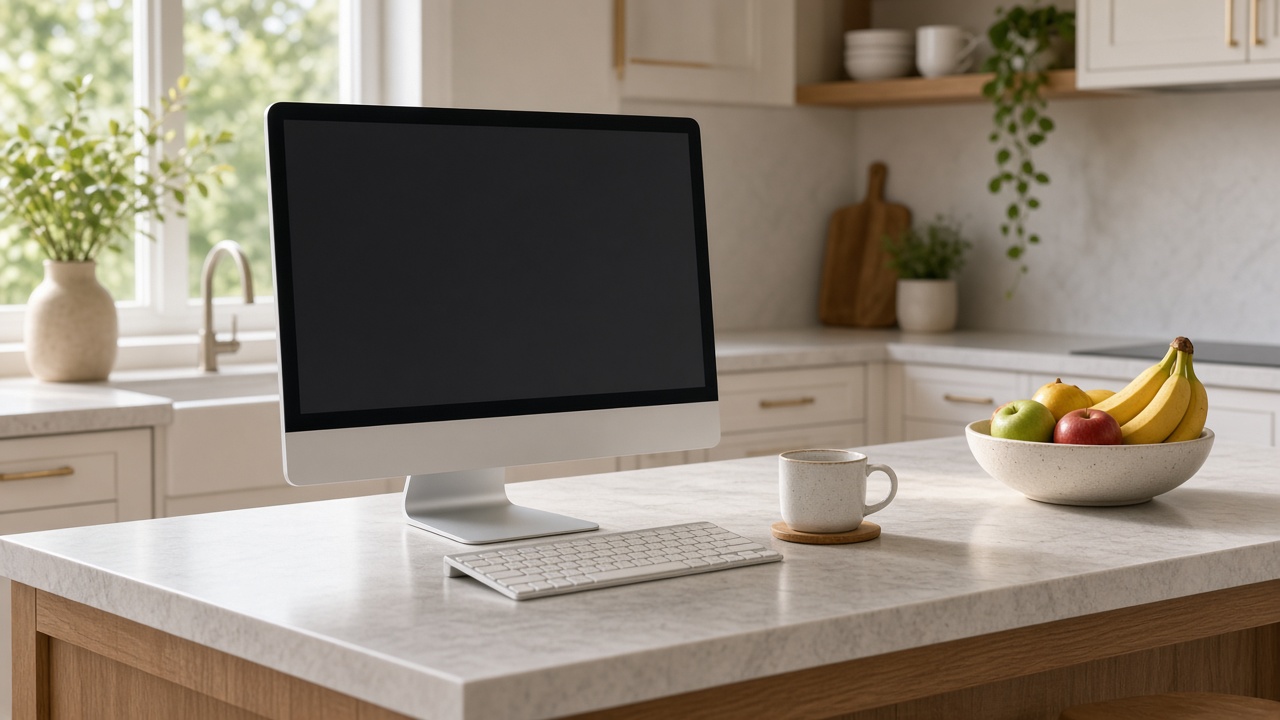
Apple announced the M6 iMac on October 27. Deliveries and store stock begin November 6. The two configurations are familiar on purpose.
The $1,499 model gets a 10-core CPU and 10-core GPU, two Thunderbolt ports, 16GB of unified memory, and a 256GB SSD. The $1,699 model steps up to a 12-core CPU and 12-core GPU, four Thunderbolt 4 ports, 2.5 Gigabit Ethernet as standard, Touch ID on the keyboard, support for a second external display, and the option of nano-texture glass. Education pricing knocks $50 to $100 off those numbers. Apple Upgrade leases start around $29 a month for 36 months if you are the kind of household that likes to refresh on a schedule.
Under the aluminum, the meaningful upgrades are the chip, the Neural Engine, memory bandwidth, storage speed, and the radios. The top M6 configuration has two more CPU cores and two more GPU cores than the top M4. Every GPU core now carries a Neural Accelerator. Memory bandwidth climbs from 120GB/s to 170GB/s. Apple claims up to 5x faster on-device AI than M4, up to 2x faster SSD reads and writes, Wi-Fi 7, Bluetooth 6, and — on the four-port model — 2.5Gb Ethernet instead of gigabit. For Intel iMac owners still hanging on, Apple’s own comparison goes as high as 18x. That number is marketing, but the direction is not wrong.
What did not change is the part you live with every day. The panel is still a 24-inch 4.5K Retina display at 4480 by 2520, 500 nits, P3, True Tone. The camera is still a 12-megapixel Center Stage unit with Desk View. The six-speaker system and three-microphone array are the same. The colors are the same seven: blue, green, pink, yellow, purple, orange, and silver. If you bought an M4 last year because you loved the screen and the way video calls looked, nothing about that experience got rewritten. The computer got faster at the jobs most families do not measure.
If You Own an M4 iMac, Skip This Generation
I know this is not the exciting holiday answer. It is the correct one.
Casual work — browsing, email, homework, streaming, Zoom with grandparents — was already comfortable on the M4. The M6’s gains show up in Affinity photo edits, Excel models with real weight, local AI prompts in tools like LM Studio, and ray-traced games. Those are real for a small group of households. They are not $1,500 real for a family whose M4 still opens Chrome tabs in a blink and whose Center Stage camera still frames the kid reading a book report.
The networking bump is similarly conditional. Wi-Fi 7 and 2.5Gb Ethernet only matter if the rest of your house can keep up. A three-year-old router and a single gigabit switch will not suddenly feel new because the iMac got faster ports.
So keep the M4. If you feel the urge to spend, put the money into the things Apple under-configured on both generations: storage and memory. Prioritize enough memory when you next buy a Mac and check the limits of the exact configuration, because you cannot add it later. For the machine you already own, buy external capacity and a backup habit. A WD My Passport 5TB External Hard Drive plugged in for nightly Time Machine costs a fraction of a chip upgrade and will matter more the first time someone deletes a photo library by accident.
I made a similar call when Apple refreshed the MacBook Pro line last week: pay for the change that alters your day, not the one that alters a benchmark. I walked through that screen-versus-speed math in my look at the three new MacBook Pros. The same logic applies to a desktop that did not change its screen at all.
The Family Computer Case Still Favors the iMac
Now the other side. If you are buying a first shared Mac for a household — kitchen counter, living-room side table, homework station that also hosts Friday night FaceTime — the M6 iMac is still the cleanest answer Apple sells.
The reason is not the Neural Engine. The reason is the finished desk. One box contains the computer, a color-calibrated 4.5K panel, a 12MP camera that tracks people as they lean in and out of frame, speakers loud enough for a movie without a soundbar, a microphone array that does not make you sound like you are calling from a closet, and a color-matched keyboard and mouse. One cable goes to the wall. Kids and grandparents can sit down and use it without a lesson on which HDMI port is active.

That integration has a price, and the honest way to read the $1,499 sticker is as a bundle. Price the pieces separately and the gap shrinks. A competent 12MP webcam runs about $150. A Magic Keyboard with Touch ID and a Magic Mouse together land near $250. Decent desk speakers are another $100 you would rather not research. A factory-calibrated 4.5K panel in this size is not a $200 monitor. Once you add those up, the iMac stops looking like an expensive computer and starts looking like a reasonably priced room fixture that happens to compute.
This is also why the kitchen-table use case keeps winning for families. If your busiest corner already needs a system for chargers, mail, and the tablet that never gets put away — the kind of setup I see readers building after reading pieces like Elena’s kitchen landing-zone guide on home.omnux — dropping an all-in-one into that corner is simpler than negotiating a mini, a monitor arm, a hub, and a webcam before school starts.

The Mac Mini Math Most People Get Wrong
The Mac mini looks cheaper because Apple sells it without a screen. Apple’s current base M6 mini starts at $899 with 16GB of memory and a 256GB drive. That $600 gap against the $1,499 iMac is real only if you already own a monitor you like. An older M4 offer is a separate comparison: verify the seller, configuration and current price rather than treating it as Apple’s current starting model. See Apple’s current Mac mini pricing and specifications.
If you do not, the desk gets expensive in three different ways.
Path one: you already own a good display. Buy the mini. Add a keyboard and mouse if you need them. Total around $800 to $950. You beat the iMac by a wide margin and you keep the screen when you replace the computer in five years. This is the only path where the mini is an obvious win for a first-time buyer.
Path two: a sensible third-party 27-inch 4K panel. A Dell UltraSharp 27 4K or similar lands around $300 to $450 on a normal week, sometimes less into Black Friday. Add a Logitech MX Keys for Mac and a matching mouse, plus a simple USB-C hub if the monitor does not carry enough ports. Realistic total: roughly $1,150 to $1,350. You save a few hundred dollars against the iMac, you get a larger panel, and you accept that video calls will need a separate webcam and that speakers will be an extra line item.
Path three: the Apple Studio Display. This is the trap. The Studio Display is $1,599. Pair it with a $899 mini and you are at about $2,500 before a keyboard — roughly a thousand dollars more than the iMac, not less. People talk themselves into this combo because it sounds like the “pro” version of the family desk. It is the most expensive consumer desktop Apple sells short of a Studio. If you want Apple glass that badly, buy the iMac and keep the thousand dollars.
For anyone tempted by a huge single panel instead of Apple’s 24-inch, I already covered what happens when a monitor grows past usefulness in my notes on the first 36-inch desktop display. Bigger is not free, and it is not automatically better for homework and FaceTime.
Two-Port or Four-Port, and the Config Traps
If you have decided on the M6 iMac, the next fork is which of the two boxes to order. The $200 jump from the 10-core to the 12-core model buys more than two CPU cores. It also buys four Thunderbolt 4 ports instead of two, Ethernet in the box, Touch ID as standard, a second external display, and the nano-texture option if your kitchen gets hard afternoon sun.
My rule: if this is the only computer in the house and it will grow a printer, an external drive, and maybe a second screen for a parent who works from the same desk, pay for the four-port model. If it is a homework-and-streaming machine that will live next to a laptop dock, the two-port model is enough.
Then stop under-buying memory and storage. Both M6 configs start at 16GB and 256GB. Sixteen gigabytes is workable for light family use in 2026; it is uncomfortable the moment two kids Chrome-tab their way through homework while a parent edits photos in the background. For the 10-core M6 iMac, the upgrade ceiling is 24GB; 32GB requires the 12-core model. Choose at order time using Apple’s configuration-specific memory limits. You cannot add it later. For storage, 256GB fills up the week someone imports three years of iPhone photos. Prefer 512GB in the machine, then park the bulk of media on a Samsung T9 2TB or a spinning WD My Passport 5TB for Time Machine. Apple’s internal SSD upcharges are still among the worst values in consumer tech, and this year’s memory-and-NAND crunch makes that advice sharper, not softer. I spelled out the broader Black Friday version of that crunch in the laptop memory rules piece; the same scarcity logic hits desktop configs.
Accessories Worth Buying With Either Path
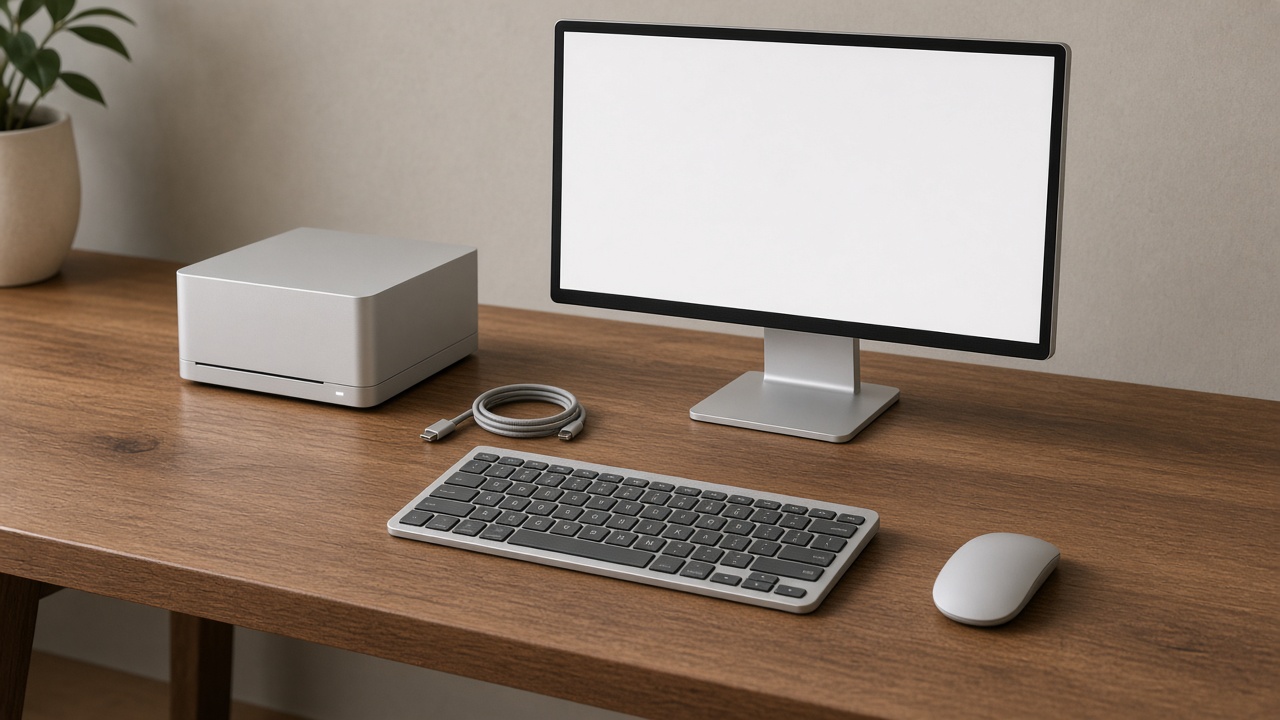
Whether you land on an iMac or a mini desk, a short list of add-ons does more for daily life than another chip core.
For the iMac, start with Touch ID if your config does not include it. The Apple Magic Keyboard with Touch ID turns unlocks and App Store downloads into a thumb press, which matters in a shared-login house. If you hate the Magic Mouse, swap it for a Apple Magic Trackpad or a third-party mouse and move on with your life. For expansion on the two-port model, a compact hub like the Anker 555 USB-C Hub (8-in-1) covers SD cards, Ethernet, and a couple of USB-A devices without turning the desk into a cable farm.
For the mini path, budget a webcam on day one if video calls are part of the job. Continuity Camera with an iPhone works, but guests and kids will not set that up. A Logitech Brio 4K Webcam is the boring, reliable answer. If the monitor sits too low or eats half the desk, a solid arm beats stacking books; I already burned through that experiment in the monitor-arm piece that freed half my desk. And whatever path you pick, external storage is not optional. The T9 for active files and a WD drive for Time Machine cover the two failure modes that ruin holidays: running out of space mid-project, and discovering a deletion with no backup.
Who Should Buy What Before Thanksgiving
Same advice, one screen:
| Your situation | Buy this | Skip this |
|---|---|---|
| No Mac, shared family desk, calls and homework | M6 iMac (four-port if you can) | Mini + Studio Display |
| Own an M4 iMac that still feels fast | External SSD + Time Machine drive | Any M6 iMac upgrade |
| Own a good monitor already | Mac mini M4 | iMac (you would double-pay for glass) |
| Want a 27-inch+ panel and like tinkering | Mini + 27-inch 4K + MX Keys | Base iMac locked to 24 inches |
| Coming from an Intel iMac | M6 iMac, 32GB, 512GB | Cheapest 16GB/256GB config |
| Need a portable work machine too | Look at the new MacBook Pros instead | Forcing a desktop to travel |
Intel upgraders are the one group for whom this launch is a no-brainer. If your family computer still has a spinning hard drive fan song and a webcam that looks like 2017, the M6 iMac is the holiday gift that removes a daily annoyance instead of adding another gadget to the drawer.
Bottom Line
The M6 iMac is a chip update in a beloved shell, shipping tomorrow into the busiest shopping stretch of the year. That makes it a great family computer for people who do not already own one, and a poor upgrade for people who bought the M4 and are mostly happy. The Mac mini remains the smarter buy only when the monitor bill is already settled — or when you deliberately want a larger third-party panel and accept the webcam, speaker, and cable homework that comes with it.
If you take one thing from this piece into the Apple Store app this week, take this: compare finished desks, not sticker prices. One cable to the wall is worth $1,499 for a lot of kitchens. A $899 mini is only a bargain when the glass in front of it is free.