
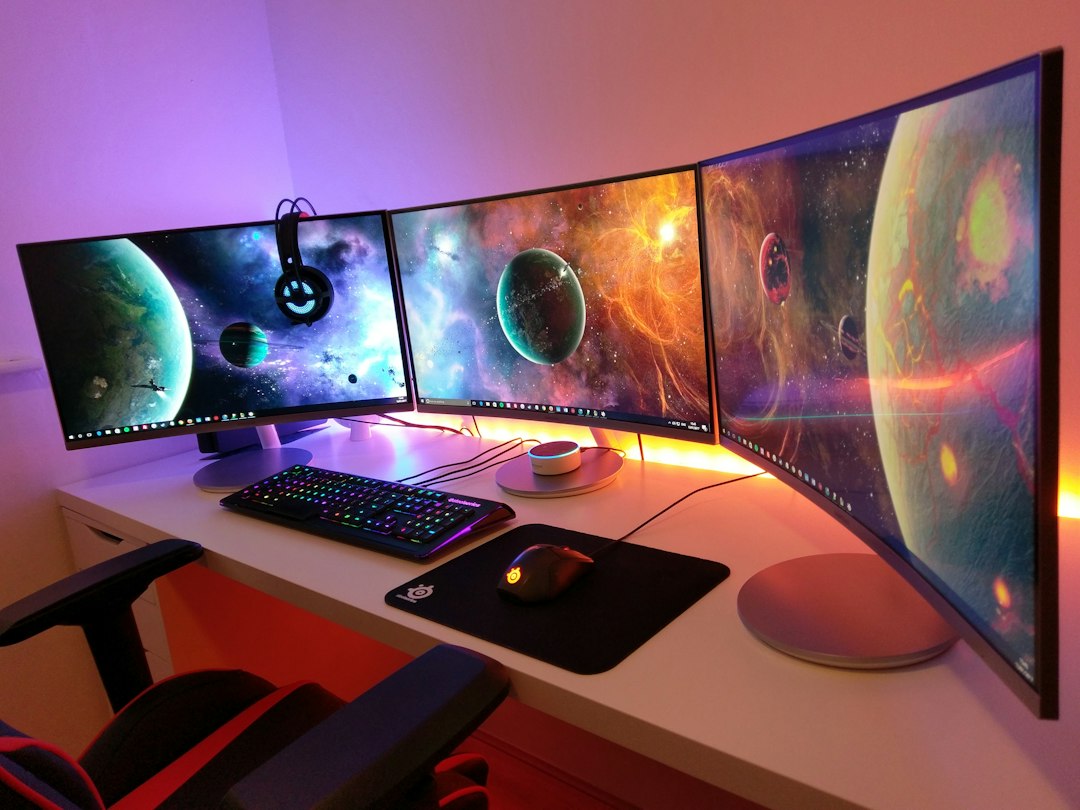
New screen sizes almost never happen anymore. In the CRT era, manufacturers churned out diagonals the way headphone brands churn out colorways today. Then flat panels arrived, the industry quietly settled on 24, 27, 32, and 34 inches, and the menu froze for the better part of a decade. That’s why this week’s announcement from Philips stopped my whole team mid-morning: the Evnia 36M4C5500P, the first true 36-inch gaming monitor ever brought to market. Not a slightly oversized 34. Not a shrunken 40. A brand-new size class, invented in October of 2026.
I want to be upfront about what this article is. Philips launched the panel in Asia-Pacific first, with no US date and no pricing yet, so nobody outside that region has lived with one — including me. What my team and I have done in the last 48 hours is what we do with every launch that matters: tear the spec sheet down to the studs, run the geometry, and figure out who this thing is actually for. Because the answer is more interesting than the press release suggests, and so is the fine print.

A Size That Fills a Real Gap
Here’s the uncomfortable truth about ultrawides over the last five years: if 34 inches felt small, your only move was a 40-plus-inch superultrawide — a panel so wide it eats a deep desk and demands neck calisthenics at the edges. The gap between 34 and 40 was empty. Philips just walked into that empty room.
The 36M4C5500P belongs to the Evnia 5000 family, which historically means “affordable tier,” not halo product. That positioning matters. First movers in a new size usually arrive as $1,800 flexes — think of the first 49-inch superultrawides. Philips is instead doing what it did with the 42-inch OLED crowd-pleasers: establish the panel, let volume follow. Two extra diagonal inches sounds modest, but on a 21:9 panel that translates to roughly 12 percent more screen area than a 34-inch — and about two inches of additional width across your desk.
What Philips Actually Built
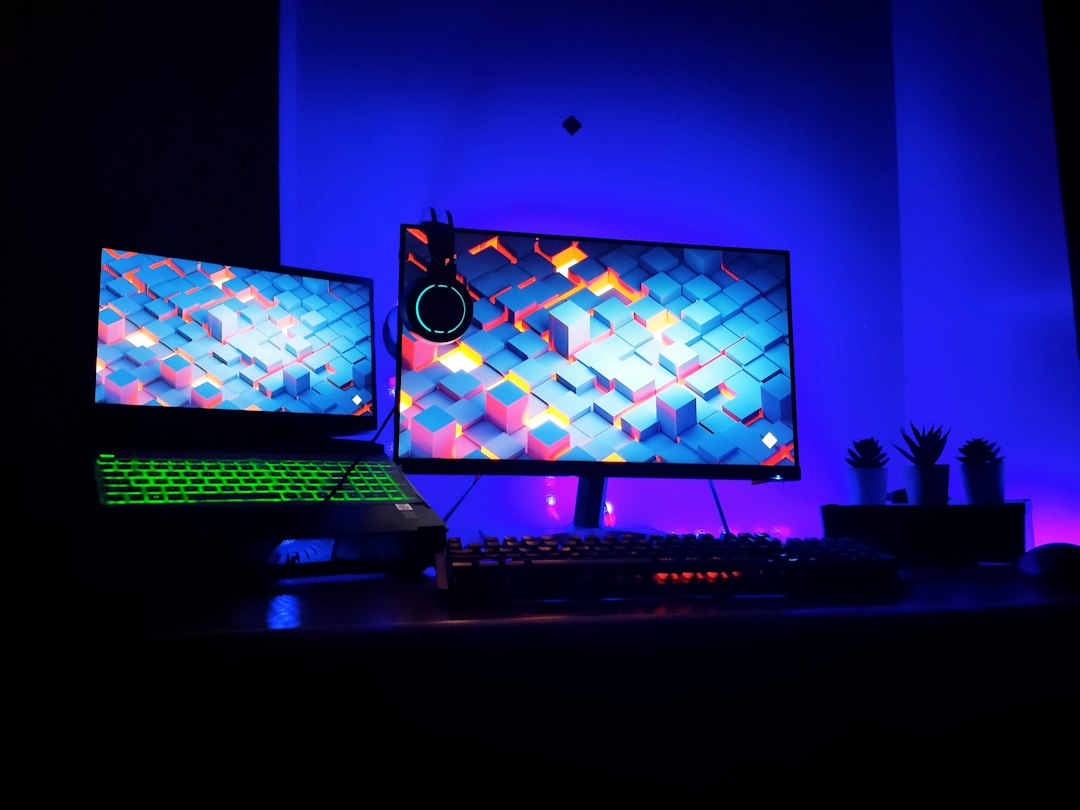
The spec sheet reads like a panel team got a bonus for restraint. It’s a 36-inch Fast VA panel with a 1500R curve, which is gentler than the aggressive 1000R wraps that make some superultrawides feel like sitting inside a fishbowl. Resolution is Ultra-Wide QHD — 3440 by 1440 — with an overclockable 260Hz refresh rate, 0.3ms MPRT response, and 1ms gray-to-gray. VA means the deep contrast this panel type is known for, and Philips claims 126 percent sRGB coverage, 95 percent DCI-P3, 91 percent Adobe RGB, and a factory Delta E under 2. Those are color-accuracy numbers that would have passed for a pro panel five years ago.
On the experience side, there’s VESA DisplayHDR 400 certification with up to 500 nits peak brightness, a rear RGB element Philips calls Iconglow, and an AI-flavored on-screen menu: Stark ShadowBoost to lift dark corners, Smart Crosshair and Smart Sniper modes for shooter players, and Smart MBR Sync to fight the motion blur VA panels can suffer from. The stand offers height, tilt, and swivel — no pivot, but nobody pivots an ultrawide anyway — and MultiView splits the panel between two sources, so a console and a PC can share the same glass.
The Pixel Math Nobody Is Talking About
Now the part the announcement glosses over. The resolution is 3440 by 1440 — the same pixel count that’s been standard on 34-inch ultrawides for a decade. Stretch those exact pixels across 36 inches and pixel density drops from about 110 PPI to about 104 PPI. That’s the trade: you gain physical immersion, not desktop real estate. Every window, every line of code, every spreadsheet cell stays exactly the same size relative to the screen. Things just get roughly six percent bigger in the flesh.
For a racing sim or a single-player shooter viewed from three feet away, that’s a genuinely good trade — bigger picture, same GPU load, since the card pushes an identical number of pixels. For anyone who reads text for a living, it’s the difference between crisp and “huh, I can almost see the pixel grid.” At 104 PPI, sensitive eyes at arm’s length will notice, especially on Windows subpixel rendering or a macOS setup that hates non-Retina scaling. If you’ve never minded a 27-inch 1440p panel, you won’t mind this. If you’ve ever returned a monitor because text looked fuzzy, wait for a 36-inch variant with more pixels.

The Port List Is the Real Story
Here’s where I set down the coffee. Connectivity is two HDMI 2.1 ports, one DisplayPort 1.4, and a 3.5mm headphone jack. That’s it. No USB-C, no USB hub, no KVM switch. In 2026, when $250 office monitors ship with 90-watt USB-C and a built-in dock, Philips launched a new size class with the port selection of a 2016 display.
The practical consequence depends on your machine. Desktop gamers lose little — they were never plugging peripherals into the monitor anyway. But this site’s audience runs a lot of laptops, and for them a monitor without USB-C can’t be the center of a one-cable desk. Every time you sit down: power in, HDMI or DisplayPort out, separate hub for keyboard, mouse, and camera. That’s three cables doing what one should, and it’s exactly the daily friction I wrote about after six months and twelve docking stations. If this monitor tempts you, budget for a dock alongside it — something like a dual-monitor USB-C docking station or at minimum a powered USB hub belongs in the same cart.
Also plan on a real cable, not whatever’s in the drawer. Sustaining 3440 by 1440 at 260Hz over DisplayPort 1.4 leans on compression, so a certified DisplayPort 1.4 rated cable is cheap insurance against a black-screen lottery at high refresh rates.
Measure the Desk Before You Fall in Love
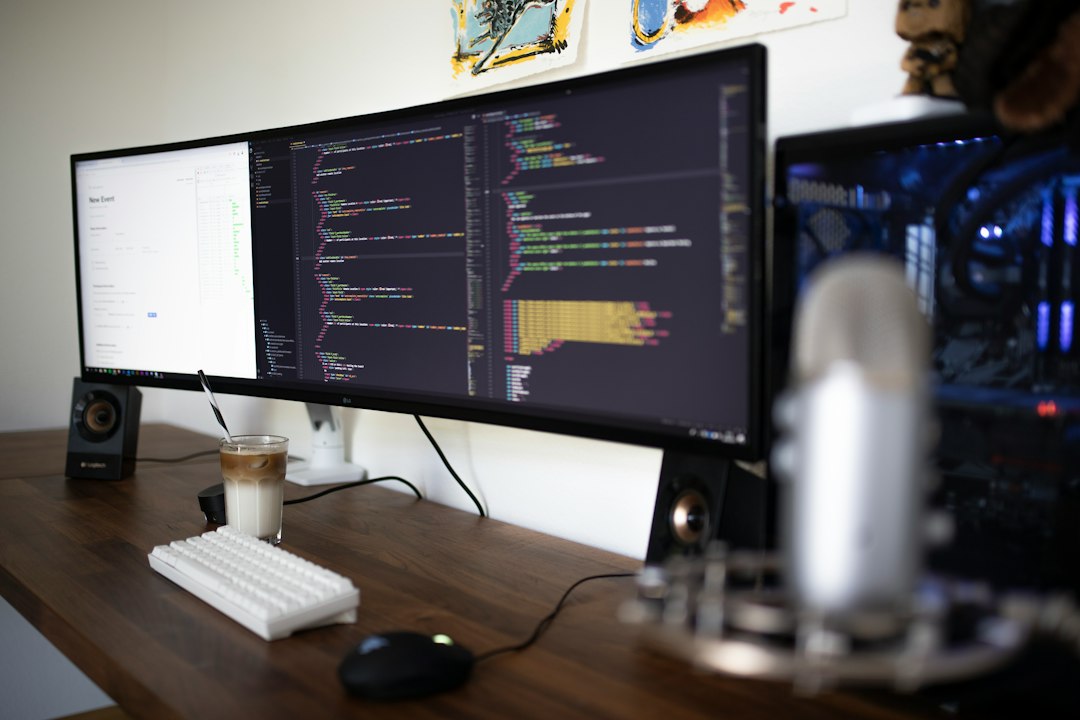
A 36-inch 21:9 panel is roughly 33 inches of glass. Add a stand base, do the same math I do in the monitor-choosing framework, and you want a desk at least 48 inches wide — that part’s easy — and ideally 30 inches deep so your eyes sit a comfortable 80 centimeters from the curve. On a shallow desk, a big curved panel stops being immersive and starts being a windshield.
If your desk is tight, the fix isn’t a smaller monitor; it’s getting the panel off the stand and onto an arm. A heavy-duty ultrawide-rated monitor arm reclaims the entire footprint and lets you push the curve back a few inches. I learned this the hard way during the monitor arm experiment that freed half my desk — just verify the arm’s weight rating for a 36-inch VA panel before you commit, because this size class sits above what cheap gas springs were built for.

The Three Smart Plays Right Now
Until Philips announces Western pricing and availability, you have three rational moves, and I’d only recommend one of them to most people.
Play one: buy a proven 34. The 34-inch UWQHD market is the most competitive lane in displays, and prices reflect it. The Samsung Odyssey OLED G8 delivers true blacks and instant pixel response at the same 3440 by 1440. The Dell UltraSharp 34 curved adds the USB-C dock this Philips lacks. LG’s UltraGear 34 line has been the value benchmark for three generations. All deliver 110 PPI and mature firmware. None of them are new, and that’s the point.
Play two: skip ahead to 40. If more immersion is the actual goal, the 40-inch superultrawide class already exists with the same caveats about desk depth and pixel density — magnified. I ran the ultrawide-versus-duals trade-offs in detail in my ultrawide vs. dual monitor breakdown, and size changes that math less than you’d think.
Play three: wait. This is the one for the Philips-curious. First movers in a new size class rarely ship the best example of it. When 34-inch ultrawides debuted, the second wave brought better stands, KVM switches, and prices that fell 30 percent inside a year. Dell, LG, and the usual suspects will answer a new size class within a couple of quarters, and whoever blinks second usually ships the USB-C. Bookmark a general ultrawide search and check it monthly; the 36-inch shelf will not stay this empty.
The Upgrade Every Ultrawide Owner Forgets
One accessory note, because it applies to any big bright curved panel you end up buying: bias lighting. A 260Hz VA panel running HDR content in a dark room is a fatigue machine — your pupils ping-pong between a 500-nit window and a black wall. A $20 bias lighting strip behind the panel raises the room’s ambient floor, tricks your eyes into perceiving better contrast, and cuts evening eye strain measurably. It’s the cheapest upgrade in this entire article and the one readers email me about most.
The Bottom Line
The 36M4C5500P is a genuinely interesting launch disguised as a routine one. Philips invented a size class, matched it with a fast, well-colored, sensibly curved panel — and then stapled on a 2016 port selection and forgot to tell us the price. As a product announcement, it’s a B-minus. As a signal, it’s an A: the monitor industry’s frozen size menu is thawing, and 36 inches is a smarter fill of the 34-to-40 gap than anyone expected.
My recommendation hasn’t moved. If you need a monitor this month, buy a proven 34 and a good dock. If you want the new size, wait for the second wave — it will come, it will have USB-C, and it will probably cost less than the first mover’s import premium. Tech should work for you, not the other way around, and that includes having the patience to let a brand-new size class grow up before you give it your desk.
