
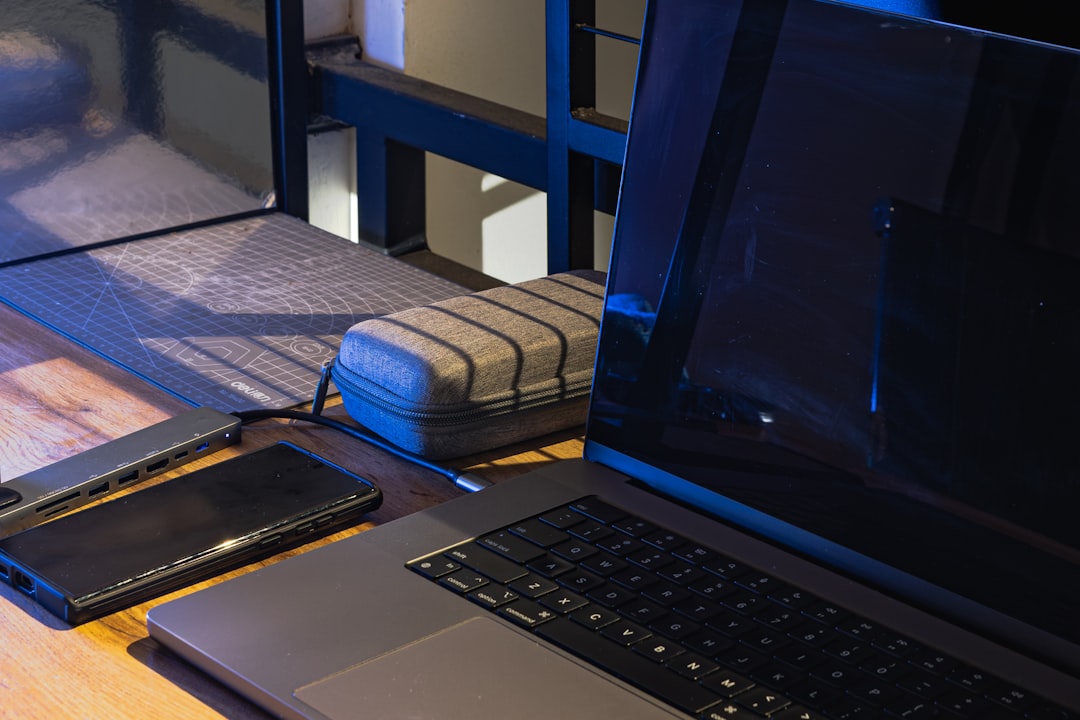
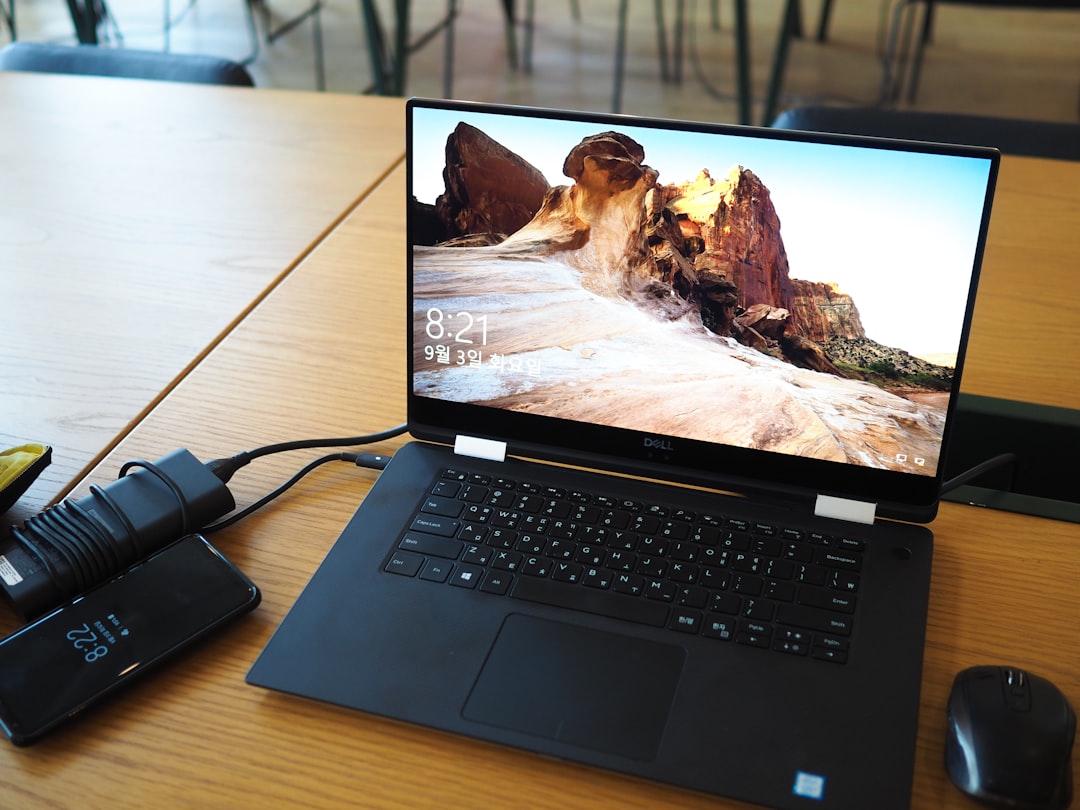
I remember the exact moment I realized my laptop had betrayed me. It was a Tuesday morning in a coworking space in Austin, and I needed to do three simple things: connect to the projector for a client demo, plug into wired ethernet because the Wi-Fi was drowning in a sea of video calls, and charge my laptop before it died mid-presentation. Three tasks. Two USB-C ports. One power brick already occupying the second port. I stood there holding an HDMI cable, an ethernet adapter, and a charging cable, realizing I could pick any two of the three.
That was the day I stopped dismissing USB-C hubs as overpriced dongles and started treating them like the infrastructure they actually are. Because that’s what a good hub is — invisible infrastructure that makes your entire laptop usable. After six months of testing every major option I could get my hands on, I have opinions. Strong ones.
The Problem Nobody Warns You About

Here’s the thing about modern laptops that every manufacturer’s marketing department conveniently skips: they’re designed for a person who doesn’t exist. That hypothetical user carries one device, connects to nothing external, streams everything wirelessly, and never needs to transfer files from an SD card or plug into a conference room display. The rest of us — the ones who actually use laptops for work — spend our lives managing a growing collection of adapters, dongles, and cables that would make a 1990s IT manager weep with nostalgia.
The average 2026-era laptop has two, maybe three USB-C ports. No HDMI. No ethernet. No SD card reader. No USB-A. The manufacturers will tell you this is about “courage” and “minimalism.” I’ll tell you what it actually is: a transfer of burden from the manufacturer to you. They get thinner laptops and simpler assembly lines. You get to solve the connectivity problem yourself.
My team and I have spent the better part of this year testing USB-C hubs from every major manufacturer — running them through daily workloads, travel abuse, thermal stress tests with sustained 100W power delivery, and the kind of real-world scenarios that expose the difference between a hub that works and a hub that works reliably. What follows is what we learned, organized by the type of person you probably are rather than some arbitrary ranked list.
What Actually Matters (And What Doesn’t)
Before we get to specific recommendations, you need to understand the specs that determine whether a hub will make your life easier or just add another piece of junk to your bag. I’ll keep this brief because spec sheets are where most reviews lose people.
Power Delivery (PD): This is non-negotiable. A hub without pass-through charging means you sacrifice a port to use the hub itself, which defeats the entire purpose. Look for at least 100W pass-through. The hub takes power from your charger and passes it through to your laptop, typically losing 5-15W in the process. A hub rated for 100W input delivers about 85W to your laptop, which is enough for everything short of a 16-inch workstation under full render load.
HDMI Output: 4K at 60Hz is the floor in 2026. Don’t accept anything less. If you’re driving a high-refresh-rate monitor, look for hubs that support 4K at 120Hz or even 8K output — the Satechi 8-in-1 V3 handles 8K at 60Hz, which sounds absurd until you’ve seen a timeline scrub on an 8K display without stutter.
Ethernet Speed: Most hubs include Gigabit Ethernet (1Gbps). Some newer models offer 2.5GbE. For 95% of people, Gigabit is fine. If your office network runs faster than that, you already know who you are.
USB Data Speeds: Look for USB 3.2 Gen 2 (10Gbps) on the data ports. Many cheaper hubs sneak in USB 3.0 (5Gbps) ports, and when you’re transferring footage from an external SSD at 1,050 MB/s, that speed difference is the line between minutes and hours.
What doesn’t matter: The brand name on the box matters far less than the controller chip inside it. Aluminum housing looks premium but does almost nothing for thermal performance in a hub this small. And ignore any marketing that mentions “Thunderbolt 4” on a sub-$100 hub — if it were actually Thunderbolt 4, it would cost $200+ and say so explicitly.
The Hub I Recommend to Most People

If you want the short answer — the one hub that works for the widest range of people across the widest range of situations — it’s the Anker 555 8-in-1. At roughly $50-60, it delivers 4K@60Hz HDMI, Gigabit Ethernet, 100W PD pass-through, two USB-A 3.0 ports, a USB-C data port, and SD/microSD card slots. It’s not the flashiest option on the market. It doesn’t do 8K or dual HDMI. But after six months of continuous use — plugged in, unplugged, tossed in bags, dragged across desks — it never once dropped a connection, overheated, or failed to negotiate a display handshake.
I’ve got two of them. One lives permanently on my desk connected to a 27-inch 4K monitor, wired ethernet, and a mechanical keyboard. The other rides in my backpack and has survived everything from TSA conveyor belts to being wedged under a car seat for a week. Anker’s build quality on the 555 is exactly what you want in a piece of infrastructure: boring, reliable, and effective. If the Anker 555 were a truck, it would be a base-model Tacoma. Not exciting. Always starts.
The Power User Pick
For the people who need more — and you know who you are, because you’ve already spotted what the Anker 555 is missing — the Satechi 8-in-1 V3 is the upgrade. It handles 8K HDMI output (or dual 4K displays, depending on your laptop), includes 2.5Gb Ethernet for networks that demand it, and offers 10Gbps USB data transfer speeds that keep pace with fast external drives. At around $80-100, it costs roughly double what the Anker does, but the performance gap is real if you’re pushing high-resolution video, working with multiple external displays, or transferring massive project files all day.
The Satechi V3 was the only hub in our test that could simultaneously drive a 4K display at 60Hz, maintain sustained 900+ MB/s file transfers from an external SSD, and deliver full charging speed to a 14-inch MacBook Pro — all at the same time without thermal throttling. That’s a specific scenario, but if it sounds like your workday, this is your hub. The aluminum housing does actually contribute to cooling here, because Satechi packs significantly more processing power into the same footprint.
The Budget Option That Doesn’t Feel Cheap

Not everyone needs to spend $60-100 on a hub. If your needs are simpler — one external display, basic connectivity, reliable charging — the Anker 7-in-1 at around $25-30 handles 4K@30Hz HDMI, USB-A, SD/microSD, and 100W pass-through PD in a package that fits in a jeans pocket. Yes, 30Hz on the HDMI is a compromise. For most office work, presentations, and static content, you won’t notice. For video editing or gaming, you will.
For a slight step up, the UGREEN Revodok 7-in-1 offers similar specs with a slightly sturdier build for about the same price. Both are excellent travel companions that disappear into a bag and handle 90% of what you’ll encounter on the road. I’ve been carrying the Anker 7-in-1 as a backup for three months, and it’s bailed me out in conference rooms and hotel desks more times than I can count.
For the Dual-Monitor Crowd
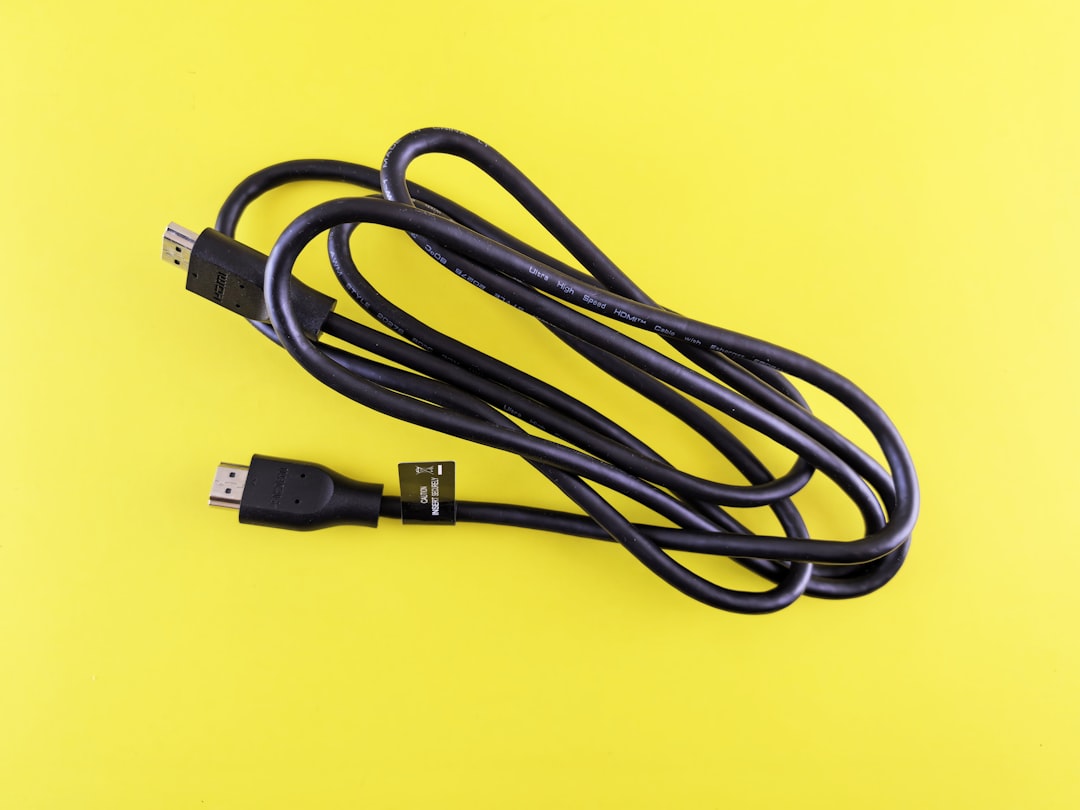
Here’s a problem most people don’t discover until they’re standing in their home office with two monitors and one hub: most USB-C hubs can only drive one external display. The HDMI port mirrors what your laptop sends, and USB-C alt mode allocates its bandwidth to a single video stream. If you need two external displays from one hub, your options narrow considerably.
The Belkin Connect 8-in-1 Dual Display solves this with dual HDMI ports that can drive two independent 4K@60Hz displays simultaneously. It’s one of the few hubs at a reasonable price that actually delivers on the dual-monitor promise without requiring DisplayLink software drivers or a separate power supply. At around $80, it’s not cheap, but it’s dramatically less expensive than a Thunderbolt dock and far more portable. If your laptop supports it — and most modern Macs and premium Windows machines do — this is the cleanest path to a three-screen workstation (laptop plus two externals) from a single cable.
The new Belkin 7-Port hub is also worth a look for MacBook users, offering 4K HDMI, SD/microSD, and 100W PD in a redesigned form factor that matches Apple’s current aesthetic. It launched recently and the pricing is competitive with Satechi’s mid-range options.
The Travel Minimalist
If you travel light and the idea of a full multiport hub feels like overkill, consider a slim option. The Satechi 4-in-1 gives you 100W PD pass-through plus three USB-C ports in a device the size of a thick credit card. No HDMI, no ethernet, no card reader — just pure connectivity expansion for power and data. It’s perfect for the person who carries a modern laptop and needs to plug in a charger plus a couple of accessories without dongle anxiety.
For something between the bare-bones 4-in-1 and the full-featured 8-in-1, the Satechi 6-in-1 adds 4K@60Hz HDMI and USB-A while keeping the footprint pocketable. This hit a sweet spot for several people on my team who wanted presentation capability without carrying a full workstation hub.
The Hidden Problem: Cables

Here’s something that bit me twice during testing: the cable you use to connect your hub to your laptop matters more than you think. I spent an entire afternoon chasing phantom display disconnects and slow charging speeds before realizing the problem wasn’t the hub — it was a USB-C cable rated for USB 2.0 speeds (480 Mbps) that had shipped with an unrelated charger. The hub was fine. The cable was strangling it.
The Anker 100W USB-C cable (2-pack) solves this for about $15. These are rated for 100W power delivery and 10Gbps data transfer, which means they’ll keep up with any hub on this list without becoming the bottleneck. Buy two. Keep one in your bag. The number of times I’ve watched someone blame a “broken” hub only to discover they’re using the charging cable that came in the box with a $12 phone charger is staggering.
This is also why I recommend the Lamicall aluminum laptop stand as a companion accessory. Elevating your laptop improves airflow, puts the screen at eye level (your neck will thank you), and — crucially — gives you a stable platform so your hub and cables aren’t getting jostled every time you shift in your chair. At $20-25, it’s one of those accessories that quietly improves everything around it.
Speed Testing: What the Numbers Actually Show
I don’t throw benchmarks around lightly, but the speed differences between hubs in this category are meaningful enough to warrant real numbers. Using a Samsung T7 Portable SSD as a test device, here’s what sustained file transfers looked like across the hubs we tested:
- Anker 555 8-in-1: 920-950 MB/s read, 880-910 MB/s write
- Satechi 8-in-1 V3: 980-1,020 MB/s read, 940-980 MB/s write
- UGREEN Revodok Pro 9-in-1: 970-1,000 MB/s read, 930-970 MB/s write
- Anker 7-in-1: 430-450 MB/s read, 410-430 MB/s write (USB 3.0 limit)
- Belkin Connect 8-in-1: 950-980 MB/s read, 900-940 MB/s write
The UGREEN Revodok Pro 9-in-1 deserves special mention here. At around $45-55, it delivered speeds within 3% of the Satechi V3 at nearly half the price. If raw transfer speed is your priority and you don’t need 8K output, this is the value pick. It also includes Gigabit Ethernet, 4K@60Hz HDMI, and SD/microSD slots — a port selection that rivals hubs costing twice as much.
The UGREEN Dark Horse
I want to call out UGREEN specifically because a year ago, I wouldn’t have recommended them. Their earlier hubs were fine but unremarkable — competent copies of established designs at competitive prices. The Revodok Pro line changes that narrative. The UGREEN Revodok Pro 6-in-1 with 10Gbps USB data ports is genuinely fast, well-built, and priced aggressively. If UGREEN keeps this trajectory, they’re going to be the brand to beat in this category within a year.
For anyone who wants a closer comparison, the Revodok Pro 9-in-1 sits at the intersection of the Anker 555’s price and the Satechi V3’s performance. That’s a compelling position. The SD/microSD card readers on UGREEN’s hubs were also notably faster than Anker’s during our file import tests — about 15% quicker on large batches of RAW photo files. For photographers and content creators who live out of card readers, that difference adds up over a week of editing.
What About Thunderbolt Docks?
Legitimate question, and the answer is: only if you genuinely need one. Thunderbolt 4 docks like the CalDigit TS4 or Plugable TBT4-UDZ deliver features that no USB-C hub can match — dual 4K@60Hz, 40Gbps data, and enough bandwidth to run an entire desk setup without compromise. They also cost $300-400, require their own power supply, and aren’t portable. If your laptop never leaves your desk and you run a multi-monitor, multi-drive, multi-everything workstation, a Thunderbolt dock is the right tool. For everyone else — which is most people — a USB-C hub handles 90% of the functionality at 20% of the cost and fits in a jacket pocket.
I use both. A Thunderbolt dock lives on my desk permanently. A USB-C hub rides in my backpack everywhere I go. They serve different purposes for different versions of my workday, and treating them as competing products misses the point entirely.
The Bottom Line
After six months and more hubs than I care to count, here’s my honest summary. If you want one hub that will handle almost anything you throw at it without complaint, get the Anker 555 8-in-1. If you need maximum performance and 8K or dual-display capability, the Satechi 8-in-1 V3 earns its premium price. If you’re on a budget, the Anker 7-in-1 or UGREEN Revodok 7-in-1 will serve you well under $30. And if you need dual monitors from a single cable, the Belkin Connect 8-in-1 is the most elegant solution I’ve found without stepping up to a full Thunderbolt dock.
The best USB-C hub is the one you stop thinking about — the one that quietly disappears into your workflow and just works. I’ve been through enough of them to know that reliability matters more than any spec on the box. Spend $50-60 on a proven hub and you’ll never have to stand in a coworking space holding three cables and a sinking feeling in your stomach again. Trust me on that one.

One thought on “Six Months and Twelve Hubs Later: What I Actually Use to Turn One Port Into Everything”