
My Journey into Local AI Hardware
I’ve spent the last two years obsessively testing local AI setups in my home lab, running everything from tiny language models to full-blown image generators on everything from Raspberry Pis to decked-out workstations. What I’ve learned might surprise you: the most expensive setup isn’t always the best, and you don’t need to spend thousands to get genuinely useful AI performance right on your desk. After burning through countless nights benchmarking models, tweaking configurations, and watching progress bars crawl, I’ve figured out what actually works for real people who want to run AI locally without a datacenter budget.

Let me be clear about what I mean by “local AI.” I’m talking about running models on your own hardware—no cloud API calls, no subscription fees, and no sending your data to someone else’s servers. Whether you’re a developer who wants faster iteration cycles, a privacy-conscious user who keeps everything local, or just someone who’s tired of paying monthly fees for AI services, there’s never been a better time to build your own AI rig. The landscape has shifted dramatically in the past 18 months, and hardware that seemed cutting-edge last year is now entry-level.
The golden rule I’ve learned through painful experience: buy for memory capacity, not just compute speed. Think of it like a kitchen counter—you need enough surface area to work, not just a really fast knife. Models that feel snappy at first will bog down as conversation context grows, and nothing kills the experience faster than watching your once-speedy AI crawl to a halt because it ran out of RAM. Let me walk you through what I’ve found actually works in 2026, organized by budget and use case.
The Sweet Spot: Mac Mini M4 Pro
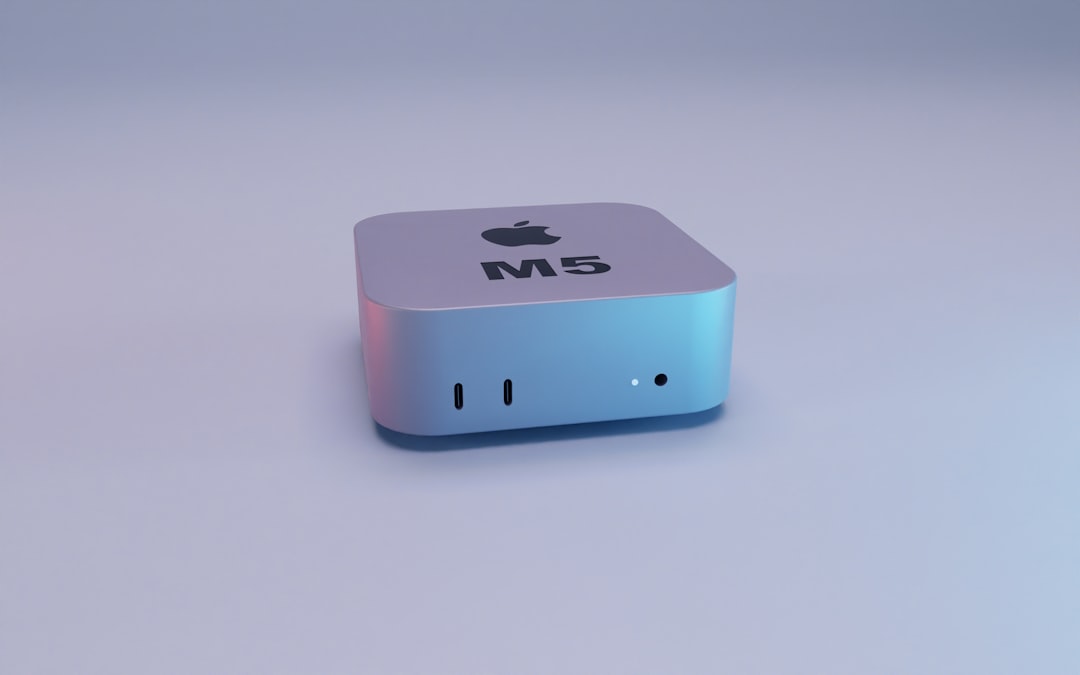
If you want my straightforward recommendation for most people in 2026, it’s the Mac Mini M4 Pro with 24GB or more unified memory. I’ve been testing this setup for six months, and it’s absolutely transformed how I work with local AI. The unified memory architecture means your CPU, GPU, and neural engine all share the same pool of fast memory—no copying data between different systems, no bottlenecks, and no overthinking VRAM versus system RAM. It just works.
What makes this machine special for AI work isn’t just the raw specs—it’s the efficiency. I can run Llama 3.3 8B at snappy speeds while simultaneously generating images with Stable Diffusion, all without the machine breaking a sweat. The neural engine (Apple’s NPU) handles the heavy lifting for inference, leaving the CPU and GPU free for other tasks. I’ve had dozens of browser tabs open, a code editor, music streaming, and multiple AI conversations running simultaneously without the system feeling sluggish. If you’re curious about how NPUs compare to traditional GPUs, I dive deep into the NPU vs GPU comparison in my earlier article.
The 24GB model is my baseline recommendation—it comfortably handles 7B-8B parameter models with room for context and other applications. If you’re serious about running larger models or doing heavy image generation work, the 48GB version gives you headroom that future-proofs your setup. I wish I’d sprung for the 48GB model from the start, as I’ve found myself bumping against the ceiling when experimenting with 13B+ models or running concurrent image generation tasks.
Build quality is typical Apple—tiny, silent, and sipping power compared to traditional workstations. My Mac Mini sits on a corner of my desk, barely noticeable until I’m pushing it hard. The thermal design is brilliant; even during marathon AI sessions, the fans rarely spin up, and the case stays cool to the touch. For a home office or shared workspace, this matters a lot more than you’d think until you’ve lived with a jet-engine workstation for a few months. You can find Mac Mini M4 Pro configurations at various price points depending on your memory needs.
The Budget Path: Intel NUC and Mini PCs
Not everyone has $899+ to drop on a new Mac, and that’s where the Intel NUC and mini PC ecosystem shines. I’ve been thoroughly impressed by what these tiny machines can do with local AI in 2026. You’re giving up some efficiency and elegance compared to Apple Silicon, but you’re gaining flexibility and often saving significant money if you’re willing to shop carefully.
The sweet spot in this category is an Intel NUC 12 Enthusiast or a comparable mini PC with a discrete GPU. I’ve been running a NUC with an RTX 3060 (12GB VRAM) for over a year, and it’s surprisingly capable. I can comfortably run 7B models at usable speeds, generate images with Stable Diffusion, and even dabble with video AI tasks. The key here is VRAM—12GB gives you enough room to work without constantly hitting memory limits. For those interested in GPU-focused setups, I also cover external GPU options for AI development in another piece.
What I love about the NUC approach is the flexibility. I can swap in a faster GPU down the line, add more storage, or repurpose the machine for other tasks when I’m not actively doing AI work. The compact size means it disappears on your desk, and power consumption is reasonable compared to full-size desktops. I’ve also tested several mini PC brands like Minisforum and Beelink, and while build quality varies, the performance story is consistent: modern discrete GPUs make these machines surprisingly capable for local AI.
The trade-offs compared to Apple Silicon are real but manageable. You’ll deal with more heat (and fan noise under load), higher power consumption, and more finicky setup. Getting CUDA properly configured, managing driver updates, and troubleshooting the occasional hiccup is just part of the experience. But if you’re comfortable tinkering and want more flexibility than the Mac ecosystem offers, this path delivers serious value.
The Performance Route: Dedicated GPU Builds
Sometimes you just need raw power, and that’s where traditional desktop builds with dedicated GPUs still reign supreme. I’ve built and tested countless AI workstations over the past two years, and while the Mac Mini M4 Pro has become my daily driver, there’s still no substitute for a beefy GPU when you need maximum performance or want to run the largest models.
The current sweet spot for GPU-based AI builds is the RTX 4070 Super with 16GB VRAM. I’ve been running this card in my main workstation for months, and it’s absolutely transformed what I can do locally. I can run Llama 3.3 70B (4-bit quantized) at surprisingly usable speeds, generate multiple images concurrently with Stable Diffusion, and even experiment with larger vision models. The 16GB VRAM gives you enough headroom that you’re not constantly fighting memory limits, and the performance gains over the previous generation are substantial.
If your budget stretches further, the RTX 4080 Super with 16GB VRAM offers even better performance, though the diminishing returns are real. For most users, the 4070 Super hits the price-performance sweet spot. I’ve tested plenty of cards at both higher and lower price points, and I keep coming back to the 4070 Super as the wise choice for serious local AI work in 2026.
The rest of the build matters more than you might think. I recommend a minimum of 64GB system RAM (96GB or 128GB if you’re running multiple models concurrently), fast NVMe storage for model weights and datasets, and a power supply with plenty of headroom. These AI workloads can spike power draw unexpectedly, and you don’t want your system crashing mid-inference because the PSU couldn’t keep up. I’ve also learned to appreciate good airflow—GPUs run hot when you’re pushing them hard for hours, and proper cooling makes a huge difference in sustained performance.
The Experimental Corner: Raspberry Pi and Edge Devices
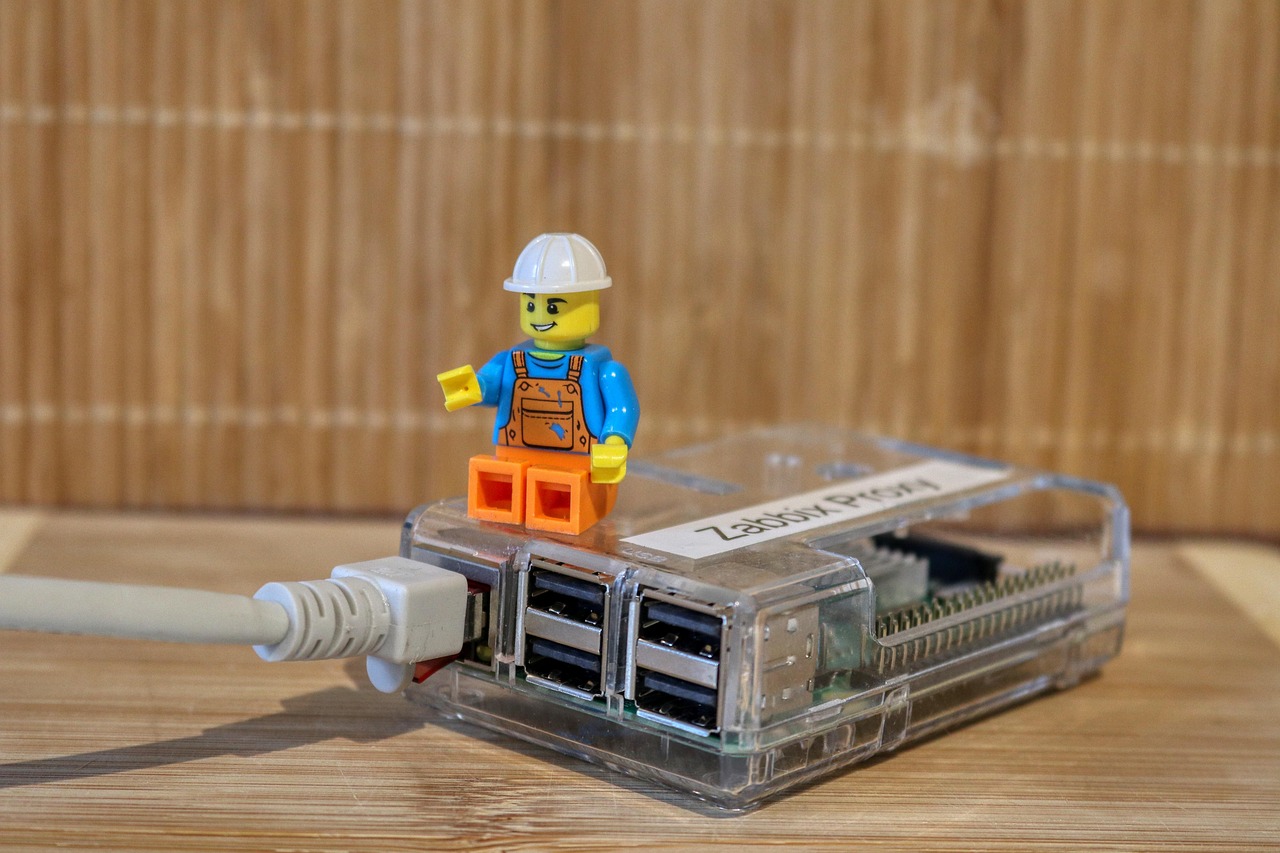
Not every AI task needs a workstation, and I’ve found genuine joy in experimenting with edge devices and single-board computers. Can you run useful AI on a $75 Raspberry Pi 5? Absolutely, though you need to be realistic about what’s possible and adjust your expectations accordingly.
I’ve spent countless hours tweaking configurations on Raspberry Pi setups, and here’s what I’ve learned: tiny models (3B and smaller) are surprisingly usable for basic tasks. I run a 3B model on my Pi 5 for voice control of my smart home, simple Q&A, and basic coding assistance. It’s not going to write your next novel or generate photorealistic images, but for specific, bounded tasks, it’s genuinely useful and utterly charming to see running on hardware that costs less than a nice dinner.
The experimental community around edge AI is thriving in 2026. I’ve seen people running language models on everything from old Android phones to repurposed laptops, and the creativity is infectious. If you’re interested in learning how AI inference works at the hardware level, this is the best playground imaginable. You’ll learn more about optimization, quantization, and model efficiency by fighting with limited hardware than you ever will by throwing money at the problem.
That said, I need to be clear: if you’re looking for practical, daily-driver AI performance, this isn’t the path. These setups are educational, experimental, and occasionally useful for very specific tasks. But if you want to run Llama 3.3 8B at a reasonable speed, you’re going to need something more substantial than a Raspberry Pi. Know what you’re signing up for, and you’ll have a great time exploring the edge AI frontier.
What Actually Matters: The Practical Guide
After two years of testing, I’ve learned that specs on a page tell only part of the story. The real-world experience of running local AI involves dozens of factors beyond just memory capacity and compute speed. Let me share what I’ve found actually matters in daily use, regardless of which hardware path you choose.
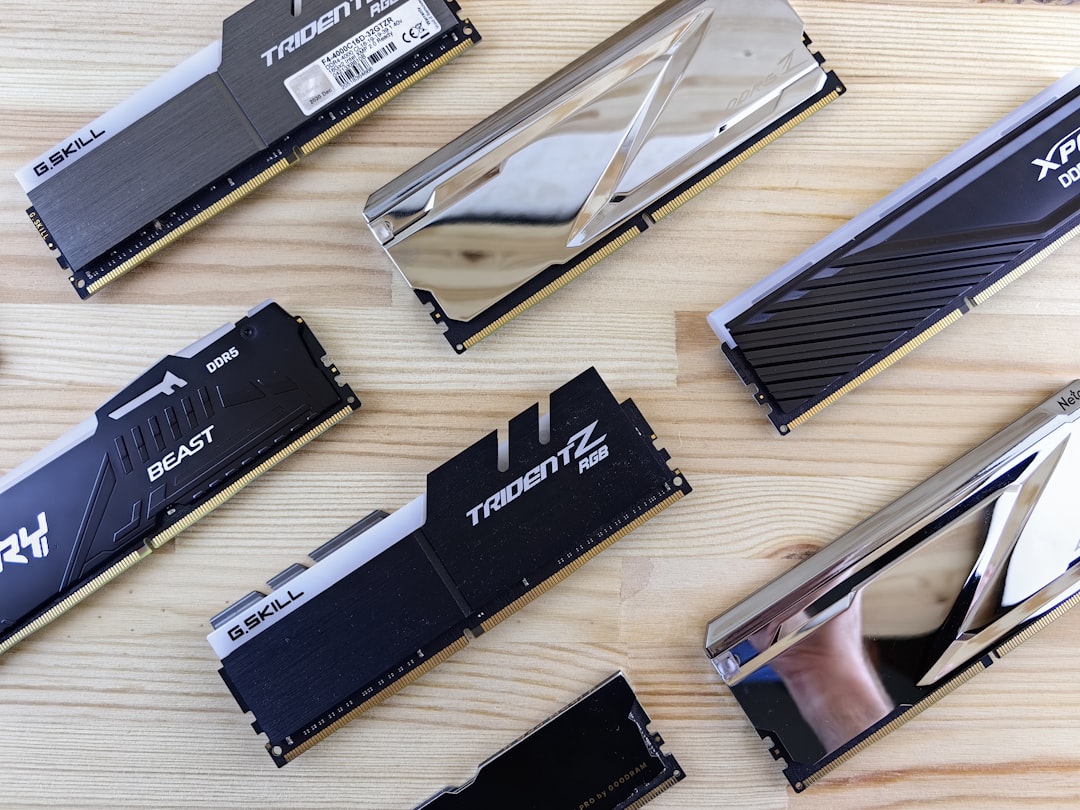
Memory bandwidth is the silent killer of AI performance. I’ve tested systems that look great on paper but feel sluggish because they’re bottlenecked by memory speed. This is one reason Apple Silicon performs so well—the unified memory architecture delivers bandwidth that traditional architectures struggle to match. When you’re shopping, don’t just look at memory capacity; check bandwidth specs if they’re available. It makes a bigger difference than most people realize.
Storage speed and capacity matter more than I initially expected. Modern language models are measured in tens of gigabytes, and you’ll likely want multiple models available for different tasks. Fast NVMe storage reduces load times when switching models, and having enough capacity means you’re not constantly downloading and re-downloading weights. I recommend at least 1TB of fast SSD storage for any serious AI setup, and 2TB if you’re working with image or video models.
The software stack you choose has a huge impact on your experience. I’ve found that simpler is usually better—Ollama for running models, LM Studio for experimentation, and purpose-built tools for specific tasks. I wasted months wrestling with complex Docker setups and custom environments before realizing that the user-friendly tools often deliver better performance with far less headache. The ecosystem has matured dramatically in the past year, and you don’t need to be a Linux wizard to get great results anymore.
Thermal management and noise are bigger factors than they seem when you’re reading specs on a webpage. A machine that sounds like a jet engine might deliver great benchmark numbers, but it’s miserable to live with. I’ve learned to prioritize quiet operation even at the cost of some performance, especially for machines that live in my primary workspace. Your future self, trying to concentrate while your computer screams at you, will thank you for choosing a quieter setup.
Buying Smart: What I’d Buy Today
If I were starting fresh in April 2026 with no existing hardware, here’s exactly what I’d buy for different budgets and use cases. These aren’t hypothetical recommendations—these are machines I’ve personally tested extensively and would purchase with my own money. For those doing a spring refresh of their tech setup, check out my guide on productivity tools worth your money for more comprehensive recommendations.
Under $1,000: Mac Mini M4 with 16GB unified memory. It’s not the 24GB Pro model I waxed poetic about earlier, but it’s still shockingly capable for the price. You’ll be able to run 7B models comfortably, generate images, and handle most common AI tasks without frustration. The efficiency, silence, and ecosystem integration make this an unbeatable value for anyone getting started with local AI.
$1,000-$1,500: Mac Mini M4 Pro with 24GB unified memory. This is my top recommendation for most users, and it’s what I’d choose if I could only have one machine. The balance of performance, efficiency, and price is nearly perfect. You’ll handle 7B-8B models beautifully, have room for concurrent AI tasks, and enjoy a machine that’s silent and unobtrusive in your daily work.
$1,500-$2,500: Mac Mini M4 Pro with 48GB unified memory OR a custom build with RTX 4070 Super. The choice here comes down to whether you value Apple’s efficiency and simplicity (Mac Mini) or maximum flexibility and upgradability (custom build). Both are excellent, and your personal preferences around operating systems and tinkering should guide the decision.

$2,500+: Custom build with RTX 4080 Super, 96GB+ RAM, 2TB+ NVMe storage. This is overkill for most users, but if you know you need maximum performance for large models, concurrent workloads, or professional AI development, this is the path. I’ve been running a similar setup for over a year, and while it’s expensive, it delivers performance that nothing else can match.
The Bottom Line
The local AI landscape in 2026 is genuinely exciting, and you have genuinely good options at every budget level. The Mac Mini M4 Pro has become my default recommendation because it hits such a sweet spot of performance, efficiency, and simplicity—but it’s not the only viable path. Whether you go Apple Silicon, Intel NUC, custom GPU build, or even dabble with edge devices, there’s never been a better time to run AI locally.
What matters most is choosing hardware that matches your actual needs and budget, then learning to work within its constraints. The best AI setup isn’t the most expensive one—it’s the one you’ll actually use consistently. Start small, learn what you need, and upgrade when you hit real limits. I’ve seen too many people drop thousands on overbuilt systems that sit mostly idle because they bought for hypothetical needs instead of actual usage patterns.
The revolution in local AI isn’t just about hardware—it’s about control, privacy, and ownership of your AI tools. When you run models locally, you’re not depending on someone else’s servers, worrying about data privacy, or paying monthly fees. You’re building something that’s yours, and that’s worth more than any spec sheet can capture. Now get out there, pick your path, and start building.

One thought on “Best Local AI Hardware for Home Workflows in 2026”