
Spring cleaning isn’t just for closets and garages anymore. After 25 years of testing gear and watching tech accumulate like digital dust bunnies, I’ve learned that your workflow needs an annual reset just as much as your physical space does. The tools that revolutionized your productivity last year might be holding you back now. Software rot is real, hardware ages out, and honestly, sometimes you just accumulate too much stuff that sounded good at the time but doesn’t actually fit how you work.
I’ve spent the past few weeks doing my annual spring tech refresh—auditing my workflows, testing new tools, and clearing out the cruft that’s built up over the past year. What follows isn’t a list of every productivity app under the sun. It’s the stuff that’s actually worth your time and money in 2026, based on real testing, not marketing hype.
The Hardware Foundation: Input Devices That Don’t Suck
Let’s start with the physical stuff you touch every single day. Most people tolerate terrible keyboards and mice, then wonder why their hands hurt and their workflow feels sluggish. Life’s too short for bad input devices.
I’ve been testing mechanical keyboards extensively this year, and what I’ve found might surprise you. The trendy compact layouts with no arrow keys or function rows? They’re great for social media aesthetic shots, but terrible for actual work. After swapping between a dozen boards, I keep coming back to the Keychron Q1 Pro. It’s got that satisfying mechanical feel, wireless connectivity that actually works, and a layout that doesn’t force you to relearn how to type. The build quality is exceptional, and at roughly $180, it’s an investment that will last years, not months.
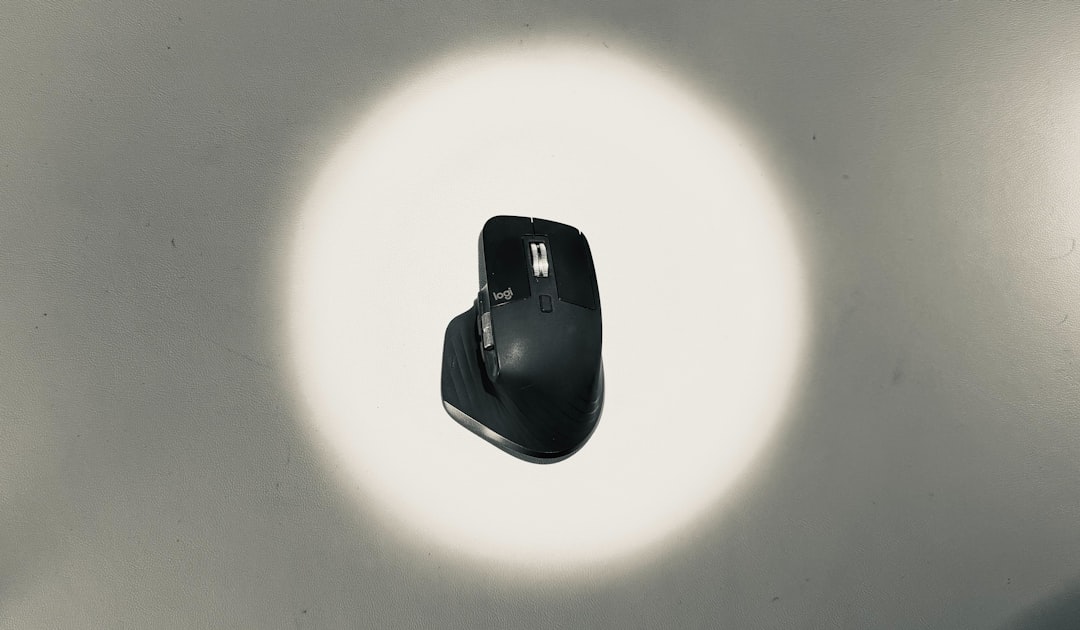
For mice, I’ve seen too many people buy gaming mice with 17 buttons they never use, then wonder why their hand cramps after an hour. The Logitech MX Master 3S remains my top pick for productivity work. The thumb wheel alone is worth the price—once you get used to horizontal scrolling in spreadsheets and code editors, you can’t go back. Battery life measured in weeks, not days, and the ergonomics are legit. I’ve used one daily for two years now, and it still feels solid.
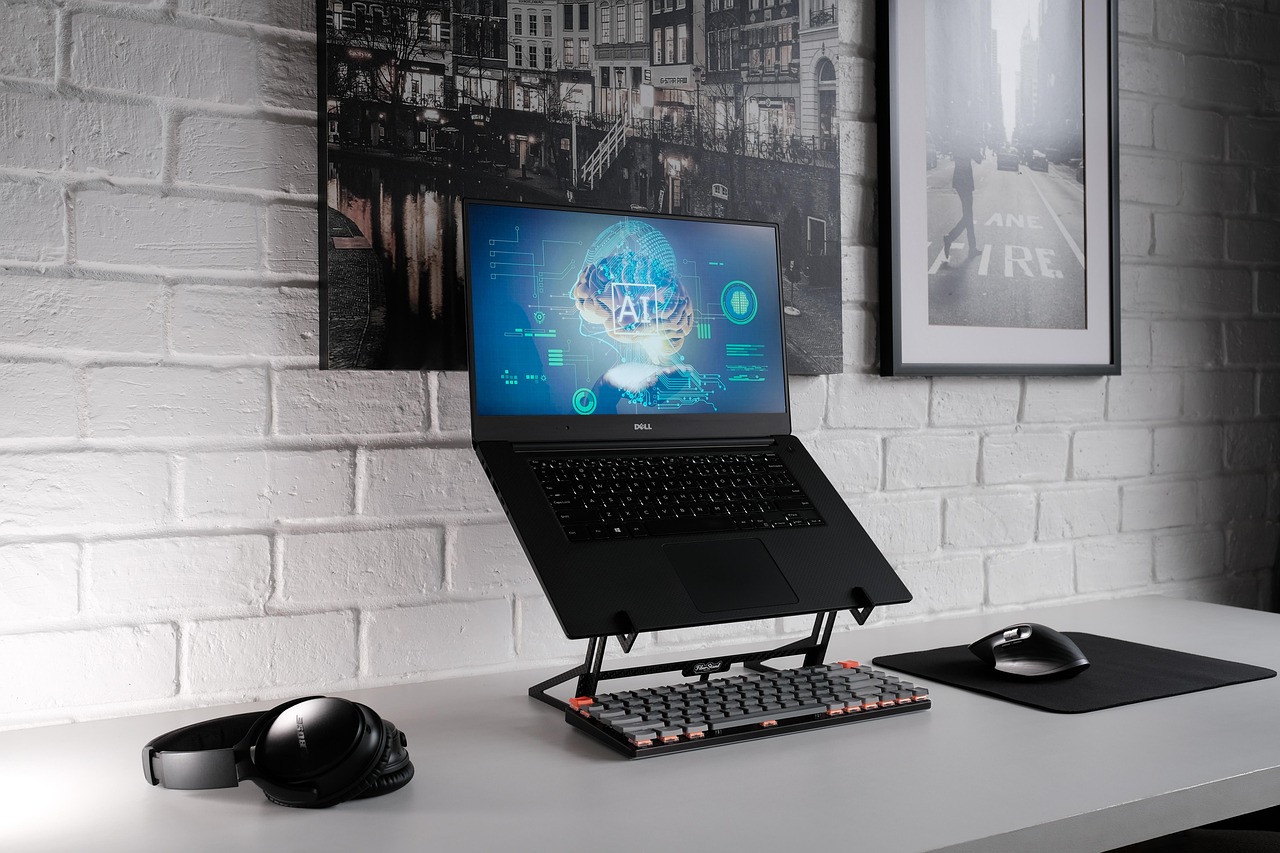
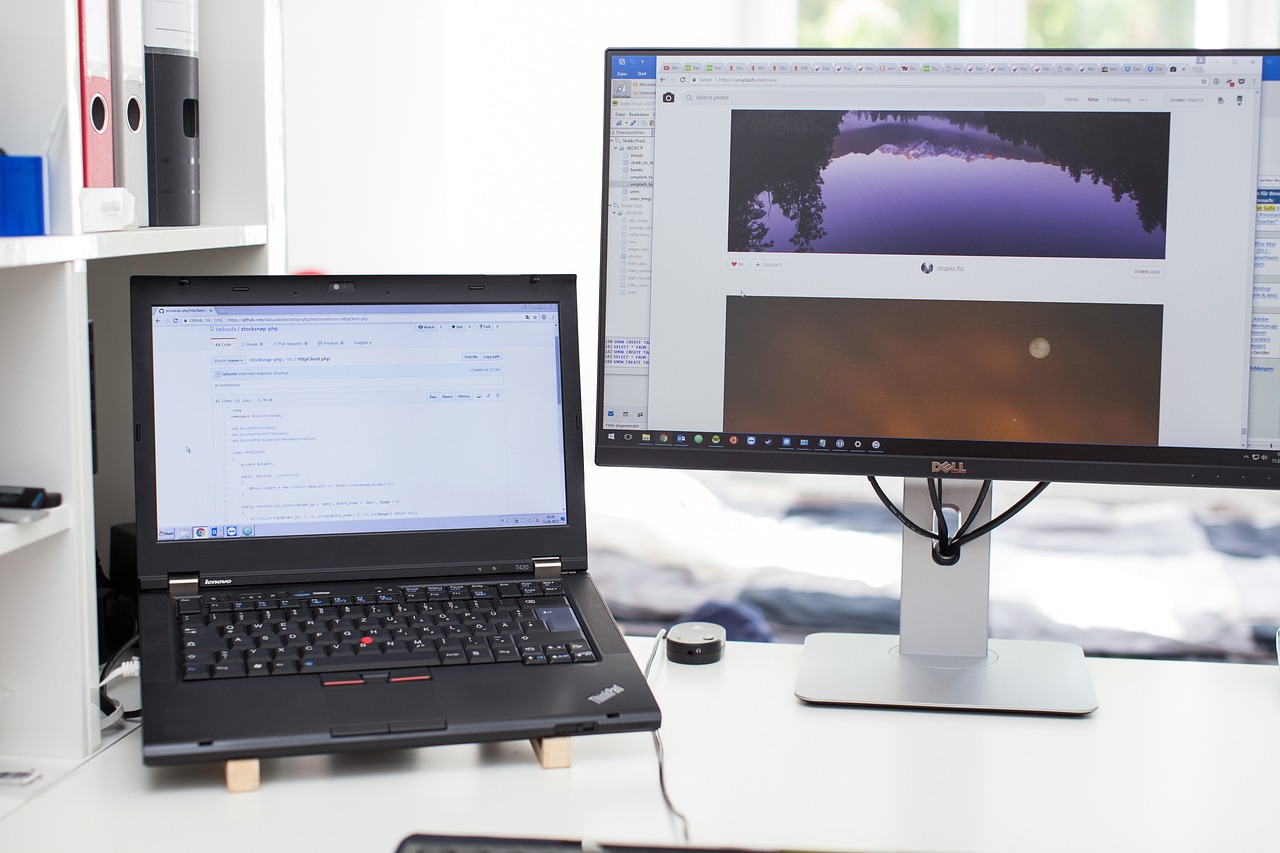
One upgrade I made this spring that surprised me: a proper laptop stand. I’d been using various cheap stands that wobbled or didn’t adjust quite right. Switched to the generic aluminum stands you can find on Amazon for $30-40, and the difference in my neck and shoulder comfort is noticeable. When you’re spending 8+ hours at a desk, ergonomics isn’t a luxury—it’s preventative maintenance for your body.
Display Reality: Why One Monitor Isn’t Enough
Here’s a hill I’ll die on: working on a single laptop display is actively sabotaging your productivity. I’ve seen the productivity metrics from my own work, and the jump from one to two displays is bigger than any other hardware upgrade you can make. Three monitors? That’s diminishing returns for most people. But two? That’s the sweet spot.
The challenge is finding good displays that don’t cost a fortune. I’ve been testing the 27-inch 4K IPS monitors that have flooded the market over the past year. The key spec you want is IPS panel technology—cheap TN panels have awful viewing angles and color shifts that will give you headaches. For text clarity, 4K at 27 inches provides the sweet spot of sharpness without needing OS-level scaling tricks.
My current setup uses two different monitors from different manufacturers, and honestly, once they’re calibrated, you won’t notice the difference. Don’t get caught up in buying matching pairs from the same product line—specs matter more than branding. Just make sure you’re getting IPS, decent brightness (300+ nits), and adjustable stands. Your neck will thank you.
Audio That Lets You Focus
Open offices are terrible. Home offices with construction outside are worse. The right audio gear isn’t about enjoying music—it’s about controlling your acoustic environment so you can actually think.
I’ve gone deep on noise-canceling headphones this year, testing everything from the flagship Sony WH-1000XM6 to budget options under $100. Here’s the truth: for pure voice intelligibility on calls, the XM6 is still king. But for long work sessions where you’re just trying to block out distraction? I’ve actually been gravitating toward noise-isolating earbuds instead. They’re lighter, less sweaty, and for blocking out conversations and household noise, they’re surprisingly effective.
For focus music, I’ve found that cheap wired studio headphones are often better than expensive wireless consumer gear. They’re comfortable for hours, the sound is neutral rather than hyped, and they just work without battery anxiety. I keep a pair of Sony MDR-7506 clones on my desk for deep work sessions—cost under $50, sound fantastic, and they’ve been industry standards for decades for a reason.

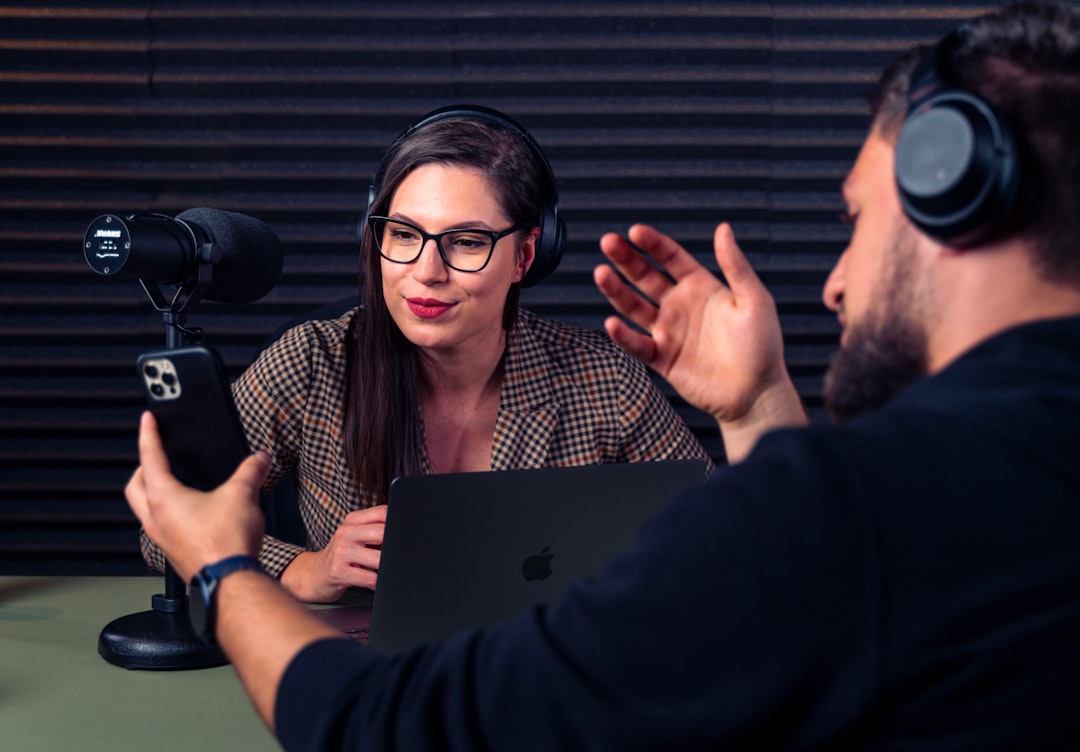
One audio upgrade I made this spring that’s been surprisingly impactful: a simple USB condenser microphone. The difference in call quality versus laptop mics is dramatic, but more importantly, it’s made voice-to-text actually usable. I’m dictating way more of my writing now, and not having to constantly correct misheard words is transformative. If you do any amount of writing or communication, a decent mic is one of those upgrades that you don’t realize you need until you have it.
Software That Actually Works: The 2026 Edition
Here’s where most productivity articles go off the rails—listing thirty different apps that all do slightly different things, expecting you to somehow weave them into a coherent workflow. Let me be clear: using more tools doesn’t make you more productive. It just gives you more things to manage.
The big trend this year has been AI-everything, and I’ve tested dozens of AI-powered productivity tools. Most are garbage—thin wrappers around ChatGPT APIs that don’t actually solve real problems. But a few stand out as genuinely useful.
For note-taking and knowledge management, I’ve finally settled on Obsidian after years of jumping between tools. What makes it different? Your notes live locally as plain Markdown files—no vendor lock-in, no subscription fees, no worrying about a company shutting down and taking your data hostage. The plugin ecosystem is mature now, and I’ve found that the simplicity actually helps you focus on capturing ideas rather than tweaking your system. I’ve got five years of notes in there now, and the ability to full-text search everything instantly has saved my bacon more times than I can count.
For task management, I’ve seen more people bounce from app to app than any other category. Todoist, Things, Notion tasks, Asana—they all have devotees who insist their chosen tool is the One True Way. Here’s what I’ve learned after testing them all: the best task manager is the one you’ll actually use consistently. For me, that’s Todoist. The natural language input is genuinely useful—type “finish report every Friday at 3pm” and it just works. The apps are fast and reliable, and the free tier is surprisingly capable. But if another app clicks better for your mental model, use that instead. Consistency beats optimization.
The one AI tool I’ve found genuinely transformative isn’t a productivity app per se—it’s local LLM software. Running models on my own hardware means no subscription fees, no privacy concerns, and the ability to process sensitive data without sending it to who-knows-where. I use local models daily for summarizing research, brainstorming ideas, and even debugging code. It’s not magic—you have to learn how to prompt effectively—but once you get past the hype, it’s legitimately useful. I covered eGPU setups for AI work recently, and that’s the hardware foundation you want if you’re serious about running local models.

The Anti-Recommendation: Stuff to Avoid
Spring cleaning isn’t just about finding good stuff—it’s also about clearing out the bad. Here are three productivity trends I’ve tested that you should probably skip:
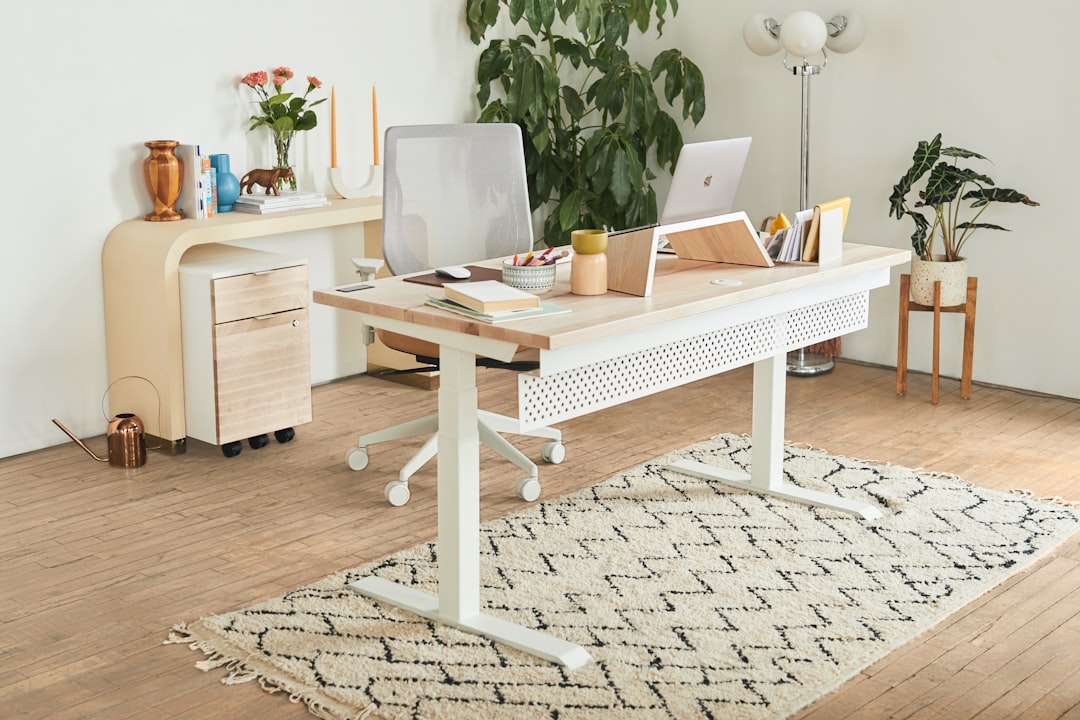
First, smart desks that raise and lower themselves automatically. I’ve tested three different models, and they’re all solving a problem you don’t have. A manual standing desk converter costs a fraction as much, is more reliable, and actually gets used more often because there’s no motor to wait for. The smart features—reminders to stand, posture tracking, whatever—sound good on paper but end up being annoying in practice.
Second, subscription-based productivity tools for stuff you could do with free apps. I’m looking at you, specialized writing apps that charge monthly fees for what amounts to a text editor with a few extra buttons. Markdown editors, simple to-do lists, basic note-taking apps—there are excellent free options for all of these. Subscriptions add up fast, and the cognitive load of managing dozens of $5/month charges isn’t worth it for marginal improvements.
Third, AI-powered everything. I mentioned this earlier, but it bears repeating: most AI tools right now are solutions in search of problems. Before you pay for yet another AI assistant, ask yourself what specific problem it’s solving and whether you actually need AI to solve it. Sometimes a simple script or template does the job better.
What Actually Matters: The Spring Refresh Mindset
After all this testing and tweaking, what’s actually moved the needle for my productivity? It’s not any single tool or app—it’s the process of regularly auditing what’s working and what isn’t. Tools that seemed essential last year might not fit how I work now. Workflows that felt smooth six months ago might have accumulated friction as my needs changed.
The most valuable productivity upgrade I’ve made this spring wasn’t hardware or software—it was ruthlessly eliminating stuff that doesn’t serve me. That means unsubscribing from newsletters I never read, quitting apps that sounded good but I never actually use, and accepting that I don’t need to try every new tool that hits Hacker News.
Your spring refresh doesn’t need to look like mine. Maybe you need a better keyboard. Maybe you need to finally learn your existing tools instead of constantly hunting for new ones. Maybe you need to audit your subscriptions and cut out the stuff you’re paying for but not using.
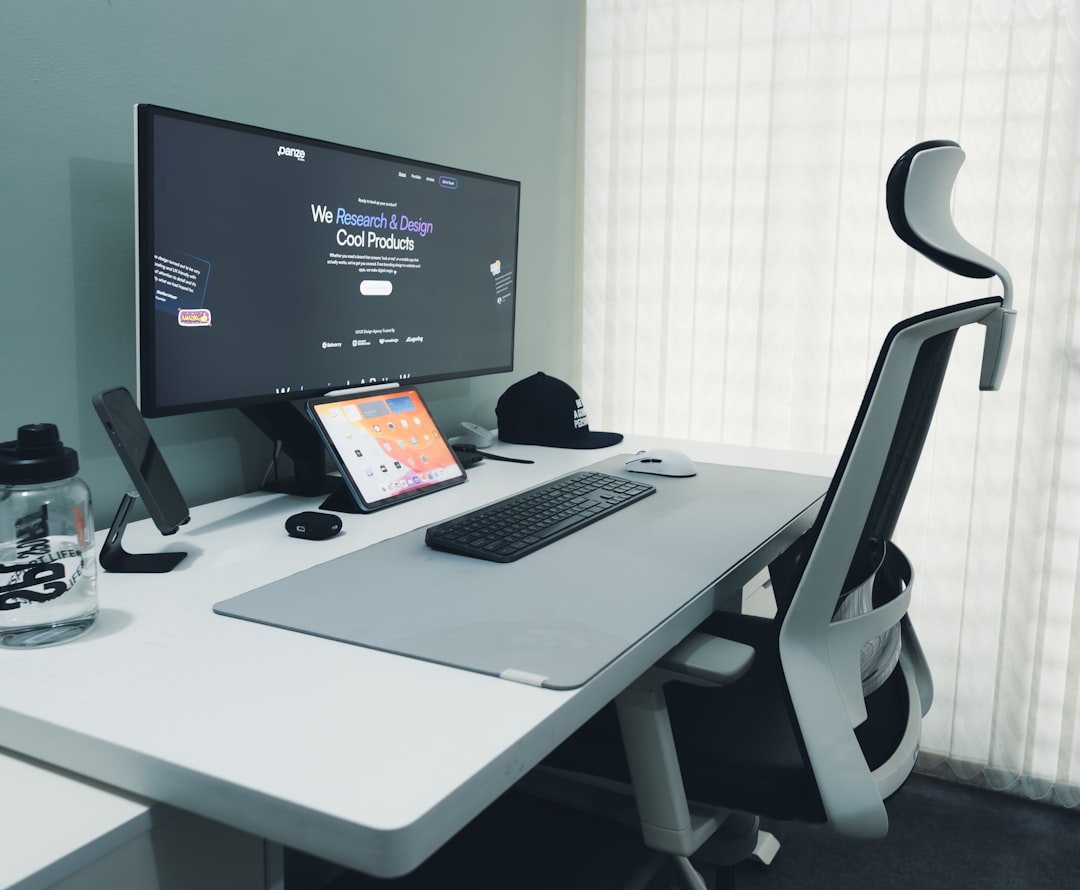
The point isn’t to accumulate more gear and apps. It’s to build a toolkit that actually supports how you work, not how some productivity guru thinks you should work. Test things ruthlessly, keep what works, and don’t be afraid to admit when something isn’t pulling its weight.
Sometimes the most productive thing you can do is clear away the clutter and focus on what actually matters. Everything else is just noise.

One thought on “Spring Tech Refresh: Productivity Tools Worth Your Money in 2026”