
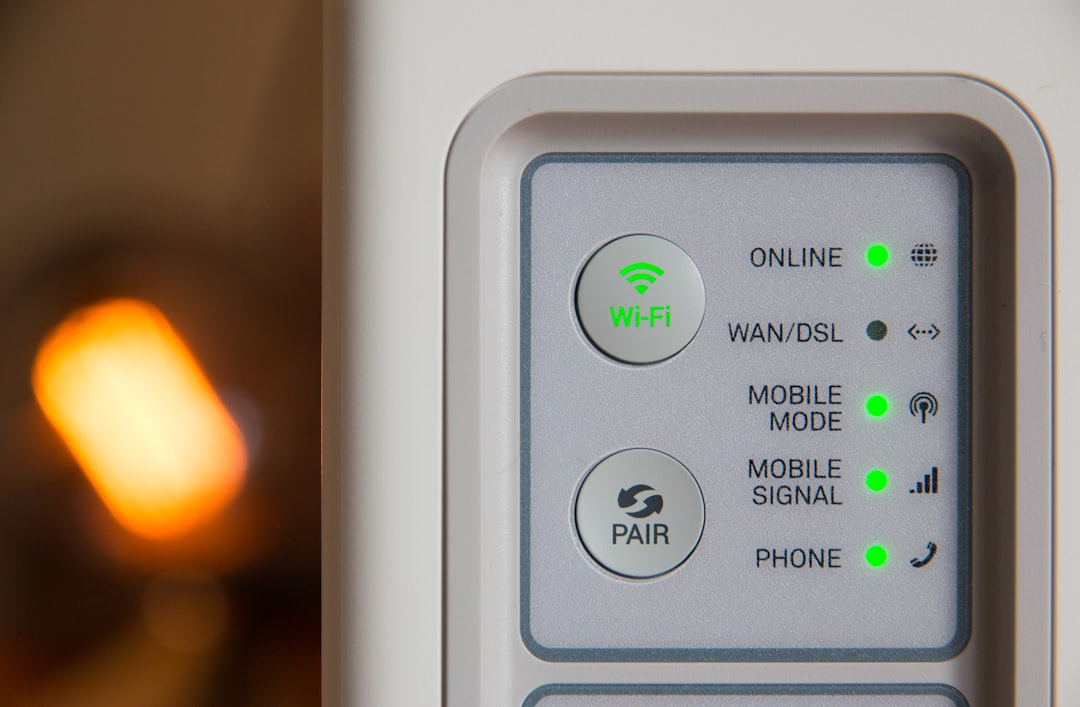
There’s a moment every frequent traveler knows. You walk into a hotel room after fourteen hours of airports and taxis, drop your bag, open the laptop — and the little fan icon spins while you type your room number and last name into a captive portal that looks like it was designed in 2009. Three weeks ago, Malwarebytes documented an active campaign by Russian cybercrime groups doing exactly this dance against travelers worldwide, abusing hospitality Wi-Fi to harvest credentials. That report didn’t surprise me. What surprised me was how many smart people I know still connect their work laptop straight to the lobby network.
I stopped doing that years ago, and it isn’t discipline or paranoia. It’s a $90 pocket router that sits between my laptop and every shared network on the planet. After six weeks on the road this summer running four different units through hotel, airport, conference, and coffee shop Wi-Fi, my team and I came back with clear opinions about what’s worth packing — and one rule I’ll never break again.
What Actually Happens on Hotel Wi-Fi
The uncomfortable truth about hotel and coffee shop networks is that they’re built for convenience, not isolation. When your laptop joins “GrandHyatt_Guest,” it’s parked on a shared broadcast domain with every other guest — and with anyone who wants to pretend to be that network. Security researchers call the impersonator an evil twin: a laptop or a cheap pocket antenna broadcasting a stronger signal with the exact same network name. Your phone, helpfully set to auto-connect, joins the fake without a single visible interruption.

From there, the attacker owns the middle. The captive portal you trust — the login page asking for your room number and email — can be cloned pixel-for-pixel, harvesting credentials before you ever reach the real internet. Analysts tracking the recent hospitality campaigns describe fake portals complete with legitimate hotel branding, some even asking for credit card details to unlock “premium” speeds. The barrier to entry is astonishingly low, and the defense, according to every researcher I read this summer, is the same three habits: a VPN, disabled auto-connect, and verifying network names before joining.
Why a VPN App Alone Doesn’t Cut It

I used to believe a VPN subscription was the whole answer. It isn’t, for reasons that took me an embarrassingly long time to appreciate. First, there’s the captive portal problem: to accept the hotel’s terms, you must connect to the hostile network before your tunnel is up, and a phone that’s syncing mail and cloud backups in the background leaks traffic during that window every single time. Second, there’s the device-count problem. Your laptop might have a VPN client; your e-reader, camera, gaming handheld, and your travel partner’s tablet probably don’t. Third, there’s the configuration problem — one mislabeled toggle, one “trusted network” setting left on, and your tunnel silently routes nothing.
A travel router fixes all three at once. It joins the hotel Wi-Fi, deals with the portal on a locked-down Linux box instead of your primary machine, then rebroadcasts its own private, encrypted network that every device you own can join. Your laptop never touches the shared network. Your phone’s auto-connect features become harmless because they’re connecting to your SSID, not the hotel’s. And if you run a VPN on the router itself, everything behind it — all eight devices, no per-device licenses — moves through an encrypted tunnel automatically.
The setup discipline matters as much as the hardware, and it takes twenty minutes at home, not in a jet-lagged hotel room. Before your first trip: change the default admin password, set your own SSID and a real WPA3 passphrase, configure the VPN client while you have reliable internet, and update the firmware. Once that’s done, the travel ritual shrinks to two steps — plug the router into power, connect it to the hotel network — and everything you carry rides behind protections you configured while calm and caffeinated rather than exhausted and distracted. That’s the part experienced travelers understand: security fails at the moment of weakest judgment, so the goal is making the secure path also the lazy path.
The Field Test: Four Routers, Six Weeks, One Winner
Beryl AX: The One I Pack Every Trip
The GL.iNet Beryl AX (GL-MT3000) is the consensus pick among reviewers for a reason, and six weeks of abuse didn’t find a crack. It’s a palm-sized Wi-Fi 6 unit with a 2.5G WAN port, runs OpenWrt out of the box, and has native WireGuard and OpenVPN clients that you configure once from a clean web interface. My team measured sustained VPN throughput around 180 Mbps over WireGuard — more than enough for video calls, and the kill switch actually kills. Repeater mode at a conference hotel pushed real-world speeds of 320 Mbps to eight simultaneous devices. It has earned the permanent spot in my carry-on.
Roam 7: The Polished Challenger
TP-Link finally got serious about this category. The Roam 7 (BE3600) brings Wi-Fi 7, a 2.5G port, and USB 3.0 tethering in a metal chassis that feels closer to a small flagship router than a travel gadget. It hit the highest raw repeater speeds of the test — 410 Mbps in the same hotel room where the Beryl managed 320 — and its USB tethering with a phone was genuinely plug-and-play. The tradeoff is software: VPN support exists but is less flexible than GL.iNet’s OpenWrt ecosystem, and tinkerers will feel the walls. For travelers who want speed and simplicity over hackability, though, the smaller Roam 6 (AX1500) at half the price is the sleeper value of the whole test.
Slate AX and Opal: The Old Guard
GL.iNet’s Slate AX (GL-AXT1800) still sells because it still works — same OpenWrt flexibility, slightly older radios, and a physical switch for toggling between modes that I miss on newer units. It’s the pick if you find it discounted. The Opal (GL-SFT1200), meanwhile, is the $30-ish starter option I recommend to people who travel twice a year: Wi-Fi 5, no VPN muscle worth mentioning, but it still creates that crucial private bubble for $30. It’s the gateway drug to good habits.
One more GL.iNet unit deserves a sentence: the Mudi 7 that shipped this June. It’s a battery-powered 5G router with a built-in eSIM and a touchscreen, which means it can replace your phone’s hotspot entirely on international trips instead of repeating someone else’s Wi-Fi. My unit arrived too late in the testing window for full evaluation, but the concept — a pocket router that carries its own cellular identity, so no roaming SIMs and no hostile networks at all — is where I expect this whole category to head over the next two years. If your travel is international-heavy, watch that line.
The Tricks Nobody Tells You About
Ask for the Ethernet Cable
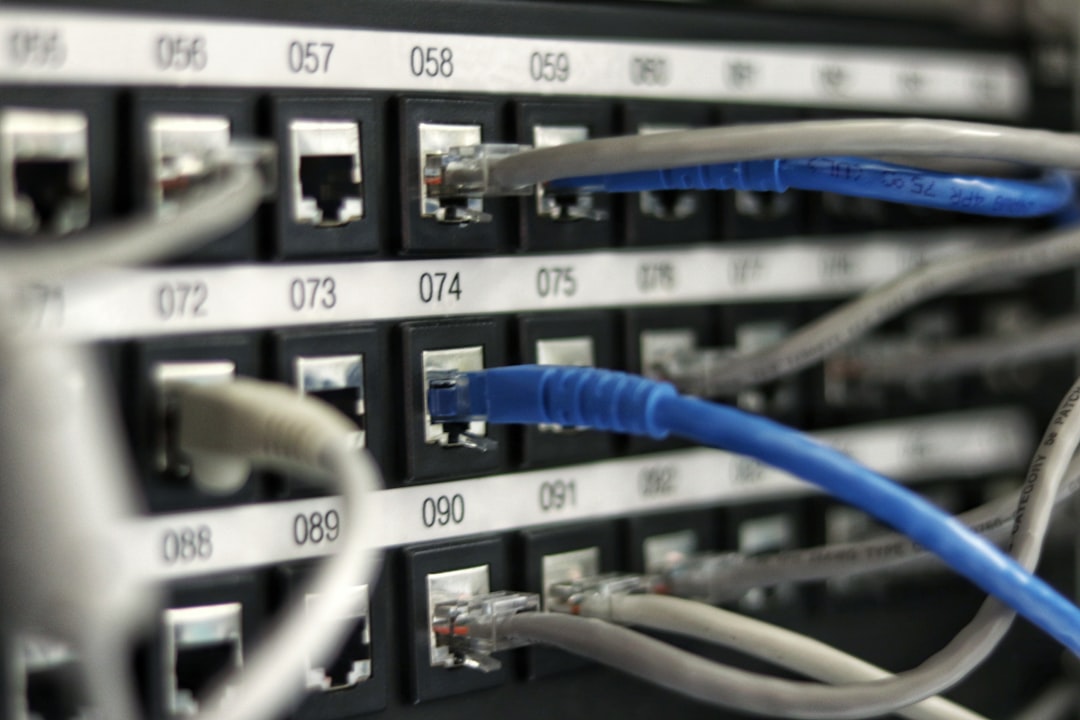
Here’s the trick that changes everything and costs nothing: many hotels still have live Ethernet jacks behind the desks, and front desks usually have a cable if you ask. Plugging your travel router into wired instead of repeating Wi-Fi sidesteps the evil-twin problem entirely while usually increasing your speed, because you’re no longer fighting every other guest for airtime. Modern laptops need a dongle — I keep this UGREEN USB-C to Gigabit Ethernet adapter in the router’s carrying pouch, and it has paid for itself dozens of times.
Tether Instead of Trusting

The other move worth adopting: at airports, where security researchers say evil-twin networks are the single biggest threat to travelers, don’t join the free Wi-Fi at all. USB-tether your phone to the travel router and let it distribute your cellular connection as Wi-Fi. Every unit in this test supported USB tethering, and with the Beryl AX it took about ninety seconds to configure once. If your phone plan is the bottleneck, a 10,000mAh Anker power bank keeps both the phone and router alive through a full travel day — I covered the charging math in my laptop power bank shootout earlier this summer, and the same wattage rules apply to routers.
Lock the Accounts That Matter
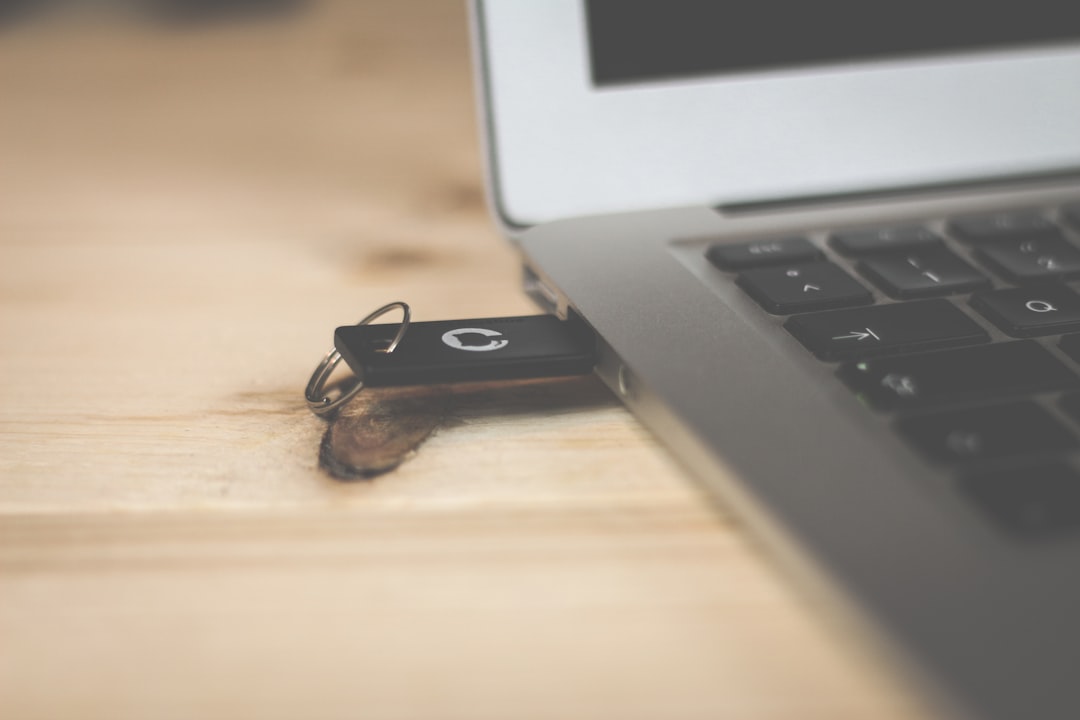
A travel router protects the network layer, but credentials harvested before you adopted good habits can still be replayed later. That’s why the one piece of gear I consider non-negotiable alongside the router is a hardware security key. A YubiKey 5 NFC makes phishing your email and password manager effectively impossible — even if someone captures your password on a hostile network, they can’t log in without the physical key. Passkey support means it works with the major browsers and services now, and it survives in a pocket for years.
The Packing List, Refined

After six weeks, the travel kit I’ve settled on fits in a single pouch: Beryl AX, short USB-C cable, the Ethernet adapter, a 10,000mAh battery, and the YubiKey. Add a faraday pouch for the car key fob if you’re renting — relay theft of keyless cars in hotel parking structures is real, and it’s the same class of invisible attack as the Wi-Fi ones. Total weight is under a pound. Total cost is less than one night in most business hotels.
The deeper lesson from this summer of testing is the same one I keep relearning in every corner of tech: the cheap, boring infrastructure upgrade beats the expensive, exciting one. A pocket router won’t benchmark like the gear I usually cover — it isn’t running AI models or pushing 4K — but it quietly stands guard over every file, call, and login you make on the road. If you want to go deeper on the same philosophy at home, my mesh Wi-Fi writeup covers the permanent-desk version of this thinking, and my charger audit explains why the random power brick in your travel bag deserves the same suspicion as the lobby network. Meanwhile, if you’re curious how a $99 gadget transformed my older car, that story’s here.
One rule, one pouch, one less thing to worry about at 11 p.m. in a strange city. That’s tech working for you — not the other way around.
