
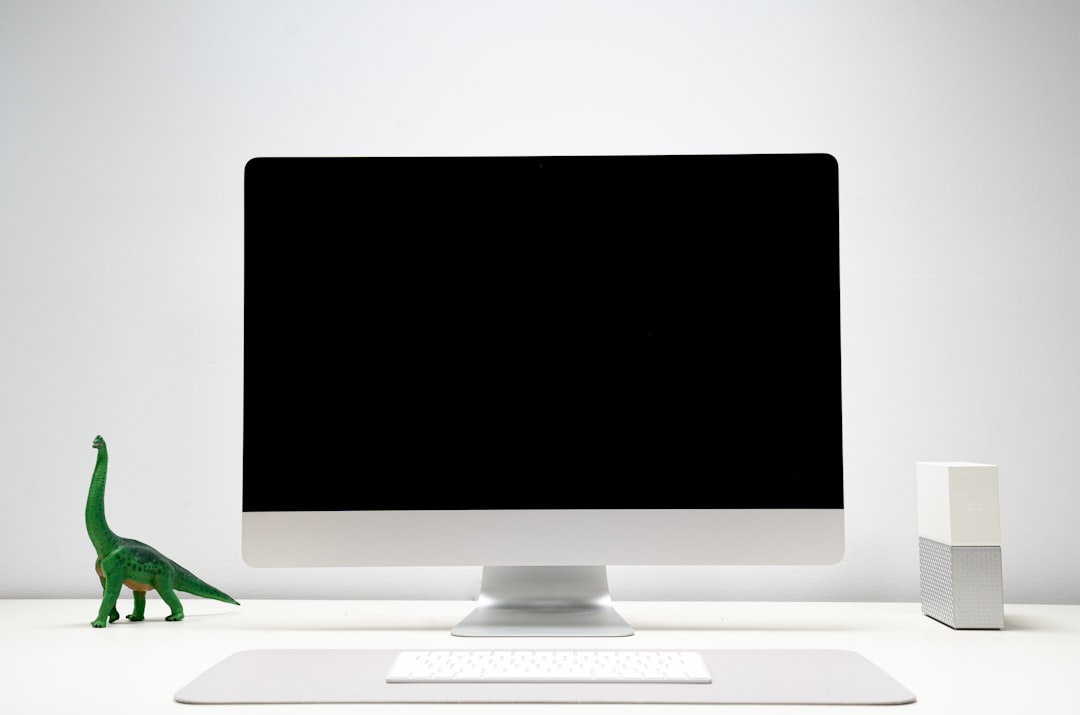
I have a confession that will get me disinvited from at least two GPU enthusiast group chats: the AI server that runs my daily workflow lives on a shelf behind my desk, it weighs three pounds, and I have to check the power LED to confirm it’s on. After years of testing local inference rigs — the dual-3090 space heaters, the 600-watt workstation that doubled as a space heater, the mini PC whose fans sounded like a drone staging a rebellion — I let a Mac mini do the job. And after four months, I’m not going back.
This isn’t Apple fandom. My bench still holds an AMD Strix Halo box and a tower with more RGB than sense. But when my team and I timed how much of our local AI work actually needs brute-force GPU speed versus simply being available, the answer rearranged my whole setup. Most local AI isn’t a benchmark sprint. It’s a background service — summarizing documents overnight, drafting, transcribing, answering questions in a terminal — and background services reward silence, efficiency, and always-on reliability over raw tokens per second.
The Problem Nobody Puts on the Spec Sheet
Every local AI build guide, including the good ones, makes the same quiet omission: they tell you what the machine costs to buy, never what it costs to run. A used RTX 3090 pulls 350 watts under load. My old inference tower idled at 90 watts and spiked past 500. Left running as an always-on assistant — which is the entire point of a home AI server — that’s somewhere between $25 and $60 a month on my utility rate, depending on how aggressive the overnight jobs are.
There’s also the matter of noise. I wrote at length about the thermal reality of local AI rigs earlier this summer, and nothing since has changed my conclusion: sustained inference turns cheap cooling into a second job. The Mac mini’s entire thermal envelope is 65 watts at the wall, peak, and it has no fan you can hear from two feet away. That’s not a rounding error. That’s a different category of machine.
Why Unified Memory Changes the Math
The reason people historically dismissed Macs for serious local AI was simple: you couldn’t get enough VRAM without remortgaging. A discrete GPU locks its memory on the card — 24GB on a 3090, maybe 32 on a pro card, and models don’t care about your excuses when they don’t fit.
Apple Silicon pools everything. The CPU and GPU share one bank of unified memory, and the MLX framework lets models treat nearly all of it as available. A 48GB Mac mini can hold a quantized 70B-class model with room for context. A 128GB Mac Studio holds models that would demand a four-figure quad-GPU rig. You trade peak bandwidth — this is where my Strix Halo review unit still wins some races — but you gain capacity per dollar that nothing with a PCIe slot can touch.
The honest framing: token generation on Apple Silicon is slower than a big NVIDIA card, usually by two to four times on equivalent models. But for the way a home AI server actually gets used — background jobs, document processing, interactive chat where 20 tokens a second already outruns your reading — the speed difference rarely changes the experience. The capacity difference changes everything.
The Build That Ended Up on My Shelf
My production unit is the Mac mini M4 Pro with 48GB of unified memory, and after testing every sensible configuration, it’s the one I’d hand to most people. The 14-core CPU and 20-core GPU handle a Qwen-class 32B model at fully interactive speeds through MLX, and a quantized 70B fits with context to spare — the model class that used to require the whole $3,000 rig from my mini PC lab testing last year. It boots in seconds, survives power cuts without drama, and tucks behind a monitor arm where nobody knows it’s there.
If you want one machine that is both your daily desktop and your AI server, step up to the 64GB configuration. That extra memory headroom matters more than any other spec on the page — it’s the difference between unloading a model every time you open a browser tab and just leaving the thing running for weeks. My unit currently has 41 days of uptime with a 32B model resident, and the machine doesn’t even register the load.
When You Skip Straight to Studio
Some readers will look at that 48GB ceiling and already know it’s not enough. If your work involves 100B-plus class models, long-context RAG pipelines over entire document libraries, or serving multiple people at once, the Mac Studio with M4 Max and 128GB is the only consumer-priced machine I’d trust with the job. It runs the same silent playbook — my review unit peaks around 140 watts, which my old tower drew while idle — while holding model weights that would send a GPU shopper to eBay for a second mortgage.
The Studio is overkill for a first local AI machine. It is precisely not overkill the day you find yourself queueing jobs overnight because the mini is busy. I’d call that a good problem, but it’s still a problem, and the Studio is the answer.
The Software Side Is Boring Now, and That’s the Point
Five years ago, getting a model running on Apple Silicon meant compiling frameworks and arguing with Python. Today the onboarding is almost embarrassing. Download LM Studio, click a model from the built-in catalog, and it’s serving an OpenAI-compatible endpoint on your network in under ten minutes — no terminal required, though a terminal refresher helps when you graduate to scripting jobs.
The stack my team standardized on: LM Studio for the endpoint, MLX-native quantized models for the best Apple Silicon performance (typically 10 to 20 percent faster than the generic builds), and Ollama on the side for anything that needs its broader model compatibility. Nightly document summarization, meeting transcription, drafting passes on long-form work — all of it scheduled, all of it local, none of it sending a byte to someone else’s cloud.
One quirk worth knowing before you buy: model storage lives on the internal SSD, and model files are enormous. A healthy local model library eats hundreds of gigabytes fast, and Apple charges jewelry prices for internal storage upgrades. Plan for external storage from day one.
Living With It: The Numbers That Surprised Me
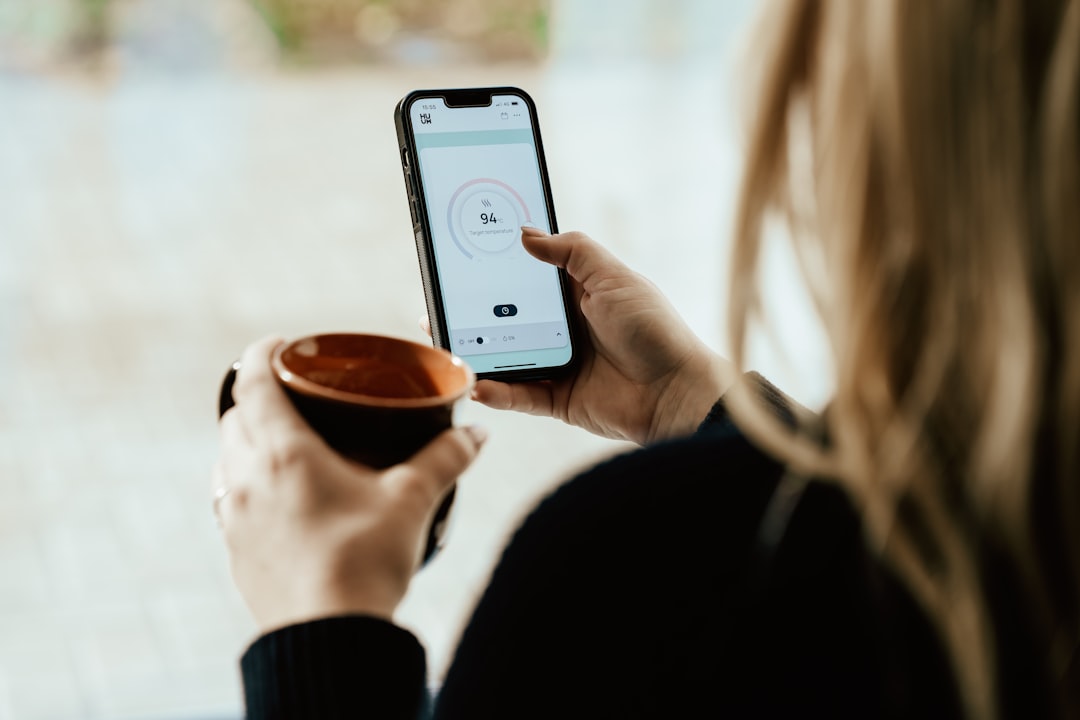
I instrumented the shelf setup with a smart plug for the first month because I didn’t believe the spec sheet. Idle with a model resident: 11 watts. Typical interactive inference on a 32B model: low 30s. An overnight batch run processing a document backlog: the plug averaged 38 watts across six hours. My old GPU tower, doing the identical work, averaged 480. That’s the entire energy budget of the Mac expressed as a rounding error on the tower’s idle draw.
The Kasa smart plug with energy monitoring stayed in the setup permanently — not as a gadget, but as the dashboard that justifies the architecture. When you can watch your AI server cost eleven cents a day to run, the always-on local-versus-cloud calculation stops being philosophical and starts being arithmetic.
Reliability has been the quieter win. The machine has never thermally throttled, never crashed under sustained inference, and never once woke me up. Four months in, the loudest sound it has produced was the notification chime when a transcription job finished at 2 a.m. I’ve had USB sticks announce themselves more aggressively.
The Accessories That Earned Their Spots
A server, even a silent one, still needs infrastructure, and a handful of additions earned permanent positions on my shelf. The first is storage. The OWC Express 1M2 enclosure over Thunderbolt hosts my overflow model library at full NVMe speed — model load times stay in seconds instead of minutes, which matters more than you’d think when you swap between a drafting model and a coding model a dozen times a day. If you’re building out a dedicated shelf instead, an internal Crucial T705 2TB drive in whatever PC you’re repurposing serves the same role for less.
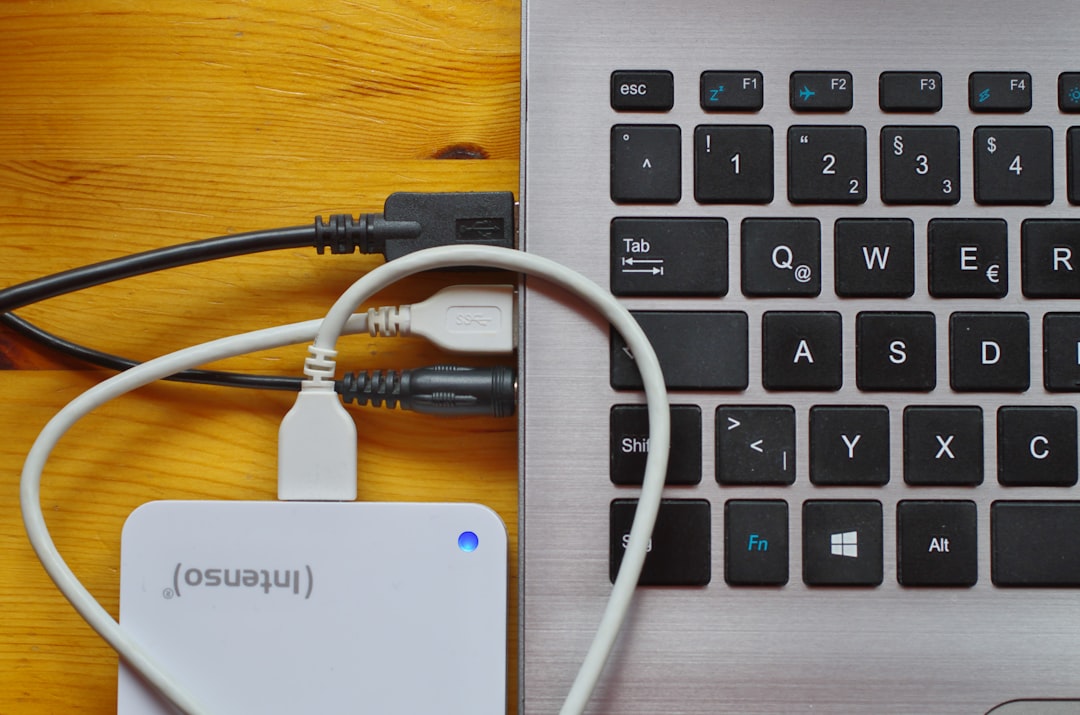
The second is the Mac mini dock with a built-in M.2 bay, which solved two problems in one aluminum brick: it lifts the mini off the shelf for airflow while adding a second NVMe slot, plus the SD reader and USB ports a headless server occasionally needs when you’re standing at the shelf with a laptop and a bad attitude. And because this machine runs unattended, it sits behind a proper CyberPower sinewave UPS. A $150 battery backup protecting a machine that holds weeks of scheduled work isn’t paranoia; it’s the cheapest insurance in this entire article.
Who Should Not Buy This
Fairness requires the other column. If your primary workload is training — LoRA fine-tunes, anything with gradient updates — buy NVIDIA. Apple Silicon tolerates inference beautifully and handles training like a hobby horse handles freight. If you need sub-second latency on giant context windows for many simultaneous users, same answer. And if you already own a 24GB GPU you’re happy with, the Mac isn’t a replacement, it’s a complement — my full three-tier workstation guide from last month covers how the two coexist.
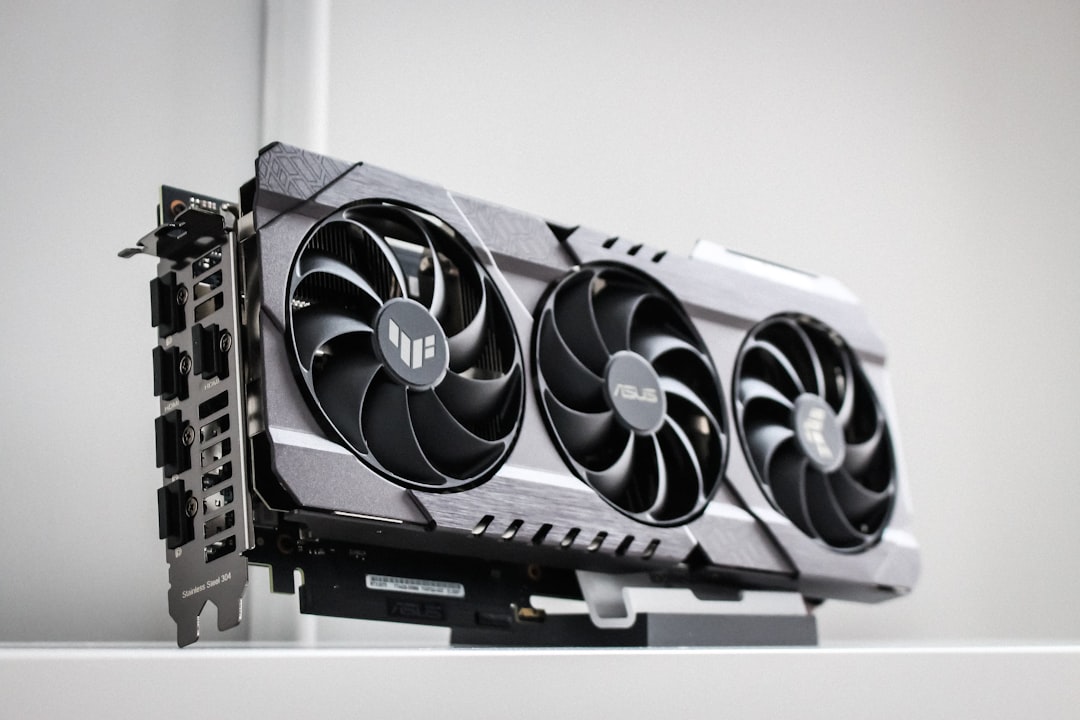
But if the phrase “always-on local AI” describes anything you actually want — a private assistant, an overnight document processor, a transcription engine that never phones home — the used-GPU playbook deserves a hard second look. The renewed M1 Mac mini is even a legitimate $400 experiment machine if you just want to test the water with small models before committing.
The decade-old wisdom says local AI means a loud box and a power bill that argues back. That era ended, quietly, without most people noticing. Mine ended on a shelf, behind a monitor arm, drawing eleven watts and asking for nothing.
