
Every November somebody in my family texts me a screenshot of a gaming laptop with a giant red percentage on it and the same question underneath: “Is this good?” This year the screenshots started arriving two weeks before Black Friday, and almost every one of them had the same problem. The discount was real on paper. The price was not low. In a year when memory shortages pushed laptop prices up, a “40% off” banner can be 40% off a number that was raised last month.
So I’m not going to hand you a list of deals that will be stale by lunch. Instead, this is the method my team and I use to sort gaming laptops in a market where the sticker moved before the sale did. It comes down to one spec most listings bury, one GPU tier I’d skip outright, and a short list of target prices. If a laptop doesn’t clear those, it waits until Cyber Monday or it doesn’t come home at all.
The Short Answer, If You’re Holding Your Phone in a Checkout Line
- Best value tier: a full-power RTX 5060 machine like the ASUS TUF Gaming A16 (RTX 5060), but only near or below about $900 to $1,000. At $1,299 it’s a fair deal, not a great one.
- Best screen for the money: the Lenovo Legion 5 Gen 10 with OLED (RTX 5060), if you value the display as much as the frame rate.
- The one I’d actually stretch for: an RTX 5070 Ti laptop such as the Gigabyte Gaming A16 Pro (RTX 5070 Ti), under $1,500.
- Faster CPU, weaker screen: the MSI Vector 16 HX AI (RTX 5070 Ti), under about $1,450.
- Thin and light, with a power cap: the Gigabyte Aero X16 (RTX 5060), only under $1,100.
- Skip unless it gets much cheaper: the Lenovo Legion 5i Gen 10 (RTX 5070) at $1,999. It costs more than laptops with the faster 5070 Ti.
Everything below explains how I got to those lines, so you can apply the same logic to whatever laptop lands in your inbox next.
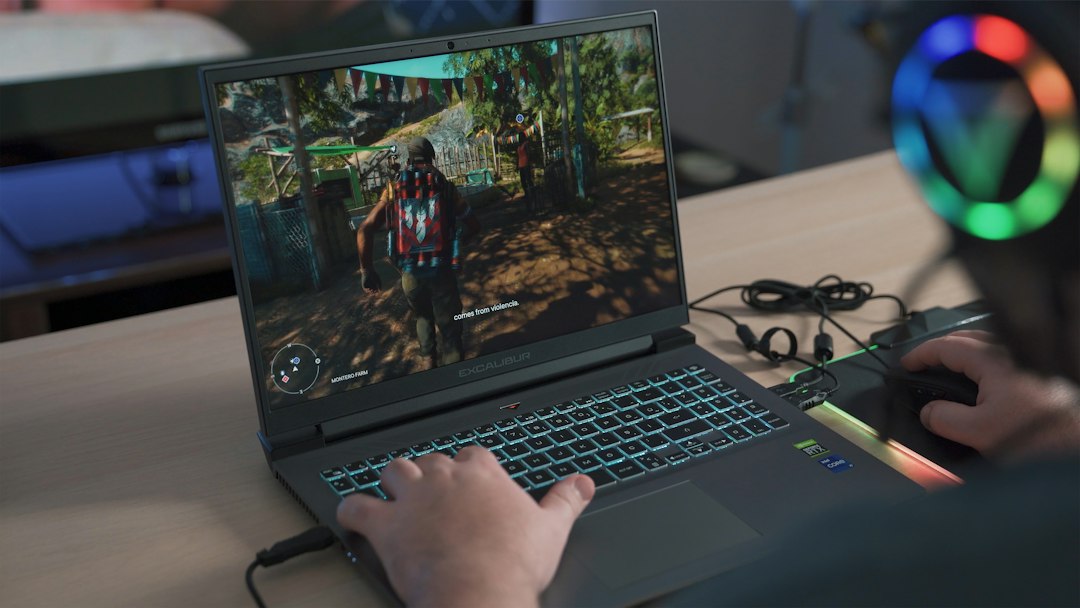
Why This Black Friday Feels Upside Down
Normally gaming laptops follow a predictable curve. They launch high, drift down through the summer and hit their lowest prices in late November. This year the curve broke. The same memory squeeze that pushed desktop RAM kits into the $350 to $450 range hit laptop makers too. MSI told investors back in March that it planned to raise gaming laptop prices by 15 to 30 percent. In early November several big US retailers quietly lifted their prices again, right before the sales started.
The numbers my team pulled from a price tracker this morning tell the story. The typical RTX 5060 gaming laptop now sells for around $1,650, and the typical RTX 5070 machine sits above $2,100. October prices were higher than September prices across almost every GPU tier, not lower. That is the opposite of what a pre-Black Friday market should look like.
What that means for you is simple. The “was” price on a listing tells you almost nothing. I covered the exact routine I run on every deal in my ten-minute price check for Black Friday tech. For gaming laptops specifically, though, a price chart is only half the job. The other half is making sure the machine underneath the sticker is the one you think you’re buying.

The Spec That Matters More Than the GPU’s Name
Here’s the part most listings won’t put in the headline. A laptop “RTX 5060” is not one product. Nvidia lets each manufacturer choose how much power the GPU is allowed to draw, a figure called TGP, or total graphics power. The same chip can run at roughly 60 watts in a thin machine and above 100 watts in a thick one. That gap is often bigger than the gap between a 5060 and a 5070.
The clearest evidence came from German outlet GameStar, which tested laptop RTX 5070 chips at different power limits. At full power, a laptop 5070 beat a 5060 by about 6 percent in Cyberpunk 2077 at 1080p and by 17 percent in Assassin’s Creed Shadows, its best case. Capped at 75 watts, that same 5070 fell behind a 100-watt 5060 in every game except Assassin’s Creed. Read that twice. The more expensive badge lost because somebody decided it should sip power to keep the chassis thin.
So my first rule is blunt. Before I look at anything else, I find the TGP. Some listings call it “maximum graphics power”. Others hide it in a spec sheet PDF, and some leave it out entirely. If I can’t find it on the listing, I search the exact model number plus “TGP” before I spend a dollar. For an RTX 5060, I want 100 watts or more. For anything lower, the laptop had better be noticeably cheaper or noticeably lighter, and I need to actually care about the weight.

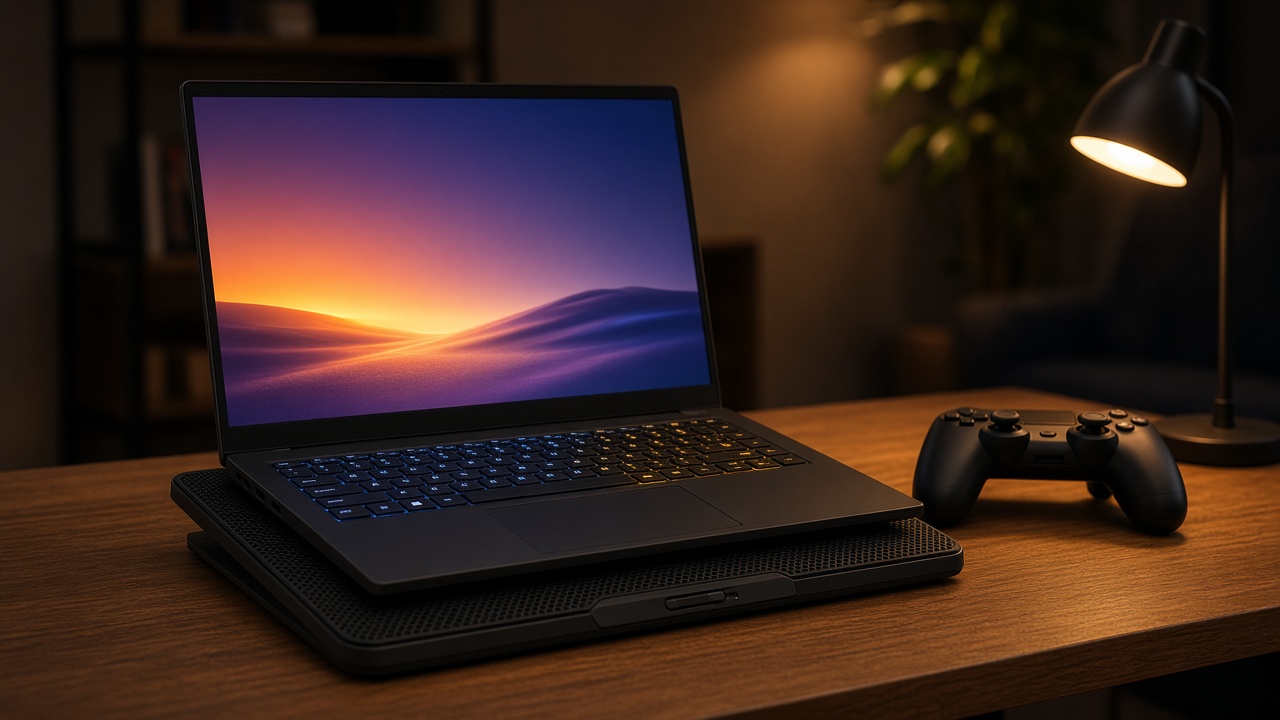
Power is also why cooling matters. A laptop that’s allowed 115 watts but can’t get rid of the heat will throttle back to something lower anyway. That’s why thick, unglamorous chassis like the TUF and Legion lines tend to outperform slim designs with the same GPU. It’s also why a cheap stand that lifts the back edge, or a pad like the llano V10 Laptop Cooling Pad, is one of the few accessories I recommend to almost every gaming laptop owner. It won’t turn a 75-watt laptop into a 115-watt one. What it does is help a full-power laptop hold its clocks through a two-hour session instead of sagging after twenty minutes, and it keeps the keyboard deck from getting uncomfortably warm under your wrists.
Here’s what that looks like on my own desk most nights: the laptop lifted a couple of inches on a mesh-top pad, a controller off to the side, and nothing blocking the side vents.
The RTX 5070 Trap
If you take one thing away from this piece, make it this. Most RTX 5070 laptops ship with 8GB of video memory, the same amount as the RTX 5060. You’re paying $200 to $300 more for a chip that’s only a little faster at full power, and slower if the manufacturer starved it of watts. That money does far more work in one of two places: a full-power RTX 5060 laptop with a better screen, or a step up to the RTX 5070 Ti.
There is a newer 12GB version of the laptop RTX 5070 that fixes the memory problem, and in principle I like it. In practice, the pricing doesn’t work right now. Lenovo’s store lists the Legion 5i Gen 10 with the 12GB 5070 at a “regular” $2,771, which makes $1,999 look like a $772 savings. It’s still $200 to $400 more than laptops with the faster 5070 Ti, and it ships with only 16GB of system RAM. I’d want it closer to $1,400 before I took it seriously.
Video memory matters more than it used to. Eight gigabytes is already the ceiling at high settings in some new releases, and texture packs aren’t getting smaller. If you want a laptop to stay comfortable for four or five years, 12GB of VRAM is the safer floor. If you’re happy at 1080p with settings dialed to medium-high, 8GB is still workable. Just don’t pay 5070 money for it.

My Target Prices, Tier by Tier
These are the numbers I’m holding the line on this year. They’re based on the lowest prices each class of laptop has actually sold for in 2026 at the big US retailers, not on the inflated “regular” prices on today’s listings. Treat them as a guide. A $1,000 RTX 5060 laptop with a bright screen and a full-power GPU can be a smarter buy than an $850 one without either.
- RTX 5050 (8GB): fine for 1080p at medium settings. Worth it under about $700. Above that, stretch to a 5060.
- RTX 5060 (8GB): the sweet spot for 1080p at high settings. Under about $900 is a good deal. Plenty of models sold between $830 and $950 earlier this year.
- RTX 5070 (8GB): only when it costs less than a 5070 Ti laptop, which right now it usually doesn’t.
- RTX 5070 Ti (12GB): the real jump. It’s built for the 1600p screens on most 16-inch machines. Buy it under $1,500.
- RTX 5080 (16GB): high-refresh 1440p and beyond. Worth it under about $2,000. The cheapest ones this year landed just under that line.
Now apply those to what’s actually on shelves. The ASUS TUF Gaming A16 with an RTX 5060, 16GB of DDR5 and a 165Hz screen showed up at $1,299 in an early Black Friday promotion, down from a $1,799 “regular” price. That’s a decent price in this market, but it’s still well above my $900 line for the tier. If you need a laptop this month, it’s acceptable. If you can wait, keep watching.
The Legion 5 Gen 10 is the more interesting RTX 5060 option because of its 1600p OLED display, which you rarely see at this tier. Lenovo had it at $1,499 this week. That’s a lot for a 5060, but the screen is the one part of a laptop you can never upgrade later. If you play dark, atmospheric games, that matters more than it sounds.
The Two 5070 Ti Machines I’m Watching
This is where I’d put my own money if I were buying a gaming laptop this year. The jump from a 5060 to a 5070 Ti gets you 50 percent more video memory and a much larger chip. If your laptop has a 1600p screen, that’s the GPU that can actually drive it at high settings.
The Gigabyte Gaming A16 Pro is the one I’d watch most closely. It pairs an RTX 5070 Ti with a Core 7 240H, 32GB of RAM, a 1TB SSD and a 16-inch 1600p screen, and it weighs about 2.3 kilograms, light for this class. The processor is mid-range, but at 1600p the GPU does most of the work. It sold for $1,449 in October and was listed at $1,799 last weekend. If it drops back under $1,500, I’d buy it. At $1,799 I’d wait.
The MSI Vector 16 HX AI is cheaper today at around $1,599 and has the faster processor, a Core Ultra 7 255HX. The catch is the configuration. That price gets you 16GB of RAM and a 1080p screen, which wastes some of what a 5070 Ti can do. You can add RAM later, but you can’t replace the screen. I’d pay less for it than for the Gigabyte, and my target is about $1,450.

Thin, Light and Honest About It
Some people genuinely need a gaming laptop that fits in a work bag. For them, the Gigabyte Aero X16 makes a reasonable case. It has an RTX 5060, 32GB of RAM, a 1TB SSD and a 165Hz QHD+ screen in a thin chassis. The GPU is limited to 85 watts, though, so you’re paying for portability, not frame rates. It sold for about $1,100 earlier this year and was listed around $1,225 to $1,299 in early November. I wouldn’t go above $1,100.
If the laptop is going to travel over the holidays, think about the whole trip and not just the machine. I’ve seen a 2.5-kilogram gaming laptop plus its brick of a charger turn a carry-on into a shoulder workout. My colleague’s guide to setting up a holiday workation is a good reality check on what’s worth packing when one bag has to do everything.
Four Checks I Run Before I Hit Buy
Once a laptop clears the price line, it still has to pass a short inspection. These are the same four things I check every time, in this order.
1. TGP. Covered above, and it’s first for a reason. A 100-watt-plus RTX 5060 is a different machine from an 80-watt one.
2. Video memory. 8GB is fine for 1080p today. 12GB is the floor if you want this laptop to last four or five years at higher resolutions.
3. RAM, and whether it’s soldered. 16GB is fine right now, but only if there are two SO-DIMM slots so you can add more once memory prices settle. Sixteen gigabytes soldered to the board is all you’ll ever have. I laid out the reasoning in my Black Friday laptop rules for the memory crunch, and it applies doubly to gaming machines.
4. Screen and storage. Budget gaming laptops often cut corners with dim, washed-out panels, so look for 300 nits or more and a stated sRGB coverage figure. Then look at the SSD. A 512GB drive fills up fast. GTA VI alone wants more than 200GB, as I found when I prepped a PS5 for it. A 1TB drive is a more comfortable start, or confirm there’s a second M.2 slot.
The Cheap Upgrades That Fix a 512GB Laptop
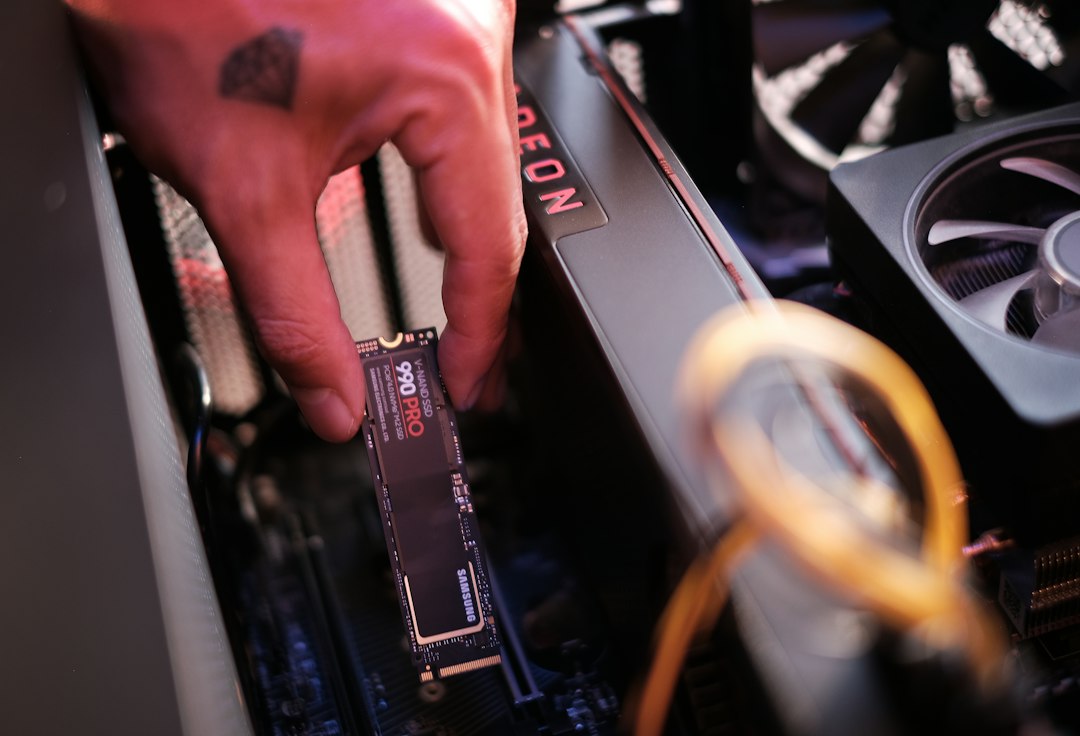
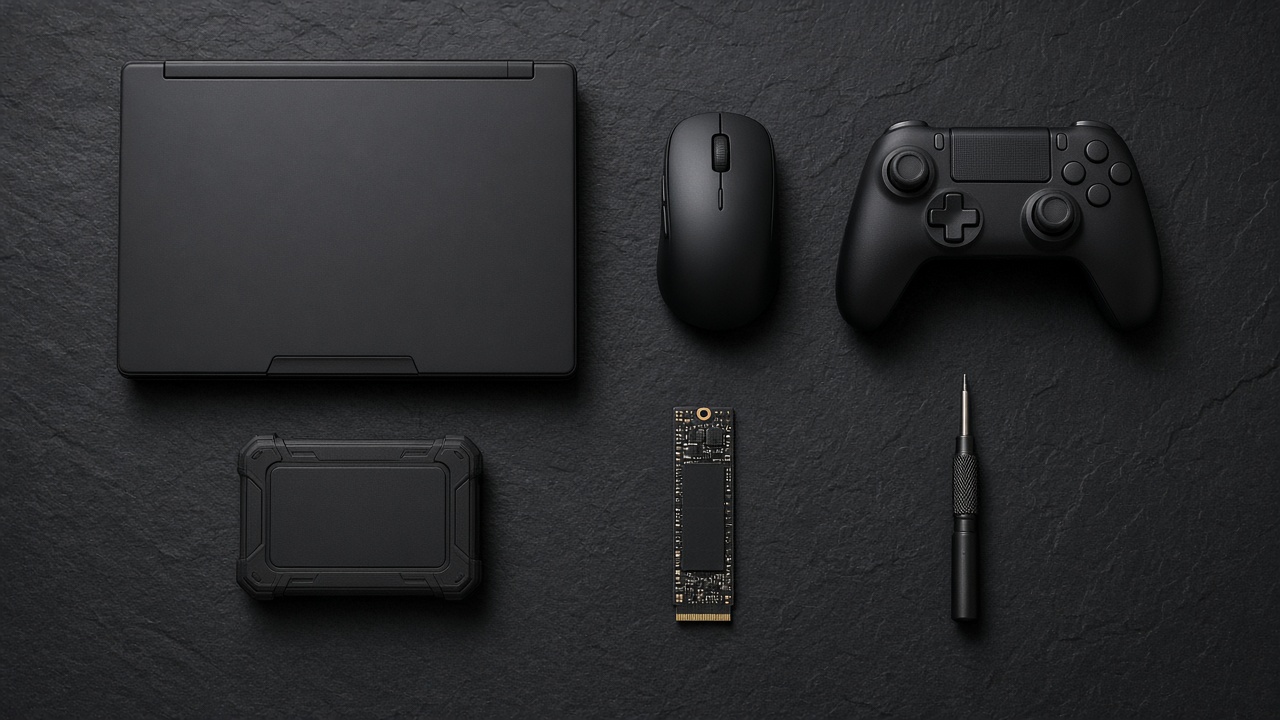
Storage is the one place where I’m comfortable buying the smaller configuration and fixing it myself, because SSDs haven’t climbed nearly as much as RAM. Most 16-inch gaming laptops have a second M.2 slot. A 2TB drive like the WD_BLACK SN7100 2TB is quick, runs cool and sips power, which matters inside a laptop. Installing it takes a small Phillips screwdriver, ten minutes and some patience with the bottom panel clips. Check the manual first. A few models need a thin thermal pad or a screw that isn’t included.
If you’d rather not open the laptop at all, a USB-C drive like the Samsung T7 Shield 2TB works well for older games and your capture folder. It survives a backpack, and launchers like Steam are happy to keep a library on an external drive. Load times are a bit slower than internal NVMe, but for anything that isn’t a giant open world you won’t notice.
The other two add-ons I’d budget for are small. Laptop trackpads are terrible for games, and the Logitech G305 Lightspeed has been my default travel gaming mouse for years. It’s light, it runs for weeks on a single AA battery, and its tiny receiver stores inside the shell. For couch play or anything with a controller layout, the Xbox Wireless Controller works natively with Windows over Bluetooth or USB-C, with no drivers to hunt down.
When a Desktop Is the Smarter Gift
I’d be doing you a disservice if I didn’t say this out loud. If the machine is going to live on one desk and never leave the house, a gaming laptop is the wrong buy this year. Laptop prices are going up while some prebuilt desktops are selling for less than the sum of their parts. You get better cooling, a GPU that runs at full desktop power and parts you can actually upgrade.
My team walked through that math in our guide to buying a prebuilt tower and filling the second M.2 yourself. Short version: let the builder pay for the memory, then add your own storage. The gaming laptop only wins when portability is the point, like a dorm room, a work trip or a household where the TV gets claimed every evening.
What I’m Telling My Family
When that screenshot hits my phone next week, here’s what I’ll text back. Find the TGP first. Skip the 8GB RTX 5070. A full-power RTX 5060 is worth buying under $900 to $1,000, and an RTX 5070 Ti is worth stretching for under $1,500. If the laptop has only 512GB of storage, budget for a second SSD instead of paying the upgrade markup. If it doesn’t clear those lines by Black Friday on November 27, give it until Cyber Monday on November 30. If it still doesn’t, let it go. These machines will be around in January, and for once the patient buyer isn’t the one who loses.
Tech should work for you, not the other way around. That goes double when the price tag is trying to work you first.