
On October 8, Amazon did something I didn’t expect to see this decade. It retired the Fire tablet. The replacements are aluminum Alexa Tablets that run real Android with the full Google Play Store, and they start at $229.99. The old lineup started at $59.99. That’s not a refresh. It’s Amazon walking out of the bargain bin it built.
The warehouses didn’t empty overnight, though. This week the 13th-generation Fire HD 10 hit $73 on Amazon, its lowest price ever, and the kids’ versions keep showing up around $90 to $105. My inbox is full of the same question from readers, usually phrased as “is this a steal or a trap?” Most of them are shopping for one of two people: a kid between about four and twelve, or a parent or grandparent who wants a bigger screen for video calls, recipes, and the library app.
For those two people, here’s my answer. A clearance Fire tablet is still one of the best $80 purchases in consumer tech, as long as you know exactly what it can’t do and you buy it from the right seller. My team spent the last week pulling spec sheets, support policies, and price histories on everything a budget tablet shopper is likely to see between now and Cyber Monday on November 30. Below is who should grab a Fire while it’s cheap, who should spend more, and the few cheap add-ons that matter.
The Short Answer
- For a grandparent who streams, reads, and video-calls: Amazon Fire HD 10 (13th Gen, 2023). A 10.1-inch 1920 x 1200 screen and a 13-hour battery rating. At $73 to $80, buy it.
- For a kid aged 6 to 12: Amazon Fire HD 8 Kids Pro. A slim case, a kid web browser with filters, and a two-year worry-free guarantee. Wait for something under $100. It hit $89.99 in September.
- For a preschooler who throws things: Amazon Fire HD 8 Kids (Ages 3–7). A thick foam case and the same two-year replacement guarantee. Around $100 for the 64GB version is a fair price.
- If they need Google apps (school accounts, the YouTube app, Gmail): Samsung Galaxy Tab A11+ (6GB/128GB). A real Android tablet with an 11-inch 90Hz screen. Amazon lists it at $299.99. Hold out for $229 or less.
- If you want Amazon’s parental controls and Google Play together: Amazon Kids Tablet (8.7-inch). It’s the new Android-based model at $229.99. Unless you need it now, wait for its first real discount.
- If the whole family uses iPhones: Apple iPad 11-inch (A16, 128GB). FaceTime and shared photo albums just work. It’s $399.99 at Amazon right now. A tablet you’ll keep for years has a different math.
Why a Retired Brand Is Suddenly the Smart Cheap Buy
The usual worry about clearance electronics is that you’re buying an orphan. Here’s the detail that changes my mind on this one. Amazon publishes a security-update commitment for every Fire tablet, and the policy page reads better than most shoppers realize. The 13th-gen Fire HD 10, the Fire HD 10 Kids models, and the 2024 Fire HD 8 family are all listed as getting security updates through at least December 31, 2029. The same page says that if you buy the tablet new from Amazon as the seller, the support window runs at least four years from the purchase date, whichever ends later. A Fire HD 10 bought new from Amazon.com this November should be covered into late 2030.
Amazon’s devices chief also said publicly, when the Fire brand was retired, that the company won’t leave existing owners behind on security updates. He was just as clear that no new Fire hardware is coming. So a Fire tablet bought today is a finished product. It won’t get new features, and it won’t be abandoned on security either. For a device whose whole job is Netflix, Kindle books, Zoom, and Libby, that’s fine.
The second reason is the rest of the market. Memory prices have been climbing all year, and cheap tablets feel it more than anything else. Samsung’s own November 2026 U.S. price list puts the 6GB/128GB Galaxy Tab A11+ at $299.99. Its March MSRP was $249.99. Amazon’s new floor is $229.99. The sub-$100 tablet from a major brand, sold with a warranty and a real support policy, is disappearing. The clearance Fires may be the last of that kind you’ll see for a while.
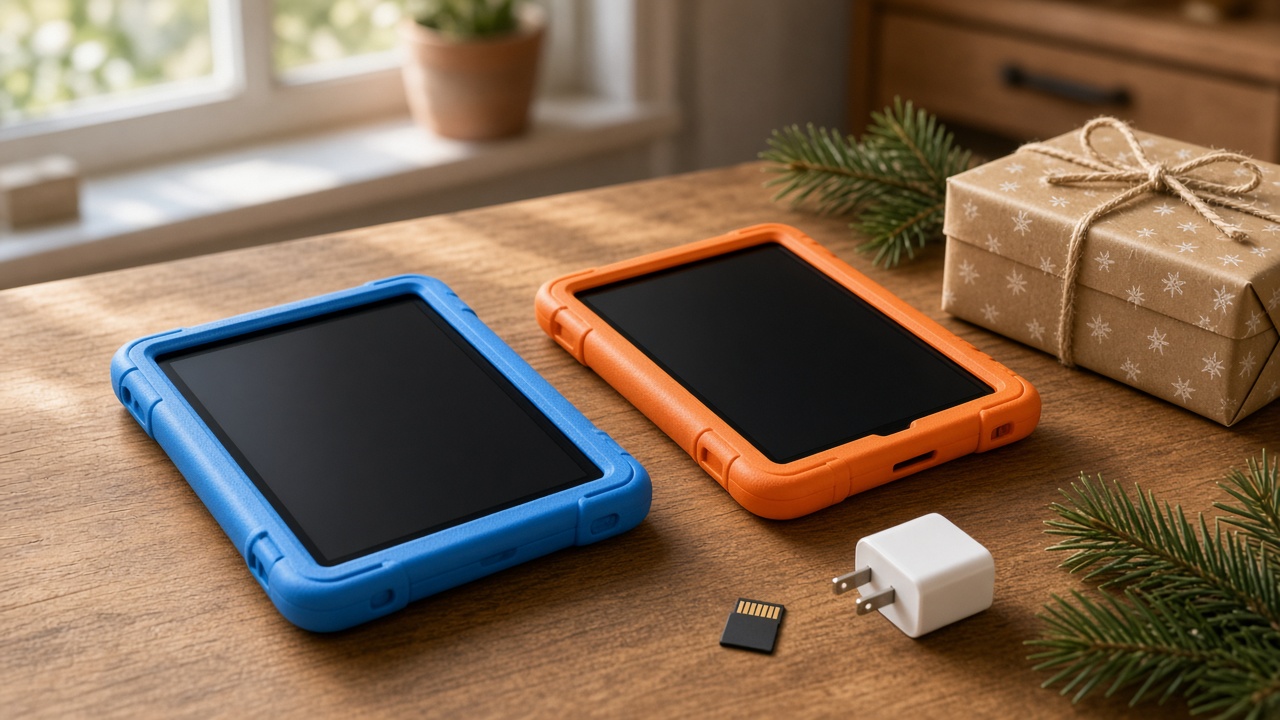
What $73 Actually Buys: The Fire HD 10, Spec by Spec
Let’s be precise, because the deal posts aren’t. Several listings and write-ups this week describe the Fire HD 10 as having 4GB of RAM. Amazon’s own developer spec sheet for the 13th-gen model says 3GB of LPDDR4X, paired with a MediaTek MT8186A: two Cortex-A76 cores at 2.05GHz and six Cortex-A55 cores. The screen is a 10.1-inch 1920 x 1200 IPS panel at 224 pixels per inch. Storage is 32GB or 64GB, plus a microSD slot that takes cards up to 1TB. It has a USB-C port (USB 2.0 speed), a headphone jack, dual-band Wi-Fi 5, Bluetooth 5.3, and 5MP cameras front and back.
In daily use, that hardware does one thing very well and several things only okay. Video looks great on it. A 1080p-class panel at this size is sharp from a recliner, and the Dolby Atmos speakers fill a kitchen. Heavy games, browsers with 20 tabs, and anything you’d call multitasking are where 3GB runs out. If the person you’re buying for is a reader and a watcher, this is a lot of tablet for the money. If they’re a power user, it’s the wrong tablet at any price.
Battery is rated at up to 13 hours of mixed use, and independent testing lands close to that. Charging is the weak spot. The included 9W brick takes about four hours to fill the tablet. A 15W USB-C charger cuts that to roughly three. I’ll come back to that in the accessories section, because it’s a $15 fix that changes how the tablet feels.

The Grandparent Setup That Actually Gets Used
I’ve set up a lot of tablets for older relatives, and the hardware has never been what kills them. The first frustrating Tuesday after the holidays, when nobody is around to help, does that. So do the setup work before you wrap it.
Start with the one calling app they’ll actually use. The Fire’s app store has Zoom, and Alexa calling works with family members who have an Echo or the Alexa app. What it doesn’t have is Google Play. If the whole family runs on WhatsApp or Google Meet, open the Amazon Appstore on your own account and check before you buy. A tablet that needs a workaround to call the grandkids ends up facedown on the counter.
Next, deal with the ads. Fire tablets sold “with ads” show promotions on the lock screen. You can pay a one-time fee to remove them, around $15 on the 10-inch model, from the device settings in your Amazon account. For a grandparent I always pay it. An ad for a streaming bundle is one more thing someone has to ask about. Then turn up the font size, sign them into Libby with their library card, and put the five apps they’ll use on the first home screen. If you’ve read my Thanksgiving audit of my mother’s 47-button remote, you know the goal here: fewer choices, bigger buttons.
The last piece is physical. A tablet that has to be held for a 40-minute video call gets used for five minutes. Put it on a stand at eye level and the calls get longer. The Lamicall Adjustable Tablet Stand is the one my team keeps buying. It’s a heavy aluminum base with a tilting cradle, it fits the Fire HD 10 in or out of a case, and it moves easily from the side table to the kitchen counter.

Kids Under 12: The Fire HD 8 Kids Models Still Earn the Wrap
For kids, the case for a clearance Fire is even stronger. The reasons aren’t the specs. They’re the guarantee and the software. Both the Fire HD 8 Kids (ages 3 to 7) and the Fire HD 8 Kids Pro (ages 6 to 12) come with a two-year worry-free guarantee. If the tablet breaks, Amazon replaces it, no questions asked about how it happened. For a seven-year-old, that’s worth more than any processor upgrade.
Under the cases, both are the 2024 Fire HD 8. It has an 8-inch 1280 x 800 IPS screen, a six-core 2.0GHz MediaTek chip, 3GB or 4GB of RAM depending on storage (the 64GB version gets 4GB), a microSD slot, and up to 13 hours of battery. It’s not fast, but it handles kids’ apps, audiobooks, and a downloaded movie in the back seat. The Kids Pro swaps the chunky foam bumper for a slimmer case that a fourth grader won’t be embarrassed to carry. It also adds a kid web browser with filtering and the option to let older kids request apps for your approval.
Read the box for one detail. Each kids model comes with a bundled Amazon Kids+ subscription, but the length varies by listing and configuration. I’ve seen six months on some and a full year on others. After that it renews automatically, starting at $7.99 a month. Put a calendar reminder on the end date and decide then whether the kid actually uses the library.
On price, the Kids Pro has been all over the place. RiverPrice showed the 64GB version at $169.99 on November 11, with an all-time low of $89.99 set this September, and November is historically its most frequent drop month. I would not pay list. Set an alert at about $100 and wait. That’s exactly the kind of check I walk through in my ten-minute price check for Black Friday deals, and it takes less time than wrapping the box.

One add-on I’d put in every kid’s box is headphones with a hard volume cap. The JLab JBuddies Folding Kids Headphones are wired, so there’s nothing to pair or charge. They’re limited to 85 decibels and fold flat for a backpack. On a long drive, that’s the difference between a quiet back seat and a theme song at full volume for three hours.
Where the Fire Stops Making Sense
Skip the Fire if any of these describe the person you’re buying for:
- They have a school-issued Google account. Google Classroom, Docs, and the full Gmail app aren’t in the Fire’s app store. A browser workaround is miserable for homework.
- They’re a gamer. Roblox runs on the Fire HD 10, but slowly. Anything heavier is a slideshow, and the kid will notice by December 26.
- The family lives on iMessage and FaceTime. The cheapest tablet that does FaceTime is still an iPad. No discount changes that.
- You want it to last five or more years. Security updates through the end of the decade are fine for a kid’s tablet. But the hardware will feel old long before then.
There’s a gotcha in Samsung’s lineup too. The cheaper 8.7-inch Galaxy Tab A11 you’ll see on Amazon for about $133 is listed as an international Latin American model with no U.S. warranty, sold by third parties. I wouldn’t hand that to a relative and hope for the best. If you go Samsung, buy the U.S. Tab A11+ sold by Amazon or Samsung.
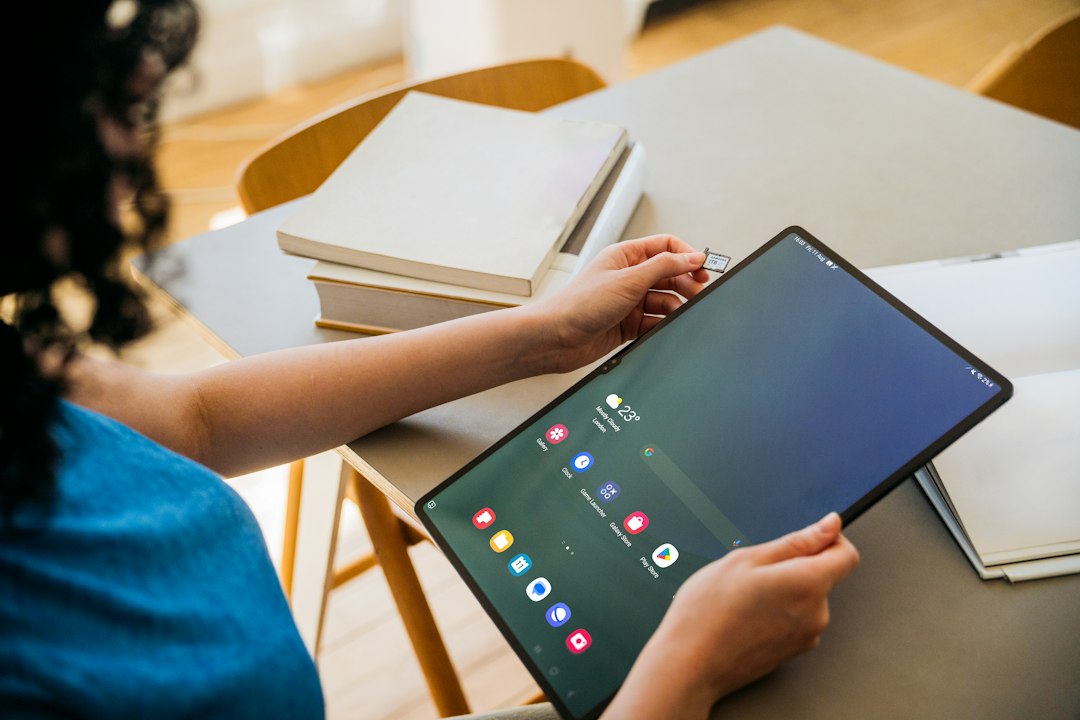
Spending More: Galaxy Tab A11+, the New Amazon Kids Tablet, and the iPad
The Galaxy Tab A11+ is the honest middle. You get an 11-inch 1920 x 1200 screen at up to 90Hz, a MediaTek Dimensity 7300 that runs circles around the Fire’s chip, 6GB of RAM, 128GB of storage, a microSD slot, and the full Google Play Store with every app a school or workplace expects. It doesn’t support the S Pen, so it’s not a note-taking tablet. At Amazon’s $299.99 listing price it’s hard to love. Walmart already ran it at $199 this month, which tells you where the Black Friday floor probably is. My target is $229 or less from Amazon or Samsung directly.
The new Amazon Kids Tablet, the 8.7-inch one, is Amazon’s answer to the obvious complaint about Fire Kids: no Google Play. It’s the Alexa Tablet 8 inside a kid case. It has an 8.7-inch 1340 x 800 screen, 4GB of RAM, 64GB of storage, Wi-Fi 6, and up to 14 hours of video playback, in an aluminum body. It comes with a year of Kids+ and a Parent Dashboard that approves every Google Play download. That last part is the real feature. A parent can say yes to the school’s math app without opening the door to everything else. At $229.99 it costs more than twice a clearance Kids Pro, and it’s only been on sale since October 14. I covered the full Alexa Tablet lineup the morning it launched in my first look at Amazon’s aluminum, Google Play tablets. My advice hasn’t changed: let the first price cut come to you.
The iPad is a different decision altogether. The 11-inch A16 iPad with 128GB is $399.99 at Amazon this month, and it’s the only tablet here I’d expect to still feel quick in 2031. For a grandparent whose kids and grandkids all carry iPhones, FaceTime and shared albums are worth the premium on their own.
The Add-Ons That Matter (and the Ones That Don’t)
Budget tablets are where accessory upsells get silly. I’d skip the keyboard cases, the stylus bundles for kids, and anything with “gaming” in the name. Three things are worth the money.
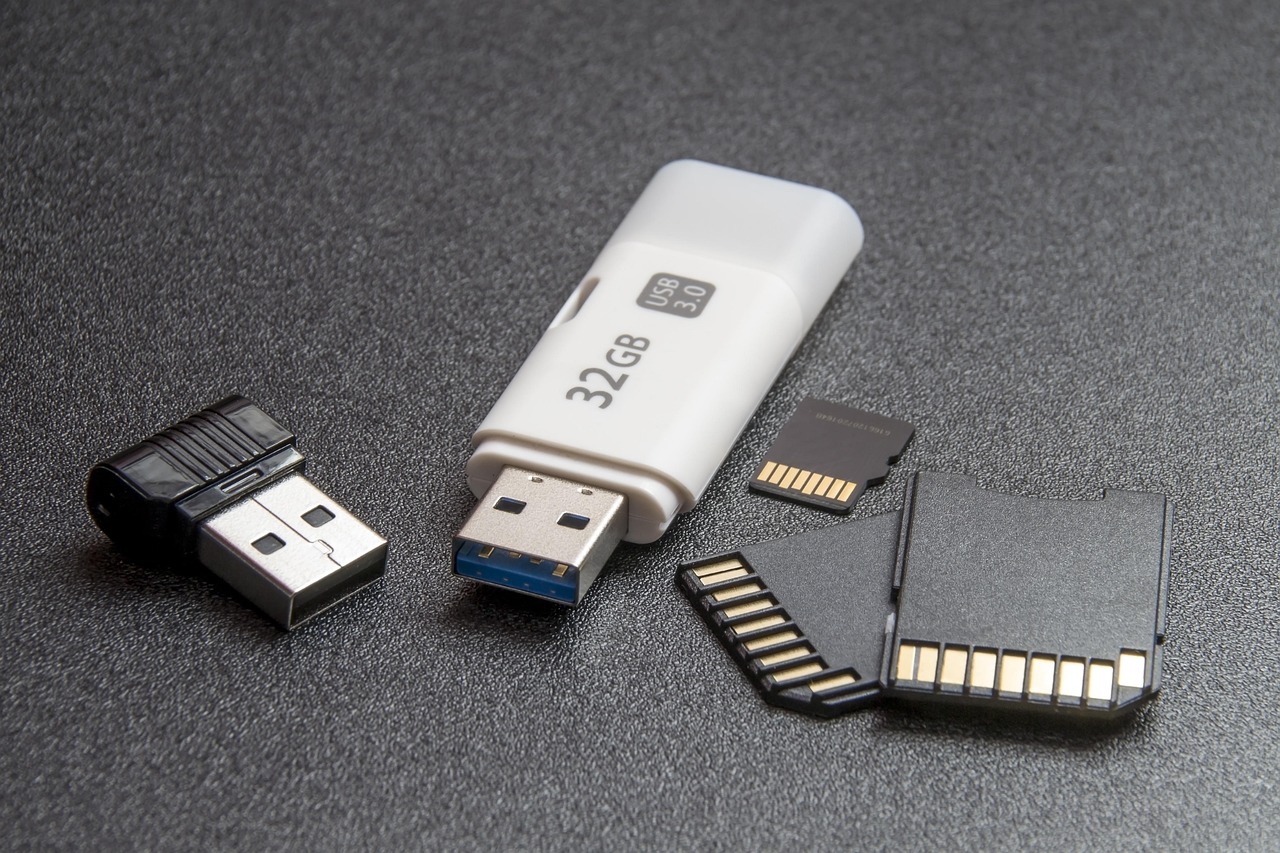
First, a memory card. A 32GB Fire HD 10 has noticeably less free space than 32GB once Fire OS takes its share, and a few downloaded seasons of a cartoon fill the rest fast. A SanDisk Ultra 128GB microSDXC Card costs less than most of these discounts and moves movies, music, and books off internal storage. On a Fire, tell the tablet to save downloads to the SD card in Settings. Otherwise it keeps filling the internal storage.
Second, a faster charger. The Fire HD 10 supports 15W charging, and the brick in the box is 9W. A small Anker Nano USB-C Charger (20W) with a USB-C to USB-C cable gets the tablet from empty to full about an hour faster. That matters a lot on the morning of a road trip.
Third, a real case for the adult tablet. Kids models come in a case. The regular Fire HD 10 doesn’t. Amazon’s own Amazon Fire HD 10 Protective Cover (13th Gen) was $24.99 earlier this week. It folds into a stand for video and has the right cutouts for the 2023 model. Covers for the 2021 Fire HD 10 don’t fit the 13th-gen tablet, and the listings look nearly identical.

Buy It From the Right Seller
This is the most important paragraph here. Fire tablets are clearance stock now, so they’re showing up everywhere. Price trackers this week showed a Fire HD 10 listed for $36.99 at an outdoor-gear reseller. That’s not a deal I’d chase. Two of the best things about these tablets, the four-year update promise and the two-year Kids guarantee, depend on buying new from Amazon as the seller. Bought anywhere else, the update floor is the printed 2029 date, and the guarantee may not apply at all. When you check out, look for “Ships from Amazon.com, Sold by Amazon.com” on the listing. If you don’t see it, close the tab.
Color is the other catch. The $73 Fire HD 10 price was only on the black model, while the lilac and ocean versions were out of stock. If the grandparent really wants teal, you’ll pay more or wait. As clearance stock dries up, the odd colors and the 64GB versions will vanish first. If you’ve already decided a Fire is right, don’t hold out for a lower price on a model that may simply be gone by Black Friday on November 27.

Before It Goes in the Car
A lot of these tablets will meet their owners on a Thanksgiving drive, so here’s the setup I do the night before. Charge everything with the faster brick. Download two movies and a few episodes to the SD card while you’re on home Wi-Fi, because highway cell coverage is no place to stream. Set the kid profile’s daily time limit before you leave the driveway, not at the first rest stop. And pack the volume-capped headphones in the same bag as the tablet, not in a suitcase in the back.
For the drive itself, my colleague on the travel desk has an hour-by-hour plan for driving to Thanksgiving 2026 that pairs well with a charged tablet. And if you’re worried a tablet will become the whole holiday, my piece on the gifts that get a kid to put the tablet down is a good counterweight.
My Call
Amazon spent fifteen years making the $80 tablet a normal thing to buy, and it just stopped. What’s left in the warehouse is good hardware for specific people. A grandparent who reads and streams gets a sharp 10-inch screen, a strong battery, and security updates into 2030 for less than a nice dinner. A kid under twelve gets a tablet that Amazon will replace if it breaks within two years. For both, the clearance Fire is the right call this Black Friday, bought new from Amazon with the setup done before you wrap it.
For everyone else, meaning Google Classroom kids, iPhone families, and anyone hoping for five years out of one device, the Fire’s low price can’t make up for what it doesn’t do. Spend more on the Galaxy Tab A11+ when it falls back toward $229, or on the iPad if FaceTime is the point.