
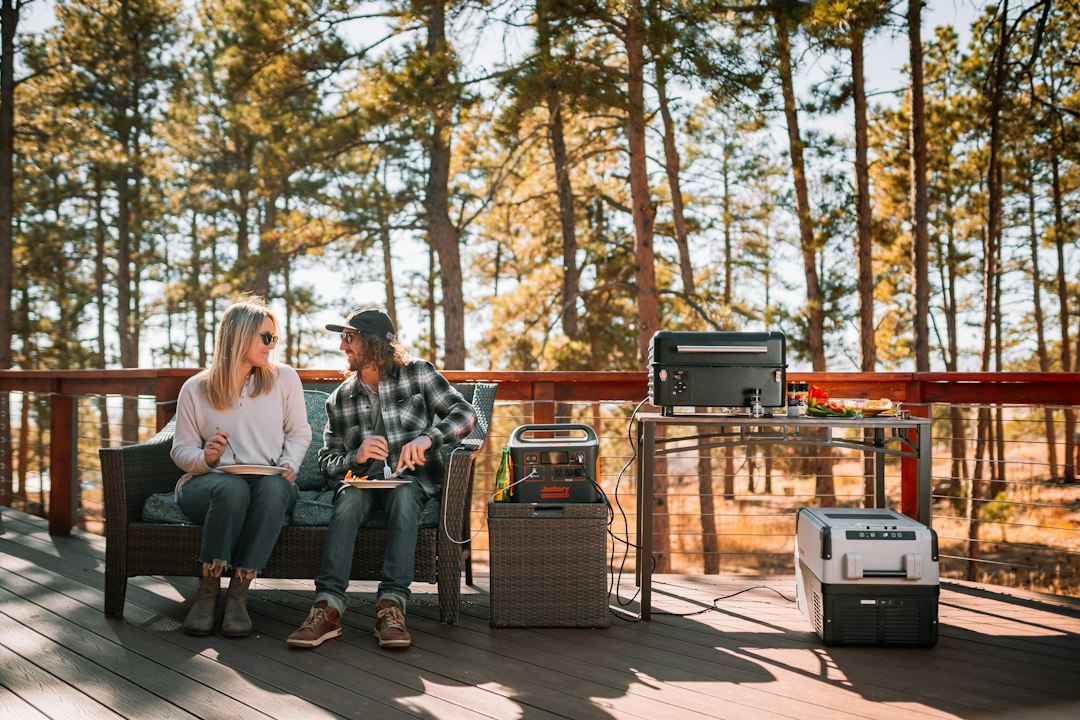
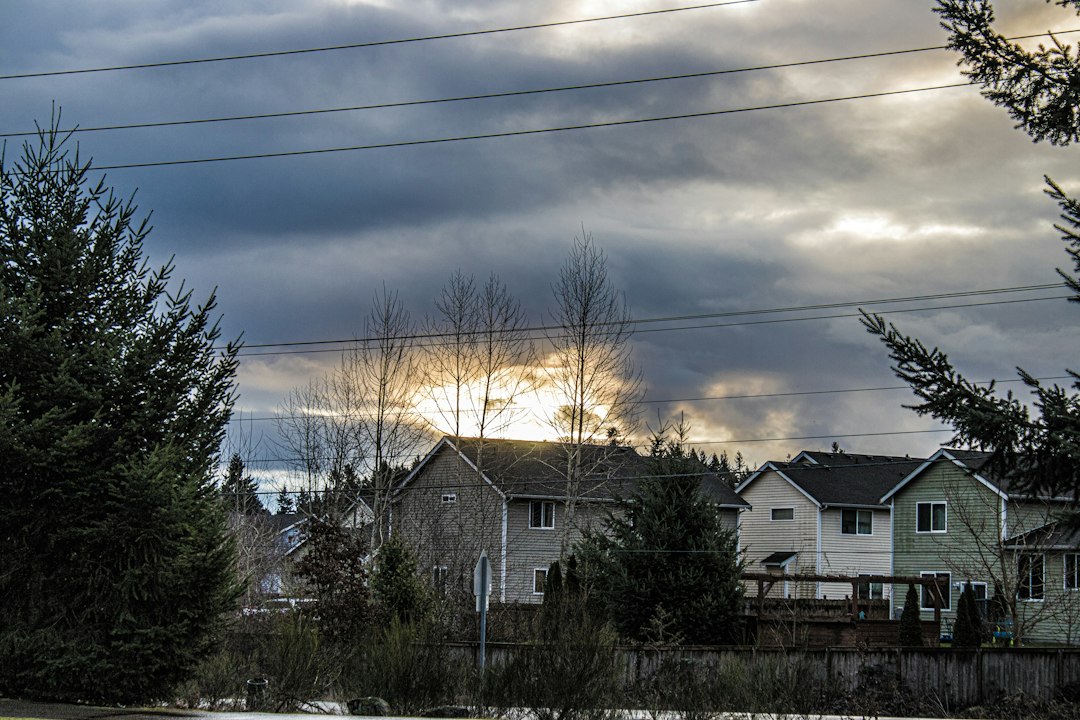
The storm itself was unremarkable. Forty minutes of wind, a lot of rain, done by nine. What followed was fourteen hours without power — long enough to learn that my house, which I’d spent three years making smarter, had quietly become the dumbest thing on the block the moment the grid blinked off.
Here’s what actually happens in a modern house during an outage. The smart locks still work, but the app that tells you they’re locked goes dark because the Wi-Fi died. The thermostat forgets it’s a thermostat. The fridge stops being a fridge and starts being a countdown. The NAS — the little box holding every photo my family has taken this decade — goes down hard the instant the battery backup’s twenty minutes run out. And you’re left standing in your own kitchen holding a phone at 34 percent, realizing the only flashlight you own is the one on your phone.
I swore I’d fix it properly before the next storm season. This is the kit my team and I assembled, tested, and argued about over a long weekend — and the logic behind every piece of it. Mid-September is the statistical peak of hurricane season, and out West the utility shutoffs during fire season are getting more common, not less. If you’ve been meaning to do this, the window between “should” and “need” is closing fast.
Lesson One: The Internet Dies Before the Lights Do
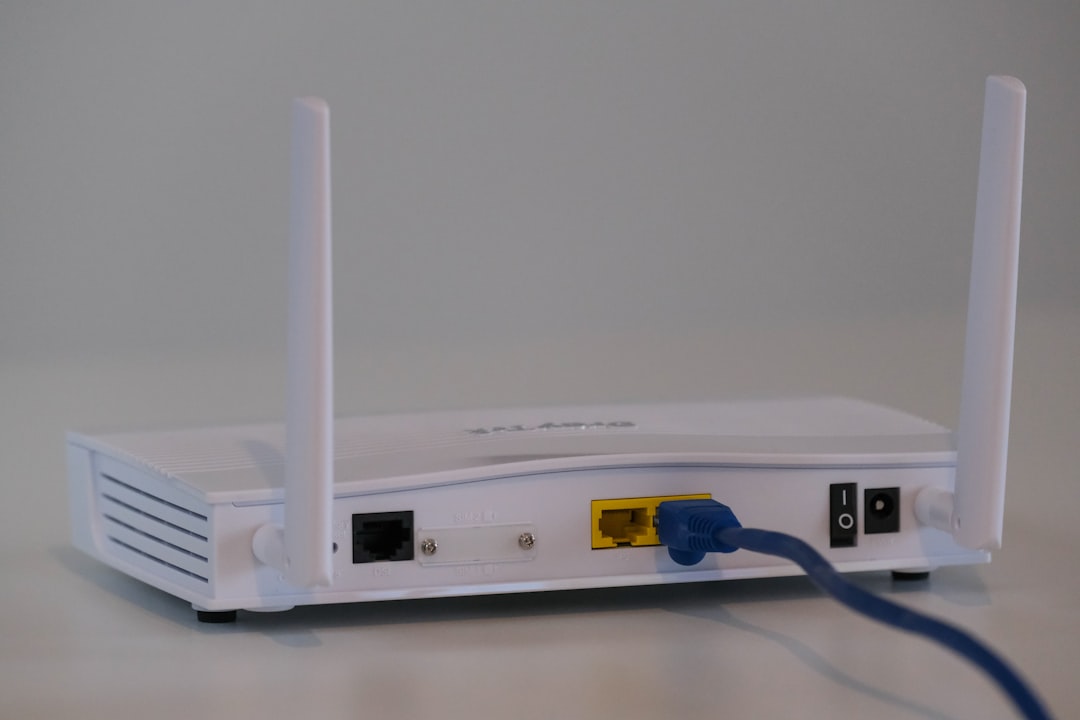
When the grid stutters, everything reboots — and that includes your router, modem, and ONT if you’re on fiber. The power comes back in three seconds, but your network takes another four minutes to renegotiate, and any file writes in progress on your NAS or home server get interrupted. Repeat that ten times during a stormy night and you’re not just annoyed, you’re slowly corrupting the machine that holds your data.
The fix is boring and it’s about eighty dollars: put the network rack on its own battery backup with sine wave output. Not the one running your gaming PC — a dedicated unit sized for the router, switch, and NAS. A mid-range 850VA line-interactive UPS holds a typical network stack for 45 to 90 minutes, and more importantly, it rides through every two-second blink without your Wi-Fi ever noticing. During our fourteen-hour outage, my network stayed up for over an hour — long enough to get alerts, check the outage map, and message the family — before I shut it down cleanly.
If you want to go deeper on protecting your gear from dirty power in general, I wrote a whole piece on why your setup is one power spike away from a paperweight — the surge side of this story matters just as much as the outage side.
Light You Don’t Have to Think About
Flashlights fail in exactly one way: they’re never where you are when the lights go out. My phone was in my pocket, sure, but burning phone battery for light during an outage is spending your emergency communication device on illumination. Bad trade.
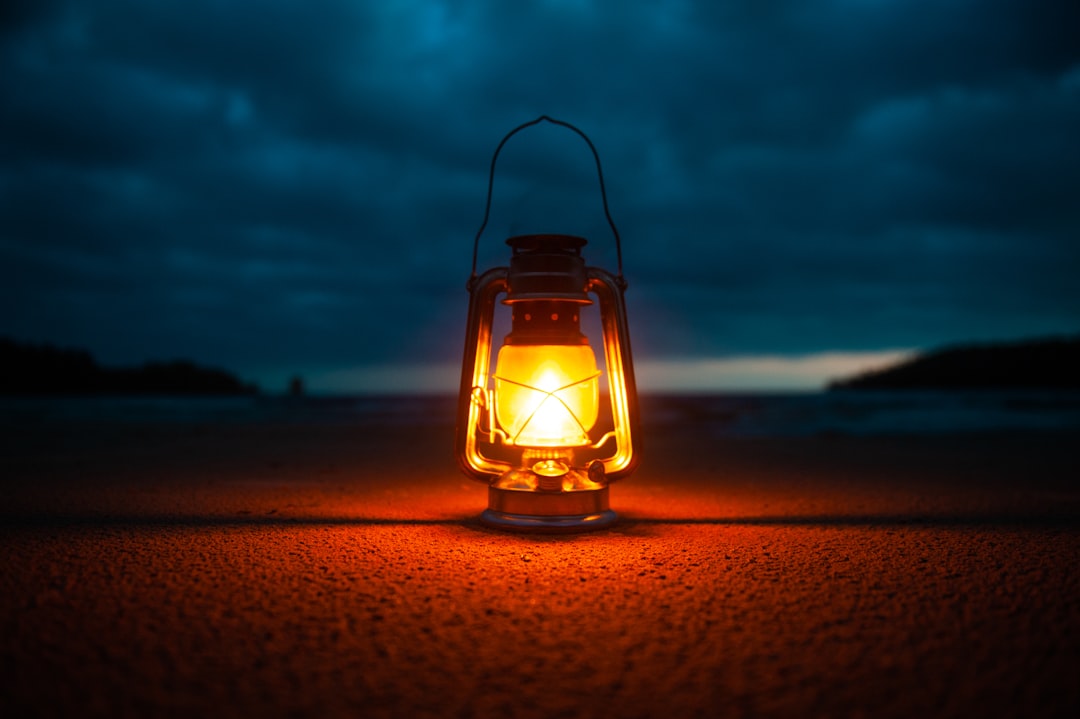
The answer is redundancy you can grab in the dark. One rechargeable lantern lives in the kitchen junk drawer now — the kind with a USB port and a built-in battery, so it doubles as a slow top-up for a phone in a pinch. It lights an entire room well enough to cook and clean by, which is honestly all you need for 90 percent of an outage.
And get a headlamp. I resisted for years on the grounds that I’m a grown man, not a cave explorer. Then I spent one outage trying to carry a flashlight while resetting breakers, and I ordered a rechargeable headlamp the next morning. Any task that needs two hands in the dark — checking the breaker panel, hooking up a battery station, finding the cat — is a headlamp task. This is not negotiable anymore.

The last piece of the lighting stack is the humblest: a batch of rechargeable AA batteries with a smart charger. Keep eight of them charged and stored with the gear. The weather radio, the cheap emergency flashlights in the cars, the kids’ camp lanterns — half the useful stuff in a blackout still runs on AAs, and charged batteries are the difference between “prepared” and “shopping your own house for double-As at midnight.”
Information Is the Real Bottleneck
Here’s what surprised me most: the cell network didn’t die, it choked. Everyone in the neighborhood on the same tower, streaming and calling, and my data speeds dropped to barely-functional. Texts got through fine; the utility’s outage page took four minutes to load. When you’re trying to figure out whether this is a two-hour outage or a two-day outage, that lag matters.
NOAA weather radio is the 1940s technology that still beats the 2020s when everything else is congested. The hand-crank emergency radio I ended up with receives weather alerts, runs on solar, USB, AA batteries, or a crank, and has a flashlight built in. The crank isn’t a gimmick — it’s the only power source in the kit that literally cannot run out. Mine sits on a shelf, topped off, tuned to the local NOAA channel. When a storm warning fires at 3 a.m., the SAME alert function screams loud enough to wake the house, no internet required.
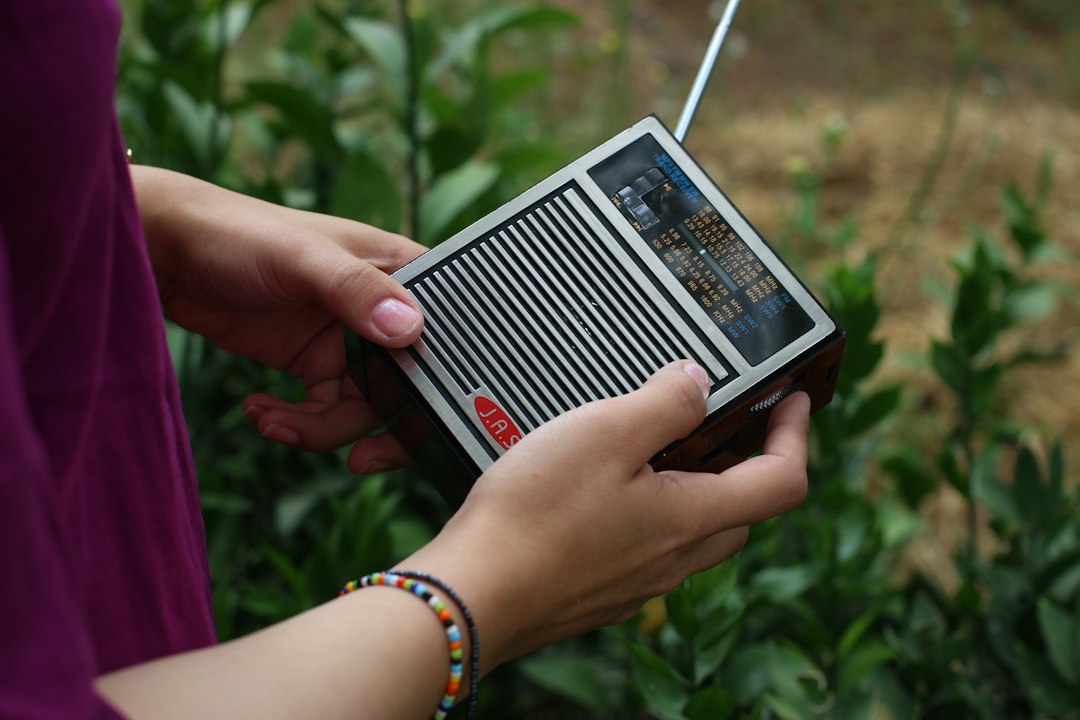
The radio answers “what’s the weather doing.” Your phone answers “is my family okay.” Keep both paths alive and you’ve covered most of what actually matters in the first hours of an outage.
The Power Tiers: Match the Battery to the Job
This is where most people overspend or underspend, and it’s worth being honest about the math. A battery station is rated in watt-hours; divide by the device’s draw and that’s your runtime. A Wi-Fi router sips maybe 10 watts. A modern fridge averages 60–100 watts once it’s cycling. A space heater or hair dryer eats 1,500 and laughs at anything smaller than a small car battery. Buy for what you actually need to run, not the biggest number on the box.
The Desk Tier: Keep the Workday Alive
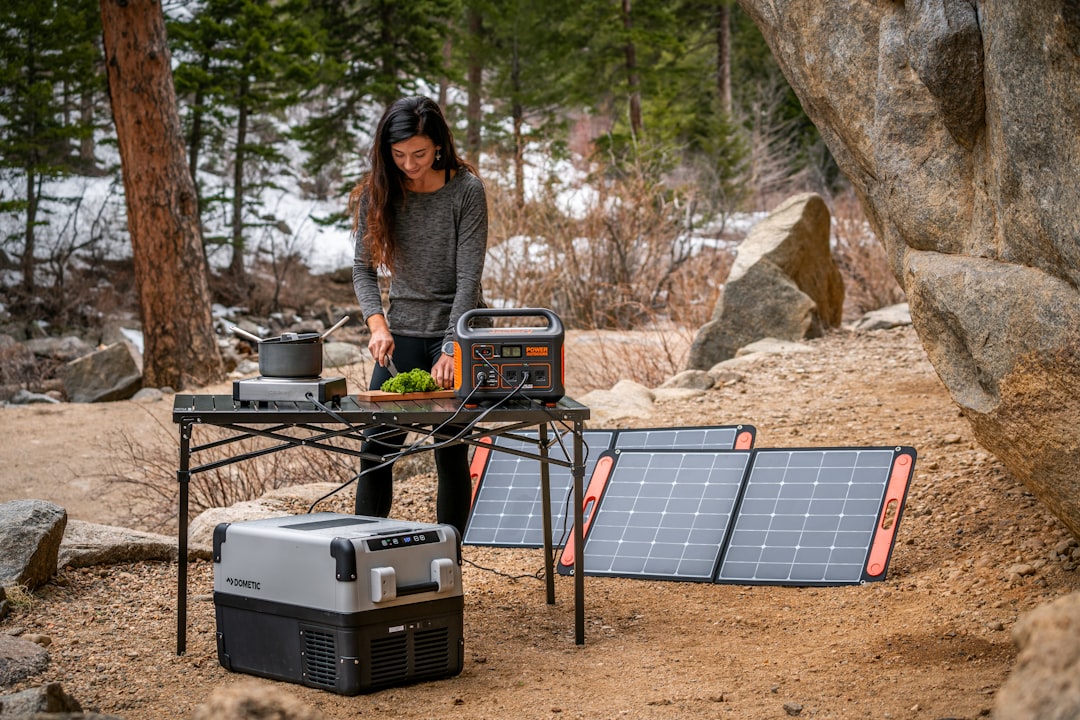
For most people the realistic outage scenario is a workday problem: laptop, phone, router, maybe a monitor, for four to eight hours. That’s a 250–300 watt-hour station. I tested both of the current favorites back to back. The EcoFlow River 3 Plus is the speed pick — it recharges from the wall in about an hour, which matters more than you’d think when you’re topping up between storm cells. The Anker Solix C300 is the same class with Anker’s typically excellent app and build. Either one runs a full-time home office for most of a day and recharges a phone five times over. This is the tier I’d buy first if you work from home.
For on-person power away from the house — the bag, the car, the coffee shop — we’ve already got a full guide to the power banks professionals actually carry, and those pair beautifully with this kit.
The Overnight Tier: Fridge, CPAP, and the Router That Matters
Step up to roughly 500–600 watt-hours and the math changes qualitatively. A mid-size station like the River 3 Max will run a CPAP machine for two full nights. It’ll keep a refrigerator cycling — you don’t run it continuously, you run it an hour every four — for well over a day. It’ll hold the network rack up through any short outage without breaking a sweat. This is the tier for medical devices, infants in the house, or anyone whose answer to “how long can we go” needs to be “at least overnight” rather than “until my laptop dies.”
The Whole-House-Adjacent Tier
A kilowatt-hour-class station is where you stop managing scarcity and start living something close to normally. The EcoFlow DELTA 3 — 1,024 watt-hours, 1,800-watt output — ran my kitchen fridge, the network rack, lamp chargers, and a laptop simultaneously for the better part of two days in testing. The 1,800-watt inverter matters as much as the capacity: it’ll start a fridge compressor without a hiccup, which smaller units can struggle with. At this size you’re spending real money, but compare it to the installed quote for a whole-home generator and it starts looking like a bargain. It’s also the unit I now loan to neighbors, which has been worth something too.

Day Three Math: The Solar Question
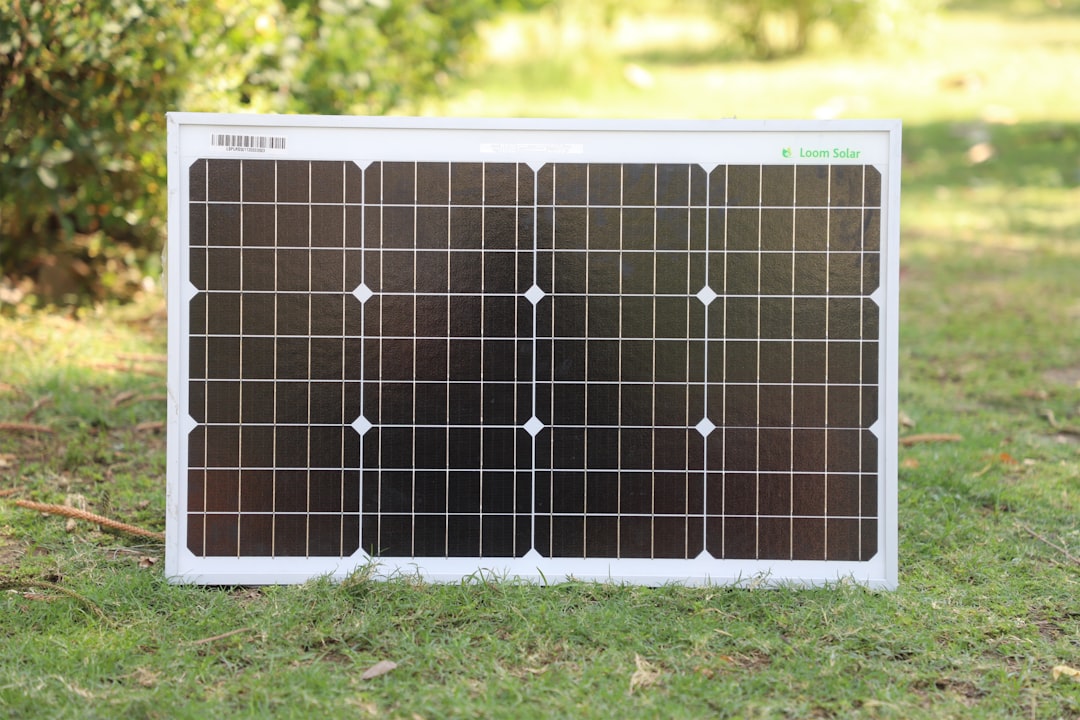
Every battery is a bucket. A big outage drains the bucket, and then you own a very expensive brick unless you can refill it. That’s the argument for keeping a panel in the kit. A folding 110-watt solar panel propped against a south-facing window or dragged onto the porch produces — realistically, on a gray day — 30 to 60 watts. That’s not fast. But it means the desk-tier station refills itself by evening and the overnight tier gains ground every hour the sun’s out. In a multi-day event, slow solar beats no solar by exactly the margin of keeping the router and radio alive indefinitely.
Set expectations honestly: in a hurricane’s aftermath, solar is a trickle charger, not a power plant. The combination that worked in my testing was the big station for surge loads (fridge cycles) and the panel continuously topping up the small one that runs communications. That pipeline can run for a week.
The Bin: Where Preparedness Actually Lives
The last lesson is organizational. Gear scattered across the house is gear you don’t own when it matters. Everything above — radio, headlamp, lantern, batteries, cables, the charged headlamp bank — lives in one labeled bin in the hall closet. The stations live on a shelf next to it, topped off. The kit gets a twenty-minute test every quarter: everything gets powered on, batteries checked, radio tuned, and everyone in the house knows where the bin is. My youngest’s only job is knowing the location. She’s got it.
If you’re starting from zero, a pre-assembled emergency kit as a baseline isn’t a bad opening move — add the power tier and the network UPS on top of it and you’re 80 percent of the way there. And the same logic applies one driveway over: after this project I did a full audit of the emergency tech that earns space in the car trunk, because the house kit doesn’t help if you’re stranded at the grocery store.
Total spend for the full three-tier build is around $1,800 — call it $400 if you stop at the desk tier plus lighting and radio. Compare that to a single spoiled fridge load of groceries, one missed workday, or one corrupted NAS full of family photos, and the math gets comfortable fast. The grid gave us fourteen hours’ notice last time by failing gently. Next time it might not. The kit’s in the closet either way, and honestly, I sleep a little better for it.
