

I’ll be honest — when my team first suggested I test a walking pad under my desk, I was skeptical. I’ve been writing about technology and productivity gear for over 25 years, and I’ve seen every “revolutionary workspace upgrade” come and go. Balance ball chairs. Under-desk ellipticals. Those bizarre standing desk converters that wobbled like a boat in heavy seas. Most of them ended up in my garage within a month.
But three months ago, after a particularly brutal week where my fitness tracker informed me I’d averaged 1,800 steps a day — roughly the equivalent of walking to the refrigerator and back — I decided something had to change. I write about tech for a living. I test hardware late into the night. My schedule is unconventional by design. But sitting for ten hours straight isn’t a schedule quirk; it’s a health crisis waiting to happen.
So I cleared out the space under my standing desk, ordered five of the most popular walking pads on the market, and committed to a real test. Not a weekend glance — three months of daily use, across writing sessions, video calls, and those late-night benchmarking marathons. Here’s what I learned, what’s worth buying, and what I’d skip entirely.
Why Walking Pads Suddenly Make Sense in 2026
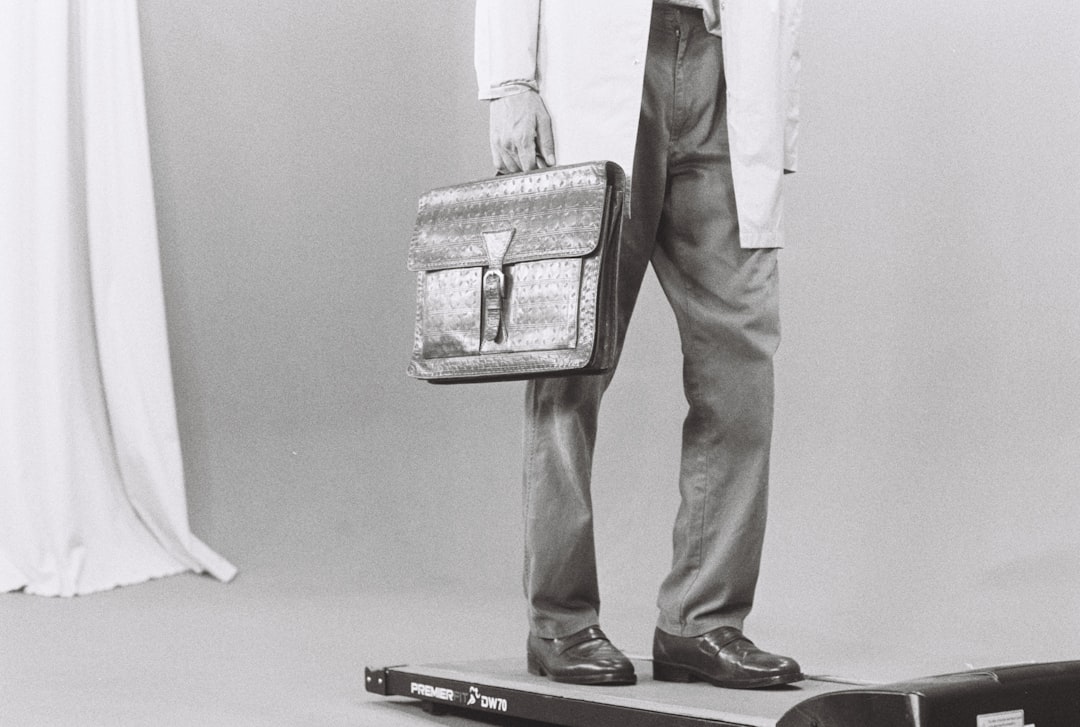
The category has matured dramatically. Two years ago, most under-desk treadmills were noisy, clunky affairs that vibrated through your floorboards and made every Zoom call sound like you were broadcasting from a gym. Today’s walking pads are genuinely different beasts. Brushless motors have gotten quieter. Belts are shock-absorbed. The form factor has shrunk to the point where some models are genuinely slim enough to slide under a couch.
But the real catalyst isn’t the hardware — it’s the culture. Remote work isn’t going anywhere. Hybrid schedules mean many of us spend 20-30 hours a week in home offices. The research on prolonged sitting has gotten impossible to ignore: studies show blood flow to the brain increases 20-30% during walking, delivering more oxygen and nutrients that support cognitive function. Participants in treadmill desk studies report feeling more alert, less fatigued, and in better moods. When I read that, I didn’t need much more convincing.
The posture corrector guide our health team published covers the musculoskeletal side of desk work, but walking pads address something different — metabolic health, cardiovascular baseline, and the simple fact that humans weren’t designed to be furniture.

The Testing Ground Rules
Before I get into specific models, here’s how I tested. I used each walking pad for a minimum of two weeks, logging at least 8,000 steps per day on each one. I walked during morning email triage, afternoon writing sessions, and evening product testing. I measured noise levels with a decibel meter at desk height. I tracked my step count, heart rate, and perceived focus levels. And I paid close attention to the things most reviewers skip: how easy the pad was to store, whether the remote was actually usable mid-walk, and whether the belt tracking stayed consistent after weeks of use.
I also tested each pad with different desk setups — a full electric standing desk, a VIVO desk converter on a standard desk, and even a counter-height surface. The desk matters more than you’d think, which I’ll get into below.
What I Learned the Hard Way: Desk Height Is Everything
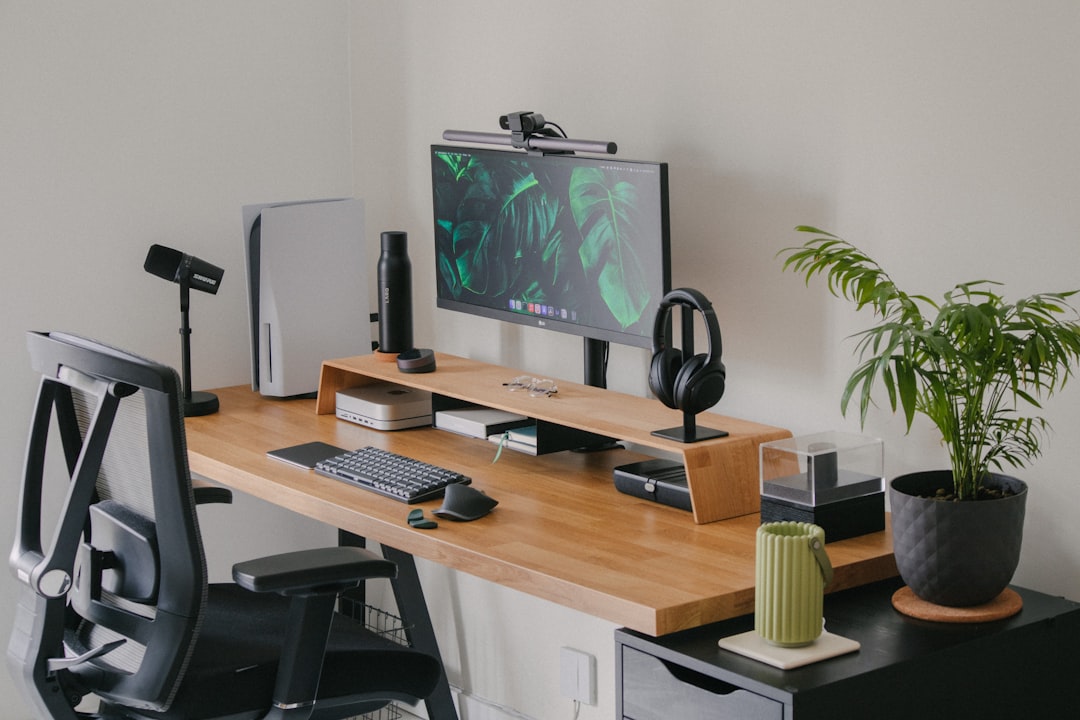
Here’s the mistake I see in almost every walking pad review: nobody talks about desk clearance. A walking pad adds 5-7 inches to your standing height. If your desk doesn’t go high enough, you’ll be hunched over like Quasimodo within twenty minutes. Before you buy anything, measure the distance from the floor to your elbow when standing, then add six inches. That’s the desk height you need.
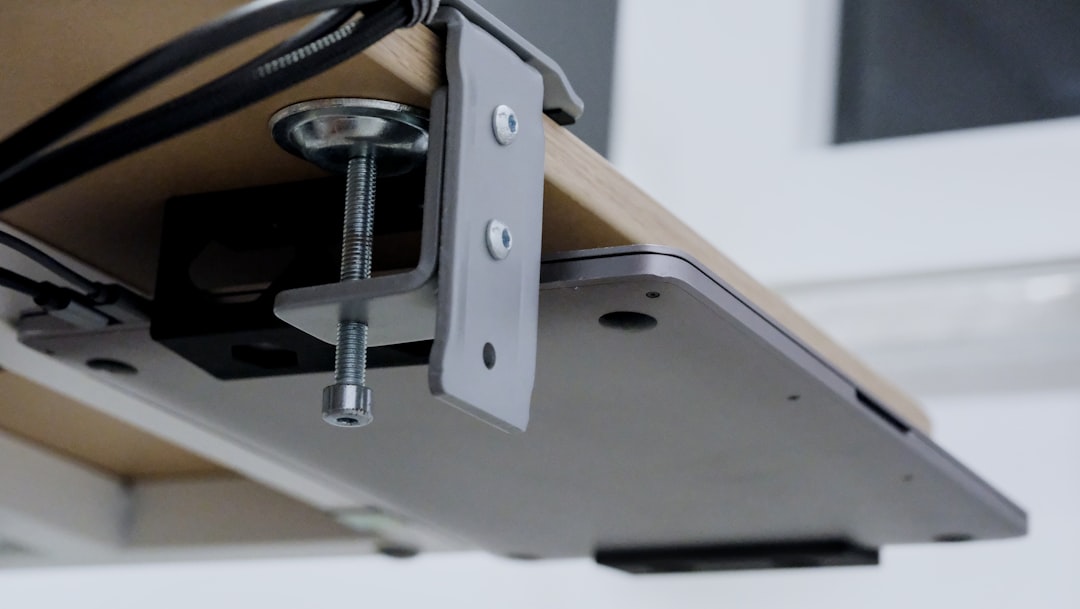
If your current desk doesn’t go that high, you have two options: buy a full standing desk (which I’ve covered extensively in my standing desk setup guide) or grab a quality converter. The VIVO 32-inch desk converter is the budget pick I’d recommend — it adds enough height to clear a walking pad without wobbling, and at under $170, it’s dramatically cheaper than replacing your entire desk.
One more thing: cable management becomes critical when you’re walking. My cable management reset from earlier this year turned out to be a prerequisite for walking pad use. The first time I caught my headphone cable in the belt, I learned that lesson the hard way.
The Walking Pads Worth Your Money
The Sweet Spot: UREVO Smart Walking Pad
After three months and five models, the UREVO Smart Walking Pad is the one still living under my desk. It hits the balance point that matters most: quiet enough for video calls (measured at 52 dB at walking speed — roughly the volume of a quiet conversation), compact enough to slide under my couch when I’m done, and the belt tracking has stayed dead-center through 500,000+ steps.
The double shock absorption system makes a real difference if you have hard floors. My office is above a bedroom, and the previous pad I tested had a resonant frequency that drove my family crazy. The UREVO’s dampening genuinely reduces the vibration transmission. The companion app tracks steps, distance, and pace — basic but functional. The remote is the simple rectangular kind that lives on your desk, not the clunky wrist-watch style some brands insist on.
The Premium Upgrade: UREVO CyberPad with 14% Auto Incline
If you’re willing to spend more and want to actually get a workout — not just incidental movement — the UREVO CyberPad with 14% auto incline is the most capable walking pad I’ve tested. That 14% grade is no joke. Walking at 2 mph on a 14% incline will get your heart rate into zone 3 faster than you’d expect from something you’re doing while answering emails.
The brushless motor is noticeably smoother than the standard UREVO, and the speed lights are a nice touch — they give you a visual reference for your pace without having to squint at a tiny LED display. My one complaint: it’s heavier than the base model, which means sliding it under furniture requires more effort. Worth it if you’re using the incline regularly. Overkill if you just want to log steps during calls.
The Budget Pick: Goplus 2-in-1 Folding Treadmill
Not everyone wants to drop $300+ on a walking pad. The Goplus 2-in-1 Folding Treadmill has been the budget category king for a reason. At around $200 (pricing fluctuates), it includes a detachable handrail that lets you use it as a walking pad under your desk or a full treadmill for running. The 2.25HP motor is adequate for walking speeds up to about 3.8 mph.
It’s louder than the UREVO — about 58 dB at walking speed — and the belt requires occasional centering. But the value proposition is hard to argue with. If you’re testing whether a walking pad fits your workflow before committing, start here. I’ve recommended this specific model to three friends, and all three are still using theirs months later.
Accessories That Make or Break the Experience
Floor Protection: You Need a Mat
This is non-negotiable. Walking pads will mark up hardwood, indent carpet padding, and transmit vibration through concrete. I tested several mats and landed on two picks. The FEATOL anti-fatigue mat is the budget choice — thick memory foam that dampens vibration and gives your feet cushioning during the portions of the day when you’re standing but not walking. For something more engineered, the Ergodriven Topo mat has a calculated terrain surface that encourages subtle foot movement, preventing the standing fatigue that flat mats don’t address.
If you already have a quality standing mat from your standing desk setup, you might be tempted to skip this. Don’t — walking pads need a different kind of mat underneath them for equipment protection, not just foot comfort. The mat goes under the pad, not on top of it.
Audio: Bone Conduction Is the Move
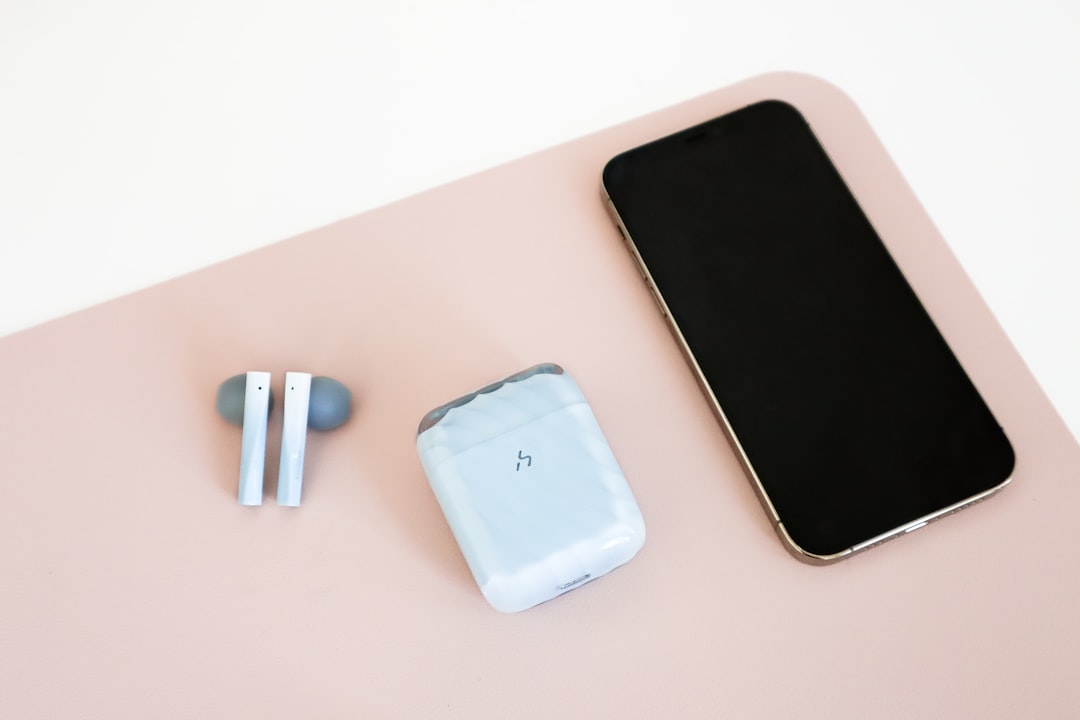
You cannot wear over-ear headphones while walking at a desk. The bounce, the sweat, the cable catching on everything — it’s a mess. I tested several audio solutions and landed on bone conduction headphones as the ideal walking-desk companion. They sit outside your ear canal, which means you can hear your surroundings (important if someone walks into your office or a delivery arrives), they weigh almost nothing, and they don’t bounce during walking.
For focused writing sessions where I want noise isolation, I switch to my regular over-ears during the standing portions of my day. But for active walking hours, bone conduction is the answer. I covered this more in my audio environment guide for deep work, but the short version is: you need different audio gear for walking vs. standing vs. sitting.
Footwear: Yes, Shoes Matter
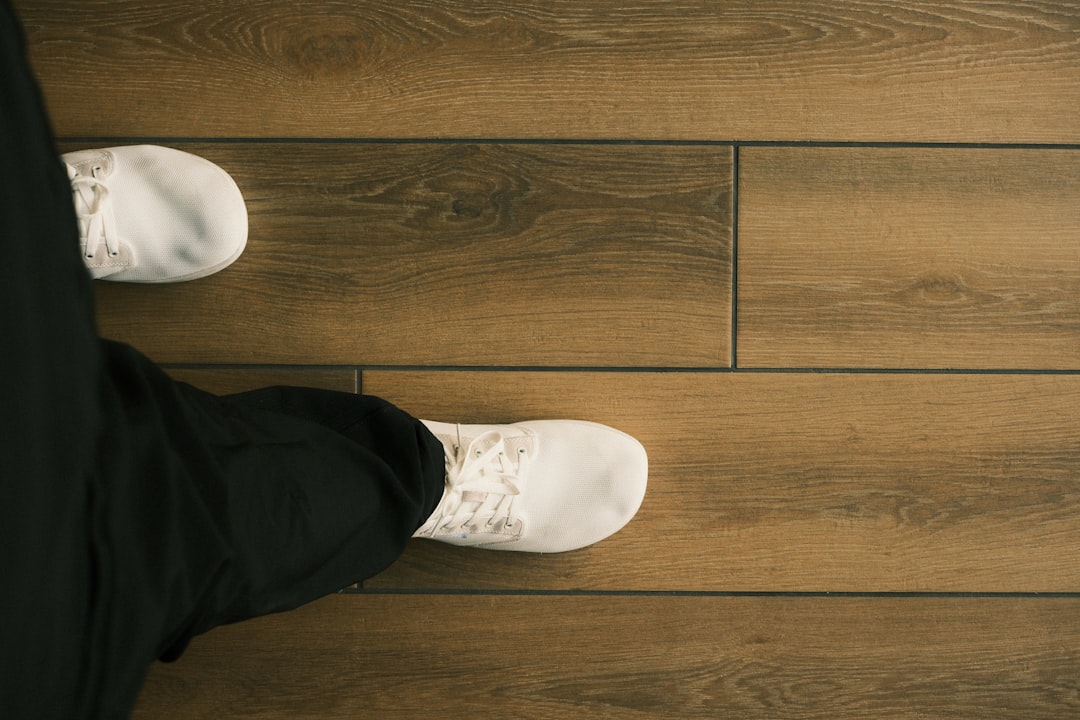
Walking barefoot on a treadmill belt for hours will destroy your feet. I tried it for two days and my arches were screaming. You need indoor walking shoes — something with cushioning and support that you don’t wear outside. Keep a dedicated pair by your desk. This sounds obvious, but I’ve talked to at least a dozen people who gave up on their walking pads because their feet hurt, and every single one was barefoot or in socks.
The Models I’d Skip
I don’t love naming and shaming, but I’ll save you some hassle. The ultra-cheap $120-150 walking pads flooding Amazon right now — the ones with generic branding and suspiciously similar photos — are mostly using the same OEM components with different shells. They work for about three weeks, then the belt starts drifting, the motor gets louder, and the remote stops responding. I tested two of them and both exhibited the same failure pattern.
The compact walking pad category in general is worth being cautious about. Some are genuinely good budget options — like the folding treadmill with handle bar from a reputable brand — but read the reviews carefully and check the warranty terms. A 90-day warranty on a product with a motor is a red flag.
If budget is the primary concern, the Goplus folding model I mentioned above remains the safest bet. It’s been on the market long enough to have a real track record, and the company stands behind it.
Tracking Your Progress: What Actually Matters
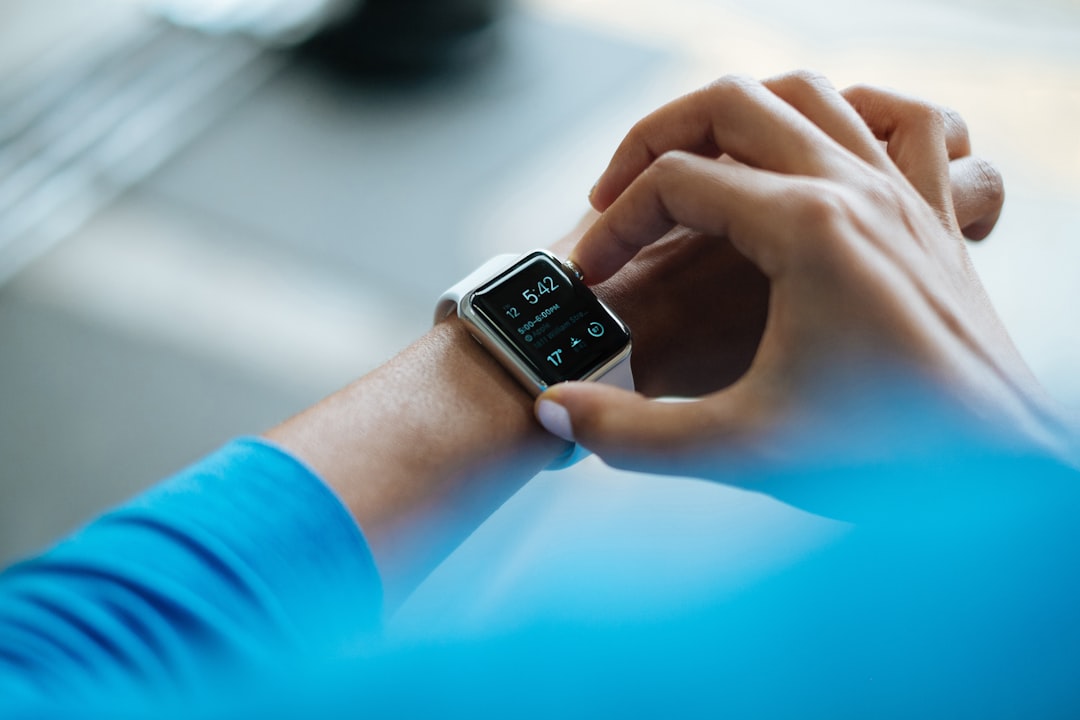
One of the unexpected benefits of a walking pad is the data. After three months, I’ve logged over 1.2 million steps during work hours — steps that simply wouldn’t exist otherwise. My Apple Watch went from nagging me about standing up once an hour to celebrating daily move streaks. If you’re using a smartwatch or fitness tracker, the walking pad turns your workday into passive exercise that your existing health ecosystem can measure.
The metric I care about most isn’t total steps — it’s active hours per day. Before the walking pad, my “active hours” were typically zero during a workday. Now they average 3.5. That’s the difference between a sedentary lifestyle and a moderately active one, without changing my work output. The cognitive benefits are real too — my afternoon energy crash, the one I wrote about in my air purifier brain fog article, has softened considerably. Whether that’s the increased blood flow, the extra oxygen, or simply not being completely static for eight hours, I can’t say. But I’ll take it.
The Folding Question: Do You Need Portability?
This comes down to your space. If you have a dedicated home office with room to leave the pad out, get a non-folding model — they’re more stable and typically have better belt tracking. The UREVO Smart Walking Pad lives under my desk full-time and I never move it.
If you’re working from a multi-use space — living room, bedroom, shared office — folding matters. The UREVO Strol 2E folds in half, has a built-in handle for carrying, and includes a safety bar that converts it from walking pad to light running treadmill. It’s the model I recommended to my sister, who works from her dining room table and needs to stash her gear before dinner guests arrive.
There’s also the walking pad with incline and handle bar option, which splits the difference — it has a foldable handrail for stability when you want it, and it folds away when you don’t. If balance is a concern (or if you’re recovering from an injury), the handrail version is worth the extra money.
Building the Complete Walking Desk Setup
If I were building a walking desk setup from scratch right now, here’s what I’d buy:
- The pad: UREVO Smart Walking Pad — best overall balance of noise, durability, and price
- The desk: Any electric standing desk that reaches 48+ inches (my desk setup guide has specifics)
- The converter (if needed): VIVO 32-inch desk riser
- The mat: FEATOL anti-fatigue mat under the pad, Ergodriven Topo for standing portions
- The audio: Bone conduction headphones for walking hours
- The shoes: Any cushioned walking shoe you designate as indoor-only
Total cost: around $450-550 depending on whether you already have a standing desk. That’s less than a year of gym membership you’ll never use, and it integrates movement into hours you were going to spend at a computer anyway.
Three Months Later: Would I Do It Again?
Without hesitation. The walking pad has been the single most impactful workspace upgrade I’ve made this year — more than the new monitor arm, more than the lighting overhaul, more than the air purifier. It’s the only piece of gear that actively improved my health while requiring zero behavior change beyond standing up and starting to walk.
I’m not saying it’s perfect. The first week is awkward — typing while walking takes adjustment, and you’ll sound slightly breathless on calls until you find your conversational walking speed. You’ll need to reorganize your desk. You’ll need new shoes. But the barrier to entry is lower than any fitness product I’ve tested in 25 years, and the payoff is measured in years added to your life.
If you’re on the fence, grab the Goplus or the budget compact option, commit to two weeks, and see what happens. Worst case, you’re out $200 and you’ve got a story. Best case — and this is the likely outcome — you’ll wonder how you ever worked sitting down.
